

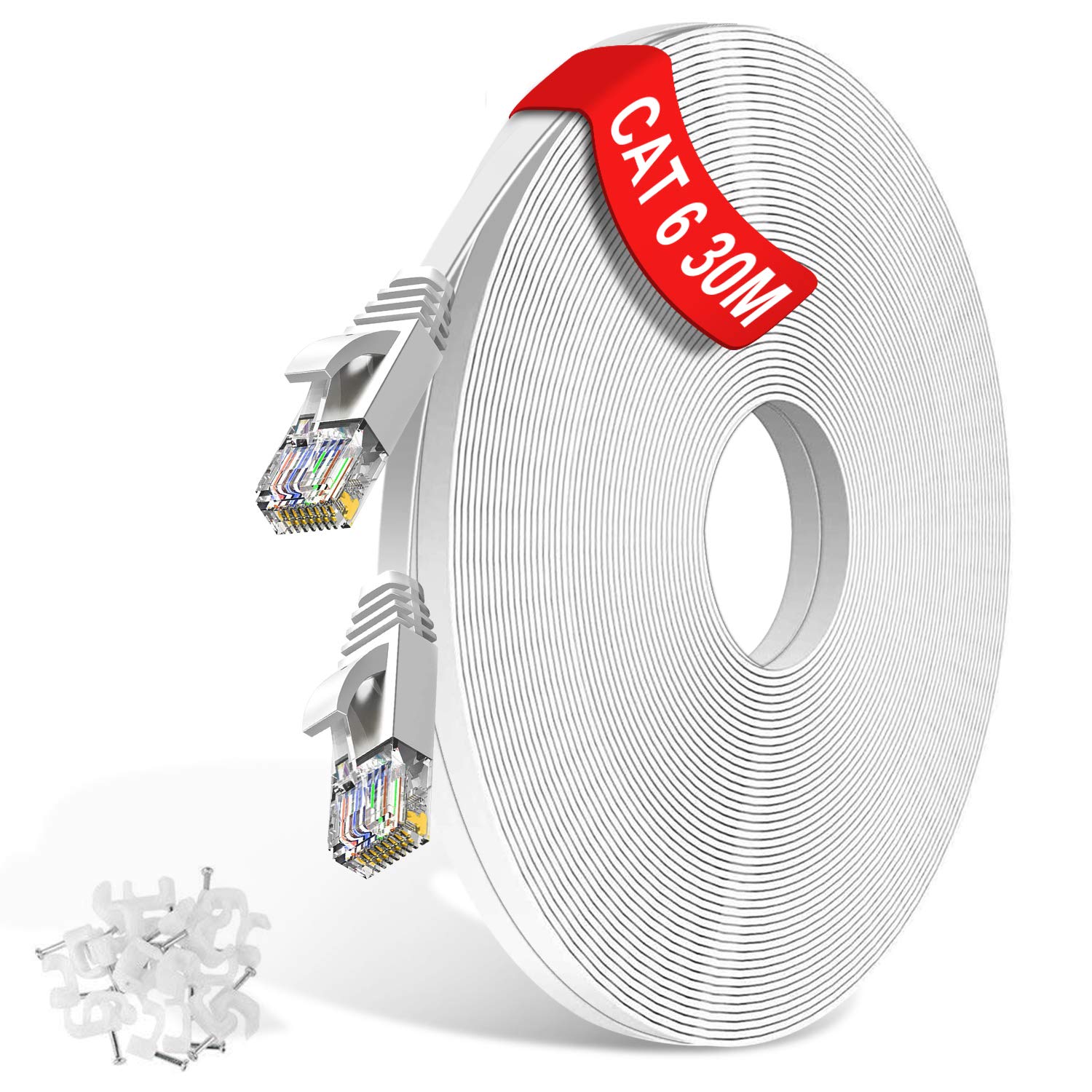
TBMax Cat6 Ethernet cable 10 m
Product description
A flat Ethernet cable is a simple way to keep your network tidy, especially where thicker cables would be awkward. The TBMax TBMax Cat6 Ethernet cable brings a Gigabit ready connection for everyday LAN use, with a transmission rate up to 1GB and support for common Ethernet speeds. It is a practical choice for home offices and entertainment setups where you want reliable data transfer with less cable clutter.
Key points
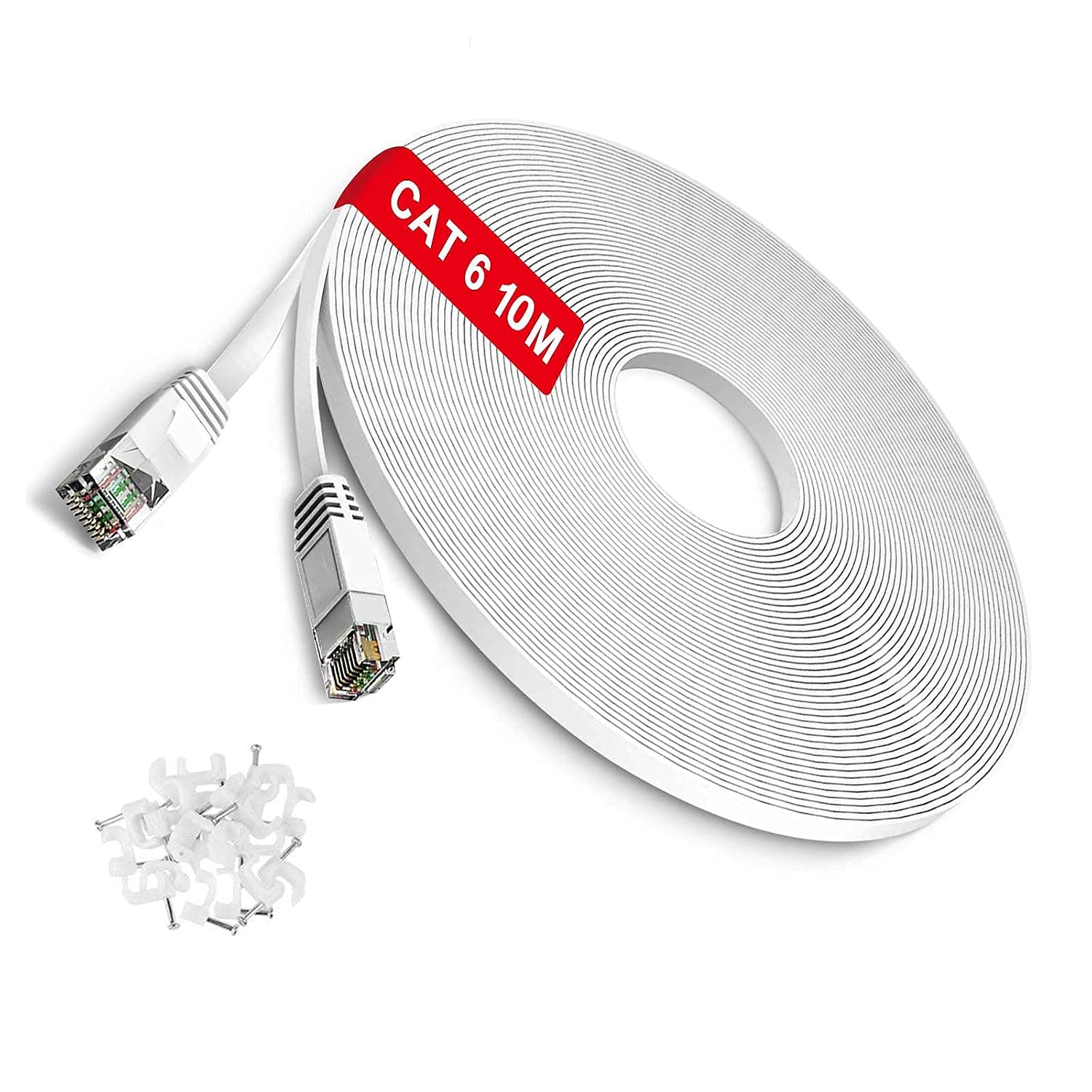
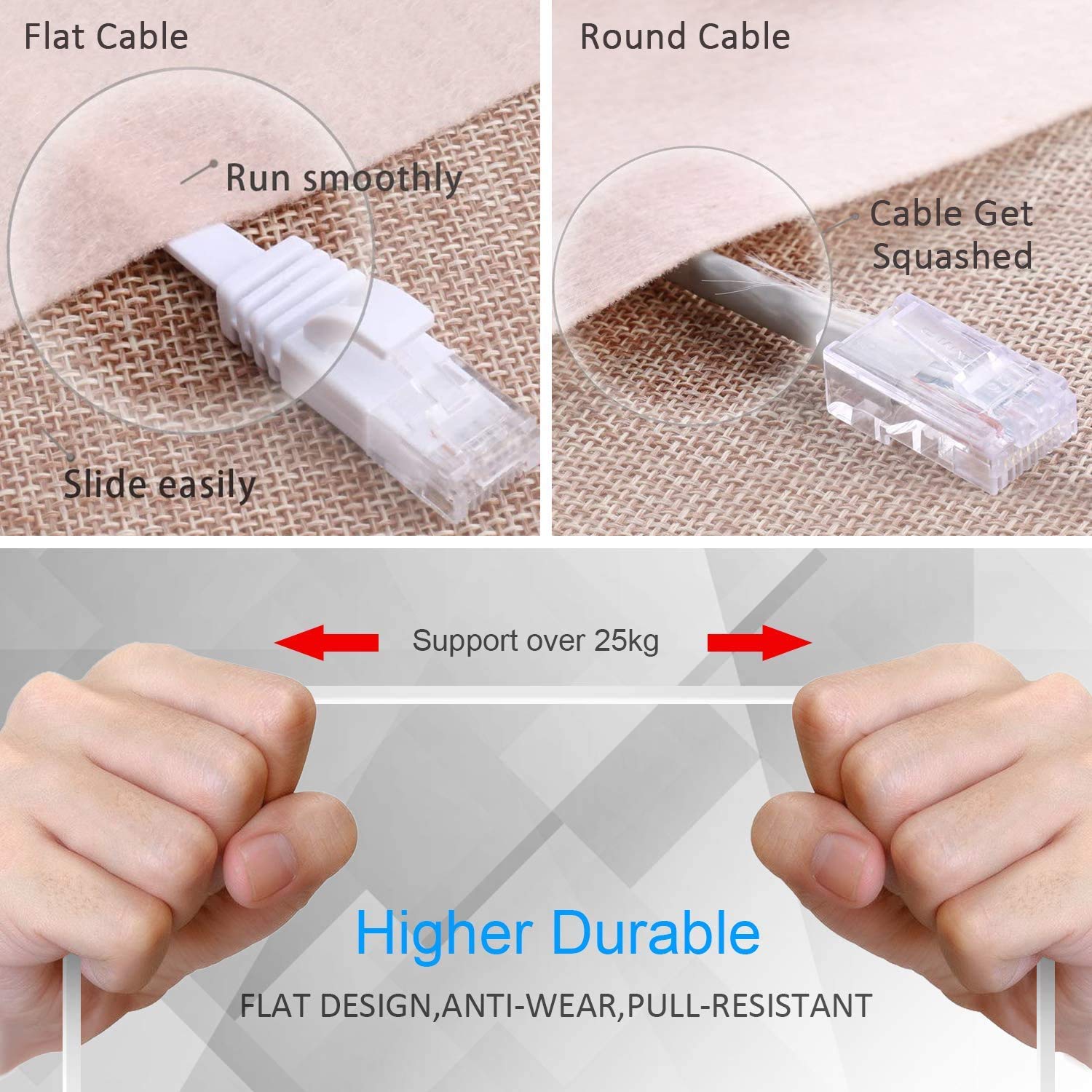
The TBMax flat Cat6 LAN cable is designed to sit neatly where you need it, thanks to its slim, flat UTP patch cable shape. This helps it fit under a carpet more easily than round cables, which can make installation feel less disruptive around the home or office 🙂. With RJ45 connectors, you can use it to link devices that have standard Ethernet ports, such as a PC, router, modem, or PS5.

For networking tasks that benefit from stable, high speed connections, it supports Gigabit Ethernet alongside Fast Ethernet standards. According to the manufacturer, it supports transmission speeds up to 1GB and bandwidth up to 250MHz, giving you headroom for activities like online gaming, streaming, and cloud storage use. It is also built with oxygen free copper wire, which can matter for signal consistency over typical short runs.
Tech specs
Here are the key technical details for this flat Ethernet patch cable.
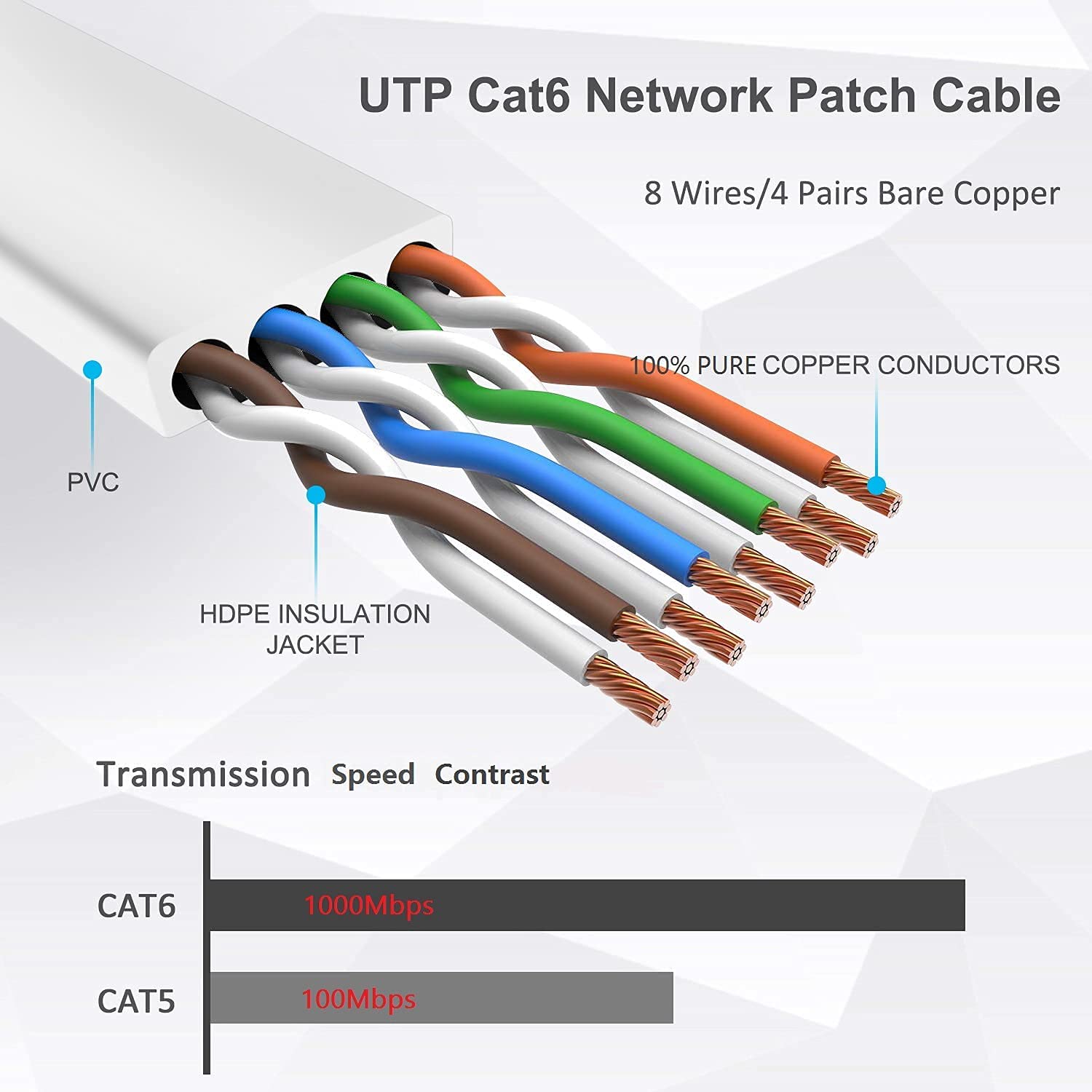
- Type: Ethernet LAN network cable
- Name: TBMax Cat6
- Length: 10 m
- Category: Cat6
- Transmission speed: up to 1GB
- Bandwidth: up to 250MHz
- Wire material: 100% Oxygen Free Copper, oxygen content less than 5ppm
What stands out
If you often run cables across rooms, down hallways, or around desks, the flat design can make a noticeable difference to day to day usability. The cable is UTP with a patch cable format, so it is straightforward to plug in and route, and the manufacturer states it has no grounding requirements for installation. It also comes bundled with 20 cable clips and 4 labels, which makes it easier to secure the cable neatly and keep track of which lead goes where.


According to the manufacturer, the cable supports multiple Ethernet modes, including 10BASE-T, 100BASE-TX, 1000BASE-T and 10GBASE-T. It also states a transmission distance up to 180 metres, which gives you flexibility depending on your layout and how you route cables. Bear in mind that real world performance still depends on how and where the cable is installed, along with the capabilities of your connected network equipment.
On compatibility, this is a universal RJ45 Ethernet patch cable, so it is intended to connect devices with RJ45 jacks. It is commonly used with computers, network switches, router and modem setups, and other RJ45 Ethernet enabled equipment used for everyday home and office networking.
Care & maintenance
To keep an Ethernet patch cable working reliably, handle it gently when routing and avoid sharp bends close to the RJ45 ends. If you are tucking it under flooring, route it where it will not be repeatedly stepped on or pulled, since strain at connector points can reduce connection stability. When securing with the included clips, keep the cable flat rather than twisting it, as that helps maintain a consistent layout.
A simple check from time to time can also help, such as confirming both RJ45 connectors are fully seated in their ports. If you move equipment, keep cable movement minimal around the connector area and re-route if necessary using the clips, so the cable stays in good shape for ongoing LAN use.