



UGREEN USB C Ethernet Adapter 2.5Gbps
Reviews
Price
Product description
Key features
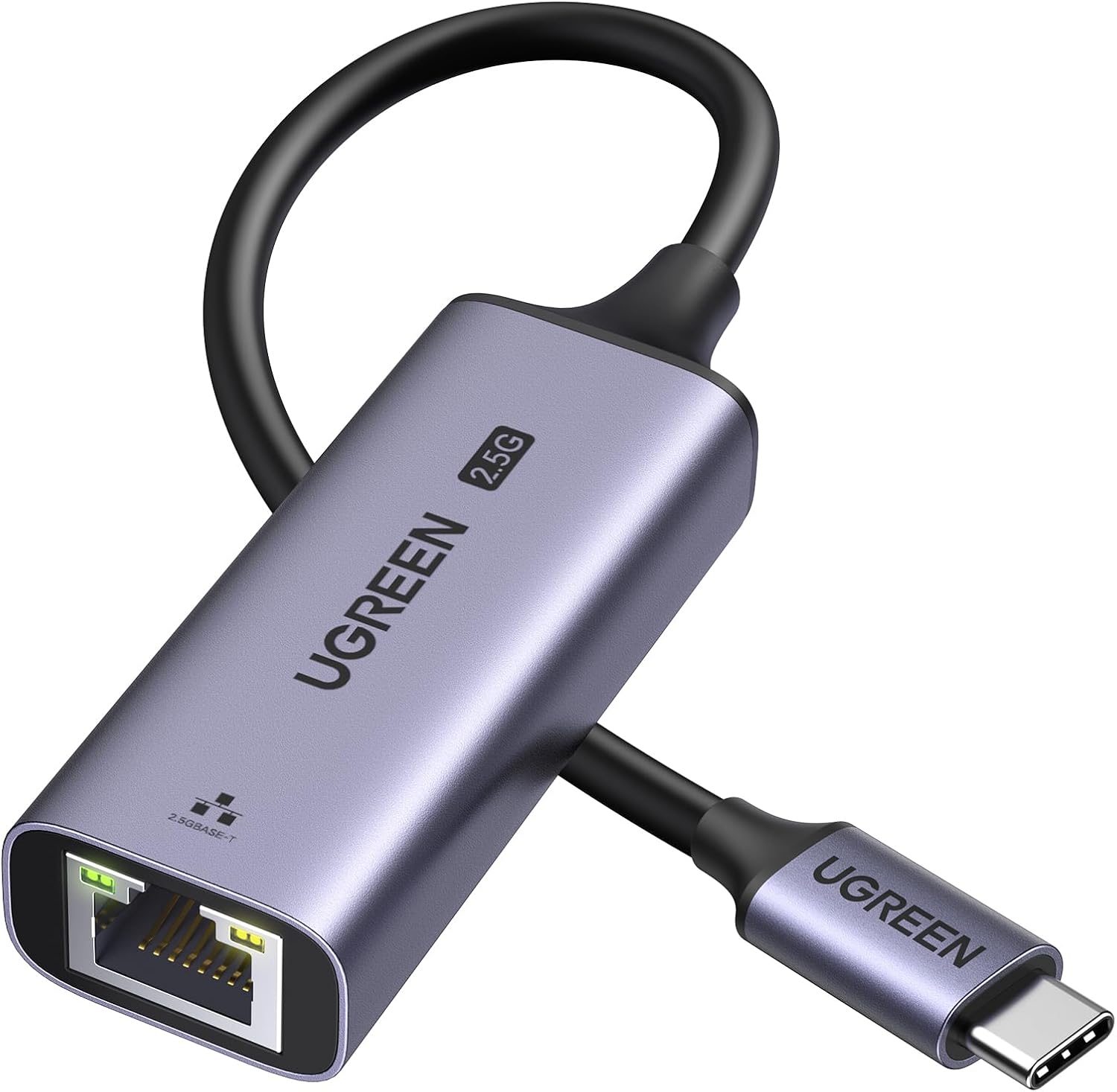
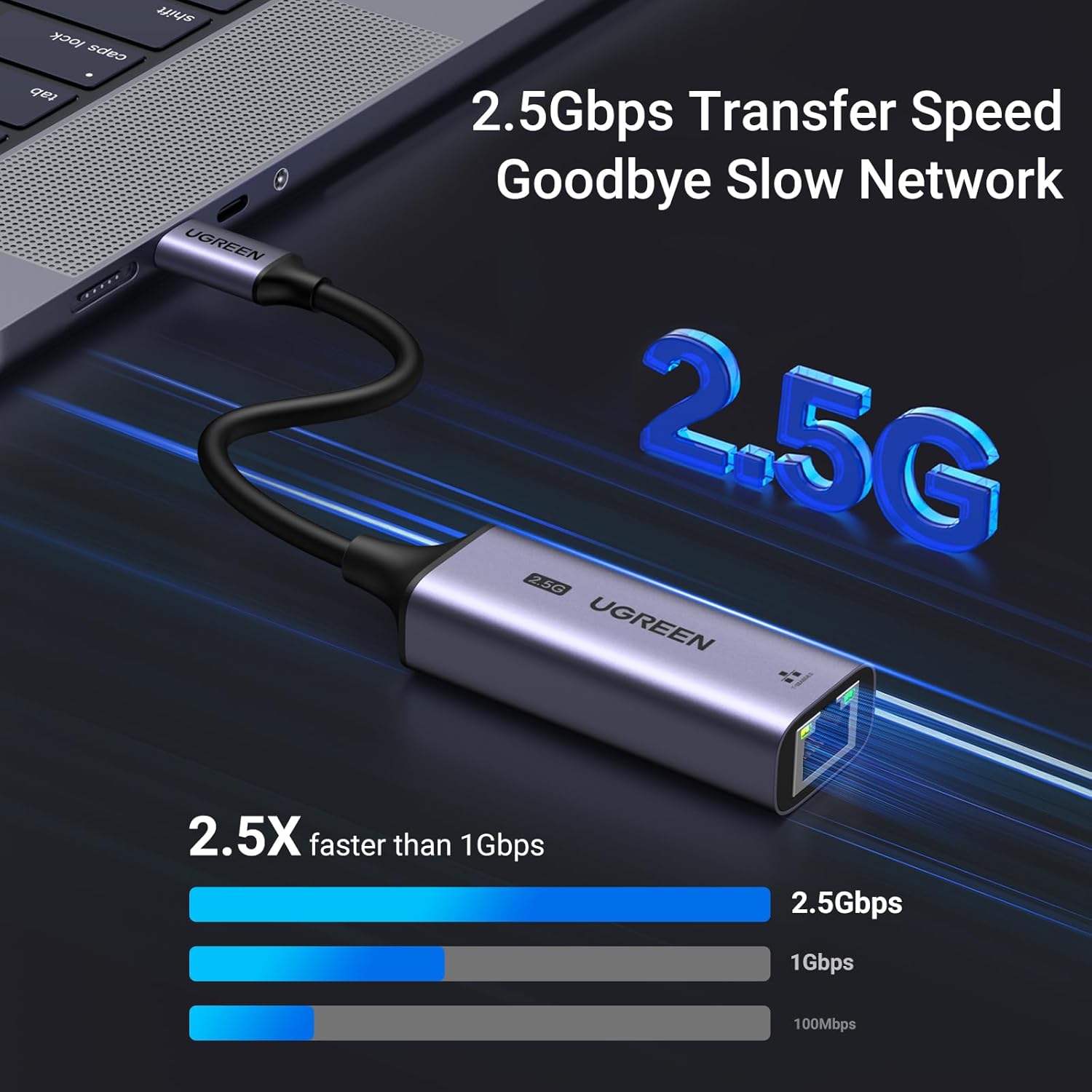
The UGREEN USB C Ethernet Adapter brings a reliable wired network option to laptops, tablets and compatible mobiles, with up to 2.5 Gbps according to the manufacturer. It suits users who need steadier bandwidth for streaming, gaming or large file transfers, and works as a simple plug and play solution on systems that lack a built in RJ45 port.
Technical details
- Name: UGREEN USB C Ethernet Adapter
- Type: 2.5Gbps network adapter
- Format: USB C to RJ45
- Material: Aluminium shell
- Compatibility: macOS, iPadOS, Windows, iOS and USB C devices
Why it’s worth it
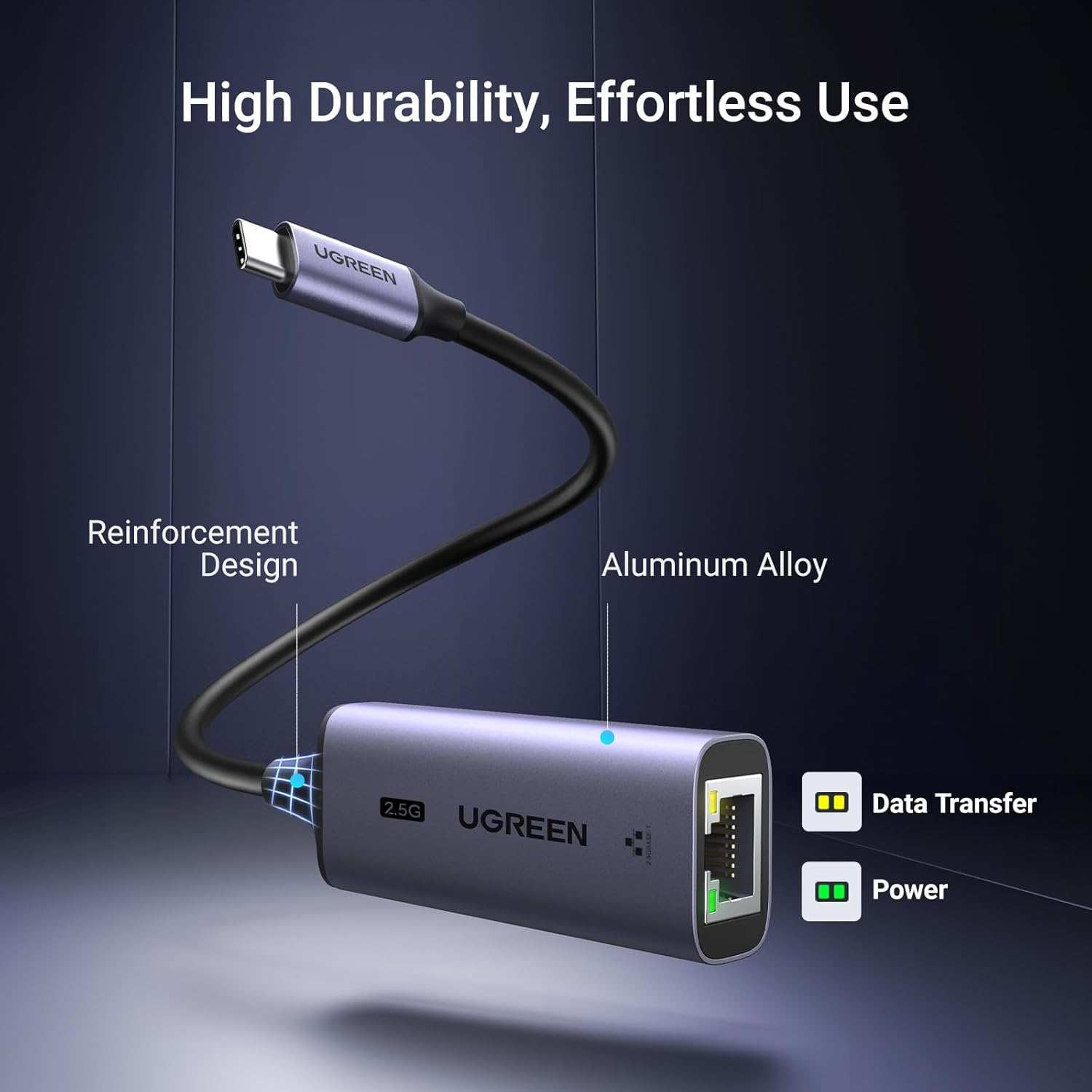
This adapter upgrades a flaky Wi Fi link to a wired connection without fuss. The integrated Realtek RTL8156BG chip and metal casing help maintain stable throughput and better heat dissipation than typical plastic dongles, according to the product notes. Note that to reach the full 2.5 Gbps you should use CAT6 or better Ethernet cable, and your network equipment must support 2.5 G speeds.


How to use it
Connect the adapter to a USB C or Thunderbolt port and plug a standard Ethernet cable into the RJ45 socket, the LED indicators show link and activity. It’s especially handy when a laptop’s network port is damaged or when wireless performance is inconsistent. It’s a good fit if you want a compact, durable way to get wired network access on modern MacBooks, Windows laptops or recent tablets.
Care & maintenance
Keep the aluminium body free of dust and avoid sharp bends on the USB C connector to preserve the reinforced connection. If you rely heavily on sustained transfers, allow occasional cooling breaks to aid longevity. The unit is slim and light, so store it in a sleeve when not in use.