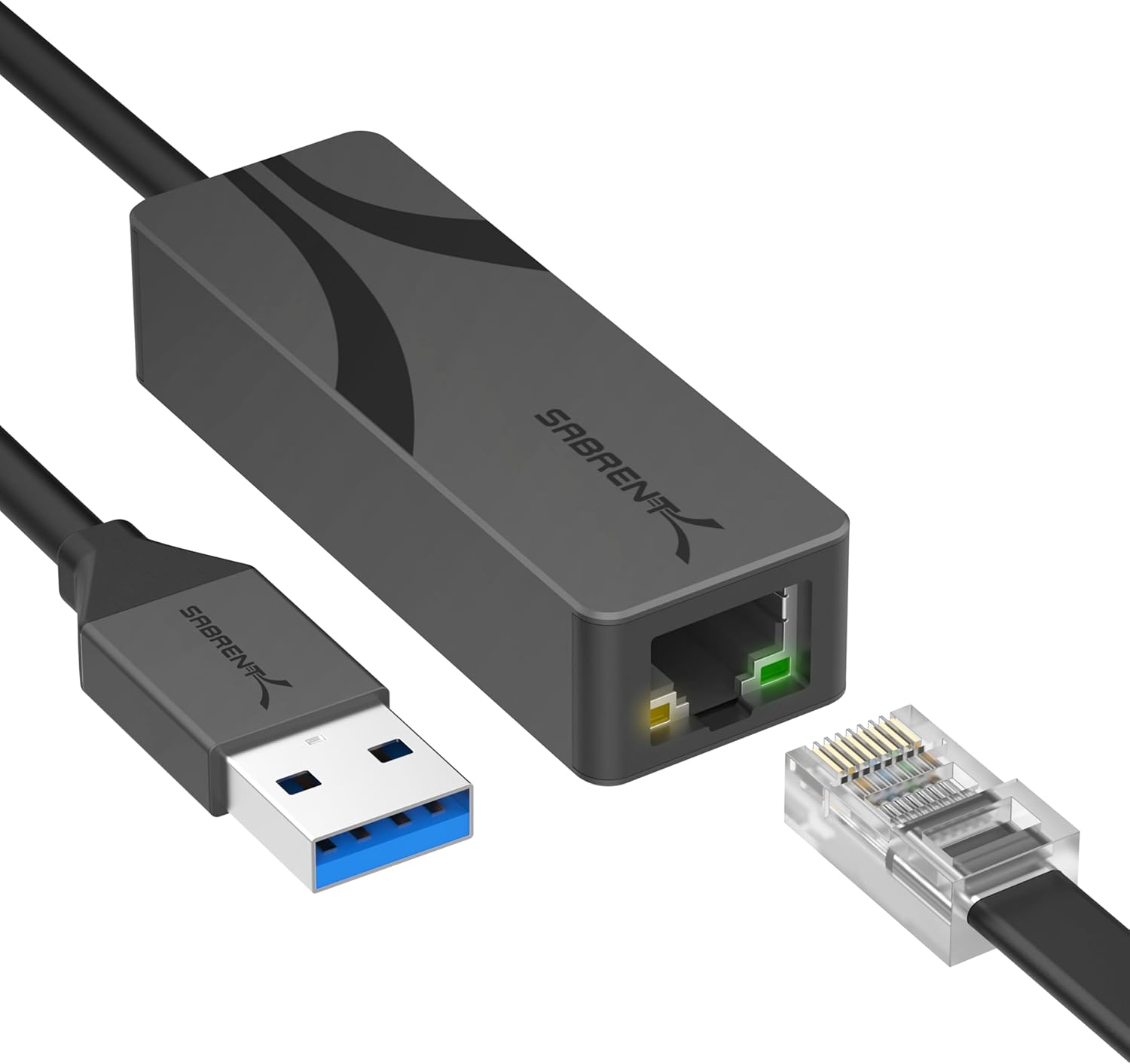
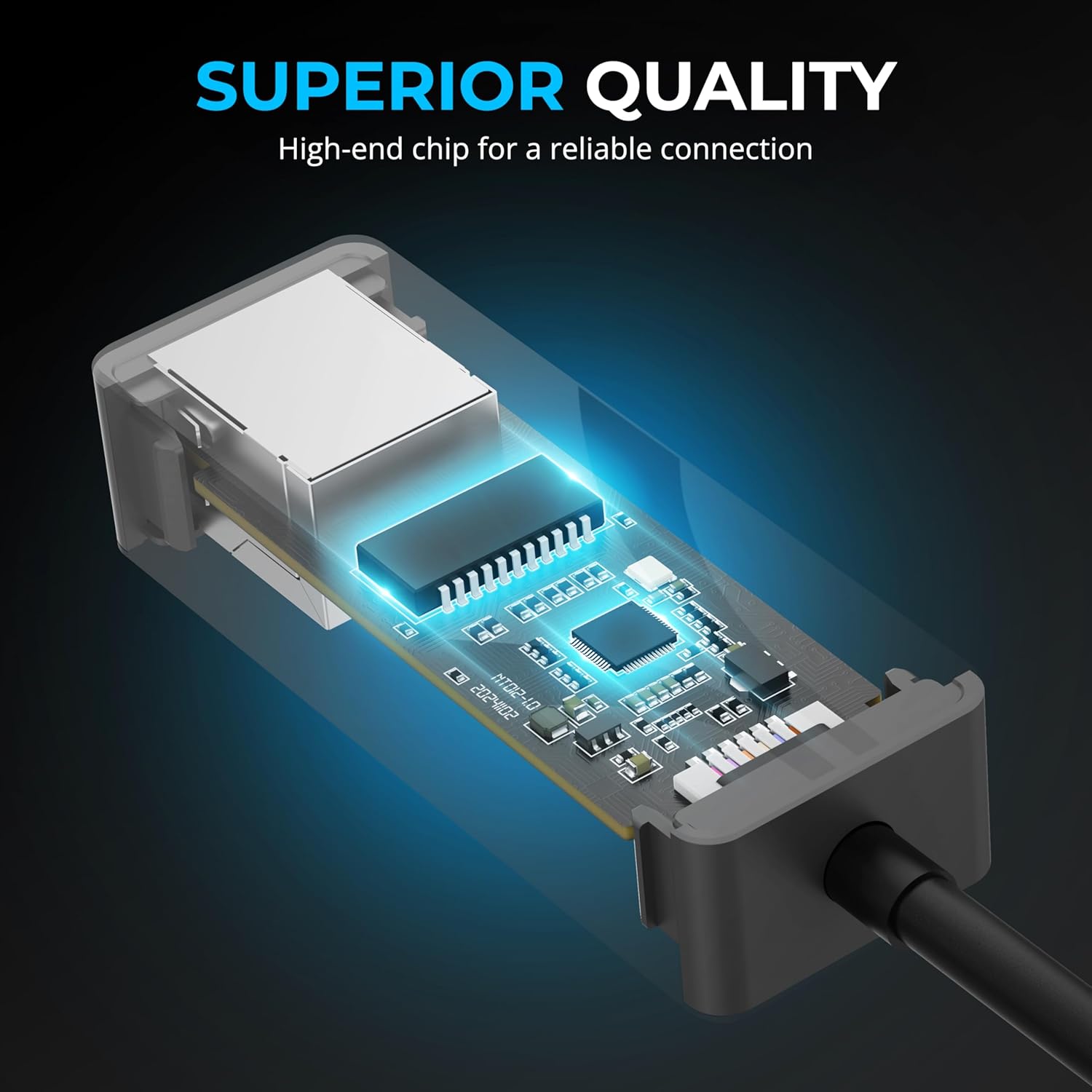
What this is and what it solves\n\nThe SABRENT USB 3.0 to 2.5 Gigabit Ethernet Adapter (NT-UA25) is a compact USB-A network adaptor that adds a wired 2.5GbE connection to laptops, desktops or tablets. It’s aimed at users who need faster, more reliable network access than typical Wi‑Fi or older Ethernet, especially for tasks like large file transfers, backups, remote work or media streaming where stability matters. On the paper, you get a straightforward, bus-powered device with a robust aluminium housing, designed for travel and everyday use without a separate power supply.\n\n## How it performs\n\nPowering through USB 3.0, the adapter uses the RTL8156BG controller, a reputable Realtek chipset known for low latency and efficient CPU usage on multi‑gigabit networks. The claim of 2.5GbE support aligns with the 802.3bz standard, which allows up to 2.5Gbps speeds over typical CAT 5e or better cabling for distances beyond what many laptop Ethernet ports offer. It’s also backwards compatible with 10/100/1000 Mbps networks, so it should slot into existing setups without needing to rewire. If you’re comparing to wireless options, the expectation is faster sustained transfers and more predictable performance, especially in crowded radio environments.\n\n## Compatibility and setup\n\nCompatibility is broad: Windows, macOS, Linux, ChromeOS and Android are listed as supported, with the practical note that many systems will recognise it as a plug‑and‑play device without driver installation. This reduces friction for people who frequently switch between devices or work with several operating systems. However, as with any plug‑and‑play network adaptor, there is always a possibility that a specific OS version or kernel update could require driver tweaks—worth testing if you rely on a particular machine.\n\n## Design and durability\n\nThe housing is described as aluminium, which should aid heat dissipation during sustained use and contribute to long‑term durability. The form factor is compact and travel-friendly, and since it is bus-powered, it doesn’t need an extra power brick—handy for mobile workloads and quick desk setups. LED indicators are present for status checks, which can save time troubleshooting connections.\n\n## Who it’s for\n\nThis adaptor suits users who value a straightforward upgrade path to multi‑gigabit networking without wiring changes. It’s reasonable for remote workers, content creators transferring large files, or small offices needing a reliable 2.5GbE edge for a notebook or tablet. If your primary requirement is occasional light browsing or older hardware that only supports basic Ethernet, this may offer more capacity than you need.\n\n## When it makes sense to buy\n\nIf your workflow involves steady, sizeable data transfers or you want to minimise interruptions from fluctuating Wi‑Fi performance, this adaptor can be a sensible upgrade. It’s also helpful when a device lacks a built‑in Ethernet port, or you want a USB‑powered option that doesn’t clutter a power strip. If you rarely hit bandwidth limits on a 1GbE link, the improvement over standard USB‑Ethernet may be modest in practice.\n\n## What to check before buying\n\nConsider the cabling in your space: 2.5GbE delivers up to 2.5Gbps, but only if the network and switch supports it and your cable (CAT 5e or better) is up to the task. USB port availability and the host device’s USB‑A performance can also influence actual speeds. It’s worth confirming that your OS version is compatible with plug‑and‑play expectations, and to test a real‑world transfer scenario to gauge whether the 2.5GbE target is achievable in your setup.\n\n## How it compares to alternatives\n\nIf you’re weighing options, you’ll likely compare a USB‑C or USB‑A multi‑port card or other external adapters. A USB‑C model might offer slightly different power or size benefits, but the NT‑UA25 is a straightforward, bus‑powered USB‑A solution that fits many laptops and desktops without dongles or extra power. For those prioritising simple compatibility and minimal setup, this keeps things uncomplicated while offering the potential of higher sustained speeds than basic network adapters.\n\n## Practical usage example\n\nImagine copying a large video project from a NAS to your laptop. With this adapter, you’d connect it to a spare USB‑A port, plug in CAT 5e or better, and monitor the LED indicators to confirm link and activity. If your network supports 2.5GbE, you could see noticeably faster transfer times compared with a traditional 1GbE setup, assuming the rest of the path can keep up.\n\n## FAQ (quick answers)\n- Do I need drivers? Most systems will recognise it as plug‑and‑play, but check your OS version if you run into connection issues.\n- Is it backward compatible? Yes, it supports 10/100/1000 Mbps networks.\n- Will it fit a travel bag? Yes, the compact aluminium body is designed for portability.\n\n## Final decision\n### Final verdict\nIt’s worth considering if you need a practical upgrade to multi‑gigabit networking on a USB‑A device and want a compact, bus‑powered adaptor with decent heat management. It may not deliver equal performance on every network path, and benefits depend on network support and cabling. If your priorities are simplicity, portability and clear improvement over Wi‑Fi, this adapter is a sensible option to test within a real‑world workflow.