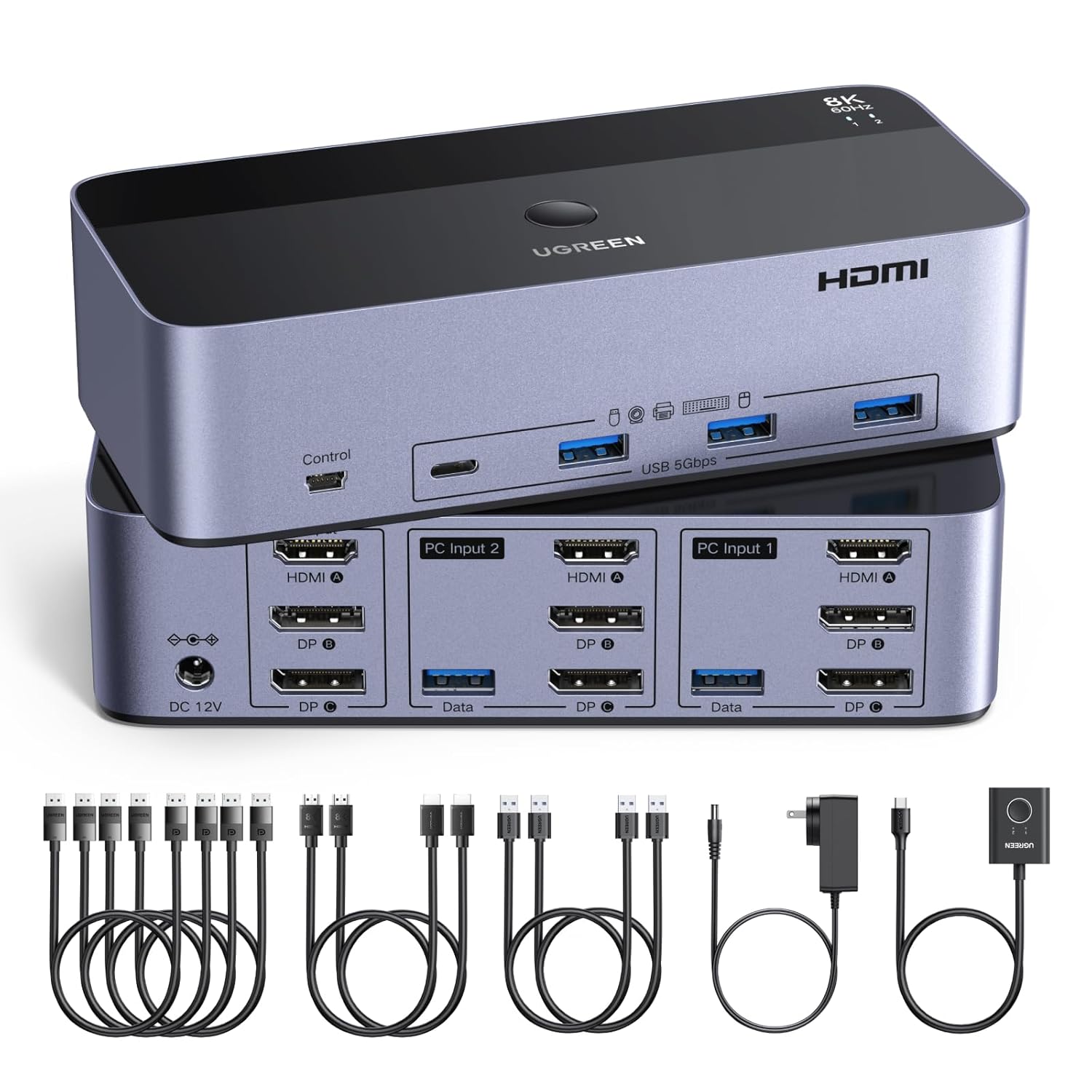
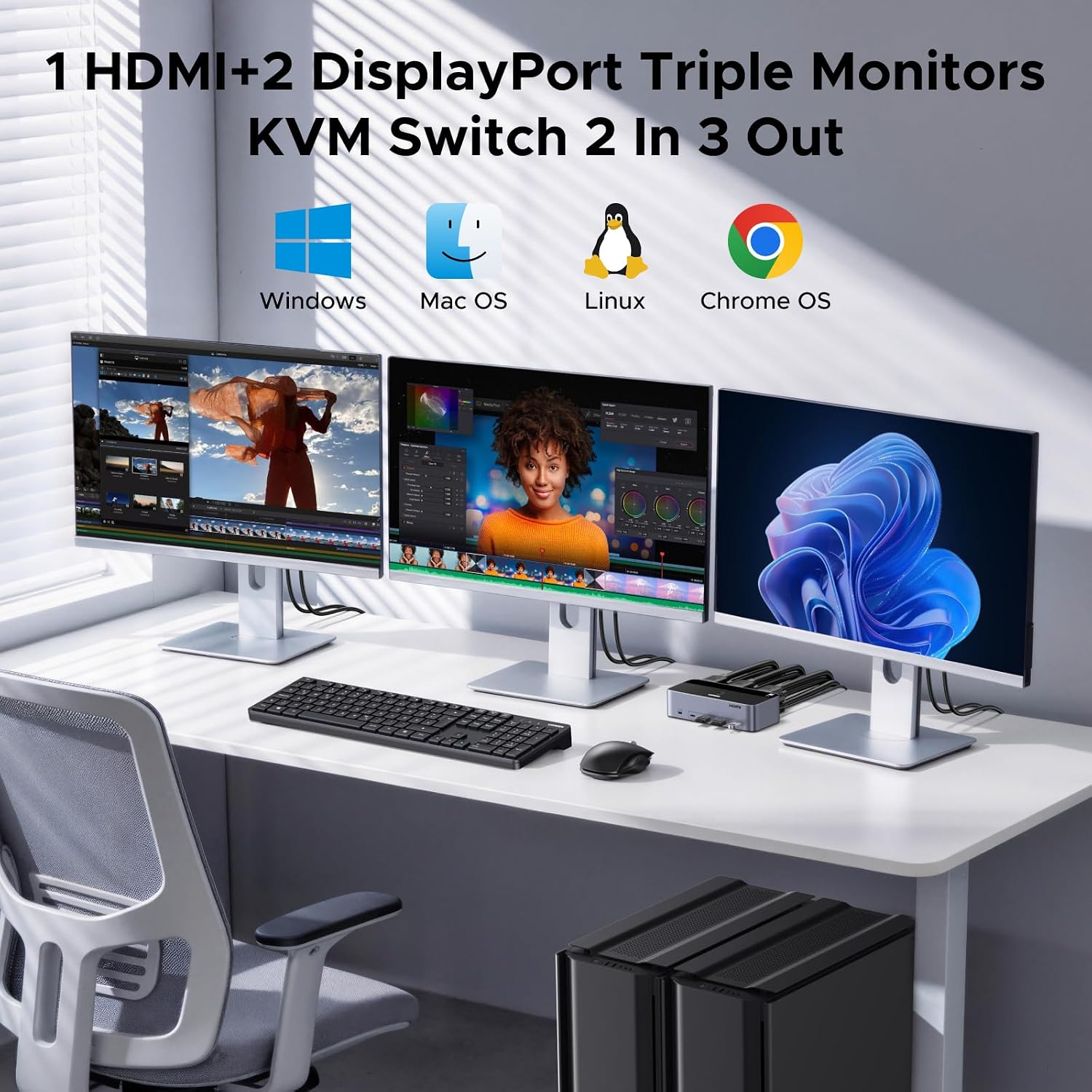
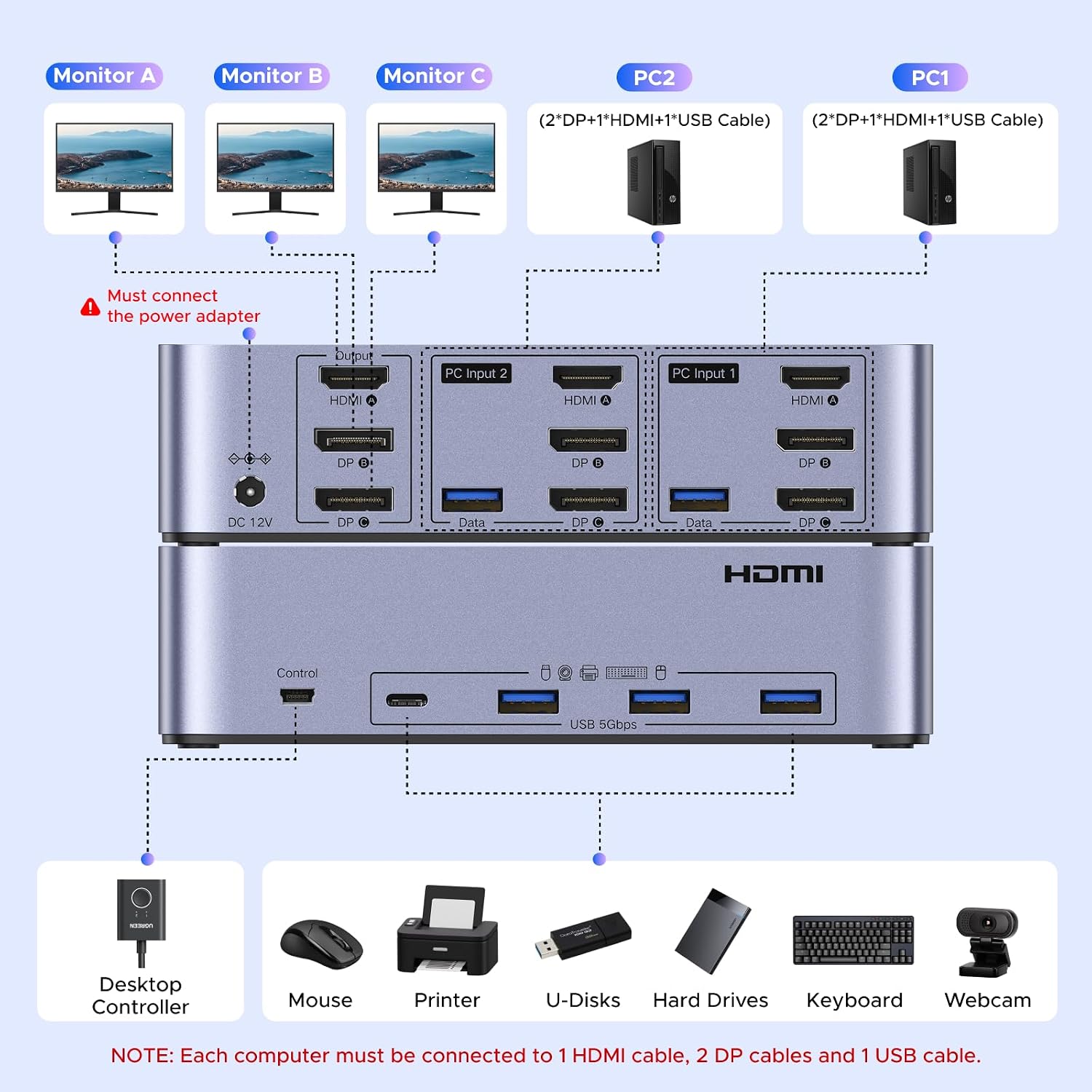
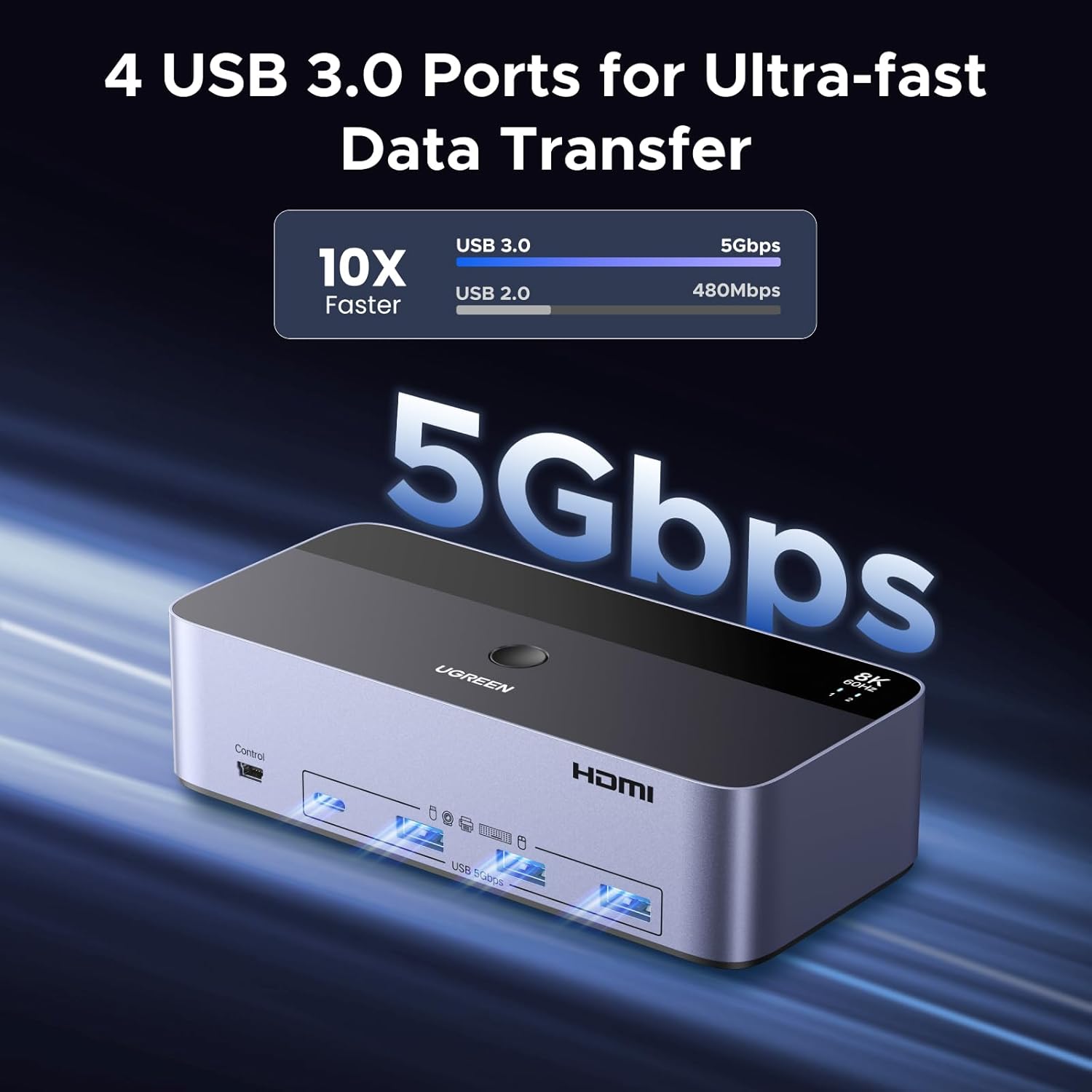
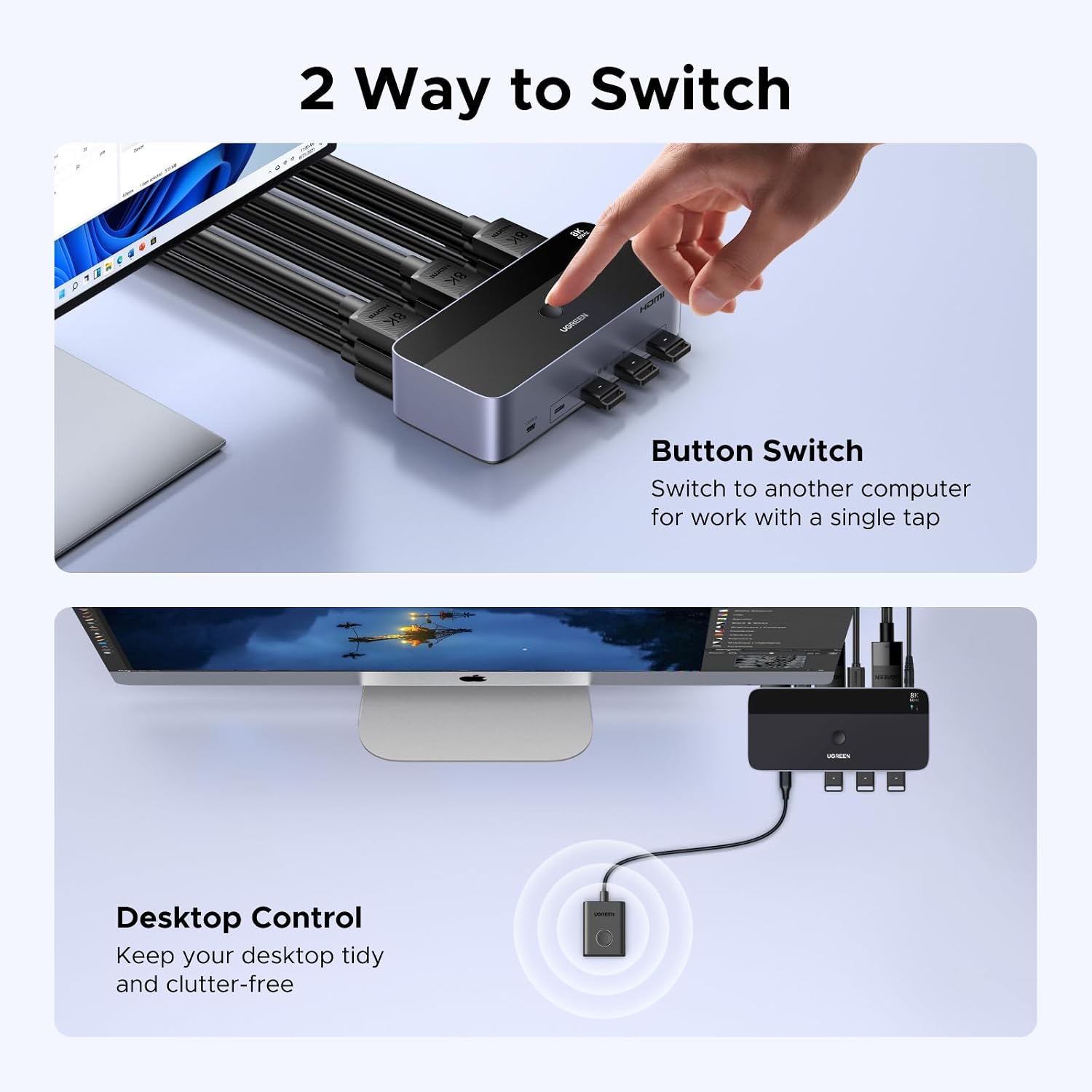
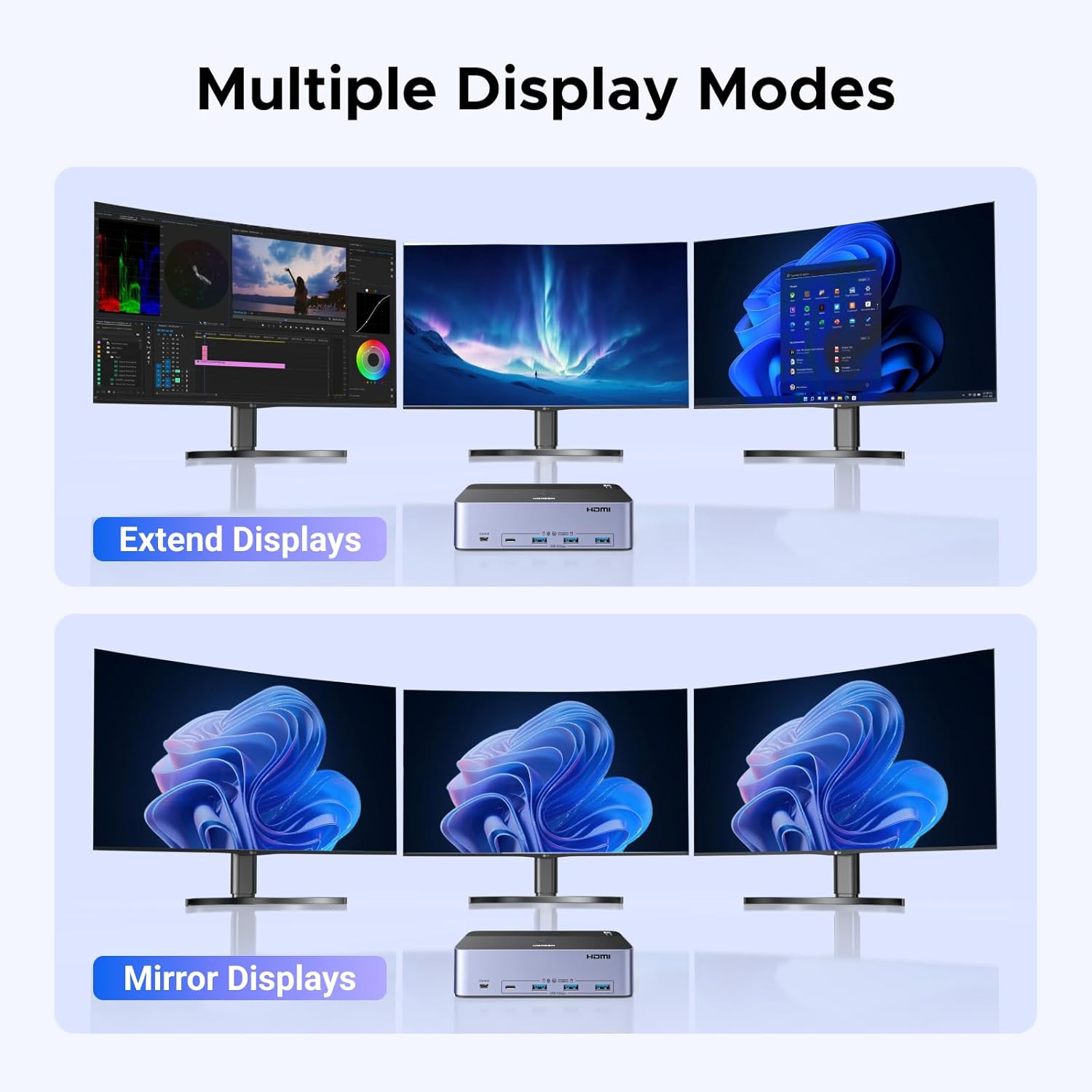
What it is and who it’s for\nThis UGREEN KVM switch is designed to let you manage two computers using a single keyboard and mouse while simultaneously controlling three monitors and sharing USB 3.0 devices. It supports ultra‑high video output up to 8K@60Hz and remains compatible with common refresh rates down to 4K@240Hz/144Hz/120Hz/60Hz and 1080p. If you’re juggling two machines for work, design, or development and want a tidy desk setup, this model targets you.\n\n## How it works\nInstall is plug‑and‑play: connect each computer to the switch with the required DP and HDMI cables plus a USB‑A cable, attach your keyboard/mouse and any USB peripherals, then link your three displays. Two control methods are provided: a simple one‑button switch and a desktop controller, though hotkey switching isn’t supported. This makes switching between hosts straightforward, without software drivers.\n\n## Video and performance notes\nOn the paper front, you can push up to 8K@60Hz across three displays, with backward compatibility to high‑ refresh 4K modes and 1080p. In real life, performance depends on the source hardware capabilities and the EDID negotiation between devices. The setup promises clear images with low latency, but you may see limitations if your laptop or PC lacks certain outputs or if the HDMI/DP chain isn’t delivering the expected bandwidth.\n\n## Connectivity and USB sharing\nThe switch includes four USB 3.0 ports (three USB‑A and one USB‑C) to share keyboards, mice, USB drives, printers and other USB devices. Data transfer speeds up to 5Gbps are standard for USB 3.0, which can help keep file transfers reasonably quick. Note the spec emphasises USB 3.0 sharing among the two computers rather than high‑end USB‑C speed advantages.\n\n## Practical use cases and limitations\nIf you routinely run three monitors from two machines, this device could streamline your workflow by reducing the number of peripherals on your desk. It’s particularly useful in multi‑machine setups where a single keyboard/mouse is a clear win. However, it’s important to note the three monitors are for video output and may require individual source configuration. Also, hotkey switching is not supported, so you’ll rely on the physical switch or desktop controller.\n\n## What to check before you buy\n- Ensure each computer has 2 DisplayPort ports and 1 HDMI port, and that you can provide the correct USB‑A connection for each host.\n- Confirm your monitors support the intended resolution and refresh rate in a multi‑source configuration.\n- Be prepared for potential EDID/handshake quirks in complex setups, sometimes a reboot or reconnect is needed after hot changes.\n- If your laptop relies on USB‑C only, you’ll need the included USB‑A adapter method to connect to the USB‑A port.\n\n## How it compares to alternate approaches\nFor users who don’t need three displays, a simpler 2‑display KVM might be more compact and cost‑effective. If you prioritise seamless hot‑swapping between two hosts with guaranteed high bandwidth, ensure your GPUs and cables are rated for the target 8K60 signals, otherwise, you may not realise the full 8K potential. This device sits in the mid‑range for feature set and target use, leaning towards pragmatic multi‑machine productivity rather than cutting‑edge gaming performance.\n\n## Final verdict\nIf you regularly work across two computers with a shared keyboard/mouse and three monitors, and you can provide the required ports on each host, this KVM switch offers a sensible combination of capability and convenience. It’s not perfect for every setup—some users may encounter EDID quirks or limitations tied to their hardware—but for many, it represents solid value for money in a practical, desk‑friendly package.\n\n## FAQ\n- Can I use hotkeys to switch between computers? No, hotkey switching isn’t supported, use the one‑button switch or desktop controller.\n- Do all three monitors output video at once? Yes, the three monitors are configured for video output, ensure your sources support this arrangement.\n- What if my laptop only has USB‑C ports? Use the included USB‑A adapter plus the USB‑A cable to connect to the KVM’s USB‑A port.