

Unitek 8K@60Hz DisplayPort KVM Switch: 1 Monitor, 2 Computers, USB 3.0
Reviews
Price
Product description
What this is and what it solves
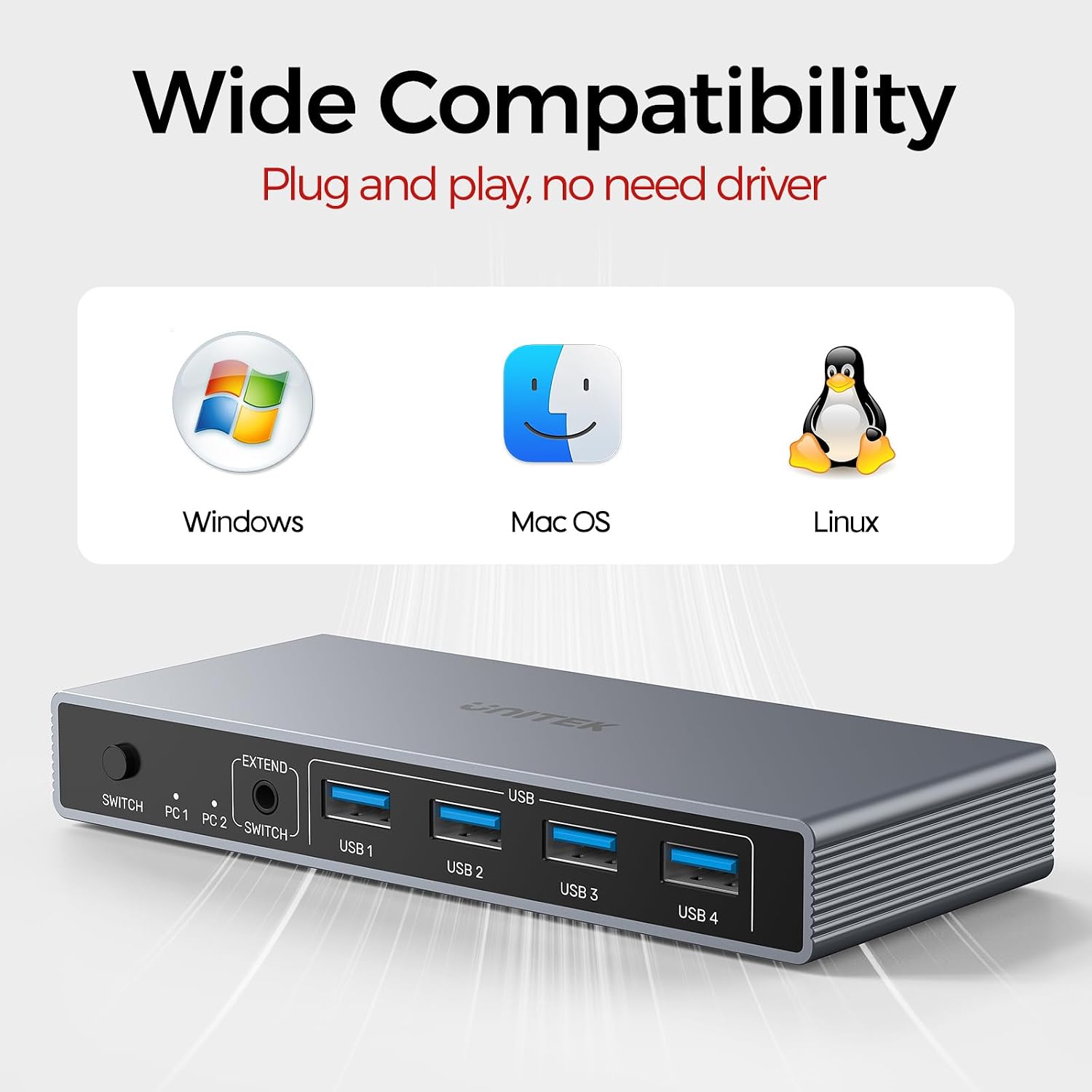
The Unitek DisplayPort KVM Switch lets you connect two computers to a single monitor and share four USB 3.0 devices, such as a keyboard, mouse, drives, and printers. It’s designed for mixed workspaces where a single display is used to manage two machines—great for home offices, test setups, or small workstations. On paper, it supports a broad range of inputs and operating systems, and it does so without requiring driver installation, which can simplify setup.
How switching works
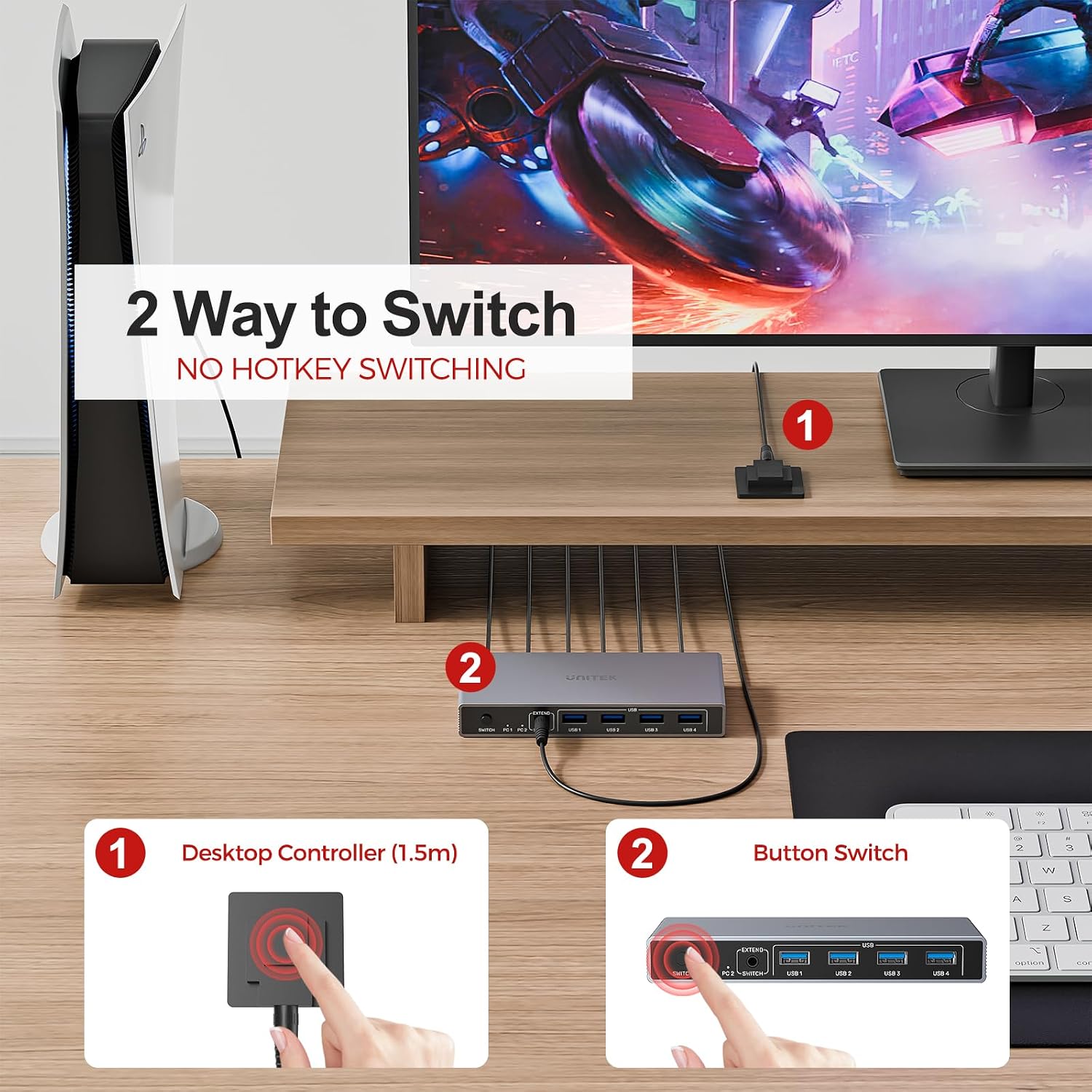
You can switch between the two connected computers via a dedicated button or a desktop controller. The remote switch is handy if you want to keep the main unit tucked away while still having quick access from your desk. This layout helps keep your workspace tidy and reduces cable clutter, a small but real improvement for daily use.
Display and performance notes
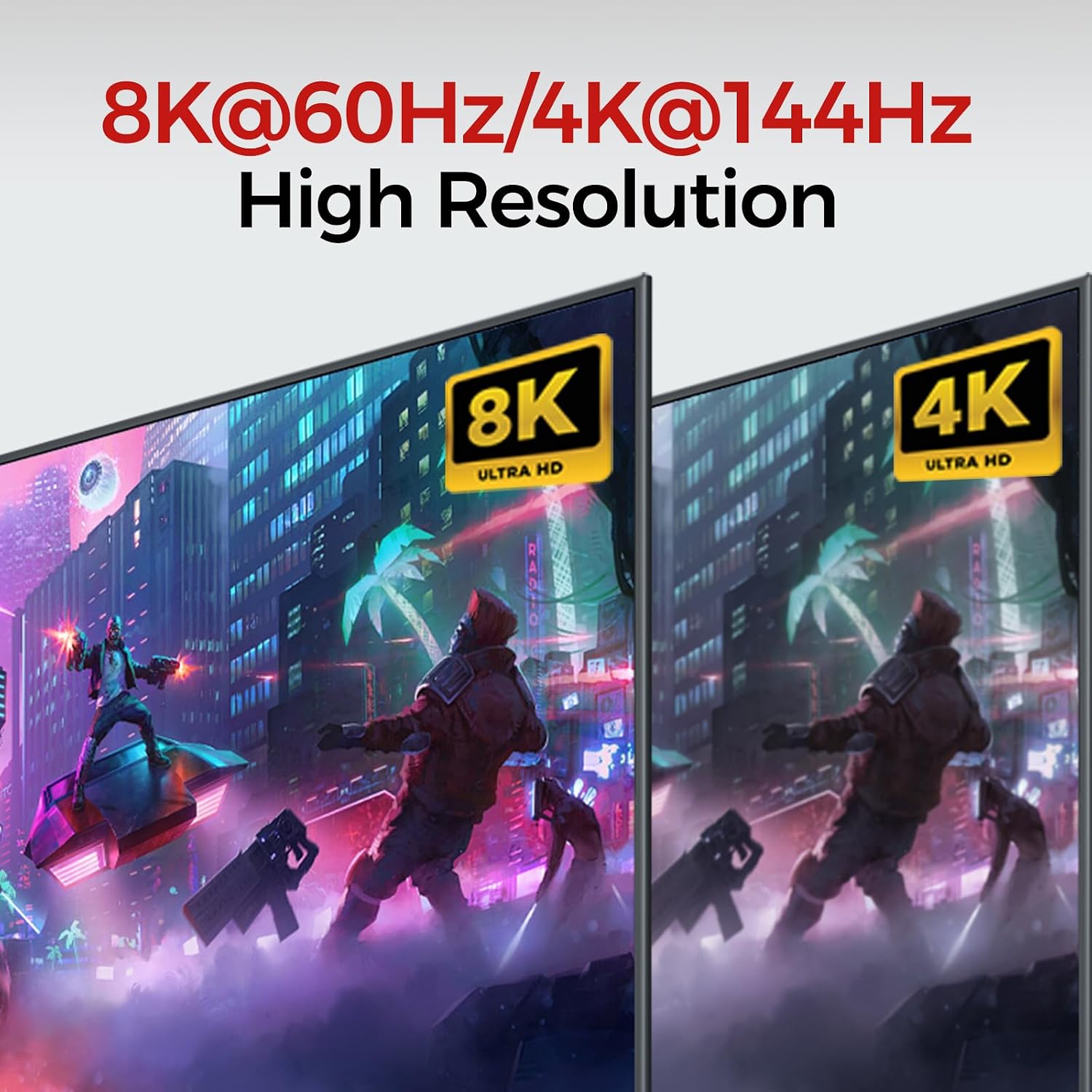
The unit advertises support for up to 8K@60Hz, with 4K@144Hz, 2K, 3D, and 1080p options available. It also claims compatibility with DP 2.0 and HDCP 2.2/1.4, which broadens usable content and devices. Practically, 8K@60Hz demands a compatible signal chain (monitor, cables) and sufficient bandwidth, for many users, 4K or 2K at higher refresh rates may feel like the sweet spot depending on the monitor and content they work with.
USB and peripherals
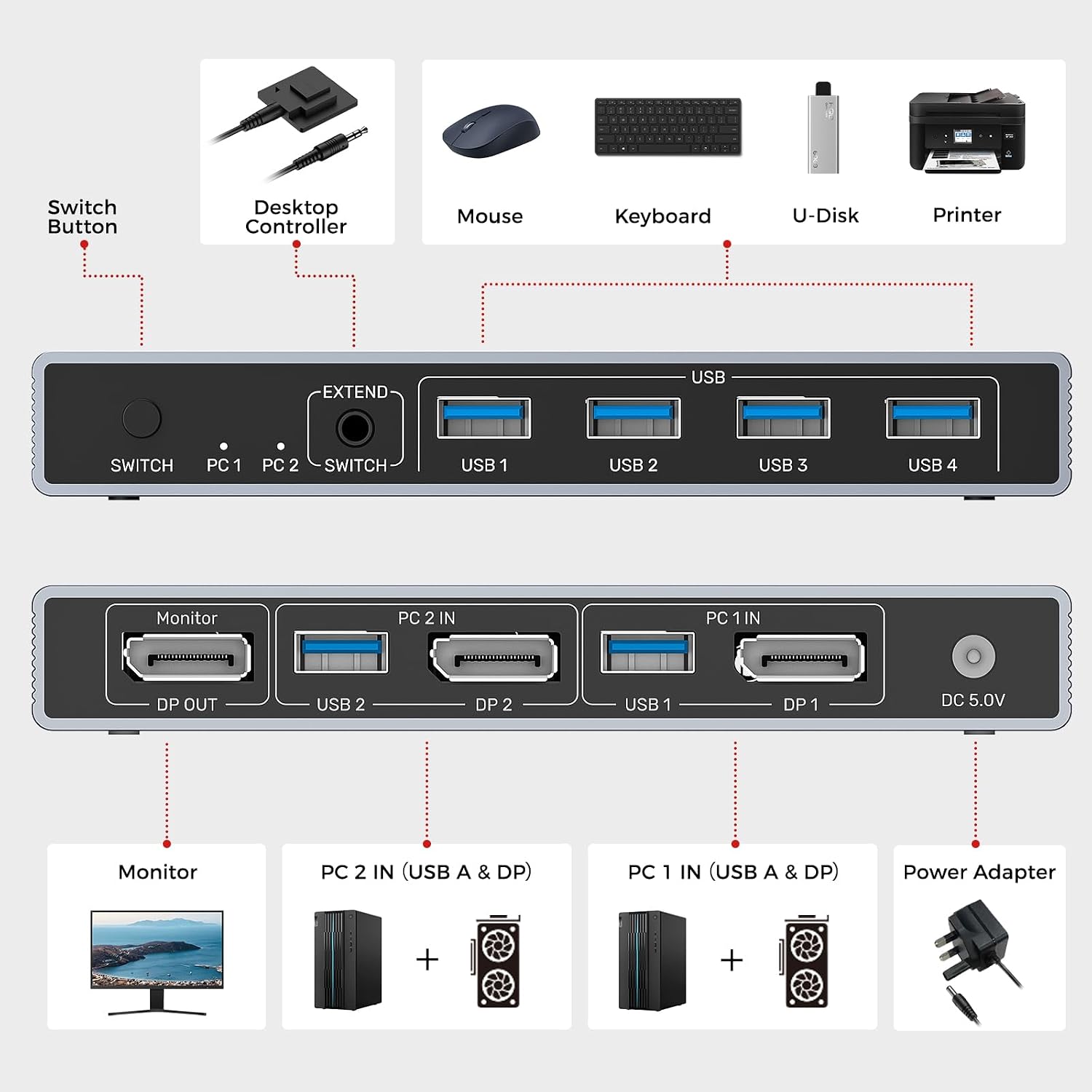
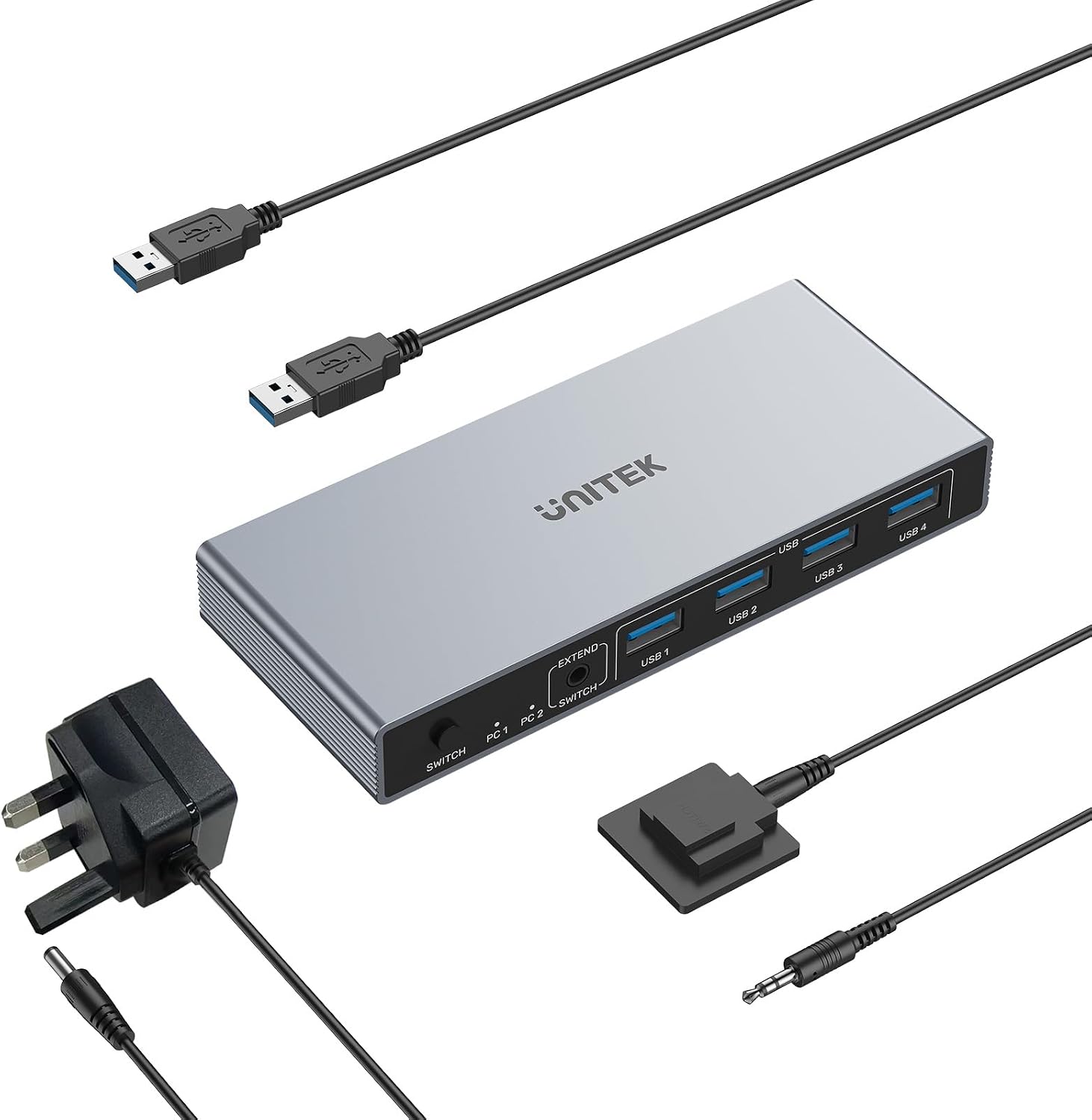
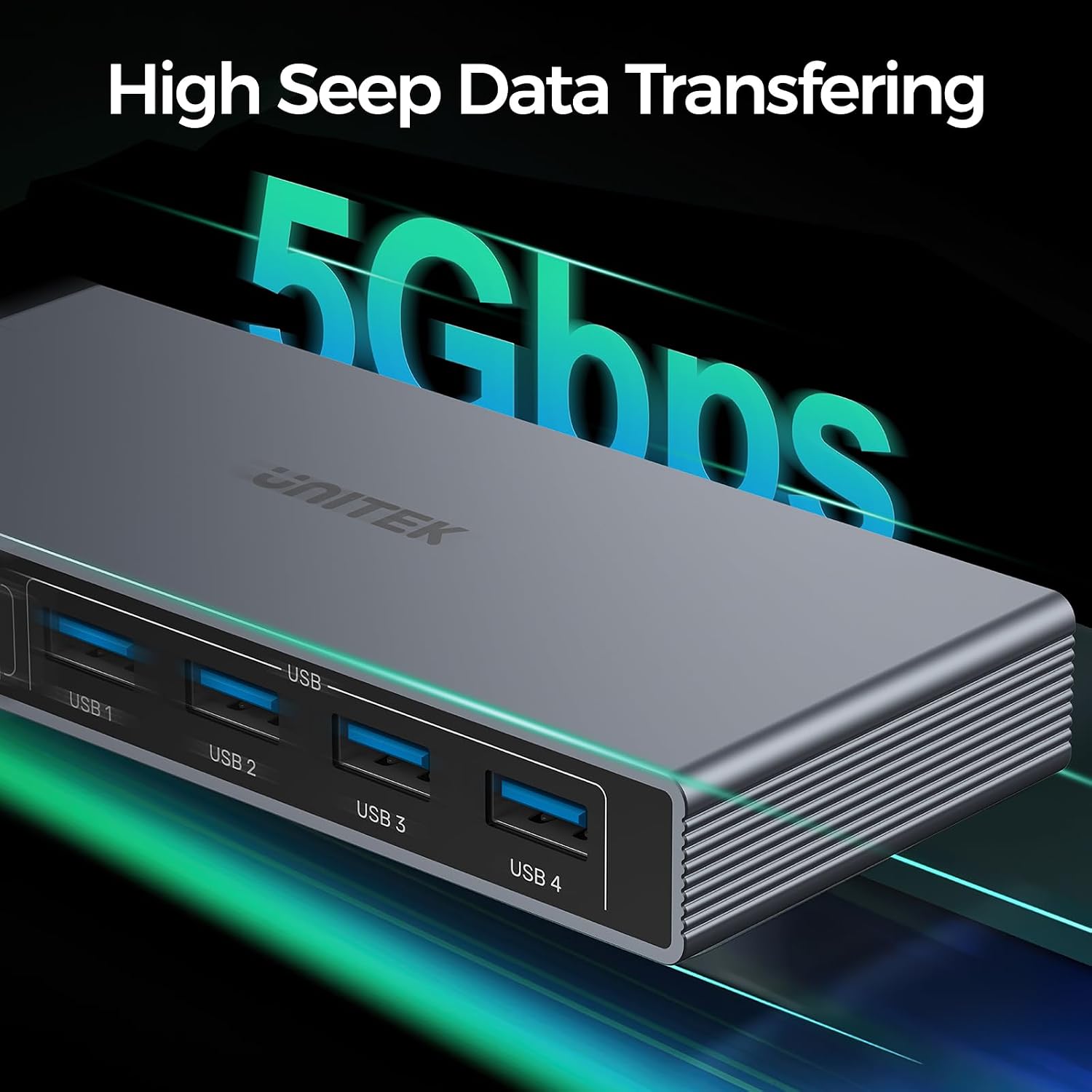
Four USB-A 3.0 ports are provided to connect keyboards, mice, USB drives, printers, or other peripherals. USB 3.0 offers up to 5Gbps, which is notably faster than USB 2.0 and can improve file transfers and device responsiveness. However, when high-power devices are involved, it’s important to use the included 5V 2A power adapter to prevent power issues. The kit also includes two USB A to A cables and emphasises compatibility with a range of systems, though you should verify driver or compatibility requirements for specific devices in your environment.
Power and setup realities
Plug-and-play setup is promoted, with no driver software required. That said, power stability matters here: if you’re connecting multiple USB devices that draw power, you’ll want to plug the 5V 2A adapter into a reliable power source to avoid instability.
What to check before you buy
- Confirm that your monitor and display chain can support DP 2.0 and the 8K/4K configurations you intend to use.
- Ensure your USB peripherals don’t exceed the power available through the switch when connected to the required USB ports.
- Consider the physical layout: the desktop controller can be placed somewhere convenient, but the main unit should sit in a safe, accessible spot.
- If you rely on specific operating system features or drivers for peripherals, check compatibility notes for your OS version and devices.
Practical usage in daily life
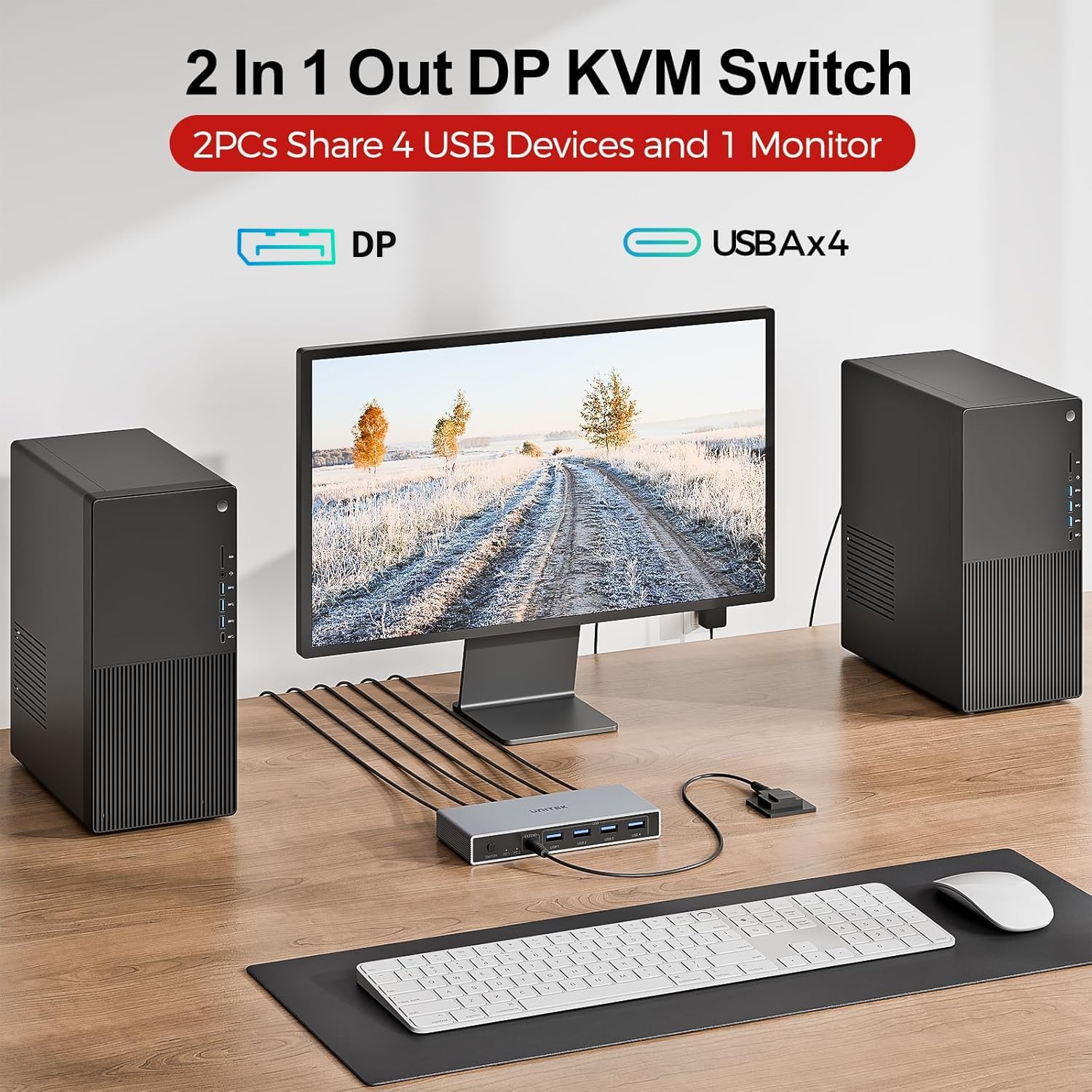
Imagine a setup where you’re coding on one computer and gaming or testing on another, with a single keyboard, mouse, printer, and monitor shared between both. With the KVM, you can flip between machines quickly, which saves desk real estate and reduces toggling between different workstations. It’s not perfect for everyone, particularly where ultra-high DP signal integrity or a very particular peripheral configuration is needed, but for typical multi-machine workflows it can be a sensible addition.
Limitations and caveats
- Actual 8K@60Hz performance depends on a fully compatible signal chain, if your monitor or cables don’t support the full bandwidth, you may rely on lower resolutions or refresh rates.
- The device is designed for two computers and one monitor, if you need more displays or more complex peripheral routing, you’ll want a more advanced setup.
- Power considerations matter if you’re running many USB devices, the included adapter helps, but it can still become a limiting factor with power-hungry peripherals.
What it’s best for
This KVM is well suited for users who want to share a single high-resolution display and essential USB peripherals between two machines in a compact, straightforward setup. It’s particularly helpful if you value simple, driver-free installation and space-saving desk arrangements.
Is it worth it?
Should you buy it?
Is it worth it? If you prioritise a practical, tidy two-PC sharing solution with solid USB 3.0 performance and straightforward switching, this Unitek model offers a sensible balance of features and simplicity. It is more aligned with everyday productivity and light to moderate multi-machine use than with high-end, enthusiast-grade setups.
Buying verdict Consider this KVM if your workflow involves regularly swapping between two computers and you want to keep your monitor and peripherals shared. It may not be ideal if you require the absolute highest refresh rates at 8K, or if your peripheral ecosystem demands very specific driver support. In other words, it’s a solid mid-range option for people who value convenience and a tidy workspace over peak, uncompromising performance.
FAQ
- Do I need drivers to use this KVM? No, it is advertised as plug and play with no driver software required.
- Can I use 8K at 60Hz with all devices? It depends on the entire signal chain (monitor, cables, and device compatibility). If you can’t achieve 8K, you’ll likely operate at a lower resolution with higher refresh rates.
- Will USB 3.0 ports support high-power devices? The kit includes a 5V 2A power adapter, use it when connecting power-hungry peripherals to help ensure stability.
Technical overview
- DP 2 IN 1 OUT KVM Switch with 1 monitor, 2 computers, 4 USB 3.0 ports, and power adapter
- Supports DP Port 1.2/1.4 with HDCP 2.2/1.4 and HDR
- Switch methods: one-button and desktop controller
- USB 3.0 data speeds up to 5Gbps, compatibility with Windows, Linux, macOS and more
- Includes 2 x USB A to A cables, 1 x desktop controller, 1 x 5V/2A power adapter
The essentials
Compatibility with a wide range of devices and operating systems, plus the practical option of switching via a remote controller helps keep your desk uncluttered. If you’re after a straightforward, decent-value solution for two PCs sharing a display and peripherals, this Unitek model is worth considering.
Final verdict
Is it worth it? Yes, for users needing a simple, space-saving way to share a single monitor and essential USB peripherals between two computers, with easy switching and driver-free setup. It may not satisfy edge-case demands for the very highest resolutions or highly specialised USB configurations. If your setup fits the described use-case, it’s a reasonable choice to consider.