

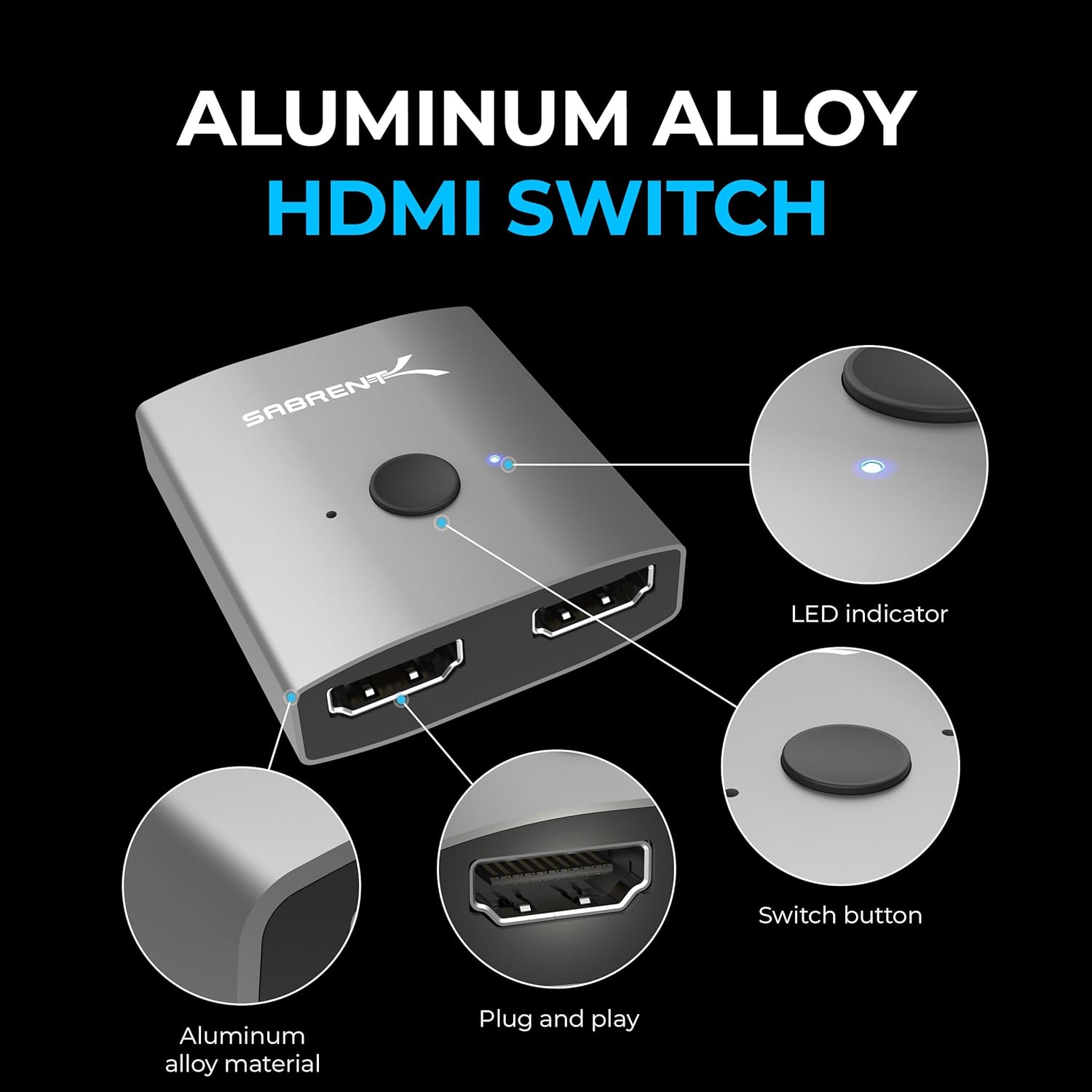
SABRENT HDMI Switch 2-in-1 (DA-HSW2) for 4K 60Hz, Bi-Directional aluminium selector
Reviews
Price
Product description
What it is and the problem it solves
The SABRENT HDMI Switch 2-in-1 (DA-HSW2) is a compact HDMI switcher designed to let you choose between two HDMI sources and send the signal to a single HDMI display. In plain terms: it’s for switching your screen input without unplugging leads every time.
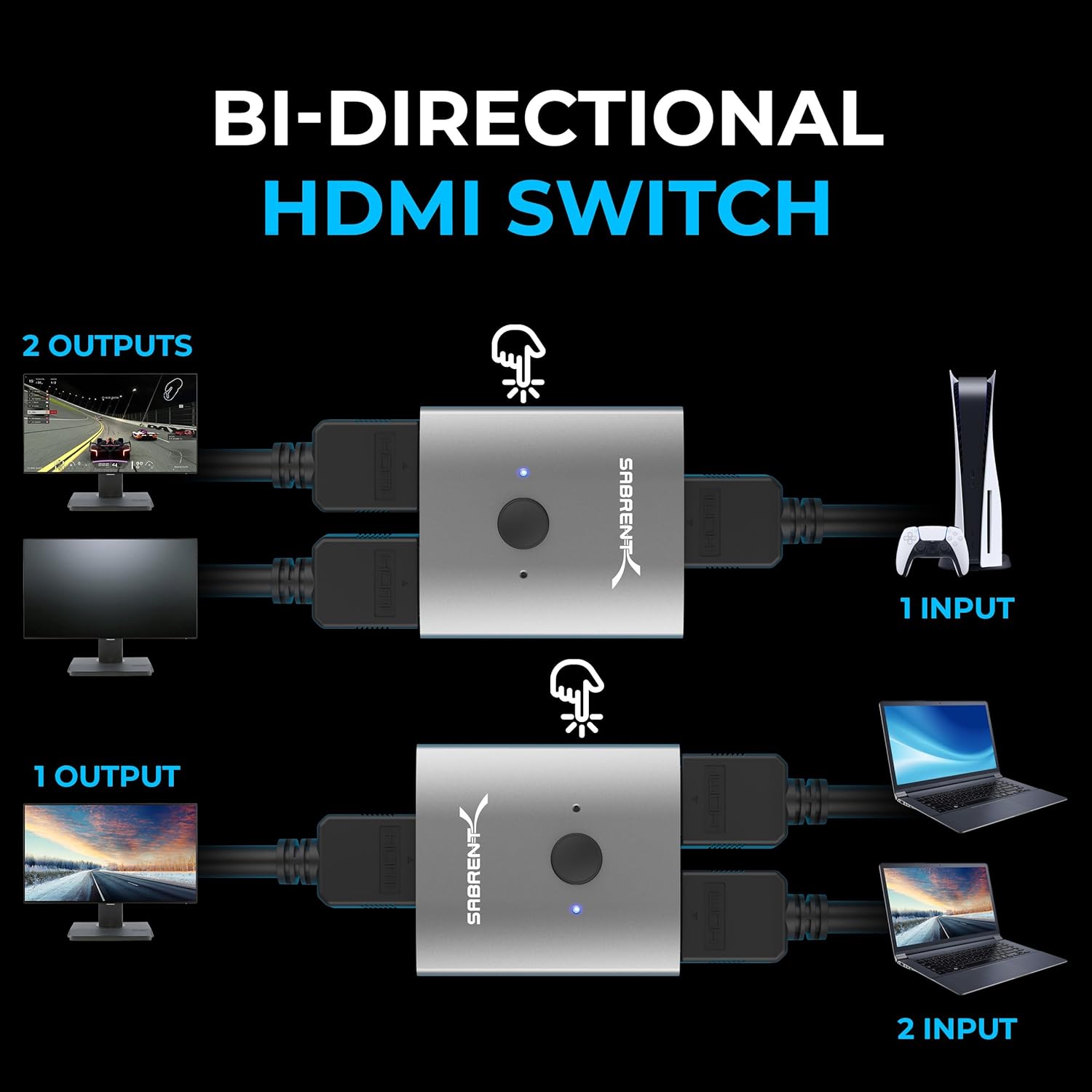
It also works in the other direction in a “bi-directional” way, so you can change whether the switch is behaving as a two-sources-to-one-display selector or the reverse setup. That flexibility is useful if you want one small box to cover more than one arrangement around your TV, monitor, or projector.
One important limitation: this type of switch can’t show two monitors or screens at the same time. The whole point is switching, not splitting. If you’re after simultaneous dual-display output, this won’t fit the job.
Here’s a realistic mini-scenario. Imagine you’ve got a PS5 in one HDMI port and a PC or laptop dock feeding another. Instead of crawling behind the TV to swap cables, you connect both to the switch and use the manual selector/LED indication to know which device is active.
The essentials at a glance
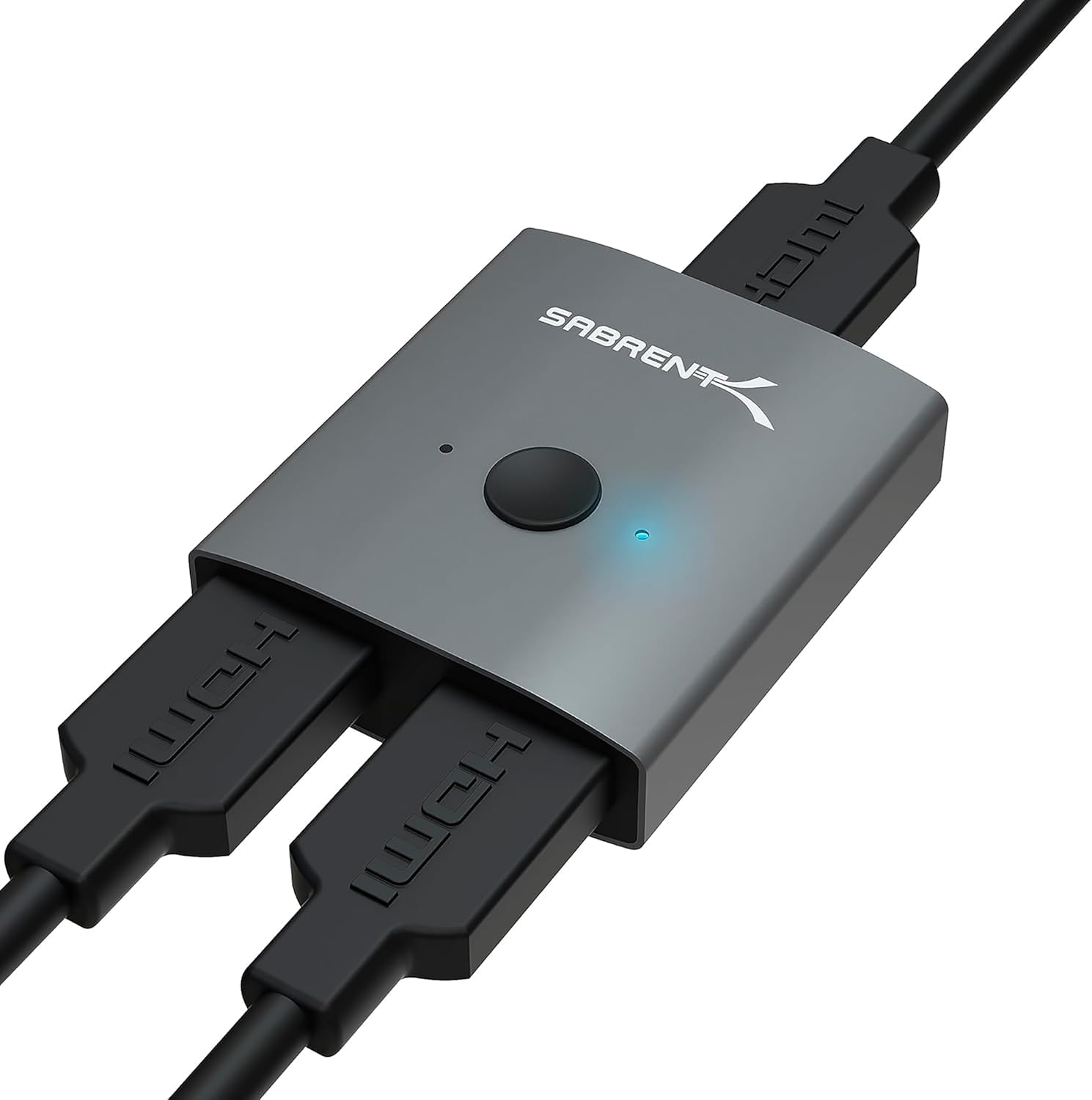
You’re getting a plug-and-play HDMI switch with a manual selector and an LED indicator that helps you see which HDMI input is currently in use. The build is aluminium and the design is meant to stay portable and simple to deploy.
A key selling point, based on the details provided, is that it doesn’t require an external power supply. That reduces desk clutter and can make setup easier when you’re short on sockets behind a TV or on a media unit.
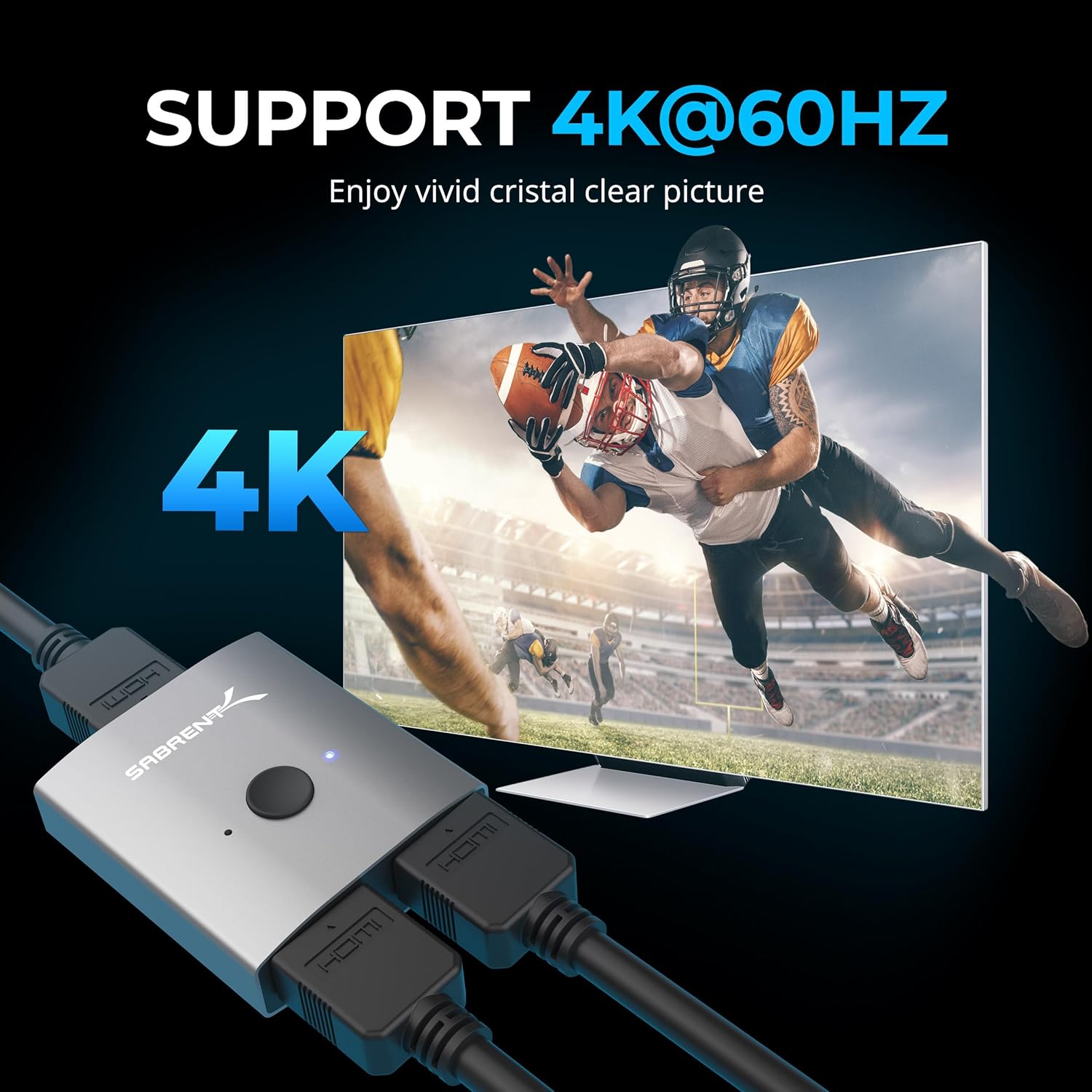
It also targets high-resolution viewing, with support listed up to 4K at 60Hz, plus the usual range of standard HD resolutions.
What stands out for everyday use
The day-to-day value here is mostly convenience and clarity:
- Plug-and-play operation: no controller or driver installation mentioned. If your devices are already HDMI-ready, it should be straightforward to get going.
- Manual selection plus LED: the LED indicator is there so you can tell which source is being routed.
- No external power required: that’s a genuine practical win for keeping setups tidy.
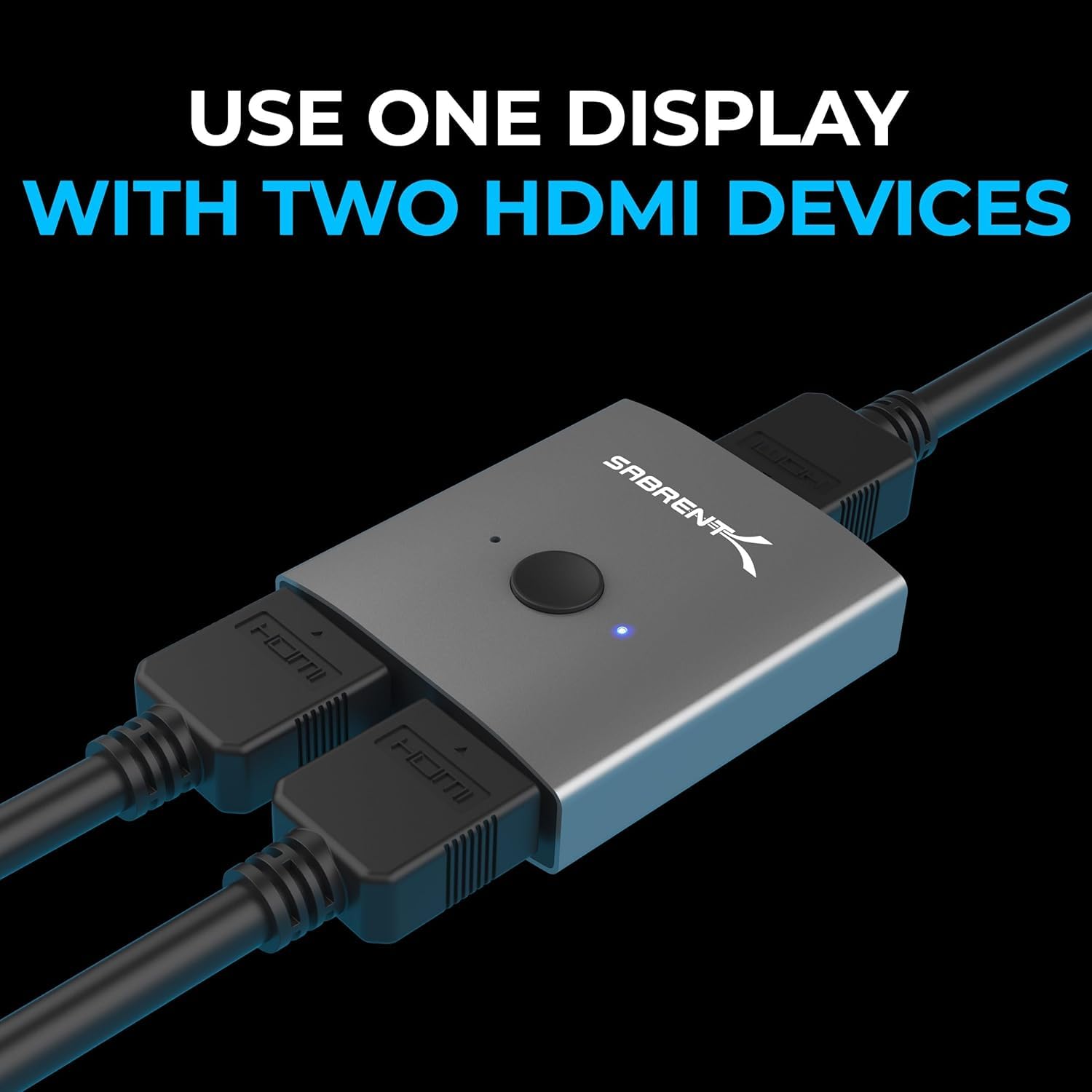
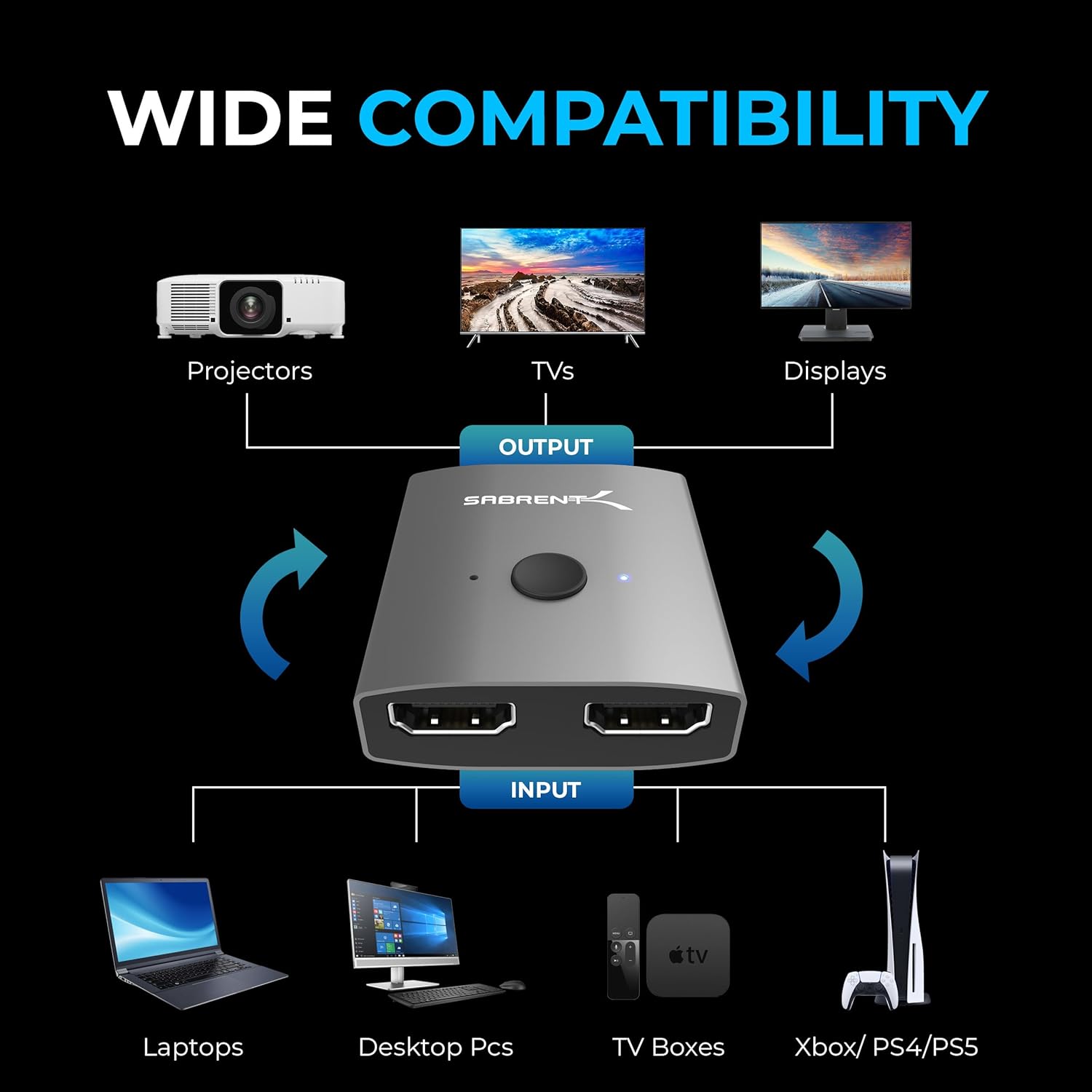
There’s also a sensible approach to connectivity. The switch is described as supporting a broad range of devices, including typical entertainment and gaming sources (for example PS3/PS4, Xbox One) and playback devices (Blu-Ray, DVD). It’s also described as compatible with computer input and other display types like monitors and projectors.
Of course, it’s not “smart” in the modern sense. If you expect automatic switching based on signal detection, you may find the manual nature a bit old-school—yet that’s also often why these switches tend to be simple and reliable on a basic setup.
Key specifications you should consider before buying
When you’re shopping for an HDMI switch, the important bits are the maximum resolution/refresh rate it can handle and the kinds of signals it supports.
Tech specs
- Name: SABRENT HDMI Switch 2 in 1 Out 4K 60Hz, Bi-Directional Aluminium HDMI Switcher (DA-HSW2)
- Type: HDMI switcher (manual selector), bi-directional switching concept
- Resolution: up to 4K@60Hz (3840×2160@60Hz)
- Supported resolutions listed: 4K@60Hz, 1080P@60Hz, 1080I, 720P, 576P, 576I, 480P, 480I
- Format/compatibility: supports 3D and HD audio
- Recommended cable guidance: use a standard HDMI 2.0 cable for connecting your source devices to the switch and the switch to the display (cable not included)
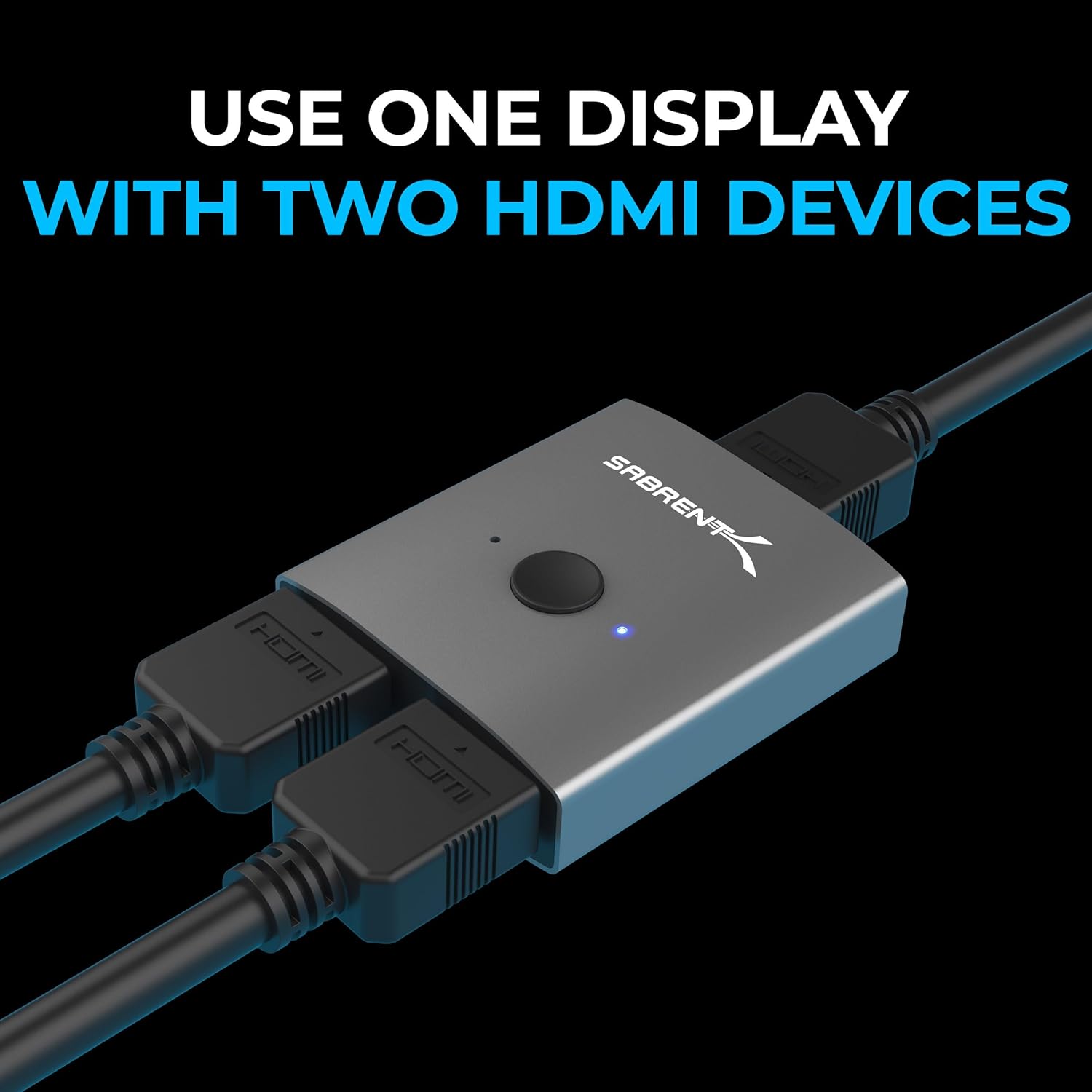
A small note worth taking seriously: the product description tells you to use standard HDMI 2.0 cabling where needed. If you’re using older cables, you may not get the higher resolution/refresh you’re expecting.
Compatibility and what it’s best suited for
This SABRENT HDMI switch is presented as a “connect two, output one” solution, plus a bi-directional layout option. That makes it a good fit for many UK home setups where you regularly swap between gaming and general viewing.
It’s described as suitable for connecting: - Computer input, plus devices like Xbox One, PS3/PS4 - Blu-Ray and DVD-type playback sources - Typical HDMI outputs to TV, monitor, or projector
You’ll likely get the most use if you have one main display and two recurring sources—for example, a console and a streaming box, or a console and a PC.
Where it may feel limiting
This is the area where you should be a bit picky, because the description includes a clear boundary:
- It cannot display two monitors simultaneously.
So if your goal is multi-screen viewing (two outputs at once), you’ll need a different approach such as splitting rather than switching, or using a setup designed for simultaneous outputs.
Also, because it’s a manual selector, you’re doing the switching yourself. If you strongly prefer hands-off switching, you might find that a minor annoyance rather than a benefit.
What’s included and practical setup checklist
The description states that an HDMI cable isn’t included, and it also suggests using standard HDMI 2.0 cables for proper high-resolution support.
Before buying, it’s worth checking: - That your sources and display have HDMI ports available. - Whether your cables are HDMI 2.0 if you want to aim for 4K@60Hz. - That you actually want switching between devices (one active signal at a time), not simultaneous outputs.
Installation, on paper, should be simple: plug the HDMI from each source into the switch, connect the switch to the TV/monitor/projector, then use the selector and LED indicator to choose your active device.
Pros
- Supports up to 4K@60Hz (and lists several other HD resolutions)
- Plug-and-play style setup with no driver installation mentioned
- LED indicator helps you identify which input is selected
- No external power supply required (cable HDMI not included)
- Bi-directional concept offers more than one arrangement
Is it worth it?
Worth considering if you want a straightforward HDMI switch for a single TV, monitor, or projector and you regularly swap between two sources like a console and a media player or computer. The 4K@60Hz support and the practical “no external power” detail make it a sensible value-for-money choice for everyday home use.
You may want to skip it if you’re trying to get two displays running at the same time, because the core job here is switching—one path at a time. It also might not be ideal if you need automatic, hands-free switching.
Mini FAQ
Will this show two screens at the same time?
No. The description explicitly notes that you can’t display two monitors simultaneously.
Does it need an external power adapter?
No external power supply is required, according to the information provided.
What maximum quality does it support?
It’s listed as supporting up to 4K@60Hz (3840×2160@60Hz).
Do I need to install drivers?
The setup is described as plug-and-play, with no drivers or controller installation required.
What HDMI cable should I use?
The description advises using a standard HDMI 2.0 cable for connecting your source to the switch and the switch to your display. HDMI cables are not included.