

HDMI Switch 3-in-1 4K Auto Switcher
Product description
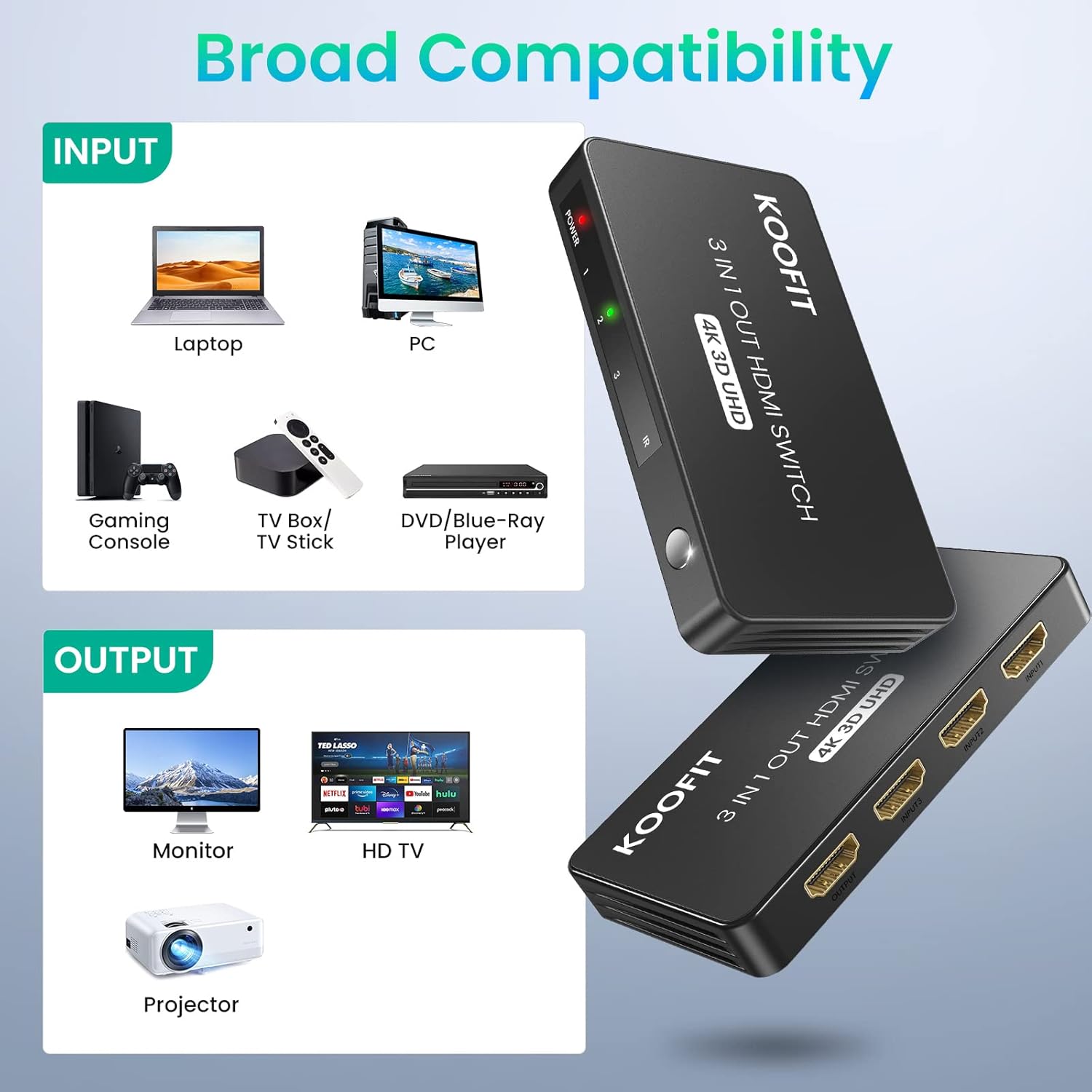
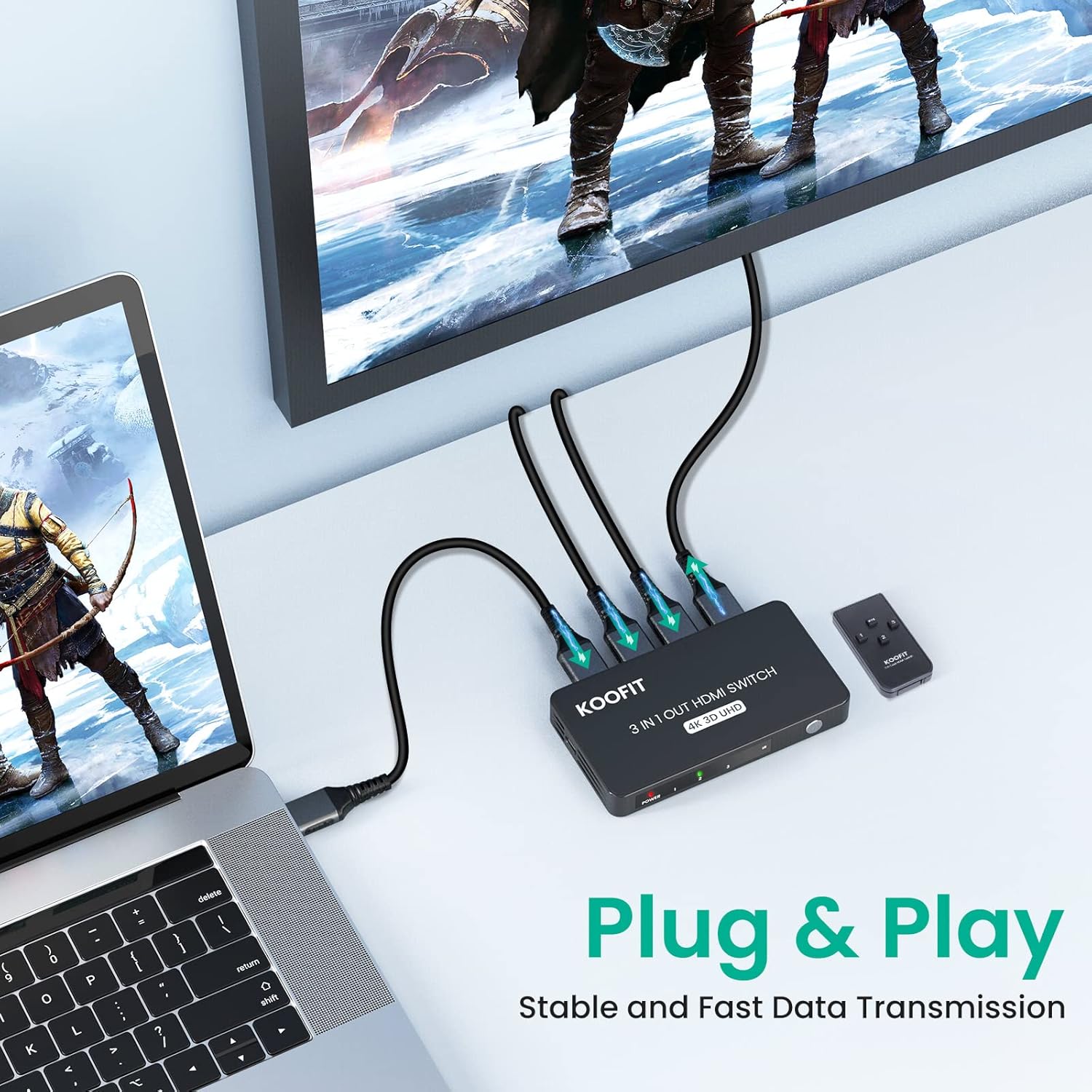
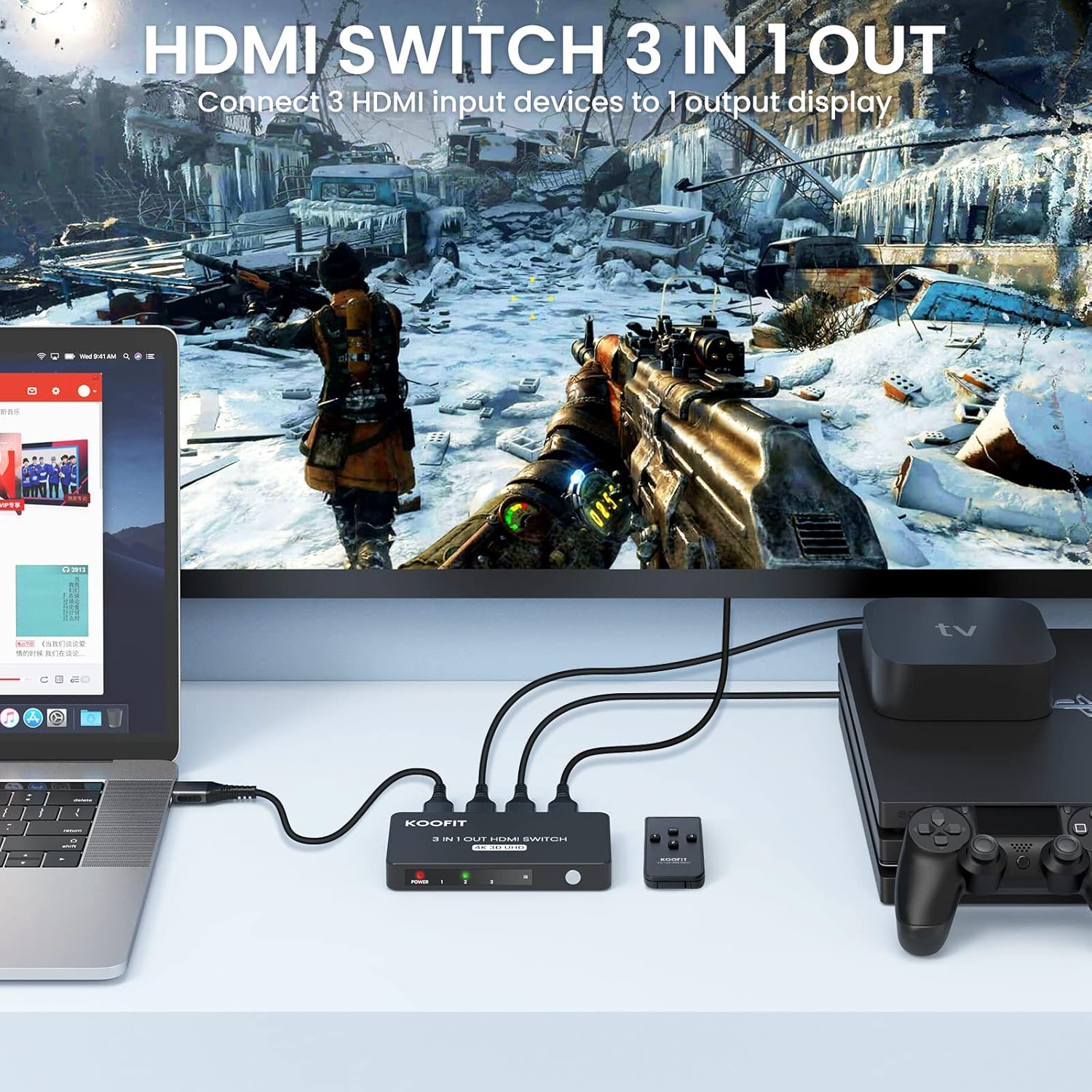
This compact HDMI switch lets you connect up to three HDMI sources to a single display and change inputs without unplugging cables. It is convenient for consoles, media players and PCs, offering smoother transitions between devices and clearer images for movies and gaming.
Key Points
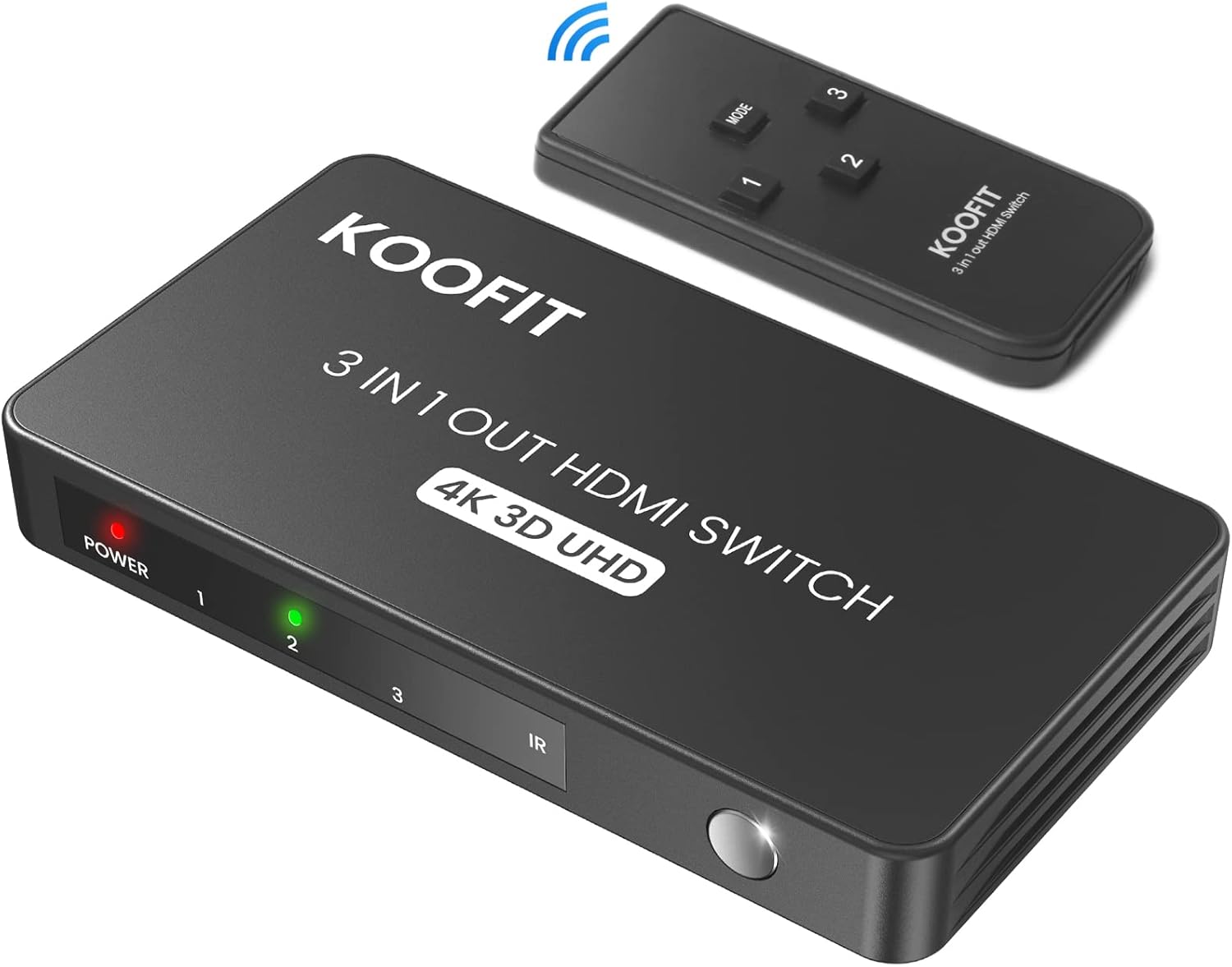
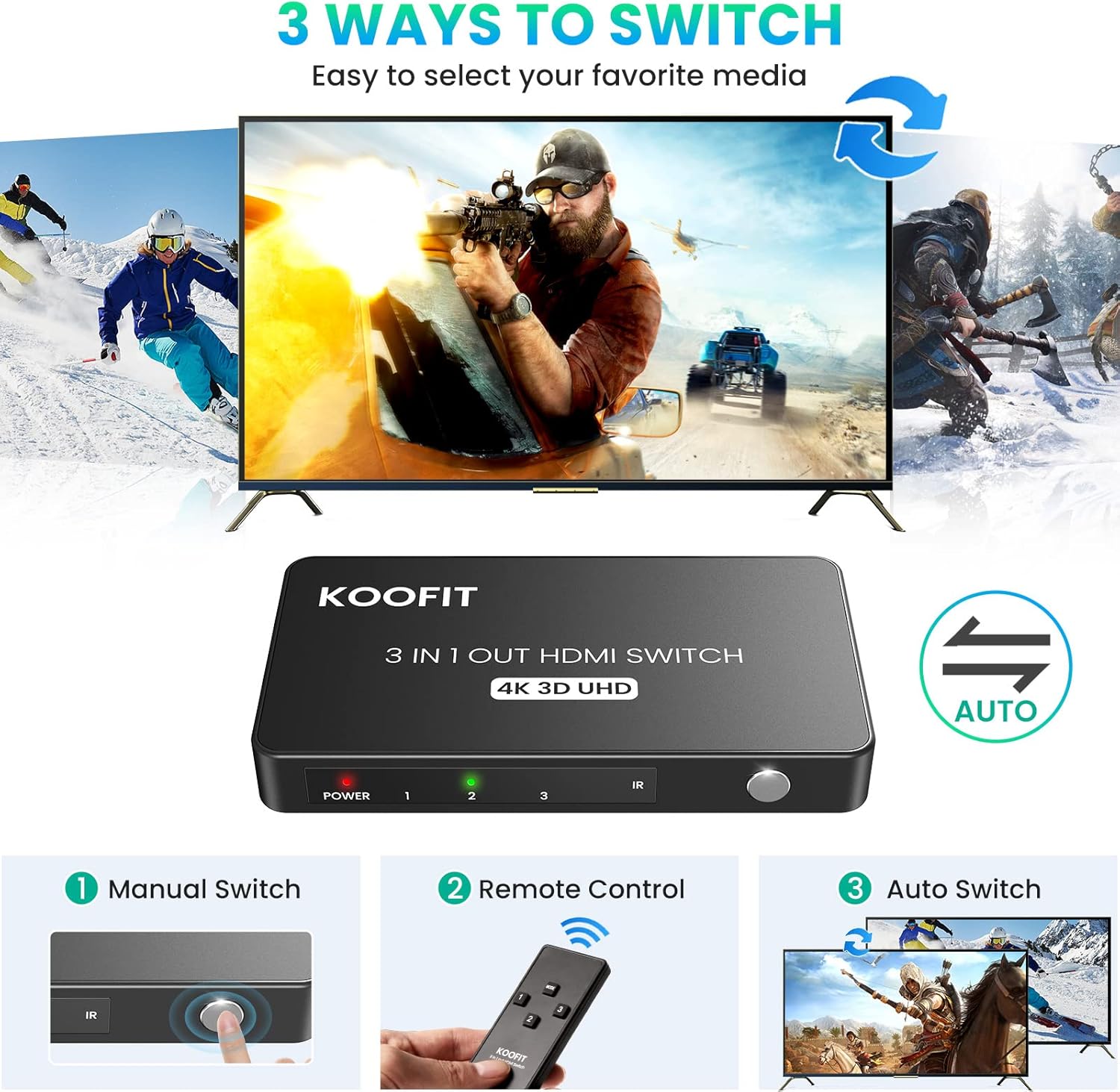
The unit supports up to 4K@60Hz and 3D playback, so UHD content is preserved when your source and screen both allow it. It accepts multiple formats including 1080p@60Hz and is backwards compatible with lower resolutions, which helps when you mix older and newer kit. For gamers, automatic switching can detect power-on signals and jump to the active console, while a supplied IR remote and a manual button provide flexible control options. 🎮

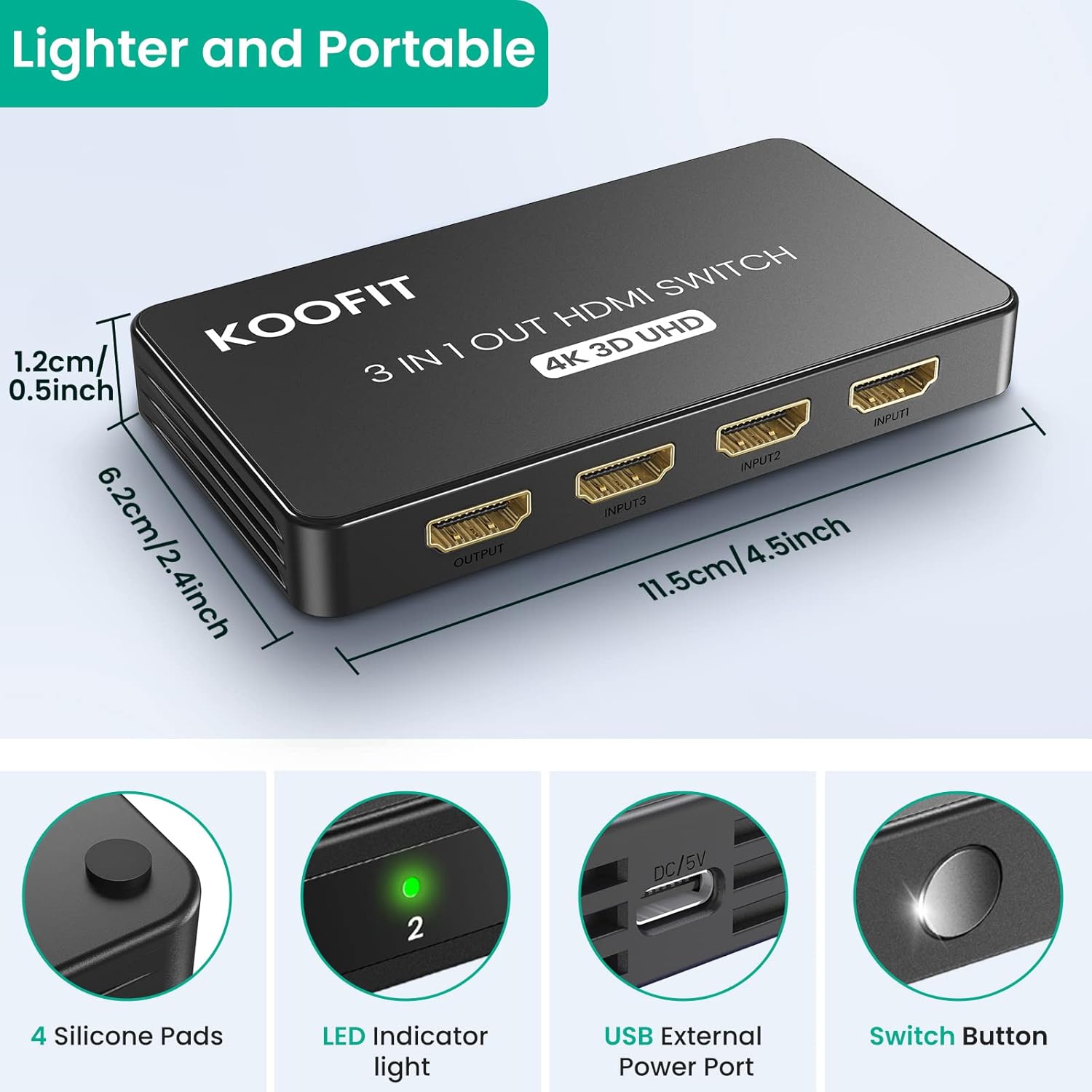
Designed to be portable, the switch uses lightweight materials and rubber feet to stay put on a shelf or desk. Gold-plated HDMI connectors aim to keep signals stable and reduce corrosion over time. An optional USB power input is included to improve reliability if a source cannot provide enough current, although external power is usually not required according to the manufacturer.
Technical Specifications
- Name: HDMI Switch 3-in-1 Out
- Resolution support: 4K@60Hz, 3D, 1080P@60Hz
- Bandwidth: 10.2Gbps
- HDMI standard: HDMI 2.0
- Inputs / Outputs: 3 HDMI inputs, 1 HDMI output
- Control methods: IR remote, manual button, auto switching
- Additional features: Gold-plated connectors, USB power input
Usage Recommendations
Position the switch within line of sight if you intend to use the IR remote, and keep the distance under 5 metres for reliable remote control. For setups involving high-bandwidth content such as 4K video, use high-quality HDMI cables rated for the required bandwidth to reduce the risk of dropouts. 🔌
Note that the device functions as a switcher rather than a gallery splitter, so it will not send the same image to three separate displays simultaneously. Also consider that smart auto switching depends on how individual source devices signal power-on, so automatic selection may vary between brands and models, according to the manufacturer.