

BrosTrend AXE5400 WiFi 6E USB WiFi Dongle (Long Range, Tri-Band 6GHz/5GHz/2.4GHz) for Windows
Product description
The essentials
If your PC’s Wi‑Fi is patchy, a USB Wi‑Fi dongle can be the quickest practical fix—especially when you want stronger performance without rewiring your home. The BrosTrend AXE5400 is a Wi‑Fi 6E USB adapter aimed at taking advantage of the wider 6 GHz band for lower congestion and responsive connections.
On paper it’s designed for gaming and general everyday use at desktop or laptop level: tri‑band support, two adjustable antennas, and beamforming to help the adapter “lock on” to your router rather than relying purely on whatever signal happens to get through. That said, Wi‑Fi 6E is still dependent on having compatible router hardware and—crucially for this model—Windows version support for the 6 GHz band.
So it’s not a universal upgrade in every setup, but for the right configuration it can make a noticeable difference.
Key features that matter in real life
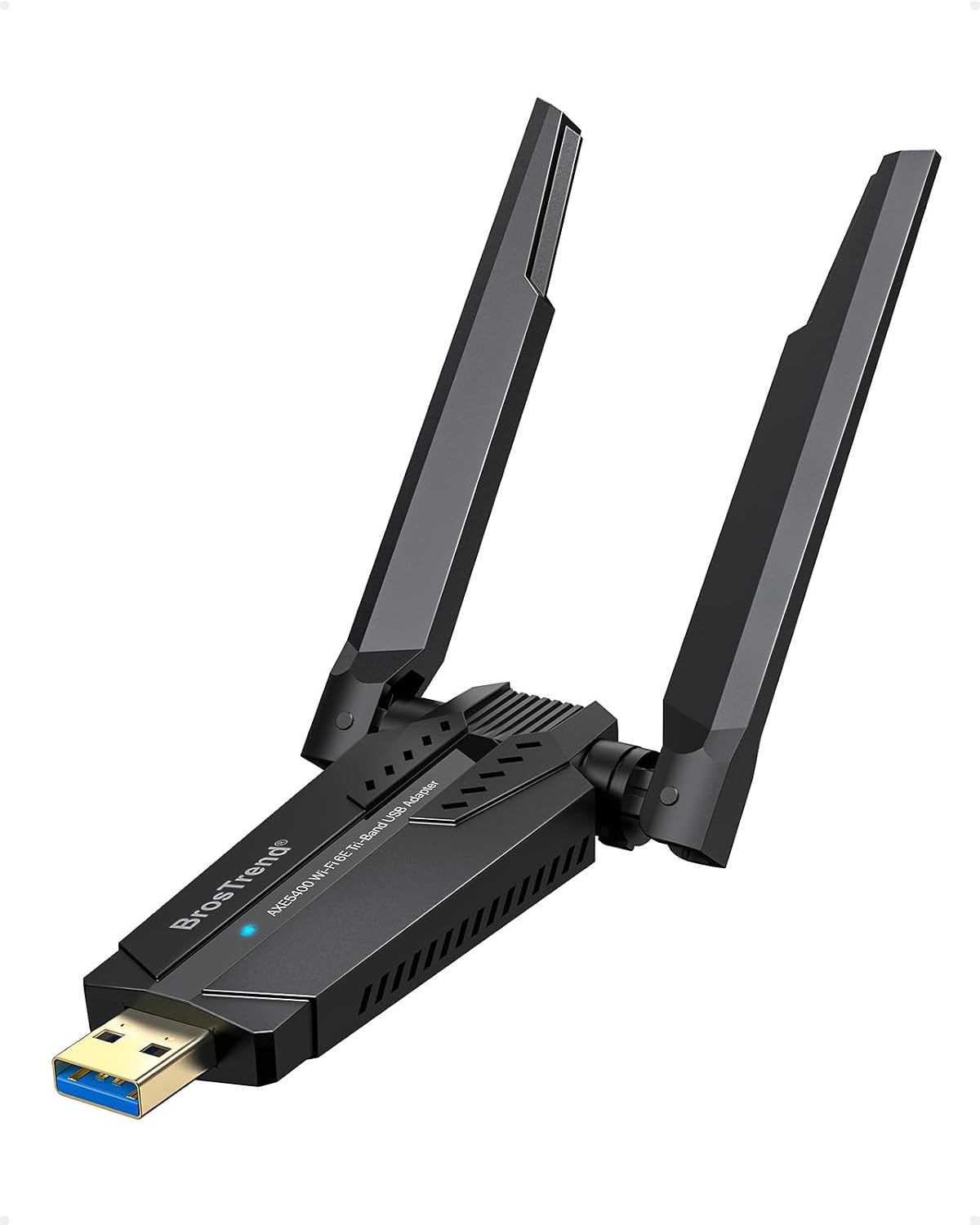
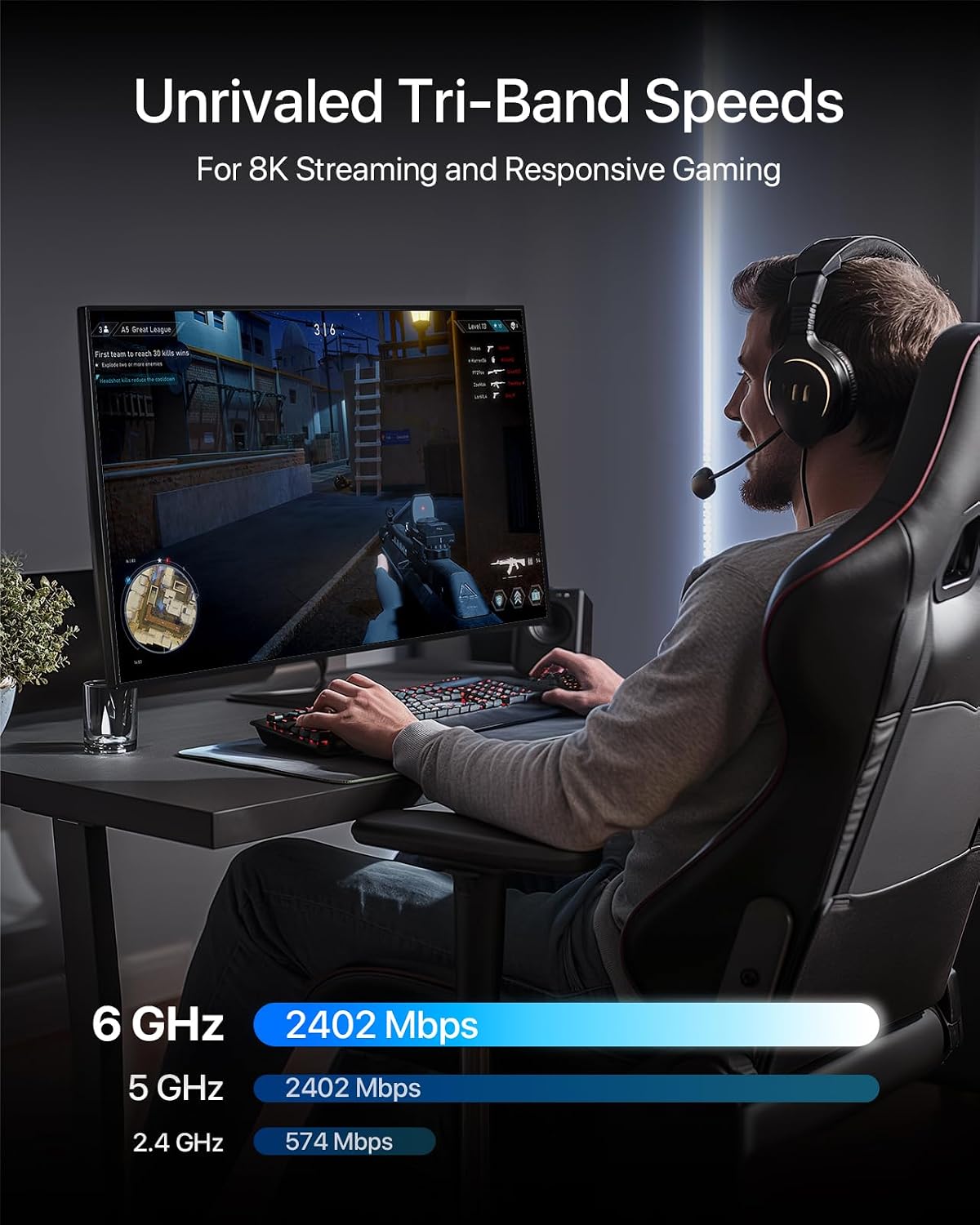
The most useful part of this dongle is its tri‑band setup: it supports 6 GHz, 5 GHz and 2.4 GHz, with headline rates listed as 2402 Mbps on 6 GHz, 2402 Mbps on 5 GHz, and 574 Mbps on 2.4 GHz. In day-to-day terms, that gives you flexibility—so you can connect to the cleaner 6 GHz band when you can, or fall back to 5 GHz/2.4 GHz if coverage is weaker.
It also includes two external adjustable antennas, which is a small but important detail. Compared with stick-on internal Wi‑Fi, having antennas you can position tends to make it easier to find a better signal spot behind the scenes.
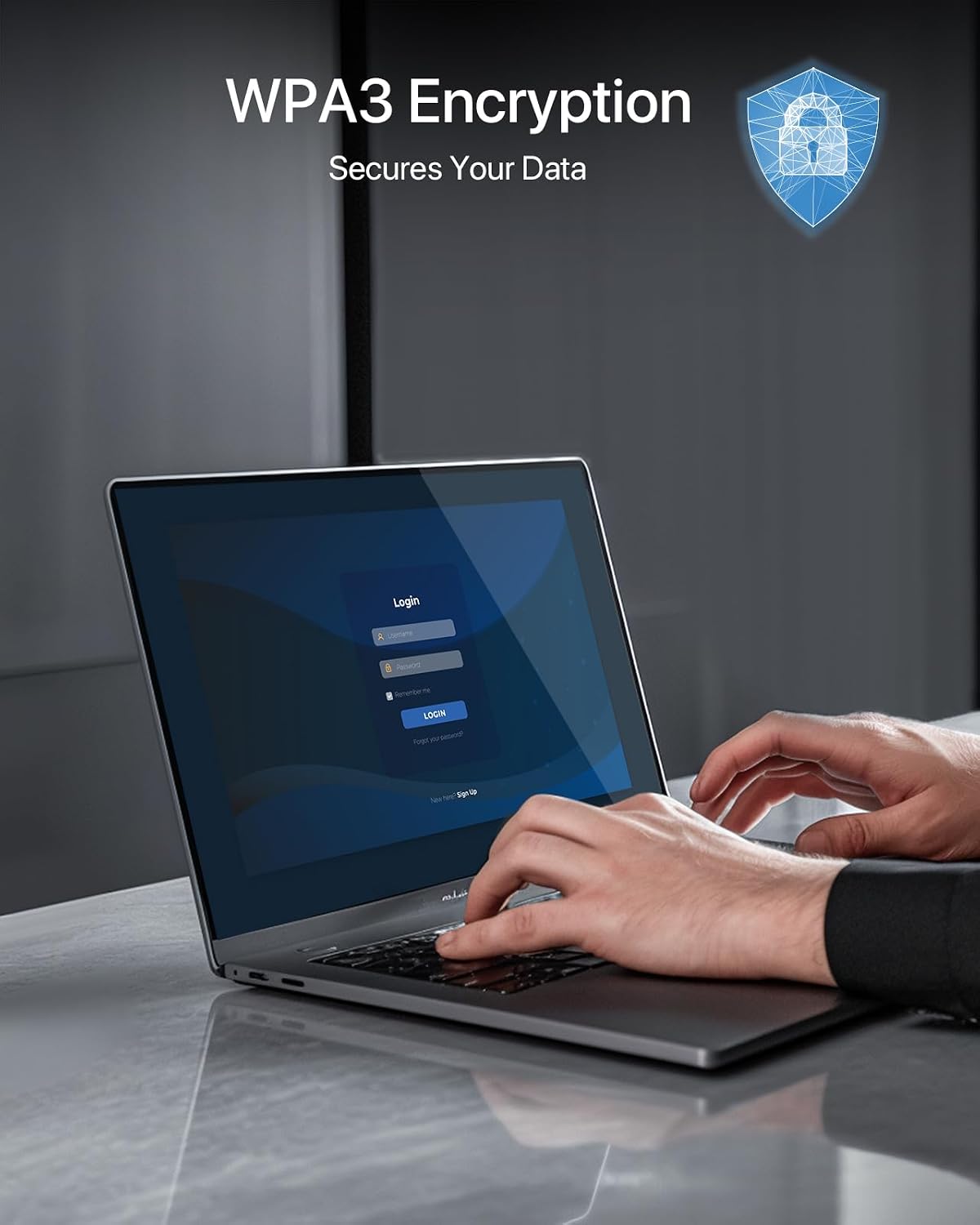
The adapter supports WPA3 encryption, which is worth caring about if you’re sensitive to security basics. It’s not going to replace smart router hygiene, but WPA3 support is a meaningful “latest standard” checkbox.
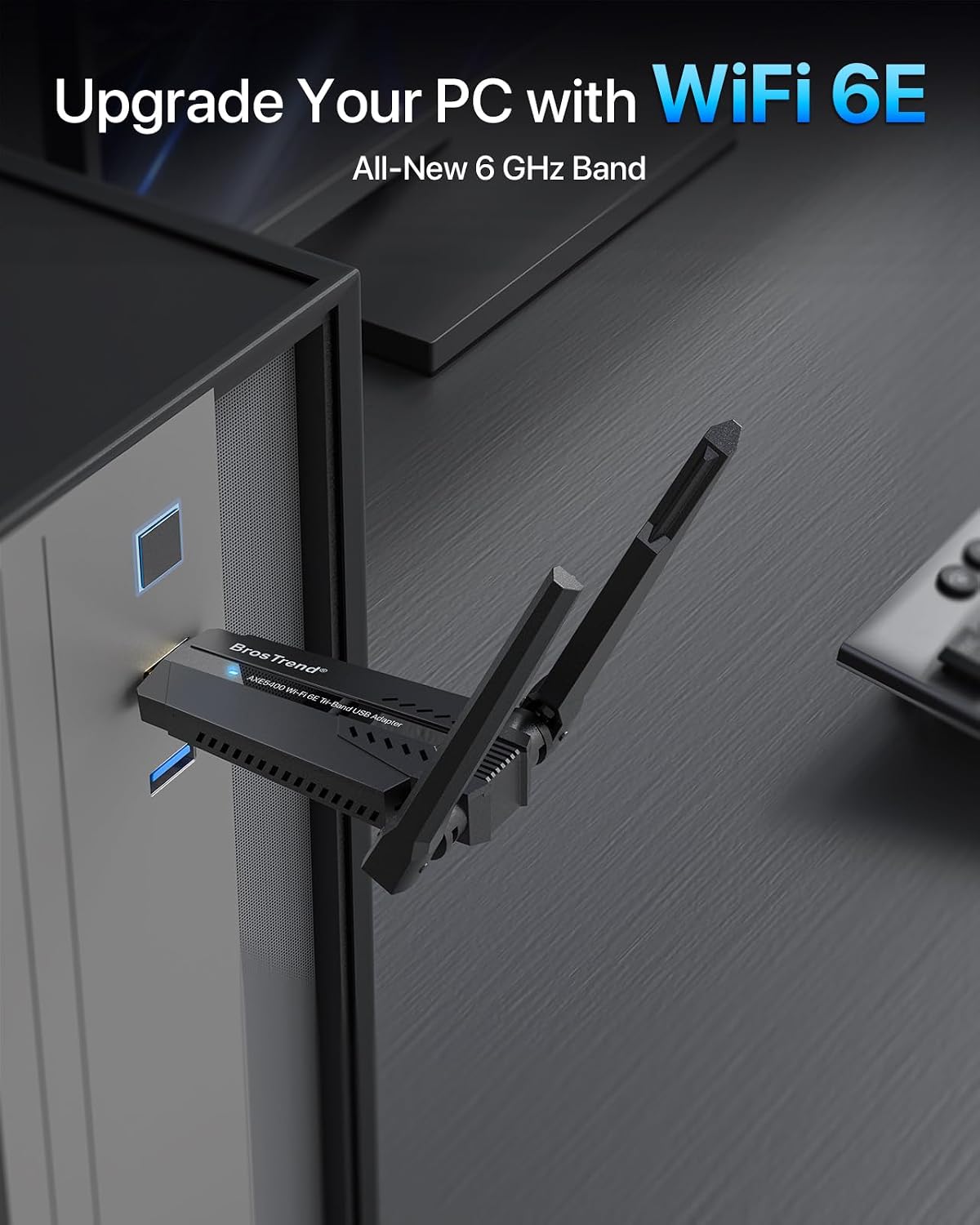
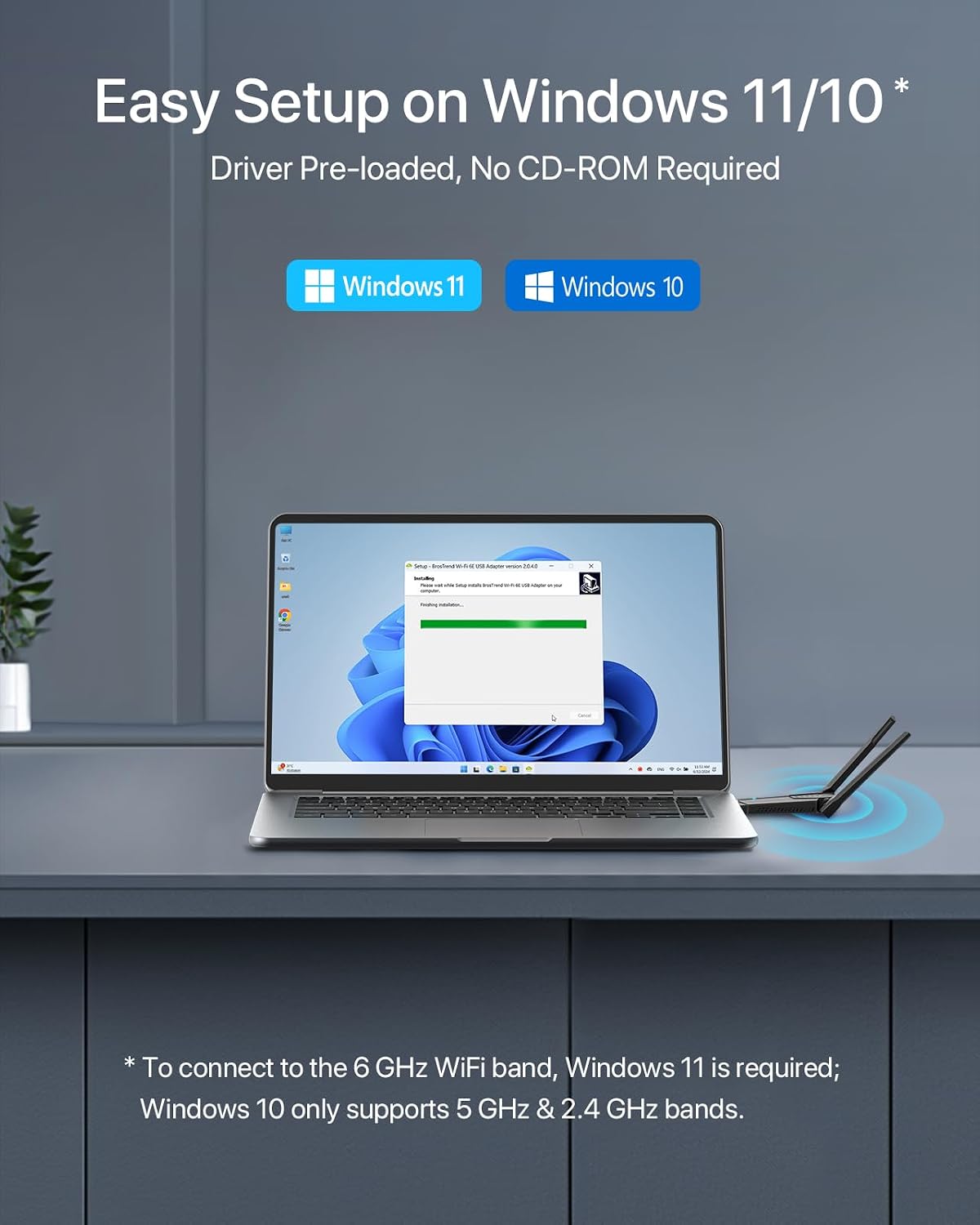
For setup, the listing says there’s no need for a physical CD driver because the driver is pre-loaded on the adapter, and it’s compatible with Windows 11/10.
What you’ll notice day to day (and where it can fall short)
If you’re using your PC mainly for streaming, video calls, and gaming, the idea behind tri‑band Wi‑Fi 6E is straightforward: use 6 GHz when available for faster, less congested connections. The brand also frames it around low latency gaming and smooth performance for activities like 8K streaming and large file transfers—again, those are performance targets “on the spec”, not a guarantee in every home.
It can also be a bit of a let-down if you’re expecting it to be fully plug-and-play for 6 GHz on any Windows PC. The listing includes a clear limitation: to connect to the 6 GHz Wi‑Fi band, Windows 11 is required. Windows 10 is only said to support the 5 GHz and 2.4 GHz bands. That doesn’t make the dongle useless on Windows 10, but it does mean you may not get the full Wi‑Fi 6E benefit.
Worth noting too: faster headline speeds only translate into good real-world results when your router and environment can support them. Thick walls, distance, and interference can still reduce what you see.
Who it suits best
It makes sense if you want a Wi‑Fi upgrade for a Windows desktop or laptop and you specifically want Wi‑Fi 6E capability via a USB dongle. It’s also a practical choice if you’d rather position antennas than rely on a fixed internal Wi‑Fi card.
You’ll likely be happiest with this approach if: - your router supports the 6 GHz band and you’re on Windows 11 - you want a flexible connection that can switch between 6 GHz, 5 GHz and 2.4 GHz - you care about WPA3 security support
When it may not be the best match
It may not suit you if your priority is simplicity with zero dependency on Windows version and Wi‑Fi band availability. If you’re on Windows 10 and specifically want 6 GHz performance, you’ll need to temper expectations because 6 GHz support is described as Windows 11 only.
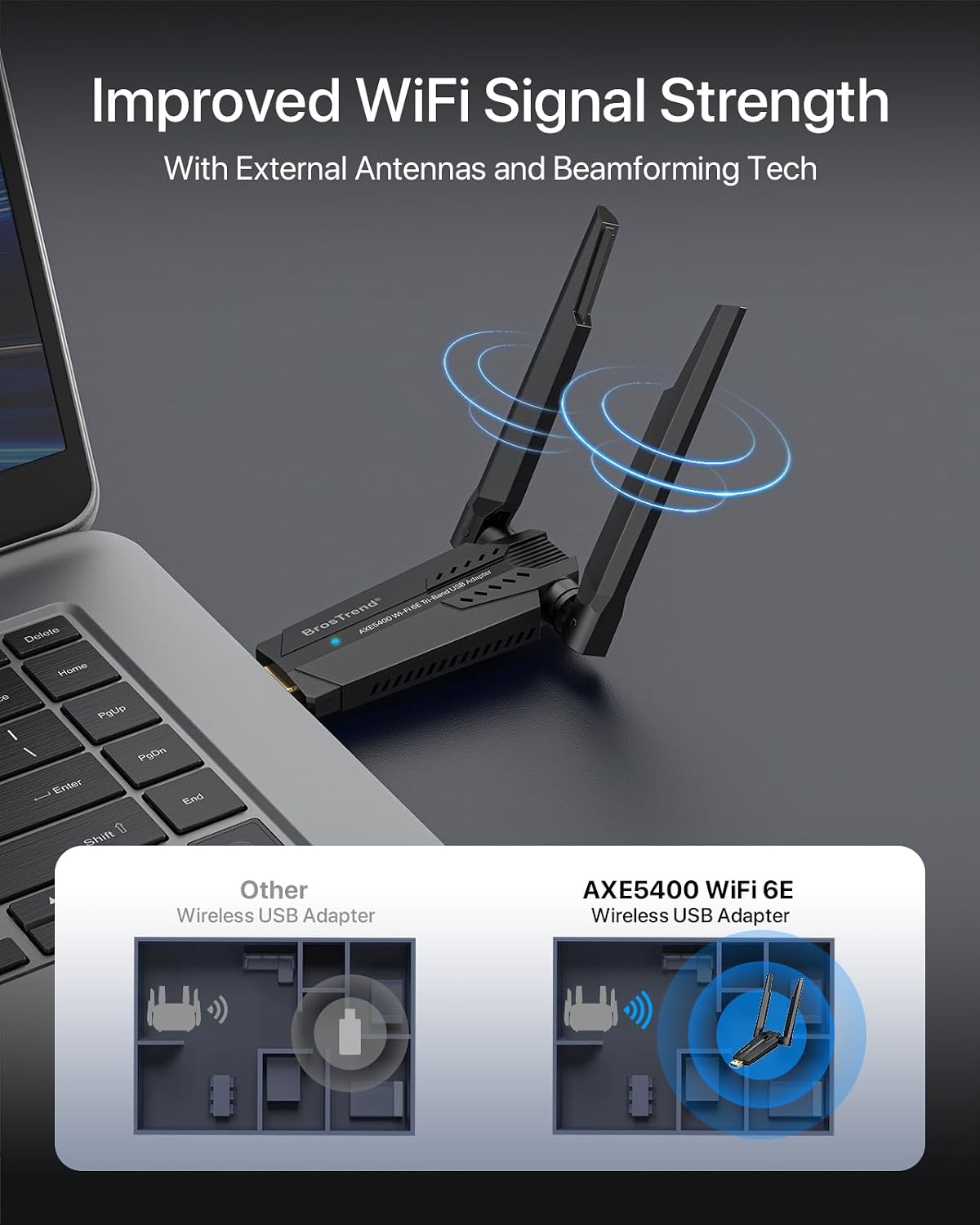
It might also be the wrong move if your router setup is the real bottleneck. In homes where the router can’t deliver a strong 6 GHz signal, this dongle can’t create better coverage out of thin air.
Tech specs
- Type: USB Wi‑Fi adapter (Wi‑Fi 6E)
- Bands / headline speeds: 6 GHz 2402 Mbps, 5 GHz 2402 Mbps, 2.4 GHz 574 Mbps
- Security: WPA3 encryption support
- Antennas: two external adjustable antennas
- Setup: pre-loaded driver stored on the USB adapter (no physical CD driver)
- Compatibility: Windows 11/10, 6 GHz band requires Windows 11, Windows 10 supports 5 GHz and 2.4 GHz
Practical tips before you buy
Before committing, it’s worth checking two things: first, that your router actually broadcasts a 6 GHz network if you want to use that band. Second, confirm your Windows version so you don’t buy expecting 6 GHz on Windows 10.
Once installed, try positioning the dongle so the antennas have a clearer line of sight to your router. For example, if your PC sits on the floor behind a desk, moving the adapter slightly and angling the antennas can be the difference between “it works” and a steadier connection during calls or games.
Final verdict
It’s a solid pick if you have a Wi‑Fi 6E router, you’re using Windows 11, and you want an easy upgrade path for a desktop or laptop without replacing your internal network card. The tri‑band approach, external adjustable antennas, and WPA3 support are the main reasons it can be worth considering.
However, if you’re on Windows 10 and you specifically want the 6 GHz band, you may want to skip this for your exact goal, or at least focus on its 5 GHz/2.4 GHz use rather than expecting full Wi‑Fi 6E behaviour.
Mini FAQ
Does it work with Windows 11 and Windows 10?
Yes—compatibility with Windows 11/10 is stated. The listing notes that 6 GHz connectivity requires Windows 11, while Windows 10 supports 5 GHz and 2.4 GHz.
What band should I use for best performance?
The product is aimed at using the 6 GHz band when available. If you can’t access it (for example due to Windows version or router support), you’d rely on 5 GHz or 2.4 GHz.
Is there a driver disc needed?
No physical CD driver is described. The driver is said to be pre-loaded on the USB adapter.
Is it only for gaming?
No. It’s marketed around low-latency gaming, but it’s also positioned for streaming, video conferencing, and file transfers—so it’s more “general Wi‑Fi performance” with gaming as a key use case.