

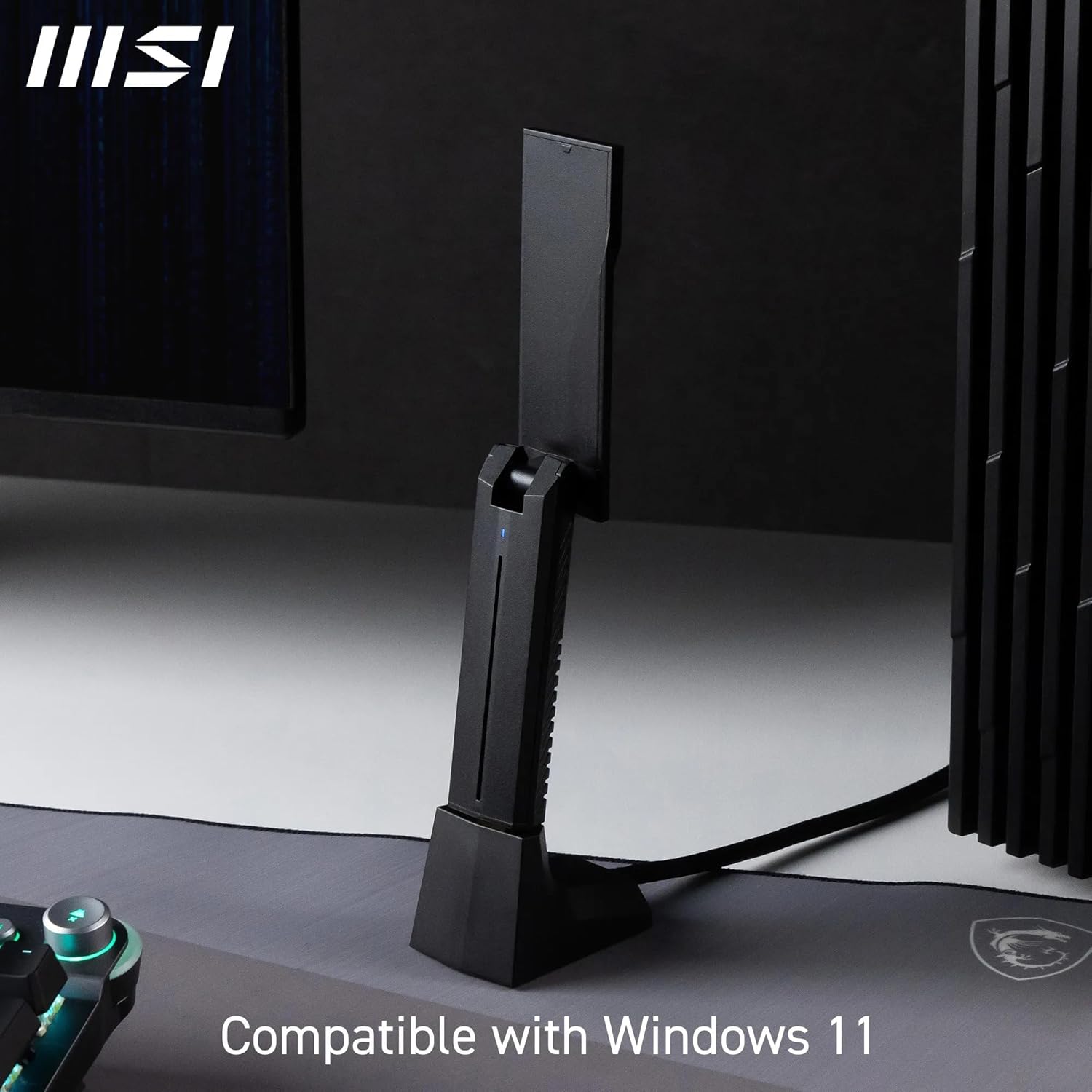
MSI BE6500 WiFi 7 Tri-Band USB Adapter (6GHz, MLO) with WPA3
Product description
If your laptop or PC feels like it’s holding back your internet, a WiFi 7 USB adapter is one of the cleaner upgrades you can make. The MSI BE6500 WiFi 7 Tri-Band USB Adapter is built to bring faster wireless speeds, lower latency and a more modern feature set (including Multi-Link Operation) without having to reconfigure your whole setup.
On paper, it’s the kind of device that suits people who stream, game, work from home or simply want a steadier connection in busy WiFi environments. That said, the real-world outcome depends quite a lot on your router, the distance to it, and how crowded the local airwaves are.
The essentials
MSI positions this as a WiFi 7 upgrade for a laptop/PC, using a tri-band approach so you can benefit from multiple frequency bands. The adapter also supports Multi-link operation (MLO), which is designed to combine multiple links for faster, more stable, and smoother connectivity. There’s also WPA3 network security on board, which is the sort of “worth having” improvement that doesn’t get noticed day-to-day, but matters when you’re protecting your network.
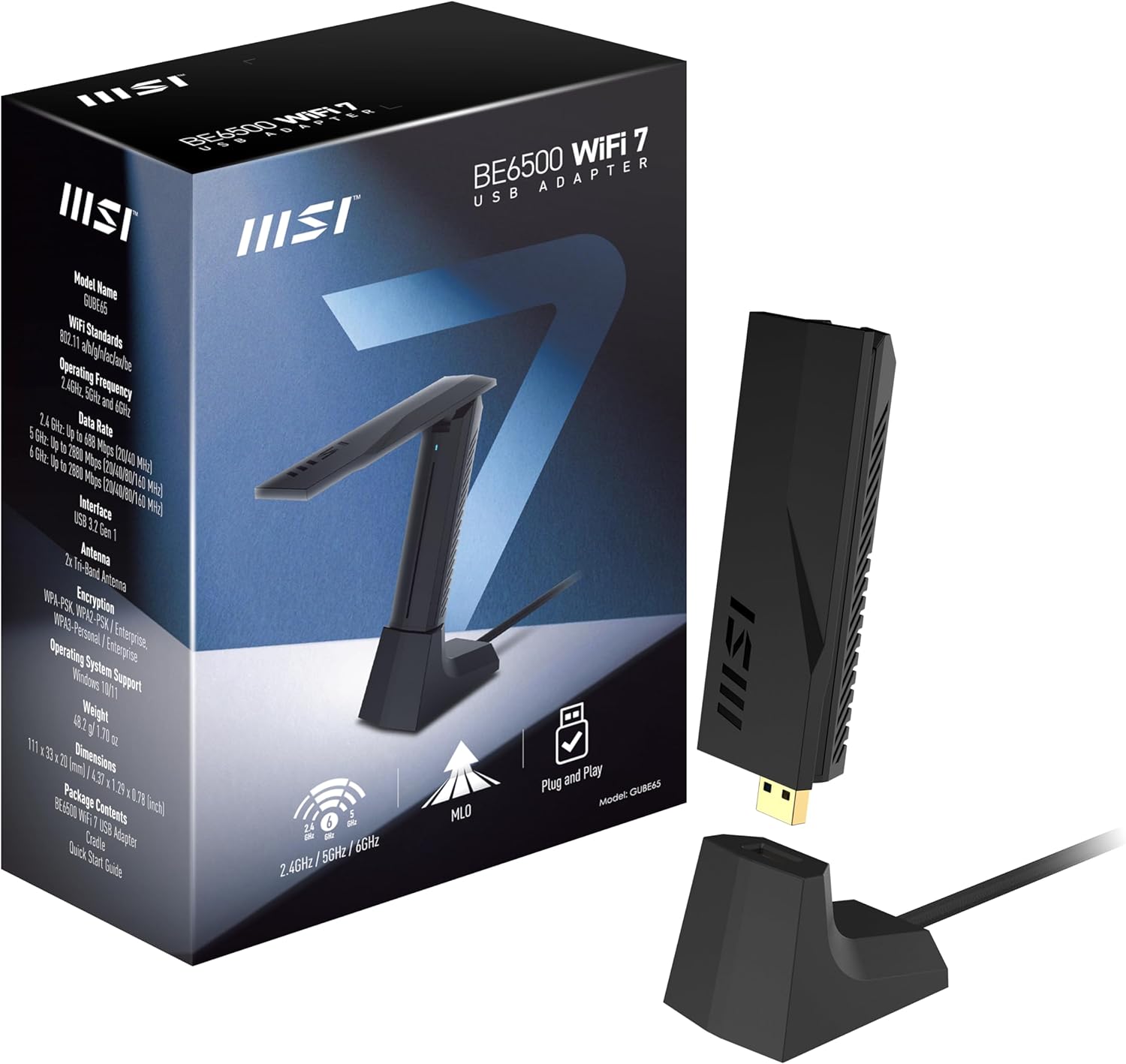
The headline numbers claimed are tri-band speeds up to 2880 Mbps on 6 GHz, up to 2880 Mbps on 5 GHz, and up to 688 Mbps on 2.4 GHz. Those figures are best treated as maximums under ideal conditions rather than something you’ll consistently see in every room.
What you’ll notice day to day
The two big practical themes here are speed and responsiveness. WiFi 7 is often chosen by buyers who care about latency as much as bandwidth—think video calls that don’t keep stuttering, or gaming sessions that feel less “laggy”. With the MSI BE6500, the multi-link operation (MLO) is the feature aimed at keeping things stable when the signal or interference isn’t perfect.
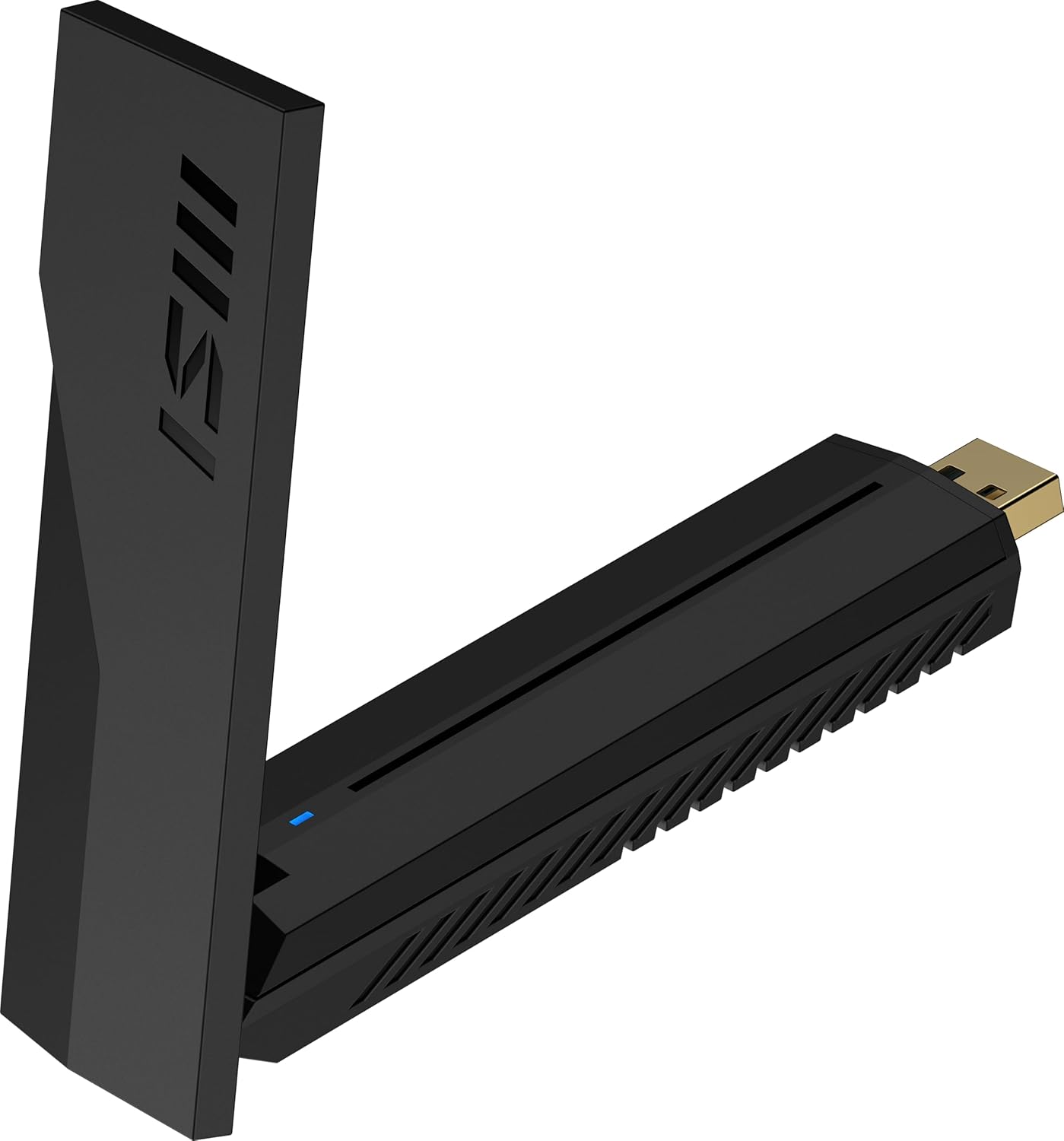
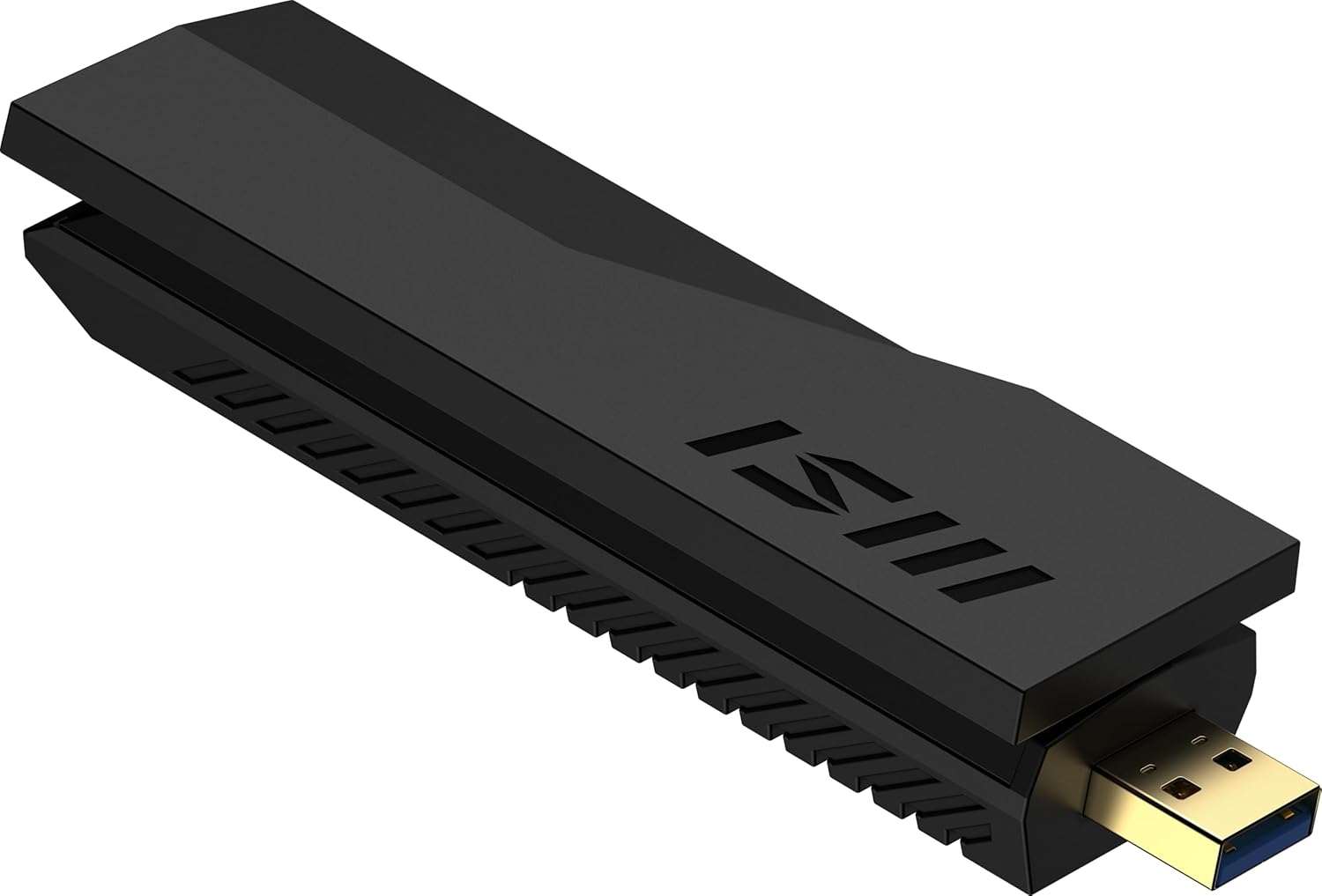
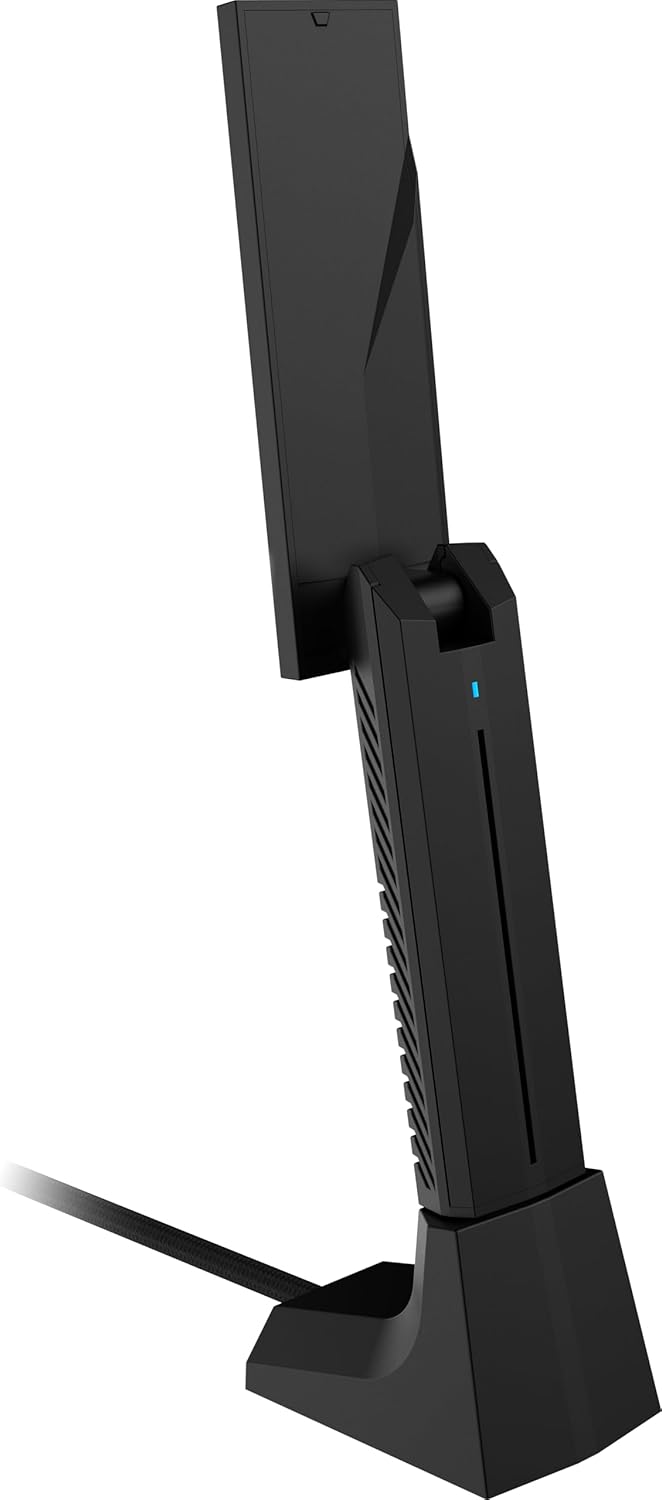
You also get beamforming and high-gain antennas, which should help with coverage. In practice, that can mean the difference between “it works, but only near the router” and “it’s still usable from the other side of the house”. Still, if your connection is extremely weak at your desk location, even beamforming has limits.
Tech specs
- Name: MSI BE6500 WiFi 7 Tri-Band USB Adapter
- Type: WiFi adapter (USB)
- Format: Tri-band
- 6 GHz band support: Yes
- Multi-link operation (MLO): Supported
- Network security: WPA3
- Plug and Play: Supported
- Claimed speeds (up to): 2880 Mbps (6 GHz), 2880 Mbps (5 GHz), 688 Mbps (2.4 GHz)
- Modulation: 4096-QAM
Where it shines
It makes sense if you want a straightforward way to move a laptop/PC up to WiFi 7 capability, especially if you already have (or plan to have) a modern WiFi 7 router.
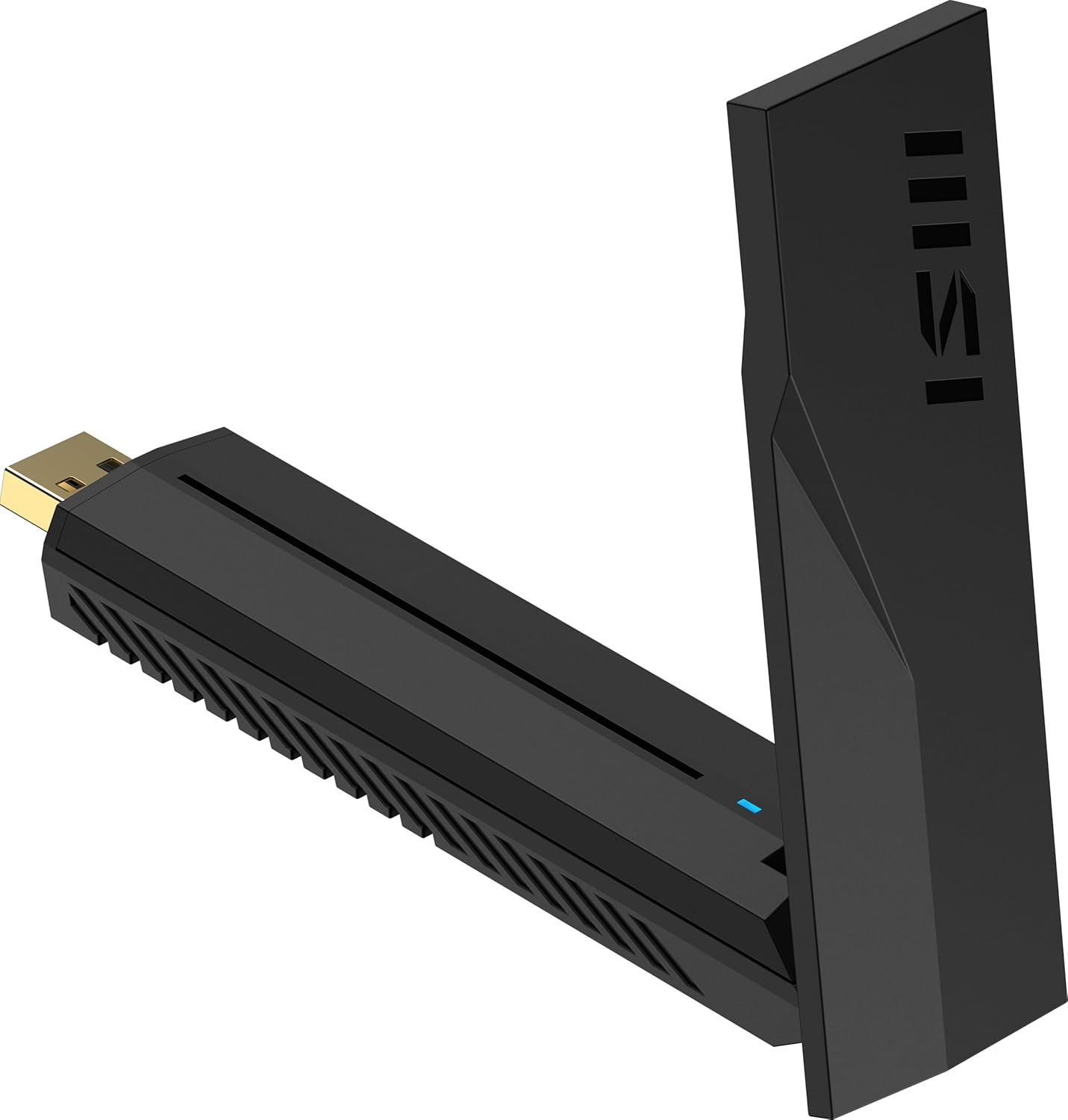
If your current setup suffers from unstable performance—like dropouts during meetings or uneven speeds across rooms—MLO plus the antenna approach is designed to tackle that “seamless connectivity” problem. And because it’s plug and play, setup should be less fiddly than swapping internal cards.
What to watch before you buy
Before you spend, it’s worth double-checking a few realities. First, the very high speed figures and the lower-latency benefits will only show up if the rest of your network supports the same direction—especially your router. If you’re pairing this with a much older wireless setup, you may not get the full WiFi 7 experience.
Second, tri-band adapters can be great, but 6 GHz in particular is more line-of-sight sensitive than 2.4 GHz. So if your router is around corners or on a different floor, you might find 2.4 GHz is what holds things together, even if it’s not where the biggest headline numbers are.
Finally, consider whether you actually need a WiFi adapter upgrade. If your current connection is already consistent and fast enough for your needs, this could be overkill.
Who it’s for (and who should skip it)
This is a solid fit if you’re upgrading a laptop/PC that doesn’t have modern wireless built in, you care about latency and smoother performance, and you want WPA3 security as part of the package. It also suits people who want better coverage in the rooms they actually use.
It may not be a great match if your router situation is unclear or you’re not planning to use WiFi 7 bands. If you mainly rely on a weak signal far from your router, you may get some improvement, but you shouldn’t expect miracles.
Is it worth it?
The MSI BE6500 WiFi 7 Tri-Band USB Adapter looks like a practical route to WiFi 7 on a laptop or PC, with features aimed at more than just raw speed: MLO for steadier connectivity, plus beamforming/high-gain antennas for broader reach, and WPA3 for security.
It’s worth buying when you already have a compatible modern router (or you’re planning one) and you want responsiveness and less-frustrating connection behaviour across your home or office. You may want to skip it if your current WiFi setup is much older, or if you mainly need “good enough” rather than noticeably lower latency and better stability.
Mini FAQ
Does it support WPA3 security?
Yes, the adapter supports WPA3 network security.
Is it plug and play?
It’s described as plug and play, which should make installation simpler than more complex hardware swaps.
What does MLO do in everyday terms?
Multi-link operation (MLO) is intended to combine multiple links to help deliver faster, more stable, and seamless connectivity—especially when conditions aren’t ideal.
Do the speed numbers always apply?
They’re listed as up to speeds, so real-world results will depend on your router, distance, and interference.
Why use 6 GHz?
6 GHz is where you get the highest claimed performance, but it can be more sensitive to obstacles, so it may not be the best band in every room.