


USB C Hub 5-in-2 Gigabit Ethernet 1000M for MacBook
Product description
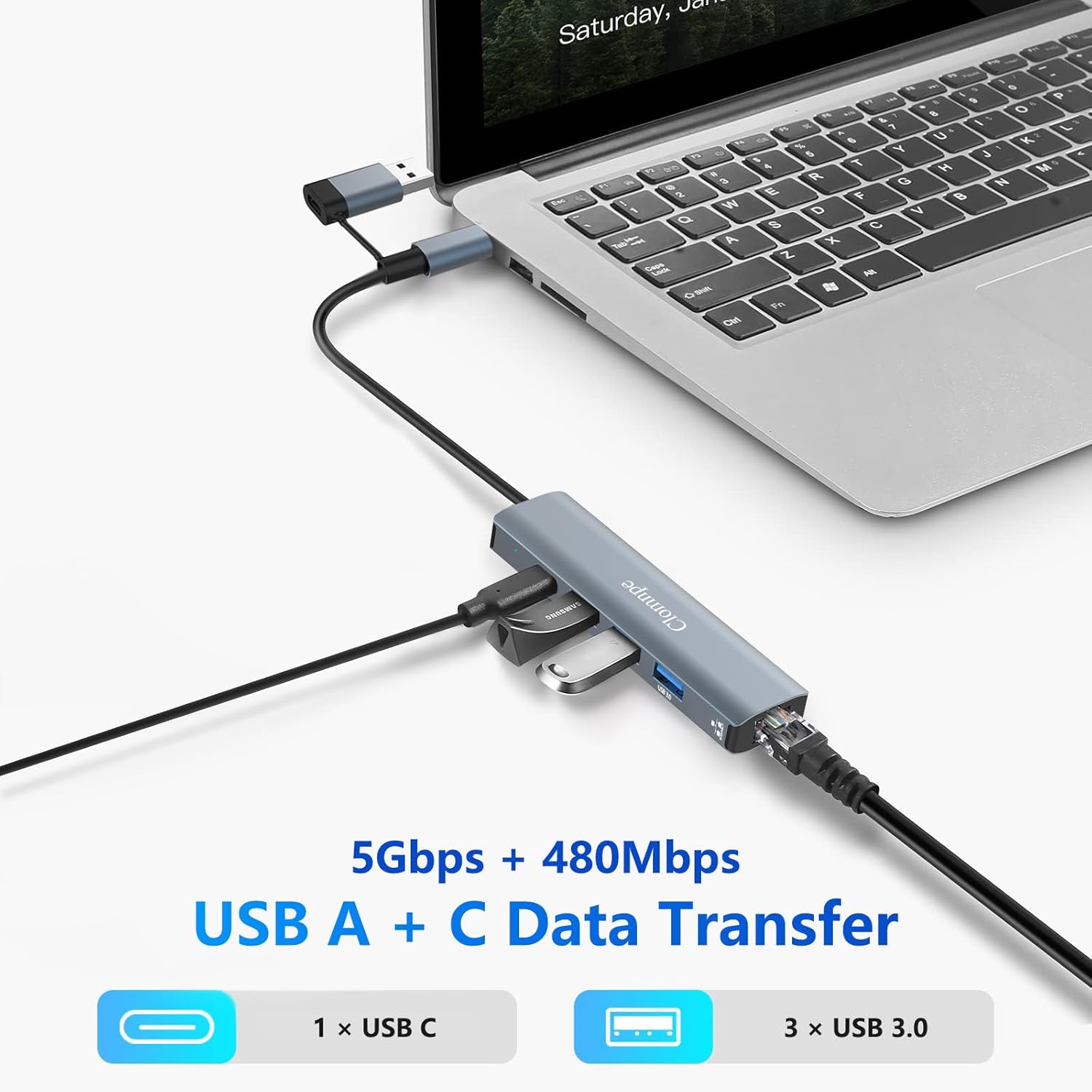
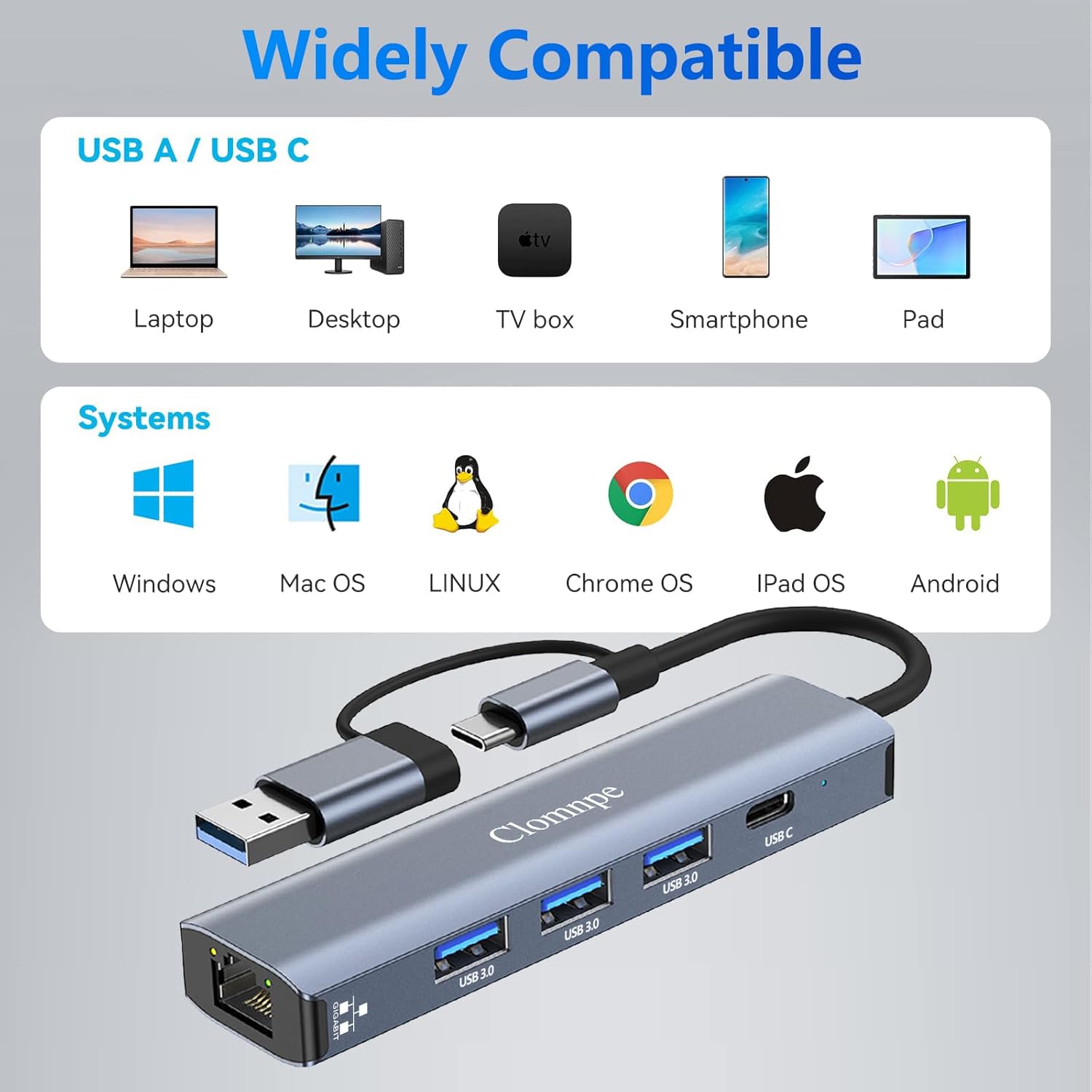
This compact USB-C hub from Clomnpe adds a wired Gigabit Ethernet connection and extra USB ports to laptops and tablets, helping maintain stable network access for streaming, video calls and file transfers. It pairs a USB Type-C Gigabit RJ45 adapter with three USB 3.0 ports and an additional USB-C port to expand connectivity for MacBook, XPS, Surface Pro, Chromebook and many Linux systems.
Key Points
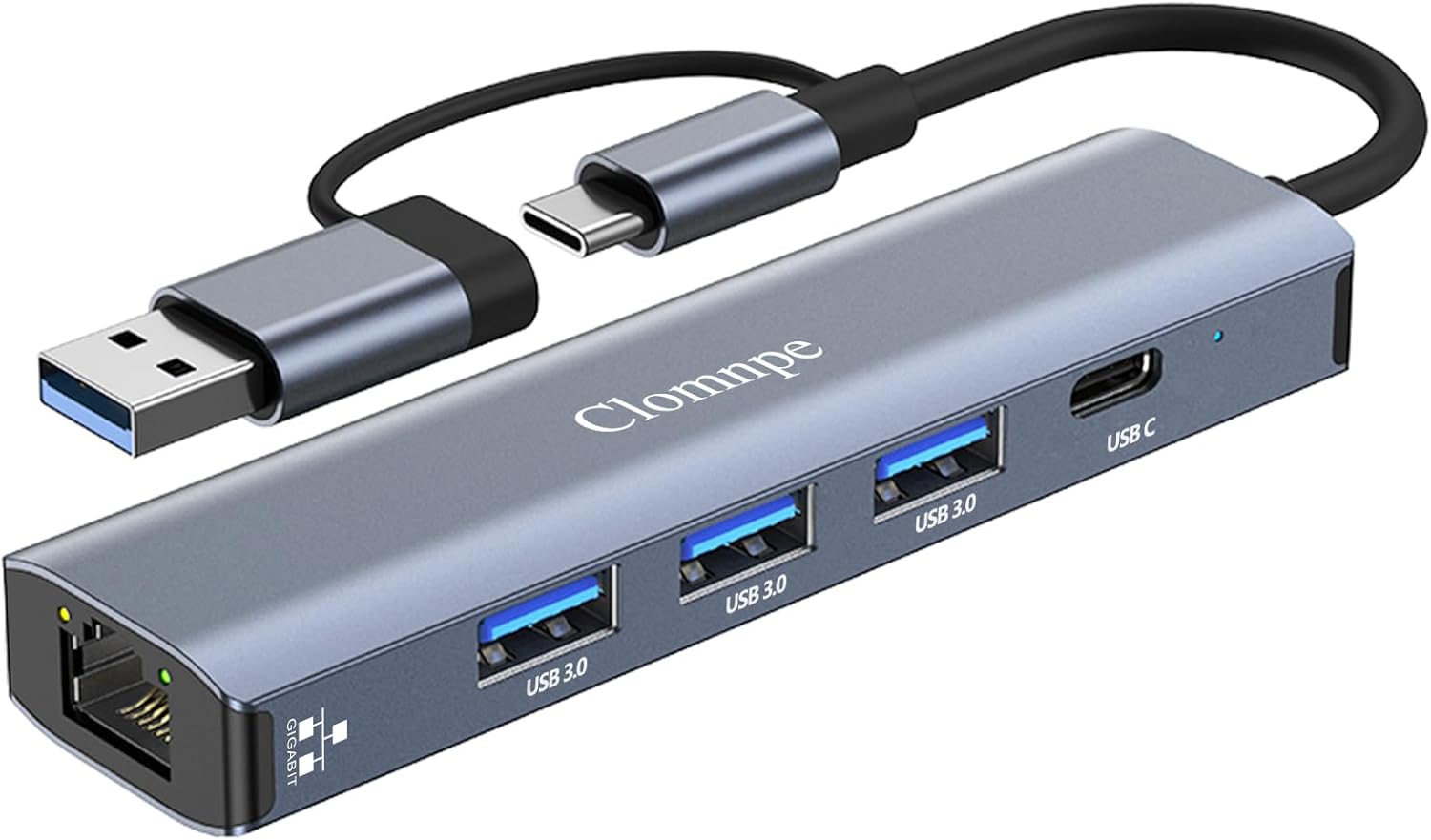
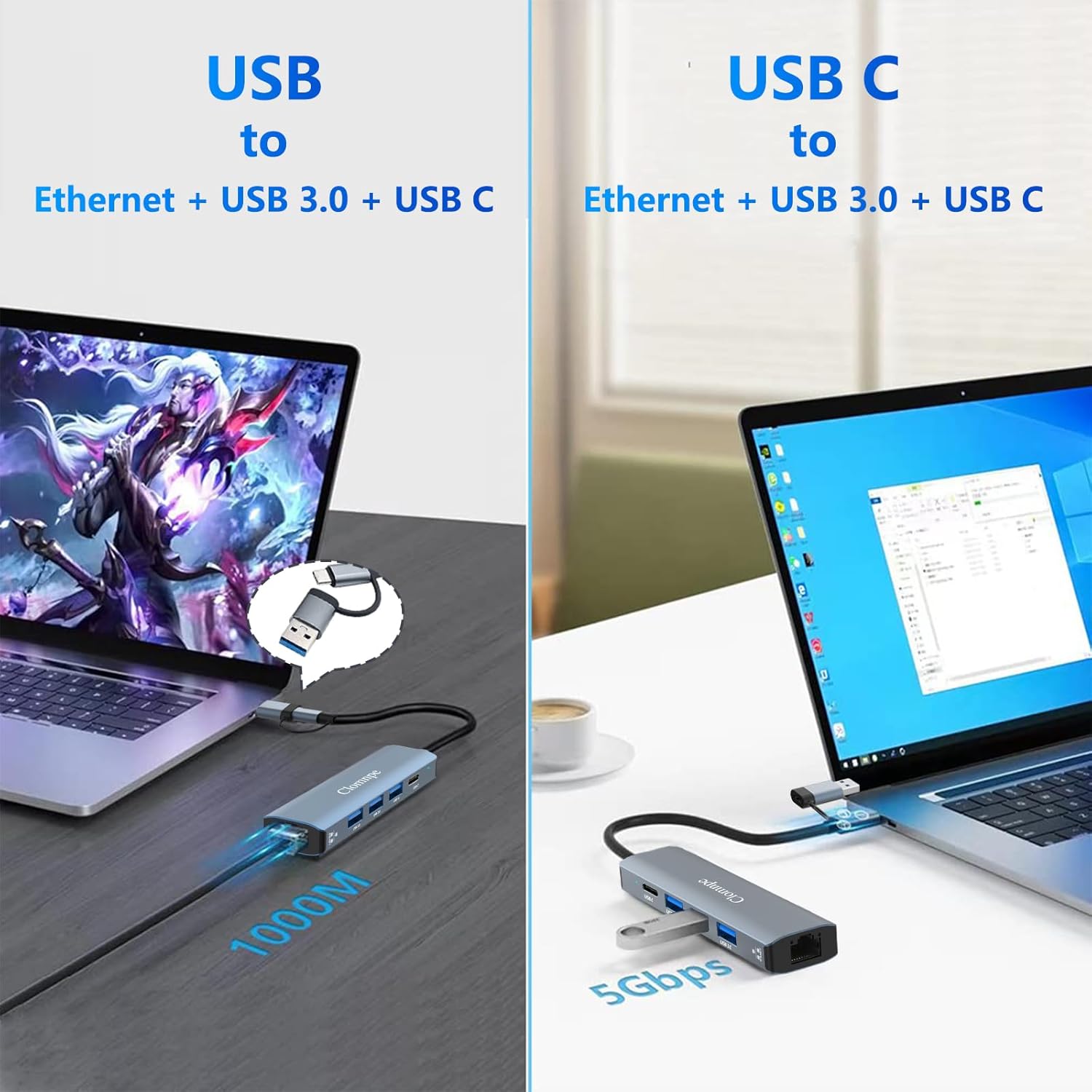
The hub brings a reliable 1000M Ethernet port to devices that lack a full-size LAN jack, which can be especially useful when Wi-Fi is weak or congested. The three USB 3.0 ports offer faster data transfers for external drives, flash memory and peripherals, while the USB-C passthrough port allows connection to newer accessories. Its small footprint makes it easy to carry in a laptop bag for business trips or hybrid working.
Technical Specifications
- Name: Clomnpe 5 In 2 USB C Hub Ethernet 1000M
- Ethernet: Gigabit RJ45, 1000 Mbps
- USB Ports: 3 × USB 3.0
- Additional Port: 1 × USB-C
- Compatibility: macOS, Windows (including XPS), Surface Pro, Linux, Chromebook
Usage Recommendations
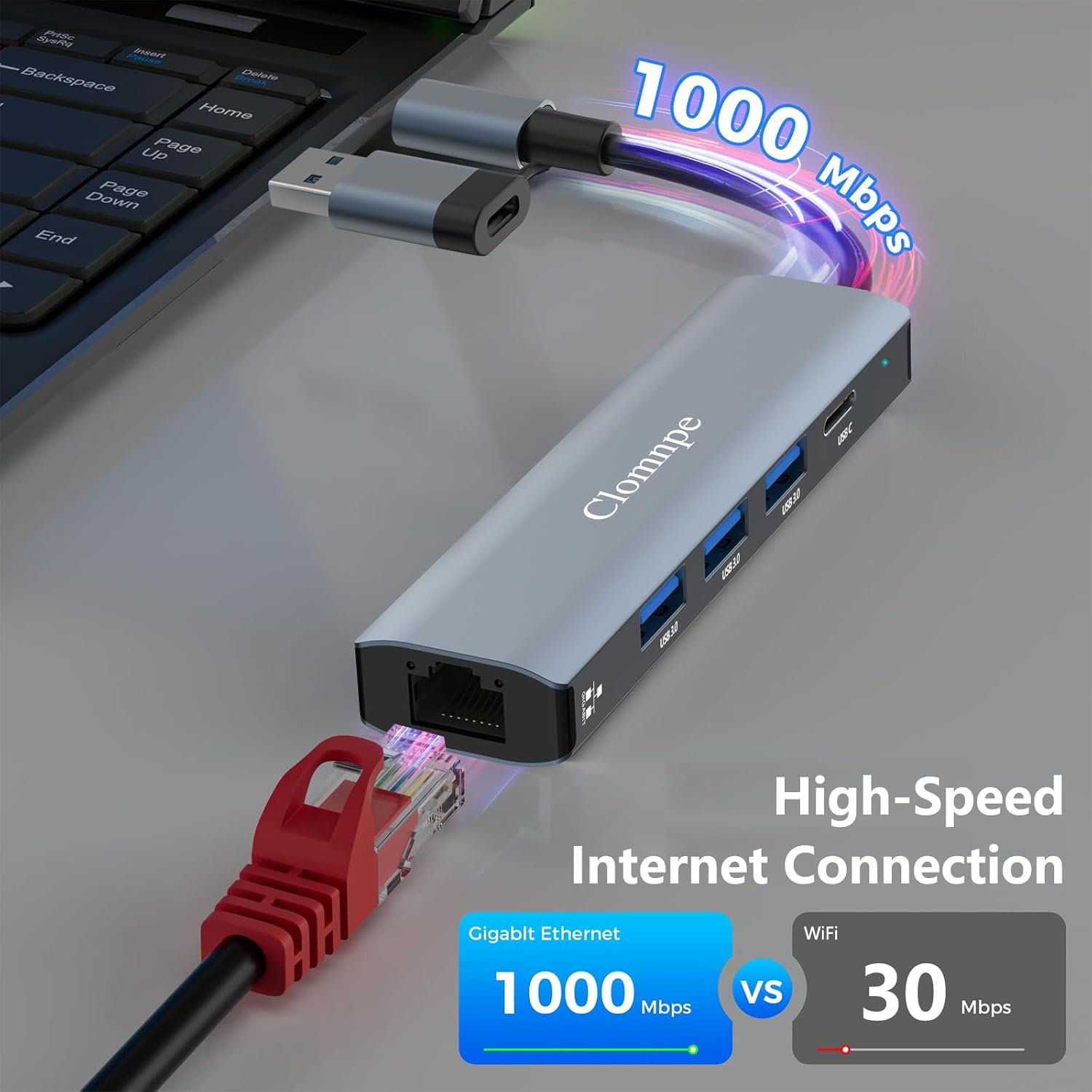
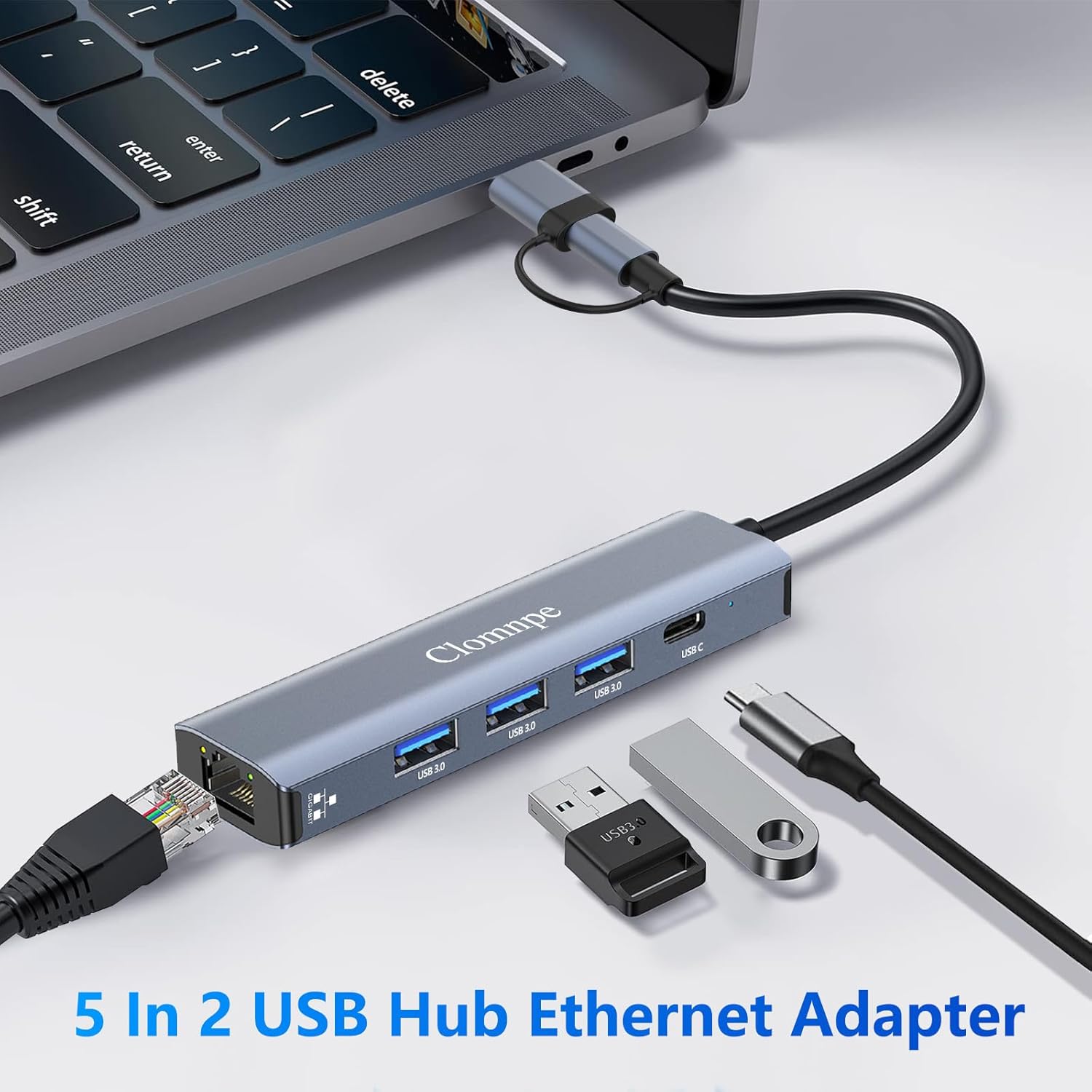
Connect the hub to your laptop’s USB-C port and plug a LAN cable into the RJ45 socket to switch to a wired network. Attach external drives or a mouse to the USB 3.0 ports for extra storage or input devices. For minimal setup, most modern systems will recognise the adapter automatically and not require additional drivers, although some Linux distributions may need manual driver support depending on the kernel version.
Positive Aspects
The combination of a Gigabit Ethernet adapter with multiple USB 3.0 ports keeps a workstation compact without sacrificing connection options. According to the manufacturer, the wired link helps reduce latency for video conferencing and online gaming. The unit’s portability and plug-and-play approach mean it can be used quickly with several devices throughout a working day. A potential limitation is that power delivery figures are not specified by the manufacturer, so the hub may not charge high-draw laptops at full speed through the USB-C port.