

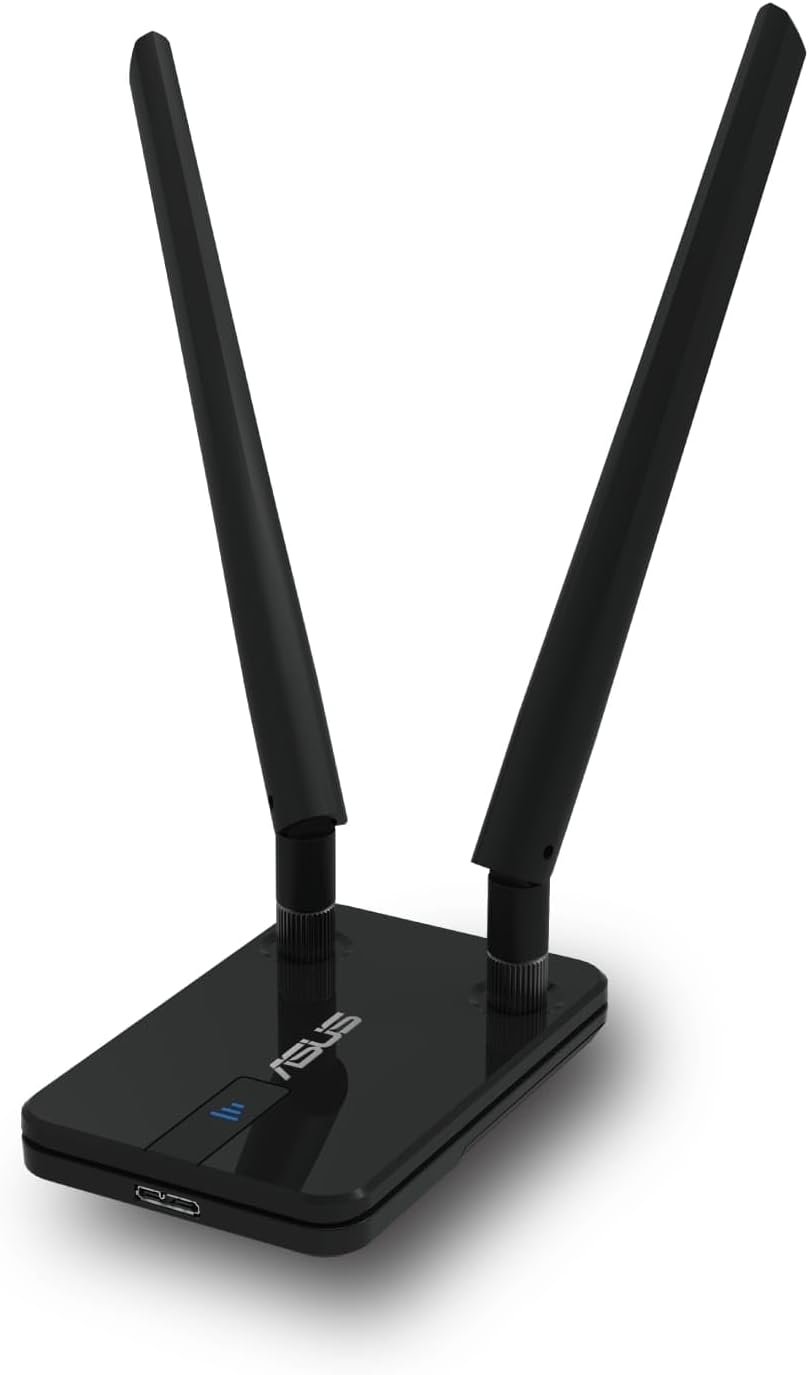
Asus USB-BT500 USB Micro Bluetooth 5.0 Adapter – Backward compatible with Bluetooth 2.1 to 4.x
Product description
What is it and what does it do
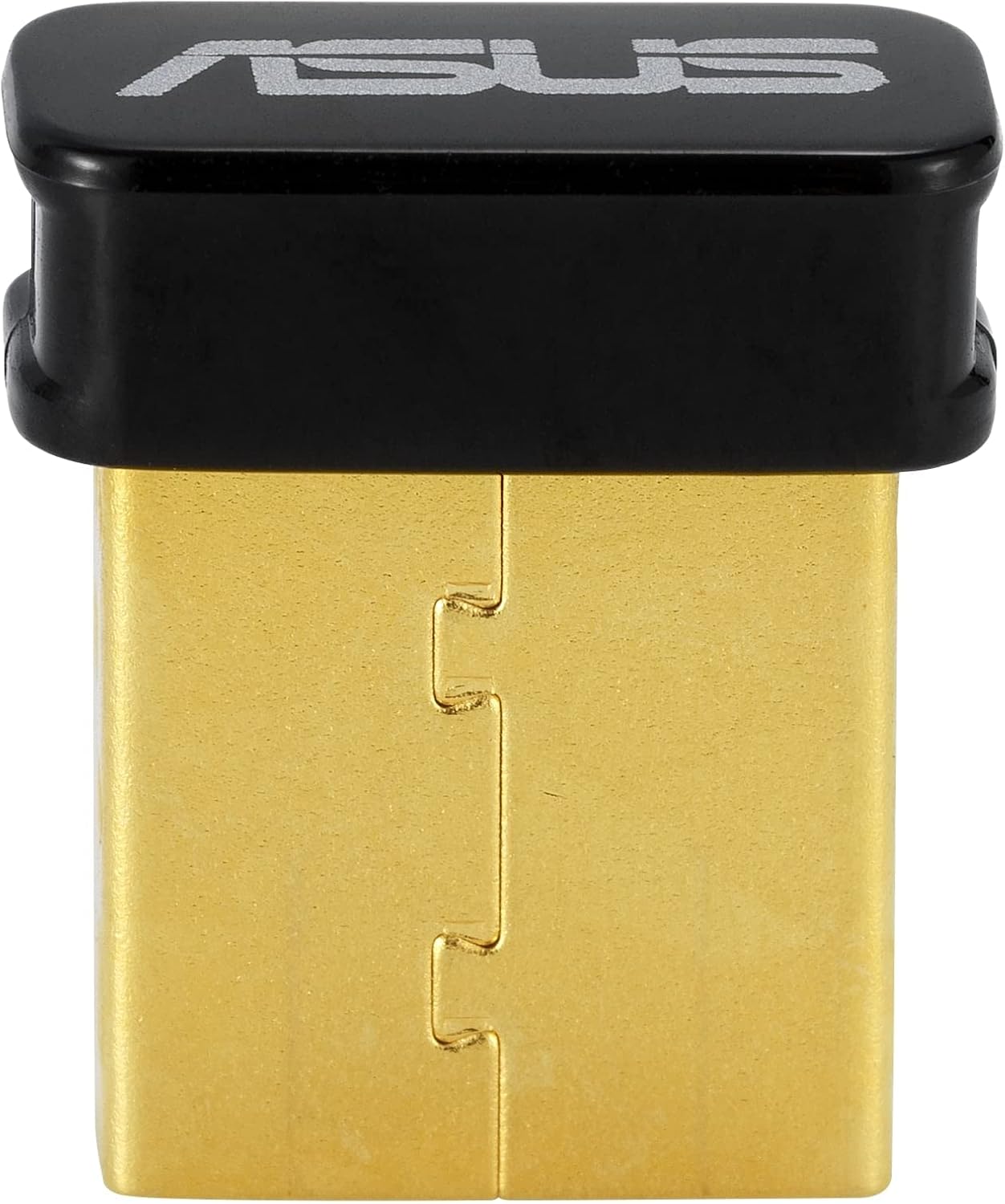
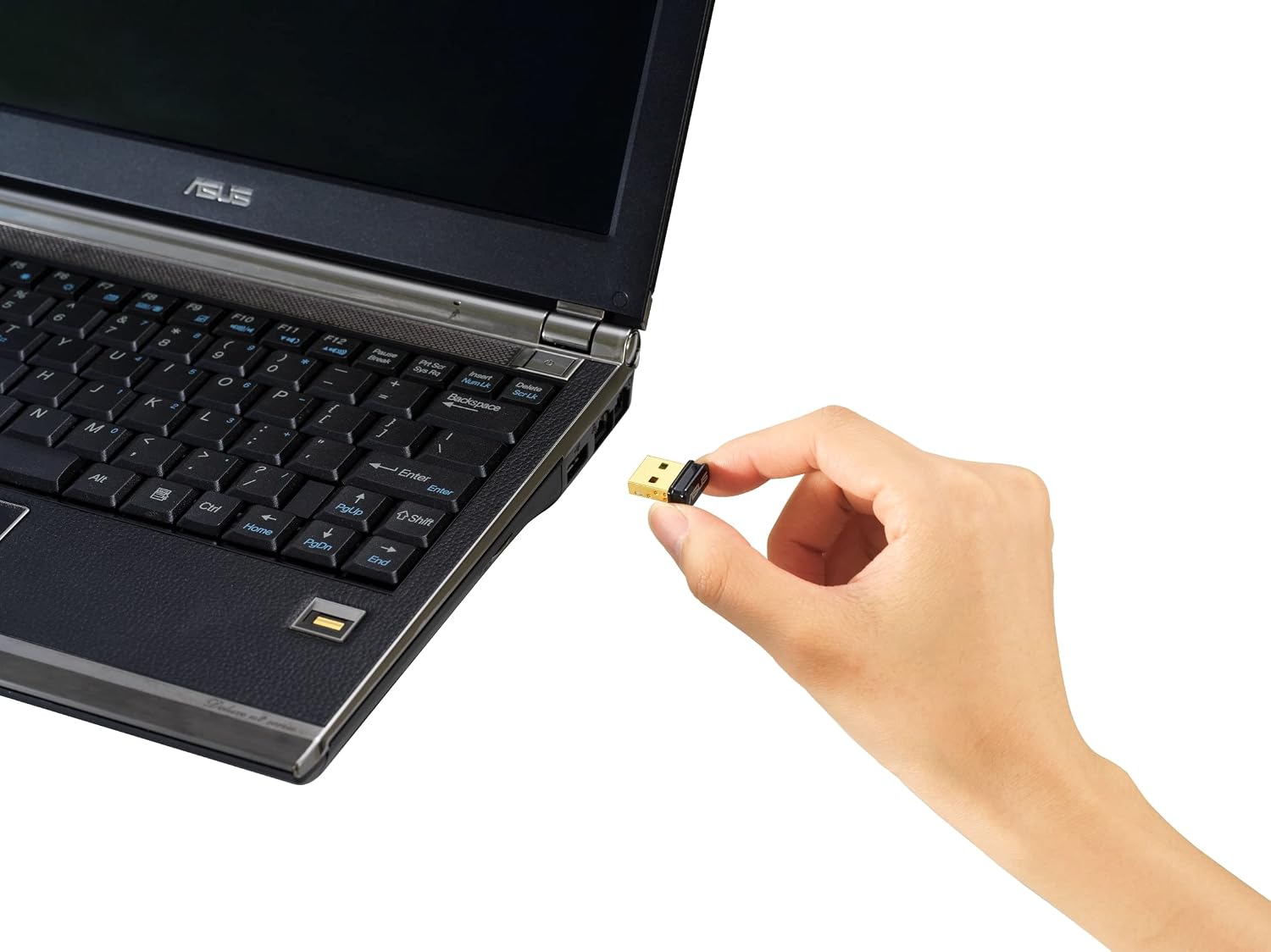
The Asus USB-BT500 is a compact USB micro adapter that adds Bluetooth connectivity to a computer or device lacking built-in Bluetooth. On the surface, it’s a small dongle, but for everyday tasks it can make wireless peripherals work more seamlessly. The device is marketed with a focus on USB-C style compatibility and, per its base description, mentions Bluetooth 5.4 with BLE for energy-saving wireless connectivity. If you’re aiming to connect mice, keyboards, headphones or other peripherals, this adapter provides the bridge between old or new devices and your PC.
Who it’s for
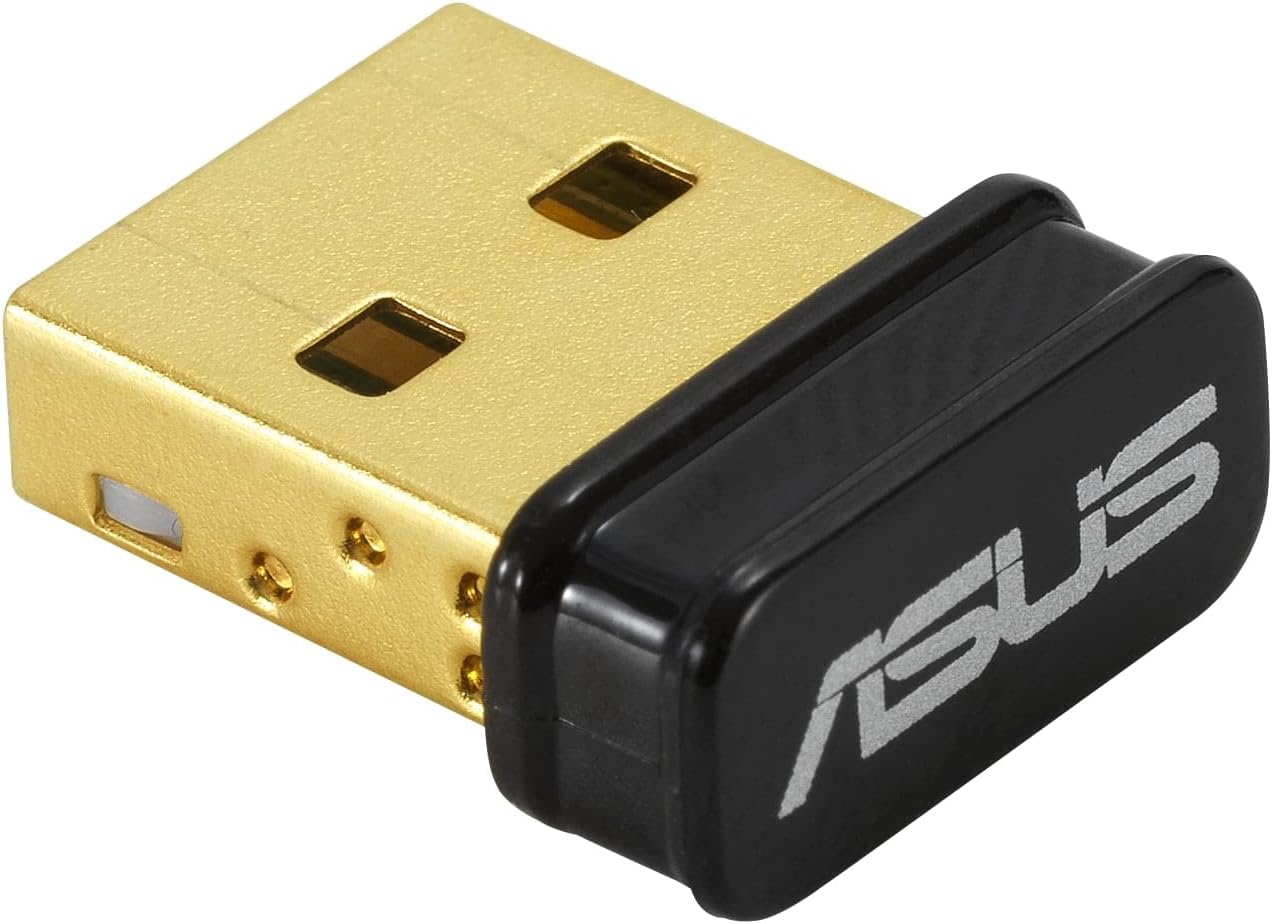
If your desktop or laptop doesn’t have Bluetooth, or you’re upgrading from older Bluetooth hardware, this kind of USB dongle is a practical, low-effort upgrade. It also suits users who want a simple plug‑and‑play solution without installing drivers or software, keeping setup straightforward for everyday use.
How it performs in practice
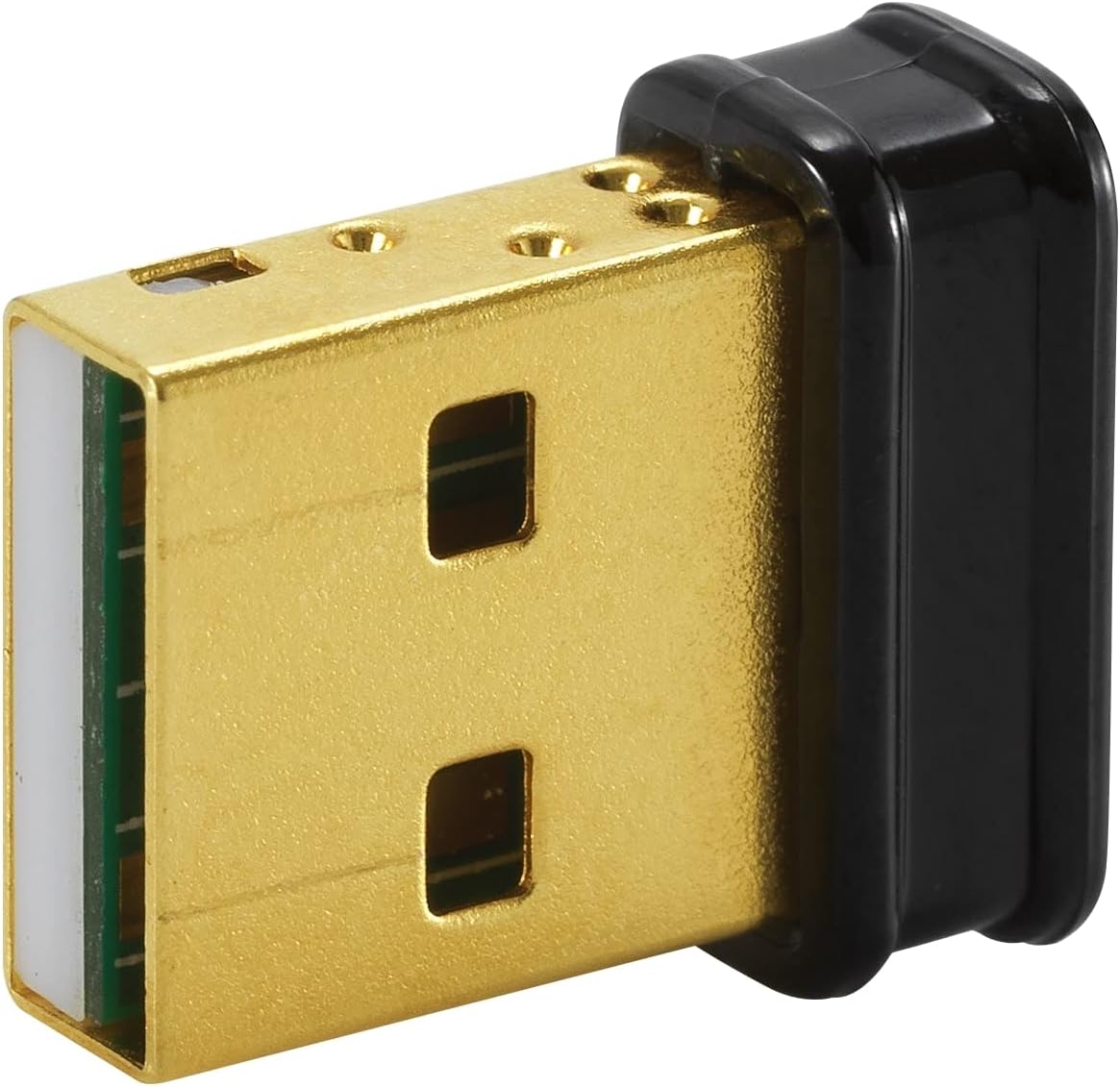
According to the product notes, it supports backward compatibility with Bluetooth 4.x, 3.x and 2.1. That means older peripherals should still pair without issue, which is a sensible consideration if you own legacy devices. The mention of 2 x data transmission and 4 x signal range suggests a focus on reliable connection and reach, which can matter for positioning of your computer in a room with walls and furniture.
What works well
- Quick access to Bluetooth on devices that lack it, avoiding the need for internal upgrades.
- Backward compatibility helps you reuse existing peripherals without replacement.
- Energy-savvy operation is implied by the BLE reference in the base notes, potentially improving battery life for wireless devices.
- Small form factor makes it easy to leave plugged in without snagging on things.
Where it might fall short
- If you rely on the absolute newest Bluetooth 5.x features or future-proof latency improvements, this dongle may feel mid‑range by comparison to higher‑spec alternatives. The main limitation is that you’re largely constrained by the Bluetooth version and firmware available through the dongle, so real-world gains depend on your devices.
- The description mentions Bluetooth 5.4 with BLE, but the product name highlights 5.0, this discrepancy may signal differing expectations between marketing notes and real-world performance. If you’re chasing the latest BLE enhancements, confirm current firmware and compatibility.
- As with many USB adapters, performance can vary based on host hardware, USB port type, and interference from other wireless devices.
What to check before you buy
- Confirm your primary peripherals are compatible with the dongle’s backward compatibility range (Bluetooth 2.1–4.x).
- Check that your computer’s USB port is functional and that you have space to keep the dongle unobstructed for best signal.
- Look for the presence of Bluetooth 5.x features in your devices, if you specifically need the newest features, you may want to verify firmware updates or support.
- Consider whether you need a compact design for travel or a desk setup where occasional disconnects could disrupt work, the form factor helps, but reliability depends on deployment.
How it compares to other approaches
If you already have built-in Bluetooth or use older dongles, upgrading to a dedicated USB-BT500-type device can deliver straightforward improvement in compatibility and range. If you prioritise the latest Bluetooth capabilities, you might explore other dongles with newer revisions, but those options can come at higher costs or require more complex setup. For most everyday tasks—connecting wireless peripherals, audio devices, or input devices—the core value rests in compatibility and ease of use rather than cutting-edge features.
A practical example of use
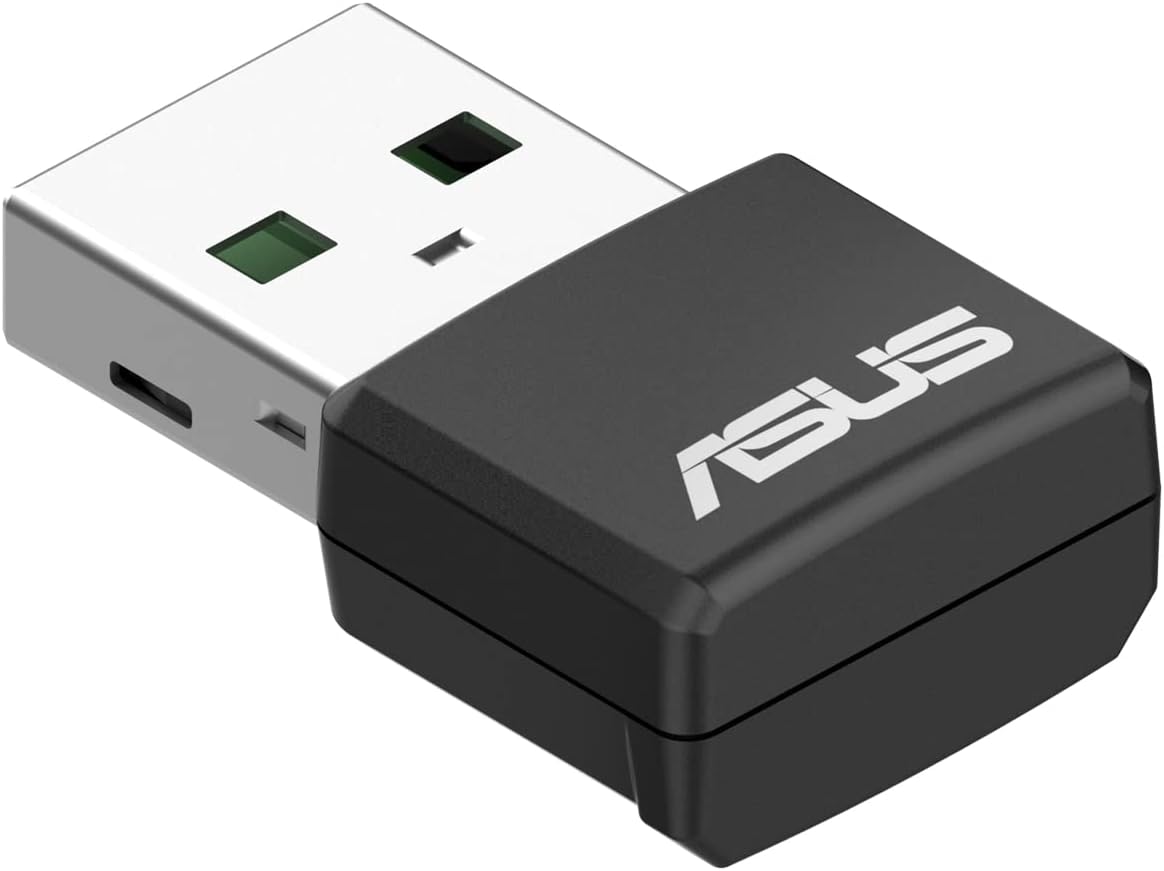
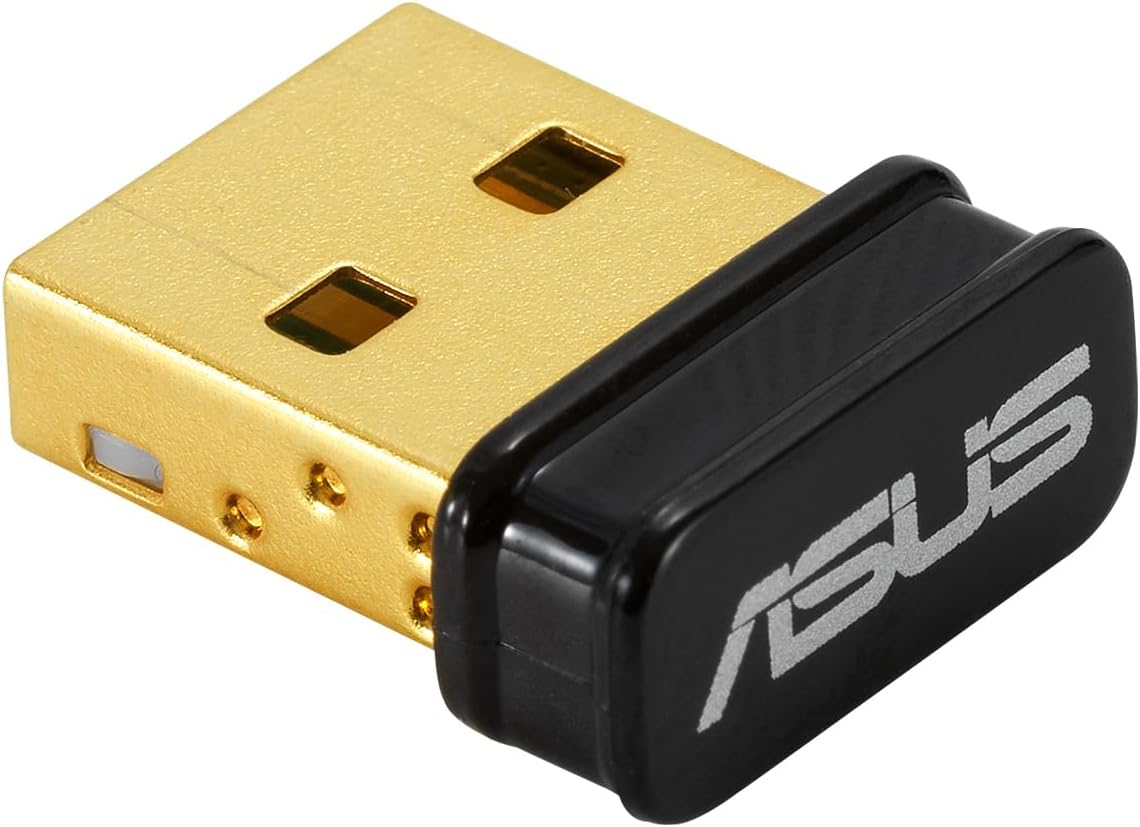
Imagine you’ve borrowed a wireless keyboard from a colleague and your desktop lacks Bluetooth. Plugging in the Asus USB-BT500 makes pairing a breeze, the keyboard pairs quickly, and you can type away without fuss. The dongle stays on the USB port, helping you keep your workspace tidy while you test whether the connection stays steady as you move around the room.
Technical snapshot (brief)
- Backward compatibility: Bluetooth 4.x, 3.x, 2.1
- Transmission and range claims exist, though real-world results depend on environment and connected devices
- BLE support noted in the broader Bluetooth context for energy efficiency
FAQ
- Do I need drivers to use it? Most users can plug it in and use Bluetooth, however, check your operating system for any driver requirements.
- Will it work with Windows and macOS? The product notes emphasise backward compatibility, cross‑platform compatibility may vary by OS version.
- Can I use it for audio streaming? In general, Bluetooth dongles support audio devices, performance depends on device compatibility and the USB port stability.
Final verdict
Is it worth it?
Worth considering if you need quick, straightforward Bluetooth add‑on with broad compatibility and a compact form factor. It’s sensible for those who want a budget-friendly way to connect older peripherals or upgrade devices without built-in Bluetooth. Not the best choice if you require the latest Bluetooth features or peak performance for high‑demand wireless setups.