

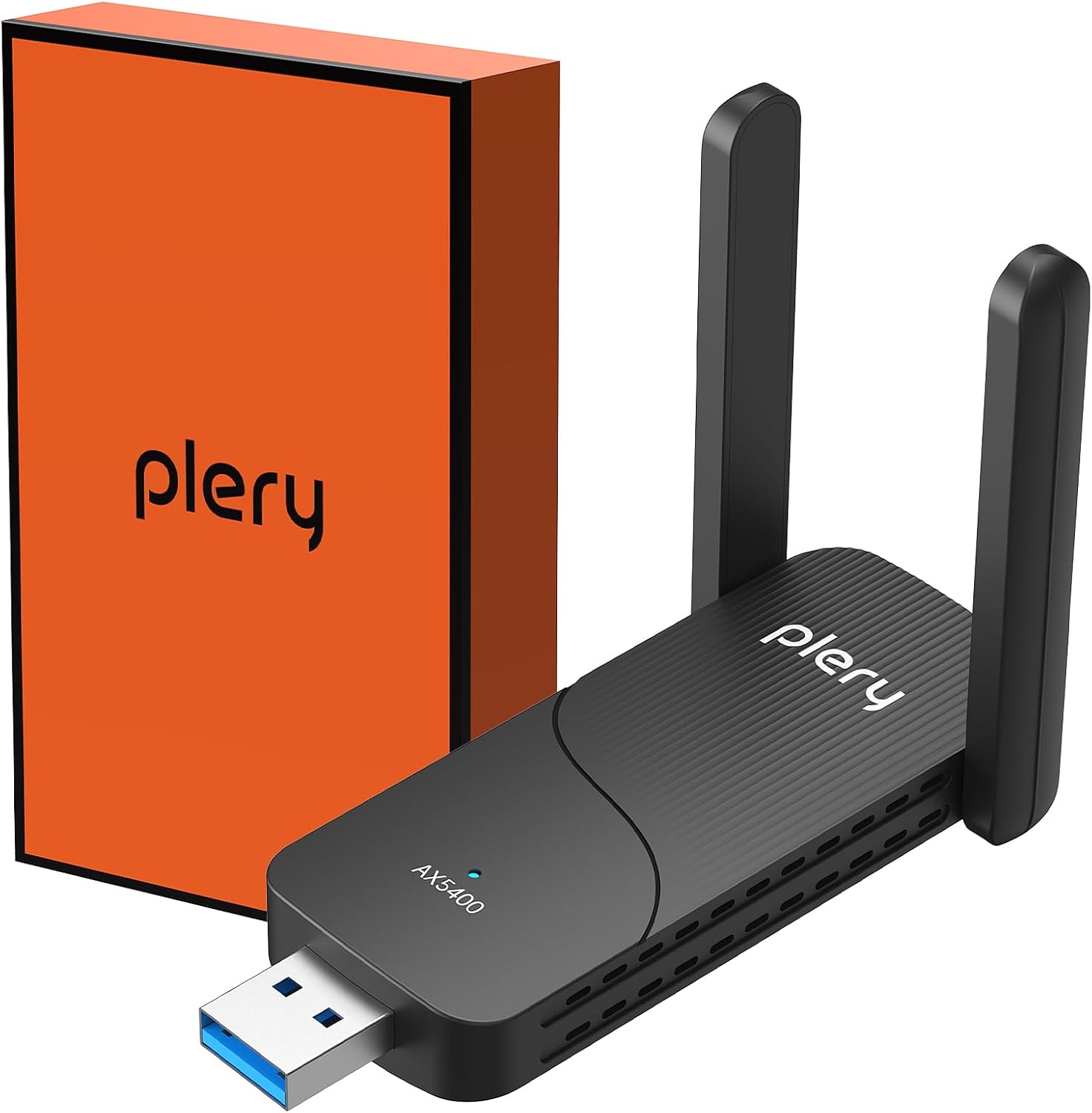
PLERY AXE5400 WiFi 6E USB WiFi Dongle for PC
Product description
What this is and what it solves
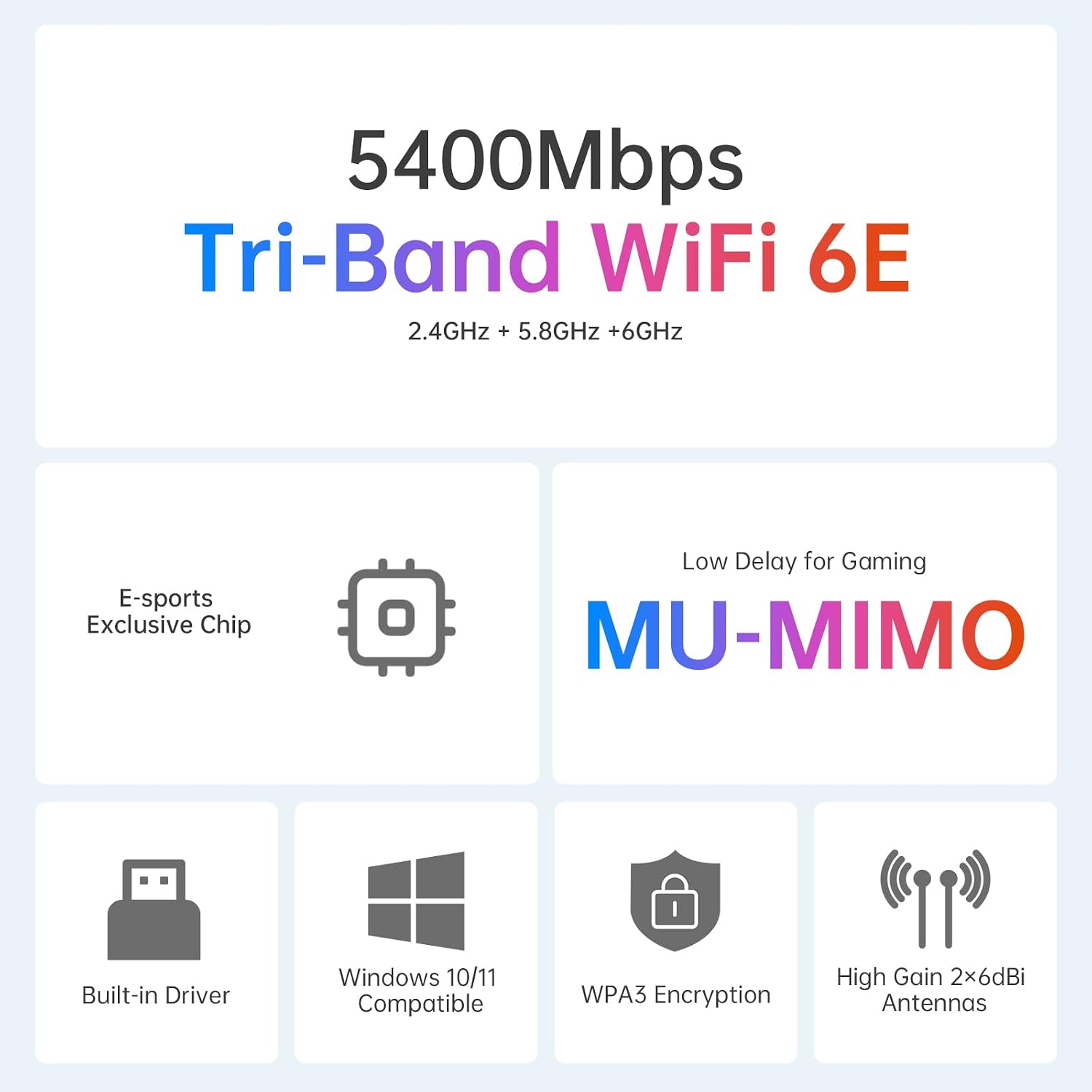
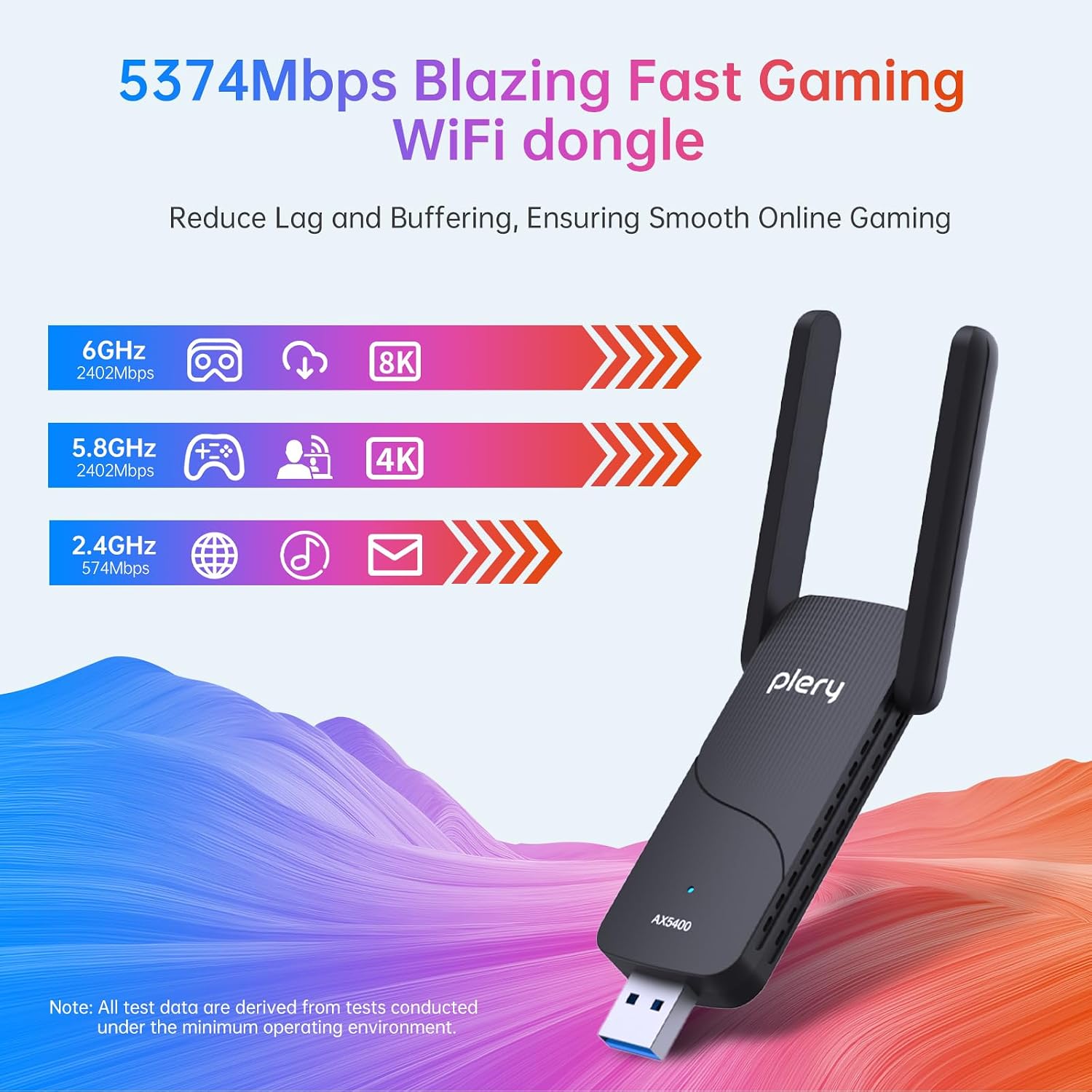
The PLERY AXE5400 is a USB 3.0 WiFi 6E dongle designed to upgrade a PC’s wireless capability without opening the case. It targets users who want faster wireless speed, reduced lag in gaming, smoother streaming and reliable connections in busy wireless environments. It leverages tri-band support (6GHz, 5GHz, and 2.4GHz) to help separate traffic types and potentially ease congestion in busy homes or small offices.
How it performs on paper
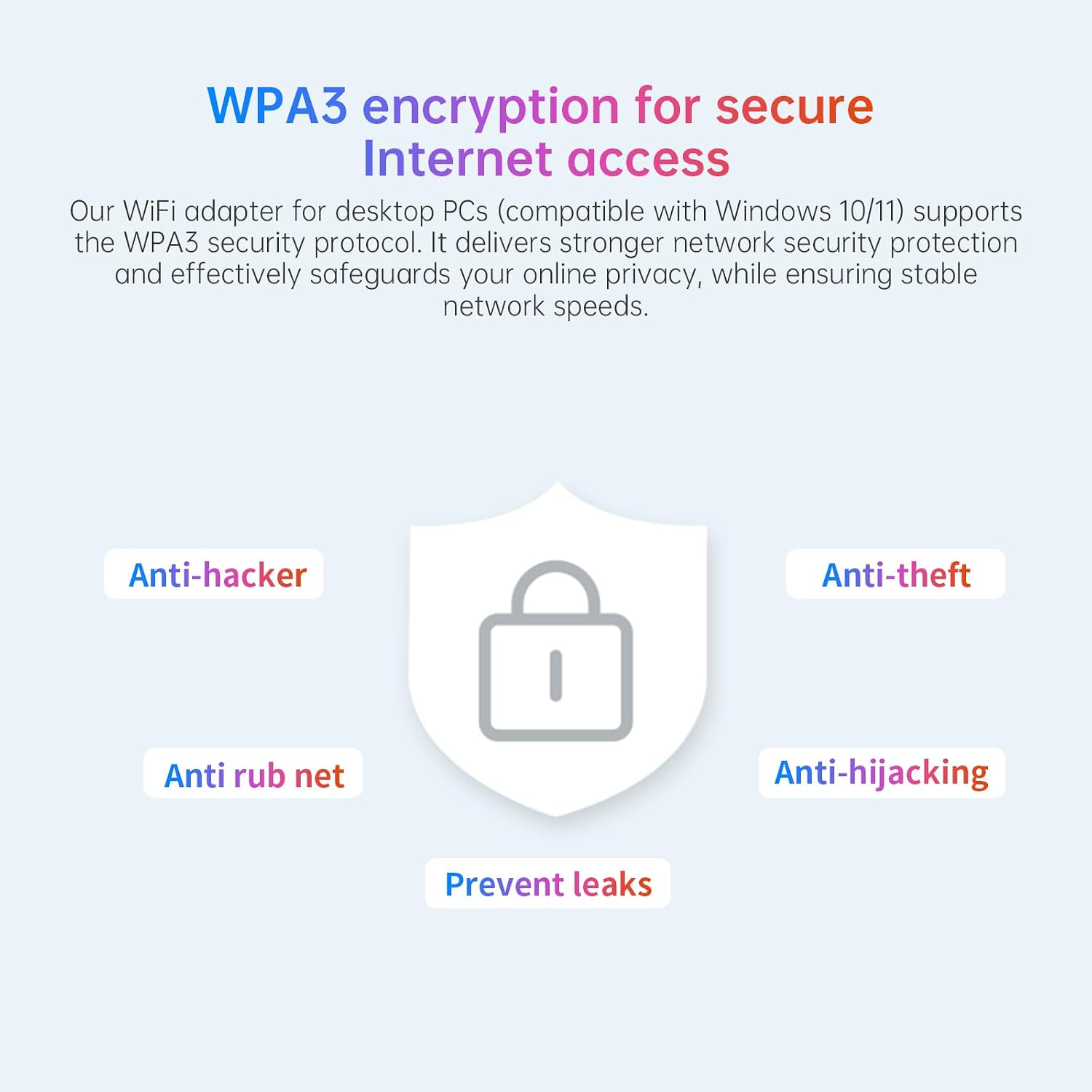
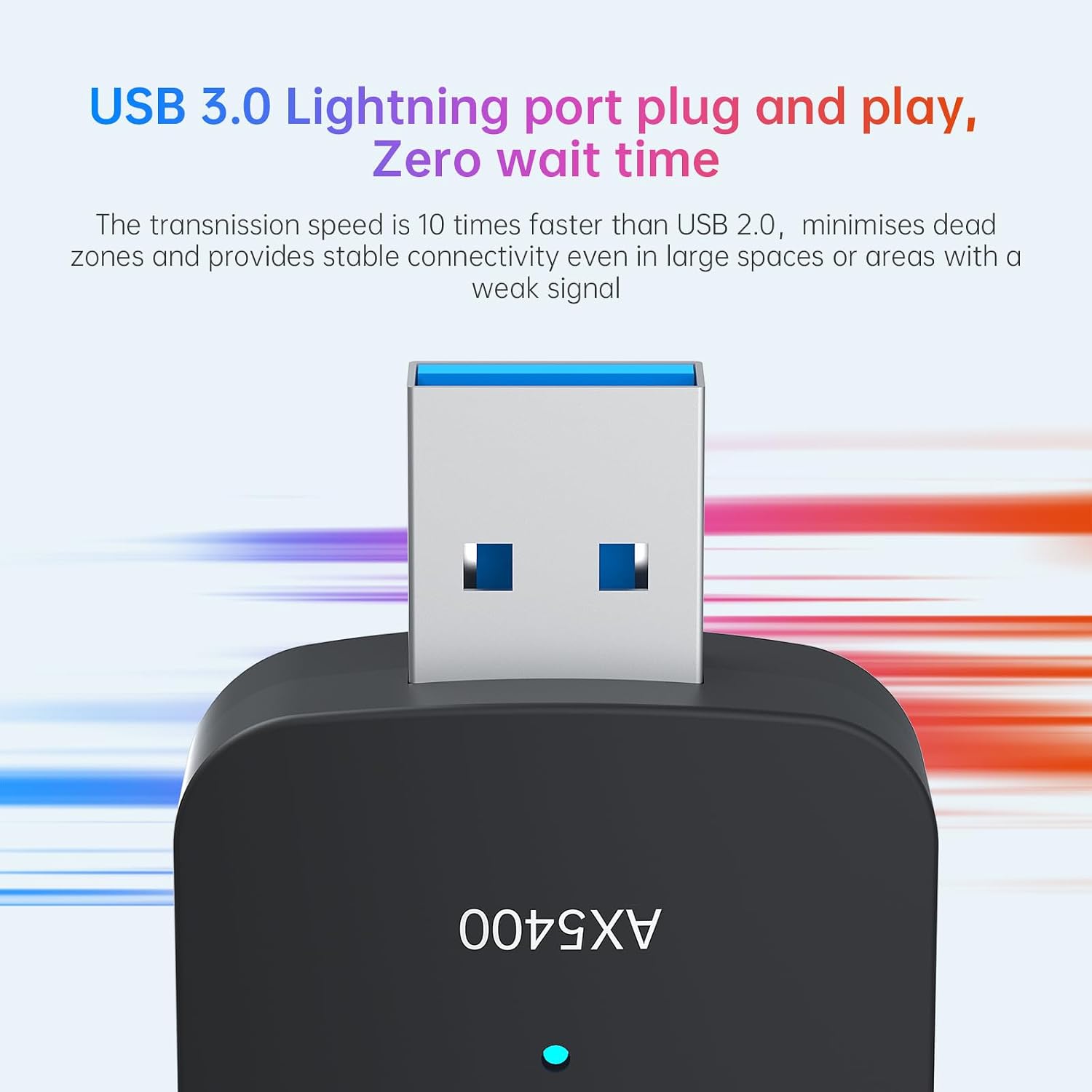
On paper, the device offers a combined throughput up to 5400Mbps across the three bands, with MU‑MIMO and OFDMA technologies intended to improve efficiency in multi‑device scenarios. Dual 180° rotatable antennas are included to help with signal direction and coverage, and a USB 3.0 interface aims to minimise bottlenecks between the dongle and the computer. Encryption is WPA3, contributing to basic privacy considerations for daily use. If you’re after a straightforward plug‑and‑play setup, the built‑in drivers can reduce the usual hassles of driver hunts.
What stands out in use
If you’re gaming, streaming 4K, or transferring large files over a busy network, there’s a case for how tri‑band operation could help with practical performance. The two external antennas can be adjusted to improve reception in rooms with tricky layouts, and the Soft AP feature allows sharing the connection without extra gear. The lack of CDs or separate driver downloads means fewer steps to get online after plugging in. That said, the real‑world speed you experience will depend on your router, network congestion, and the end devices connected to the network.
What could be better or to watch for
The product is described as compatible with Windows 10/11 and Linux via API ranges, but there are no explicit details about Mac support or future OS changes. While WPA3 is listed, the overall security posture depends on your router settings and software updates. For gamers, while 6E promises more bandwidth, peak performance depends on a suitable 6E‑capable router and the distance to the access point. In smaller spaces with little interference, a single robust 5GHz connection can feel nearly as effective, in busy homes the 6E band might be the differentiator, but it’s not guaranteed to deliver dramatic gains in every scenario.
Who this is most suited for
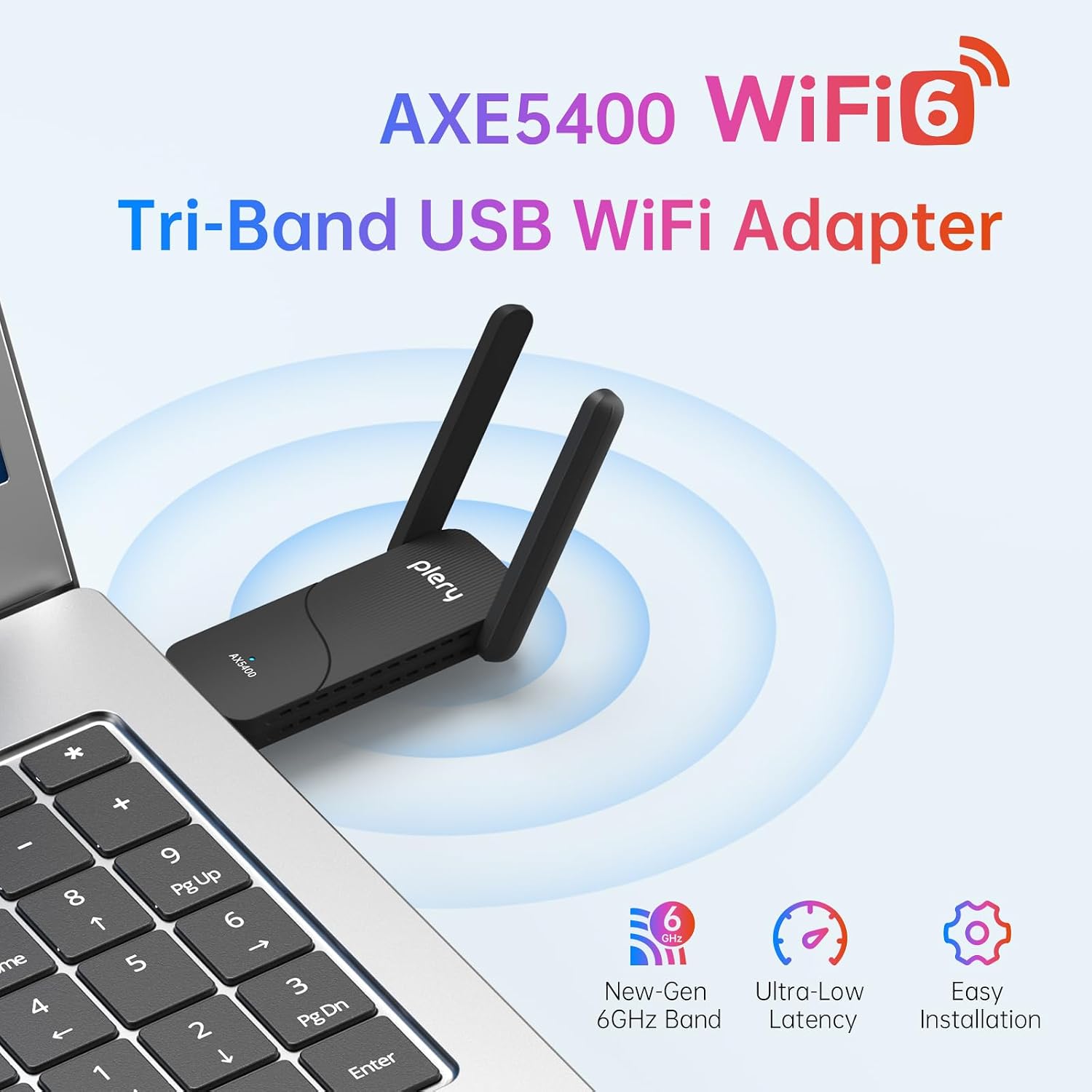
This dongle will suit PC users who want an easy upgrade path for faster wireless speeds without upgrading the entire network setup. It’s particularly relevant for gaming, 4K streaming, remote work in congested Wi‑Fi environments, and users who prefer a compact USB solution over integrated motherboard WiFi. If you’re already happy with your current router and only occasionally experience buffering, the AXE5400 could offer incremental gains without major change.
Who it may not be the best fit for
If your PC already has a strong 5GHz connection or you don’t have a 6E‑capable router, the practical benefits may be modest. The absence of a dedicated cooling solution or internal improvements means it’s still an external USB dongle, which might be less stable than a built‑in solution in some setups. Users expecting dramatic, industry‑leading throughput should temper expectations, the device aligns more with a value‑conscious upgrade than a high‑end, future‑proof leap.
What to check before buying
- Ensure your router supports MU‑MIMO and ideally 6E to make the most of tri‑band capabilities.
- Confirm Windows 10/11 compatibility and whether you need any driver updates for your specific build.
- Consider your space and layout, the two flexible antennas can help, but reception will still vary with walls and interference.
- If security is a priority, verify that WPA3 is active and keep your OS patched.
Practical usage example
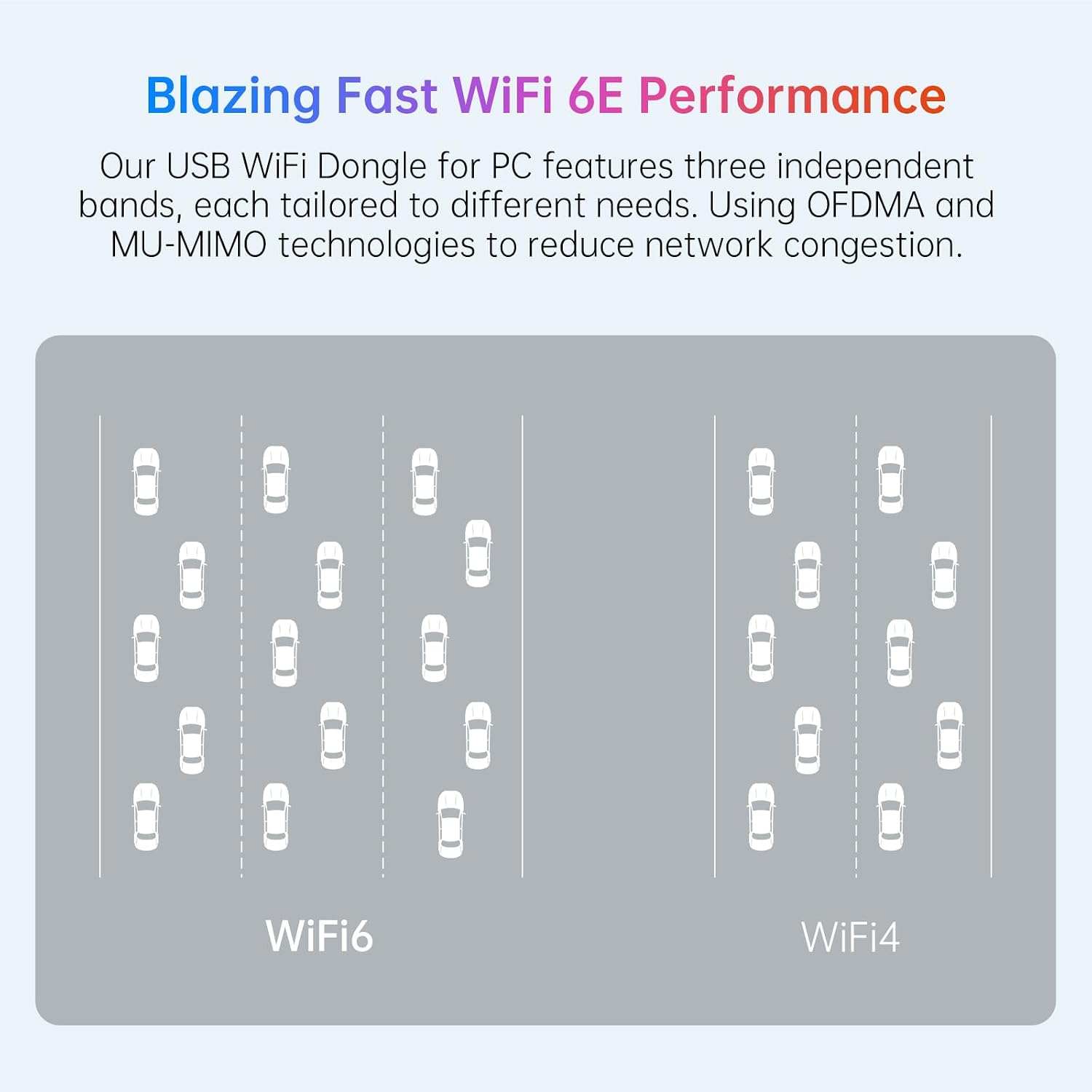
Imagine a small home office where the main router sits in a different room. You run a game on the PC while others stream 4K from a media PC. With the AXE5400 plugged in, you can route gaming traffic through the 6GHz or 5GHz band, while streaming uses the other band, potentially reducing stutter and buffering in real time. If you frequently move the PC to different rooms, the USB form factor with adjustable antennas can help you find a better reception angle without repositioning the router.
Quick comparison in mind
If you’re choosing between a basic dual‑band USB adapter and this tri‑band model, the AXE5400 offers more channels to help with congestion, which can matter in crowded Wi‑Fi environments. If you’d rather avoid potential setup fuss, you might prefer a straightforward, proven single‑band or dual‑band option with established compatibility in your home network. In short, opt for this model if you want future‑ready features and are prepared to align with a capable 6E ecosystem.
Is it worth it?
A balanced purchase for those who prioritise higher throughput and better handling of multiple devices, provided you have a compatible router and network setup. It isn’t the cheapest USB WiFi upgrade, but it aims to deliver practical improvements for gaming and streaming when the conditions align.
FAQ
- Do I need a 6E router to see benefits? Benefits are more likely when you have access to the 6GHz band or when the network is congested, a compatible router helps, but the dongle will still function on other bands.
- Is setup complicated? No, the device claims a plug‑and‑play experience with built‑in drivers, you may still want to run a quick driver check after installation.
- Will this replace Ethernet for gaming? It can improve wireless performance, but Ethernet remains a more stable choice for the lowest latency in competitive gaming.
Final decision
It’s a sensible upgrade if you’re seeking a more flexible, higher‑capacity wireless option for a PC, and you have or plan to have a 6E capable network in place. Not the best choice if you already have reliable wireless on a simpler setup or if your router isn’t ready to take advantage of tri‑band traffic.