


TP-Link Archer T3U Nano: AC1300 Dual-Band USB WiFi Dongle
Product description
What it is and who it’s for
The Archer T3U Nano is a compact USB WiFi dongle designed to upgrade devices to faster AC WiFi without opening the case. If you’re looking to add dual-band connectivity to a desktop, laptop or a PC that sits away from the router, this small adapter could be a practical solution. It supports Windows 11/10/8.1/8/7 and Mac OS 10.15 and earlier, which makes it a reasonable fit for mixed-age hardware in a home or small office.
How it performs
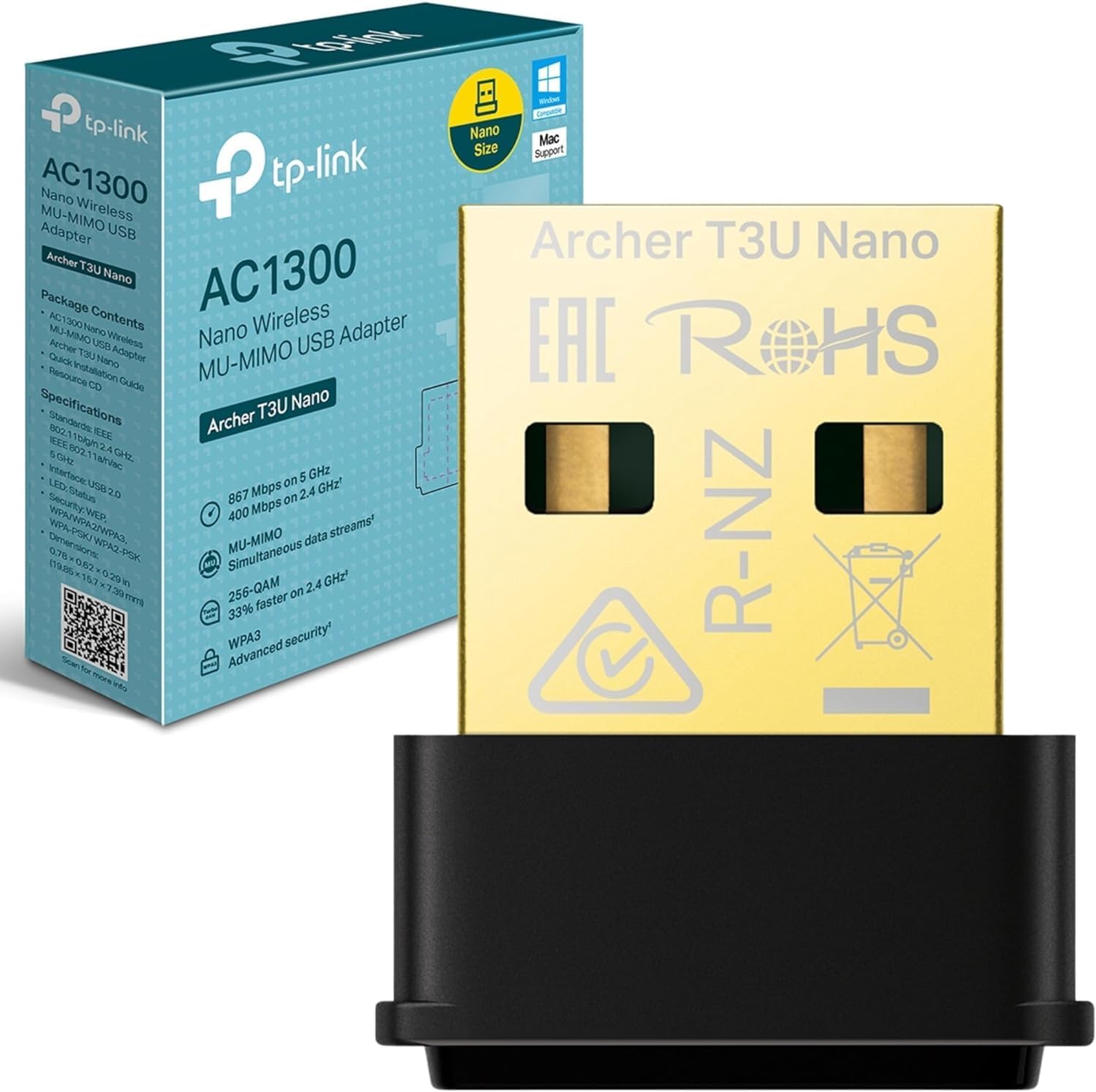
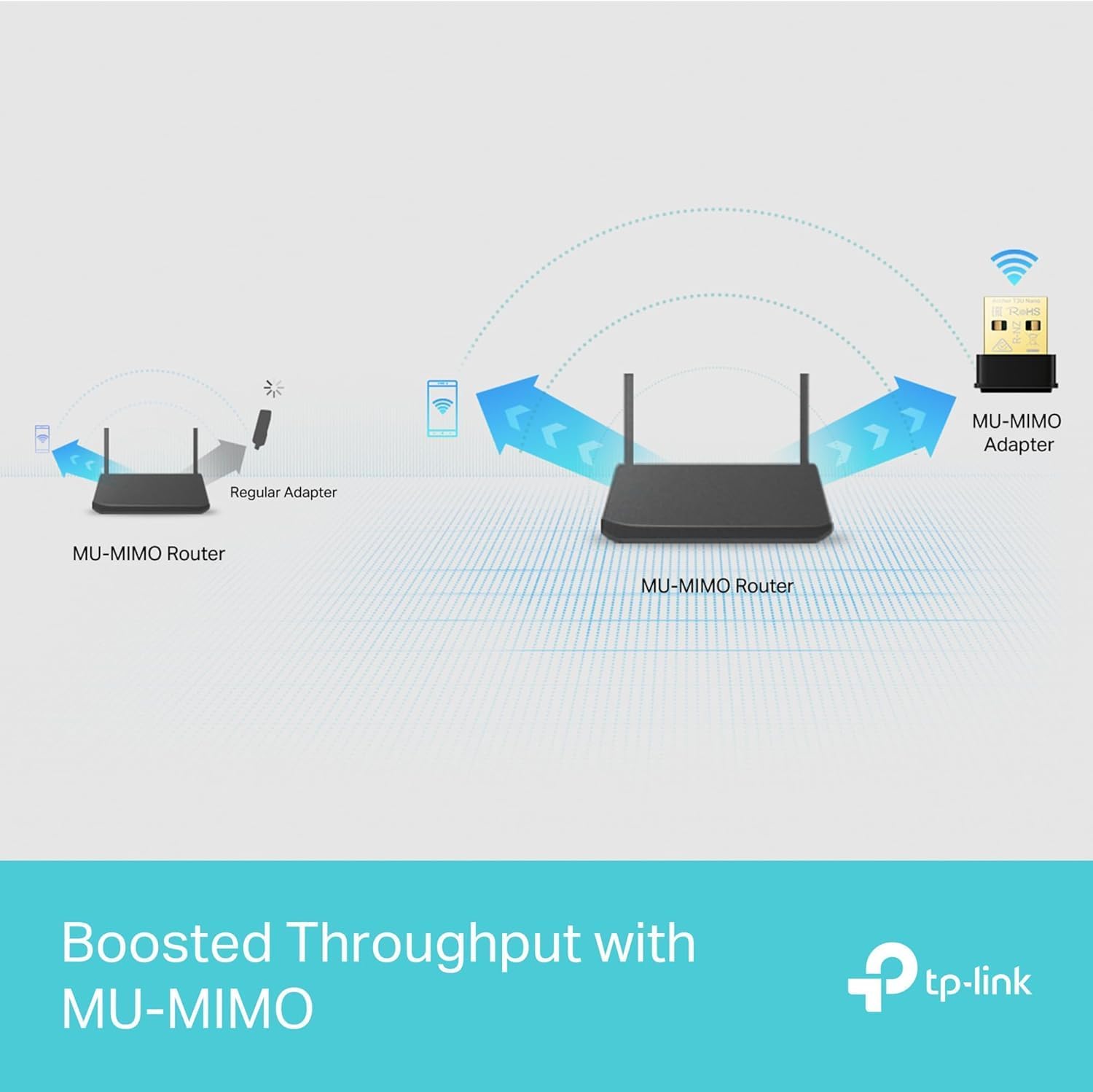
On paper, the device offers up to 1300 Mbps total: 400 Mbps on the 2.4 GHz band and 867 Mbps on the 5 GHz band. The MU-MIMO technology is highlighted as a way to achieve a more efficient wireless connection when multiple devices are connected, potentially improving throughput in busy networks. It’s worth noting that actual speeds depend on your router, surroundings and interference, so real-world results may be lower than the peak figures.
Tech specs
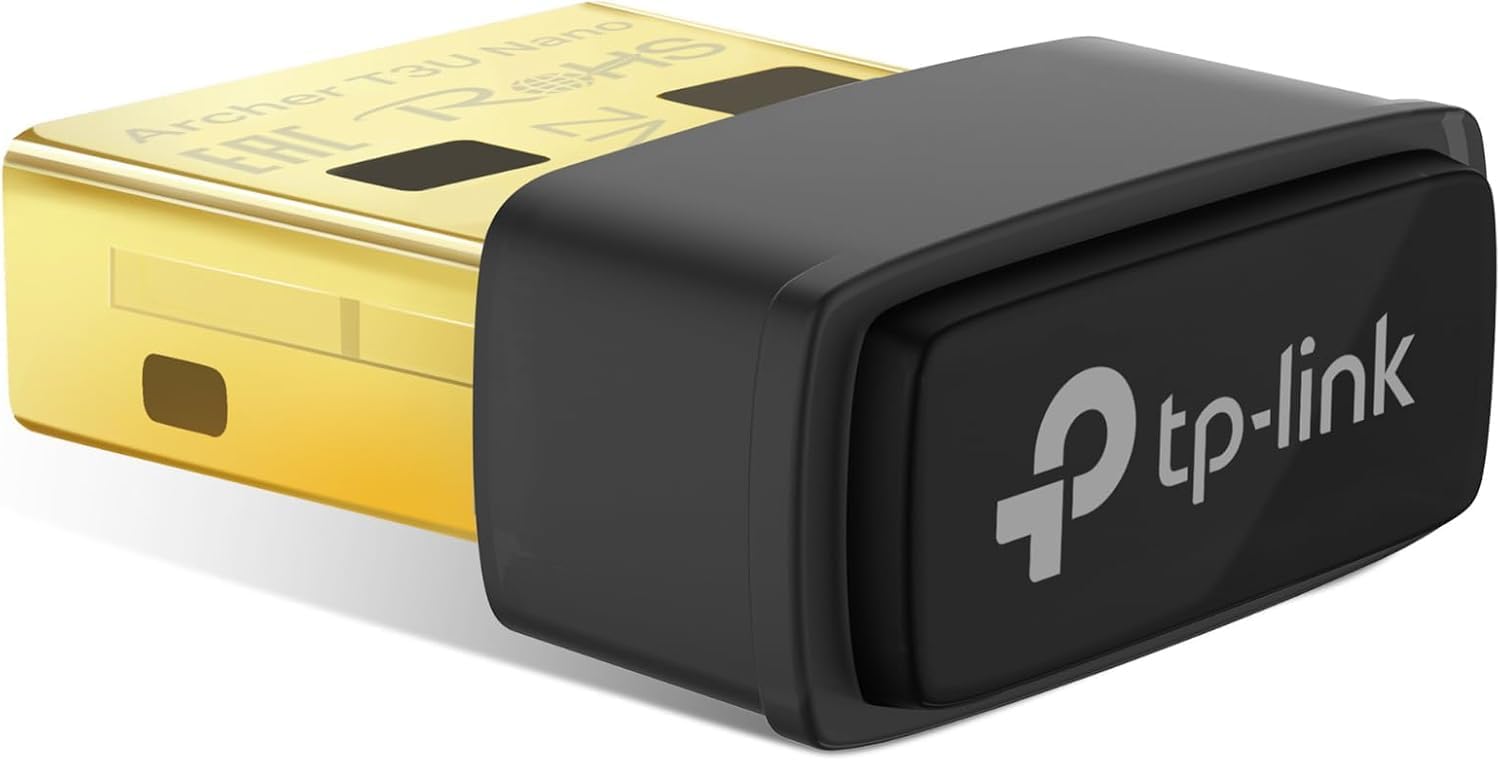
- Type: Wireless USB adapter
- Bands: Dual-band 2.4 GHz and 5 GHz
- Max speeds: 400 Mbps (2.4 GHz) + 867 Mbps (5 GHz)
- Interface: USB 2.0
- Features: MU-MIMO
- System compatibility: Windows 11/10/8.1/8/7, Mac OS 10.15 and earlier
This combination keeps the footprint small while delivering a straightforward upgrade path for devices that lack modern wireless capabilities. The plug‑in form factor means you can install it and forget it, which is convenient if you don’t want extra clutter on your desk.
What stands out
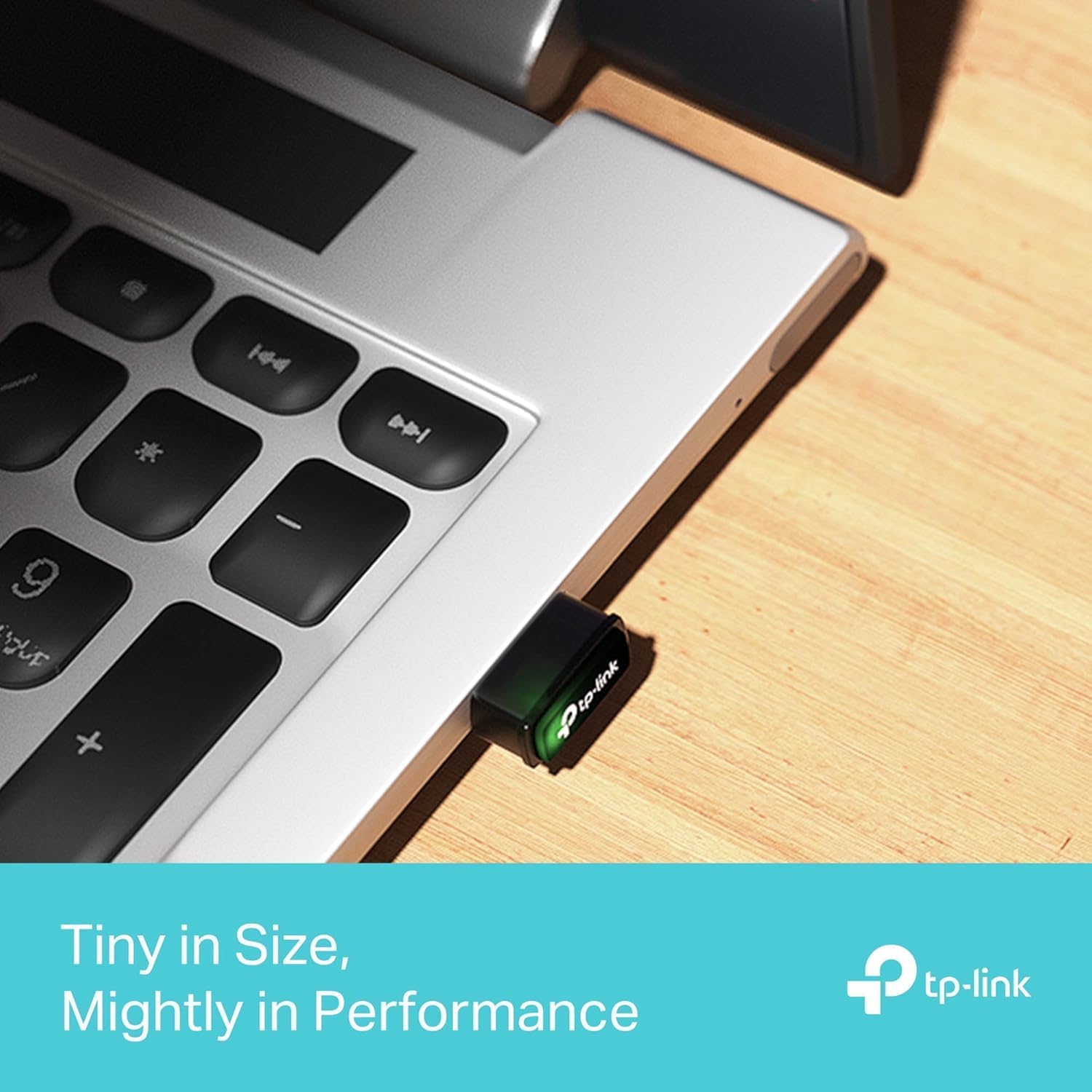
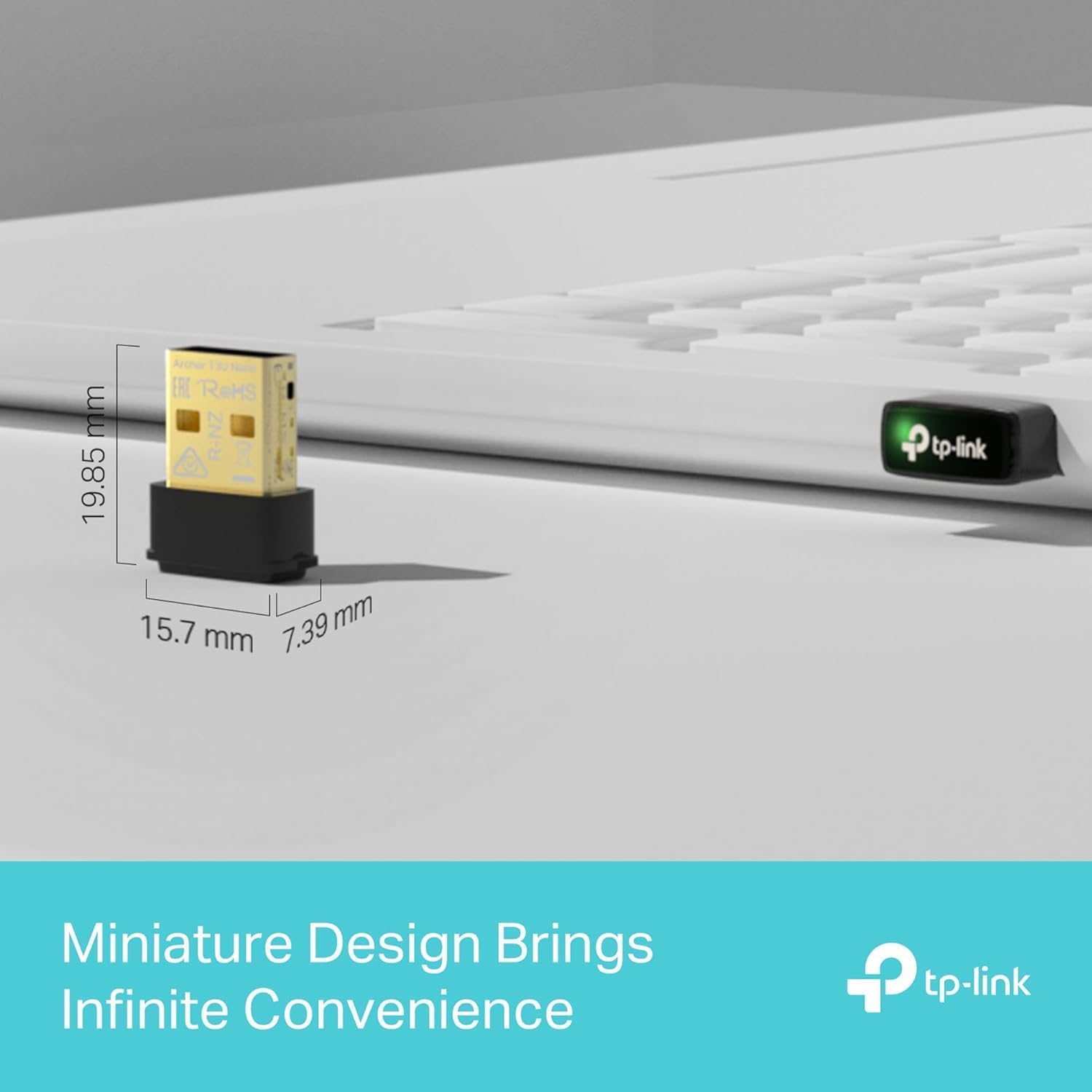
A key advantage here is the miniature design, which makes it less obtrusive on a laptop or desktop, especially if you’re conscious about USB port usage or aesthetics. The dual‑band support is useful for separating primary work traffic (5 GHz) from older peripherals that still rely on 2.4 GHz. The MU‑MIMO claim is sensible for homes with multiple devices negotiating wireless channels at once, though you’ll rarely see dramatic improvements unless your network environment aligns with MU‑MIMO’s strengths.

Compatibility and setup notes
If you’re upgrading older hardware or integrating with a newer dual‑band router, this dongle should slot in without much fuss. Just be mindful that USB 2.0 may limit peak transfer performance compared with newer USB standards on some high‑demand tasks. Also, ensure your operating system is within the supported list, while it covers several Windows versions and older Mac OS, very new releases will not be supported.
What to check before buying
- Does your computer have a spare USB 2.0 port and a compatible operating system listed above?
- Is your router dual‑band, and do you want a device that can handle both bands with MU‑MIMO when necessary?
- Are you aiming for easy, unobtrusive installation rather than the fastest possible connection?
Usage scenarios and everyday use
In a typical home setup, you might use the Archer T3U Nano to give a desktop PC a solid 5 GHz connection for video calls and streaming, while your laptop can switch between bands as needed. An example: you’re in a ground-floor room with poor Ethernet reach, plugging this dongle into a USB 2.0 port on a PC could stabilise online meetings and reduce buffering by taking advantage of the 5 GHz band when available. It won’t replace a high-end PCIe wireless card for demanding workloads, but for simple upgrades and keeping a budget in check, it’s a sensible mid‑range option.
Pros and cons at a glance
- Pros: Small footprint, dual‑band capability, MU‑MIMO support, broad OS compatibility, straightforward setup for older systems.
- Cons: USB 2.0 interface may cap real‑world throughput compared with USB 3.0/3.1 devices, peak speeds are contingent on router and environment, older Mac OS versions are no longer current platforms.
What’s included
In the box you would typically expect the Nano USB WiFi dongle and a short user guide. There are no additional accessories highlighted in the data provided, so plan for basic plug‑and‑play use.
FAQ
- Do I need USB 3.0 for better performance? While USB 3.0 can carry more data, this model is designed around USB 2.0, so the main limitations will be device interfaces and router performance rather than the dongle’s USB port alone.
- Will it work with my current router? If your router supports dual‑band AC speeds and MU‑MIMO, this dongle should be able to communicate on both bands, subject to OS compatibility.
- Is it suitable for games or high‑fps applications? It can handle typical everyday online tasks and some light gaming, but it’s not a substitute for high‑end wireless adapters in latency‑sensitive or ultra‑high‑speed scenarios.
Is it worth it?
If you prioritise a compact, affordable upgrade to add dual‑band WiFi on older laptops or desktops, and you’re using a router that supports AC and MU‑MIMO, this dongle makes sense on paper. It’s not the most feature‑packed option, and if you demand cutting‑edge throughput or the latest USB standard, you might want to consider alternatives. Put simply: it’s a solid budget-friendly upgrade for typical home use, not a guarantee of top‑tier performance across all networks.