

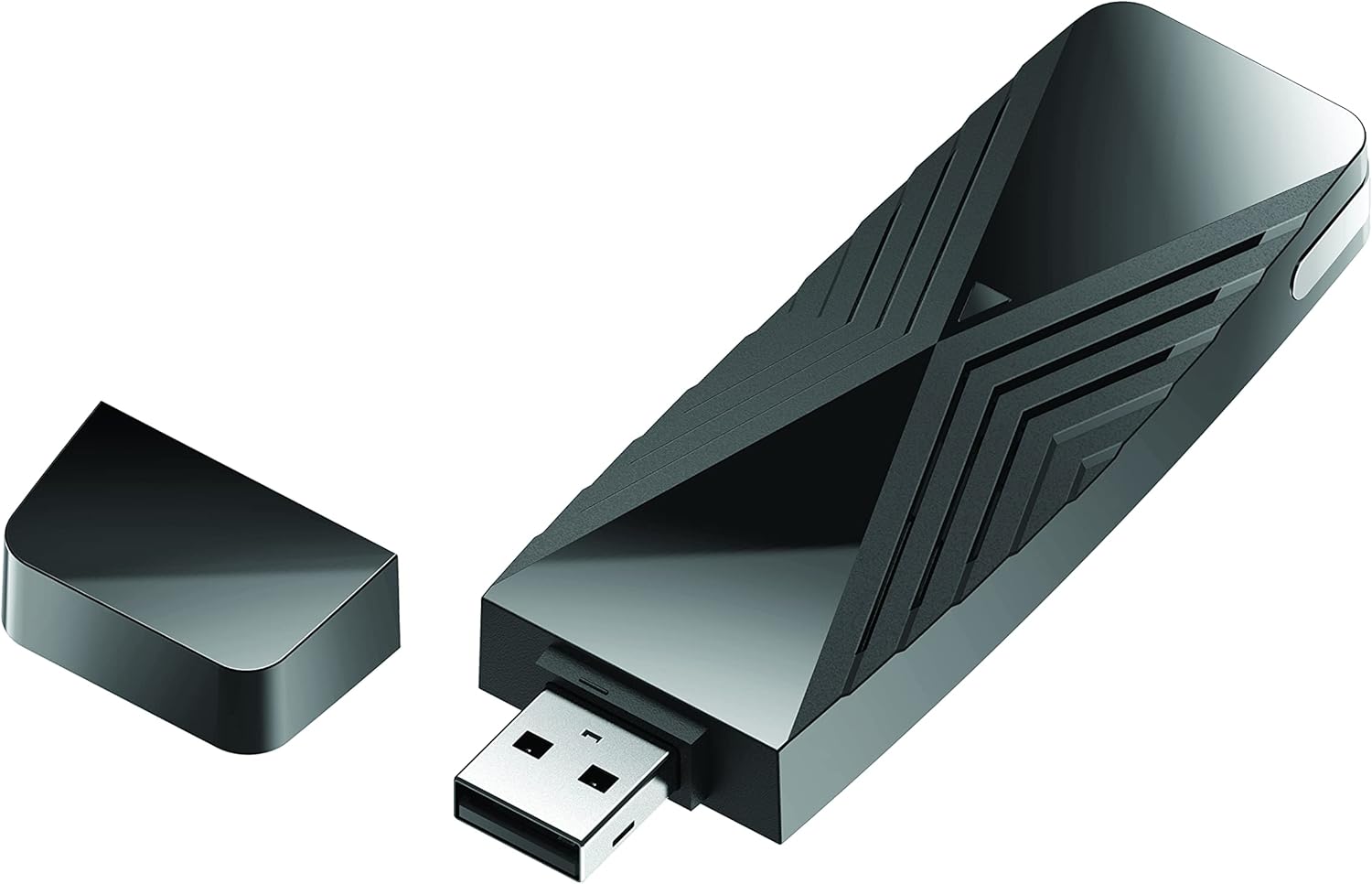
D-Link DWA-172 High-Gain Wi‑Fi AC600 USB 2.0 Adapter
Product description
What it is and what it solves
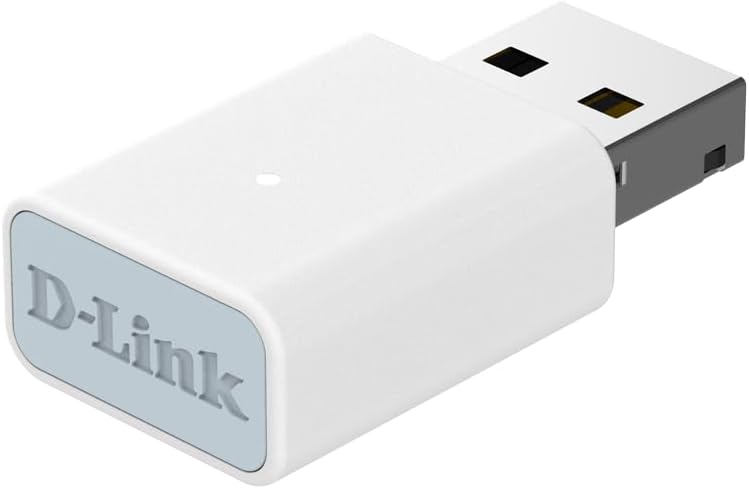
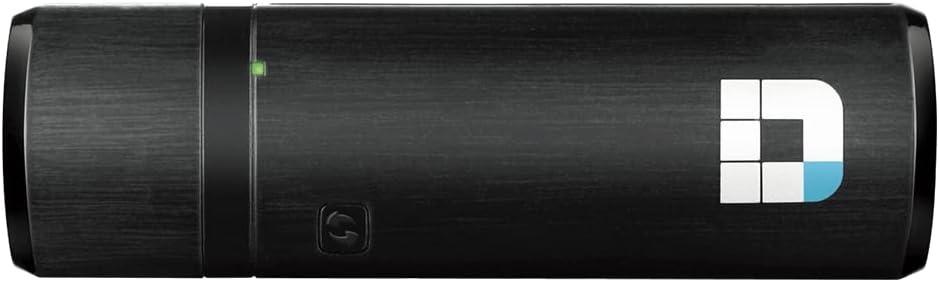
The D-Link DWA-172 is a USB wireless adapter designed to upgrade a computer or laptop to dual-band Wi‑Fi without replacing the motherboard or built‑in wireless. It supports 2.4 GHz and 5 GHz networks, offering up to 150 Mbps on 2.4 GHz and up to 433 Mbps on 5 GHz, subject to your router and environment. If your current setup suffers from weak Wi‑Fi signals, interference, or limited range, this compact dongle can be a practical way to improve connectivity without a full network upgrade.
How it works on the paper
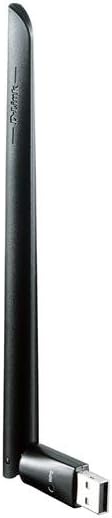
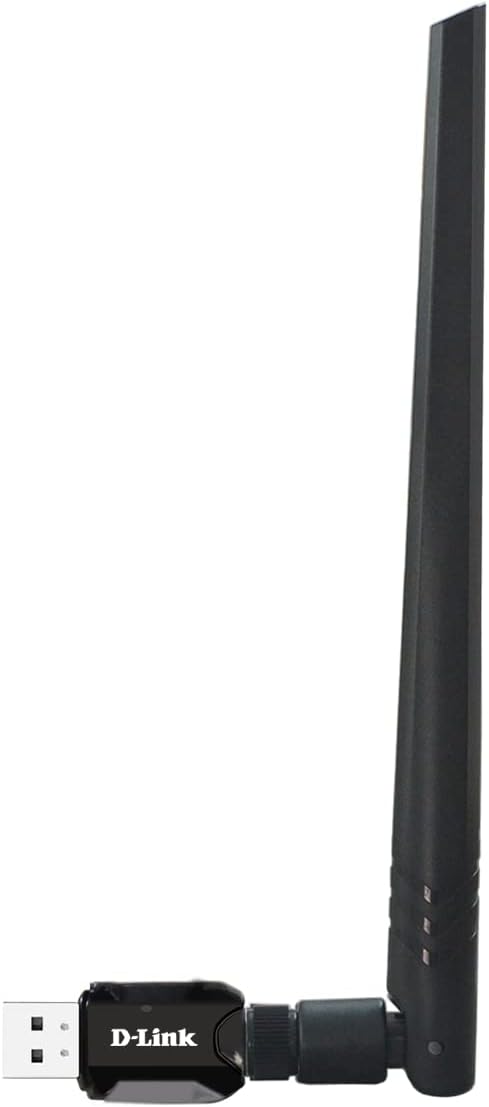
Plug it into a USB 2.0 port, install the driver, and connect to a compatible wireless network. The dual‑band capability helps separate high‑bandwidth tasks (like streaming in 4K or online gaming) from congestion on the 2.4 GHz band. An external high‑power antenna is intended to boost signal reception and extend wireless reach compared with some built‑in adapters.
The positives you’ll notice
On paper, the key advantages are straightforward: a compact form factor, immediate upgrade from older wireless hardware, and improved performance for devices that lack strong built‑in Wi‑Fi. The dual‑band design means you can choose the clearer channel (5 GHz) for streaming and gaming, while keeping legacy devices on 2.4 GHz if needed. A basic setup can save time and money by avoiding a full router or device overhaul.
The potential limits and what might not convince you
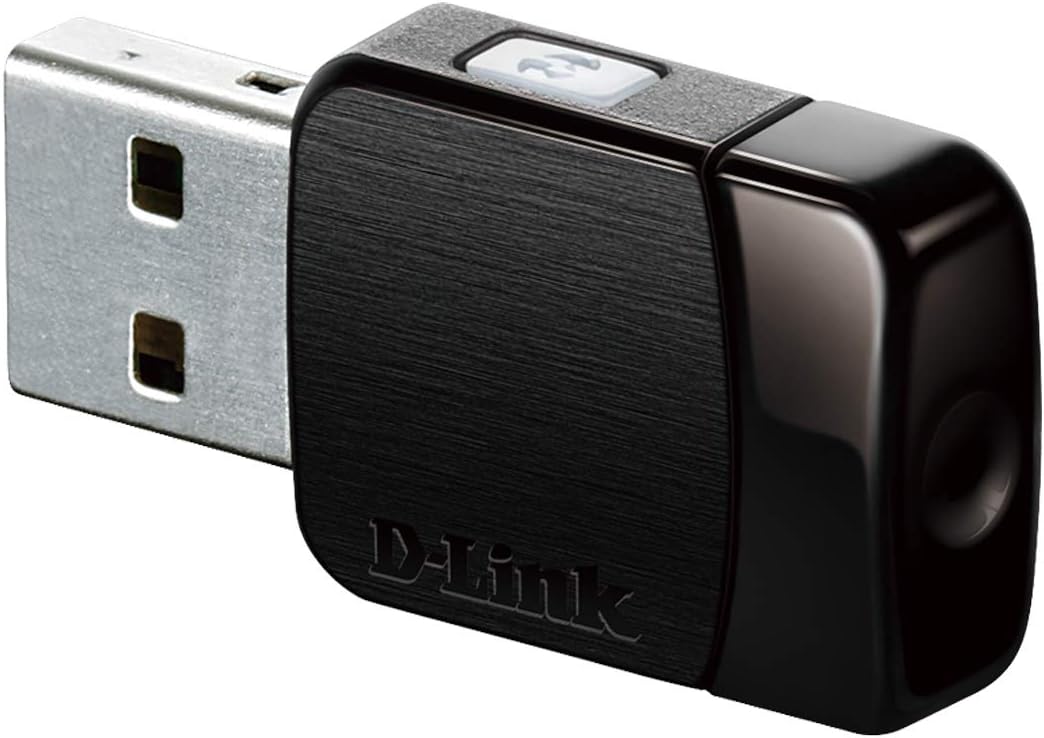
The advertised speeds assume ideal conditions, real‑world performance can vary with distance, walls, and interference. USB 2.0 limits data transfer compared with USB 3.0/3.1 devices, so very demanding modern setups may not reach the theoretical peaks every time. If you rely on old hardware, driver compatibility or ongoing stability can also influence results. It’s not a universal fix for everywhere‑poor coverage, and it doesn’t replace the need for a robust home network in large or signal‑challenged spaces.
Who this is for
It’s worth considering if you have a PC or laptop with poor wireless performance, want to add dual‑band capability without a new PCIe card, or need a simple upgrade to support smoother streaming, online gaming, or VoIP calls from a single device. It suits users who value a pragmatic, cost‑effective improvement rather than chasing maximum theoretical throughput.
Who might want to look elsewhere
If you require very high, stable throughput across a large home or need consistently top‑tier performance for professional video work, you may benefit from a more powerful dongle with USB 3.0, or a wired Ethernet alternative. Also, if your devices are already on USB 3.x and you notice compatibility or driver quirks on some older laptops, you might encounter setup hurdles.
When it makes sense to buy
If you’re upgrading from an older wireless adapter, want easier installation than a PCIe card, and you mainly browse, stream HD content, or log into VoIP services, this adapter can offer a sensible uplift without major upheaval. It can be a practical buy for small flats or offices where extending Wi‑Fi coverage with a new router isn’t needed.
Before you buy: what to check
- Ensure your computer has a free USB 2.0 port and supports USB wireless adapters.
- Check your router supports 2.4 GHz and 5 GHz bands to take advantage of dual‑band operation.
- Consider your living space: concrete or multiple walls can dampen signal, affecting performance gains.
- Confirm driver availability for your operating system, as some older systems may require manual installation.
Practical use case
Imagine streaming a movie on a laptop placed at the far end of a living room where the old wireless adapter kept dropping frames. Plugging in the DWA‑172 could stabilise the connection by selecting the 5 GHz network for video streaming while leaving a slower device on the 2.4 GHz band. It’s a tidy, non‑disruptive upgrade that lets you keep your existing network setup.
Is it worth it?
Final verdict: Worth considering if you prioritise a straightforward, budget‑friendly upgrade to dual‑band Wi‑Fi without adding hardware like a PCIe card. It may not be the best option if you demand peak, enterprise‑grade reliability or very high sustained throughput across a large space.