


PLERY AX900: Bluetooth & WiFi 6 USB Dongle for PC (Dual Band, High-Gain Antennas)
Product description
What it is and where it fits
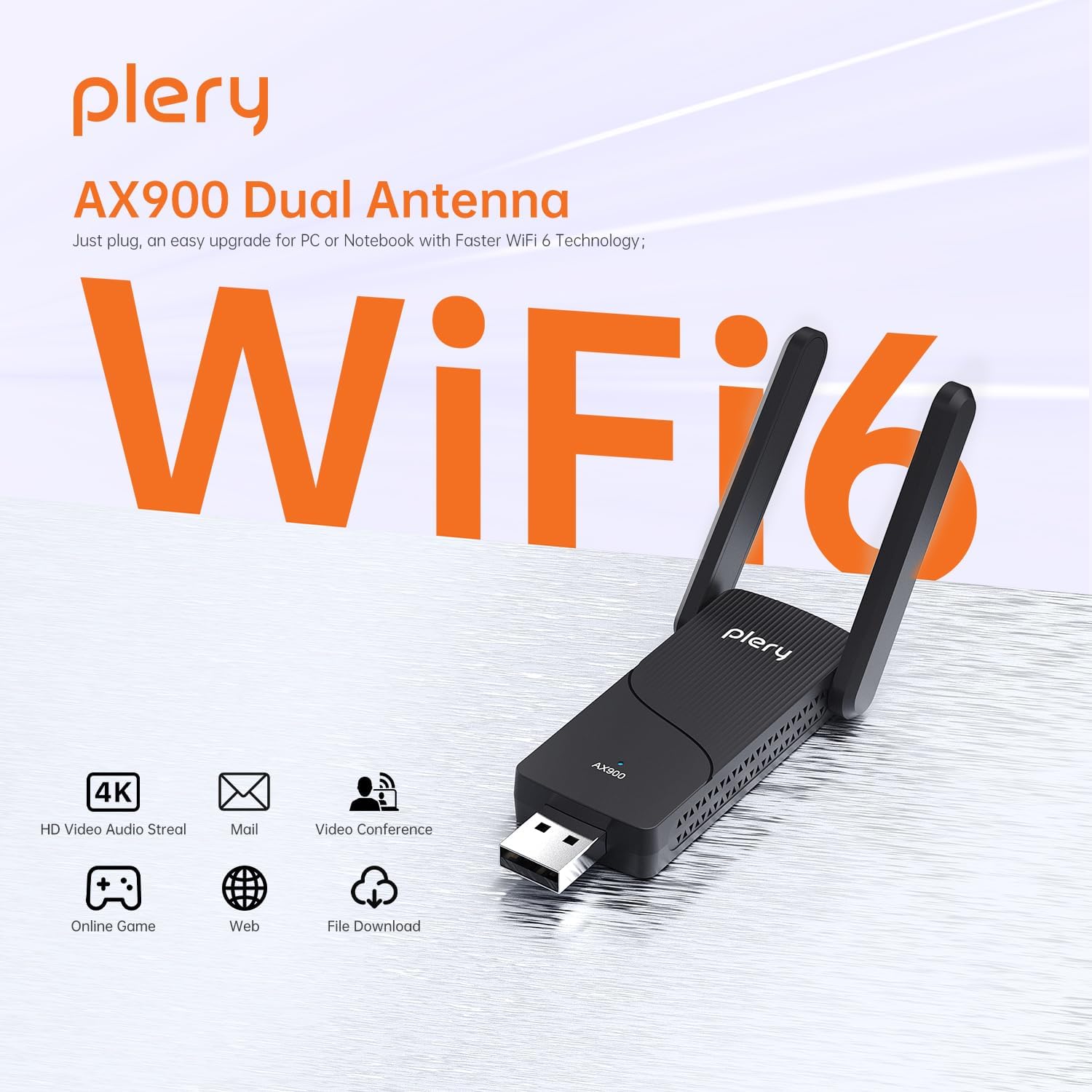
The PLERY AX900 is a USB dongle that combines WiFi 6 connectivity with Bluetooth, designed to upgrade a desktop PC or laptop’s wireless capabilities without opening the case. On paper, it aims to deliver faster wireless speeds, wider coverage and a ready-made Bluetooth bridge in one inexpensive, plug‑and‑play package. If you’re looking to add reliable dual‑band WiFi (5GHz and 2.4GHz) and Bluetooth 5.x to a computer that lacks modern wireless hardware, this could be a convenient option.
How it performs on paper
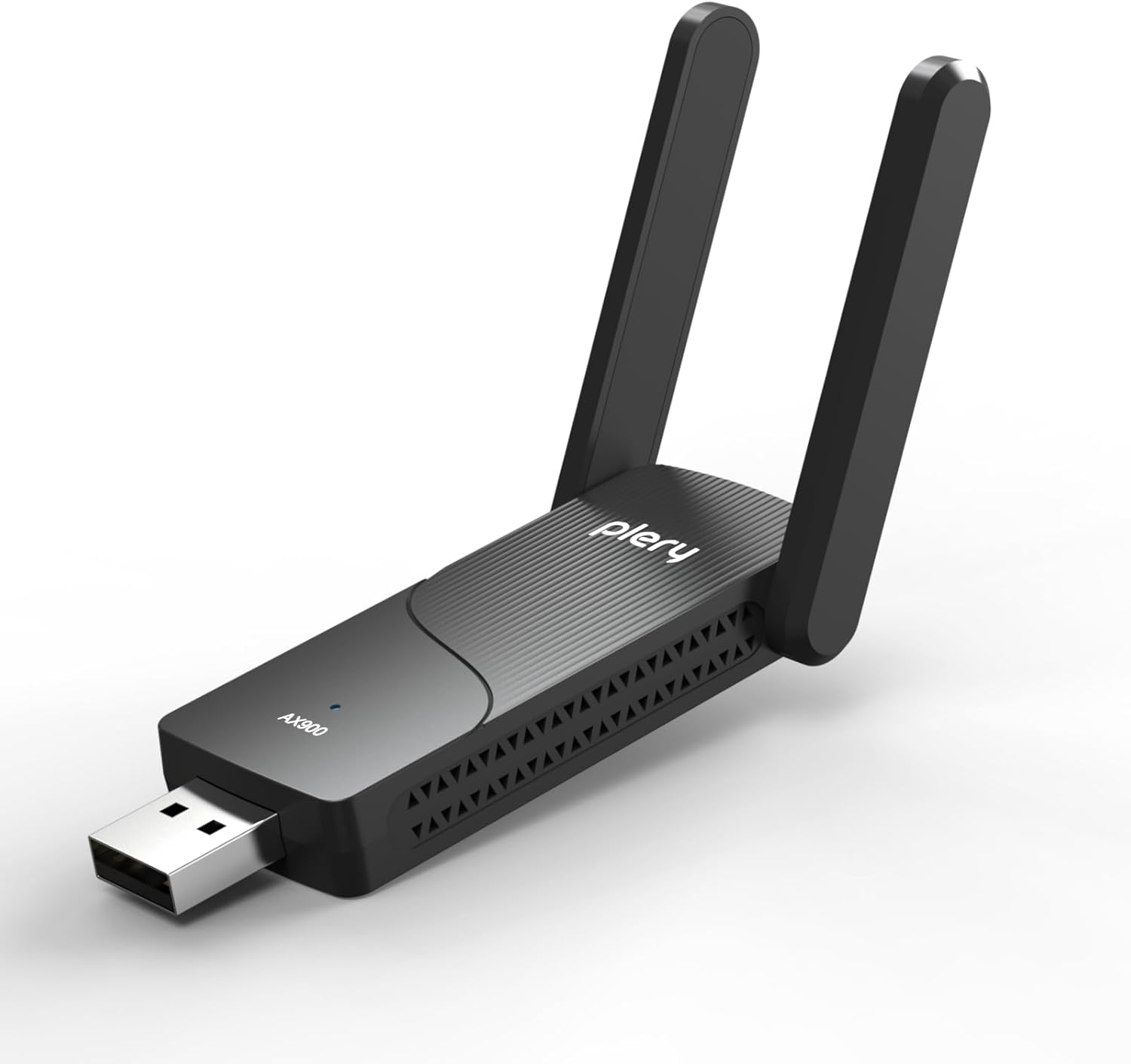
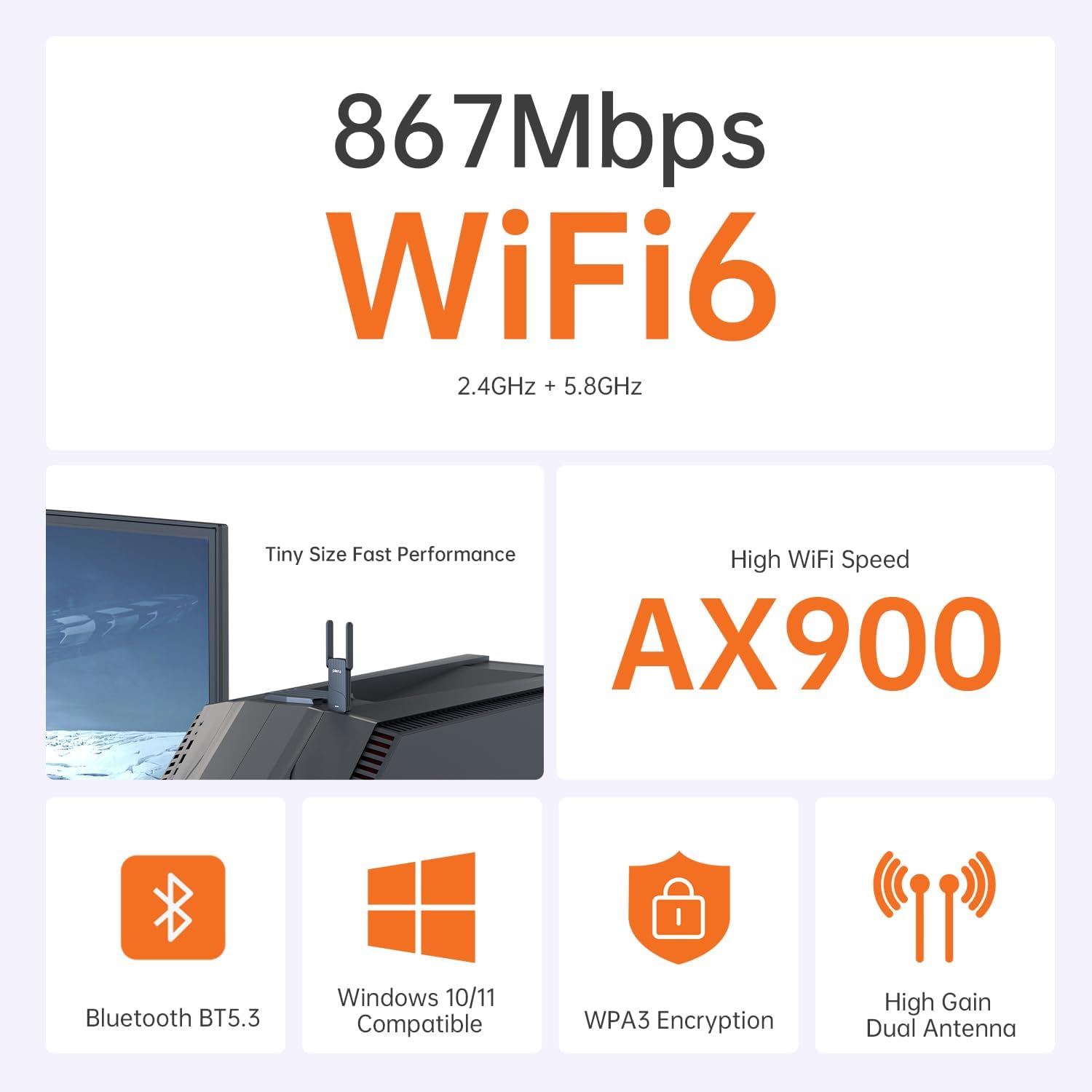
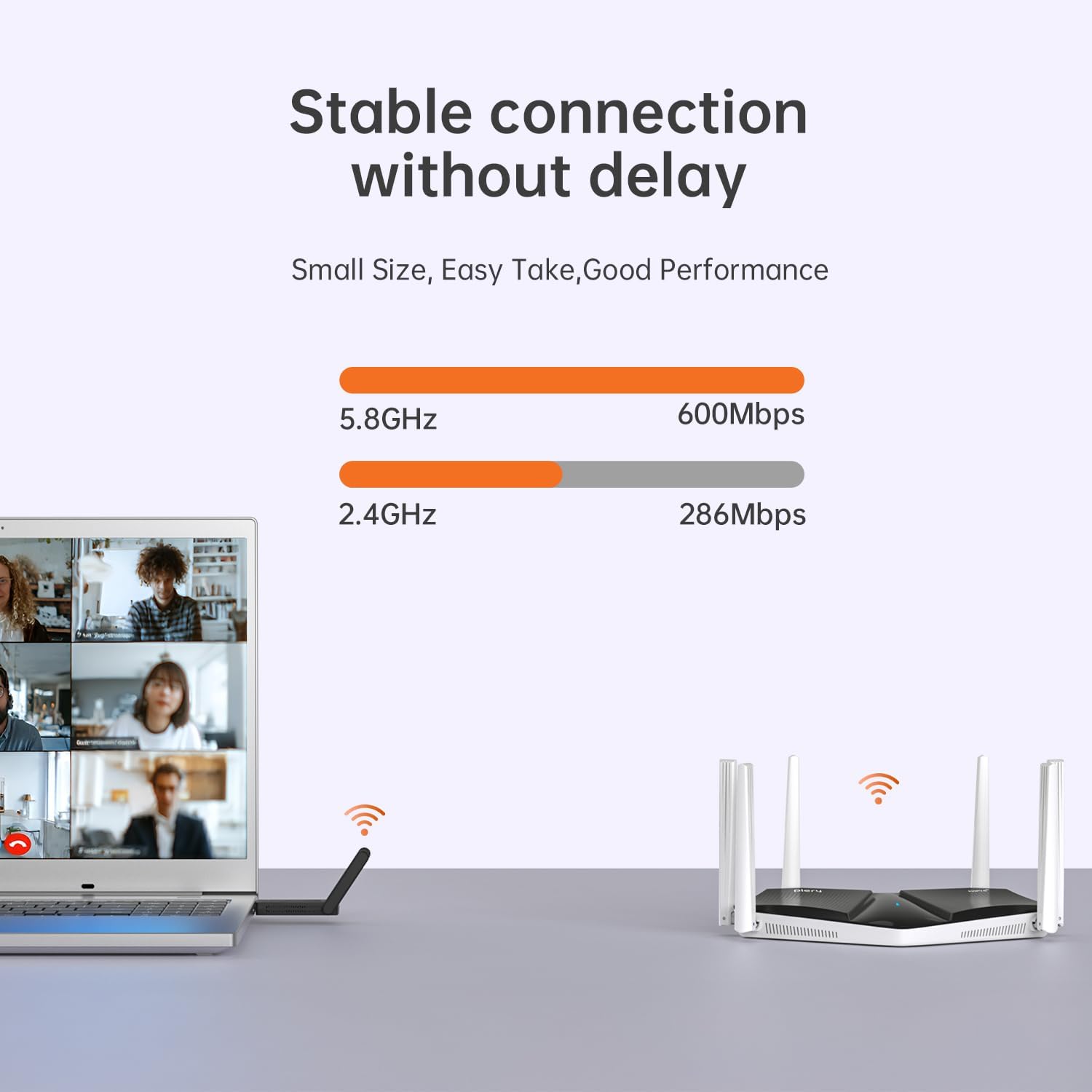
This adapter supports WiFi 6, with claimed speeds up to 600Mbps on 5GHz and 286Mbps on 2.4GHz. The inclusion of OFDMA and MU‑MIMO suggests improved efficiency in busy networks, which could translate to steadier streaming, video calls and general browsing. It also features built‑in drivers for Windows 10 and 11, simplifying setup, and two external high‑gain antennas to help reduce dead zones.
What stands out in everyday use
Two big practical strengths are the 2‑in‑1 USB WiFi and Bluetooth functionality and the plug‑and‑play setup. If you need quick access to Bluetooth peripherals (headsets, printers, keyboards) and a WiFi upgrade at the same time, this dongle streamlines that—no CD or complex configuration required. The dual‑antenna design should help maintain signal strength in multi‑room layouts, which can be a real win for household networks.
Limitations and caveats
- Compatibility notes are important: the description specifies Windows 10/11 support and explicitly notes Mac/Linux are not supported. If you rely on macOS or Linux daily, this won’t be suitable.
- While the stated speeds align with WiFi 6 expectations, real‑world results depend on your router, environment and interference. Expect a practical improvement rather than a guaranteed peak speed in every scenario.
- The device is a USB dongle, it won’t replace a high‑end PCIe card in a desktop for heavy networking tasks, but it should offer a reasonable upgrade for typical home use.
Who this is for
It’s a sensible pick if you want a simple, compact upgrade for a desktop PC or laptop that needs modern wireless connectivity and Bluetooth without dismantling the machine. It suits basic home offices, media streaming setups and light gaming where convenience and ease of use matter more than chasing blazing fast throughput.
Who it isn’t ideal for
If you’re chasing top‑tier gaming latency, are gaming in a highly congested area, or require guaranteed performance under heavy network load, you might want to explore higher‑end adapters or separate dedicated WiFi and Bluetooth solutions. Also, if you rely on non‑Windows platforms, this isn’t the right fit.
What to check before buying
- Confirm your current PC supports USB network adapters and that Windows 10/11 is in use.
- Consider your router and home layout, the two external antennas help but won’t magic‑beam signals through walls.
- If you need Mac or Linux compatibility, you’ll need a different solution.
Practical usage example

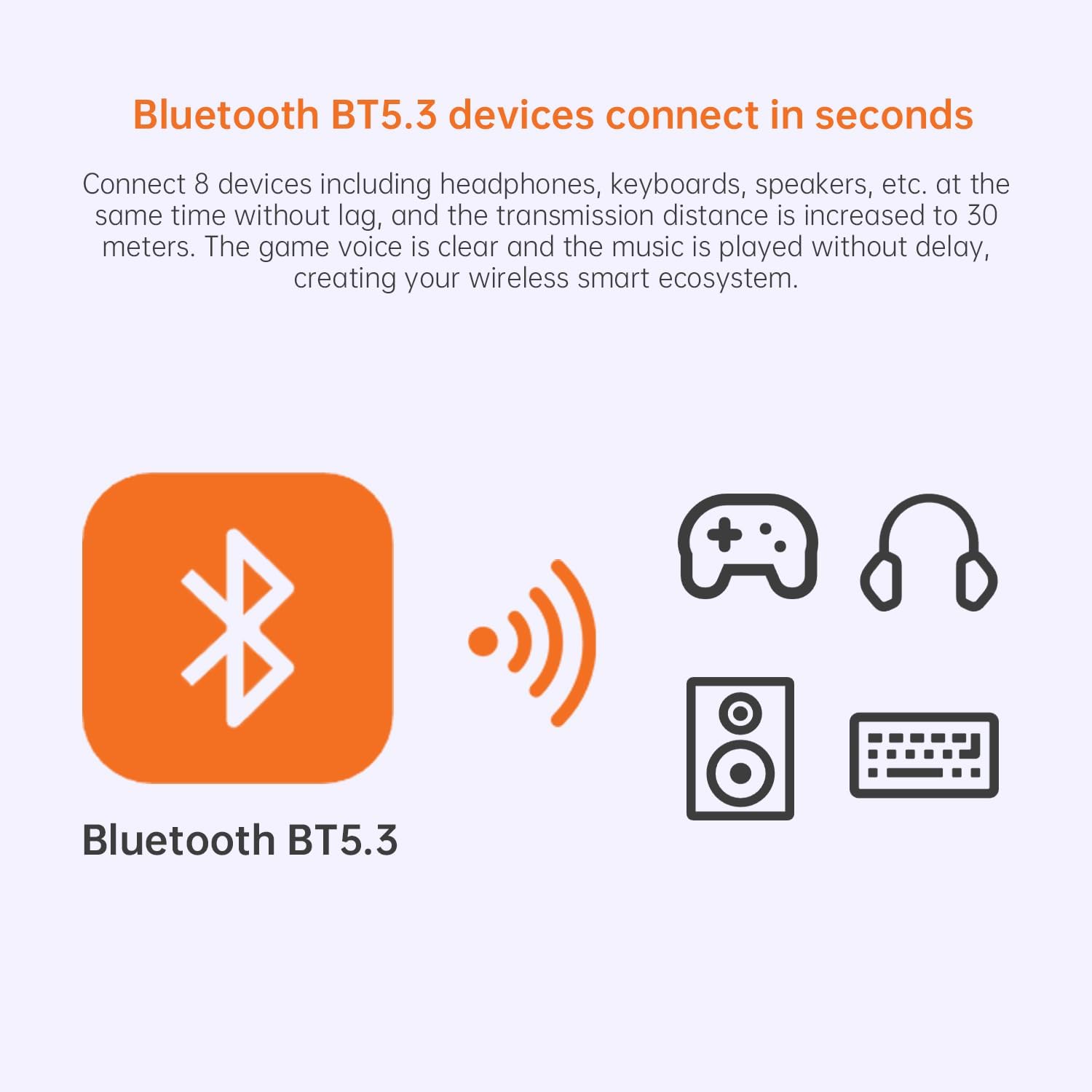
Imagine a home office where your PC sits away from the router. Plugging in the AX900 could improve your video calls and streaming mugs of buffering-free moments, while simultaneously letting you connect a Bluetooth keyboard and headset without juggling multiple dongles.
Tech specs at a glance
- WiFi 6 (802.11ax) with dual band: 5GHz up to 600Mbps, 2.4GHz up to 286Mbps
- Two external high‑gain antennas
- Bluetooth adapter integrated (for peripherals)
- WPA3 security
- Plug‑and‑play on Windows 10/11, no CD required
- Not compatible with Mac/Linux
Is it worth it?
You’ll like it if you prioritise convenience and a straightforward upgrade path for Windows devices, with the added benefit of Bluetooth. You may want to skip it if you need cross‑platform support or if you require higher sustained throughput for demanding setups.
FAQ (quick answers)
- Does it work with Windows 10/11 out of the box? Yes, with built‑in drivers during setup.
- Are there any required drivers I must install? The device is described as plug‑and‑play, with drivers launching automatically on Windows 10/11.
- Can it replace a PCIe WiFi card? It provides an upgrade via USB, which is convenient but not a direct replacement for high‑end internal cards in power users’ setups.