

TECURS Wireless Mechanical Gaming Keyboard RGB UK Layout 65% (65%) TKL with Red Switches, 2.4G/Bluetooth/Wired, Easy multi-device pairing
Product description
What it is and what it solves
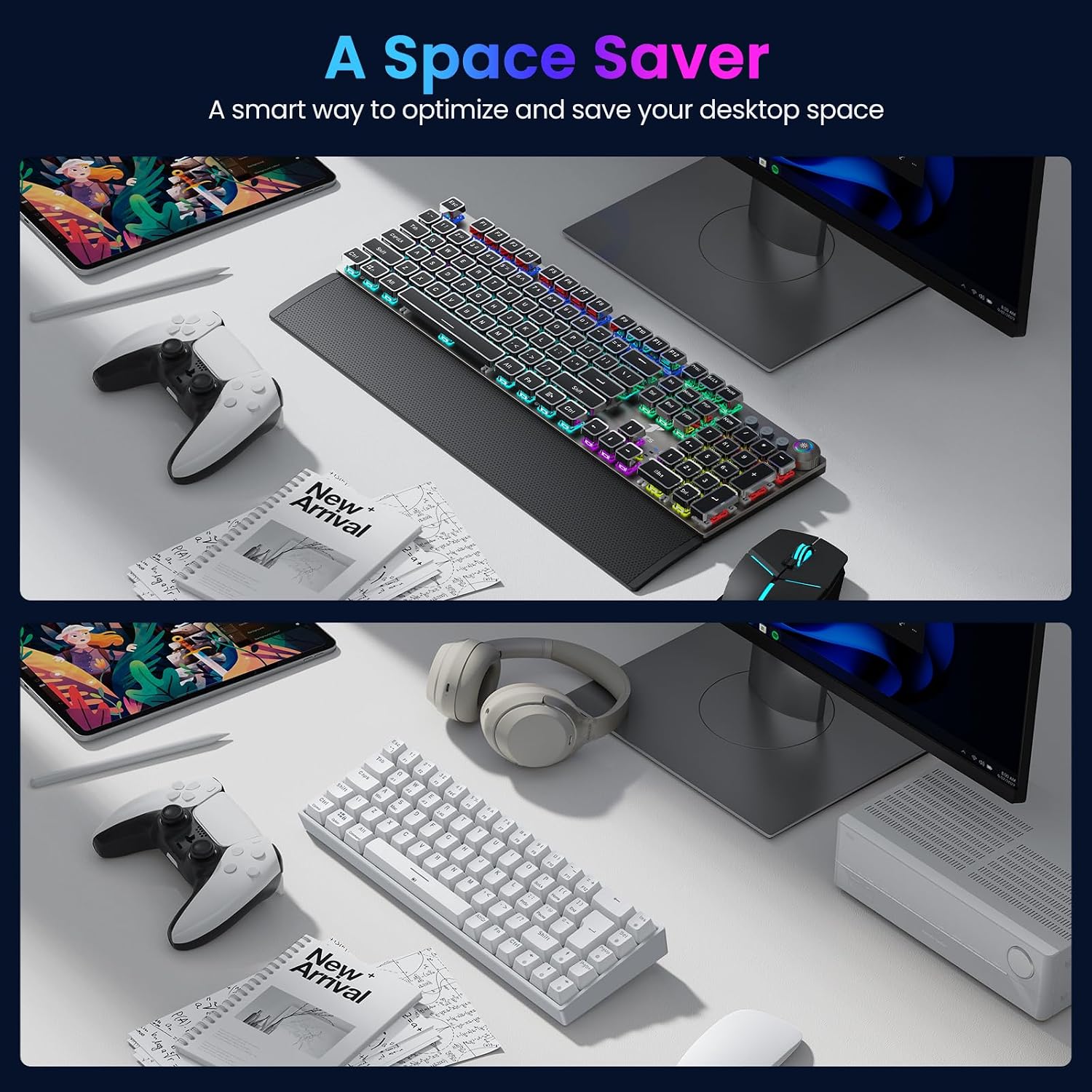
The TECURS Wireless Mechanical Gaming Keyboard is a compact 65% (TKL) keyboard designed for multi-device use, offering Bluetooth, 2.4G wireless and wired Type-C connectivity. It aims to streamline gaming and productivity by letting you switch between devices without swapping keyboards. Its 68-key UK layout keeps essential keys within reach while maintaining a small footprint, making it a practical companion for a desktop, laptop, console, or on the go.
Layout and build in practice
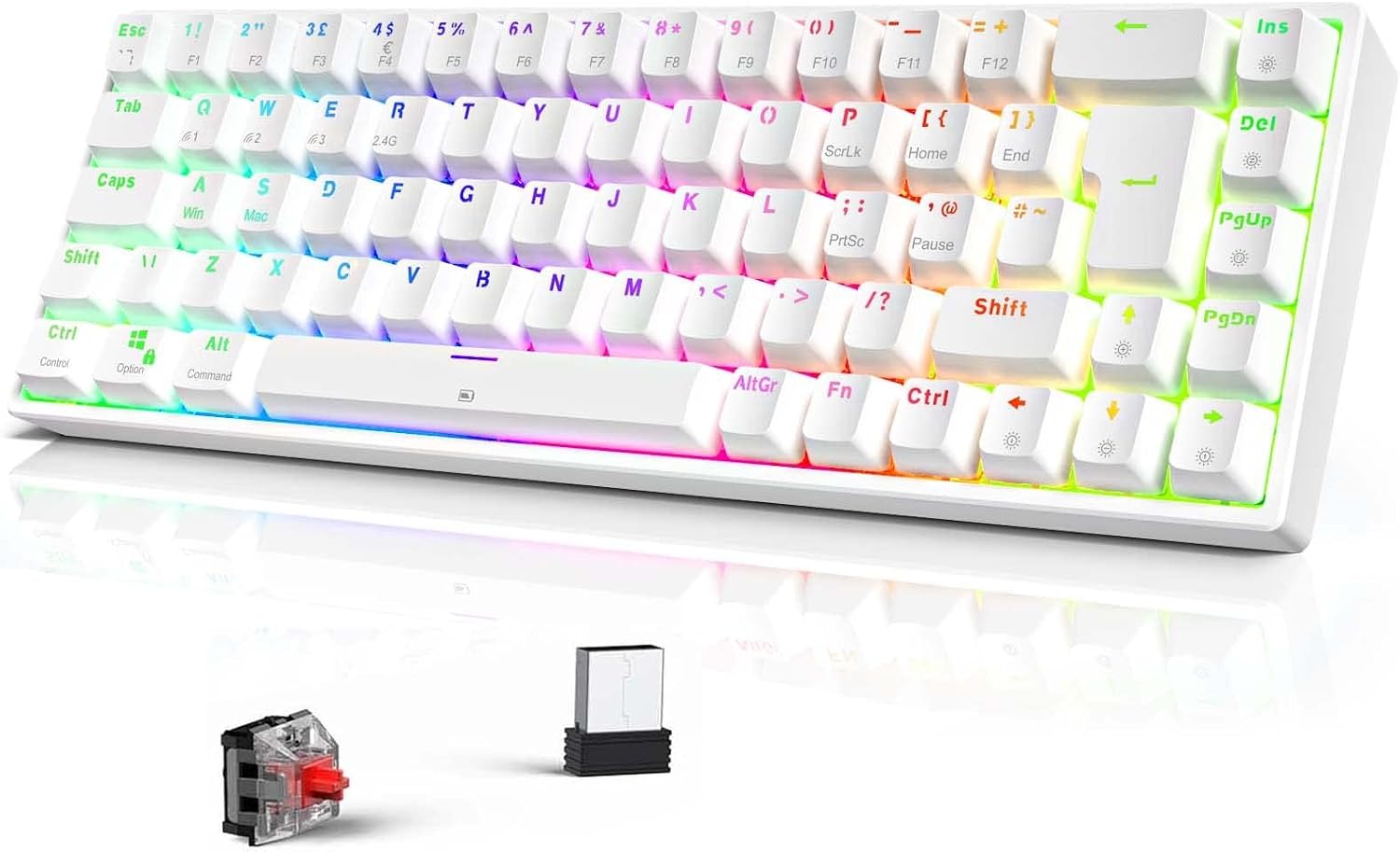
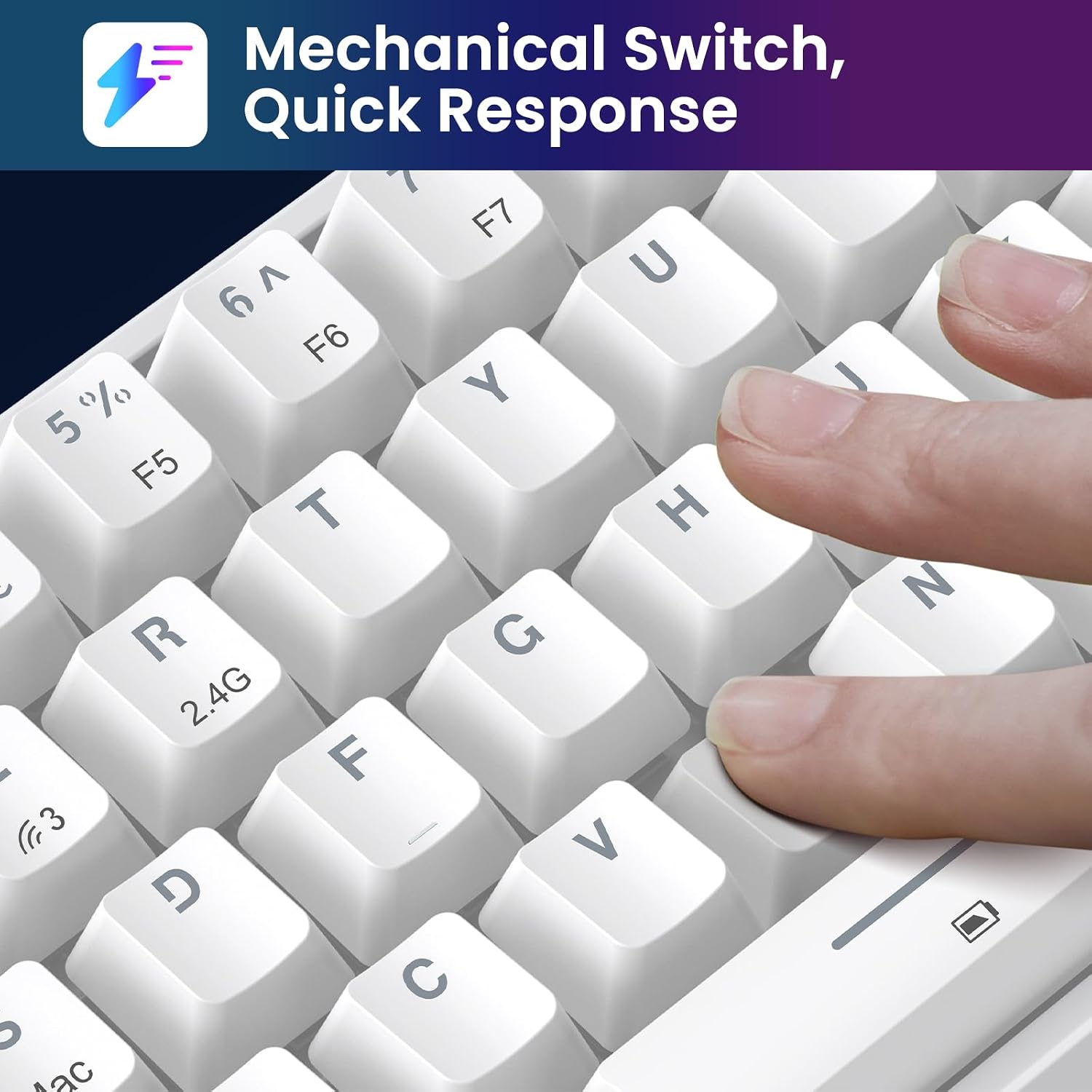
With a 65% form factor, the TECURS keyboard omits the numeric keypad but retains the dedicated navigation and function keys you’ll rely on daily. The splash- and dust-proof construction adds a degree of resilience to everyday use, especially if you spill a drink or work in a busy environment. The Red switches are designed for lighter actuation and quicker response, which can feel snappy for gaming yet comfortable for typing when used for long sessions.
Connectivity and pairing ease
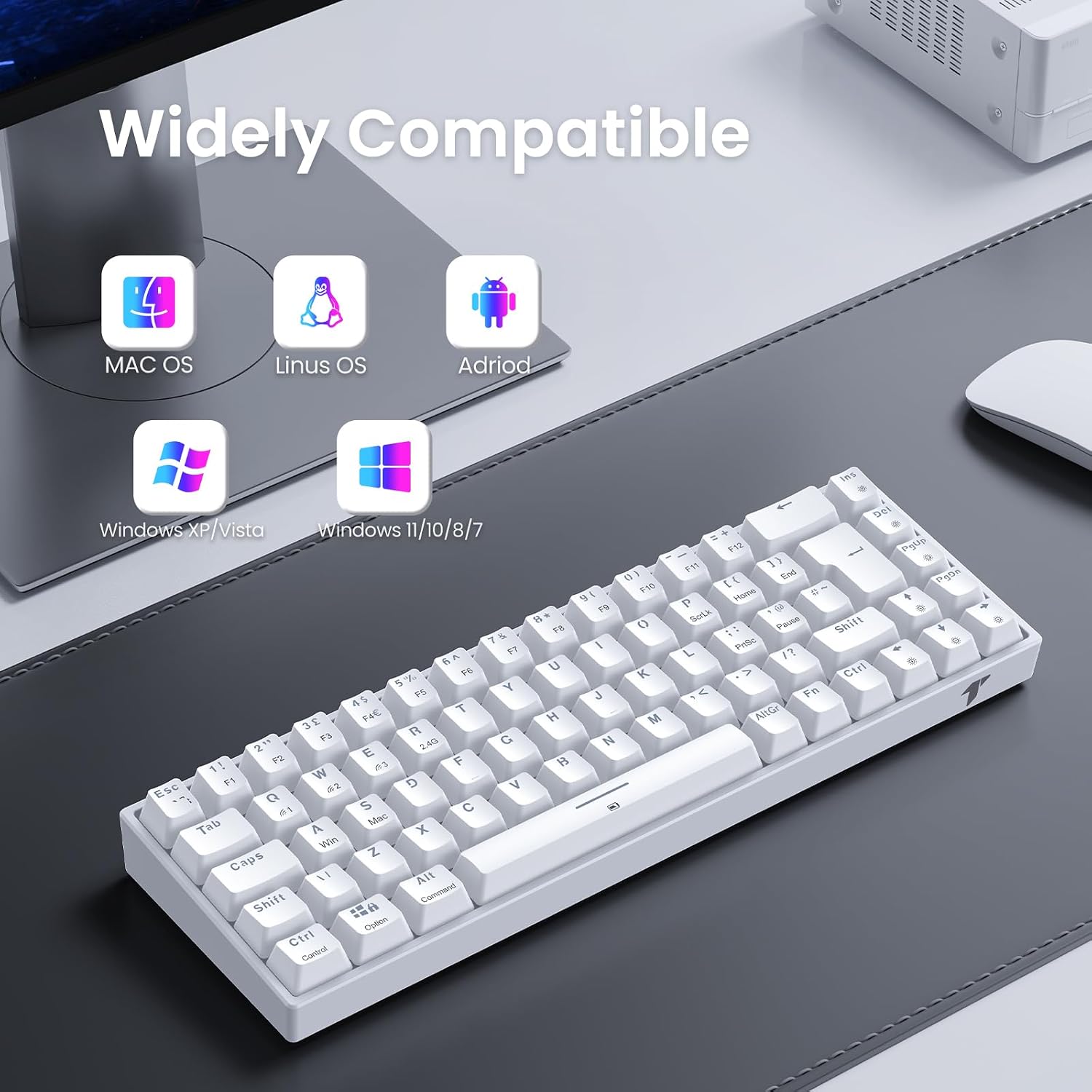
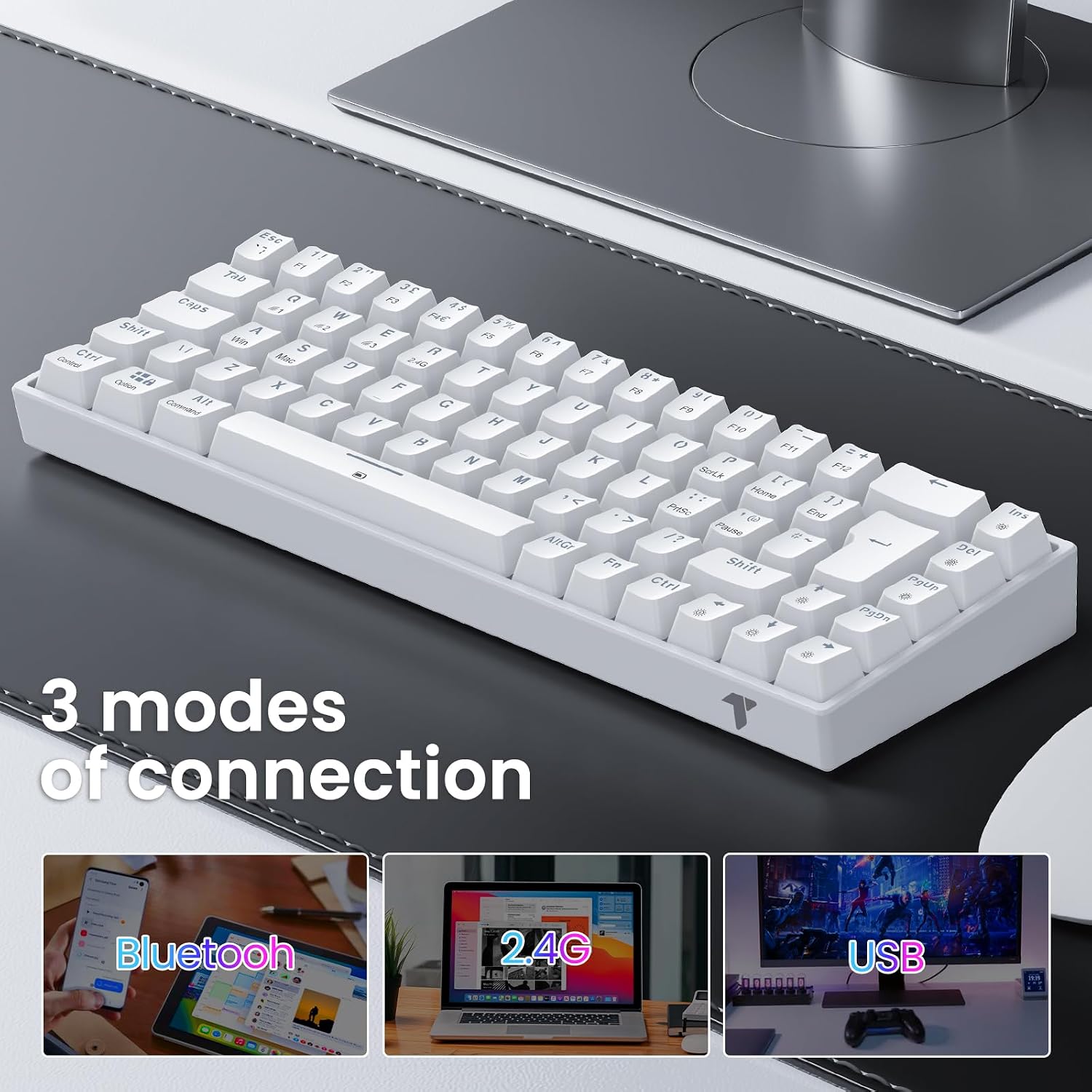
The standout feature is its multi-device capability. You can connect via Bluetooth, 2.4G wireless, or Type-C wired, giving you real flexibility to game on a PC, iPad, PS4, Android devices, or a Mac, depending on your setup. The ability to pair across platforms without changing hardware is useful for households with multiple devices or for someone who moves between work and play settings.
Lighting and ambience
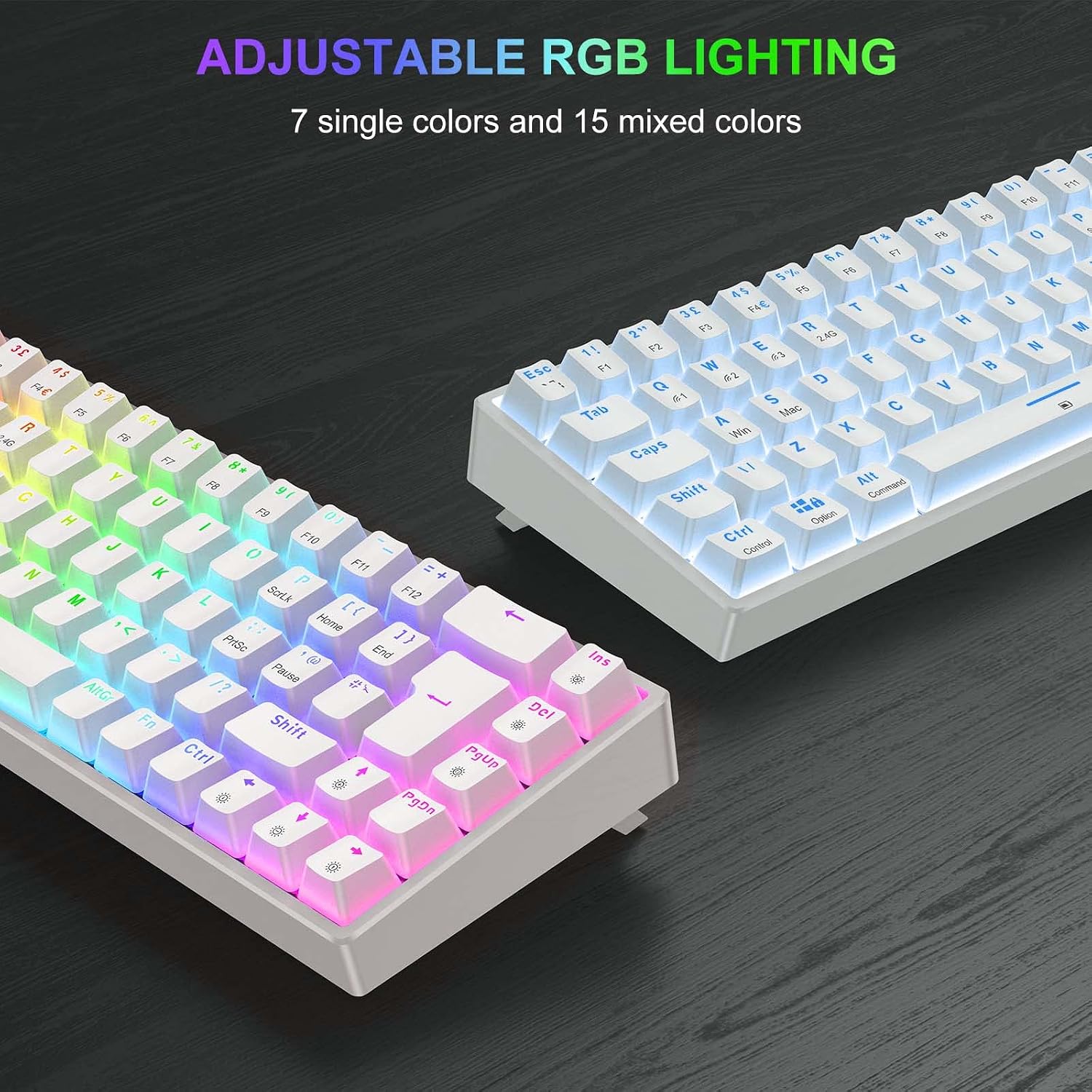
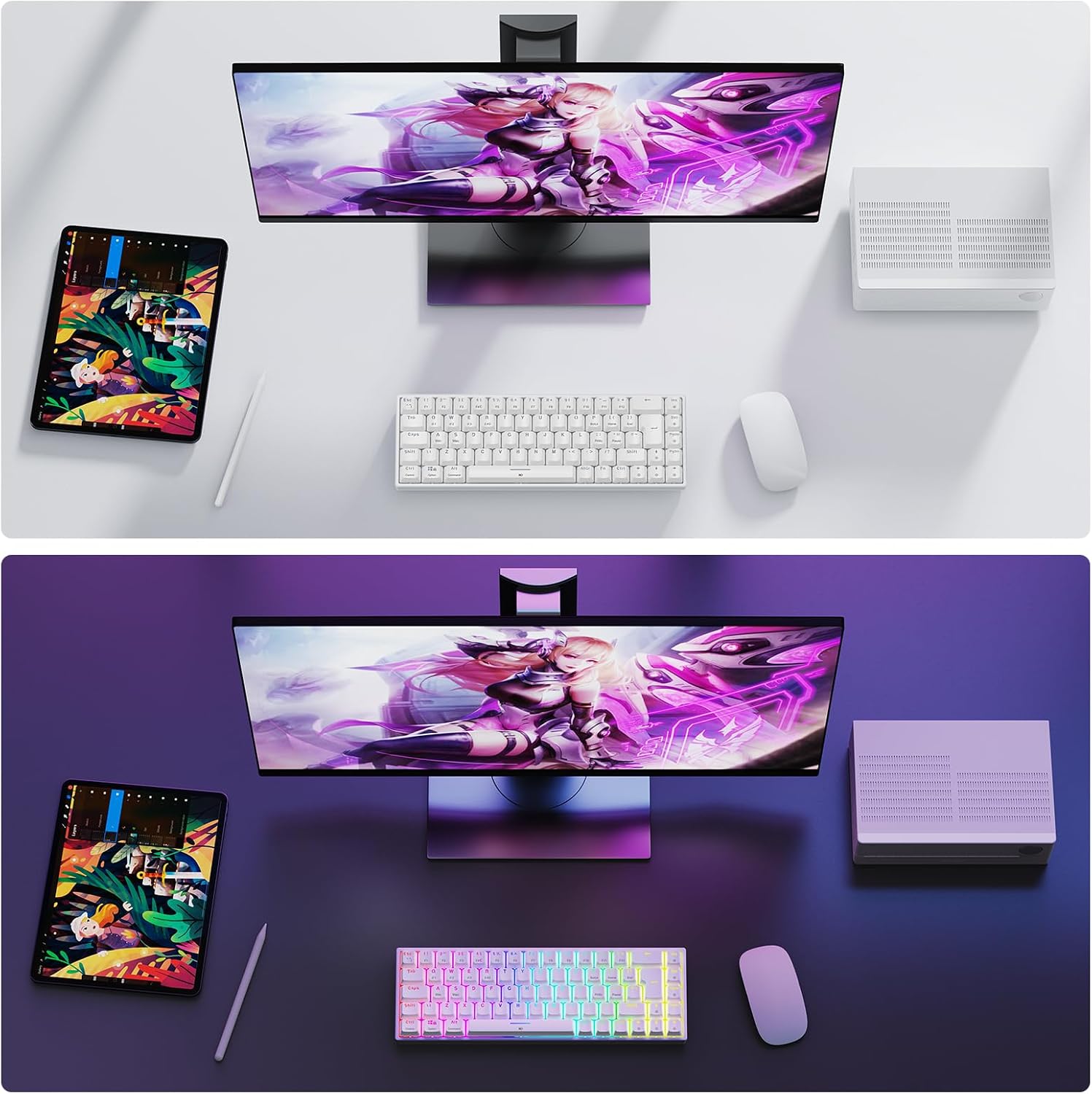
The keyboard includes RGB backlighting with up to 15 lighting modes and seven monochrome options, plus a colour-mixing set to create personalised scenes. For many, lighting is more than cosmetic: it helps in dim rooms and can be used to signal different profiles or modes in games. It’s reasonable to expect that the lighting looks pleasant rather than overwhelming, and it’s possible to dial in a style that suits your setup without dominating the desk.
Typing and gaming performance
Red switches tend to provide a smoother, faster actuation with lighter resistance than typical tactile or blue switches. If you prioritise quick keystrokes for gaming or rapid typing, these switches can be appealing. However, as with any mechanical switch choice, comfort varies by user: some folks may prefer a tactile feel for long typing sessions or a quieter profile for shared spaces.
Who it’s for
This keyboard suits multi-device users who want a compact, travel-friendly option without sacrificing essential keys. It’s sensible for those who value a UK QWERTY layout and a relatively small desk footprint, or for gamers who want a wireless keyboard that’s easy to tuck into a bag for LANs or travel. It can also appeal to casual Mac/Windows users who want cross-platform compatibility and a low-profile footprint.
What could be better
It may not be the best choice if you prefer a full-size board with a numeric keypad or if you want the quietest possible typing experience. While the UK 65% layout is practical, some users may miss dedicated media keys or macro capabilities that are easier to access on larger boards. Battery life details aren’t provided, so you’ll need to test endurance with your preferred lighting settings.
Before you buy: what to check
- Confirm your primary devices and how you plan to switch between them, ensure the pairing method suits your needs.
- Consider whether 65% is the right footprint for your workflow—if you rely on dedicated function or media keys, you might prefer a different layout.
- Think about the room where you’ll use it, RGB lighting is nice, but it can affect battery life and distraction in dark rooms.
- If you game across Mac and Windows, verify driver or OS support levels for reported compatibility.
How it compares to common alternatives
If you want minimal desk clutter and multi-device capability, a 65% wireless keyboard is a sensible compromise between portability and usability. In contrast to a larger, wired board, you’ll trade some dedicated keys for space and flexibility. If you require a quieter typing experience or stronger macro support, you may want to explore other options with different switch types or layouts that better align with your preference.
Final verdict
Is it worth it? Worth considering if you value a compact form factor, multi-device connectivity and a UK layout, and you don’t mind trading away the full-size keyboard. It’s a practical choice for mixed-use setups and travel, provided the Red switches and 65% layout match your gaming and typing style. If your workflow depends on a full set of media controls or you need extensive macro functionality, you might want to look at alternatives with those features.
FAQ
- Will it work with my iPad and PS4? Yes, the device advertises Bluetooth and 2.4G connectivity suitable for multiple platforms, including iPad and PS4.
- Are the switches suited for long typing sessions? Red switches offer light actuation, which is generally comfortable for many users, but preference varies per person.
- How portable is it? The 65% layout and wireless options make it relatively easy to transport, though the included Type-C cable adds to travel convenience.