

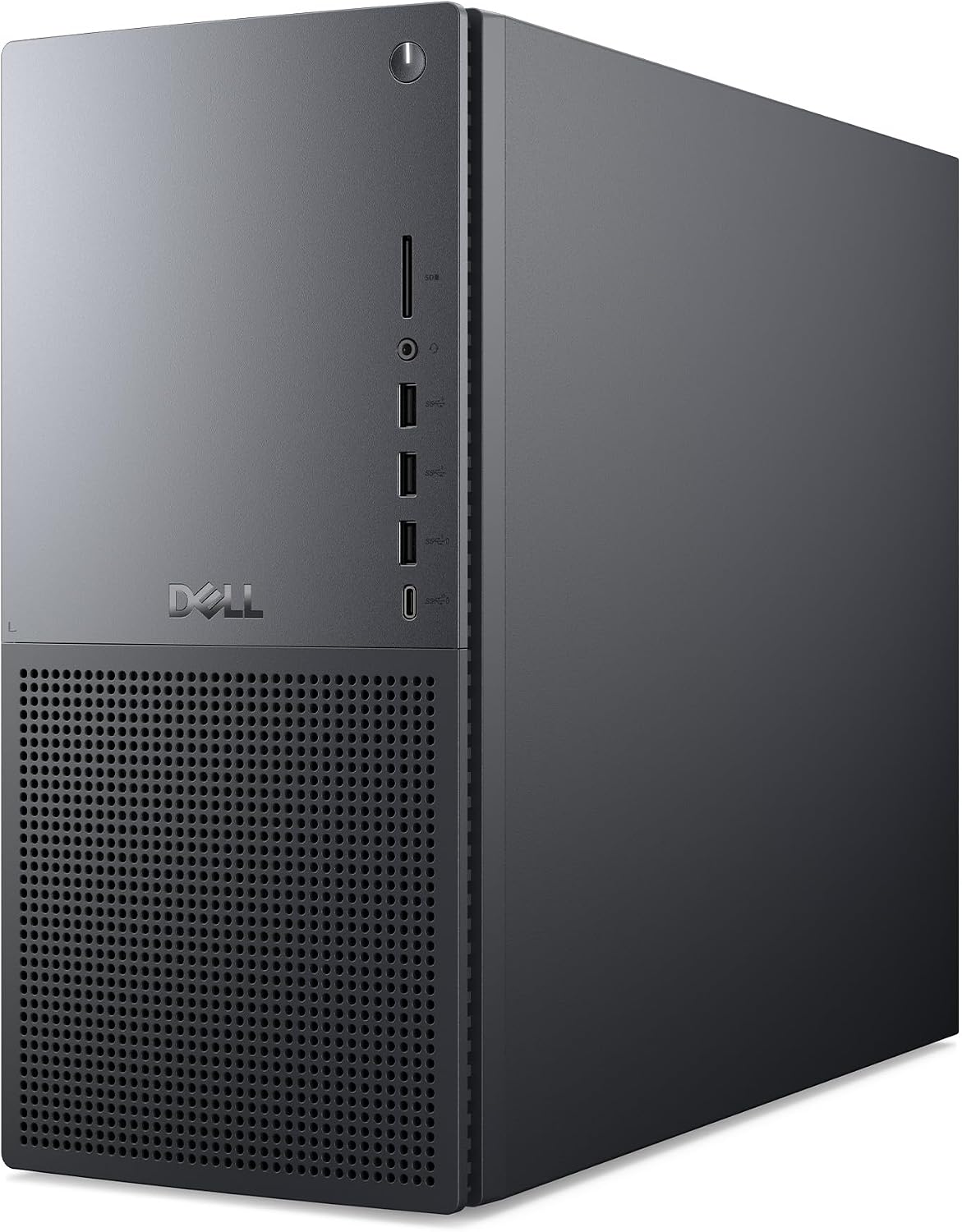
Dell Tower Plus EBT2250 desktop PC with Intel Core Ultra 7 265, 32GB DDR5, 1TB SSD, RTX 5070 and Windows 11 Pro
Product description
What it is and the kind of buyer it suits
The Dell Tower Plus EBT2250 is a full-size desktop aimed at people who need heavy, sustained performance rather than just everyday computing. On paper, you’re looking at an Intel Core Ultra 7 265 paired with an NVIDIA GeForce RTX 5070, plus 32GB DDR5 RAM and a 1TB PCIe Gen 4 SSD. That combination is typically the sort of spec you’d choose for creative work, developer tasks, and demanding professional workflows.
It also comes with Windows 11 Pro for business users and includes features like BitLocker and Remote Desktop (as listed), which can matter if you’re setting up machines for a workplace or you want security controls that feel more “managed” than standard consumer setups.
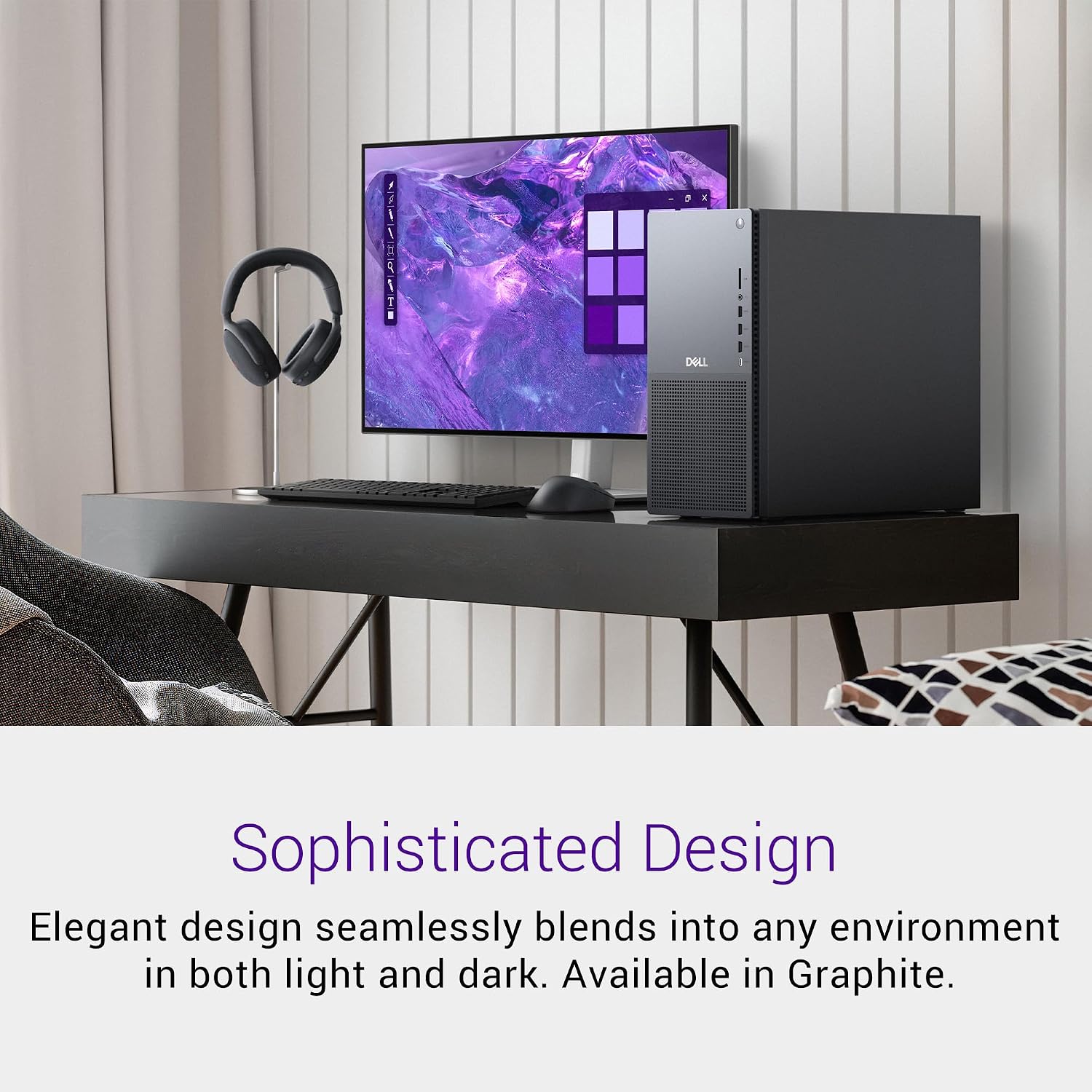
The Graphite chassis is a sensible, professional style choice. It’s not trying to be flashy, which is good news if this PC is going to live on a desk where you want it to look understated.
Performance building blocks (and what you’ll notice)
The core story here is compute + graphics + speed in storage and memory.
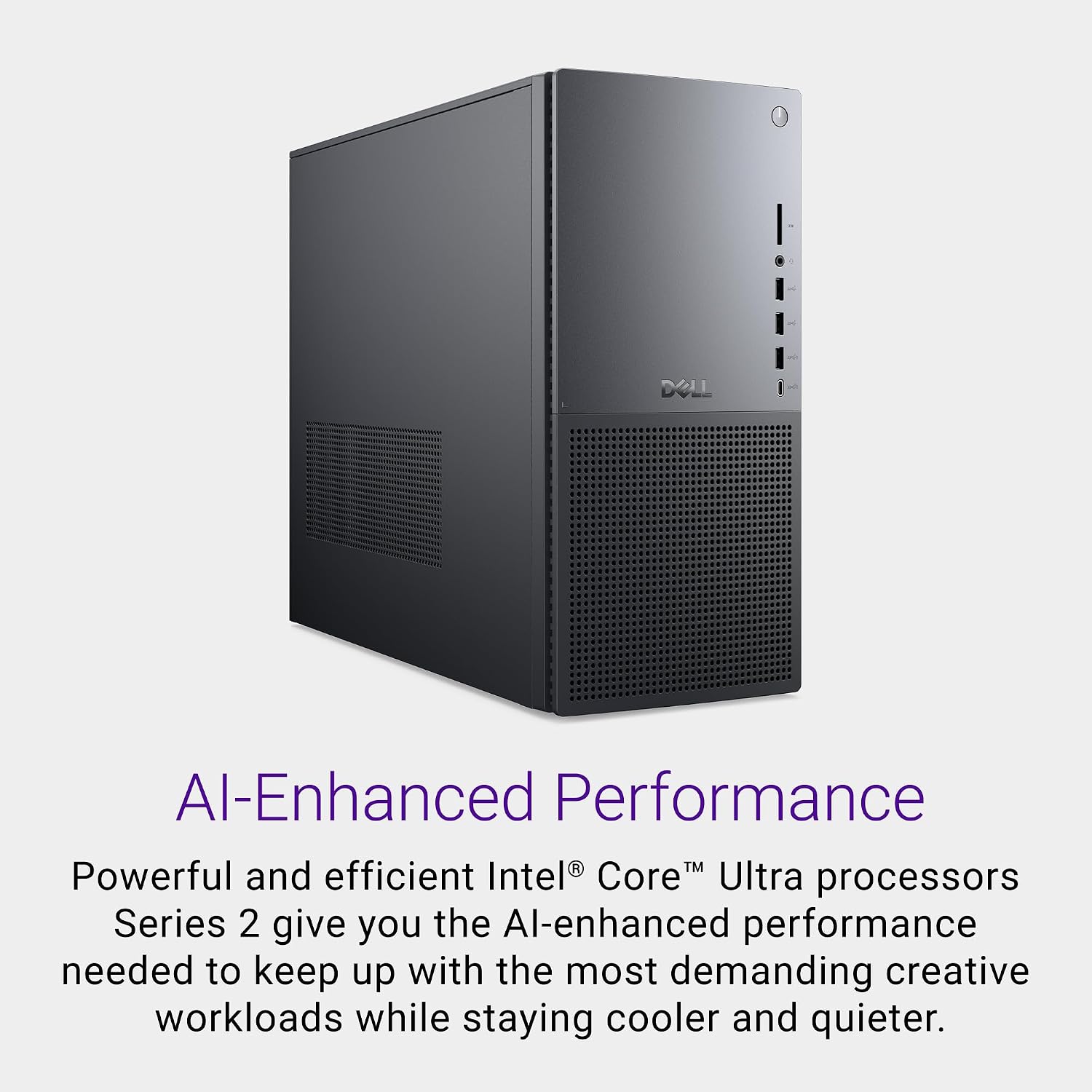
The Intel Core Ultra 7 265 is specified as having 20 cores and 66MB cache, with a clock range of 1.8GHz to 5.3GHz. That’s the sort of headroom that can help when you’re juggling multiple applications, working with larger projects, or running development tooling alongside heavier workloads.
For graphics, the system includes an NVIDIA GeForce RTX 5070 with 12GB GDDR7. That’s positioned (by the manufacturer description) for rendering, editing, simulations and AI workflows. In practical terms, you’re buying into a desktop that’s meant to handle GPU-accelerated tasks without feeling like the graphics card is the weak link.
On the memory and storage front, 32GB DDR5 RAM (2x16GB, 5600MT/s) and a 1TB M.2 PCIe Gen 4 SSD are there to keep day-to-day use responsive. You’d typically expect quicker boots and smoother multitasking than slower storage configurations, especially when you’re bouncing between apps and files.
Where it might not be perfect is worth flagging: a spec like this is designed for demanding users, so if your use is mainly web browsing, emails, and office docs, you may not get much “felt benefit” compared to cheaper systems. Also, the listed cooling and power details are helpful, but your actual noise/thermals will depend on where and how it’s used.
Key specs that matter in day-to-day use
Tech specs
- Name: Dell Tower Plus EBT2250 Desktop PC
- Processor: Intel Core Ultra 7 265 (20 cores, 66MB cache, 1.8GHz to 5.3GHz)
- Memory: 32GB DDR5 RAM (2x16GB, 5600MT/s)
- Storage: 1TB M.2 PCIe Gen 4 SSD
- Graphics: NVIDIA GeForce RTX 5070 (12GB GDDR7)
- Operating system: Windows 11 Pro
- Wireless: Wi-Fi 6E and Bluetooth
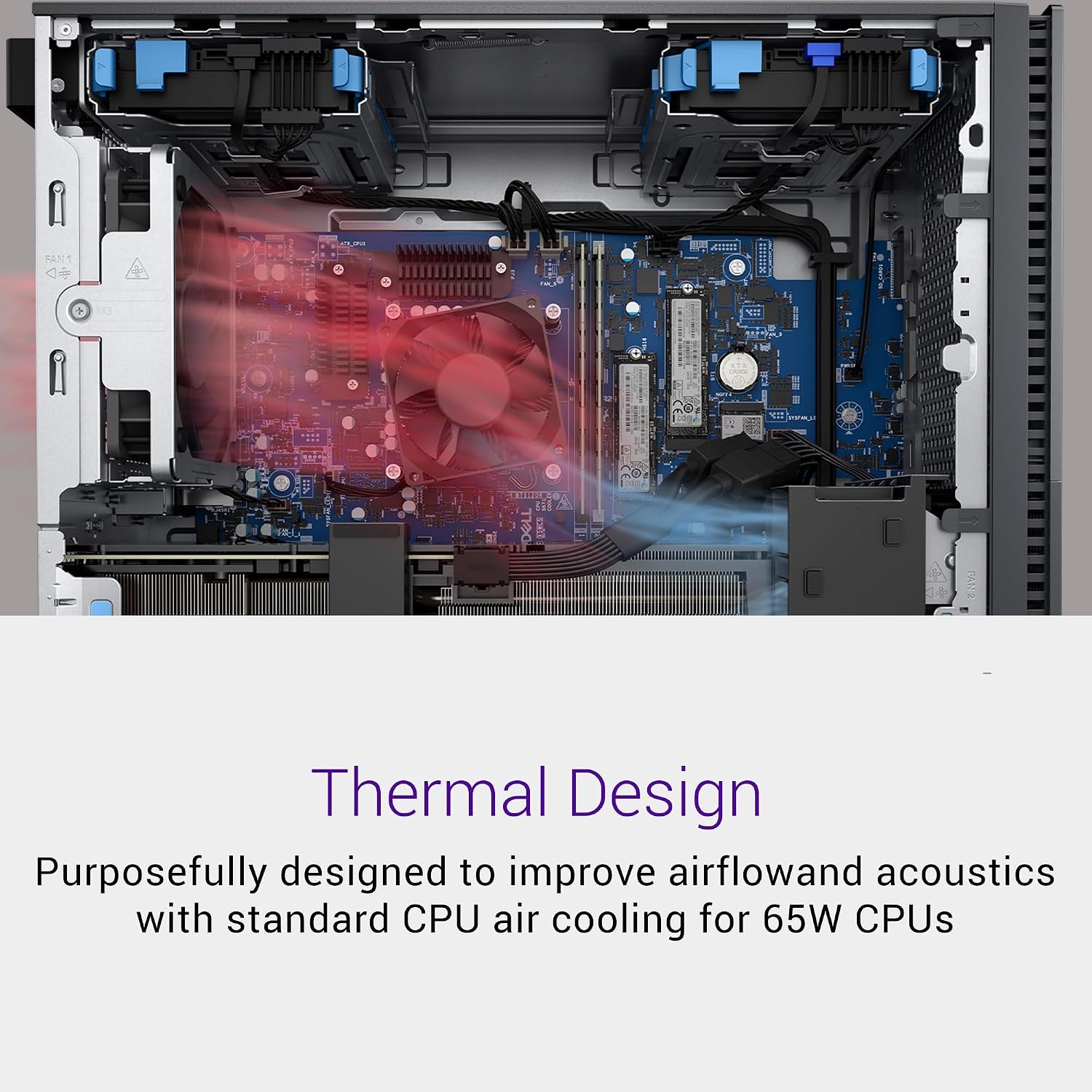
- Cooling/power: 65W air cooling and 750W Platinum PSU
- Ports/reader listed: USB 3.2 Type-C and SD card reader
Connectivity and power/cooling—why it’s more than just a spec list
Wi-Fi 6E and Bluetooth are included, which is useful if you don’t want to rely purely on Ethernet. The listing also mentions a USB 3.2 Type-C port and an SD card reader, both of which are small details that make a difference if you regularly move media from cameras or external storage.
The power and cooling package is also clearly part of the design. A 750W Platinum PSU and 65W air cooling are listed, suggesting the intention is stable performance under load, not just “it runs” at low demand. Still, if you’re planning sustained, long sessions (for example, heavier rendering or long simulation runs), it’s worth considering your desk setup and airflow so the PC can actually do what it’s designed to do.

Software, security, and business features
This one includes Windows 11 Pro for business users, plus advanced security tools mentioned in the listing such as BitLocker and Remote Desktop. There’s also a 1-year McAfee Business Protection included (as stated).
That mix is a clear signal: it’s aimed at people who either work in an organisation that values security, or who personally prefer the more “enterprise-leaning” Windows experience rather than standard consumer features.
If you’re a home user who doesn’t care about BitLocker/Remote Desktop, those extras may feel like overkill. But if you want the security tooling that comes with Pro, it can be a sensible inclusion rather than something you end up configuring yourself.

What to know before you buy
A PC like this is usually purchased for a reason: you need compute and you need GPU capability. So the main checklist is whether your workloads actually align.
Consider this a good fit if you’re doing GPU-accelerated creative work (like editing or rendering), developer tasks that benefit from a strong CPU, or AI workflows where the RTX 5070 is relevant. It’s also a strong candidate if you care about Windows 11 Pro features for security and remote access.
You may want to skip it if you mainly use your desktop for basic office tasks and casual browsing—then the spend may not translate into a better day-to-day experience.
Is it worth it?
The Dell Tower Plus EBT2250 is worth considering when you want a desktop that doesn’t shy away from demanding jobs: strong CPU headroom, an RTX 5070-class graphics setup, and a fast 1TB PCIe Gen 4 SSD. It’s a “buy once for proper workloads” kind of system.
It’s not the best match if your needs are light, because a setup like this can be more power than you’ll truly use. Also, the specs are impressive, but your real-world experience will depend on how you run software and how your workspace supports cooling and airflow.
Quick FAQ
Usage tips
Is this desktop designed for gaming? The listing focuses on rendering, editing, simulations and AI workflows, so it’s clearly built around performance for demanding creative/pro tasks. If you game, the RTX 5070 is the component that would matter most, but the provided information doesn’t specifically position it as a gaming machine.
What makes the Windows 11 Pro version useful? The description highlights business-oriented security and management tools like BitLocker and Remote Desktop.
Will 32GB RAM help with multitasking? With 32GB DDR5 RAM, multitasking and heavier projects should be more comfortable than on lower-memory systems, particularly if you keep multiple apps open.
Does it include Wi-Fi? Yes—Wi-Fi 6E and Bluetooth are listed.