

Synnov Laptop Screen Extender 14" FHD Dual Monitor With Stand – Triple Display for 13"–16.5" Laptops
Product description
What it is
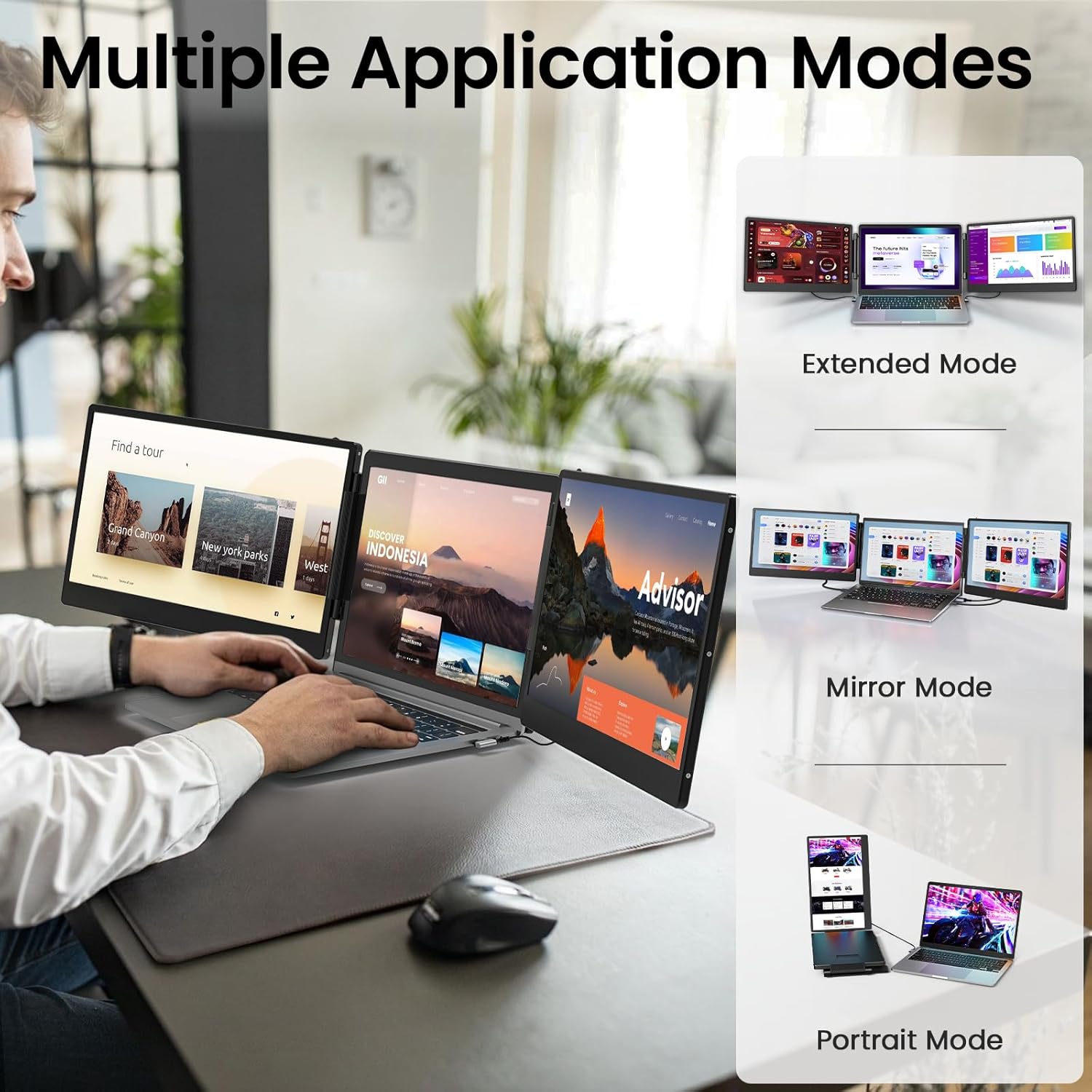
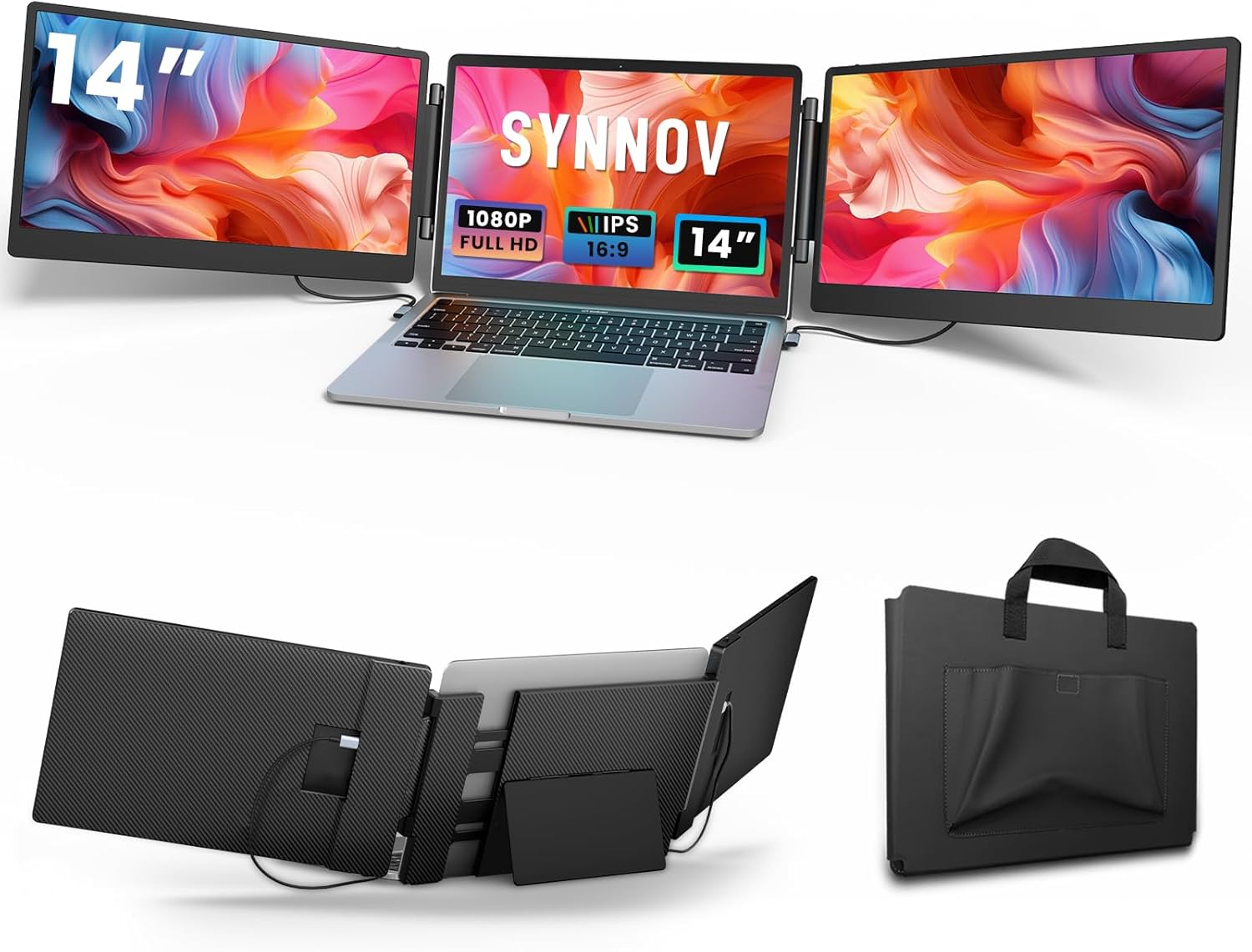
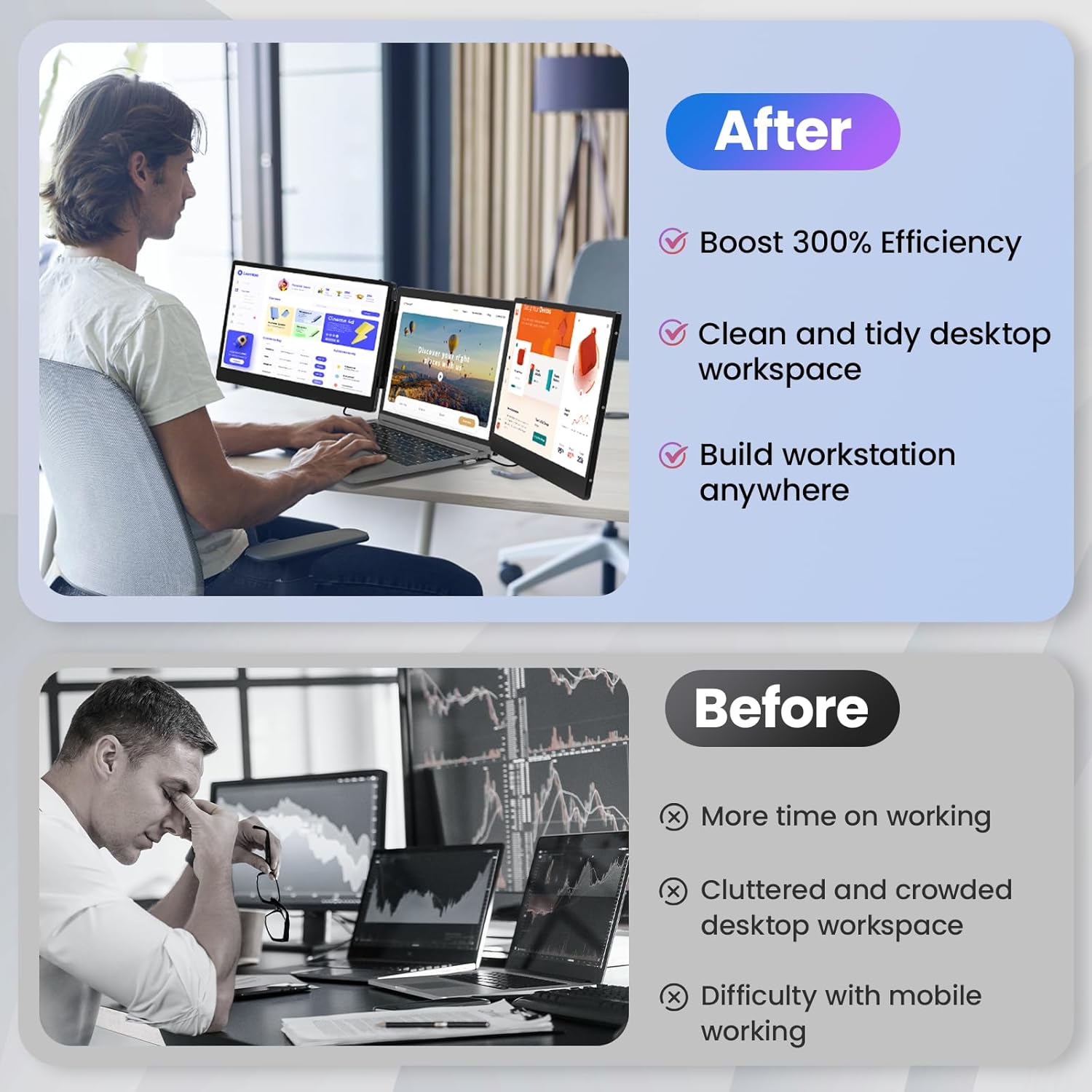
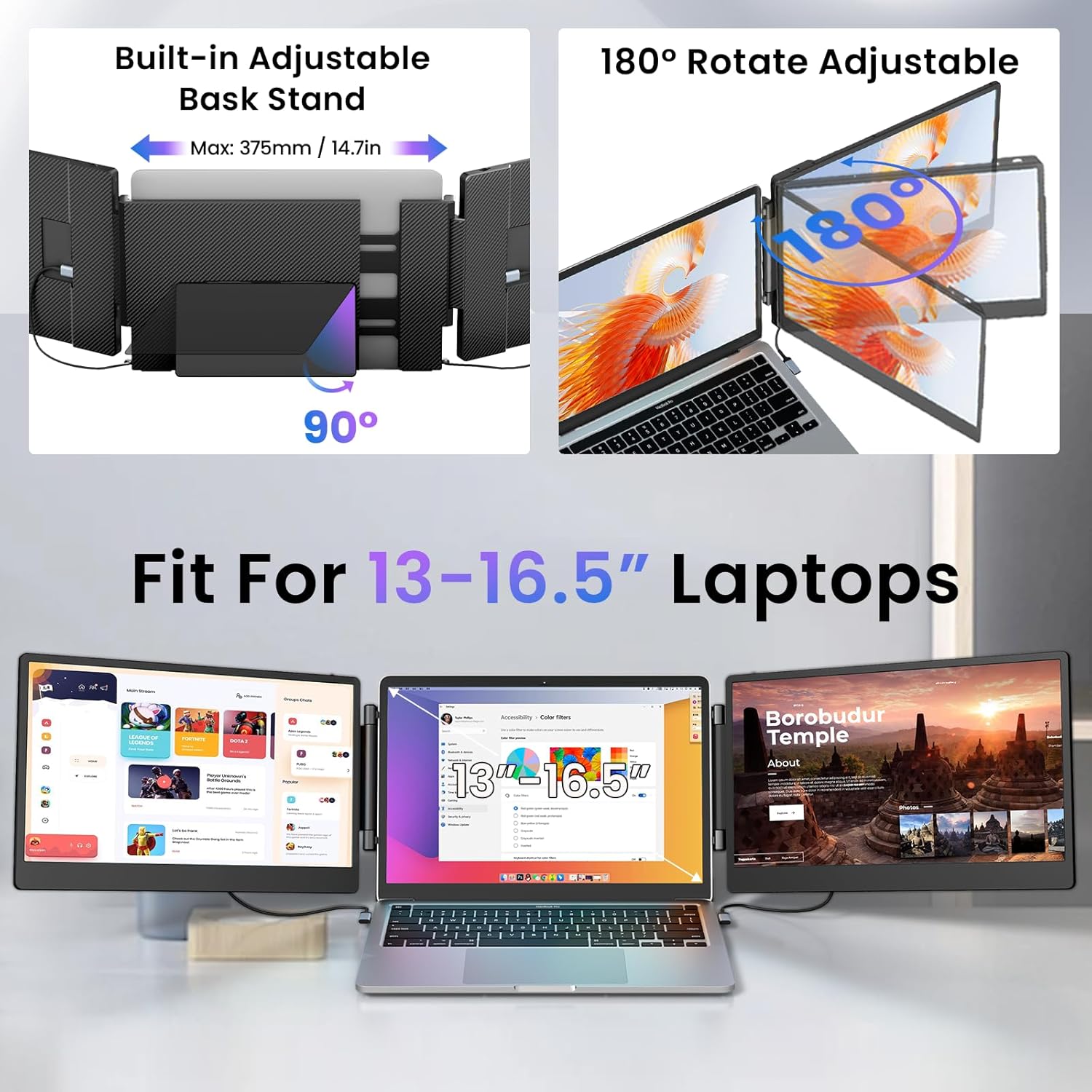
The Synnov Laptop Screen Extender is a portable triple-display setup designed to sit alongside a laptop from 13" up to 16.5". It adds two extra screens and features a built‑in stand and speakers, turning a single‑screen workstation into a compact, multi‑window productivity hub. On paper, it aims to boost efficiency by enabling more simultaneous tasks without constantly switching between windows.
What you get and how it fits your workflow
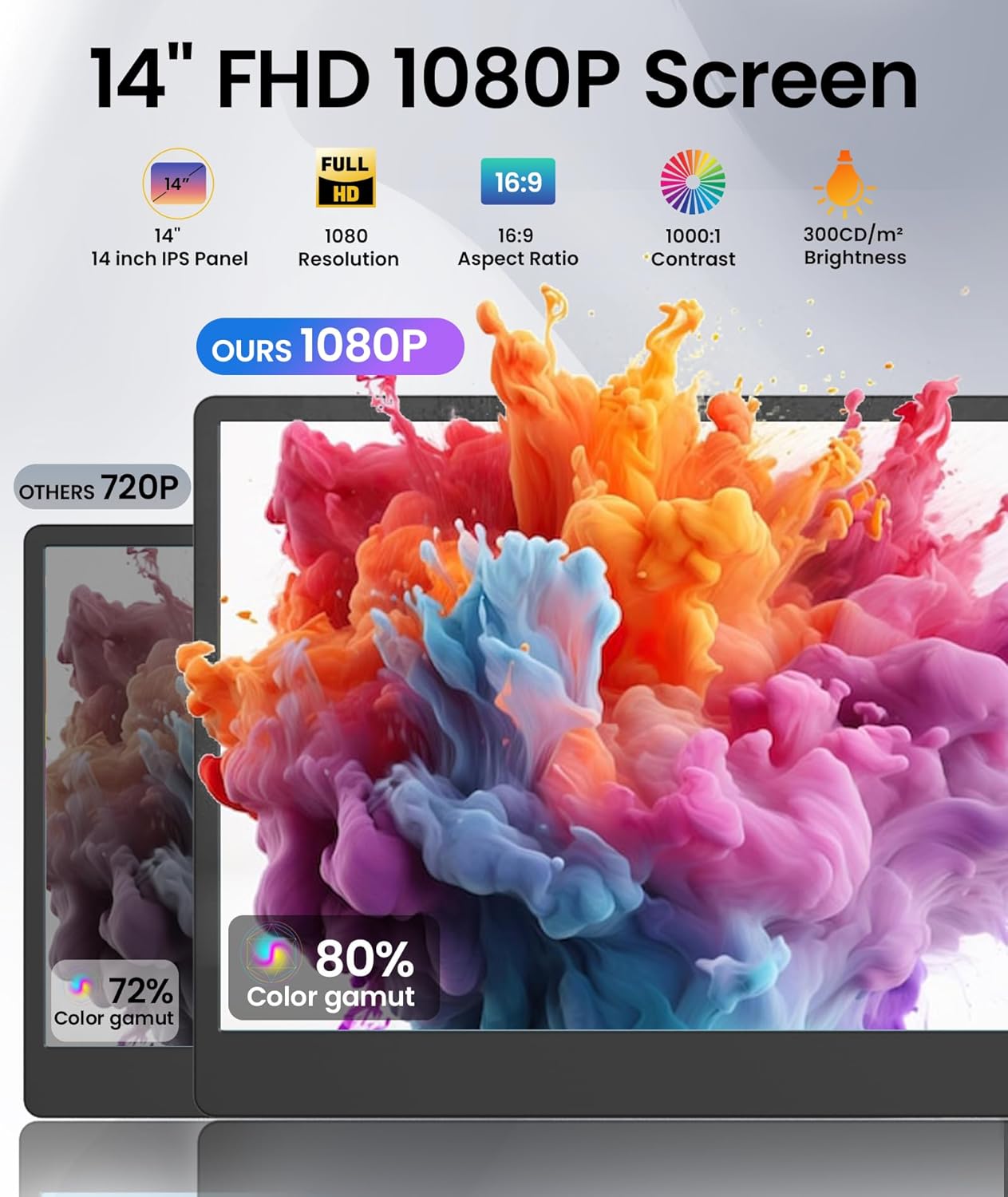
This extender is pitched for home offices, remote workers, travellers and regular video calls or online meetings. Each screen is 14 inches and presents Full HD 1080p with a standard IPS panel, around 1920×1080 resolution, 300 nits brightness, and 1:1000 contrast. The package also includes a portable bag for easy transport and an upgraded stand bracket to improve stability when the unit is set up on a desk or lap.
Core strengths in everyday use
If you frequently juggle multiple documents, spreadsheets or timelines, the extender may help you view more content side by side. The ability to tilt, fold each screen 180° and adjust brightness and volume on each panel adds a level of customisation that can make long sessions more tolerable. The plug‑and‑play nature is a plus for users who want to avoid fiddling with drivers and software across MacOS, Windows, Android and ChromeOS environments.
Important limitations to factor in
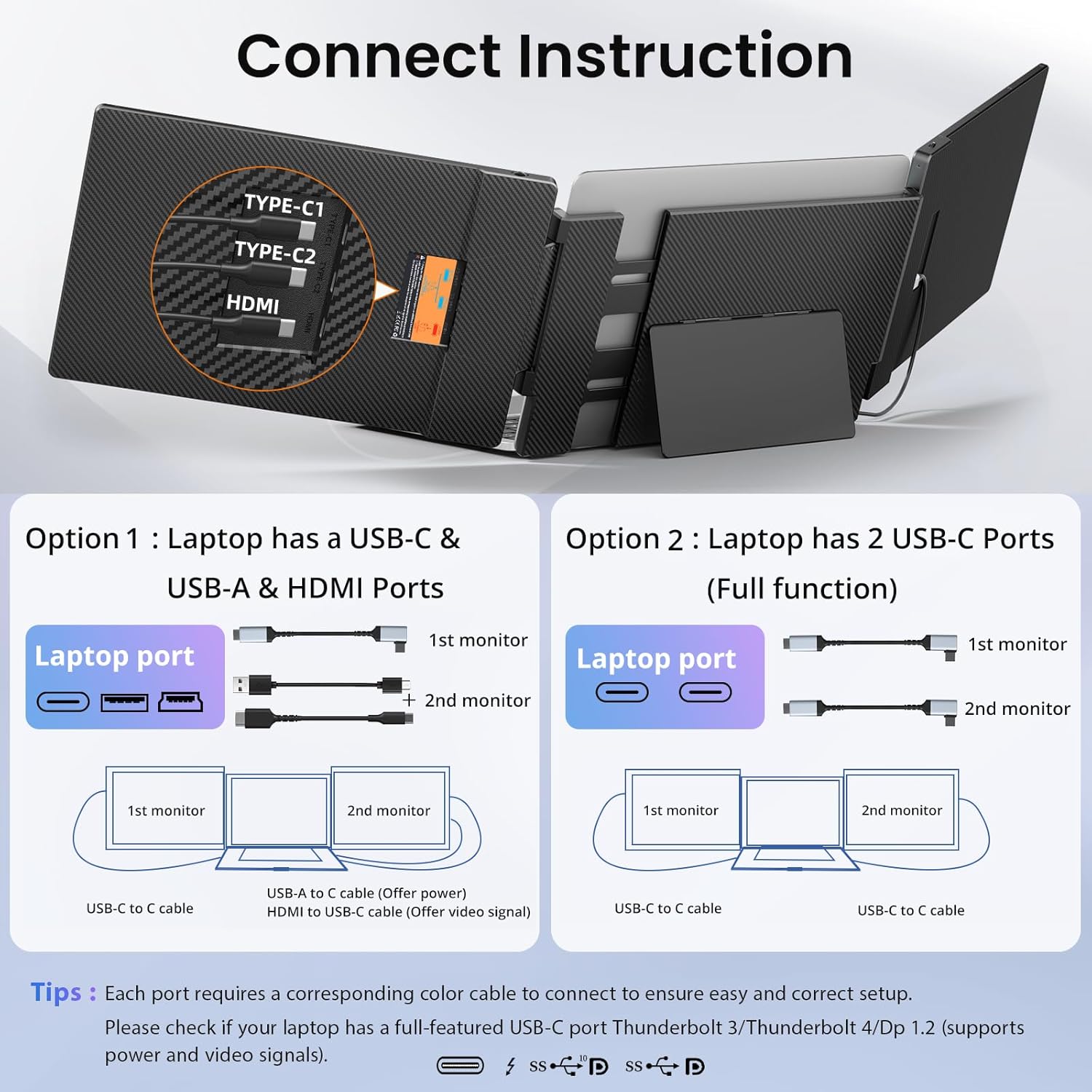
Compatibility has notable caveats: the device is not supported on certain older MacBook Air/Pro models with specific chip generations, and you should ensure your laptop offers two fully functional USB‑C ports (or one USB‑C plus an HDMI port) to power and drive the screens. If connection problems occur, support is available from the seller, but this still means some setups may require a bit of trial and error.
What to review before buying
- Check if your laptop supports two fully functional USB‑C ports (or one USB‑C plus HDMI) to enable both extenders.
- Consider the overall weight (around 4.5 pounds for the S3 model) and how you’ll carry it when travelling.
- Evaluate whether you need mirrored or extended display modes and how this affects your on‑screen real estate during work or meetings.
- Note the stated brightness and colour gamut are typical for office tasks, it may be less ideal for colour‑critical work.
How it compares to simpler alternatives
If you mainly browse and draft documents, a single larger monitor or a second external monitor might suffice. For those who frequently need to view several apps at once on the move, a triple display approach can be more convenient, but it also adds bulk and setup complexity. In other words, it’s more about how you work rather than chasing the sharpest image or the lightest carry weight.

Practical use case
Imagine preparing a presentation: you keep slides on one screen, notes on another, and your chat/meeting app on a third. You can fold the panels when not in use and tuck the setup into the included bag for a quick train trip or hotel room desk setup.
Is it worth it?
Buying verdict
Worth considering if you need extra screen real estate on the go and you value a relatively compact, foldable triple‑screen solution that plugs in without drivers. It may not be the best fit if you require guaranteed compatibility with older MacBook models or if your laptop only provides a single power/video port. In those cases, you might want to explore other multi‑screen approaches or await clearer compatibility confirmations.
Quick FAQ
- Do I need drivers? No, it’s plug and play, assuming the laptop has two usable USB‑C ports (or one USB‑C and one HDMI).
- Will it work with all MacBooks? Not with some older MacBook Air/Pro models, check compatibility before purchase.
- Can I use all three displays simultaneously? The design supports a triple display setup, with two external panels plus the laptop screen.