

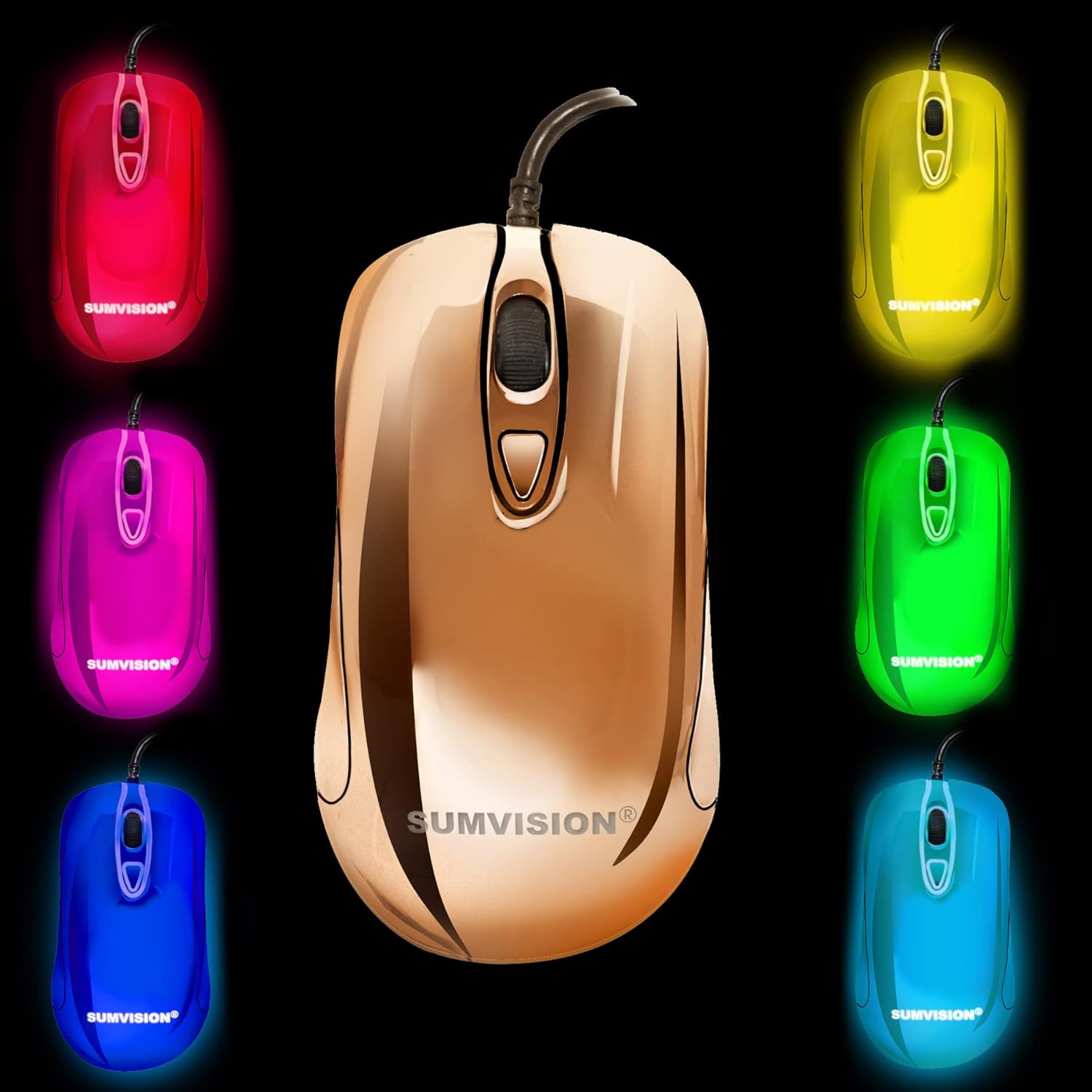
SUMVISION Plasma fully programmable gaming mouse with Omron switches, Broadcom sensor and true RGB mirror finish
Product description
The essentials
If you’re looking for a wired gaming mouse that leans into customisation, the SUMVISION Plasma is built around three ideas: tactile switches that are meant to last, a high-precision sensor aimed at responsive play, and fully programmable macros so you can tailor what the buttons do. It also goes for a standout look with a metallic electroplated mirror finish and true RGB lighting across the whole body.
No, it won’t magically make you a pro player, and “gaming” gear varies a lot from person to person. Still, on paper this mouse feels aimed at people who want control over profiles and button functions, rather than a simple plug-and-play experience.
Key points
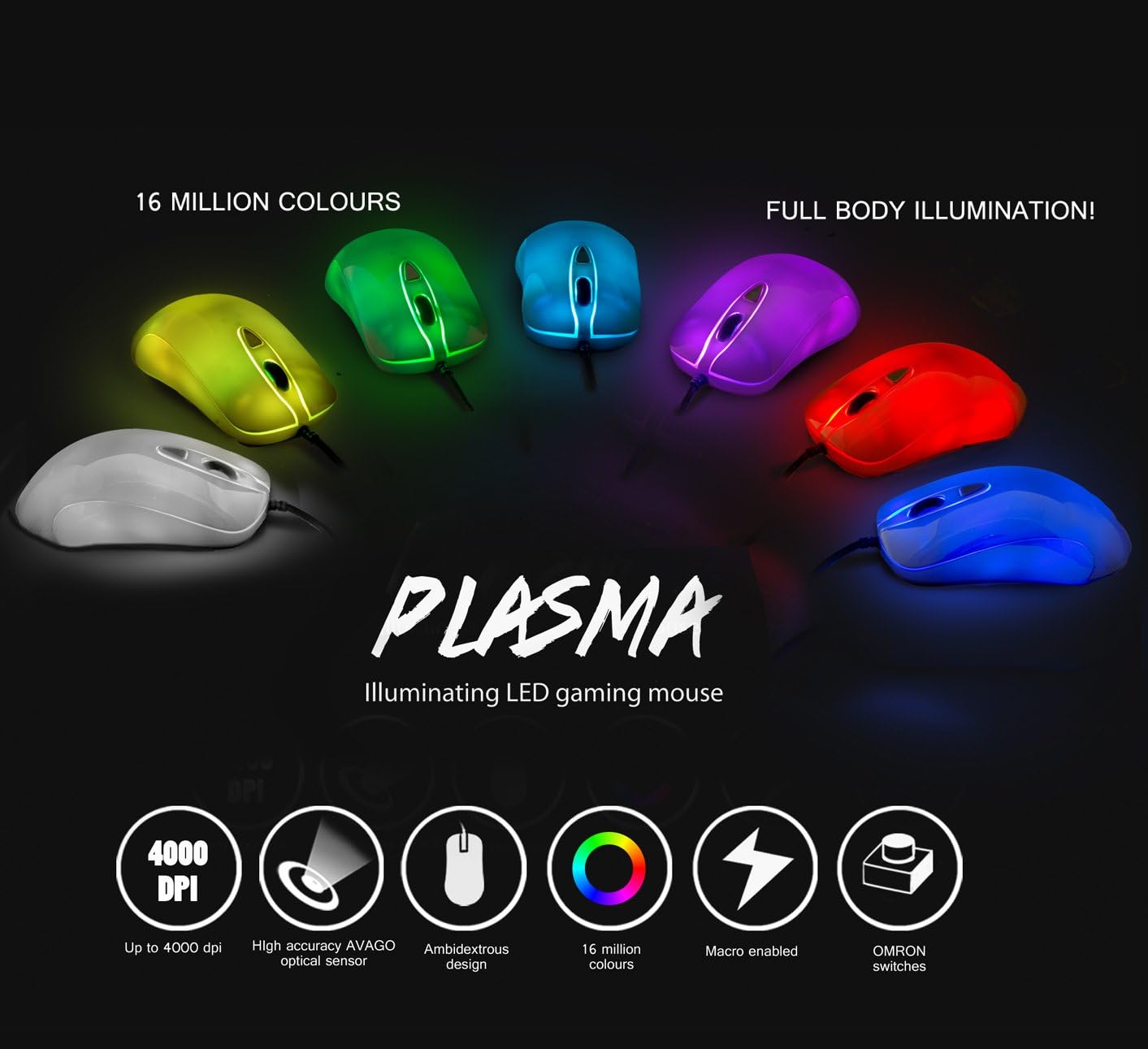
The headline draw here is the combination of Japanese Omron switches and a Broadcom sensor, positioned as “pro level” components rather than generic parts. That matters most if you’re the type who actually uses the mouse day after day and cares about consistency—especially for fast clicking and repeat actions.
The second big thing is the macro editor and profile setup. Instead of being stuck with preset shortcuts, you get a fully programmable macros editor and a suite for managing different gaming profiles and individual button controls. In practical terms, that can mean having one profile for an FPS where you bind push-to-use or quick utility to a side button, then switching to another profile for a MOBA or strategy game where you map abilities to a more comfortable layout.
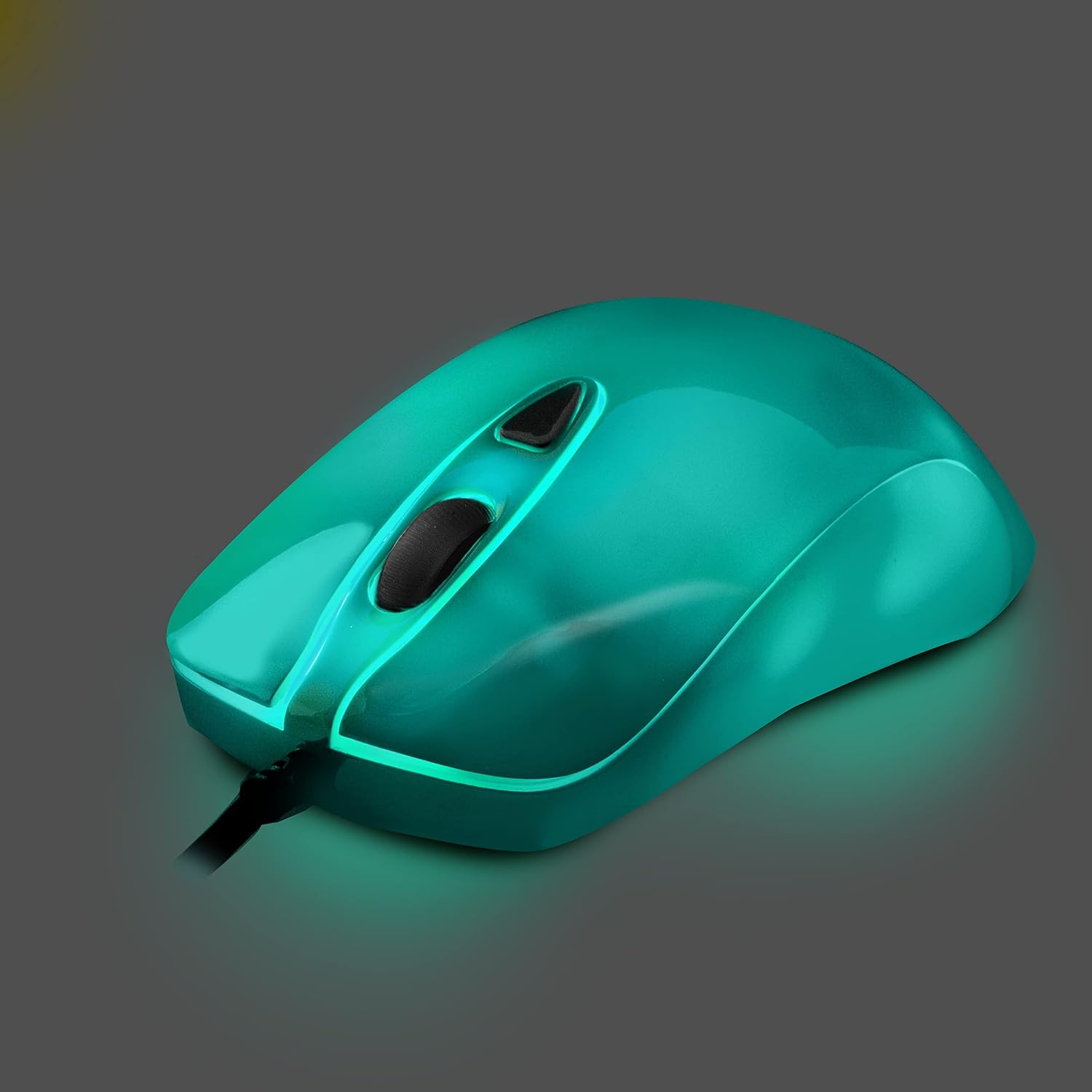
Finally, the true RGB effect is designed to colour the whole mouse body, with the option to lock a favourite colour or switch the lighting off when you want something less distracting. It’s a nice touch, but it’s also worth noting that the mirror finish is visually striking—however it can also make smudges and fingerprints more noticeable than with a plain matte design.
What stands out day to day
Where this mouse is likely to feel different is in the feel and the flexibility. The Omron switches are described as durable and high-quality, and that’s usually what you notice over time: fewer “mystery” inconsistencies after heavy use. Pair that with a sensor meant for extreme performance, and you’re mainly buying for responsiveness.
It’s also marketed with bilateral symmetry for both left- and right-handers, which is a welcome angle compared with many ambidextrous mice that are really just right-handed in disguise. If you switch hands or you’re buying for someone who’s left-handed, that design intention can make the day-to-day experience more comfortable.
The electroplated, lightweight-style approach is positioned to reduce hand fatigue and help prevent RSI-type strain issues. That’s the kind of claim that won’t replace good habits (regular breaks still matter), but it does suggest the mouse is meant to be less heavy-handed during longer sessions.
Tech specs
- Type: Wired USB gaming mouse
- Switches: Japanese Omron switches
- Sensor: Broadcom (Avago) sensor
- Illumination: True RGB full body 16 million colour LED lights
- Macro support: Fully programmable macro editor with individual profiles and customisation of every individual button/control
- Design: Ambidextrous bilateral symmetry UK design
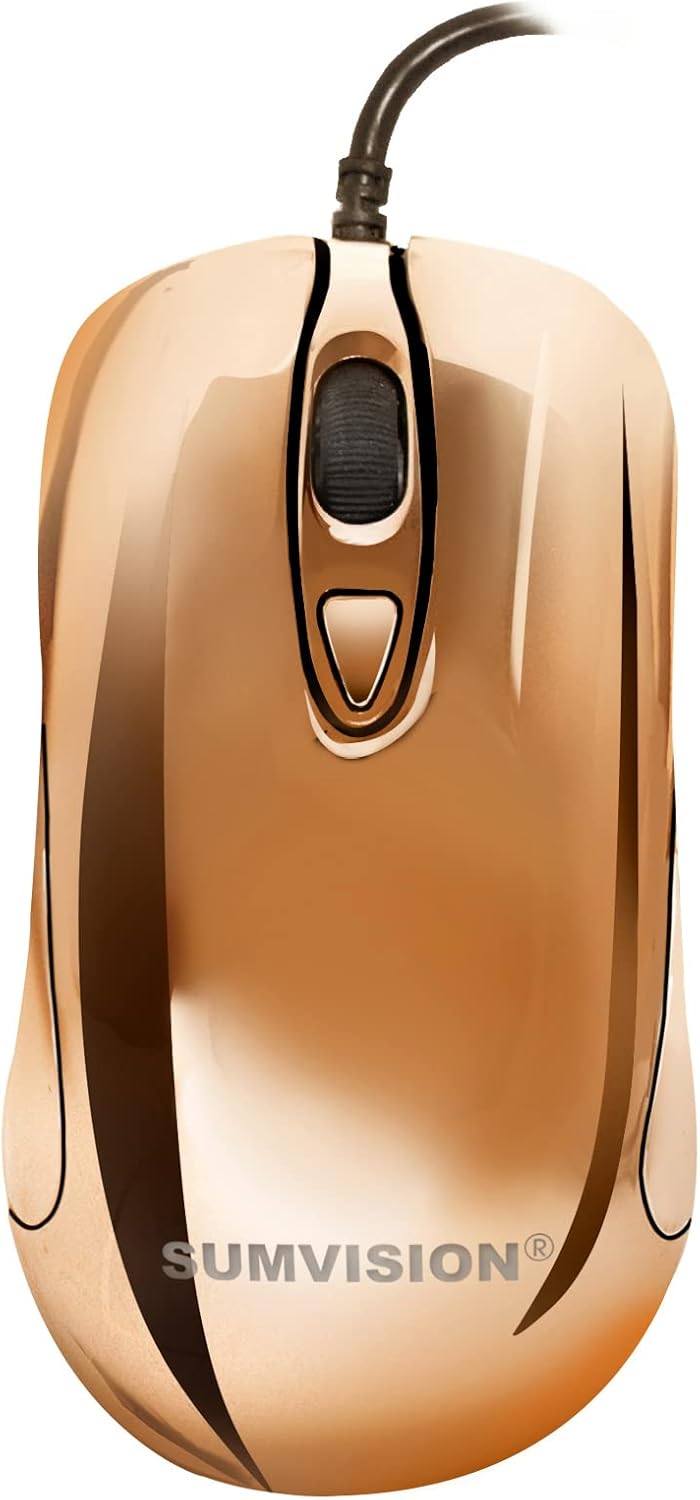
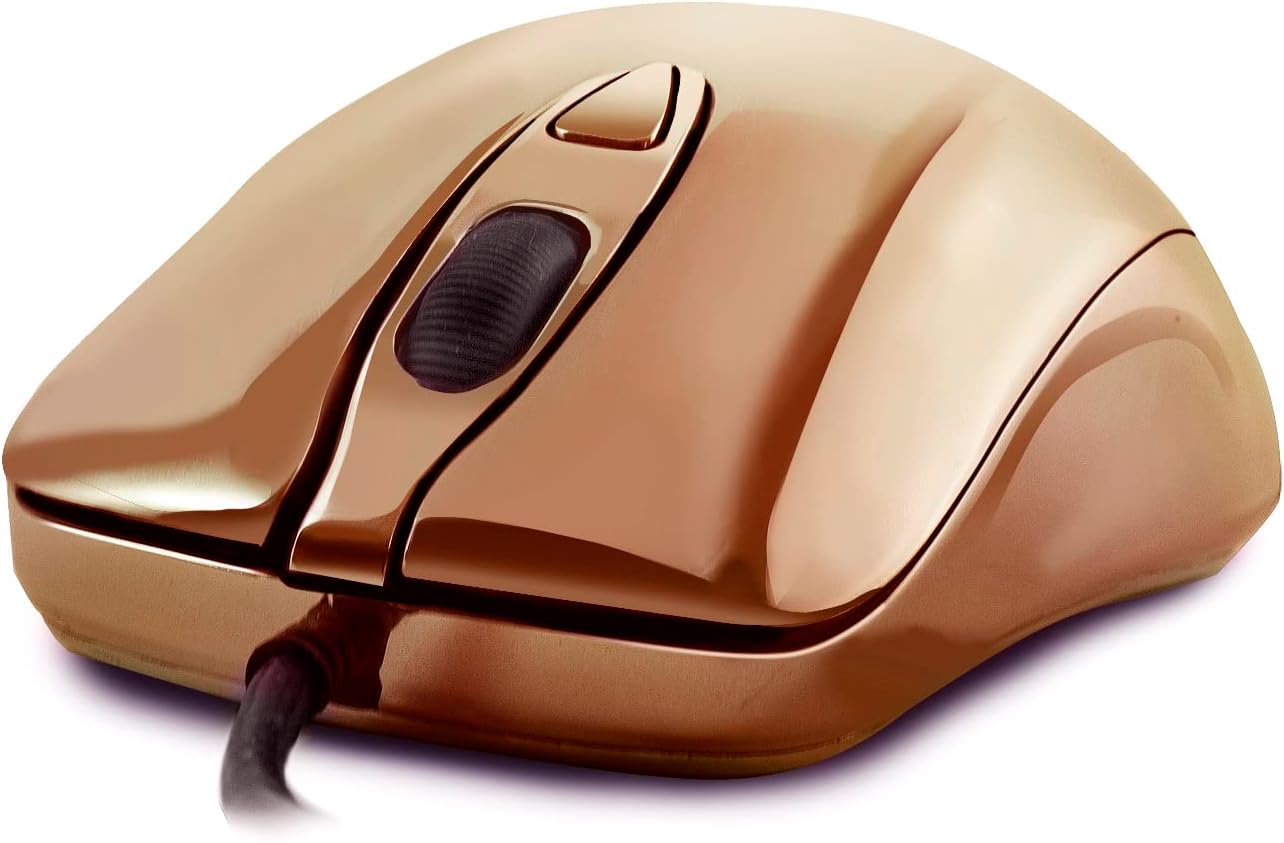
- Finish: Metallic electroplated mirror finish
Who it suits (and who should be cautious)
It makes sense if you prioritise customisation: you want to set up macros, use multiple gaming profiles, and map buttons to suit how you actually play. It’s also a solid fit if you care about switch choice and want a mouse that’s explicitly designed around durable Omron switches.
It may not be for you if you’re after a minimalist mouse with a simple, no-fuss setup. The fully programmable macro editor and software suite are useful, but they also mean you’ll likely spend a bit of time configuring profiles before it feels “yours”.
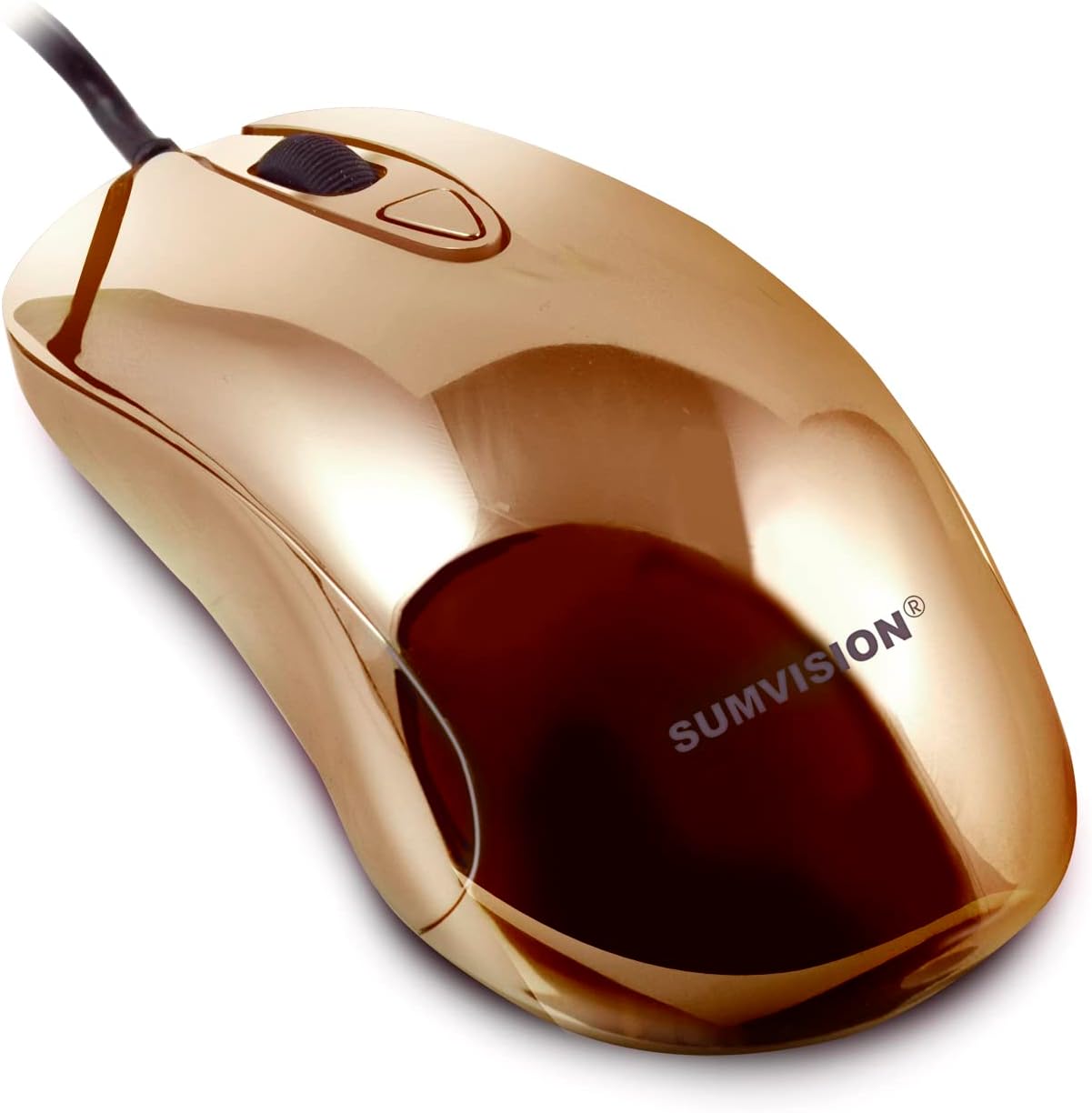
You may also want to skip it if you strongly prefer a matte, low-fingerprint finish. The mirror-style look is part of the product’s identity, so if you’re easily bothered by visible marks, it could become annoying.
Every purchase checklist: what to review first
Before you buy, it’s worth double-checking a couple of practical points that aren’t fully covered in the info provided. First, consider whether you’ll actually use multiple profiles and the macro editor—if you just want basic button assignments, other simpler wired options might suit you better.
Second, think about how you feel about ambidextrous layouts. “Works for left and right handers” is the intention, but fit and grip style still vary. If you’re used to a very specific shape, it’s worth paying attention to the mouse’s bilateral symmetry concept.
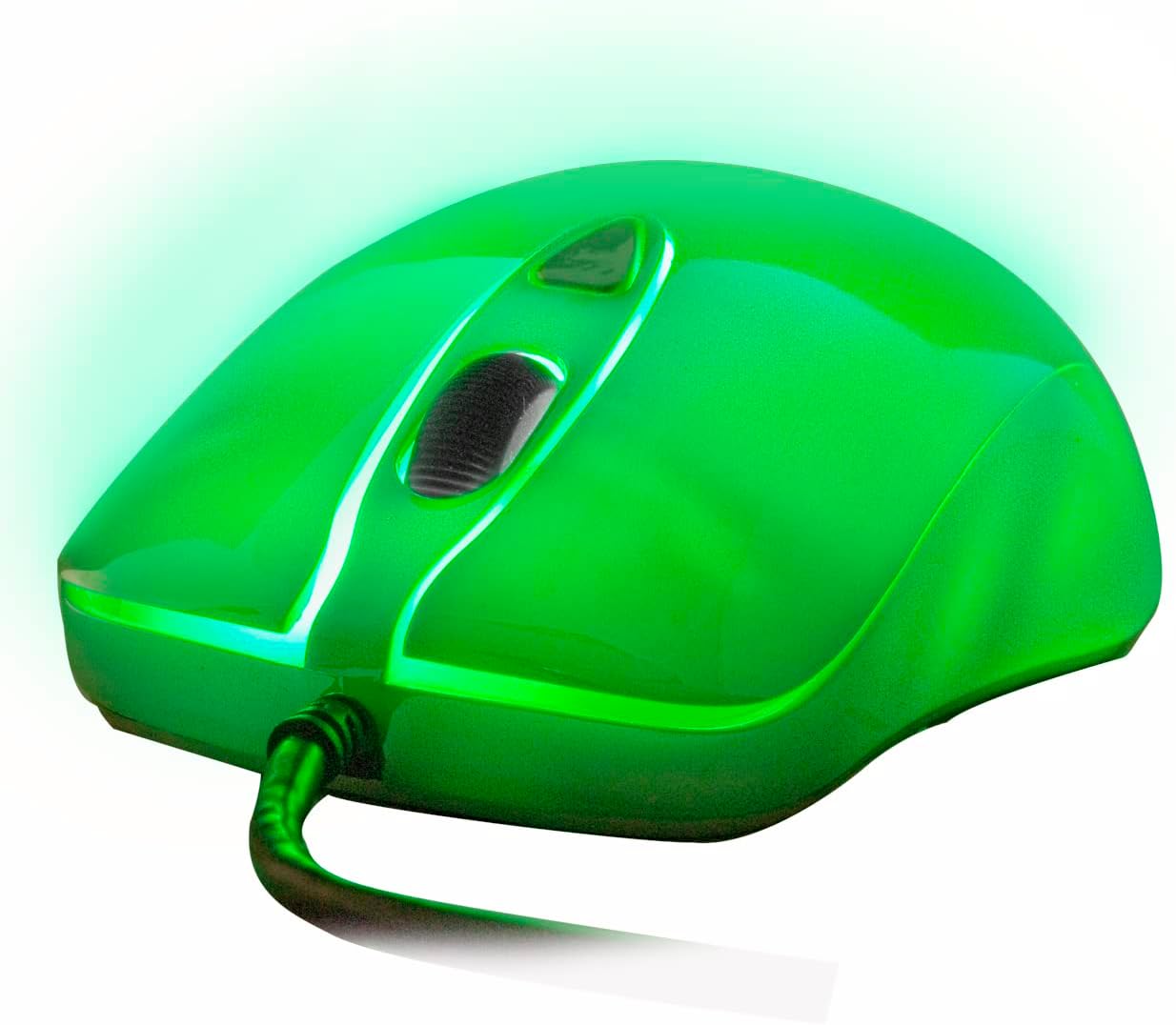
Finally, check the lighting behaviour you’ll want in your setup. Being able to turn off the LEDs is helpful, but the mirror finish and “true RGB across the whole body” are both aesthetic choices that won’t be everyone’s cup of tea.
Mini FAQ
Is the SUMVISION Plasma only for right-handed players?
No—it's described as having UK ergonomically designed bilateral symmetry, making it intended for both left- and right-hand use. Grip preference still matters, but the design goal is there.
What does fully programmable mean in day-to-day terms?
It means you can use a macro editor and gaming software suite to manage individual gaming profiles and customise how each button/control behaves.
Can I turn the RGB off?
Yes. The description says you can lock to a favourite colour or turn off the lighting.
What’s the mirror finish like in practice?
It’s designed to look like a metallic electroplated mirror effect. That usually looks premium under lights, but it can show smudges more readily than matte finishes.
Final verdict
Worth considering if you want a wired gaming mouse with genuine switch confidence (Japanese Omron), a sensor positioned for high precision, and—most importantly—proper macro and profile customisation, plus true RGB across the full body.
You may want to look elsewhere if you’re after an ultra-simple plug-and-play mouse, or if a mirror finish would likely annoy you with visible fingerprints. If you do enjoy tweaking controls and binding actions, this is the kind of mouse that should feel more like an extension of your setup than a generic gaming peripheral.