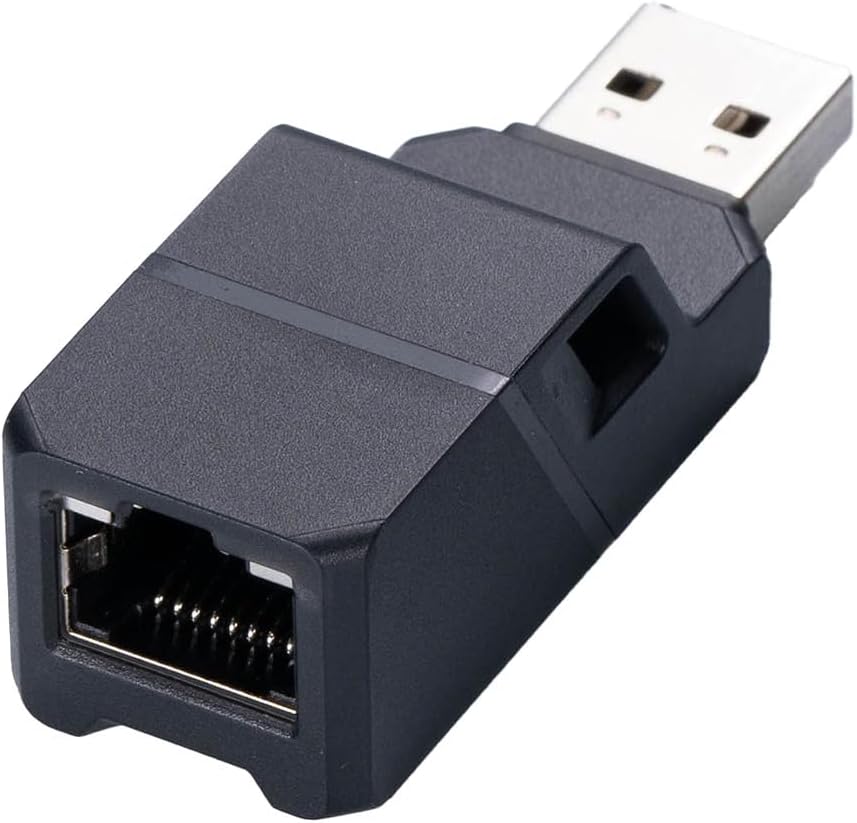
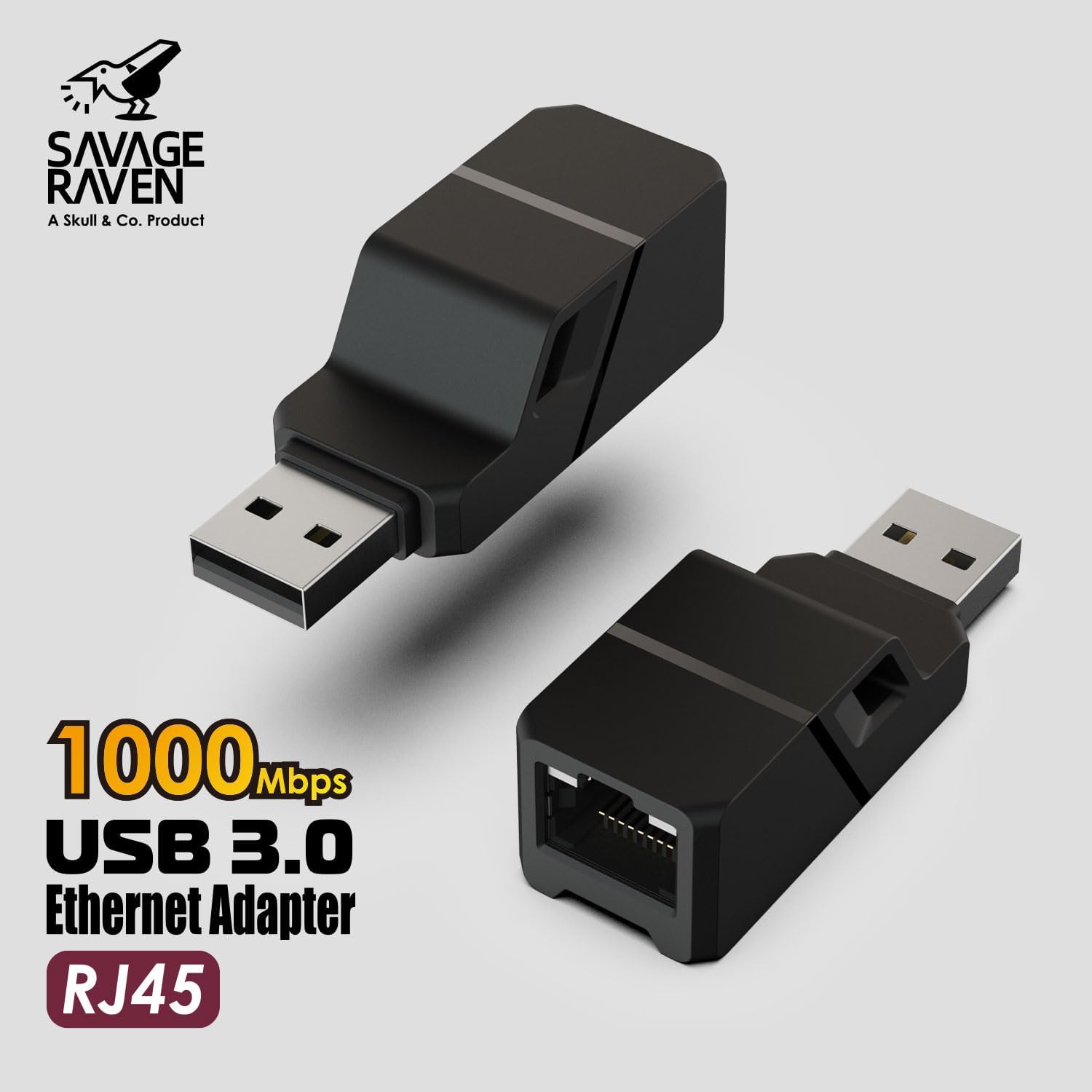
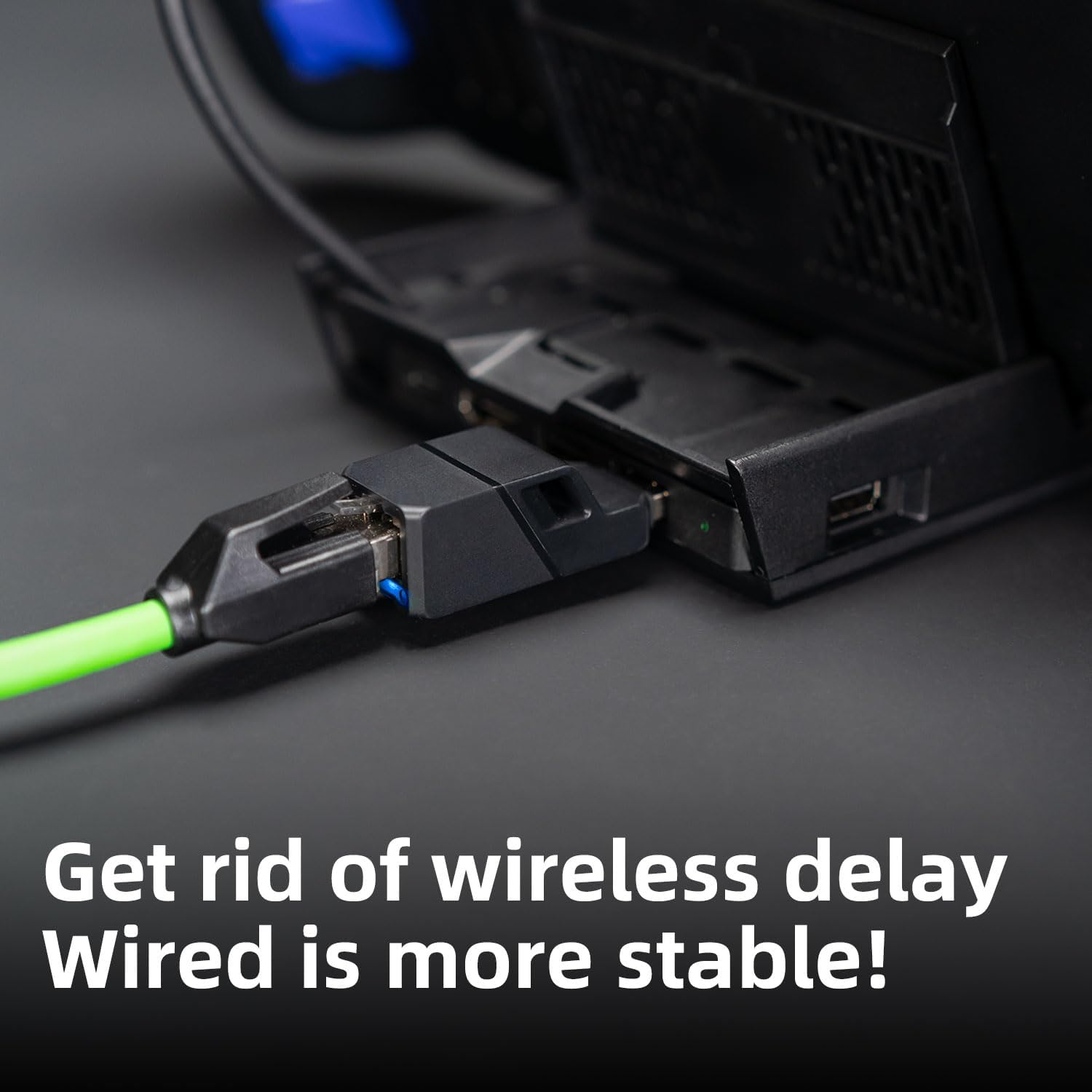
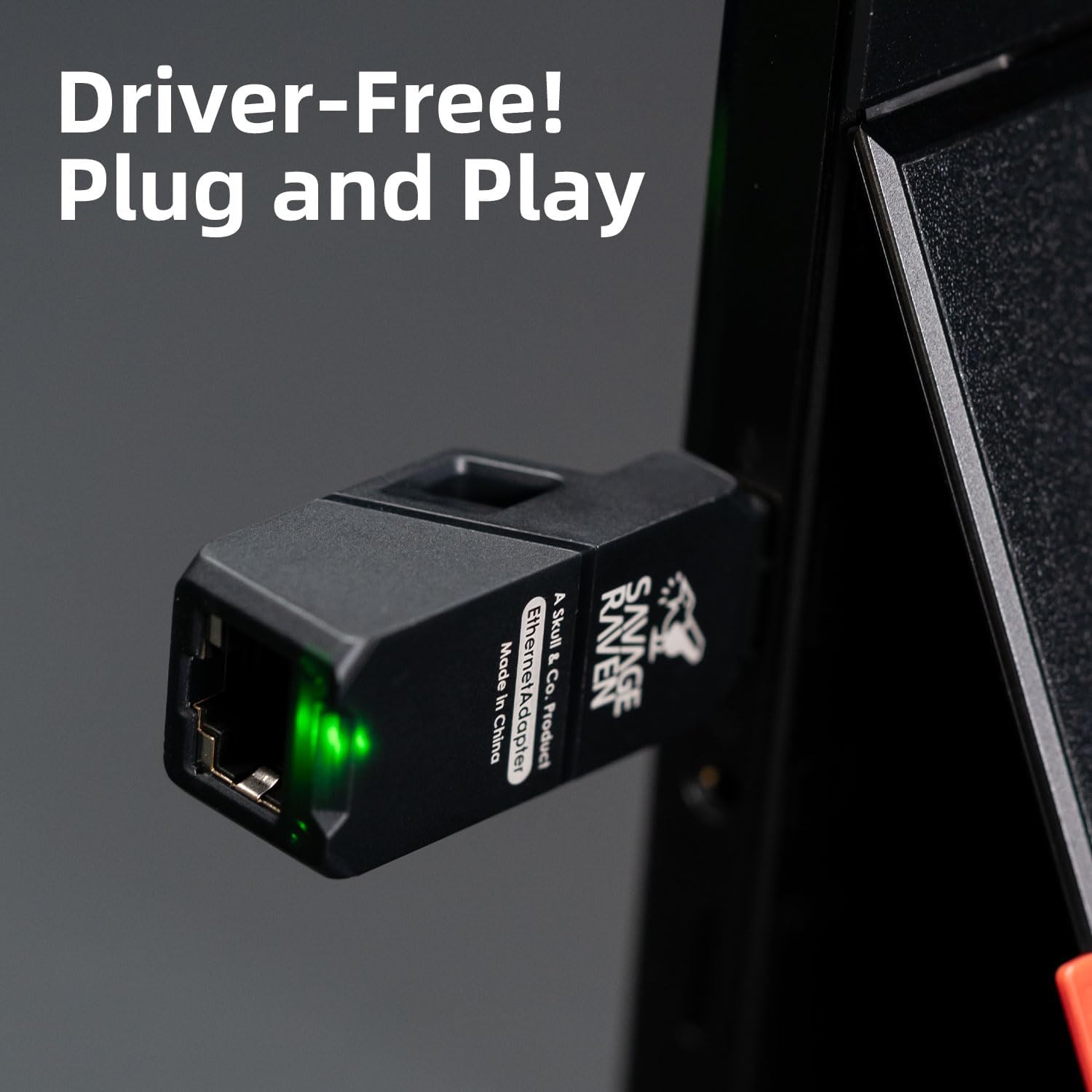
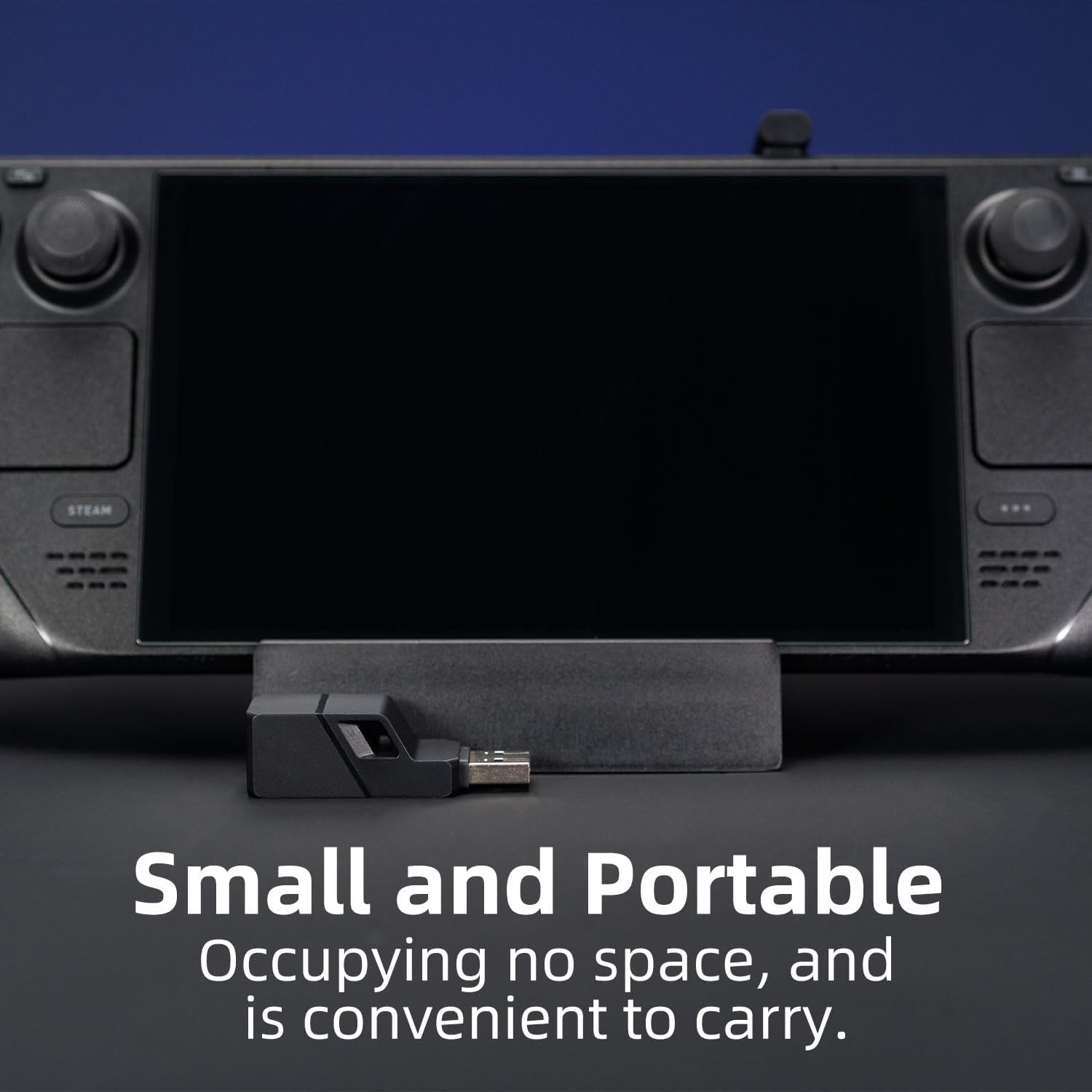
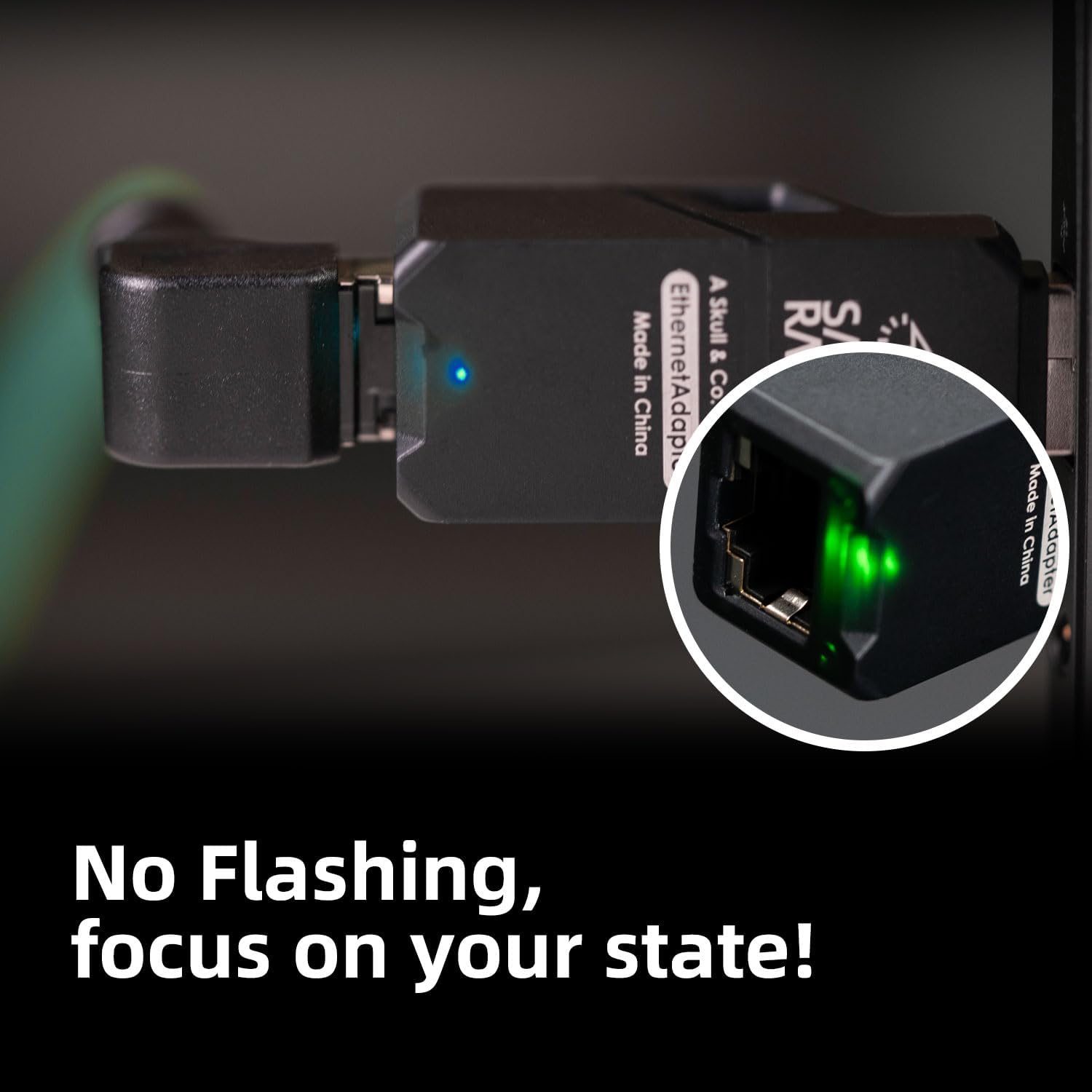
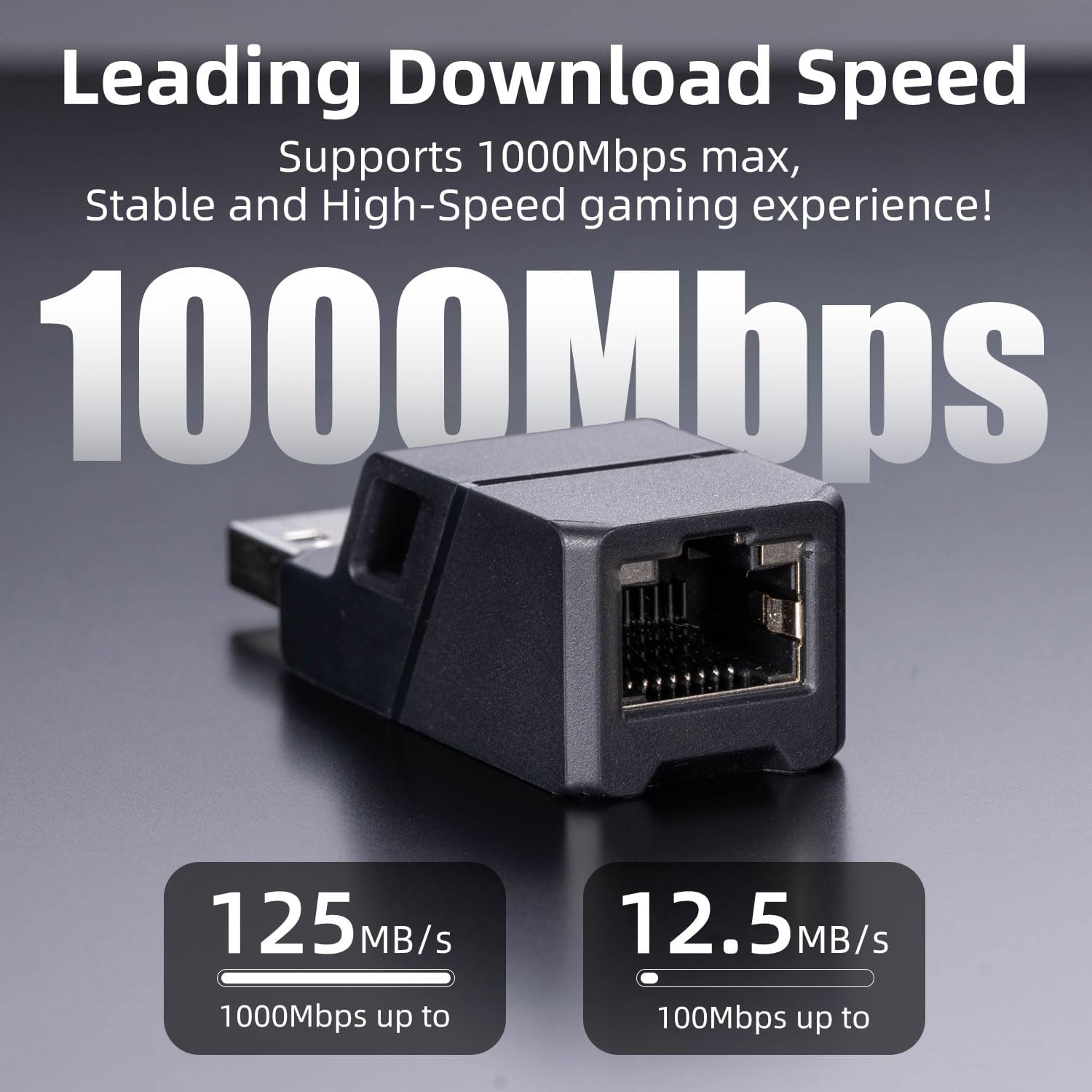
What it is and what it’s for\nIf you’re tired of unreliable wireless connections, this Skull & Co. Ethernet Adapter offers a wired alternative that’s simple to use and portable. It converts a USB‑A port into a Gigabit Ethernet interface, delivering up to 1000Mbps where a stable connection matters. The plug‑and‑play design means you don’t need to install drivers—just plug in and access the network. This can be particularly handy for devices like Nintendo Switch, MacBook, Surface Pro, and Windows PCs when you want to reduce latency or improve stability in gaming, video streaming, or work‑from‑home tasks.\n\n## Who it suits\nIt suits users who value a dependable wired connection on devices with USB‑A ports and want a compact, travel‑friendly solution. If you frequently rely on a stable network line for gaming, video calls, or large downloads, this adapter is a pragmatic pick. It may be less compelling if you primarily operate over Wi‑Fi with already robust wireless coverage, or if your device relies on USB‑C ports exclusively.\n\n## The best and the rest\nOn the plus side, the adapter is compact and easy to carry, supports up to 1000Mbps, and avoids driver installations. On the downside, it relies on a source USB‑A port and a compatible device, if your setup demands USB‑C, you’ll need an appropriate adapter or alternative. It’s not a performance upgrade for devices that already have high‑quality onboard networking, but it can offer a straightforward fix where wireless latency is a bottleneck.\n\n## When it makes sense to buy\nChoose this adapter if you expect to benefit from a steady, wired connection without fiddling with software. It’s sensible for travellers or home workers who travel with a PS/Switch or laptop and want a reliable Ethernet option without extra drivers.\n\n## What to check before buying\nConfirm that your host device has a USB‑A port and supports external Ethernet via a driver‑free interface. Consider where you’ll use it most: a desk setup, coffee shop, or couch gaming corner. If you expect to use USB‑C‑only hardware, a USB‑C to USB‑A adapter might be required.\n\n## Practical usage example\nPlug the adapter into a spare USB‑A port on your laptop, Switch dock, or PC, connect an Ethernet cable to the Gigabit port, and you should gain a stable, wired connection for downloads, updates, or online gaming. It’s particularly noticeable when wireless interference is present or where consistent bandwidth is essential.\n\n## Quick comparison context\nIn scenarios where wireless is unreliable or inconsistent, a modest, driver‑free Ethernet adapter can outperform a weak Wi‑Fi signal. If you prioritise portability and simplicity over advanced networking features, this approach tends to be more straightforward than setting up a dock or a自己‑built wired solution.\n\n## FAQ (helpful hints)\n- Does it require software? No—driver‑free, plug and play.\n- Will it work with my device? It’s designed for devices with USB‑A ports like Nintendo Switch, MacBook, Surface Pro, and Windows PCs.\n- What speed can I expect? Up to 1000Mbps on Gigabit Ethernet, assuming compatible network conditions.\n\n## Is it worth it?\nIt’s worth considering if you need a reliable wired connection on devices with USB‑A and you value portability and a simple setup over extra features. It won’t replace a high‑end network card or a USB‑C‑specific solution, but it provides a pragmatic improvement where wireless isn’t cutting it.