

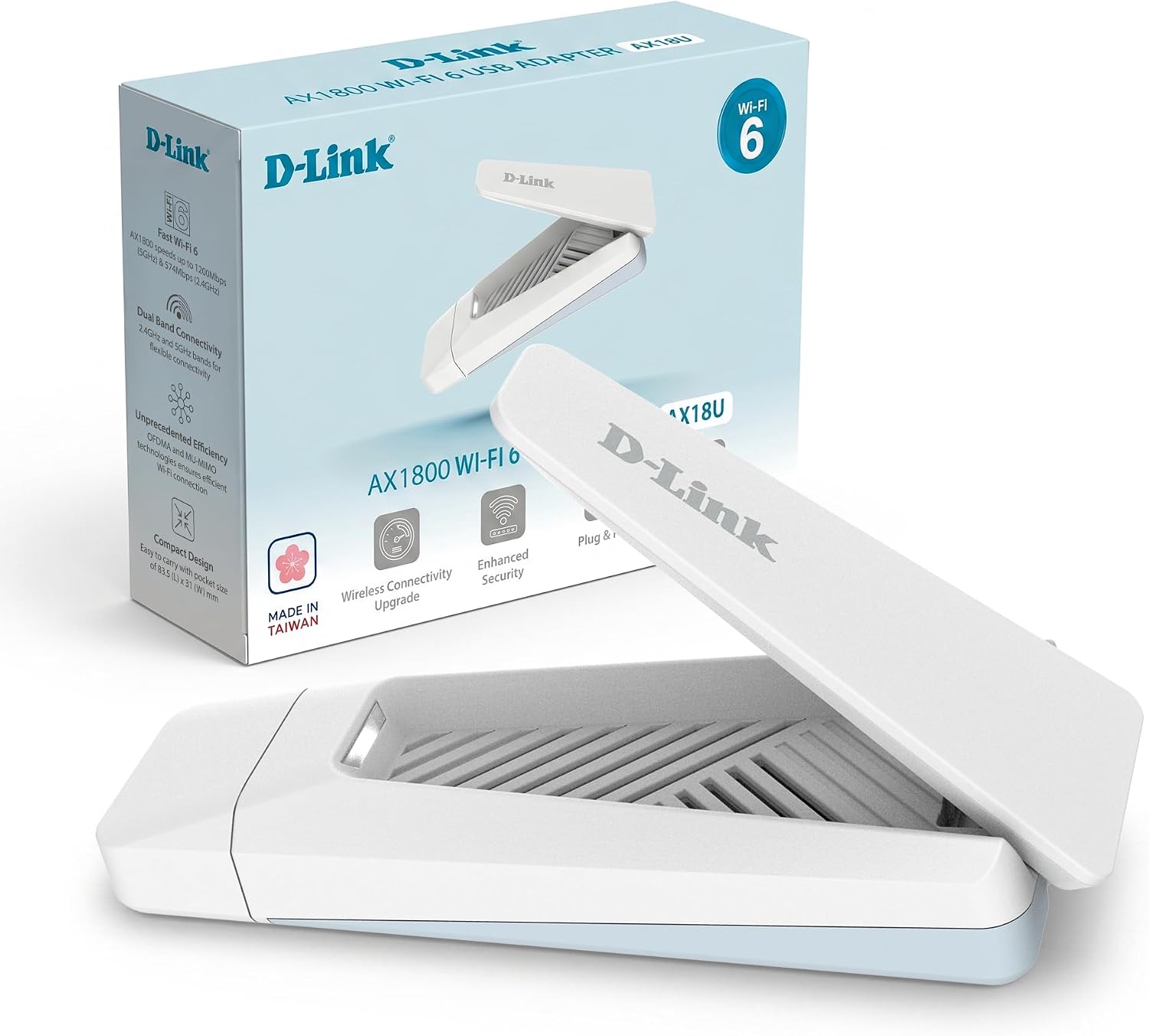
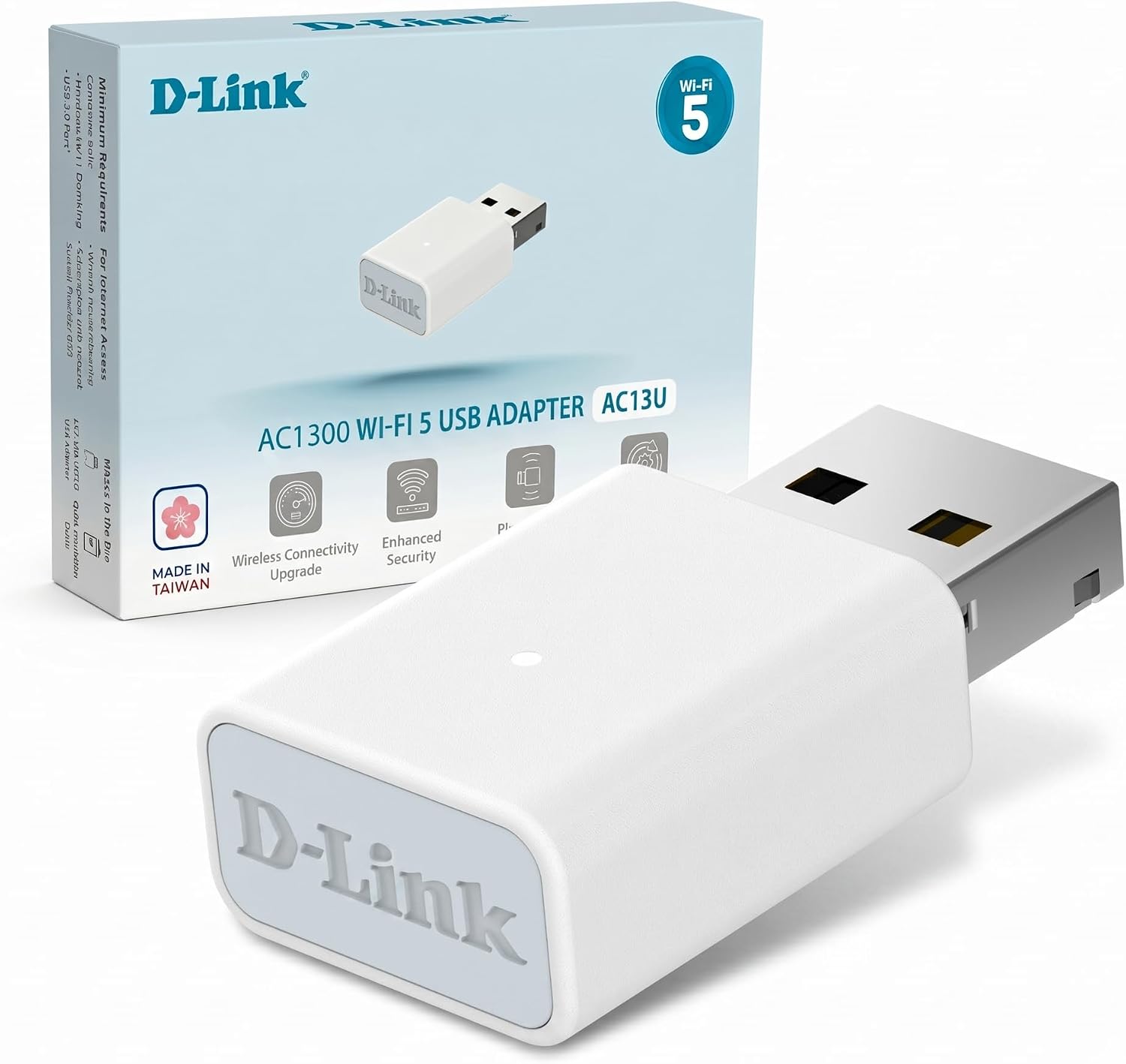
D-Link AC13U AC1300 Wi‑Fi 5 USB Adapter (MU‑MIMO, dual band, WPA3) for Windows 10/11
Product description
If you’re dealing with patchy Wi‑Fi on a desktop or laptop, a USB Wi‑Fi adapter can be a straightforward fix. The D‑Link AC13U AC1300 is aimed at everyday reliability—web browsing, video streaming, chatting, and online gaming—without needing to change your whole setup.
On paper, it brings a sensible mix of dual‑band connectivity and modern security. It’s also compact, which matters if you want something you can leave plugged in discreetly, or pop into a bag when you move between locations. Still, it’s worth bearing in mind that USB adapters are a “best effort” solution: performance will depend quite a lot on your PC’s USB port and how good your Wi‑Fi signal is where you are.
Key takeaways on what this adapter does
The AC13U AC1300 is a Wi‑Fi 5 USB adapter designed to give your PC, desktop, or laptop a wireless connection. It supports dual band, so you can connect either to the 2.4 GHz band or the 5 GHz band, with the 5 GHz option often feeling faster in practice—especially when you’re in a busier wireless area.
A big part of the pitch here is MU‑MIMO support (often relevant when your Wi‑Fi router also supports MU‑MIMO). With a MU‑MIMO-enabled router, the adapter is positioned to improve network capacity, throughput, and help reduce latency. That’s the sort of wording you’d associate with smoother gameplay and fewer hiccups during streaming.
It also uses WPA3 for enhanced Wi‑Fi security, which is good to see if you’re setting up a more secure home network.
What matters most for daily use
If your goal is “get online and stay online”, this adapter is the type that should fit well.
For example, imagine you’re working from a desk where the main Wi‑Fi signal is fine for your phone, but your laptop struggles. You plug in the AC13U and choose the 5 GHz band when you’re close enough for a stronger connection. Browsing feels responsive, video buffers should be less frequent, and online games are less likely to suffer from obvious spikes—provided the rest of your Wi‑Fi environment is decent.
That said, MU‑MIMO improvements aren’t magic. If your router doesn’t support MU‑MIMO, you can still use the adapter normally, but you may not get the specific capacity/latency advantages that are being highlighted.
Where it shines (and where it can fall short)
The strengths are fairly clear from its design and feature set:
- Dual band flexibility: you can choose 2.4 GHz or 5 GHz. The 5 GHz band is described as less congested and faster, which is helpful when multiple networks are crowding the air.
- MU‑MIMO support (with the right router): the wording focuses on improving throughput and reducing latency when pairing with a MU‑MIMO-enabled Wi‑Fi router.
- WPA3 security: a modern security standard for encrypted Wi‑Fi connections.
- Compact, portable design: useful if you want discreteness when inserted into a USB port, or portability when you’re moving between setups.
Where you might need to be more cautious: if you’re expecting consistently “near-Ethernet” performance at the end of a weak signal, a USB adapter can only do so much. The adapter can’t fix poor Wi‑Fi coverage in your room, and USB power/placement can influence how well it performs.
Tech specs you’ll care about
This model is positioned as an AC1300 Wi‑Fi 5 adapter with dual‑band support. In terms of the headline speed figures mentioned:
- Up to 400 Mbps on 2.4 GHz
- Up to 867 Mbps on 5 GHz
It also includes MU‑MIMO support and uses WPA3 for authentication and encryption. Connectivity to your PC is via USB 3.2, and the setup is stated as compatible with Windows 10 and Windows 11.
One more practical note: the “AC” naming and these speed numbers are typically maximum link rates, and real-world performance depends on your Wi‑Fi conditions and the capabilities of your router.
Who should buy this, and who should skip it
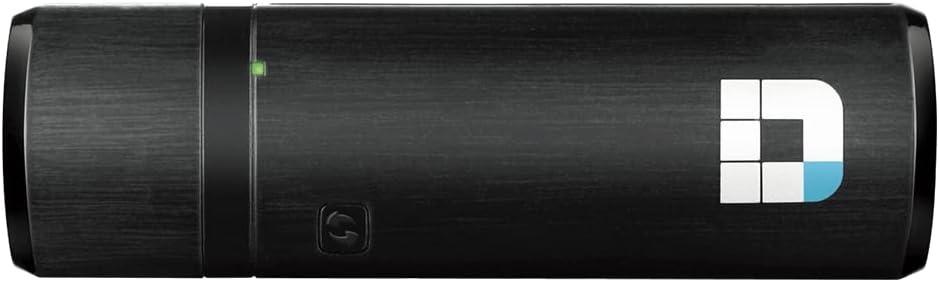
It’s a solid pick if you want a compact Wi‑Fi upgrade for a Windows 10/11 PC, desktop, or laptop, especially if you’re aiming for smoother streaming and online gaming and you already have a MU‑MIMO-capable router.
It may not be the best match if you need something to overcome very weak Wi‑Fi coverage in a remote part of your home, or if your priority is absolute maximum performance regardless of signal quality. In those cases, spending time improving router placement or considering alternatives like other network approaches can make more difference than a USB adapter alone.
Compatibility and what to check before buying
Before you commit, check that:
- You’re using Windows 10 or Windows 11, as stated support is for these.
- Your home Wi‑Fi network is compatible with WPA3 if you specifically care about that security angle.
- Your router supports MU‑MIMO if you’re buying with the goal of improved throughput and reduced latency.
Also, it’s worth thinking about where you’ll plug it in. USB adapters can perform better when the connection is stable and the adapter isn’t trapped behind metal shielding or placed where it gets poor airflow/power access.
Should you buy it?
Worth considering if you want a practical Wi‑Fi 5 USB solution with dual‑band flexibility, WPA3 security, and MU‑MIMO support that can help when paired with a MU‑MIMO-enabled router. It’s the kind of adapter that suits everyday online tasks—browsing, video, chatting, and gaming—without making your setup messy.
You may want to skip it if your Wi‑Fi signal is consistently weak where the PC sits, because the adapter can’t create a strong wireless environment by itself. If you’re chasing maximum speed in a far corner of the house, it might not be a great match.
Quick questions (FAQ)
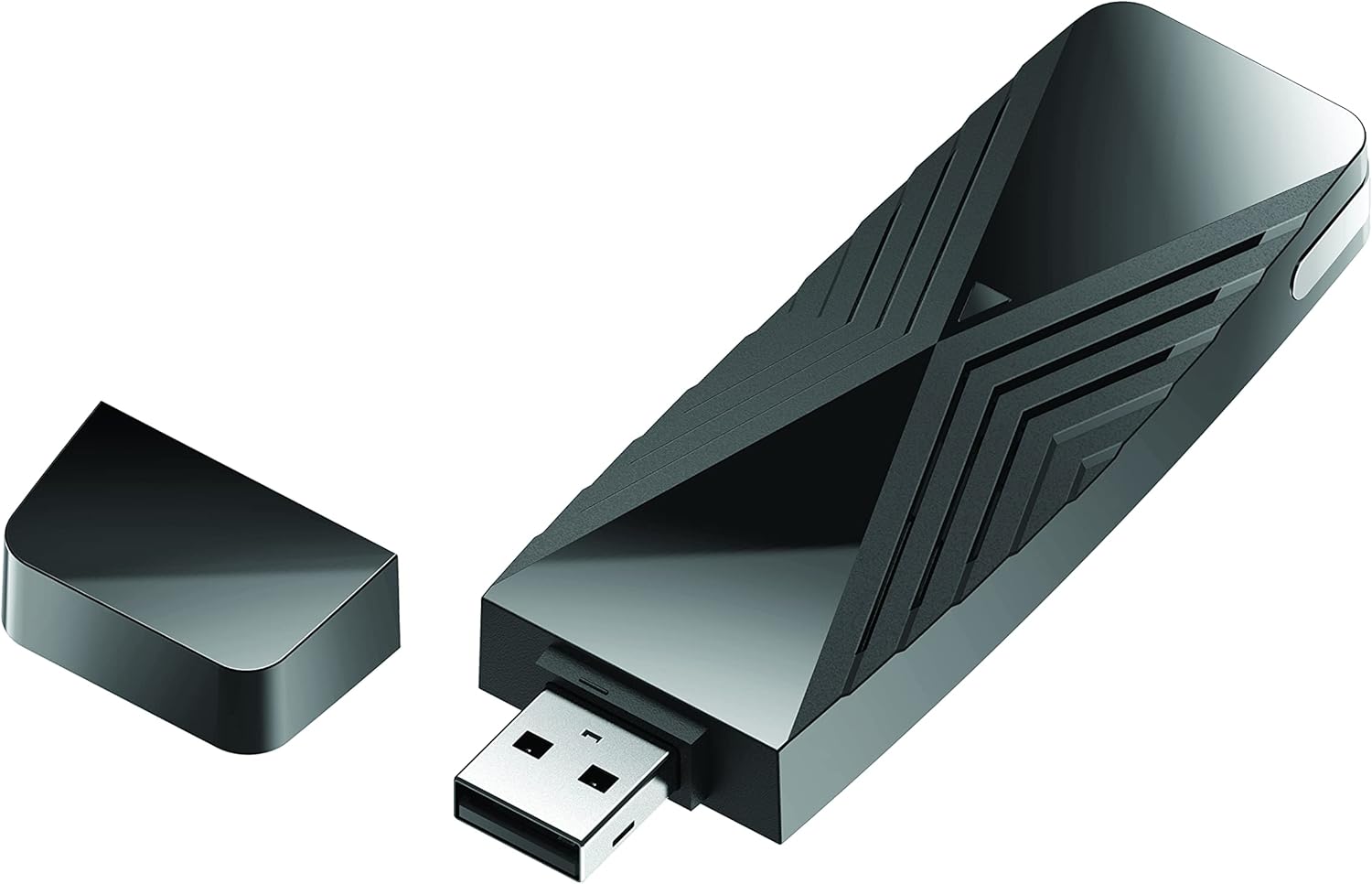
FAQ
Is the D‑Link AC13U only for gaming PCs?
No. The description frames it for browsing, streaming, online games, and chatting, so it’s meant as a general-purpose Wi‑Fi upgrade for PCs and laptops.
Does it work with both 2.4 GHz and 5 GHz Wi‑Fi?
Yes, it supports dual band, connecting to either the 2.4 GHz or 5 GHz band.
Will I get MU‑MIMO benefits if my router doesn’t support MU‑MIMO?
The MU‑MIMO advantages are described as working with MU‑MIMO-enabled Wi‑Fi routers. If your router doesn’t support it, you may not see those specific improvements.
What security standard does it use?
It supports WPA3 authentication and encryption, which is highlighted as enhanced Wi‑Fi security.
Which Windows versions is it stated to support?
It’s stated to work with Windows 10 and Windows 11.