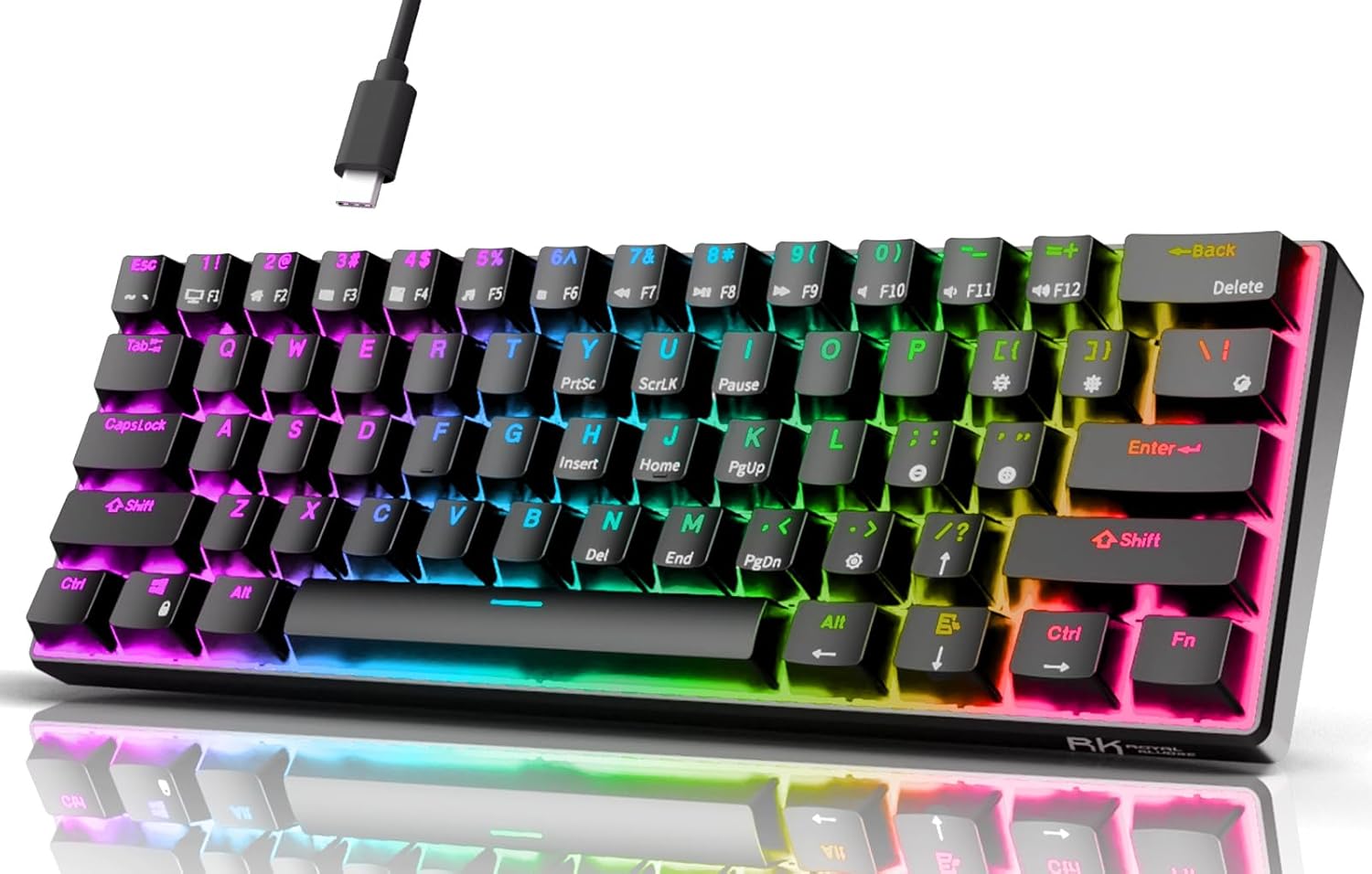
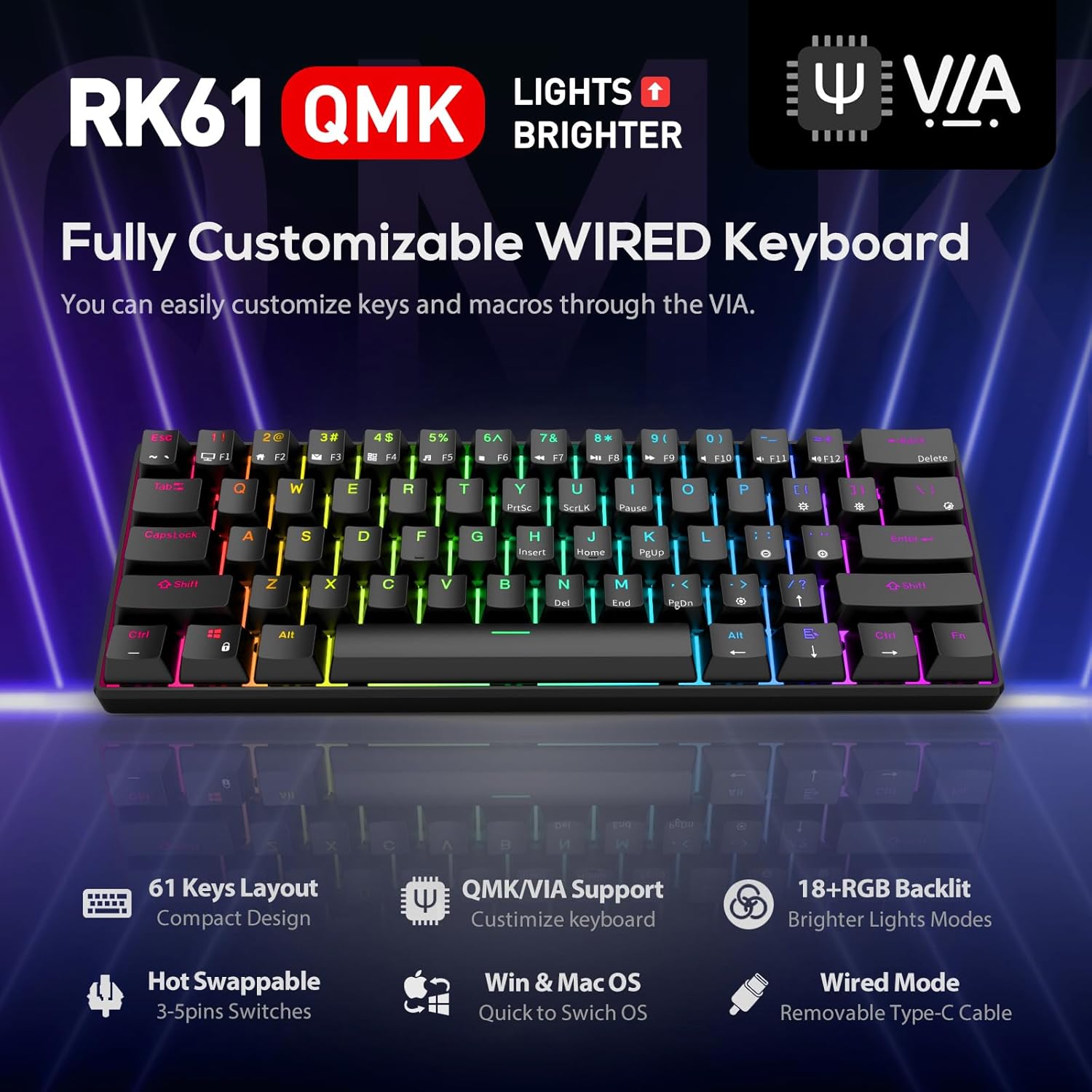
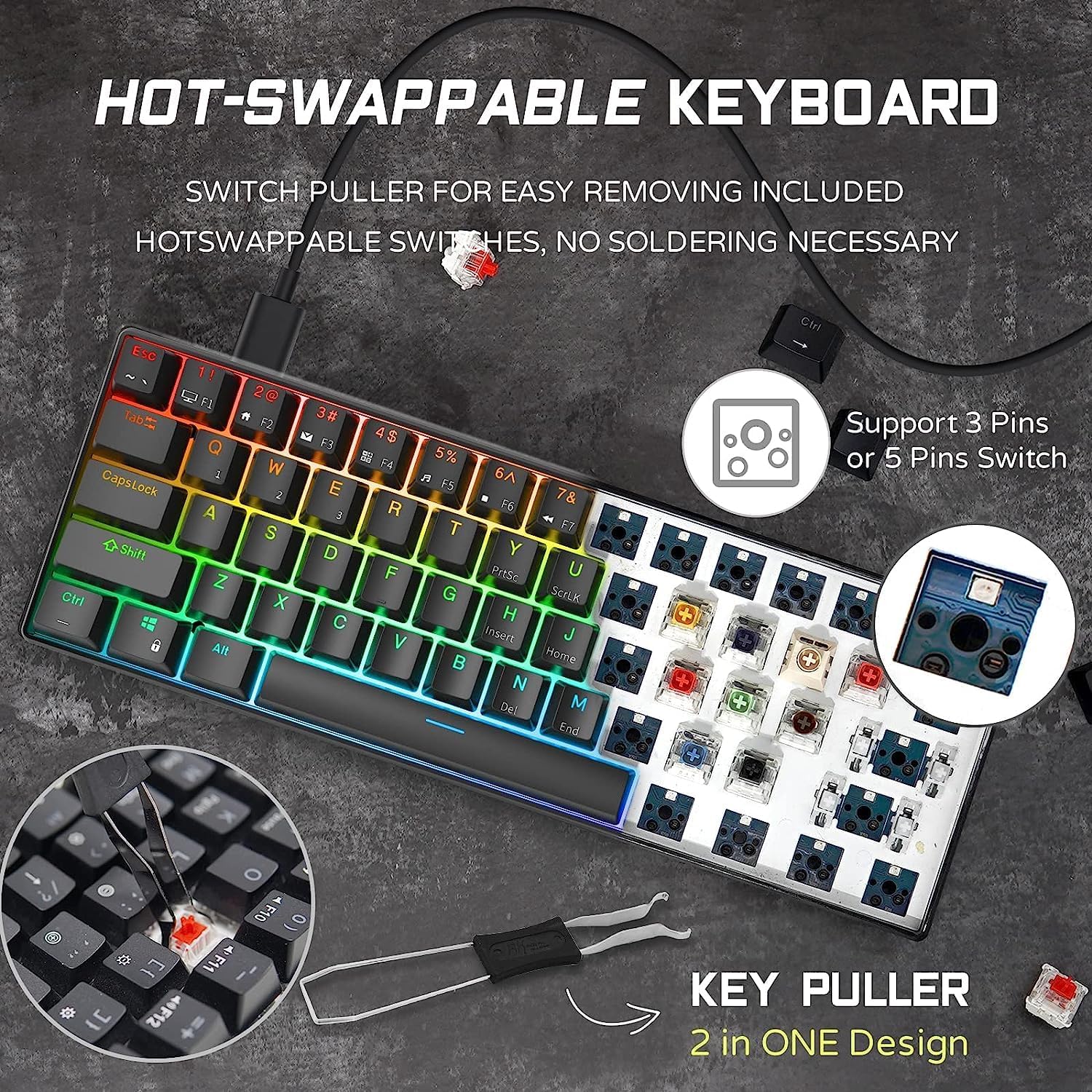
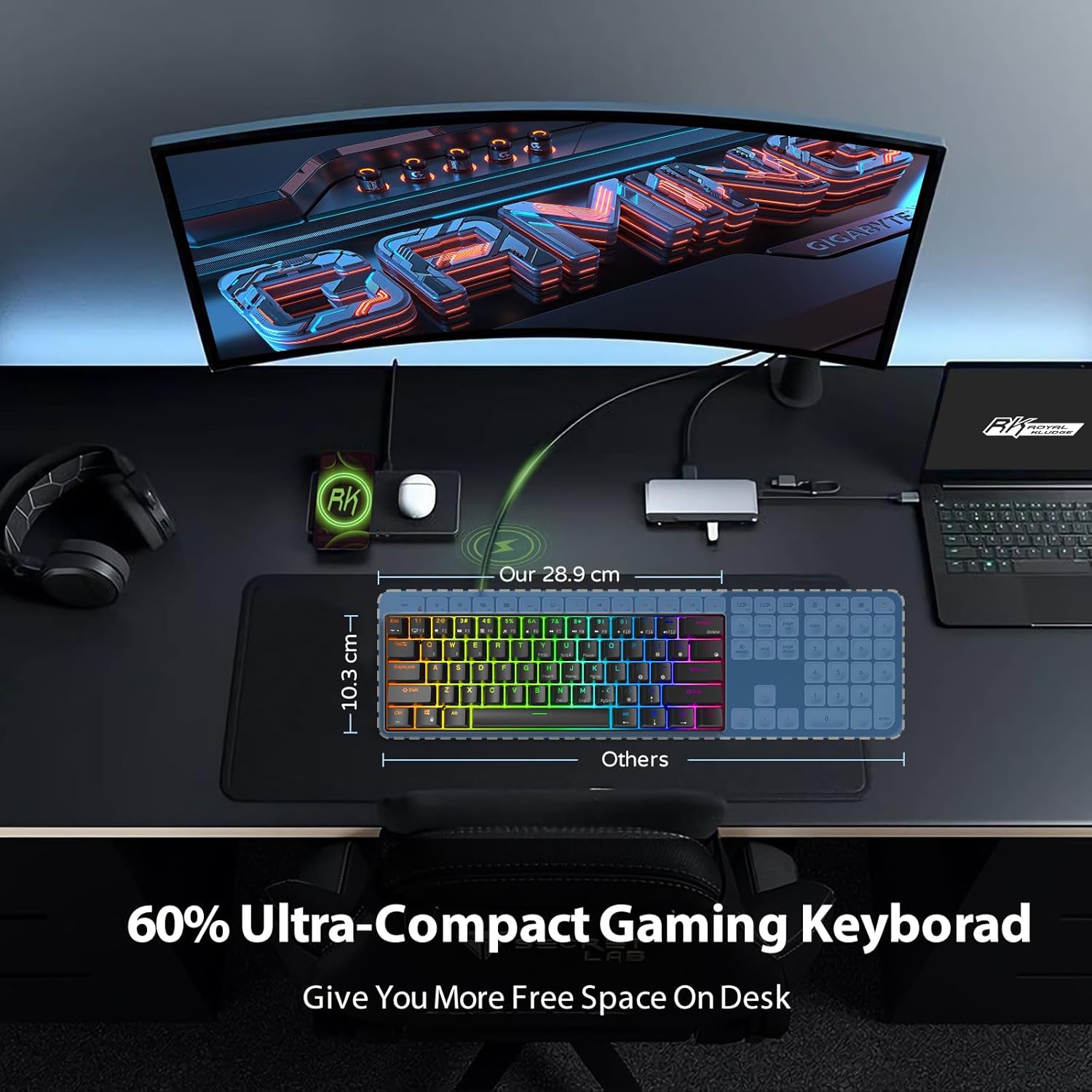
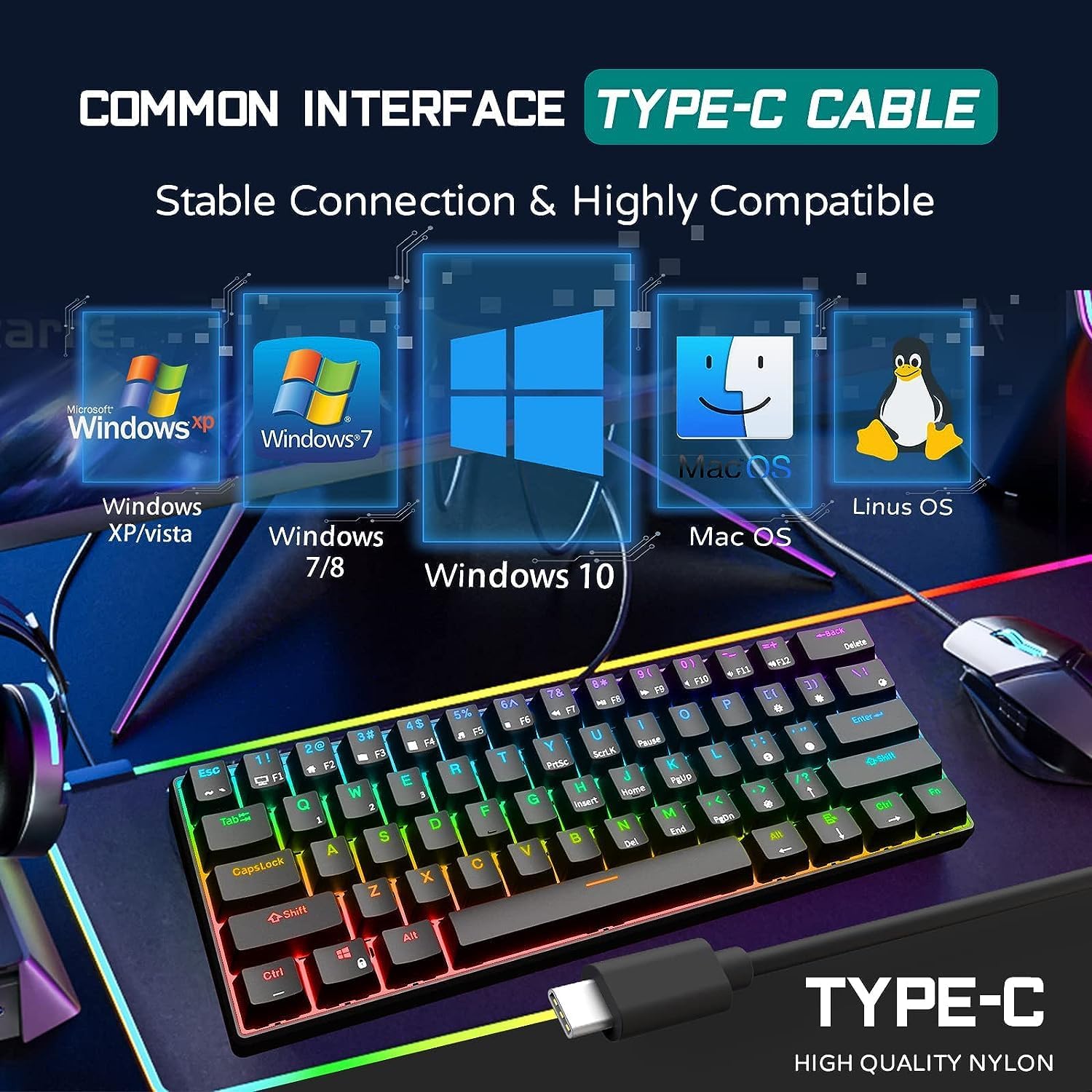
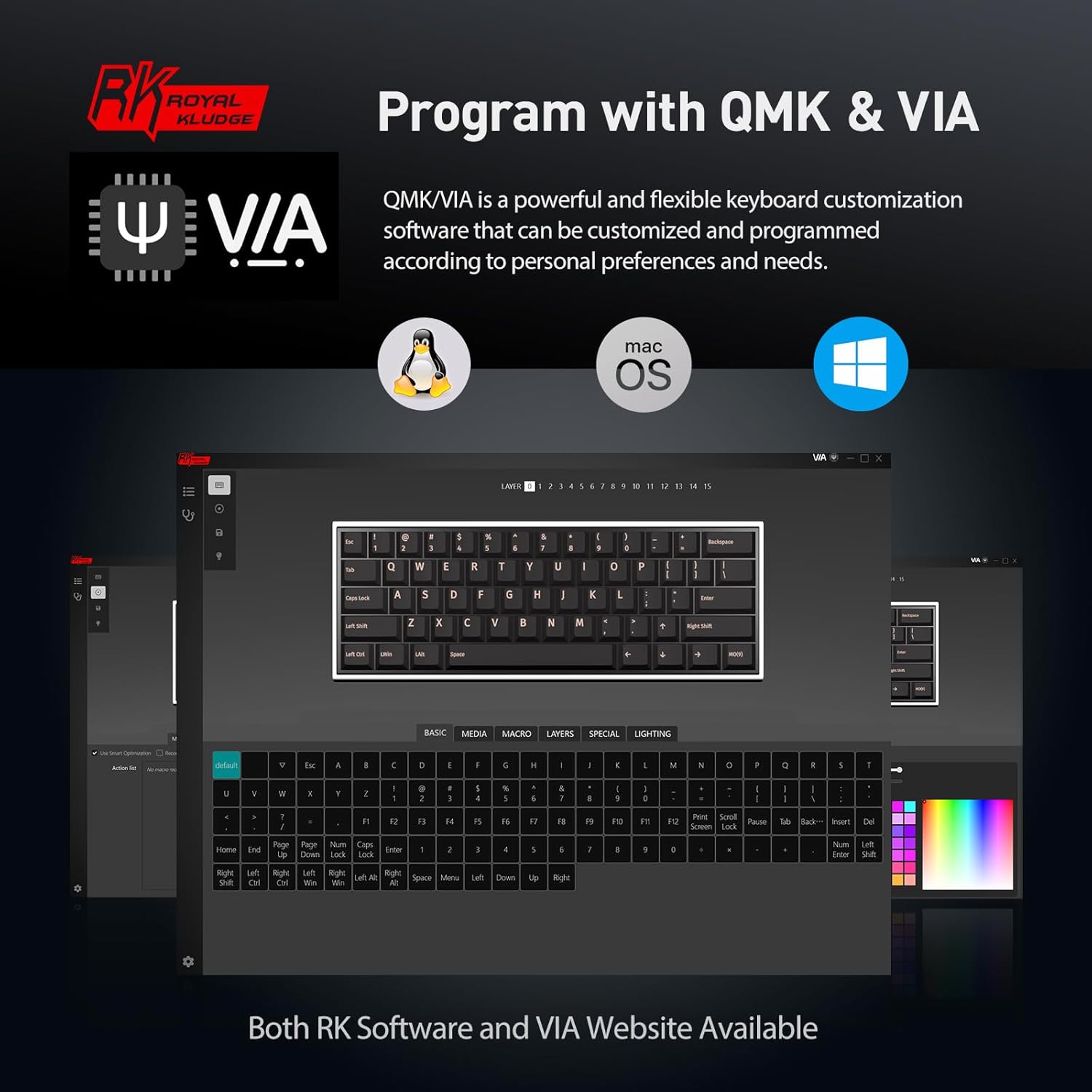
What it is and who it’s for\nThe RK61 is a compact wired 60% mechanical keyboard. With 61 keys, it trades a full-sized layout for a tiny footprint that frees up desk space and leaves more room for mouse movement, which is often appealing to FPS players and anyone aiming for a cleaner, minimalist desk setup. On paper, it combines a hot-swap compatible chassis with a linear Red switch and a robust software ecosystem, all in a compact form factor that fits easily into smaller workspaces. If you prioritise a tidy setup and want a keyboard that can be customised without taking up your entire desk, this model is worth a look.\n\n## Design and build quality\nThe RK61 emphasizes practical compactness. Its 60% layout removes the number pad and many dedicated function keys, sacrificing some traditional ergonomics for a sleeker footprint. The keyboard uses a mechanical switch (Red) touted for a smooth, linear feel with consistent force throughout the keypress. The overall build is aimed at comfort, aided by a “scientific stair-up” keycap design intended to keep wrists more natural during long sessions. User experience will depend on how much you value a small footprint over a conventional full-size keyboard.\n\n## Software and programmability\nA notable selling point is the QMK/VIA support. This open-source software enables key remapping, macro creation, and backlight customisation. It’s convenient that even IOS users can access the web version, reducing friction when you want to tailor layouts or shortcuts without installing dedicated software. That said, the level of comfort you’ll get from the software hinges on how familiar you are with keyboard programming. If you’re after ready-to-use presets, you may still need to invest some time into setup.\n\n## Lighting and aesthetics\nThe RK61 features RGB backlighting with a choice of 18 RGB modes and 8 monochrome modes, plus a full-colour option. For gaming and late-night typing, that palette can add visual cues or simply ambience. In practical terms, lighting is helpful for visibility in dim rooms, but it’s prudent to keep expectations realistic: the compact layout can limit how evenly backlight spreads across the keys.\n\n## Typing feel and ergonomics\nThe mechanical design aims to reduce fatigue with an ergonomic keycap arrangement that promotes a natural hand position. However, with a 60% keyboard, some users will need to adjust to fewer dedicated function keys and the higher reliance on modifier keys wrapped into layers. The linear Red switch is popular for gaming and office work alike, yet not everyone loves the same switch feel—if you’re sensitive to actuation force or keyfeel, you may want to test or verify the switch type to ensure it suits you.\n\n## Performance in daily use\nOn the desk, the RK61 saves space and can feel quick to respond thanks to its compact routing. It’s suitable for typing tasks, coding sessions, and gaming, especially where desk real estate matters. A potential downside is keycap wear or wobble on a compact frame if you transport it a lot, hot-swapping does help you swap to alternatives later. If you value portability and a clean look, this keyboard offers a balanced combination of form and function.\n\n## Who it’s best for\n- Gamers who want more mouse space and a compact build.\n- Busy professionals or students with small desks who still require reliable mechanical input.\n- Keyboard enthusiasts who enjoy custom layouts and macros thanks to QMK/VIA support.\n- Those who don’t rely on a full numeric keypad for data entry or gaming macros.\n\n## When it might not be the best fit\nIf you depend on a full set of keys or prefer a tactile (non-linear) switch, this setup may feel limiting. It’s also worth noting that the 60% layout can involve a learning curve for those who rely on function row shortcuts in daily workflows.\n\n## What to check before buying\n- Confirm switch type aligns with your preferred feel (linear Red switches are smooth but different from tactile or Clicky options).\n- Consider whether you’ll use QMK/VIA to its full potential, some users want plug-and-play presets rather than custom remaps.\n- Ensure you’re comfortable with the 60% layout and lack of a numeric keypad for your use cases.\n- If you value software accessibility on macOS or iOS, the web version of VIA can be a practical workaround.\n\n## How it compares to alternatives\nFor those who want a smaller footprint, a 60% keyboard like this often trumps full-size models. If you prefer extra keys and straightforward out-of-the-box use, a larger or different switch type might be more suitable. The hot-swappable design offers future flexibility, which is advantageous if you ever want to experiment with other switches.\n\n## What’s included and practical use cases\nIn practical terms, you’re looking at a compact, ready-to-customise keyboard that suits a tidy desk and customisation hobby. It’s a good fit for a gamer who needs more space for the mouse, an editor who appreciates a reduced workspace, or a programmer who wants a lean layout with macro capability.\n\n## Final decision\nFinal verdict: It makes sense if you’re after a compact, customisable keyboard that doesn’t compromise on software programmability and backlighting. It’s not the best option if you regularly rely on number pads or prefer a different switch feel. It suits users who want a blend of space-saving design and upgrade potential, provided you’re comfortable with the 60% layout.\n\n## Quick FAQ\n- Is it hot-swappable? Yes, the base spec notes hot-swappable red switches.\n- Does it support VIA/QMK? Yes, VIA and QMK software support is explicitly mentioned.\n- Is there RGB backlighting? Yes, with 18 RGB modes and 8 monochrome modes.\n- What is the footprint? It’s a 60% keyboard with 61 keys, prioritising desk space and mouse movement.\n