

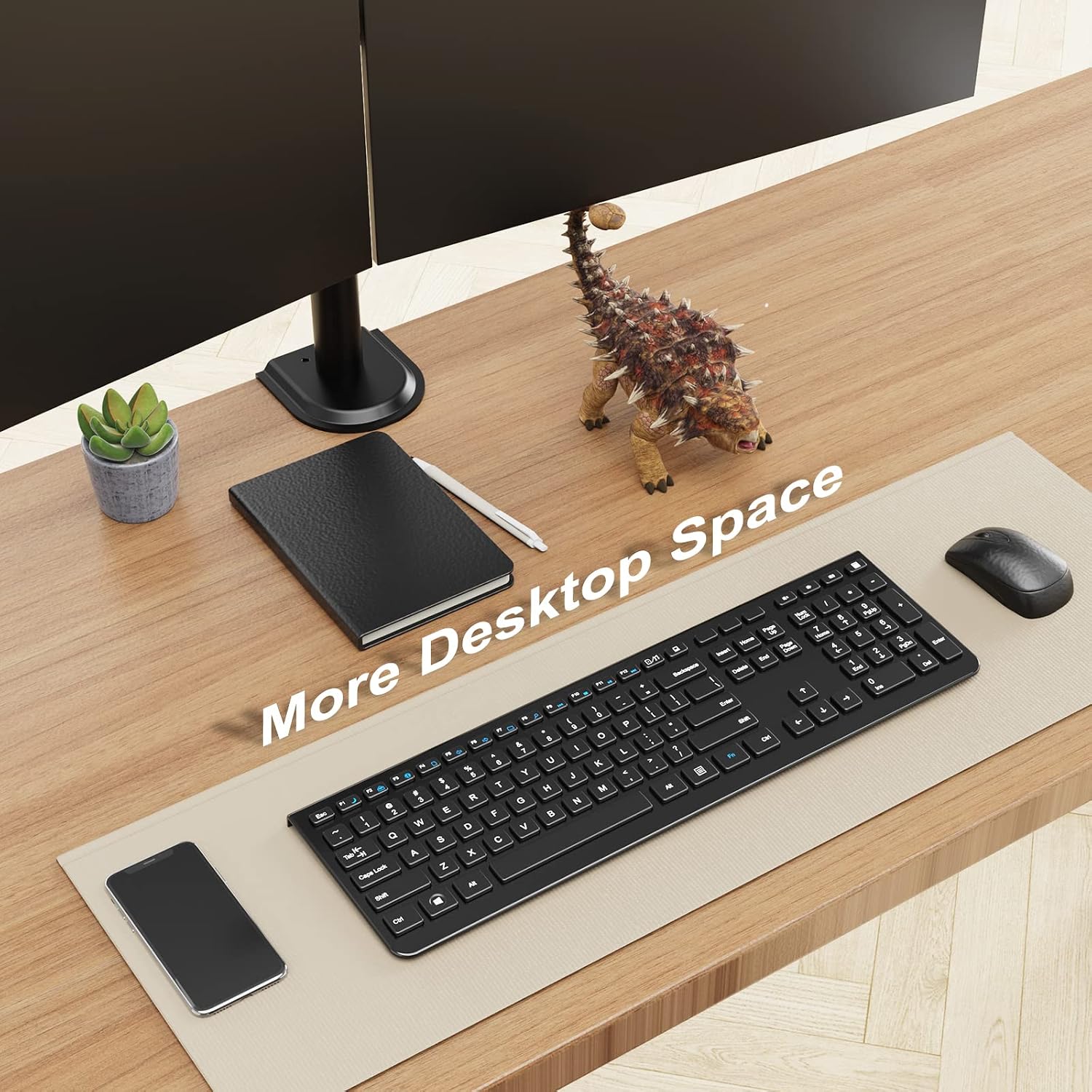
PUTORSEN Triple Monitor Arm (30.5 inch) for 3 x 13"-32" screens, VESA 75x75/100x100, black
Product description
The essentials
If you’re using three monitors and your desk is feeling cramped, a triple monitor arm like the PUTORSEN can be a practical way to get more usable space. On paper, this model focuses on stability (a solid build and a stable base), full-motion positioning for each screen, and an ergonomic height adjustment along a tall central pole.
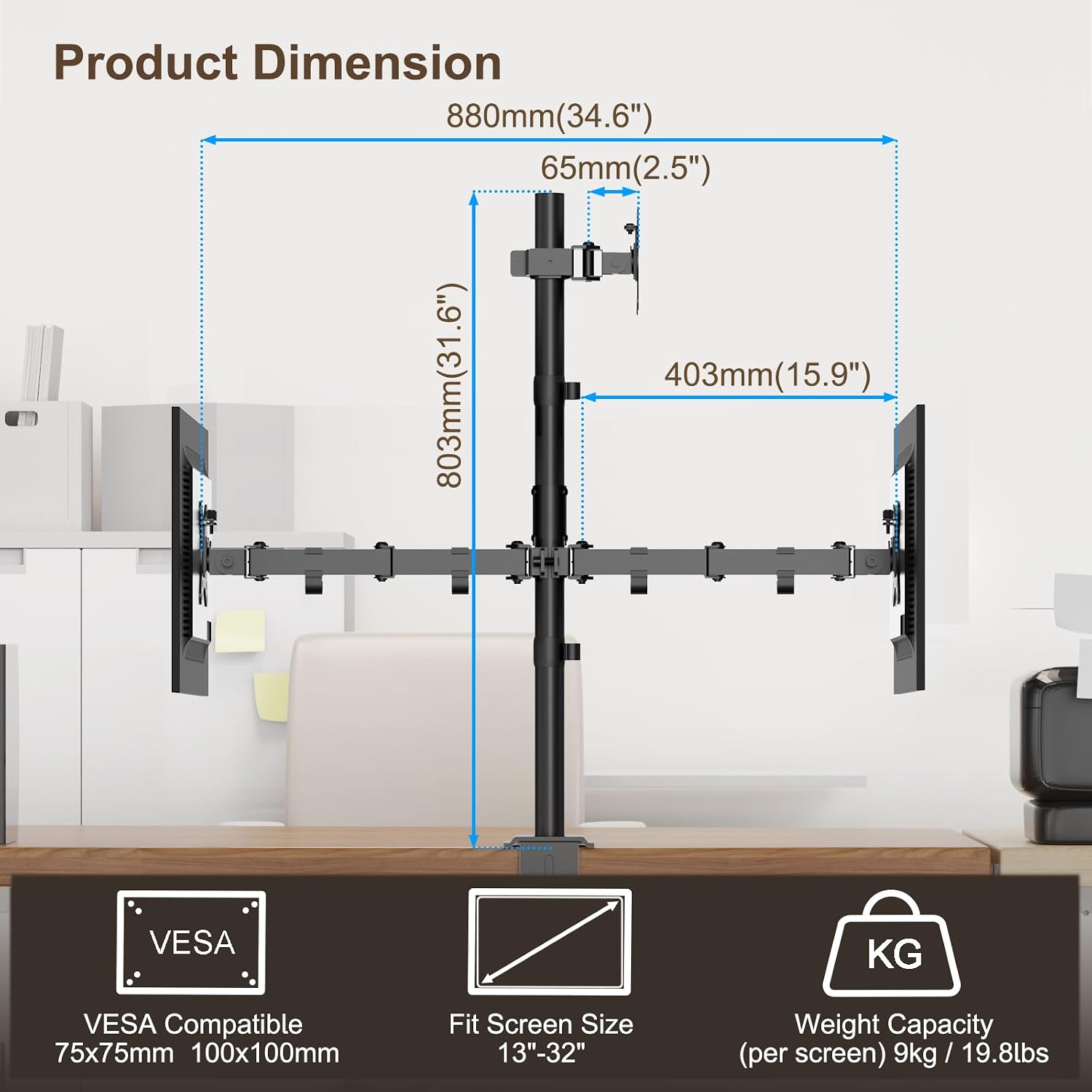
The big question is whether it suits your setup. It’s designed for 13"–32" screens and supports VESA 75x75 and 100x100, so it’s not a universal “any monitor” solution. If your monitors fit those ranges and you’re comfortable mounting it using either a C-clamp or a grommet approach, the day-to-day benefits can be quite noticeable.
Key features that matter day to day
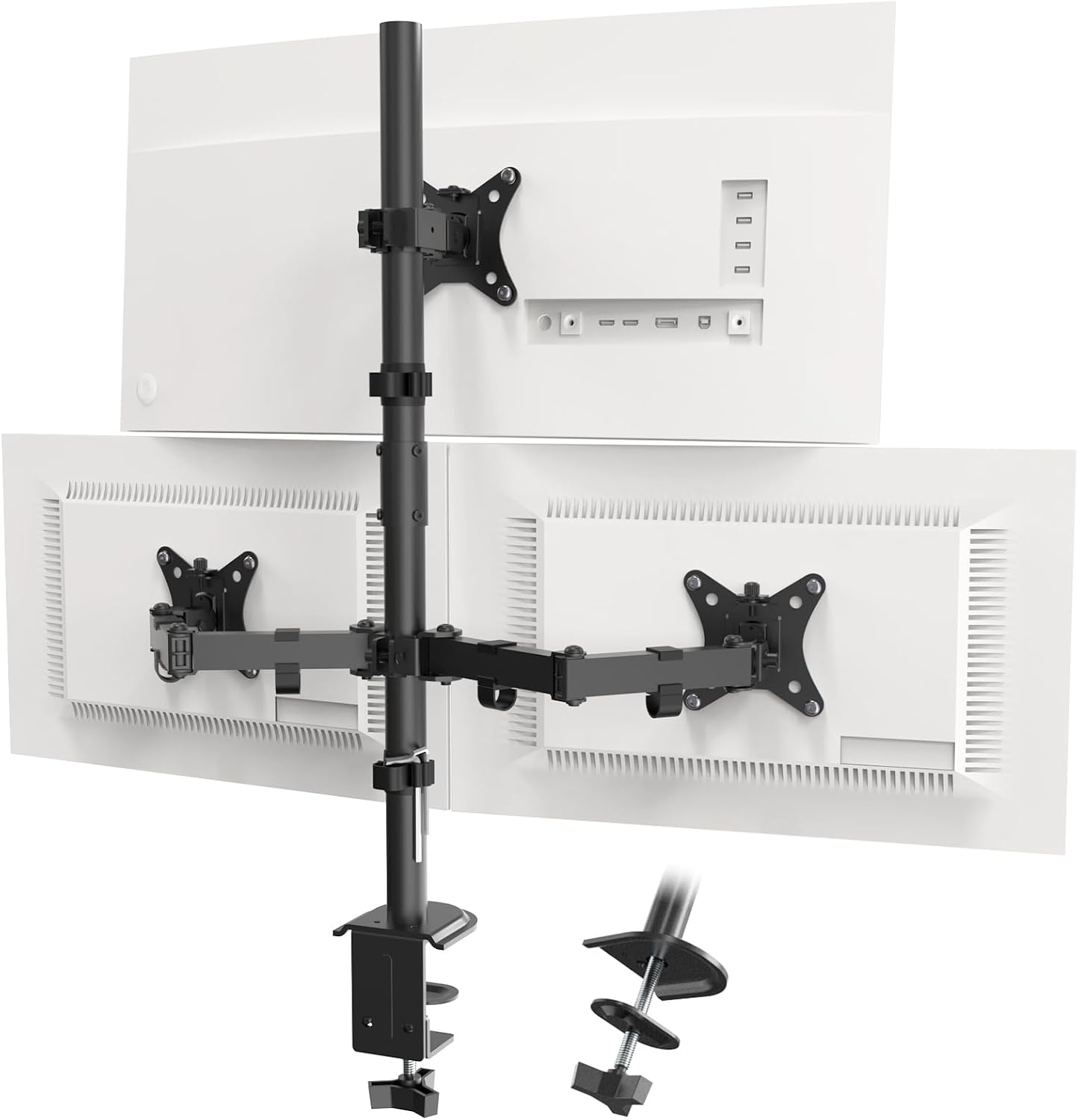
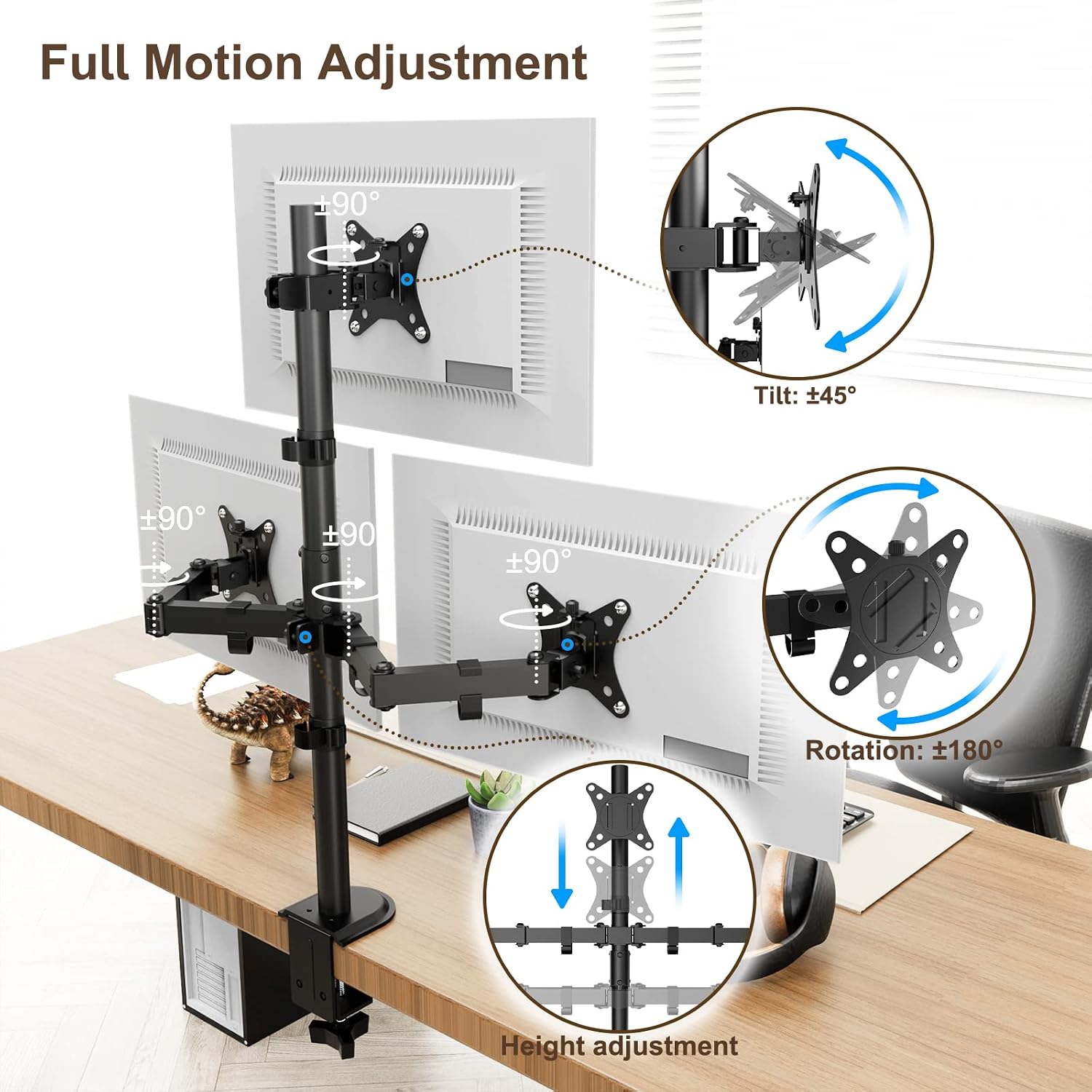
Where this arm stands out is how much control it offers once it’s installed. You can tilt to -45°/+45°, swivel up to 180°, and rotate to 360°. Height can also be adjusted along the central pole, which is the sort of thing that helps when you’re trying to reduce neck strain and keep your posture more relaxed during long sessions.
There’s also a flexibility detail that’s easy to overlook until you need it: the two bottom monitors can be switched between horizontal and vertical. That’s handy if your workflow mixes tasks like spreadsheets and documents with activities that benefit from portrait orientation, such as coding layouts or presentation-style meetings.
One more practical touch is the cable management system. Triple-monitor setups can quickly turn into a cable jungle, this is meant to keep things cleaner and more manageable, and it should help your desk look less cluttered.
What the specs tell you about strength
This triple monitor stand is rated to hold up to a maximum load of 19.8lbs per screen. In real terms, that means you’ll want to double-check your monitor weights and make sure they sit under the limit per display.
It’s also tall (30.5 inch), which can work well if you want monitors positioned higher or you’re trying to dial in an ergonomic setup. Still, height adjustment and full motion are only useful if the monitors are correctly matched to the mount pattern, so VESA compatibility is non-negotiable here.
Installation options: choose your desk setup
This arm supports two mounting methods:
- C-clamp installation (for desks of thickness 0.4"–3.4").
- Grommet mounting if your desk has a suitable hole (desk thickness 0.1"–1.6").
So, it can suit a range of desk types, but it depends on whether you want to drill a hole (the grommet route) or clamp to the desk edge (the C-clamp route). If you’d rather avoid drilling, check your desk thickness first—some desks simply won’t fall into the clamp range.
Included in the package are the monitor bracket, a hardware kit, and an installation manual. That’s a decent baseline, but do keep in mind that triple-monitor arms often take a little patience to align cleanly.
Pros and where it may fall short
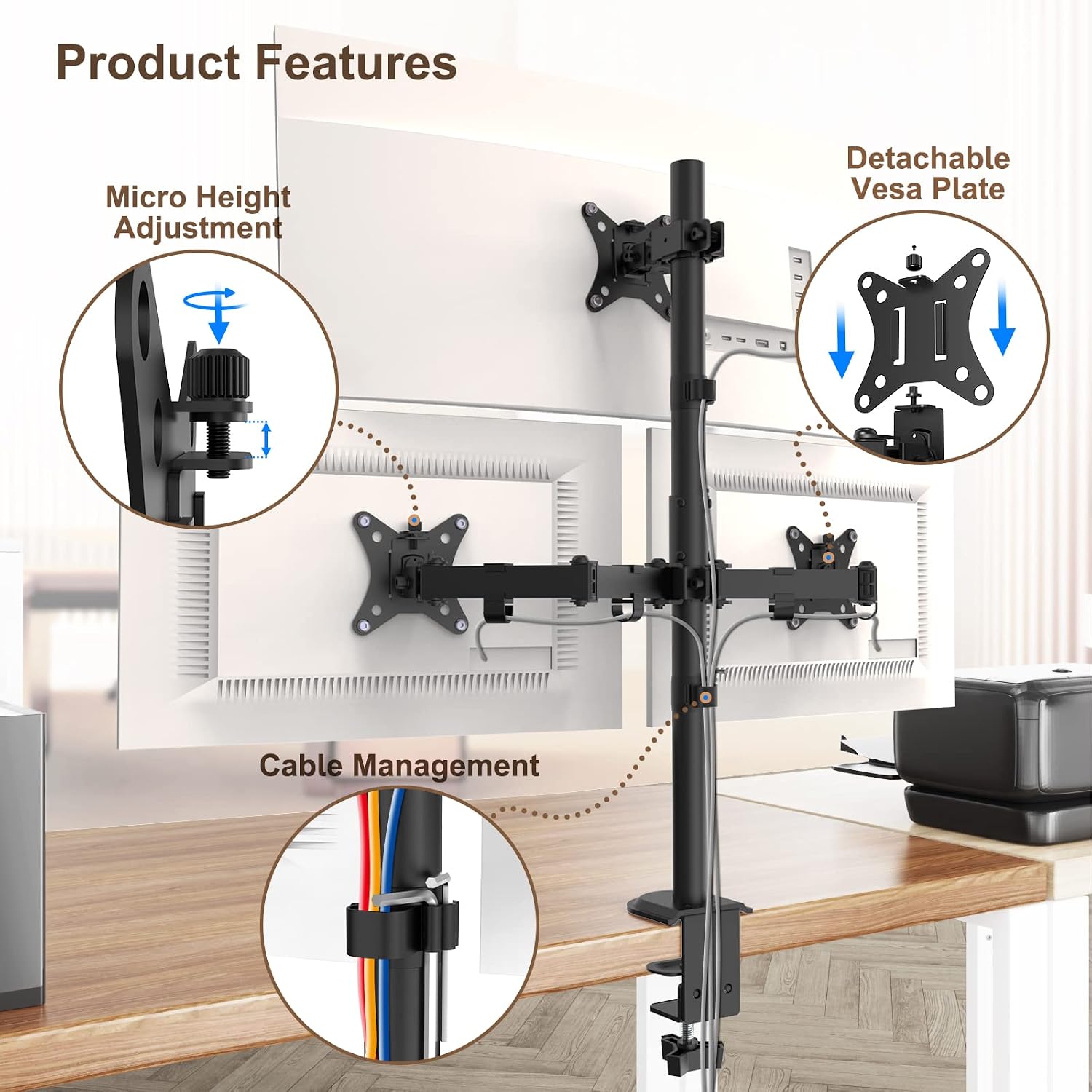
What you’ll like: - Full-motion positioning (tilt, swivel and 360° rotation) for fine-tuning viewing angles. - Height adjustment to support a more comfortable working position. - Cable management to help keep a triple setup tidy. - Portrait/landscape switching for the bottom two monitors.
Worth noting / potential limitations: - It’s built around 13"–32" screens and VESA 75x75/100x100, so it may not fit if your monitors are outside those parameters. - If your monitors are heavy and you’re close to the per-screen max load, you should be cautious—this is one of those areas where “almost” isn’t a great feeling. - Triple arms can be fiddly to set up, particularly when rotating for portrait use, it’s not the sort of thing you’ll want to reconfigure every hour.
Practical “for which use cases” it makes sense
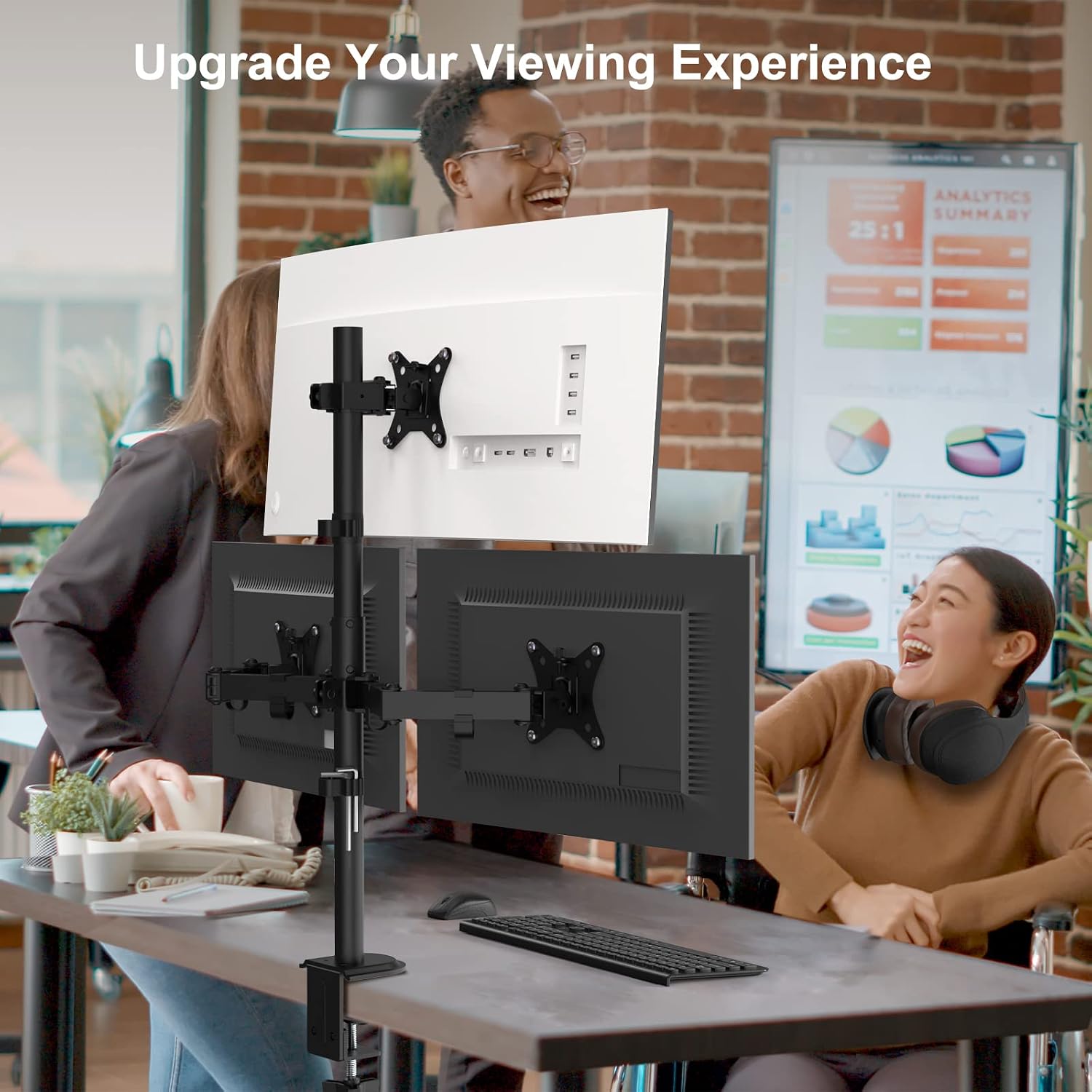
Imagine you’ve got a desk setup with three side-by-side screens for work, but you also run meetings or switch between tasks that benefit from portrait orientation. With this arm, you can tilt and swivel the displays to reduce glare, raise or lower them along the pole for a more comfortable eye line, then rotate the bottom two into vertical when you want a different layout.
If you’re mostly after simple placement and minimal movement, you might not fully use the range of motion. In that scenario, a simpler stand may do the job with less setup effort—this one is at its best when you genuinely plan to adjust screen positions.
Is it worth it?
A solid pick if you want a triple monitor arm that focuses on ergonomic adjustment, full-motion control, and keeping a three-screen desk area tidy—especially if your monitors are 13"–32" with VESA 75x75 or 100x100.
You may want to skip it if your monitor sizes or VESA patterns don’t match, or if you’re not set up to mount it in a way that suits your desk thickness. It can also feel like overkill if you only need a fixed position and never plan to rotate or tilt the screens.
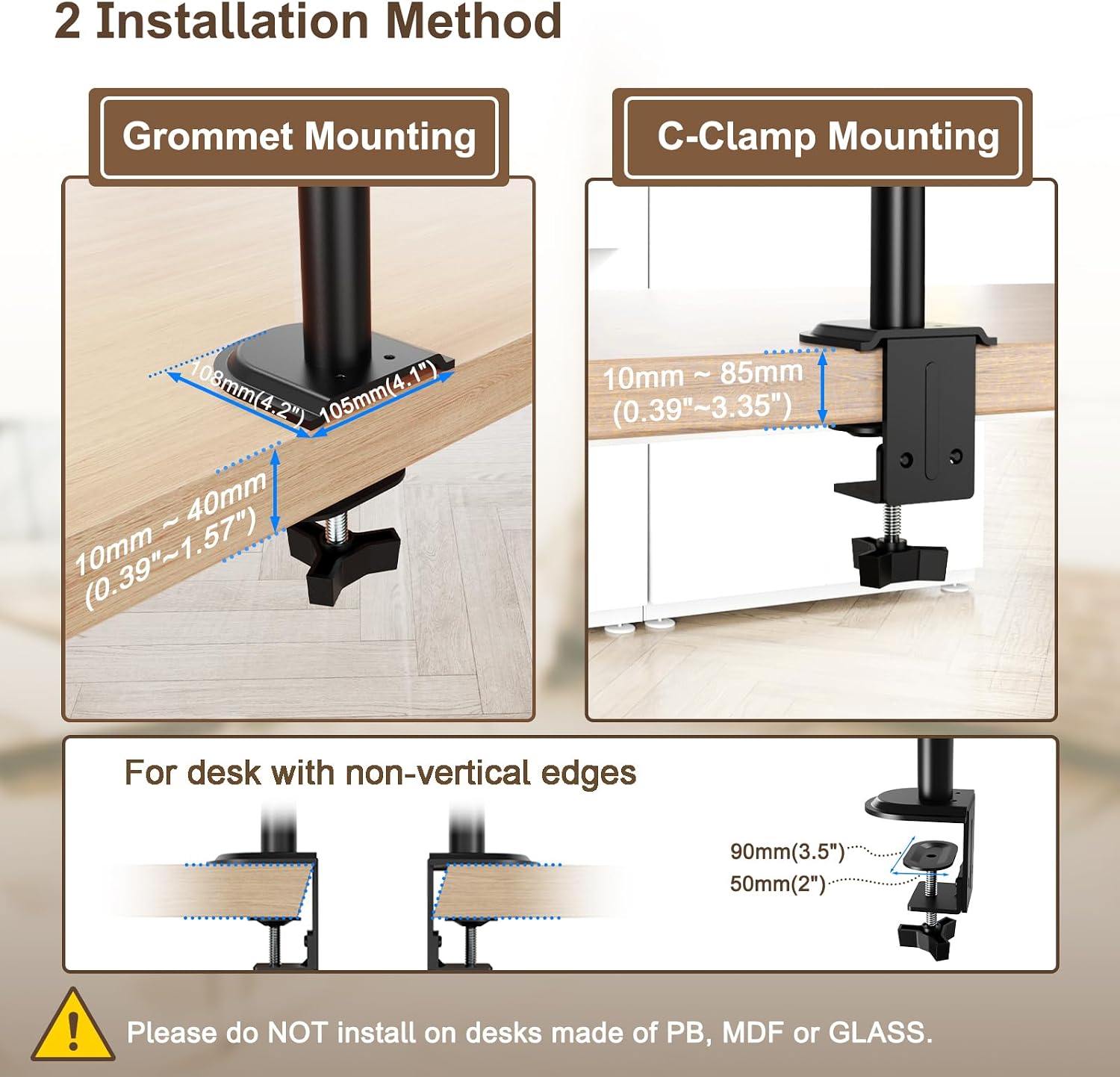
Quick check before you buy: confirm your monitor weight per screen is within the 19.8lbs limit, verify VESA 75x75/100x100, and make sure your desk thickness fits either the C-clamp range (0.4"–3.4") or the grommet range (0.1"–1.6").
Quick FAQ
FAQ: Will it fit my monitors?
It’s intended for 3 screens in the 13"–32" range and it supports VESA 75x75 and 100x100. If your monitors don’t match those, it likely won’t be the right arm.
FAQ: Can the screens move in different directions?
Yes. You can tilt from -45° to +45°, swivel up to 180°, rotate 360°, and adjust the height along the central pole.
FAQ: How does mounting work on different desks?
You can use either a C-clamp or grommet mounting. The desk thickness ranges are 0.4"–3.4" for C-clamp and 0.1"–1.6" for grommet.
FAQ: What about cable management?
The system is designed to help keep cables organised and free up desk space, which is particularly useful for triple setups.