

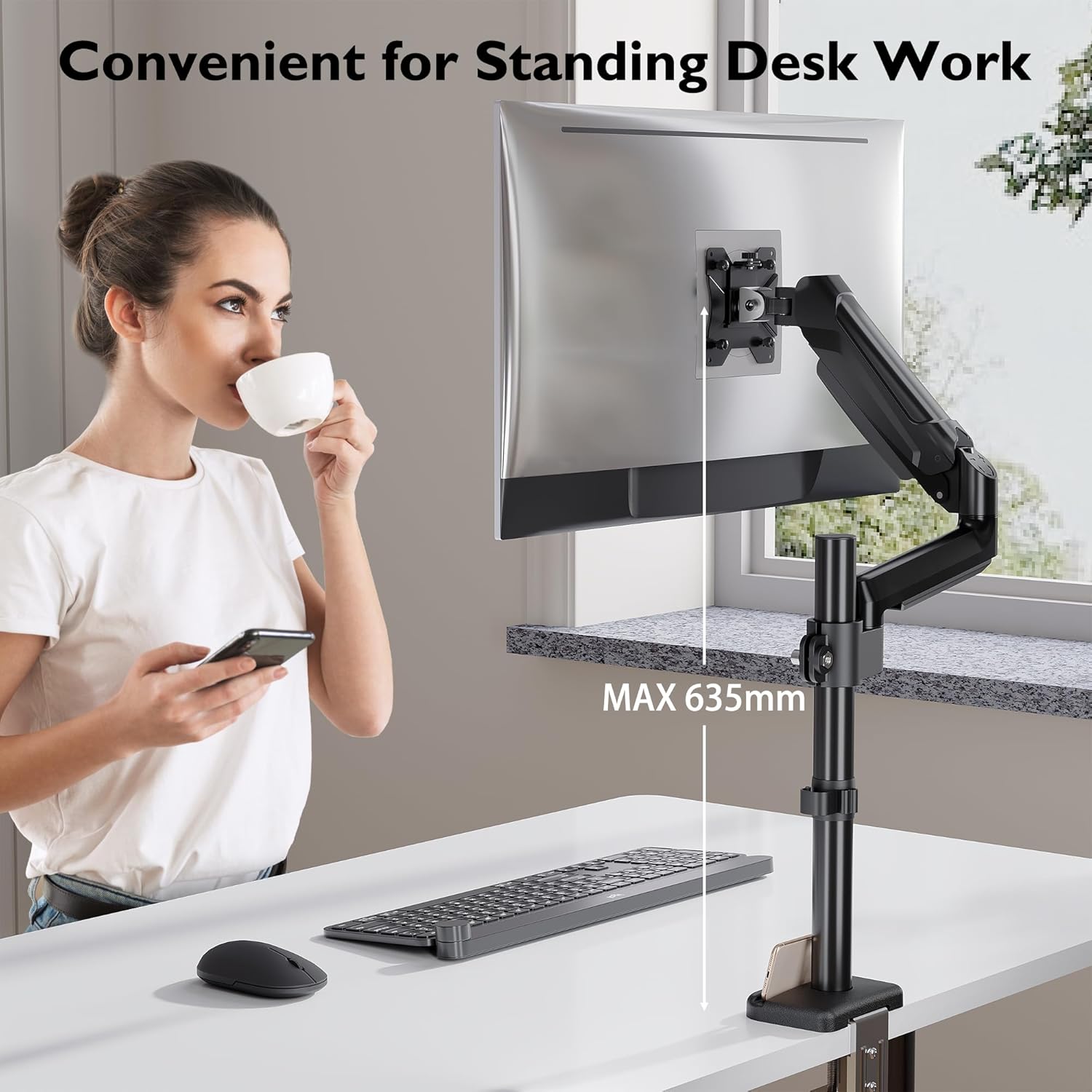
BONTEC single monitor arm desk mount for 13–32 inch screens (VESA 75/100mm, up to 9kg) with adjustable gas spring
Reviews
Price
Product description
Overview
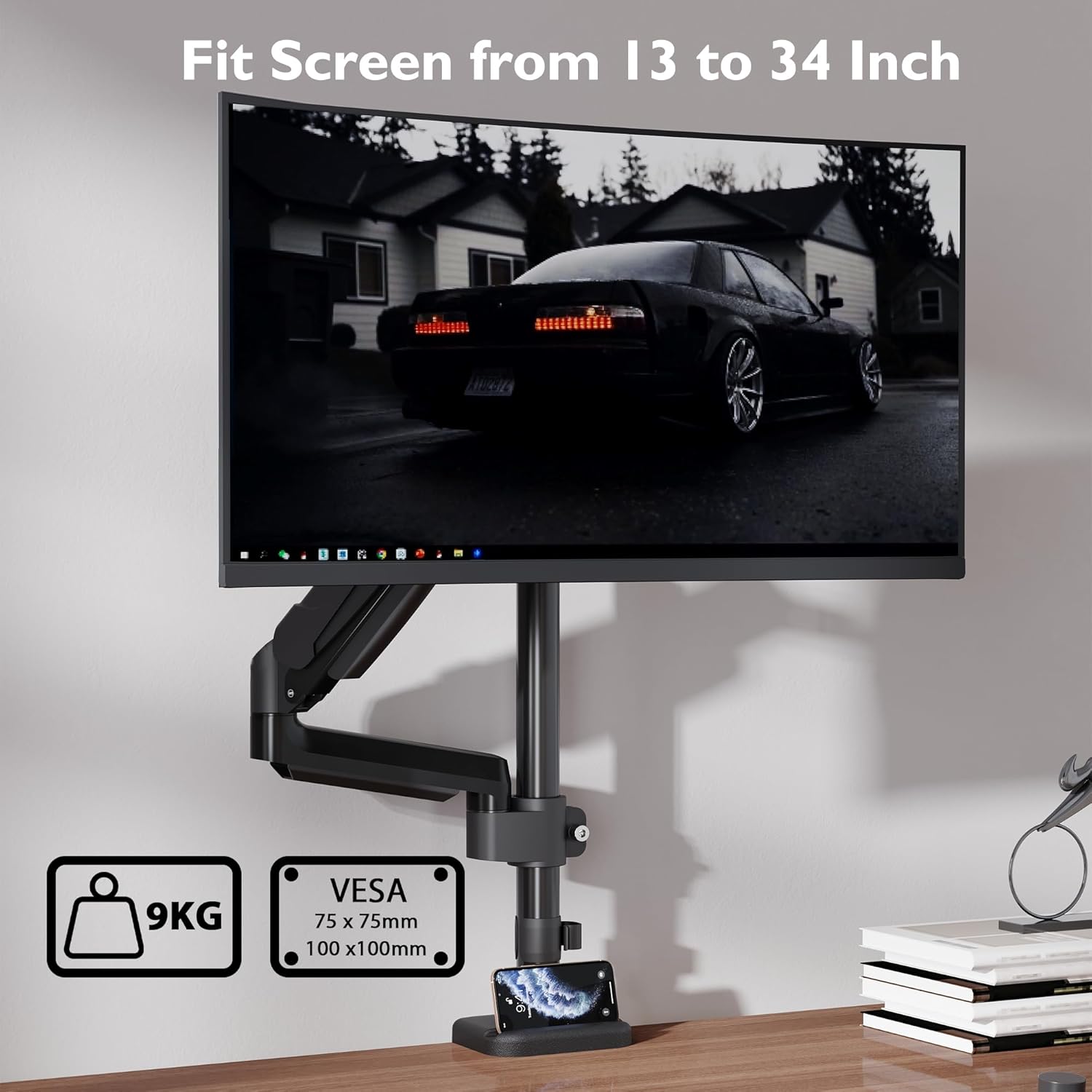
If you’re trying to make a desk setup feel calmer and more ergonomic, a monitor arm is one of the most noticeable upgrades you can make. The BONTEC single monitor arm is designed for screens in the 13–32 inch range and supports up to 9kg, with a gas spring arm for smooth, controlled movement.
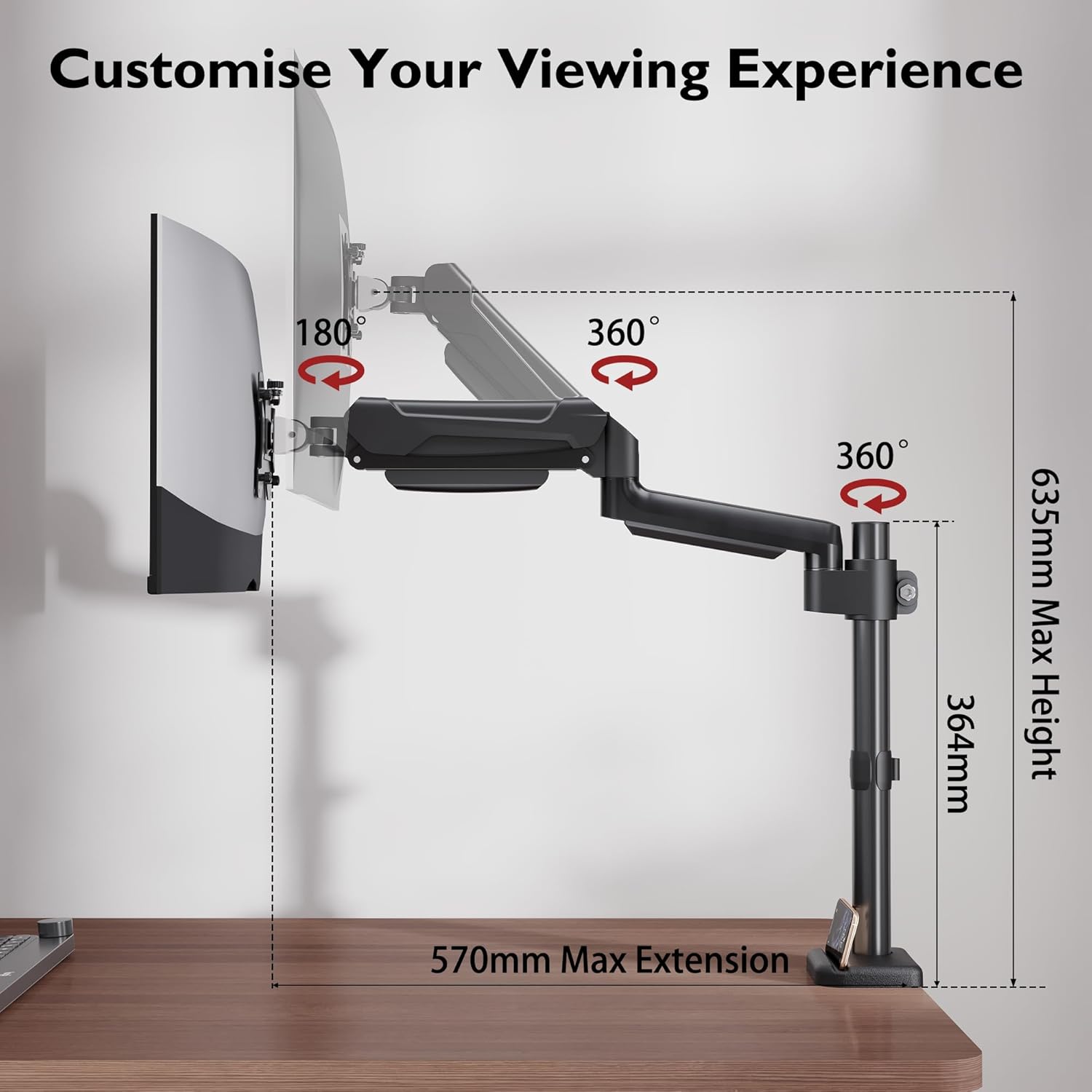
On paper it ticks a lot of the boxes people usually care about: it offers tilt, swivel and 360° rotation, plus the choice of C-clamp or grommet mounting. That flexibility matters if your desk setup is already busy, or if you don’t want to commit to a permanent drilled installation.
What’s it for, and how it helps in daily use
A monitor arm isn’t just about “positioning your screen”. It’s about giving you control of height and viewing angle so you can reduce neck strain and avoid the classic slouch that builds up during long work sessions.
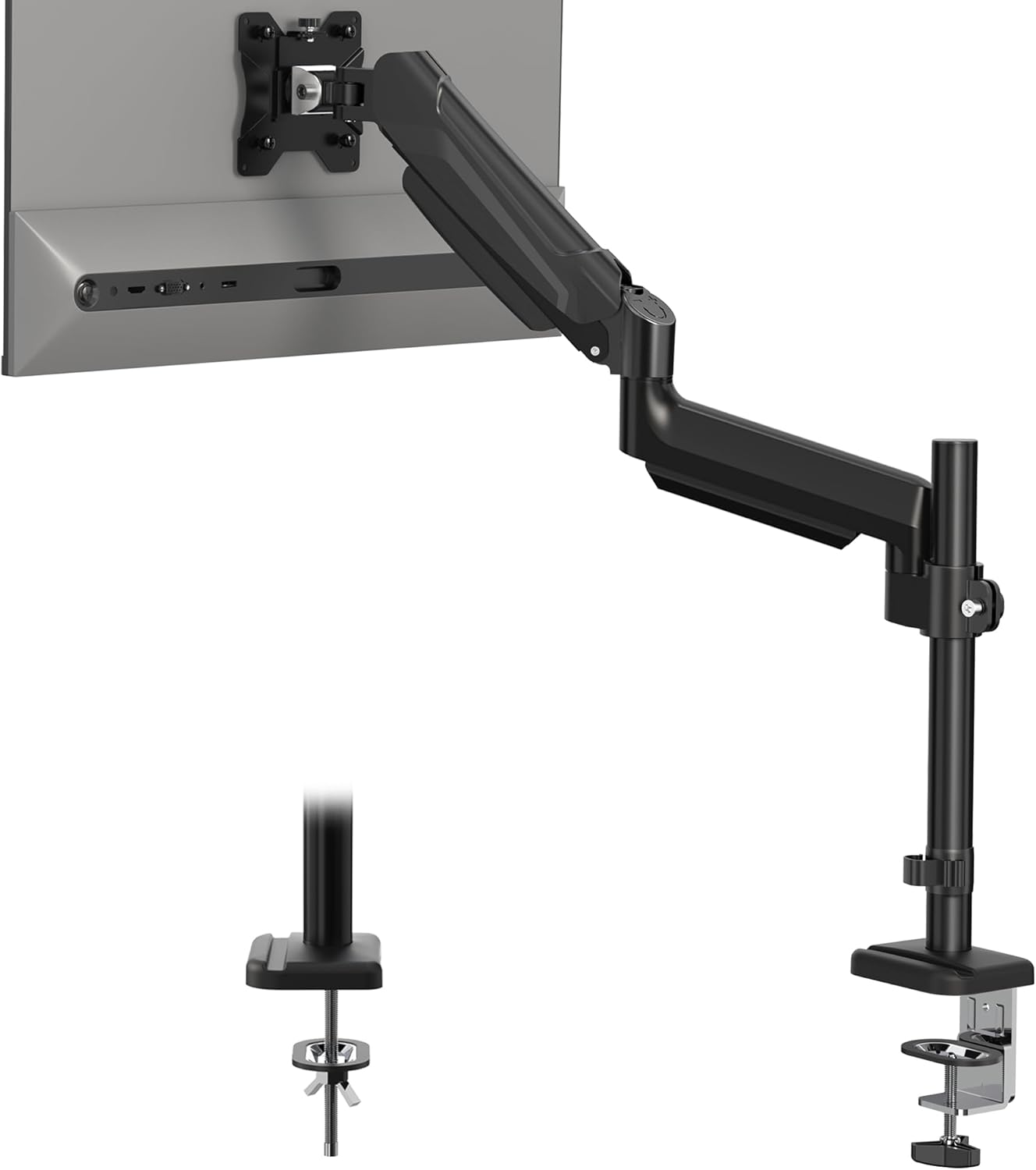
With this arm, you can adjust height and change angle throughout the day. A practical example: if you start the morning answering emails at seated height, then later switch to standing for a quick stretch, a good arm should let you reposition without wrestling with your desk or clamping gear. The inclusion of 360° rotation also gives you more freedom if you ever want to change how the screen faces you.
It also includes cable management. That’s not glamorous, but it’s the difference between a desk that looks organised and one that turns into a tangle, especially if you’re swapping between work and gaming sessions.
Key features to look at (and the limits)
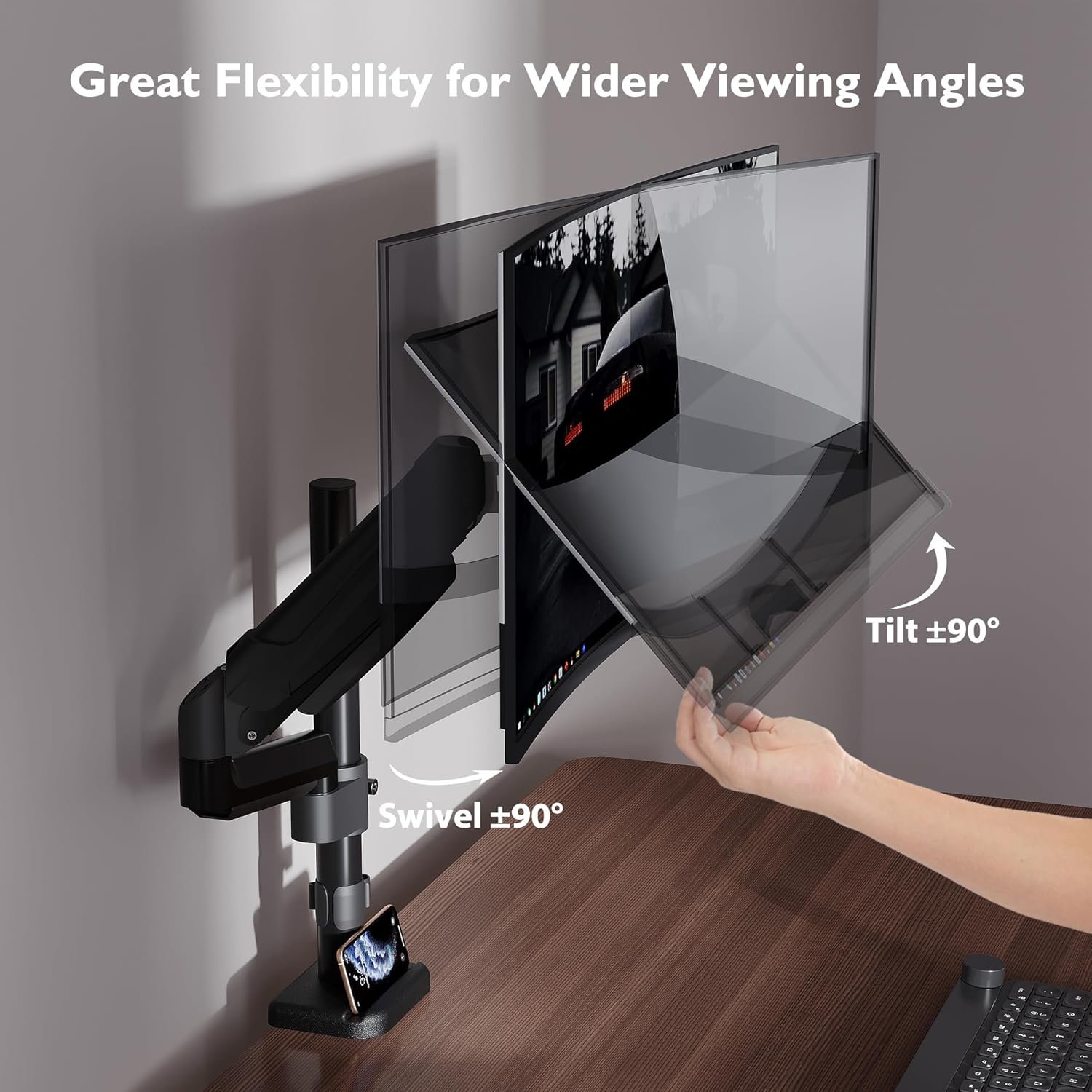
The movement range is a highlight here. The arm supports tilt of ±90°, swivel of ±90° and 360° rotation, which should cover most desk-facing layouts. The VESA compatibility is listed for 75/100mm, so it’s aimed at common monitor mounts.
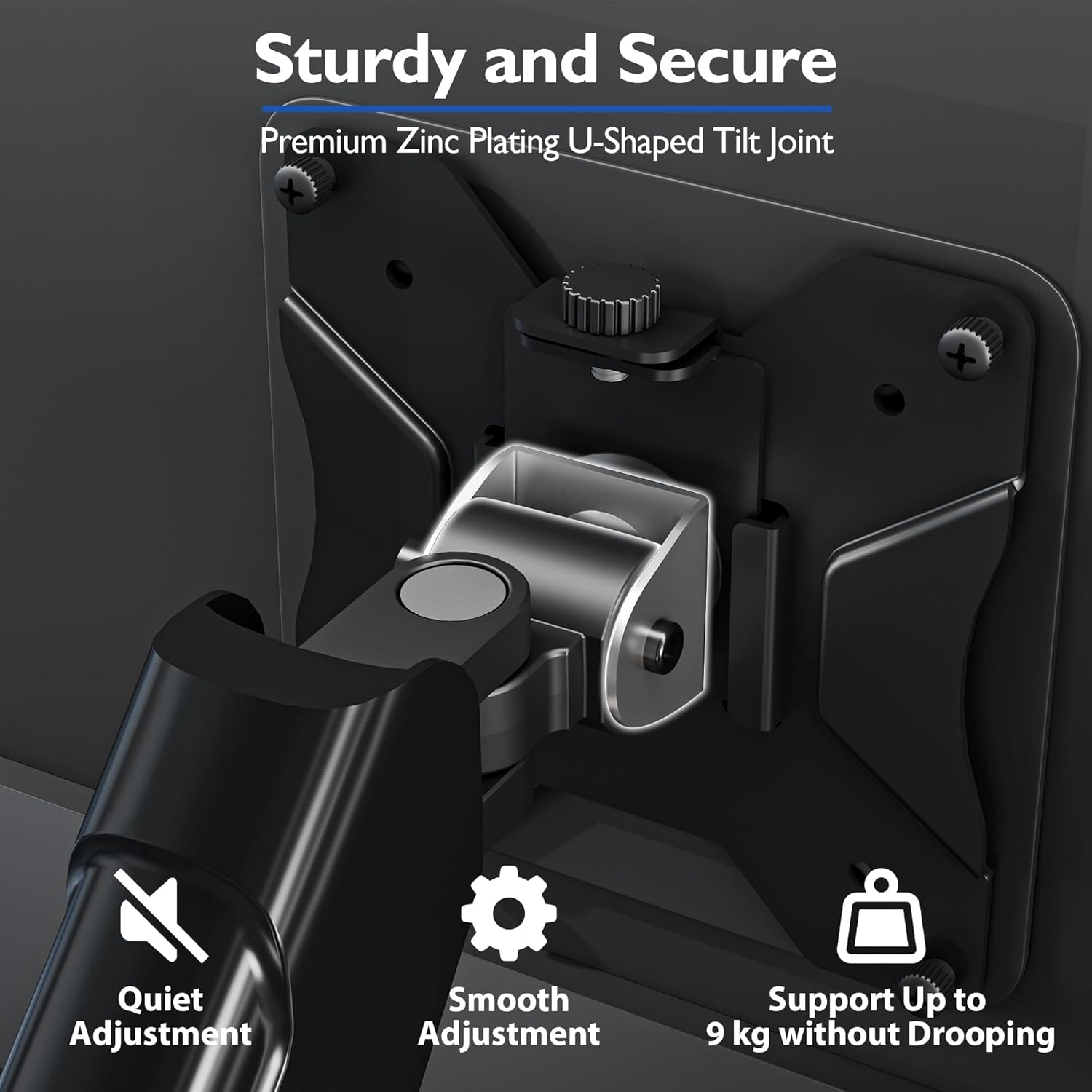
Capacity and screen size are worth respecting. This arm is specified for 13–32 inch screens and up to 9kg. It’s also positioned as an ergonomic, flexible setup option rather than a “heavy duty for very large displays” solution.
One thing to bear in mind: the arm’s movement is only as useful as your desk clearance. Even with a strong range of motion, your monitor size and desk layout can limit how far you’ll comfortably swivel or rotate.
Installation and desk mounting options
This uses a no-drill mounting approach via a C-clamp, and there’s also an ojal (grommet) option. The desk thickness range is given as 10–85mm for C-clamp, and 10–50mm for grommet mounting.
If you want a cleaner setup without drilling, the clamp route is usually the sensible way to go. If your desk can’t support the clamp thickness range, then you’d need to use the grommet option (assuming you can install it in your desk), otherwise you may find yourself stuck before you even get to cable management.
Also, the description mentions installation in minutes and a stable mount. As with any desk clamp solution, it’s still smart to check that the clamp can bite securely on your particular desk material.
Build quality and durability approach
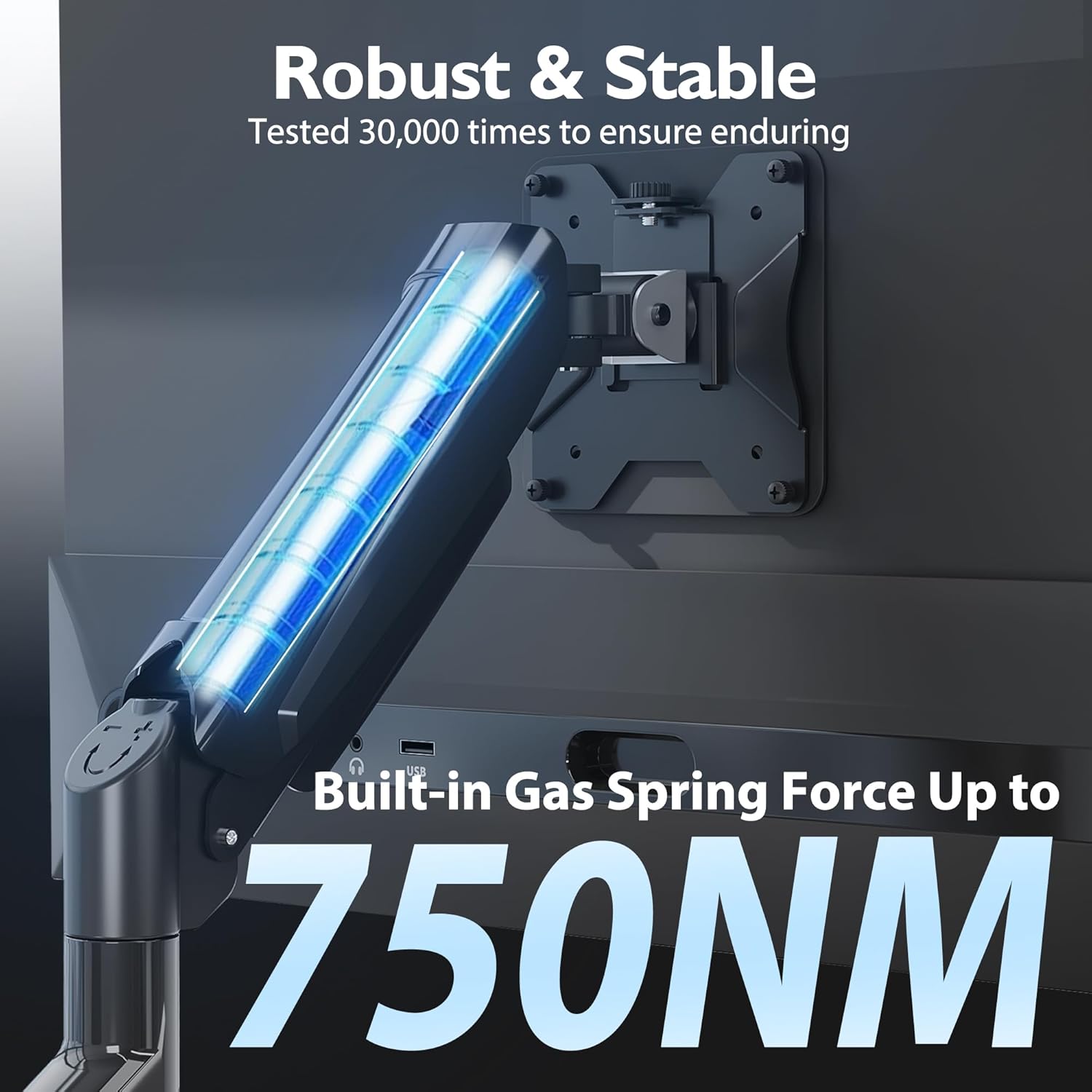
BONTEC states the arm was tested over 30,000 lift cycles, which is the kind of durability detail that matters for daily use. It also mentions a reinforced zinc body and a U-shaped articulated structure for stability, including with monitors up to the stated 9kg.
“Tested” is encouraging, but it doesn’t automatically mean every desk will feel identical—clamp mounting strength and desk sturdiness still play a big role in how solid things feel in real life.
Who it suits, and who should skip it
It makes sense if you want a single monitor arm that supports a typical mid-sized monitor (13–32 inch) and you care about smooth height and angle adjustments for working and gaming. The combination of VESA 75/100mm support and the 9kg capacity is designed for most common setups.
It may not be a great match if your monitor is outside the stated size/weight range, or if your desk can’t be mounted within the given thickness limits. If you need a solution for a much heavier or larger screen, you’ll likely end up wanting a different class of mount.
Tech specs
- Name: BONTEC Single Monitor Arm Desk Mount
- Type: Gas spring monitor arm stand
- Size: for 13–32 inch screens
- Capacity: 9kg
- VESA support: 75/100mm
- Tilt: ±90°
- Swivel: ±90°
- Rotation: 360°
- Mounting options: C-clamp & grommet
- Desk thickness (C-clamp): 10–85mm
- Desk thickness (grommet): 10–50mm
Is it worth it?
Buy it if you’re building a flexible single-monitor workspace and you want smooth, controlled adjustments, with cable management and the option to mount via C-clamp or grommet. It’s particularly relevant if you alternate between different viewing angles or just want your desk to feel tidier.
Skip it if your monitor’s size or weight doesn’t match the 13–32 inch and 9kg limits, or if your desk thickness falls outside the listed ranges for the mounting method you’d like to use. Also, if your desk layout doesn’t offer the clearance needed for swivel/rotation, the movement range may not be as useful as you hope.
In short: this is a practical, ergonomic single-arm solution for typical screen sizes—just make sure your monitor and desk are within the stated compatibility so you don’t waste time on a clamp that can’t fit.
Mini FAQ
Is this monitor arm compatible with VESA 75 and 100mm?
The product description states VESA 75/100mm compatibility, so it should fit VESA patterns in that range.
Does it require drilling into your desk?
It offers C-clamp mounting and also a grommet option, and the description positions the C-clamp route as no perforation (no drilling) installation.
How much weight can it hold?
The stated capacity is up to 9kg.
What’s the screen size range?
It’s specified for 13–32 inch screens.