

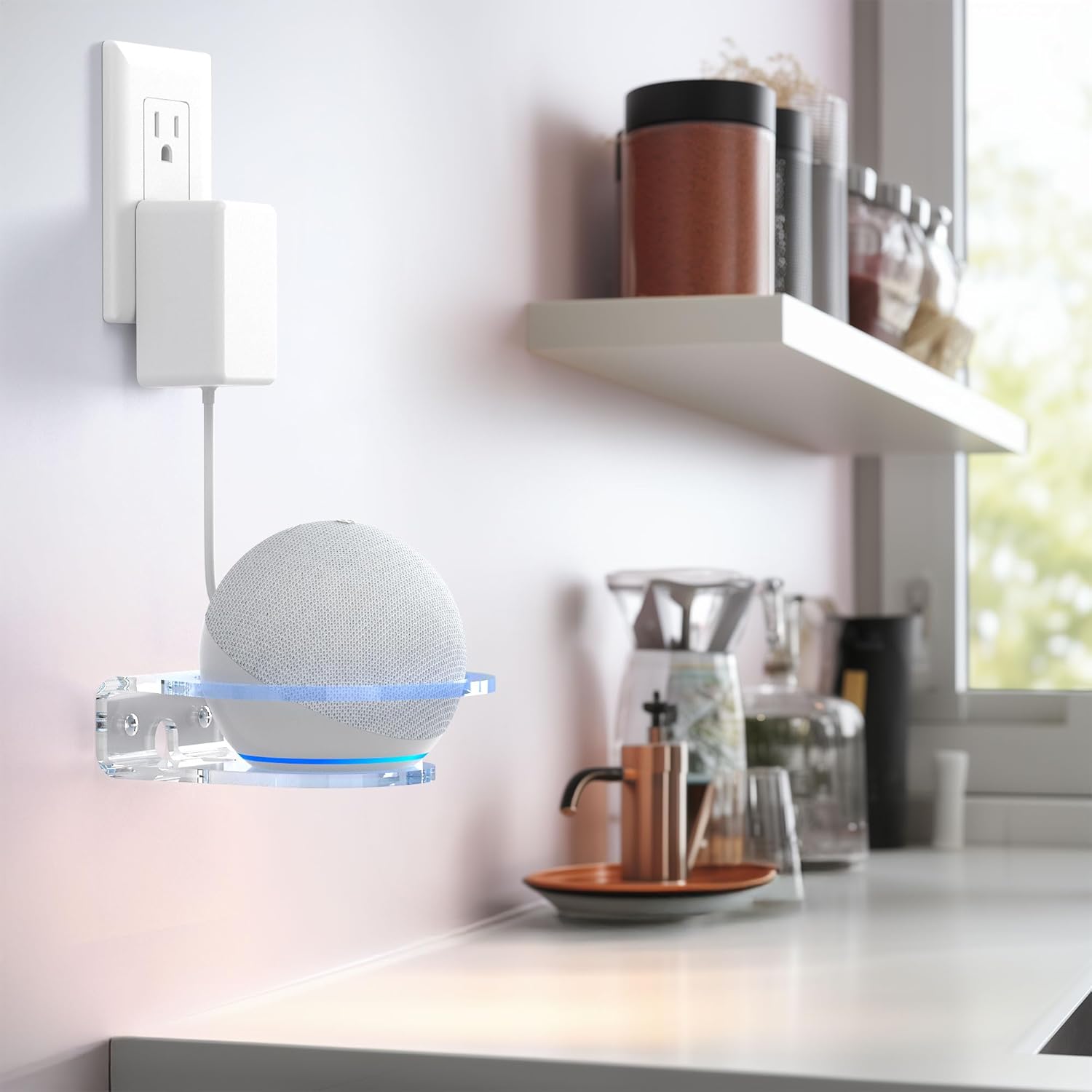
HomeMount Wall Mount Holder for Dot 4th/5th Gen, Dot Max & HomePod Mini (Dot Max-1 pack)
Product description
What it is
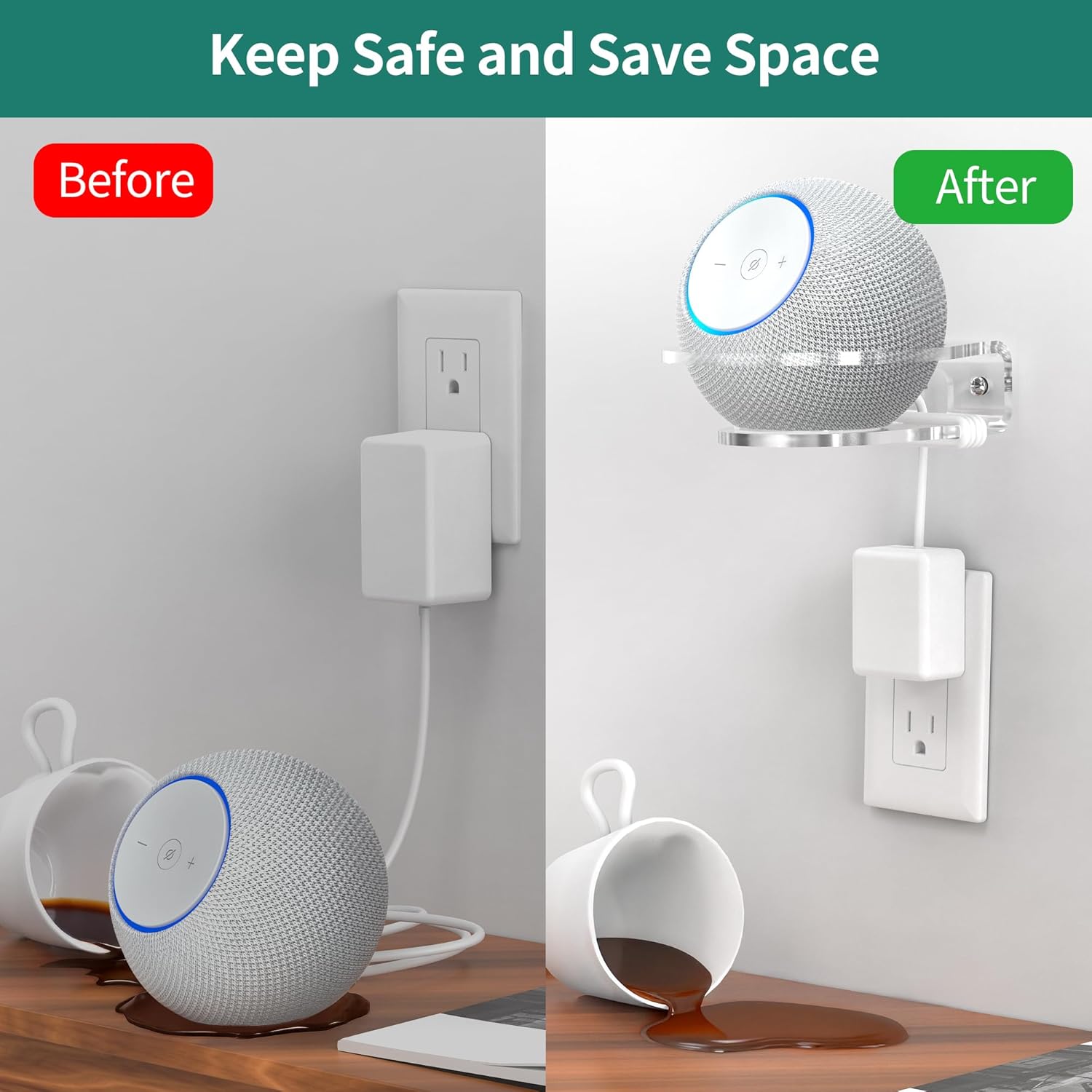
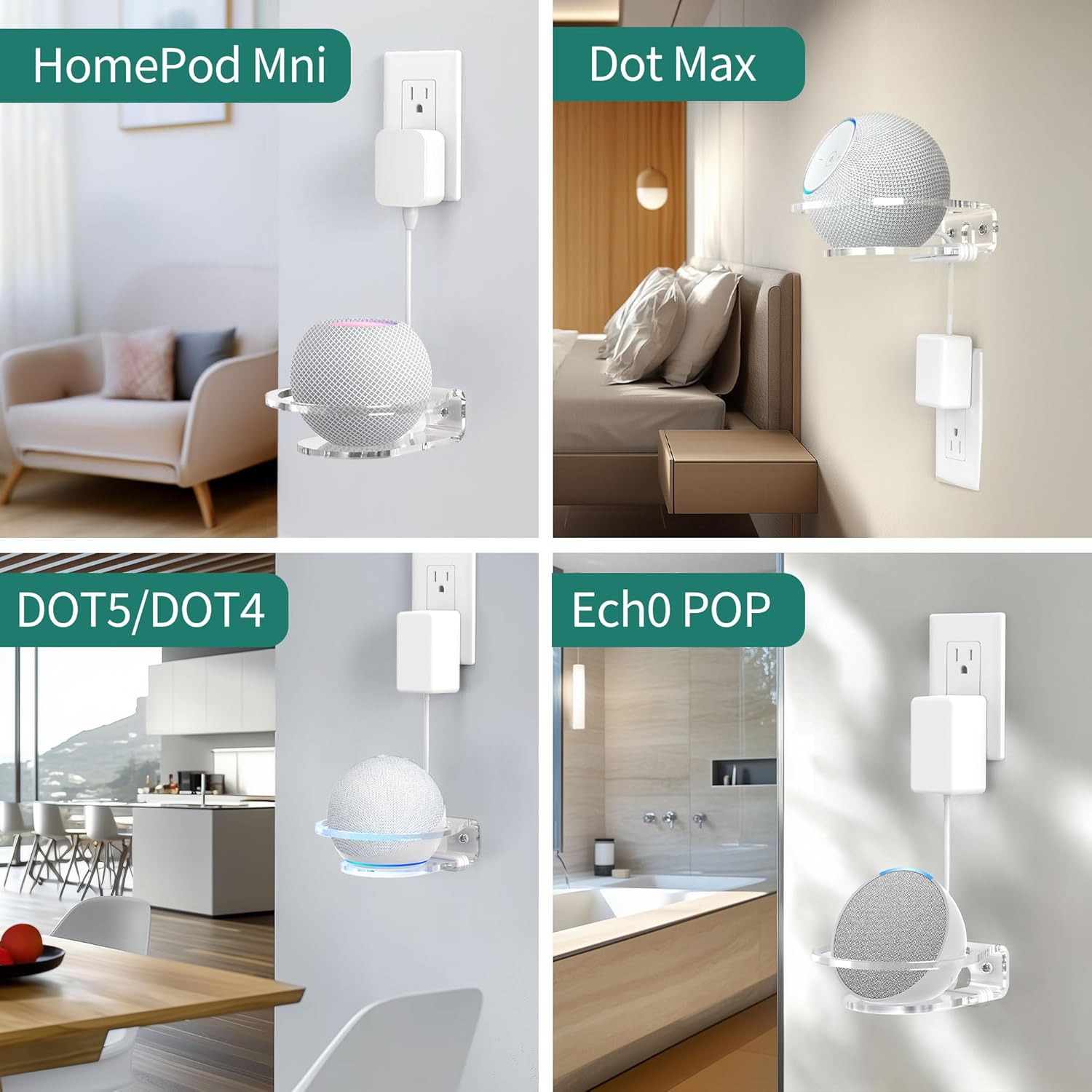
The HomeMount Wall Mount Holder is a simple wall-mounted bracket designed to securely hold your Dot 4th/5th Gen, Dot Max and HomePod Mini. It promises to free up desk space and keep your room looking tidy by placing the speaker on the wall rather than on a surface.
How it fits your setup
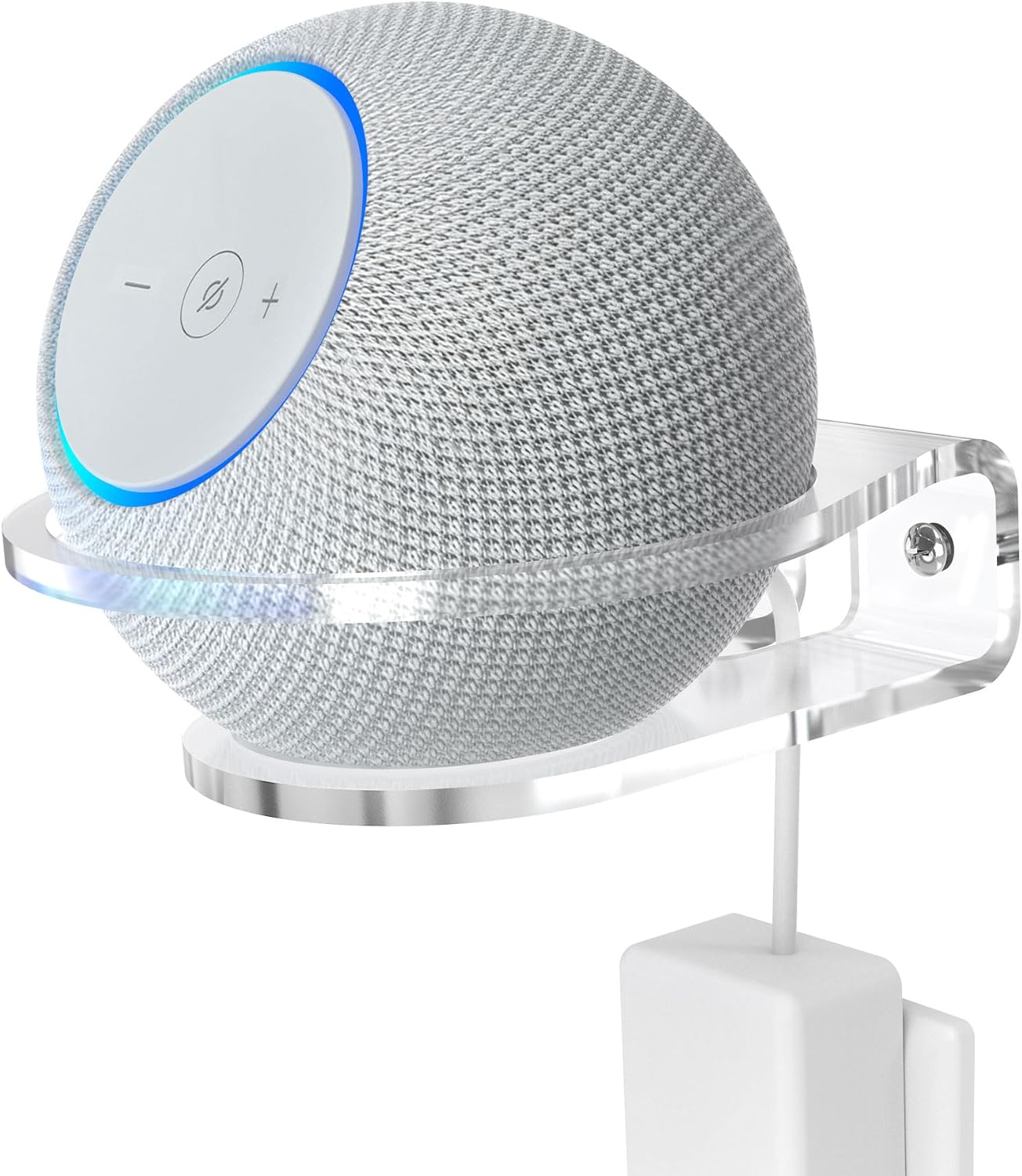
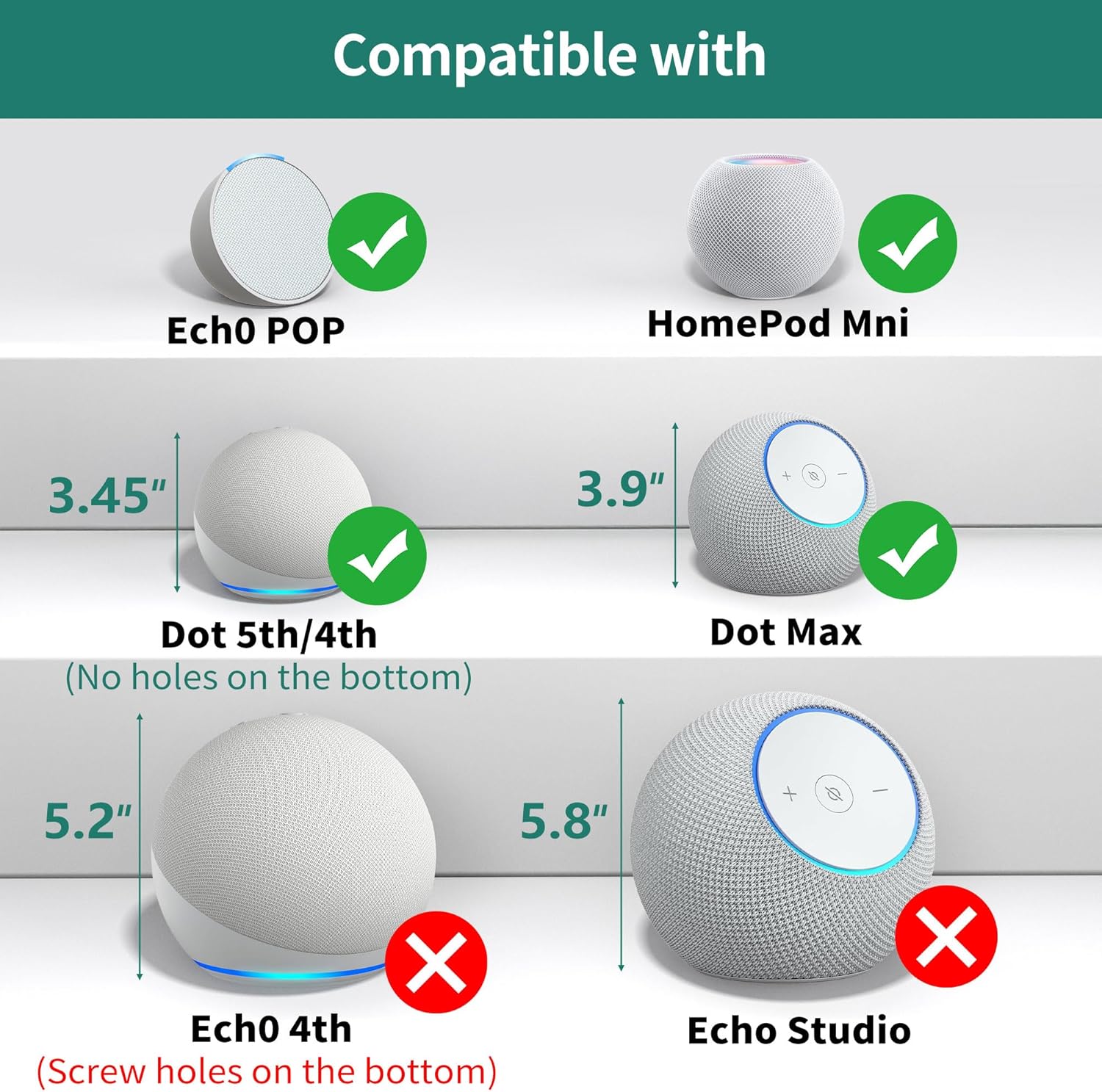
On the paper, its compatibility covers several popular smart speakers, which can help reduce clutter if you own more than one device. The clear acrylic finish is chosen to blend with most decors without visually dominating the room or hiding the speaker’s look.
The practical design
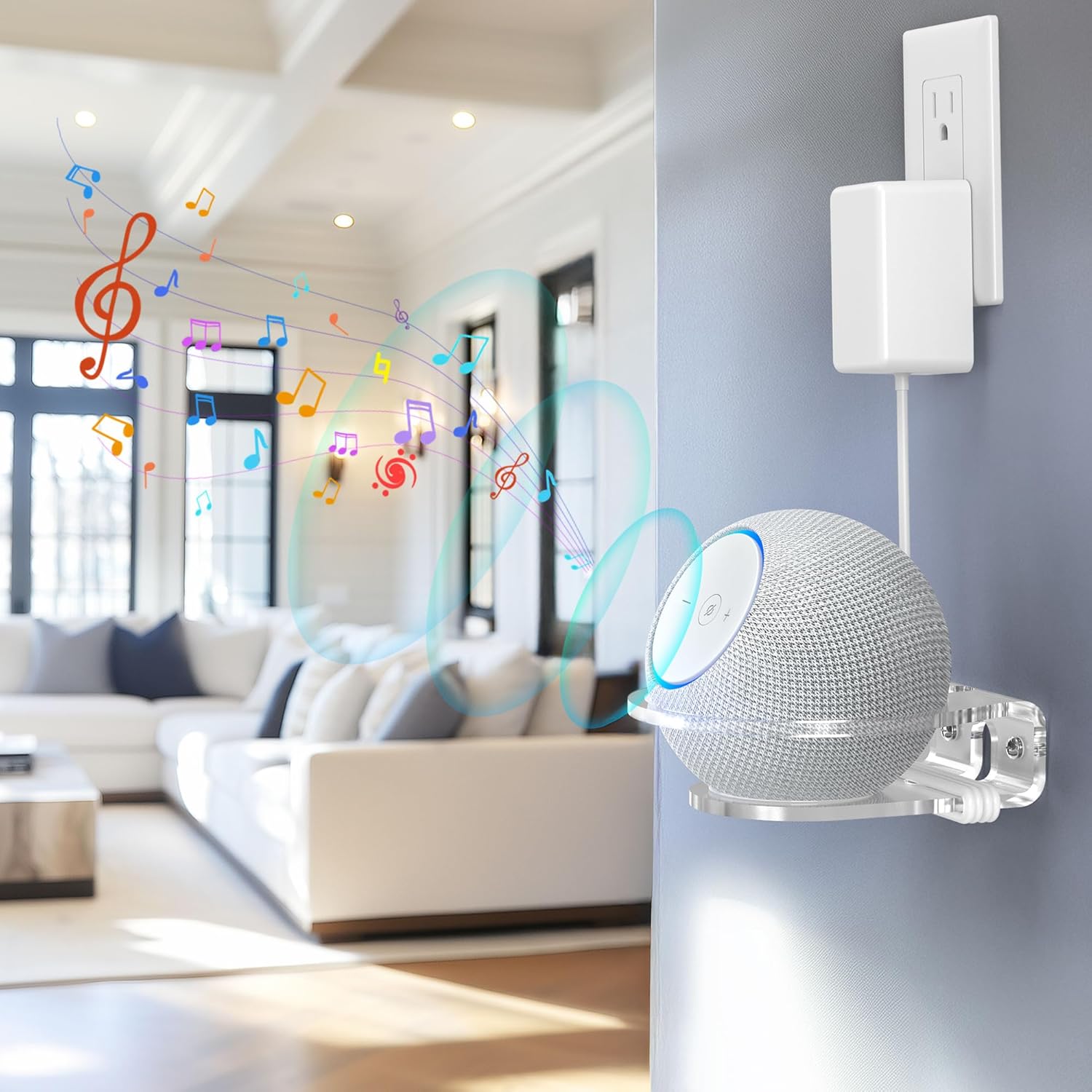
A raised guard ring helps minimise the chance of the speaker slipping or tipping, which is a sensible touch for households with kids or pets. The holder is designed for a clean installation: mark, drill, and fasten, with cabling routed neatly from the bottom to maintain a tidy appearance.
What stands out in everyday use
If you’re short on desk space or simply want a neater setup, wall-mounting can make a noticeable difference. The material choice (transparent acrylic) means the bracket won’t clash with your furniture, and you can still see the device details and lights clearly.
Consider the limitations
While the design aims to be universal across several models, it’s important to check the exact fit for your specific unit. The box doesn’t specify weight ratings or maximum load, so if you own unusually heavy accessories on top or nearby, you may want to verify stability after installation.
Who it’s for
This holder suits small-to-medium living spaces where desk real estate is valuable, and where a minimal, unobtrusive mounting solution is preferred. It works well for people who want a clean, organised look without adding visible brackets or stands.
When it makes sense to buy
If you regularly use a Dot or HomePod Mini and want to reclaim shelf space, or you want to keep cables out of sight for a neater setup, this wall mount offers a practical option. It can be especially useful in bedrooms or home offices where a wall-mounted speaker is less obtrusive.
What to check before buying
- Confirm your exact speaker model and weight to ensure compatibility and stability.
- Consider the wall material and whether you have the right tools for a secure drill-and-fasten installation.
- Plan the cable route to keep the bottom area clear and tidy.
Practical use case
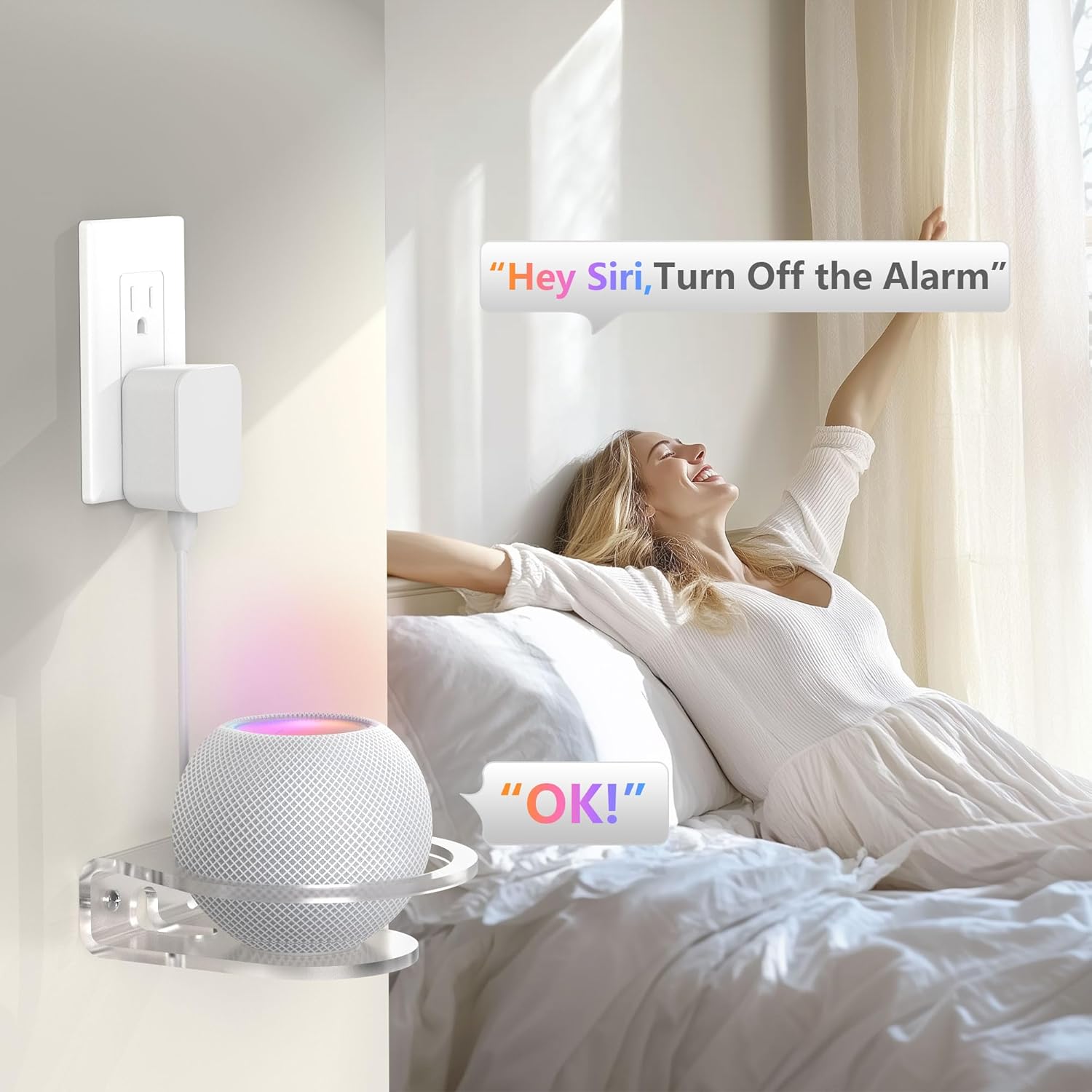
Imagine waking up to a calm, uncluttered desk: the Dot sits securely on the wall, lights visible but not intrusive, and a tidy cable line guiding down to the power source. It’s not flashy, just neatly organised.
What alternatives or approaches you might consider
If wall-mounting doesn’t fit your space, a small desk stand or shelf could be a reasonable alternative, though you would lose the wall-leaning clean look and may still have cables visible.
The decision point
Is it worth it?
Worth considering if you prioritise space-saving and a neat room appearance with compatible speakers. If you need absolute certainty on weight tolerances or specialised mounting hardware, you may want to confirm those details before purchase.
Quick FAQ
- Will it fit the Dot Max and HomePod Mini at the same time? The design is stated to be compatible with Dot 4th/5th Gen, Dot Max and HomePod Mini, but verify the exact model you own.
- Is installation difficult? It requires marking, drilling and fastening, which is standard for wall mounts. Ensure you have the right tools for your wall type.
- Can the cable be routed to the bottom easily? Yes, the design intends for bottom cable routing to keep the setup uncluttered.
Final thought
If you value a tidy, space-efficient room and own one of the supported speakers, this wall mount offers a pragmatic solution that aligns with a practical, no-nonsense approach to home tech organisation.