

HUANUO 17-32 Inch Monitor Wall Mount Bracket for Computer/TV Screens
Product description
What it is and who it’s for
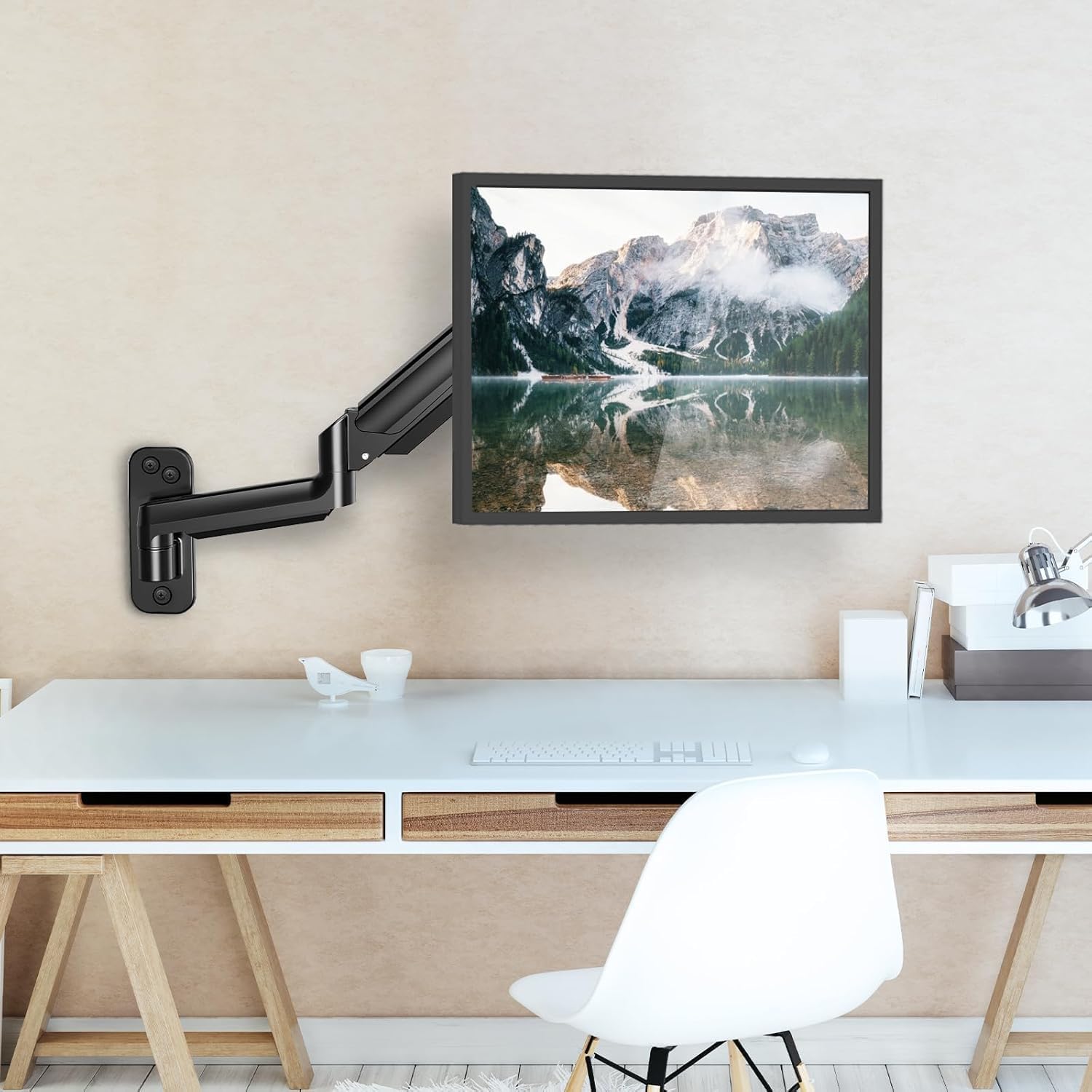
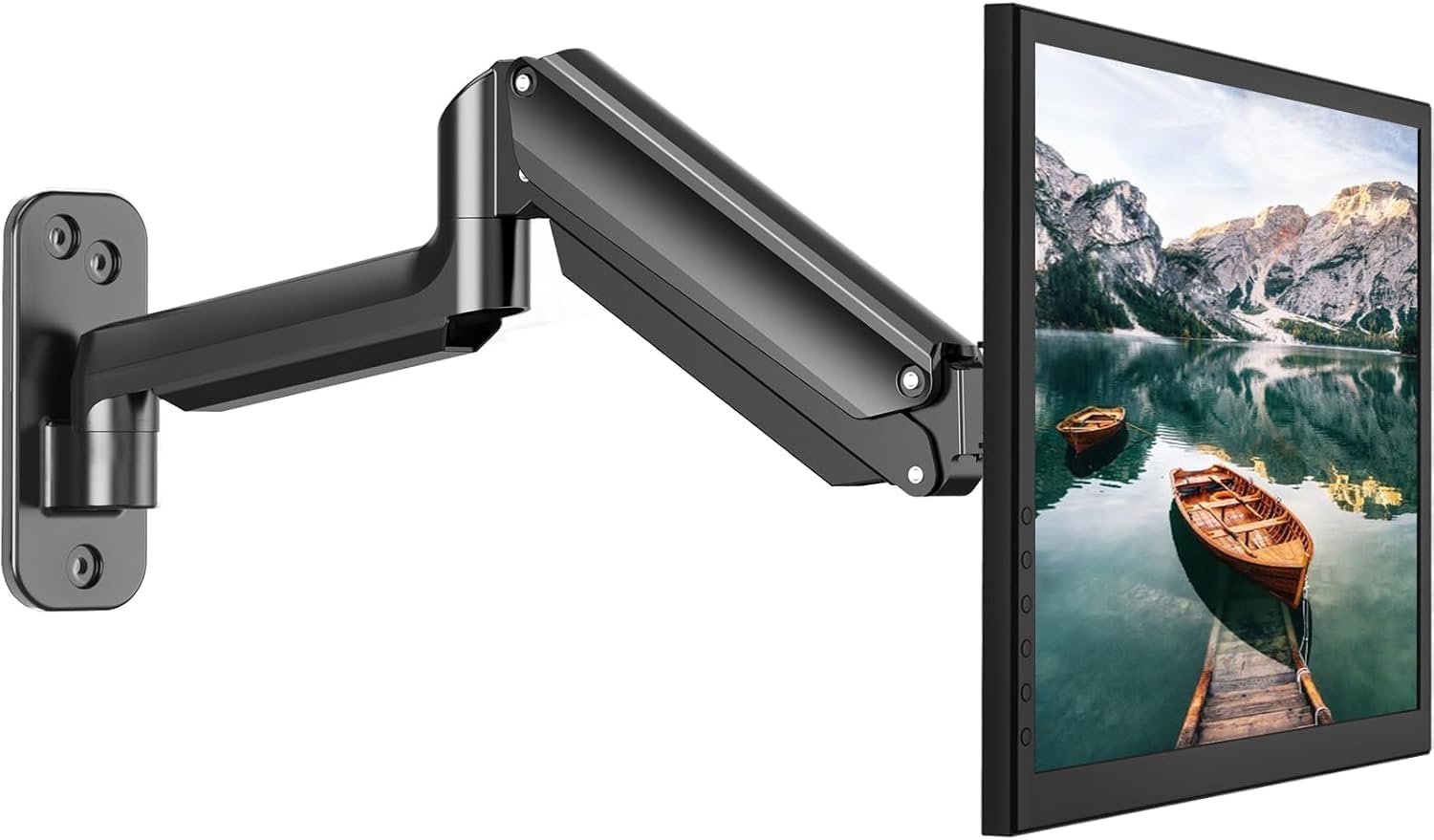
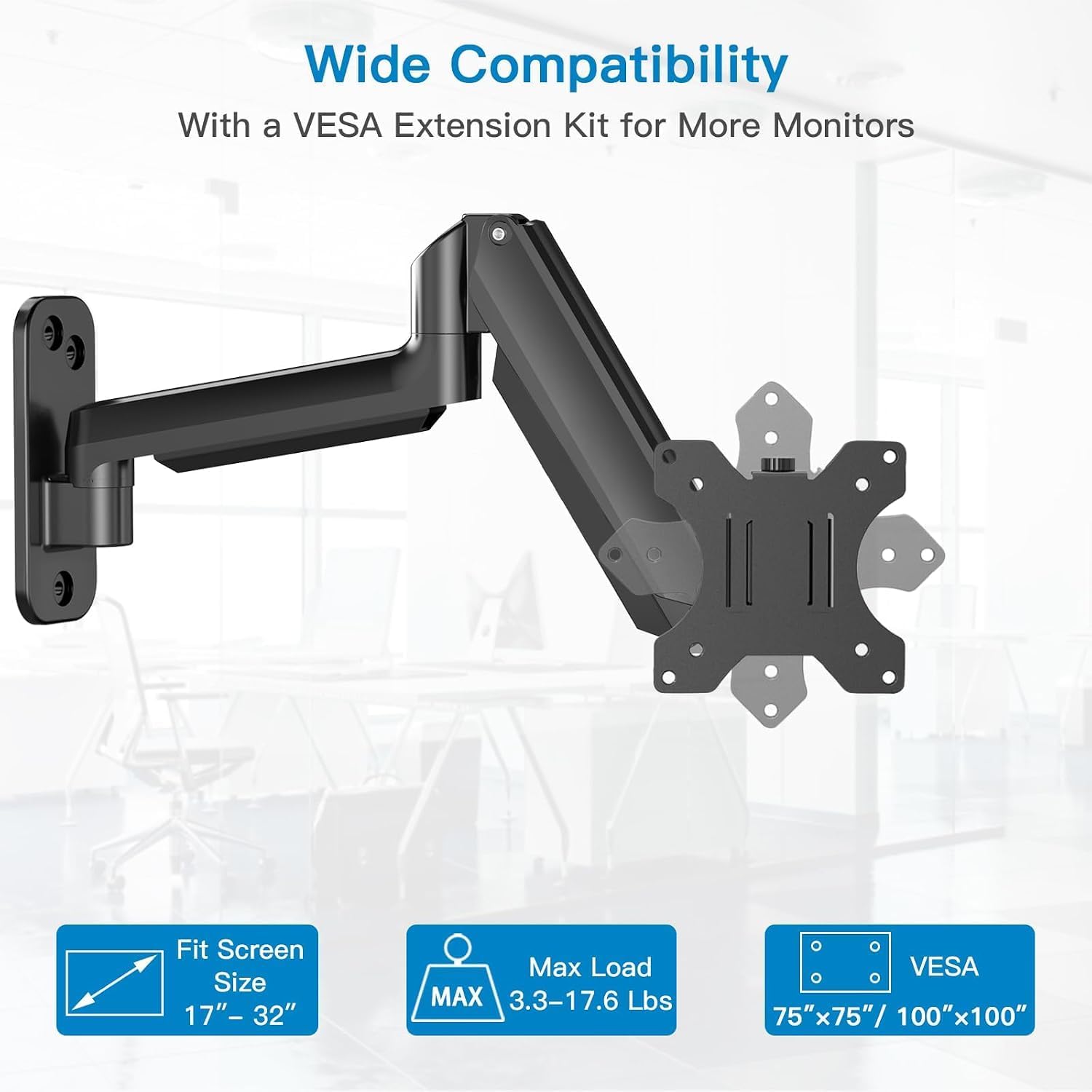
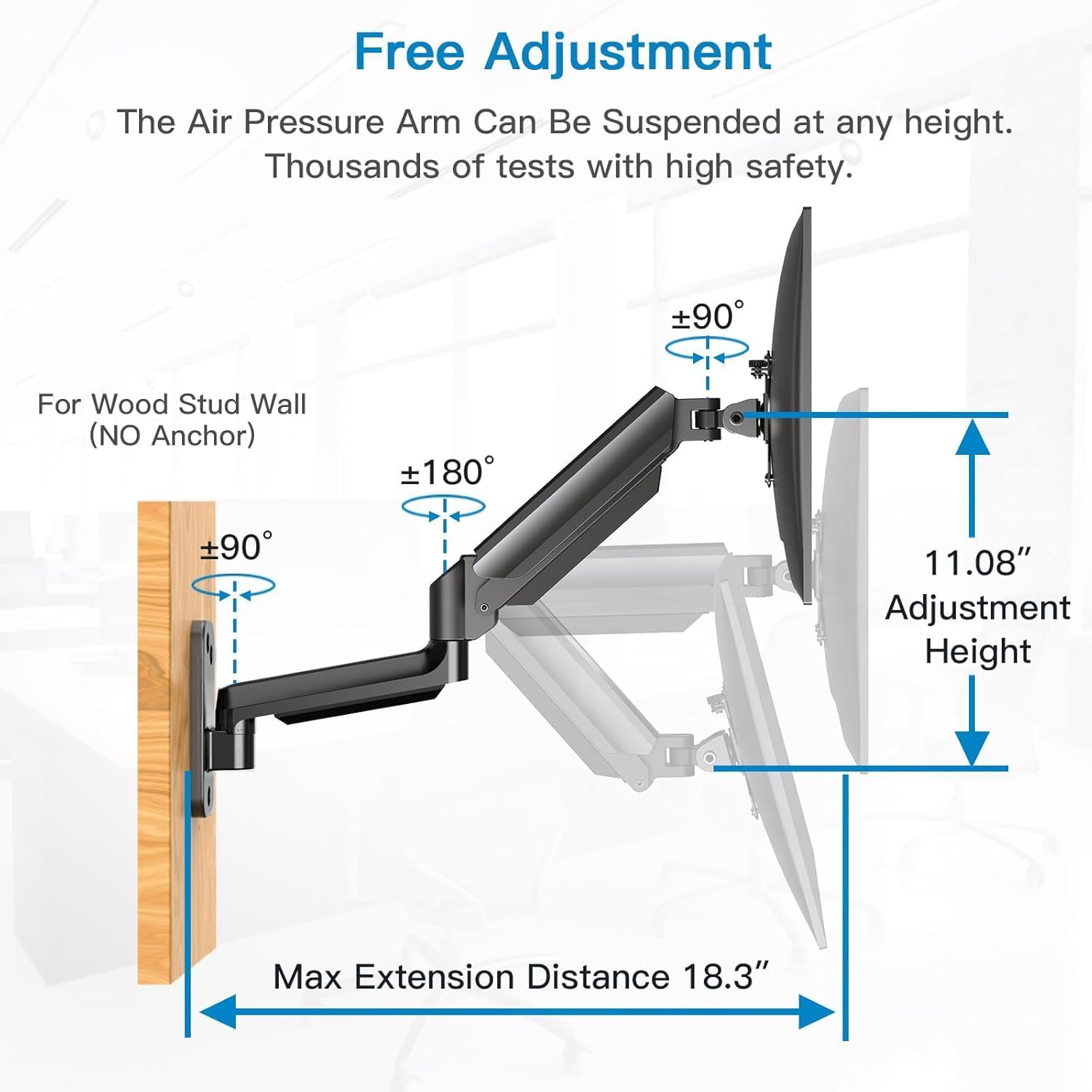
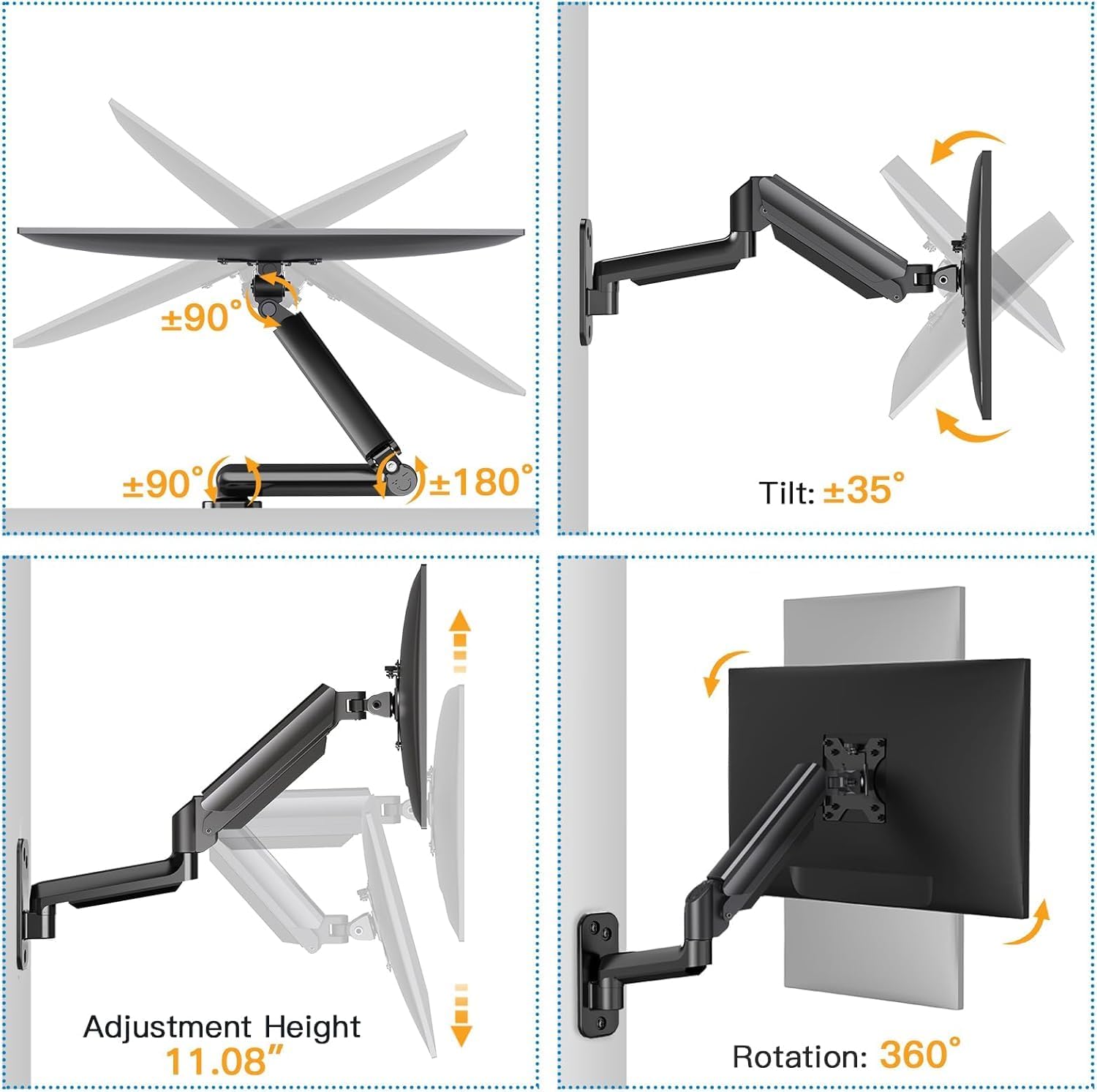
The HUANUO wall mount is designed to hold a single monitor or small TV from 17 to 32 inches, with VESA 75x75 mm or 100x100 mm mounting holes and a maximum load of 8 kg. It’s aimed at people wanting to free up desk space and improve ergonomics by bringing the screen to eye level, suitable for home offices, study corners, or gaming setups where space is at a premium. On paper, it offers full motion with swivels, tilts and rotation, plus the option to switch between landscape and portrait orientation.
How it helps your wellbeing and workflow
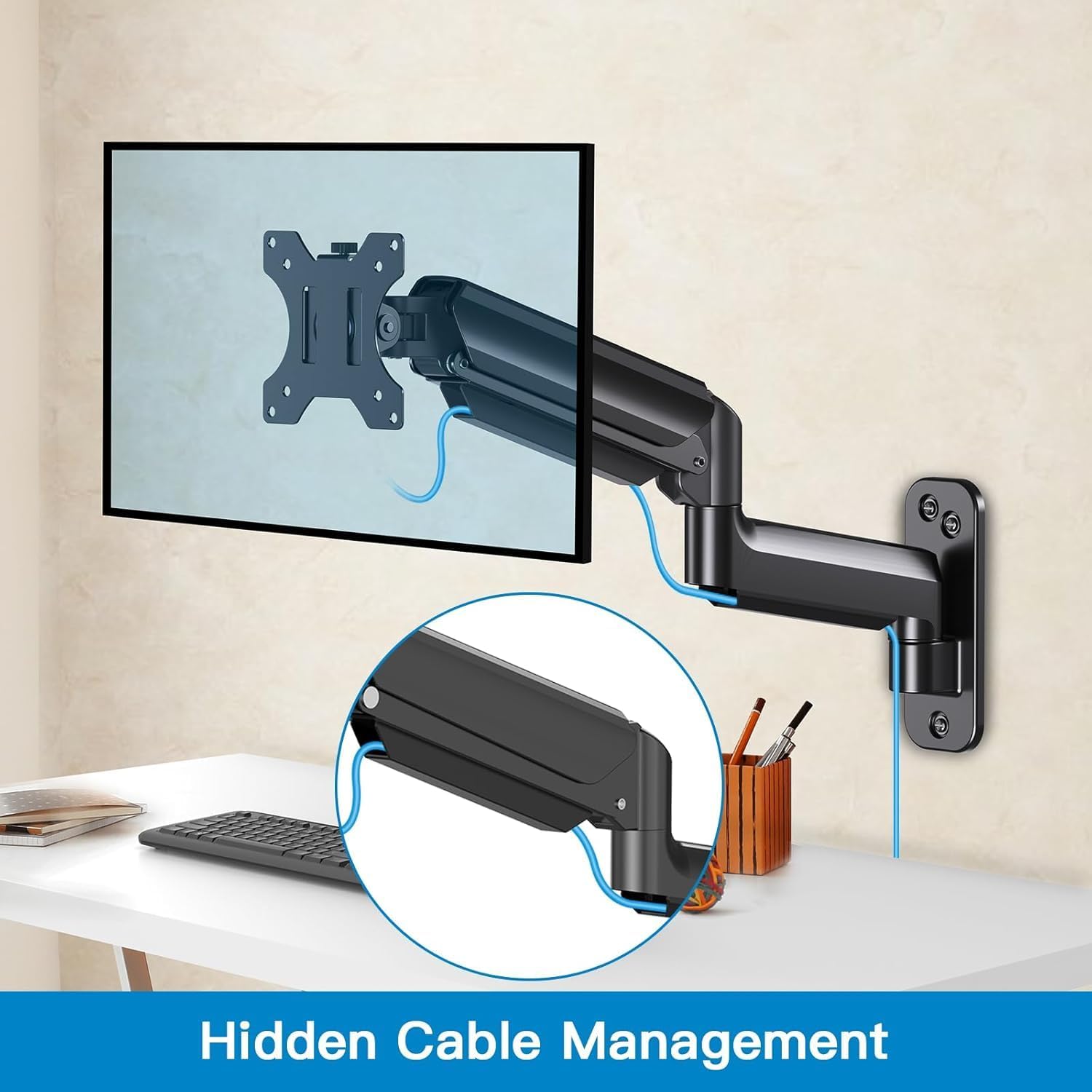
Raising the screen can reduce neck and back strain during long sessions, which is a common improvement many users seek. The arm’s reach extends up to 46.5 cm from the wall, so you can tailor the distance to your eye level and desk depth. It’s a practical solution if you want to keep the desk tidy, since the arm clears the surface and the integrated cable management helps maintain order.
What stands out
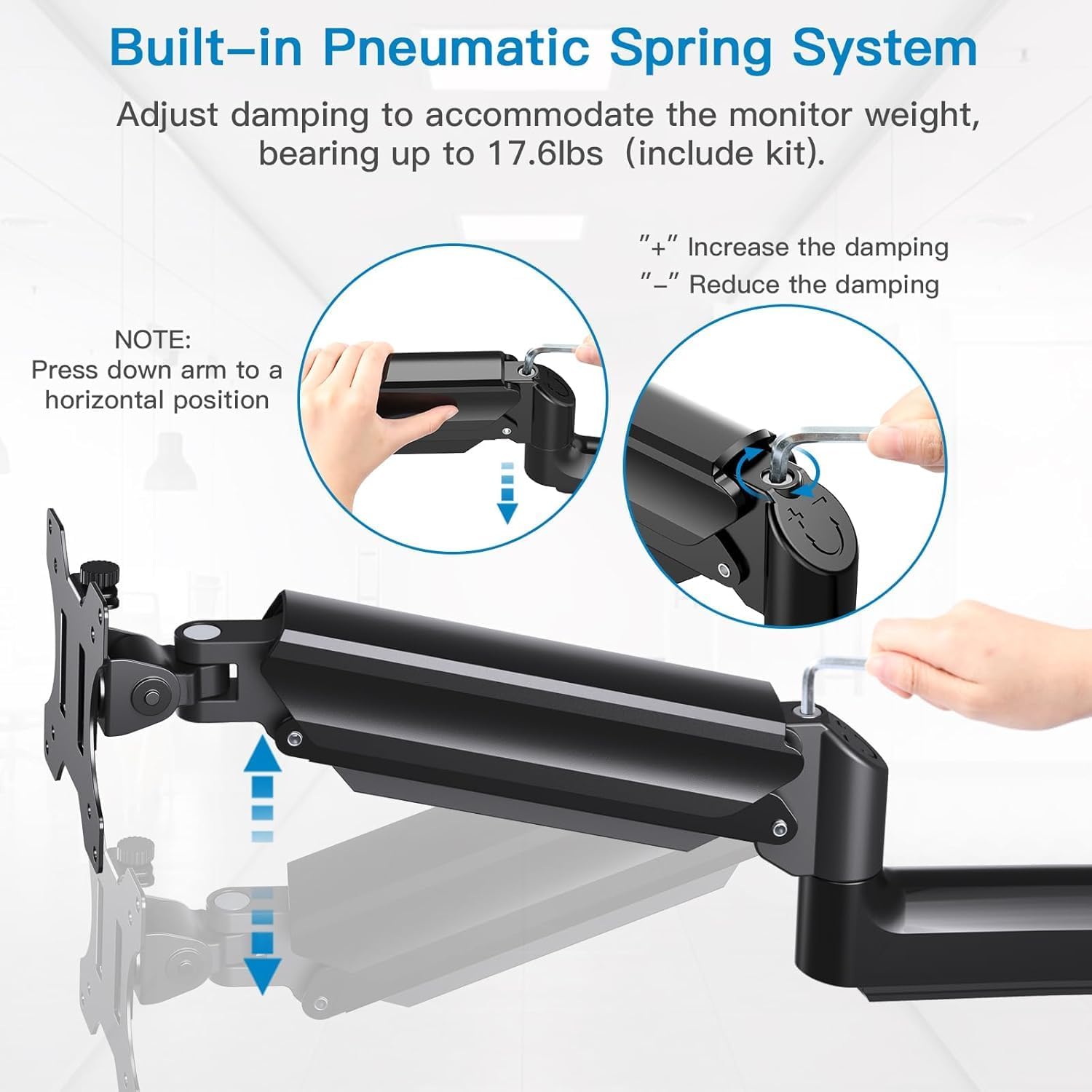
The main advantages are ergonomic alignment and space saving. With gas spring assistance, height adjustments are meant to be straightforward when you first set it up and fine-tune it after. The ability to rotate and tilt provides flexibility for tasks like coding, design, or watching media from different seats or angles. The wall mount also supports a simple, low-profile aesthetic by keeping the screen off the desk.
Potential limitations to consider
It’s not compatible with VESA 200 mounting patterns, and the device is designed for a single monitor, if you need to mount two displays, this solution won’t fit. The weight limit is 8 kg, so heavier ultrabooks or larger screens might require a different model. For users who frequently adjust position, the initial setup and weight tuning are important, and getting the balance right may take a little patience.
Who it’s for
This mount suits users prioritising a cleaner desk, people who work long hours at a computer, and gamers who want to optimise their viewing angle without clutter. It’s a sensible choice if you have a 17–32 inch screen within the weight limit and aim to switch between landscape and portrait occasionally.
Who it isn’t ideal for
If your monitor is heavier than 8 kg, or if you require a dual-monitor setup, this unit won’t meet your needs. Also, if your space requires a floor-standing or desk-mounted alternative rather than a wall-mounted solution, you’ll want to explore other options.
What to check before buying
- Confirm your screen weight stays within 8 kg and that your VESA pattern is either 75x75 mm or 100x100 mm.
- Ensure there is suitable wall support for a wall-mounted arm, and check clearance behind the screen for rotation and tilting.
- Consider the maximum extension (46.5 cm) to ensure you can achieve the preferred distance from your eyes.
- Plan cable routing to take advantage of the integrated management and keep the look tidy.
Practical use and comparison
Compared with a desk-mounted arm, this wall-mount option is ideal when desk real estate is extremely tight or you want the screen completely out of the way. For flexibility, you might choose a model that supports more weight or dual displays, if your priority is keeping the desk clear while maintaining ergonomic alignment, this HUANUO mount offers a straightforward solution within its stated limits.
Quick FAQ
- Can I use this for a TV? It fits 17–32 inch screens and small TVs with VESA 75x75 or 100x100, check your TV’s weight to ensure it stays within 8 kg.
- Is it easy to install? The package includes accessories and a manual, height adjustment is aided by a gas spring but initial setup to balance the weight is required.
- Will it allow portrait orientation? Yes, you can rotate to portrait mode if your setup benefits from it.
- Does it move a lot once mounted? It offers swivels, tilts and rotation but may rely on the weight balance of your monitor for smooth operation.
Is it worth it?
Worth considering if your aim is to gain desk space and improve ergonomics for a 17–32 inch display up to 8 kg, with straightforward adjustment and a clean, wall-mounted profile. If you prioritise heavier screens, dual monitors, or absolute maximum reach, you may want a different model.