

ProtoArc KM310 Wireless Mechanical Keyboard and Mouse (QWERTY UK, Red Switches) – 2.4G + Dual Bluetooth
Product description
If you want a proper mechanical typing feel without giving up a tidy desk setup, the ProtoArc KM310 is built around that idea: low-profile mechanical red switches, wireless flexibility (2.4G plus dual Bluetooth), and a matching mouse that’s meant for long office days. It’s not trying to be a hardcore gaming kit, so expectations matter.
On paper, it sits in the more sensible end of the market for everyday work: full-size layout with a numeric keypad, rechargeable power, and a design that focuses on comfort and routine reliability. The “gotchas” are mainly about what it doesn’t aim to do—particularly fast competitive gaming.
Key takeaways
The KM310 comes as a keyboard and mouse set with low-profile mechanical red switches for smoother, linear typing and quicker response with light actuation. It supports 2.4G and Bluetooth so you can switch between multiple devices using a dedicated switch button.
The keyboard uses a backlight-free design, which should help battery life and keep things simpler if you don’t need lighting. Pair that with rechargeable Type C batteries and you get a kit that’s easier to live with day to day than disposable-battery setups.
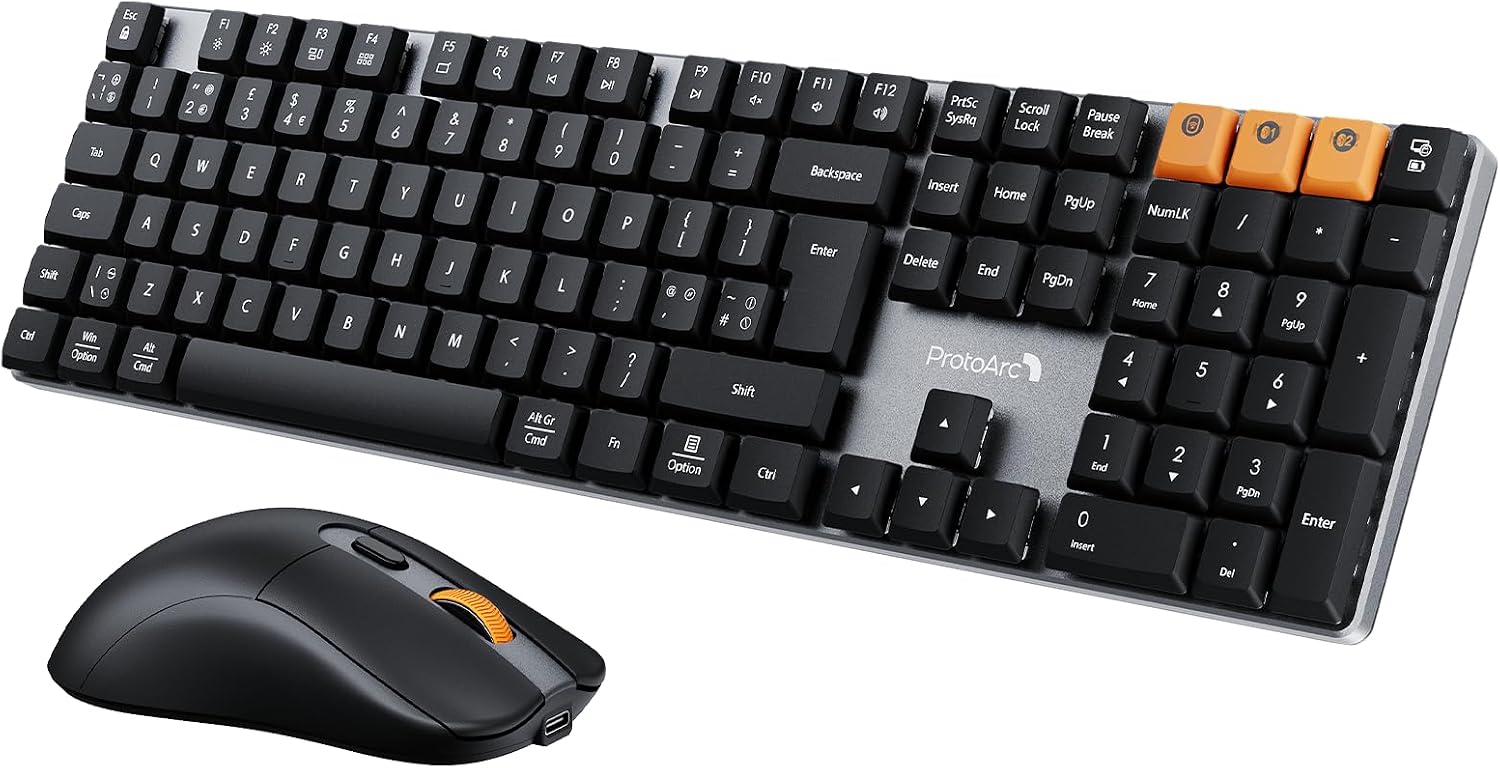
One practical detail: the keyboard includes a full-size 108-key QWERTY UK layout with a numeric keypad and function keys. If you rely on spreadsheets, it’s the kind of layout you either want or you don’t.
What stands out in day-to-day use
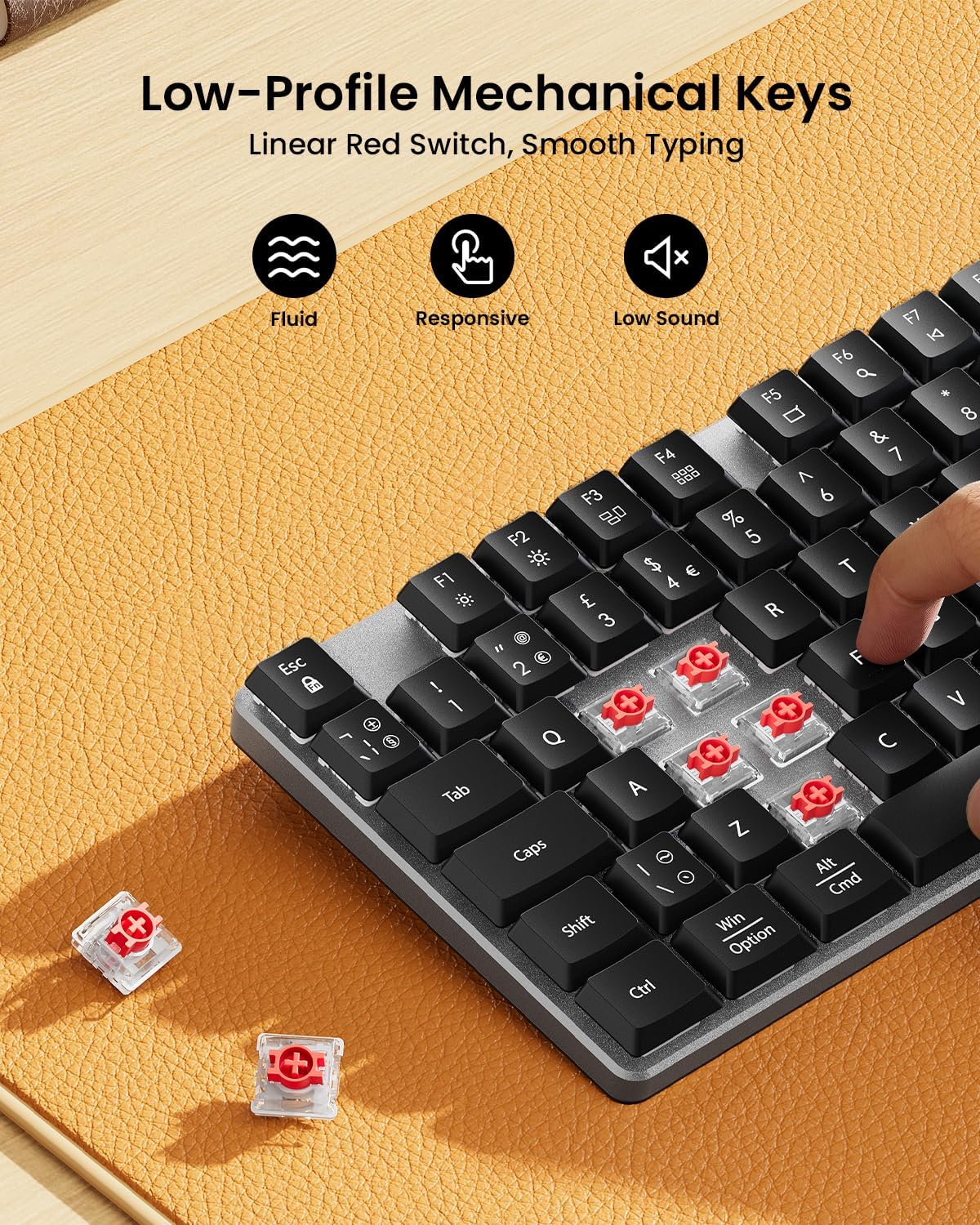
The low-profile red switches are the headline here. They’re described as offering a smooth typing experience with light actuation force and reduced noise—useful if you share a space or you just don’t want the keyboard to sound like a drum kit.
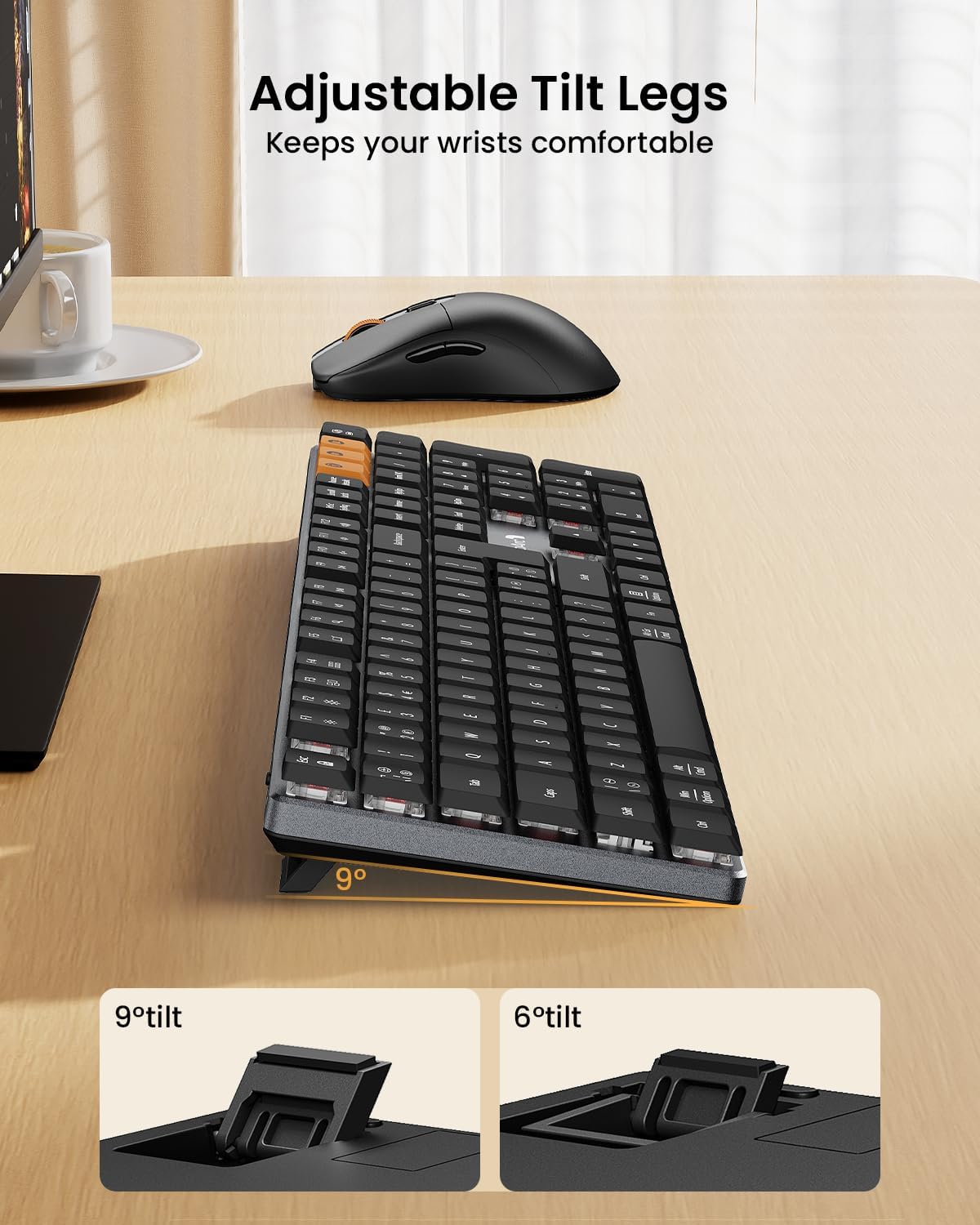
There’s also a tactile, utilitarian approach to build. The keyboard is presented with an aluminium board and adjustable tilt legs, which can make a noticeable difference if your wrists and posture care about comfort. It’s not the most “desk-gadget” look, but it aims to feel solid.
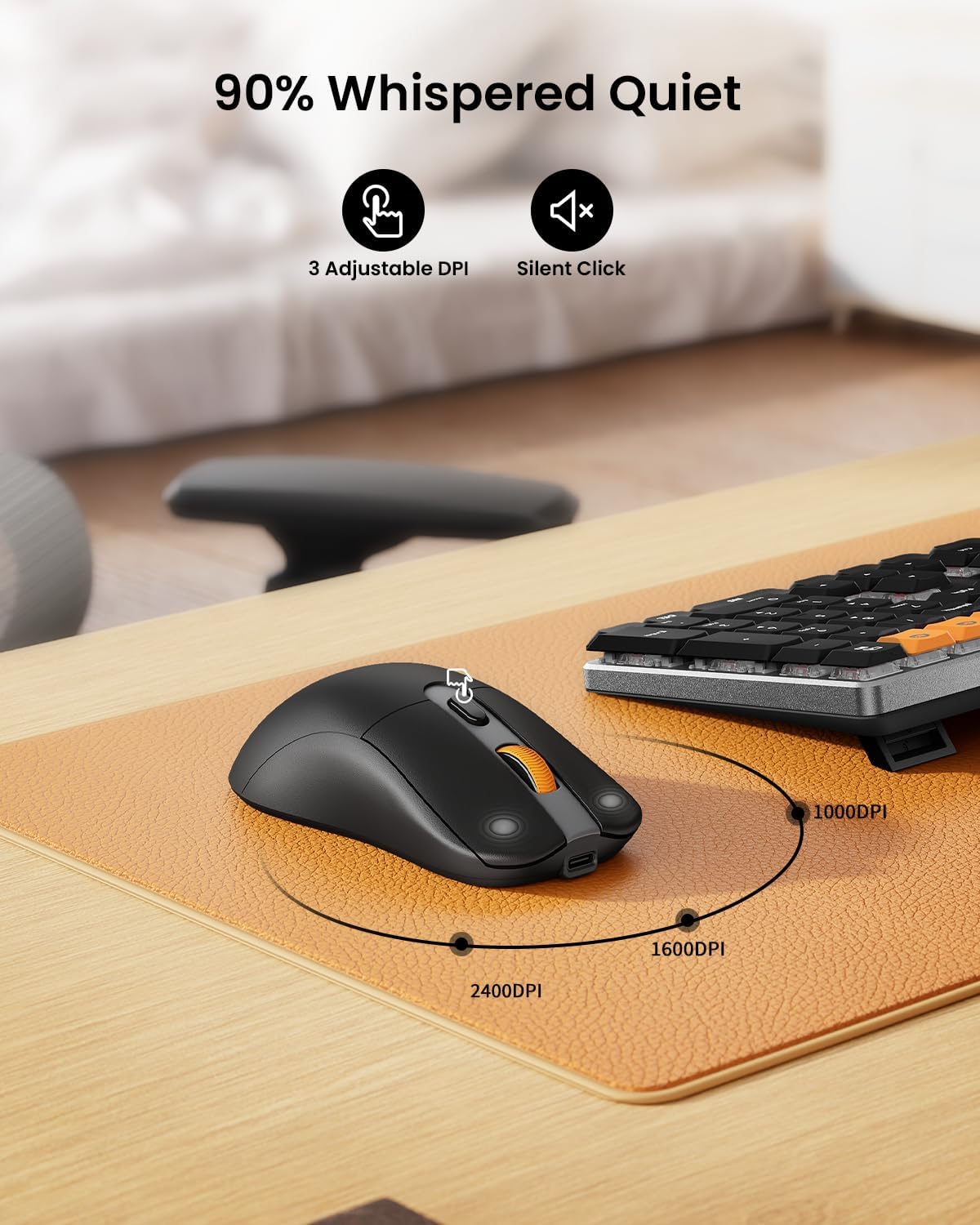
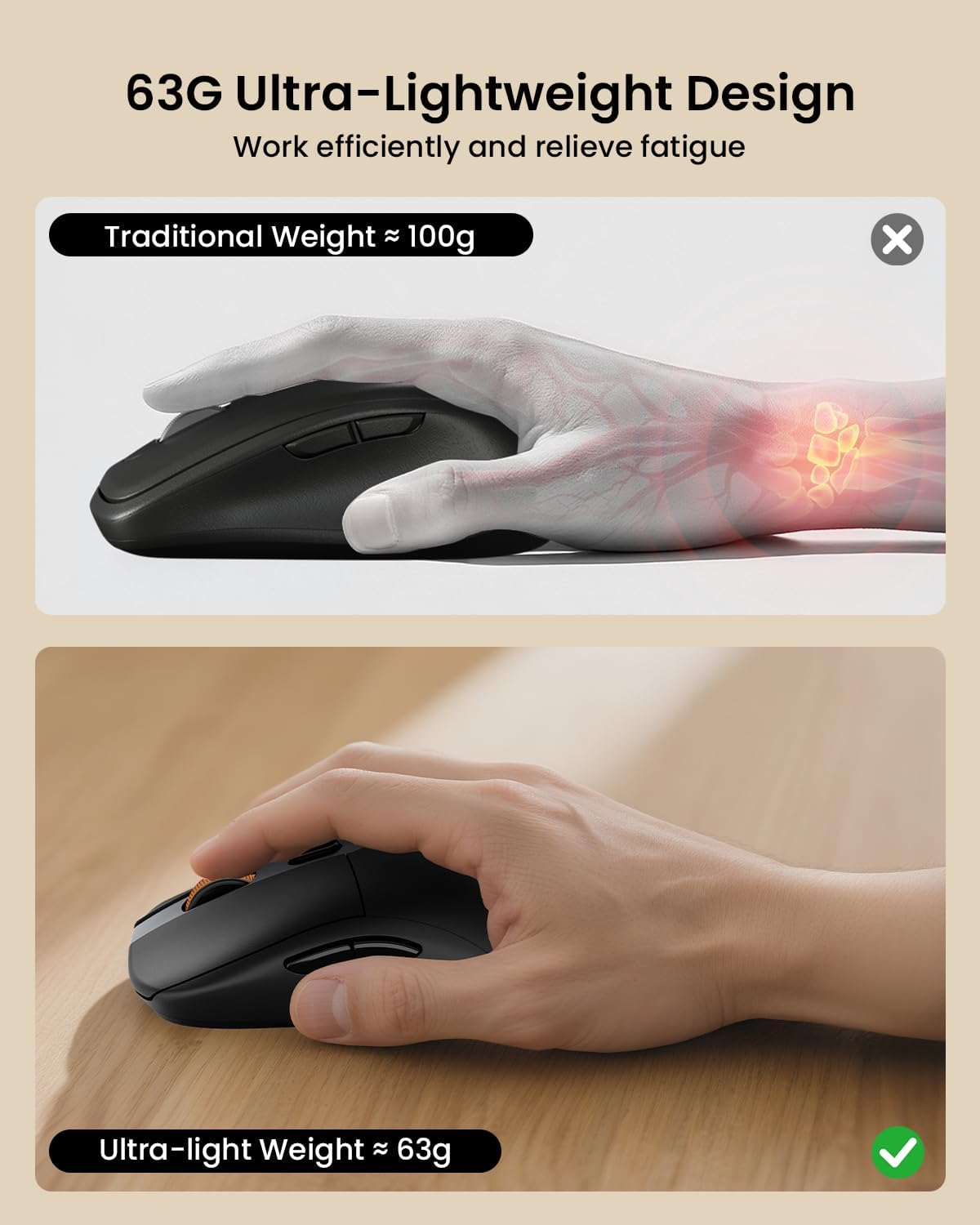
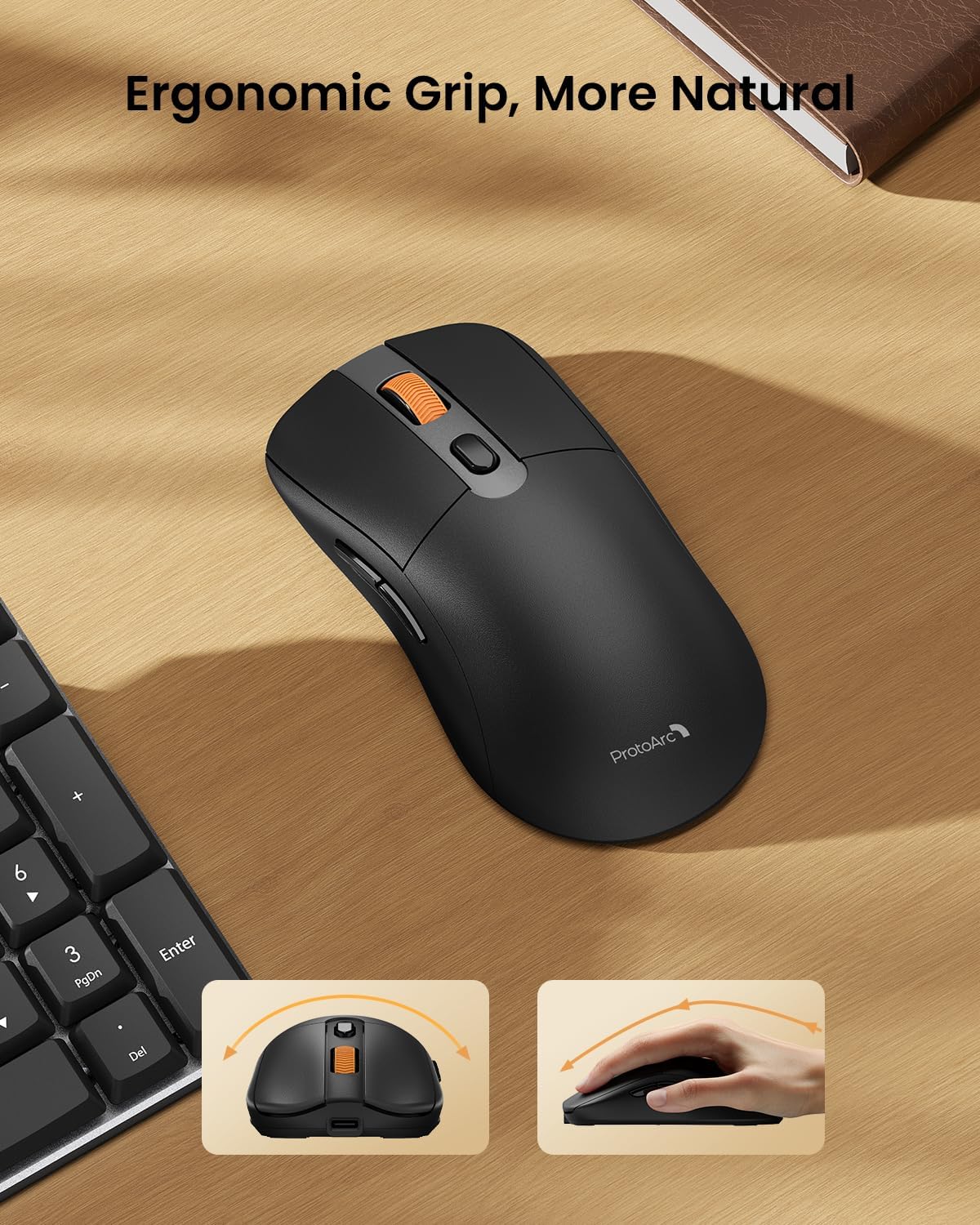
The mouse complements that office focus. It has 3 adjustable DPI levels (1000/1600/2400) and forward/backward buttons for everyday browsing and navigation. The mouse is also very light—marketed as reducing hand fatigue during longer work sessions.
Tech specs
- Type: Wireless mechanical keyboard and rechargeable mouse combo
- Layout: Full-size 108-key QWERTY UK layout (includes numeric keypad and function keys)
- Switch type: Low-profile mechanical red switches
- Wireless connection: 2.4G + dual Bluetooth
- Device switching: Supports switching between up to 3 devices via switch button
- Recharge: Type C rechargeable batteries (keyboard 500mAh, mouse 300mAh)
- Standby claim: Up to 150 days standby after about 2 hours charging
- Mouse sensitivity: 3 DPI levels (1000/1600/2400)
- Mouse weight claim: 63G ultra-light mouse design
- Backlight: No backlight
- Colour/layout: Space Gray
Where it shines (and where it doesn’t)
A key reason to consider the KM310 is office comfort. The mix of low-profile mechanical red switches, reduced noise (as described), and a lighter mouse makes sense if your daily rhythm is typing, spreadsheets, email, and general work.
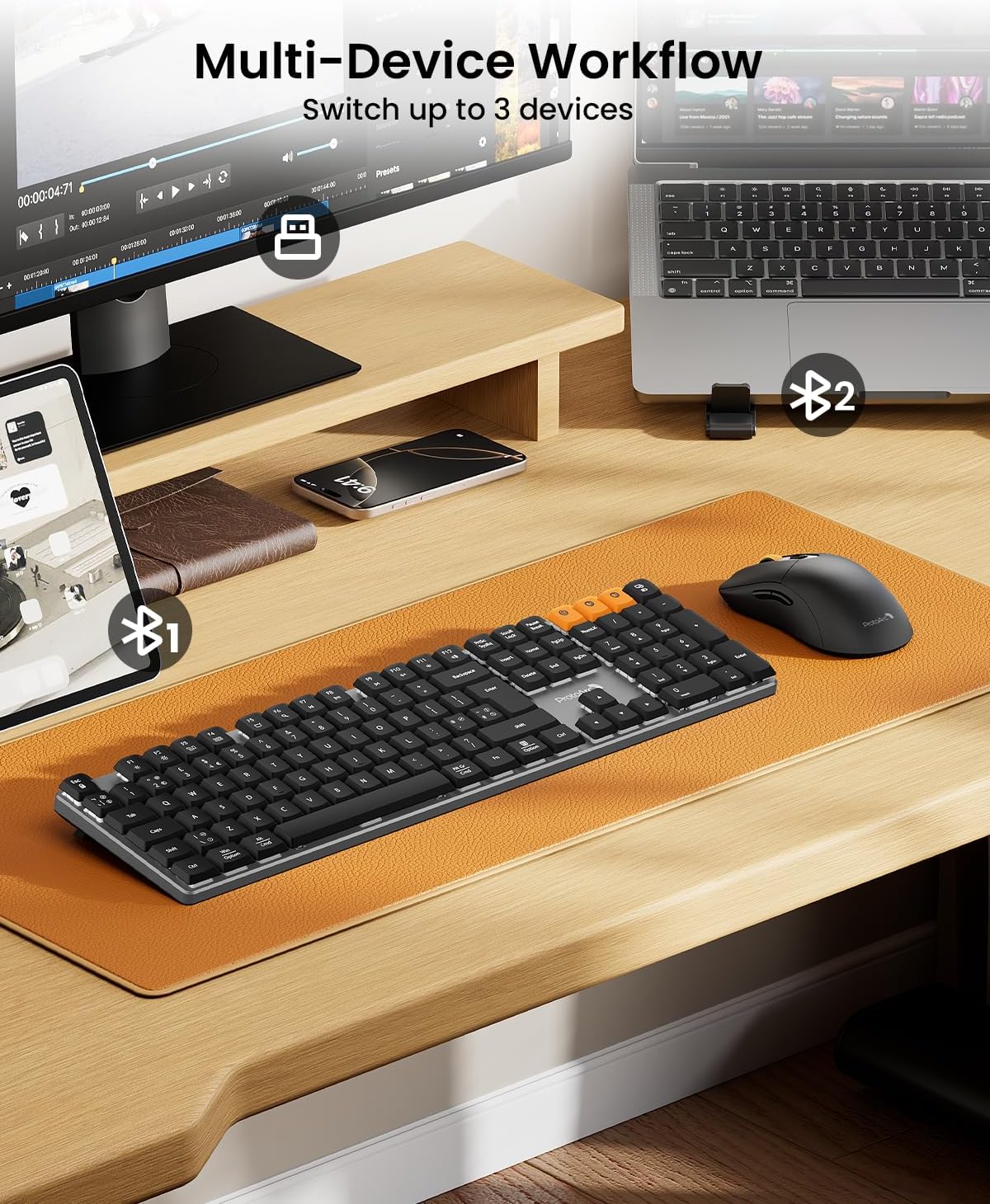
It’s also a good fit if you juggle devices. With 2.4G plus dual Bluetooth and support for switching up to 3 devices, it’s the kind of kit that can simplify a work setup where you move between a laptop, a desktop, or a tablet.
That said, gaming is not recommended in the provided description. If you’re buying with competitive gaming performance as the priority, you may find this misses the mark—this one is more “work-first” than “play-optimised”. And while it’s rechargeable, the real-world charging cadence will depend on how heavily you use it.
Pros
- Low-profile mechanical red switches aimed at smooth, linear typing with lighter actuation
- Wireless versatility: 2.4G plus dual Bluetooth, with switching for up to 3 devices
- Full-size 108-key QWERTY UK layout including a numeric keypad
- Aluminium keyboard board with adjustable tilt legs for comfortable angles
- Rechargeable Type C batteries for keyboard and mouse, with a claimed long standby period
- Mouse includes 3 DPI steps and forward/backward buttons for everyday navigation
- Mouse is marketed as ultra-light (63G) to reduce fatigue during longer sessions
- Backlight-free design should help battery life
Who it’s for (and a buying decision)
It makes sense if you want a keyboard-and-mouse bundle for office or business use, and you care about a more traditional typing feel than typical membrane boards. You’ll also like it if your setup involves more than one device and you don’t want to keep pairing and re-pairing Bluetooth every time.
It might not suit you if you’re specifically shopping for gaming-focused performance, because the description explicitly steers away from gaming. You may also want to think twice if you need keyboard backlighting—this model is backlight-free.
A quick “should I buy it?” check
It’s a good fit if you prioritise comfortable mechanical typing, a full-size UK layout with numpad, and easy wireless switching for day-to-day work. You may want to skip it if you’re buying primarily for gaming, or if you expect backlight features.
Compatibility & requirements
The set is listed as compatible with Windows 7/8/10 and Mac OS X 10.12. It also mentions Android 4.3 or higher. If your device sits outside those ranges, it’s worth checking before you commit.
¿Merece la pena?
Merece la pena si tu prioridad es un teclado mecánico de perfil bajo para oficina, con conexión flexible (2.4G y Bluetooth) y un ratón pensado para uso diario. El enfoque es claro: comodidad, rutina y menos complicaciones (recarga por Type C y diseño sin retroiluminación).
No es la compra ideal si buscas algo para gaming competitivo o si dependes de la luz en el teclado. En ese caso, es probable que una alternativa más “gaming-oriented” encaje mejor con tu forma de jugar.
Mini FAQ
Does it have keyboard backlighting?
No, the keyboard is backlight-free, which should help battery life.
Can I use it with multiple devices?
Yes. It supports 2.4G plus dual Bluetooth, and it’s described as switching between up to 3 devices using a switch button.
Is it rechargeable?
Yes. Both keyboard and mouse feature built-in Type C rechargeable batteries (500mAh for the keyboard and 300mAh for the mouse).
Is it suitable for gaming?
Gaming is not recommended based on the provided description, so it’s best treated as an office/business kit.
Will it work with Mac?
It’s listed as compatible with Mac OS X 10.12 (and Windows 7/8/10). If you’re on a much newer or different system, it’s sensible to double-check compatibility first.