

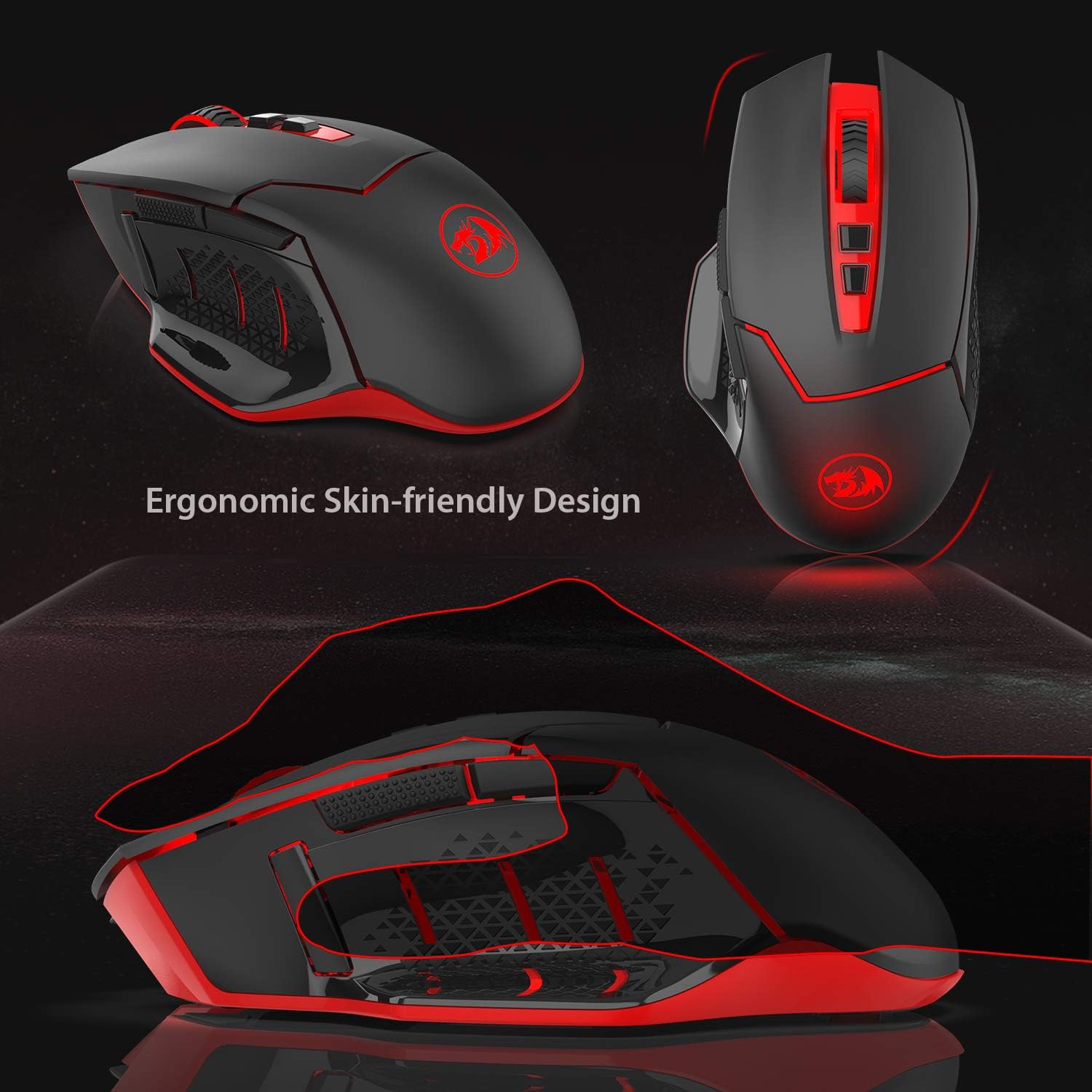
Redragon M690-1 Wireless Gaming Mouse (2.4 GHz) with DPI Shifting and Ergonomic Design
Reviews
Price
Product description
What this mouse is really for
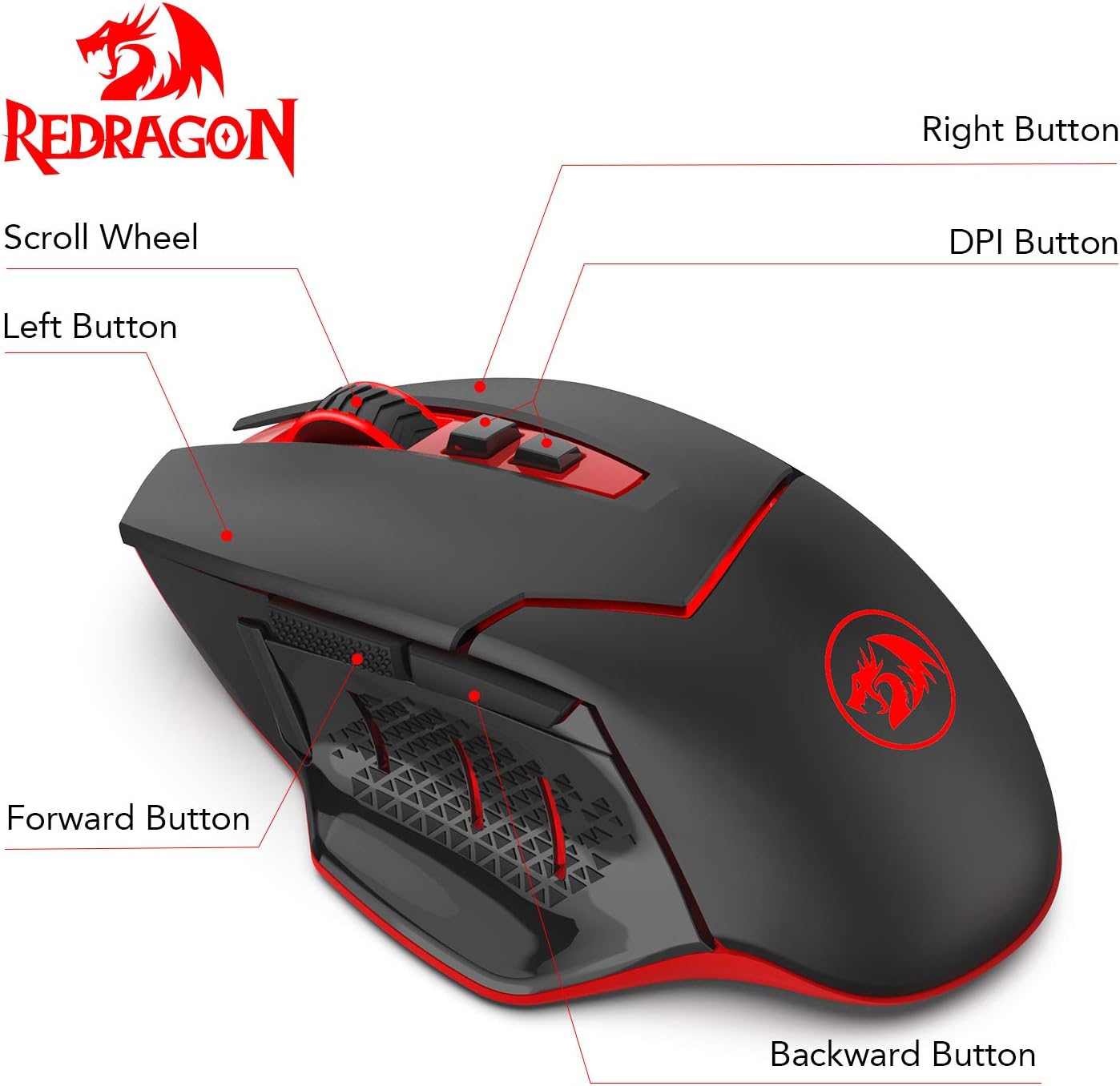
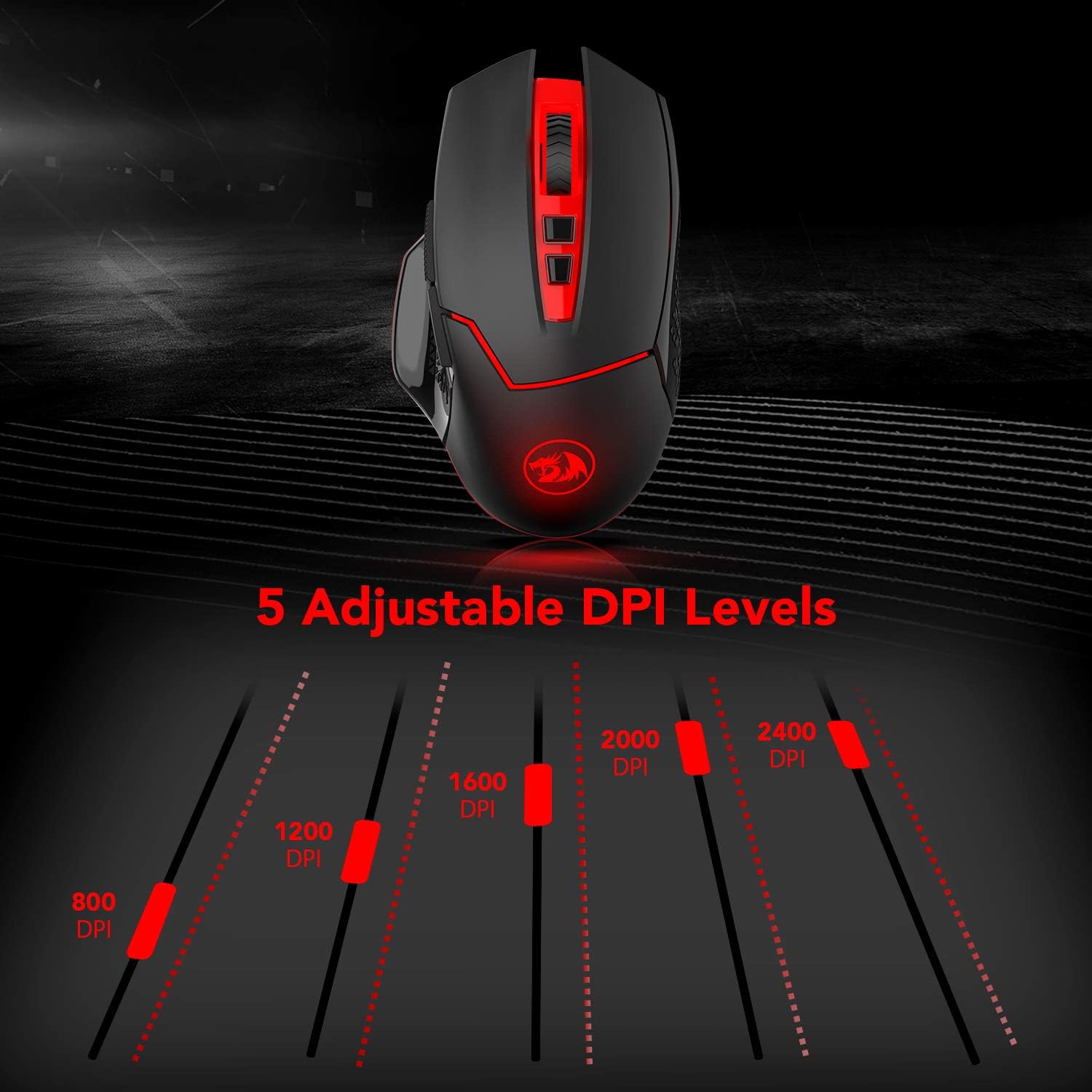
If you want a wireless gaming mouse that lets you change sensitivity on the fly, the Redragon M690-1 is designed around that idea. It brings “DPI shifting” via two side DPI buttons, so you can jump between five DPI levels (800/1200/1600/2000/2400) without diving into software. It’s also built to feel comfortable for everyday desktop use, not just short sessions.
In practice, this kind of control is handy when you’re switching between tasks: for example, using a higher DPI for quicker sweeping movements in games, then dropping to a lower DPI for more careful aiming or UI navigation. It’s not a precision-tool mouse for everyone, but it’s a straightforward approach if you like having sensitivity adjustments within reach.
Key takeaways on the spec that matters
The two features that stand out are the DPI shifting and the polling rate options. On paper, the mouse offers two polling rates—125 Hz and 250 Hz—so you can choose between smoother input response and a more conservative setup depending on what you’re doing.
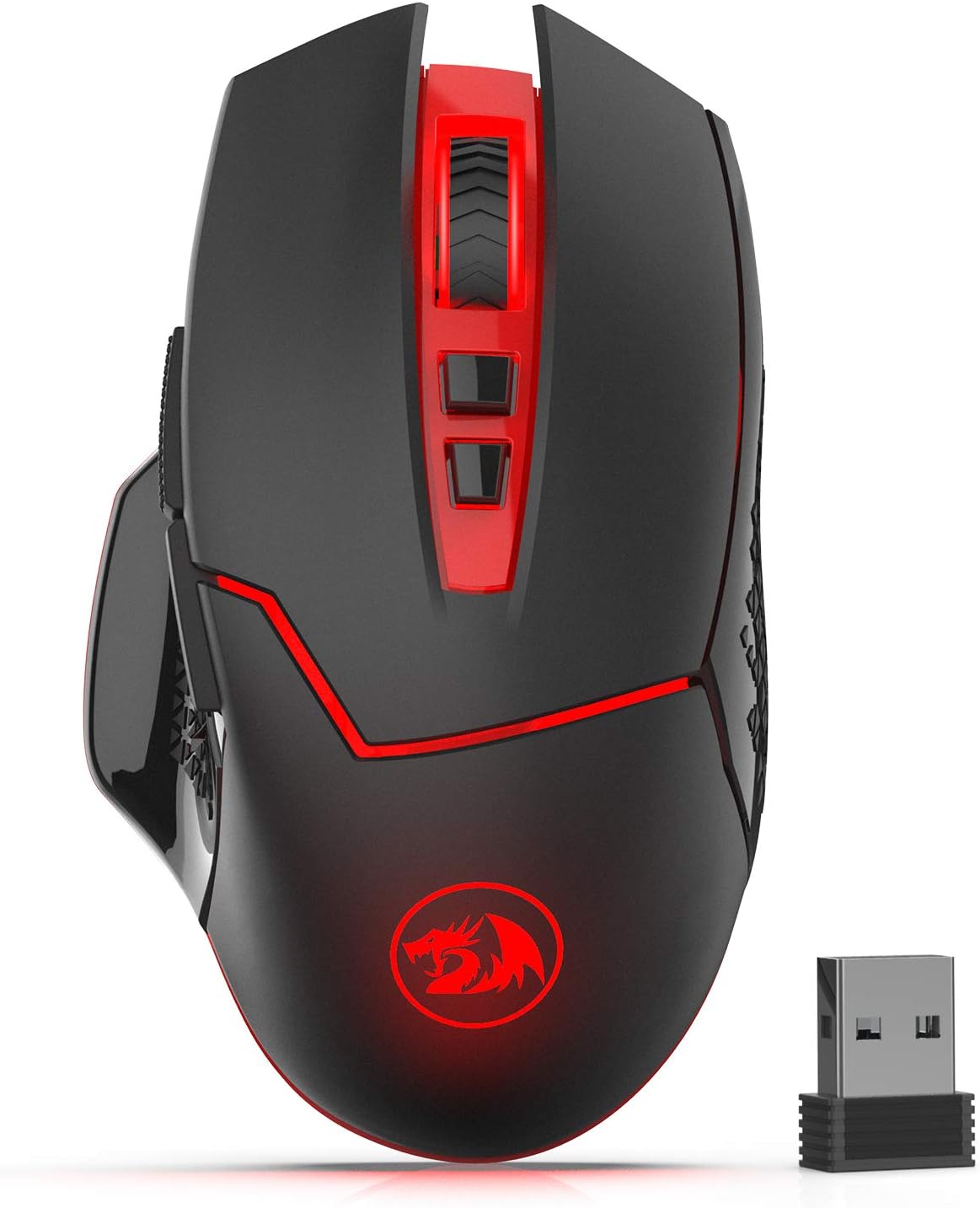
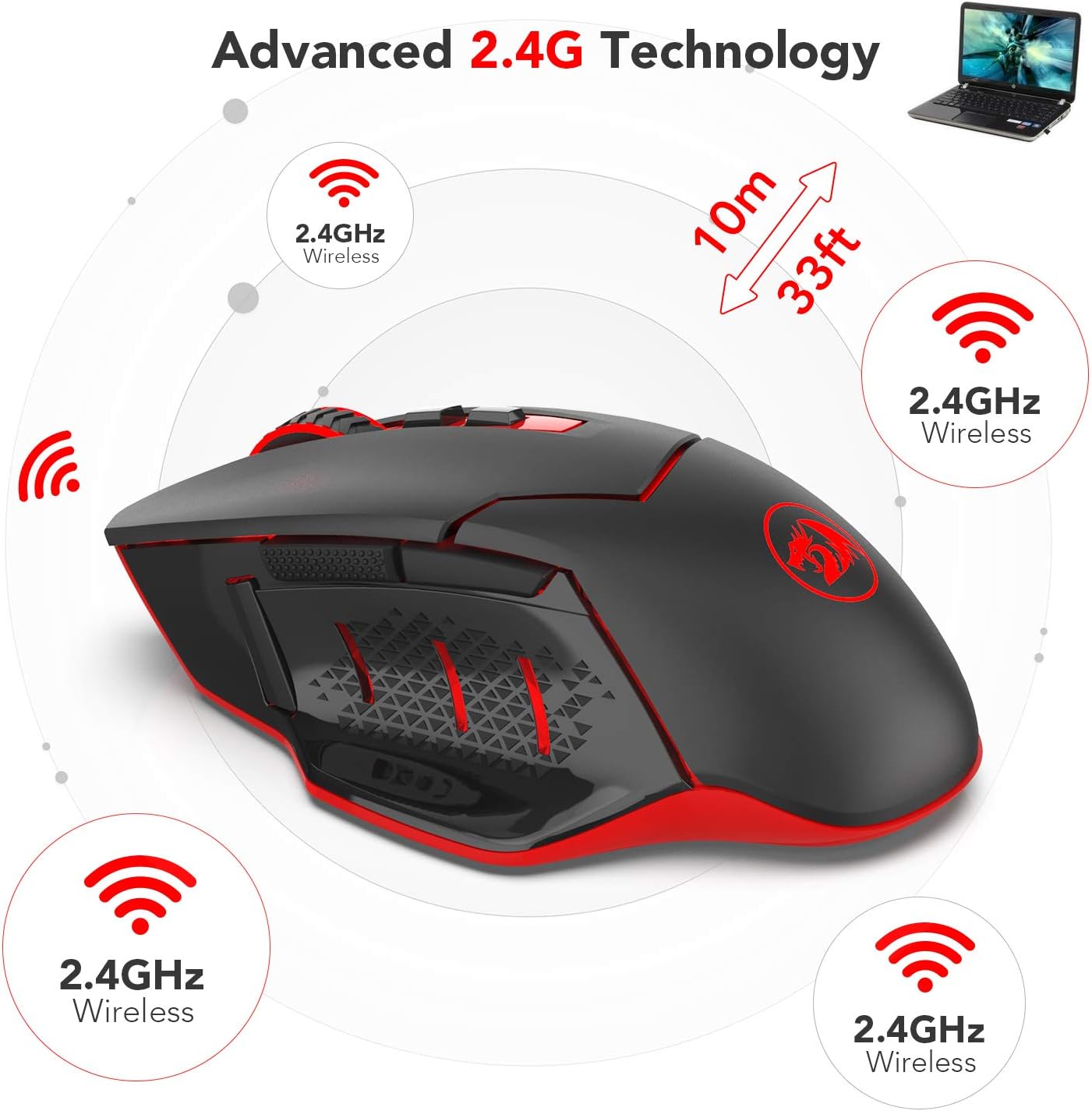
It also runs on a 2.4 GHz wireless connection with a claimed up to 10 metres working distance (about 30 feet). The description suggests low delay or signal drops “with little or no” issues, which is exactly the sort of thing you’d expect to matter when you’re sat at a desk rather than across a room.
A small but practical detail: the lighting is described as flashing to indicate which DPI you’re currently on. That’s useful because you don’t have to guess which sensitivity mode you’re in.
Where it shines in day-to-day use
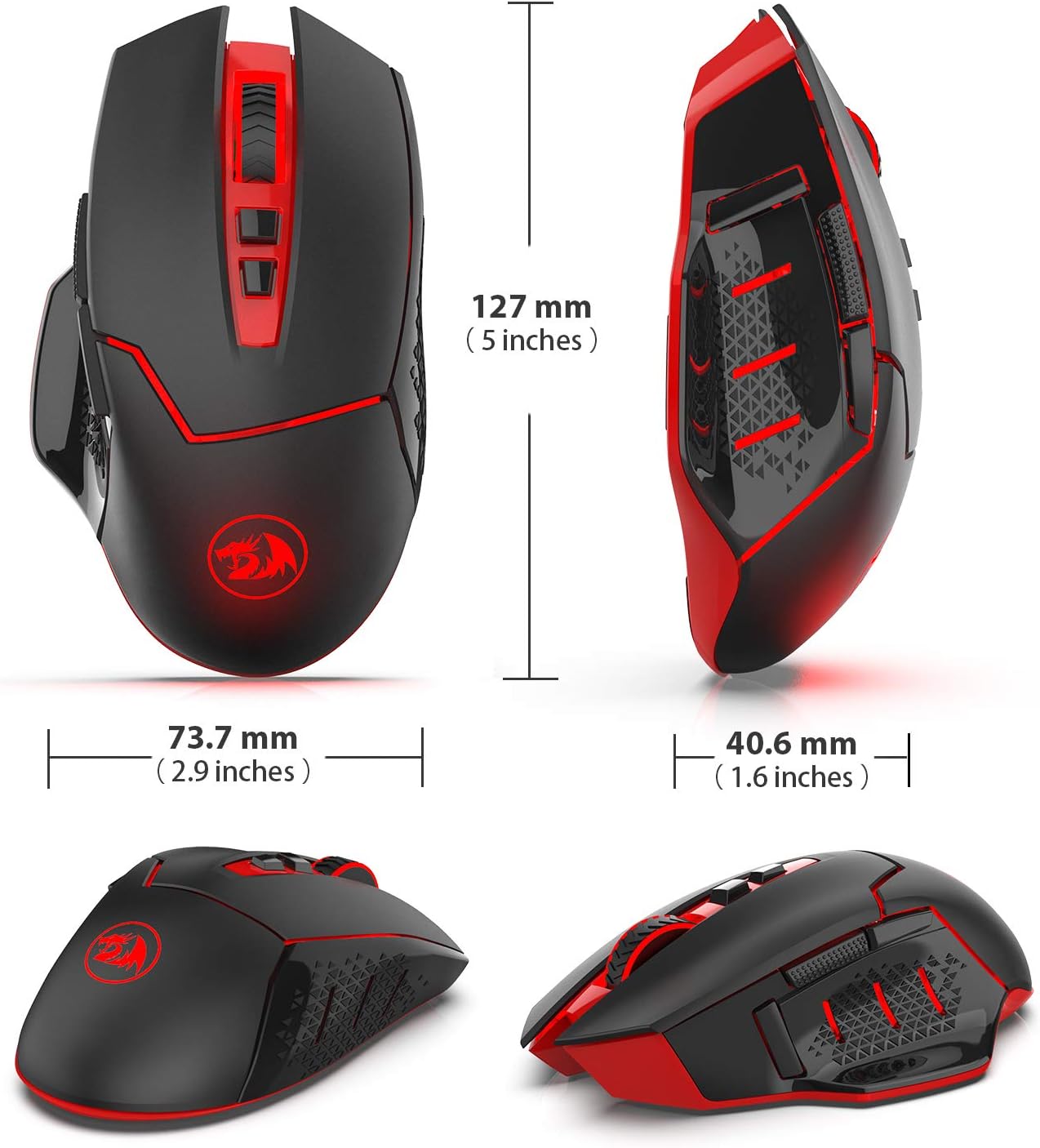
For a wireless gaming mouse aimed at desk setups, the Redragon M690-1 leans into convenience:
- No controller needed to get started (it’s described as plug-and-play, with no driver required).
- Sleep mode after 8 minutes of inactivity, then wake-up by pressing any button.
- Ergonomic design and comfort “for desk and portable” use, which makes it feel more sensible if you’ll move between home office and a laptop.
The click durability is also a reassuring inclusion: it’s stated to have passed a 10 million click test. That doesn’t guarantee lifespan in every scenario, but it does suggest the switches are meant to handle regular use.
What you may want to watch out for
Here’s the limitation to keep in mind: for Mac OS, the description says the side buttons are not available. So if you’re buying this for a Mac setup, it could feel like a partial experience—especially since this model’s main “DPI shifting” is handled by side DPI buttons.
Also, wireless gaming mice can vary a lot depending on your setup (desk layout, interference, how far you sit from the receiver). The claimed 10 metres range sounds comfortable for most home/office arrangements, but if you use a crowded workspace, you’ll still want to keep the dongle placement sensible.
Is it a good fit if you’re choosing between options?
It makes sense if you want a simple wireless gaming mouse where sensitivity changes happen immediately via hardware buttons. If you’re the sort of player or user who doesn’t want to rely on software settings, this approach is more convenient than mice that require you to manage profiles.
It may not suit you if you’re set on a fully featured software-driven experience, or if Mac OS and side-button functionality are important. Likewise, if you’re after a mouse that’s all about fine-tuning beyond DPI switching and polling rate, this one feels more like a practical, mid-range style pick rather than something trying to outclass everything else on raw control.
The essentials you should double-check before buying
Before you commit, it’s worth confirming a few basics from the description:
- Your operating system, especially if you use Mac OS (side buttons are stated as not available).
- Power: it runs on 1 AA battery (not included), so factor that into your purchase.
- Whether you’ll actually use the extra side controls—this mouse includes two side buttons plus an 8-button layout.
And if wireless is critical to you, consider how far you’ll sit from your PC and where the receiver will sit.
Is it worth it?
Should you buy it? The Redragon M690-1 is a sensible option if you want wireless gaming convenience, DPI shifting you can control with two side buttons, and two polling rate choices (125 Hz / 250 Hz) for different needs. The ergonomic intent, the claimed 10 million click durability test, and the plug-and-play setup make it feel geared towards practical everyday use as much as gaming.
You may want to skip it if you’re on Mac OS and need the side buttons to work, or if you’re expecting a deeply software-driven mouse experience. For most Windows users in a typical desk setup, it’s the sort of “set it up and get on with it” mouse that should fit well—just don’t expect it to replace a high-end configuration-focused setup.

Mini FAQ
Does it require drivers to work?
The description says no driver is required—just plug in and use.
How do you change DPI?
You can switch between the five DPI levels (800/1200/1600/2000/2400) using the two DPI buttons on the side.
What polling rates does it support?
It’s described as offering two polling rates: 125 Hz and 250 Hz.
How far can you use it wirelessly?
It’s stated to work up to 10 metres (around 30 feet) with little or no signal delay/drop.
Does it work with Mac OS?
For Mac OS, the description says the side buttons are not available, which may affect how well the DPI shifting works for you.