

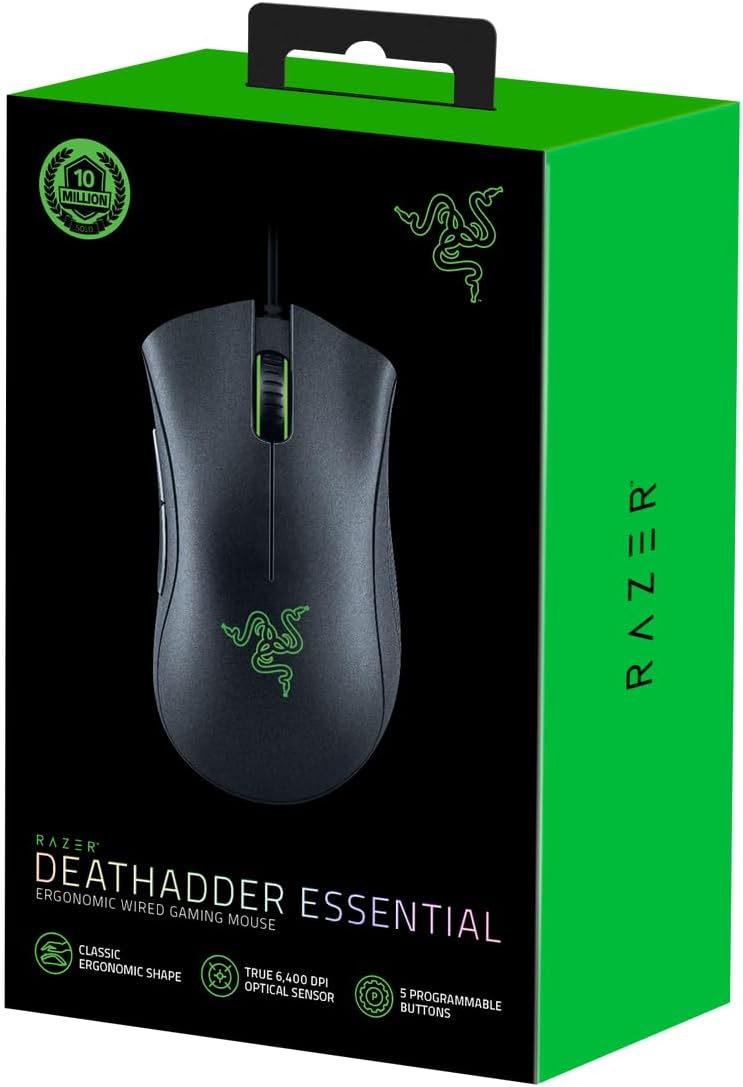
Razer DeathAdder Essential (2021) Wired Gaming Mouse – Optical sensor up to 6400 DPI, 5 programmable buttons
Reviews
Price
Product description
Quick overview
The Razer DeathAdder Essential (2021) is a wired gaming mouse aimed at people who want a no-fuss shape, a responsive optical sensor, and a handful of programmable buttons—without paying for every extra feature you might never use. On paper, it leans into durability and repeatable performance, which is often what matters when you’re putting a lot of hours into the same desk setup.
The essentials
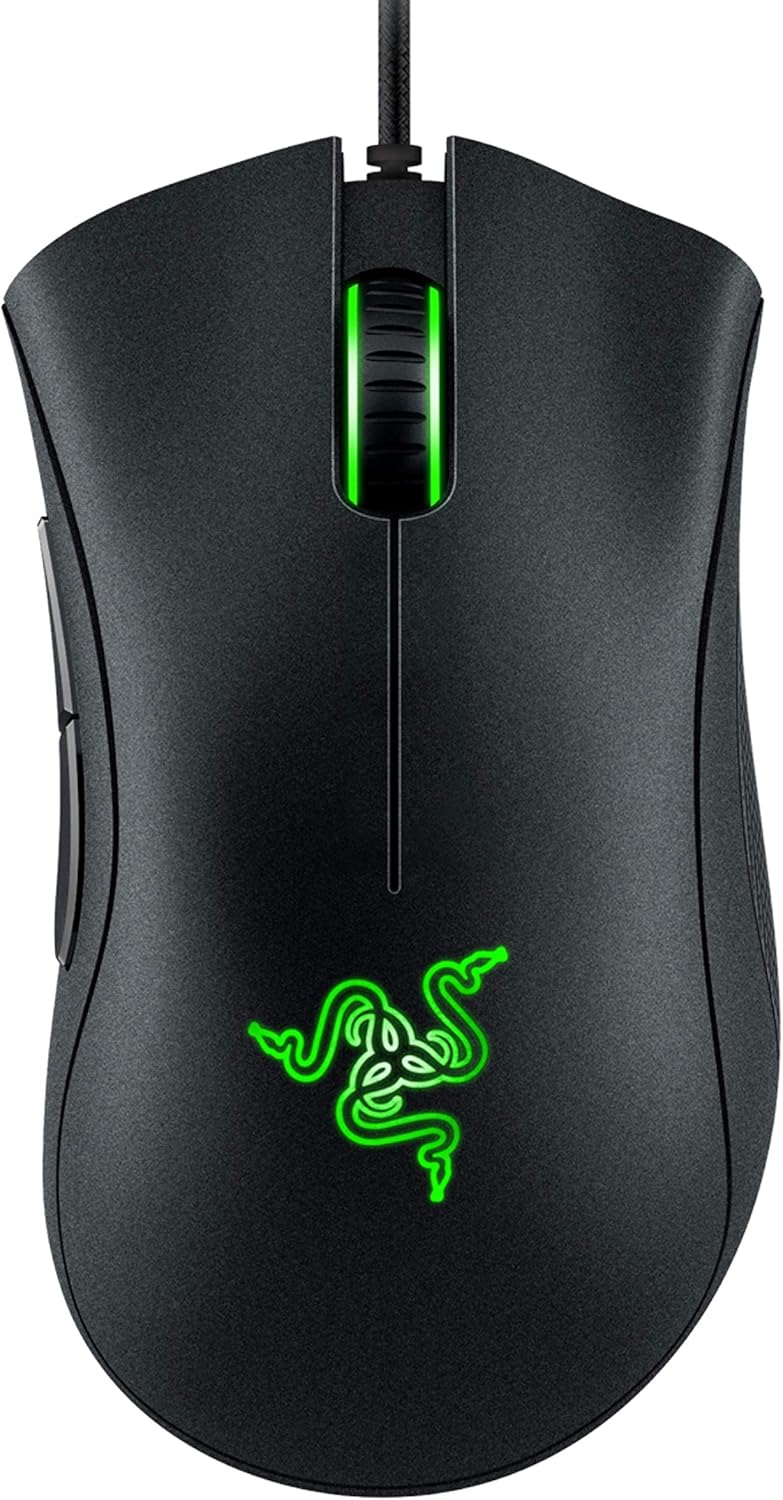
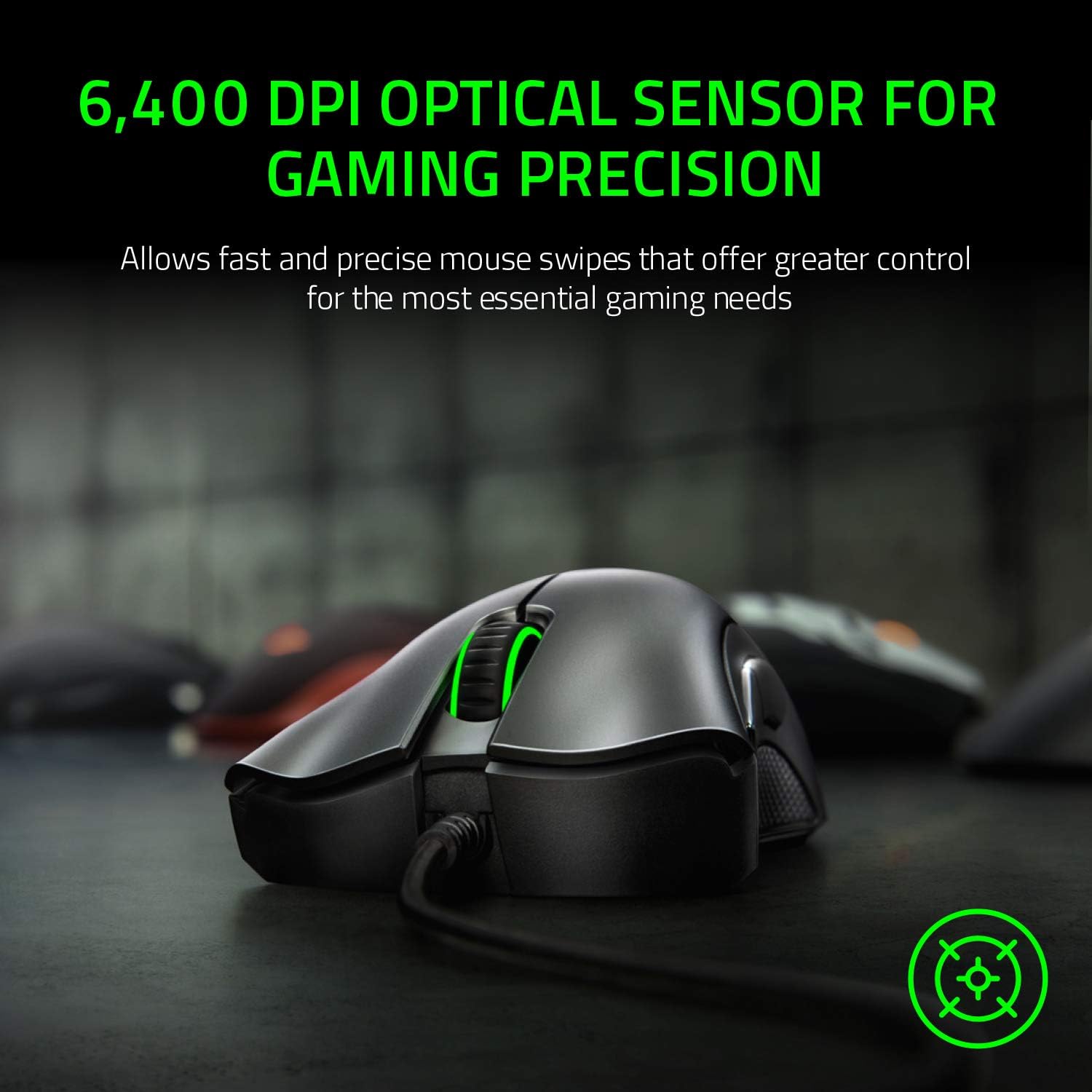
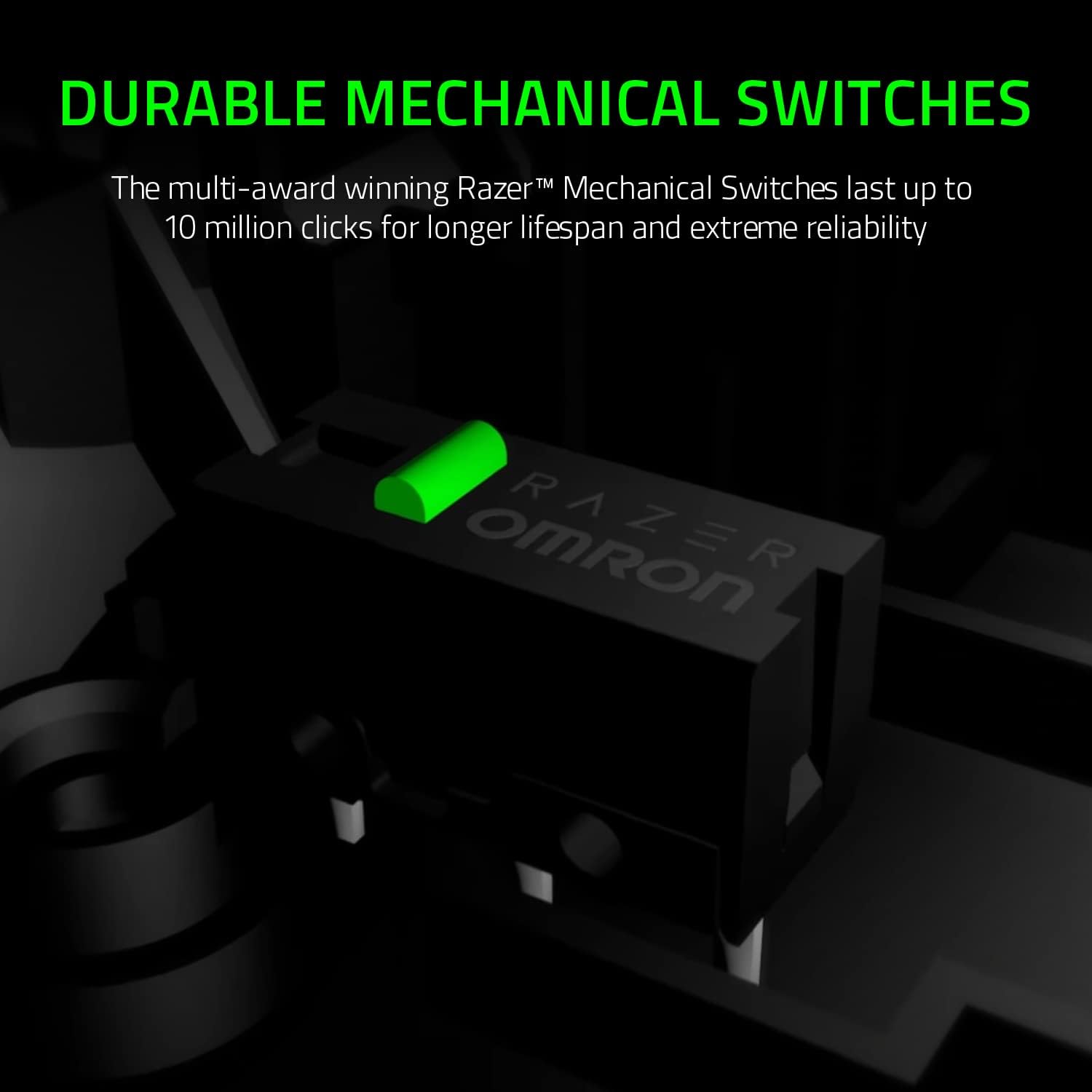
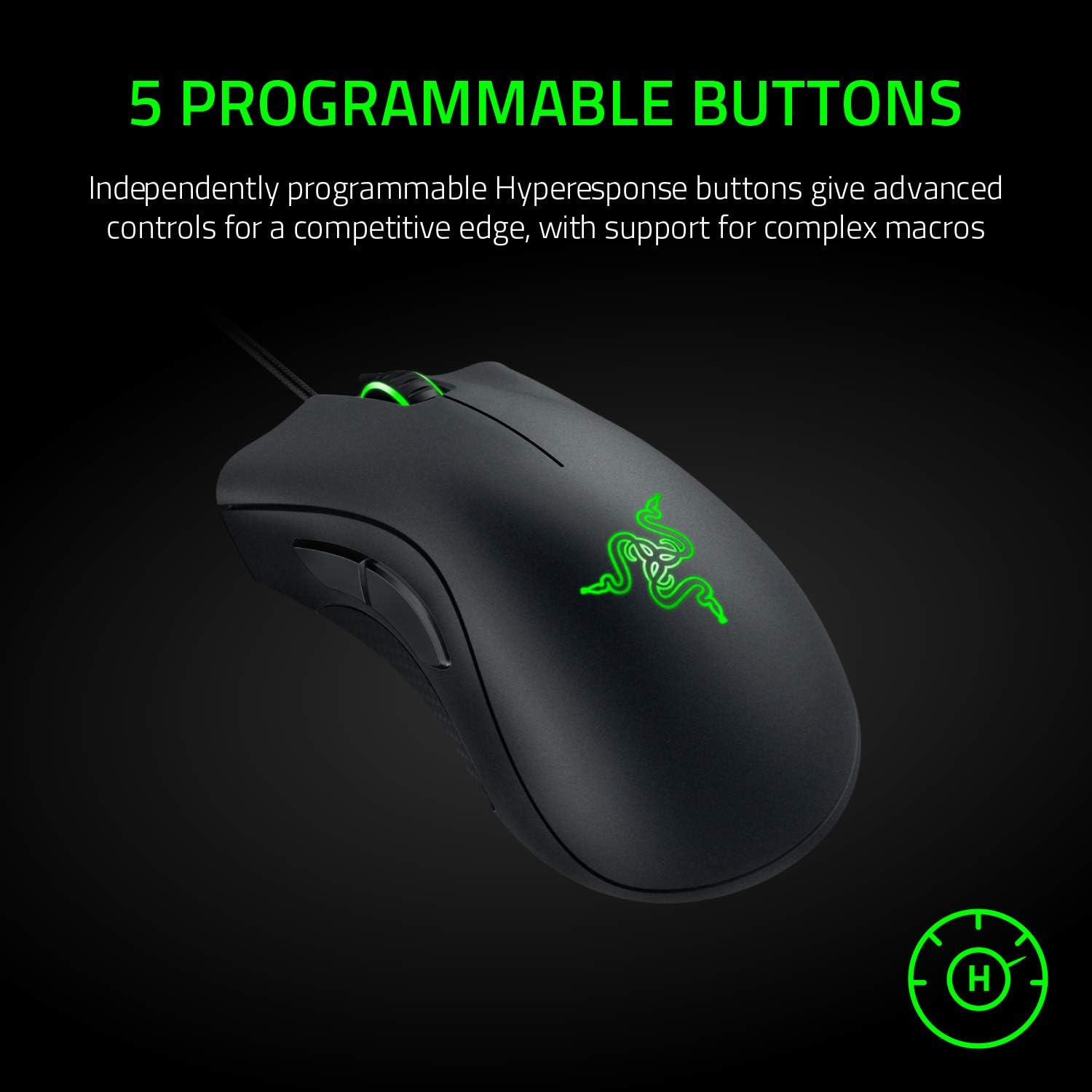
This model uses an optical sensor and is rated up to 6400 DPI, so it’s built for typical PC gaming needs where you might switch sensitivity depending on the game. You also get 5 programmable buttons with Hyperesponse—Razer specifically talks about lab testing for click durability, with a figure of up to 10 million clicks. That’s the headline here: it’s designed to take daily abuse, not just look good out of the box.
In real use, a wired mouse like this is the kind of choice that removes one variable: you don’t need to think about charging or battery levels during longer sessions. It suits setups where the mouse sits in the same place most of the time, and where you’d rather have consistent connection than worry about wireless range or latency.
What you’ll notice day to day
Where this mouse makes sense is in the basics. The ergonomic form factor is meant to feel comfortable during extended play, and the “essential” positioning suggests it’s focused on the core things you actually rely on: click feel, sensor tracking, and button access.
The 5 programmable buttons are enough for common in-game tasks—think movement-related binds, quick abilities, or convenience shortcuts for everyday desktop use. It’s not positioned as a button-monster, so if your playstyle depends on lots of macros and multiple layers of bindings, you may find the button count a little limiting.
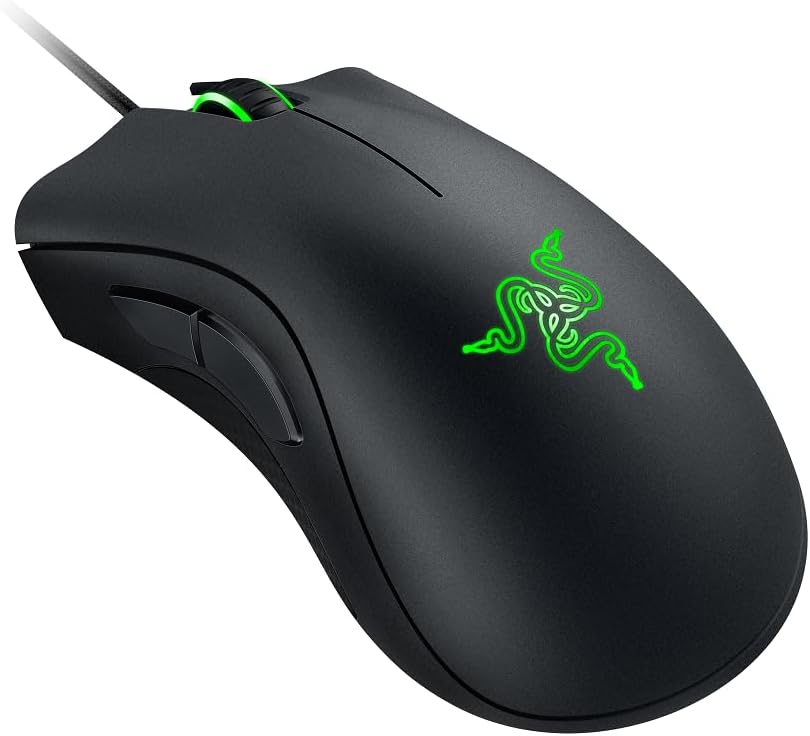
Also worth noting: it’s a wired model, so if your space is messy or you heavily rely on a couch/TV-style setup, the cable could be a practical downside. Wired is great for consistency, but it does mean you’ll want to manage the cord.
Tech details
- Name: Razer DeathAdder Essential (2021)
- Type: Wired gaming mouse
- Sensor: Optical sensor
- Resolution: 6400 DPI
- Programmable buttons: 5
- Buttons: Hyperesponse
- Durability claim: up to 10 million clicks (lab tested)
- Dimensions: 99.0 L x 50.0 H x 99.0 W (millimetres)
- Colour: Black
Who it suits (and who should look elsewhere)
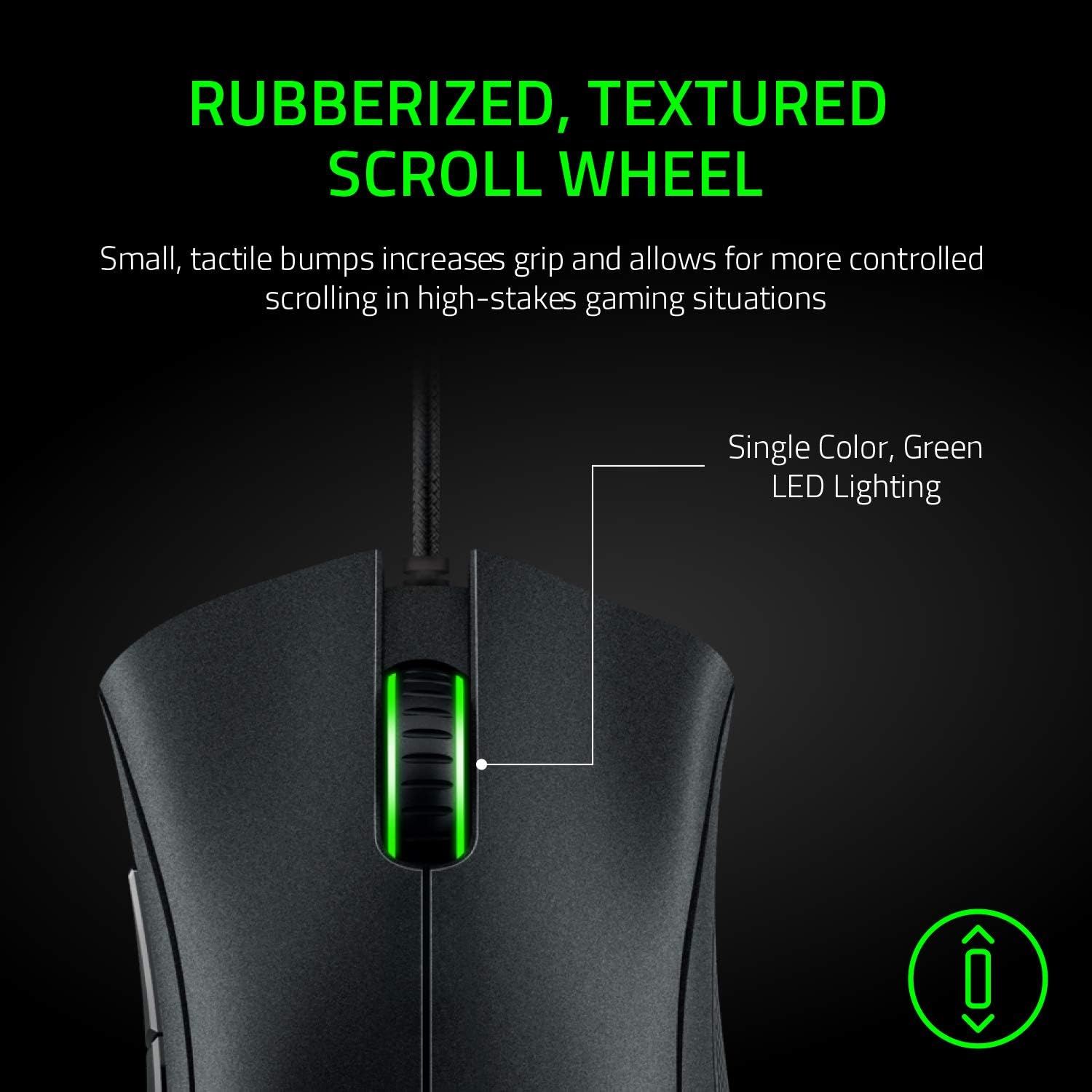
It’s a good fit if you want a straightforward wired mouse for PC gaming that prioritises durability and a comfortable grip. You’ll likely get value if you prefer fewer controls, want to set a couple of binds, and then just play.
It might not be a great match if you’re chasing a highly configurable, feature-heavy mouse with more buttons or advanced customisation options beyond what you can reasonably do with 5 programmable inputs. And if you strongly prefer wireless freedom, the “wired by design” nature can make it harder to live with.
Getting the most from it
Because the sensor supports up to 6400 DPI, it’s worth experimenting with your in-game sensitivity rather than immediately locking to the highest number. In many games, smoother control often comes from choosing a sensitivity that feels controllable at your typical mouse movement speed. A quick starting point is to set DPI once you know your monitor size and play area, then adjust in-game sensitivity to match.
If you mainly play one or two genres (for example, shooters or MOBAs), mapping your most-used abilities to the 5 buttons can make a bigger difference than obsessing over extras. The cable connection is also a reminder to check your desk routing—especially if you tend to pull the mouse around a lot.
Is it worth it?
Choose the Razer DeathAdder Essential (2021) if durability is your top concern and you want a comfortable, ergonomic wired mouse with an optical sensor and up to 6400 DPI for everyday PC gaming. The 10 million clicks durability claim is the kind of reassurance that helps when you’re looking for a mouse that can keep up through long sessions.
Avoid it if you need a more complex button layout, you’re set on wireless, or your setup doesn’t suit a cable. For most people buying this type of mouse, it comes across as a sensible, durable “workhorse” rather than something trying to do everything at once.