UGREEN M.2 NVMe and SATA SSD Enclosure: 20Gbps USB-C Gen 2x2, Aluminum M.2 Caddy (2230–2280) for NVMe & SATA
Amazon
Brand: UGREEN
P/N: 35576
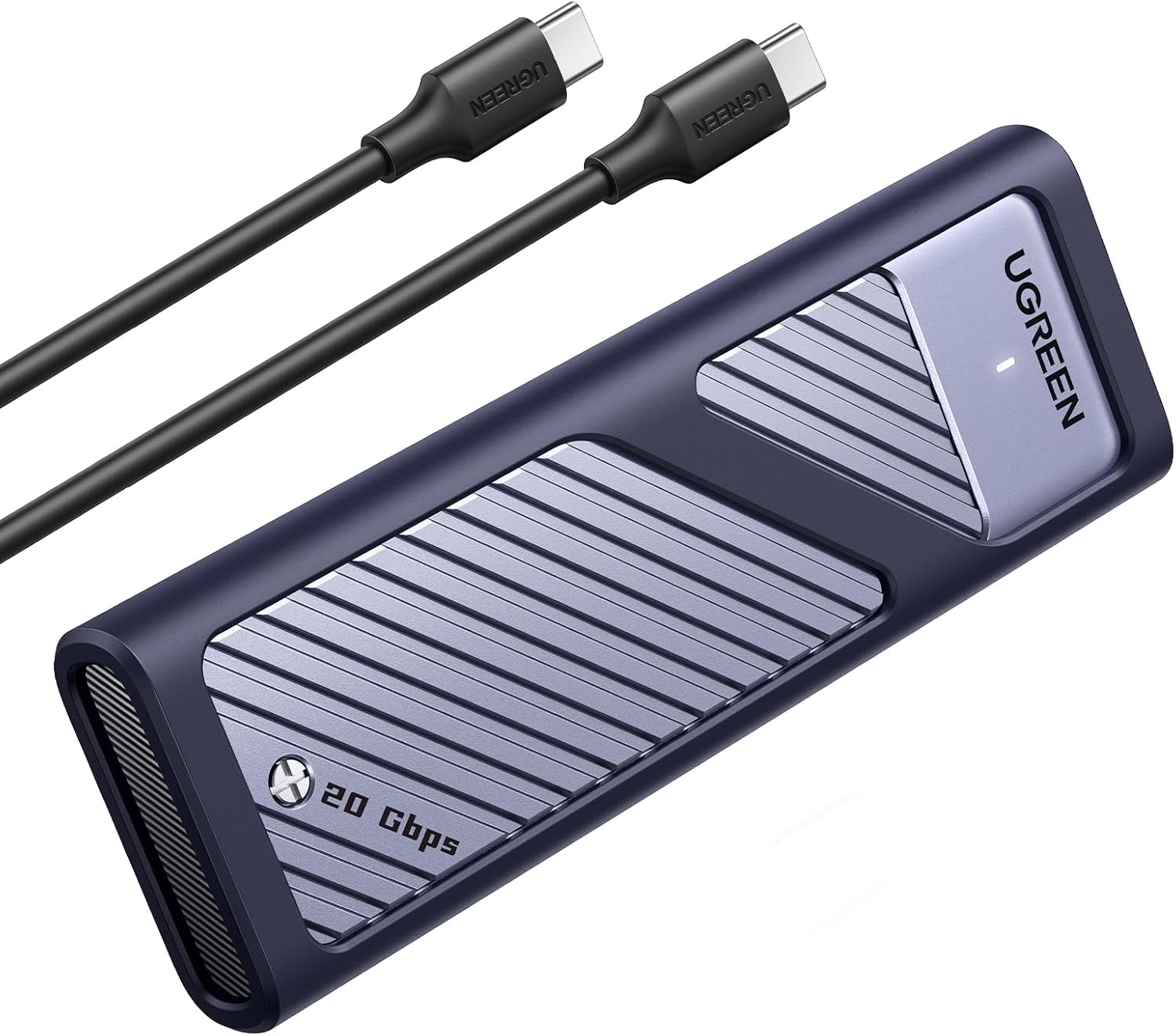
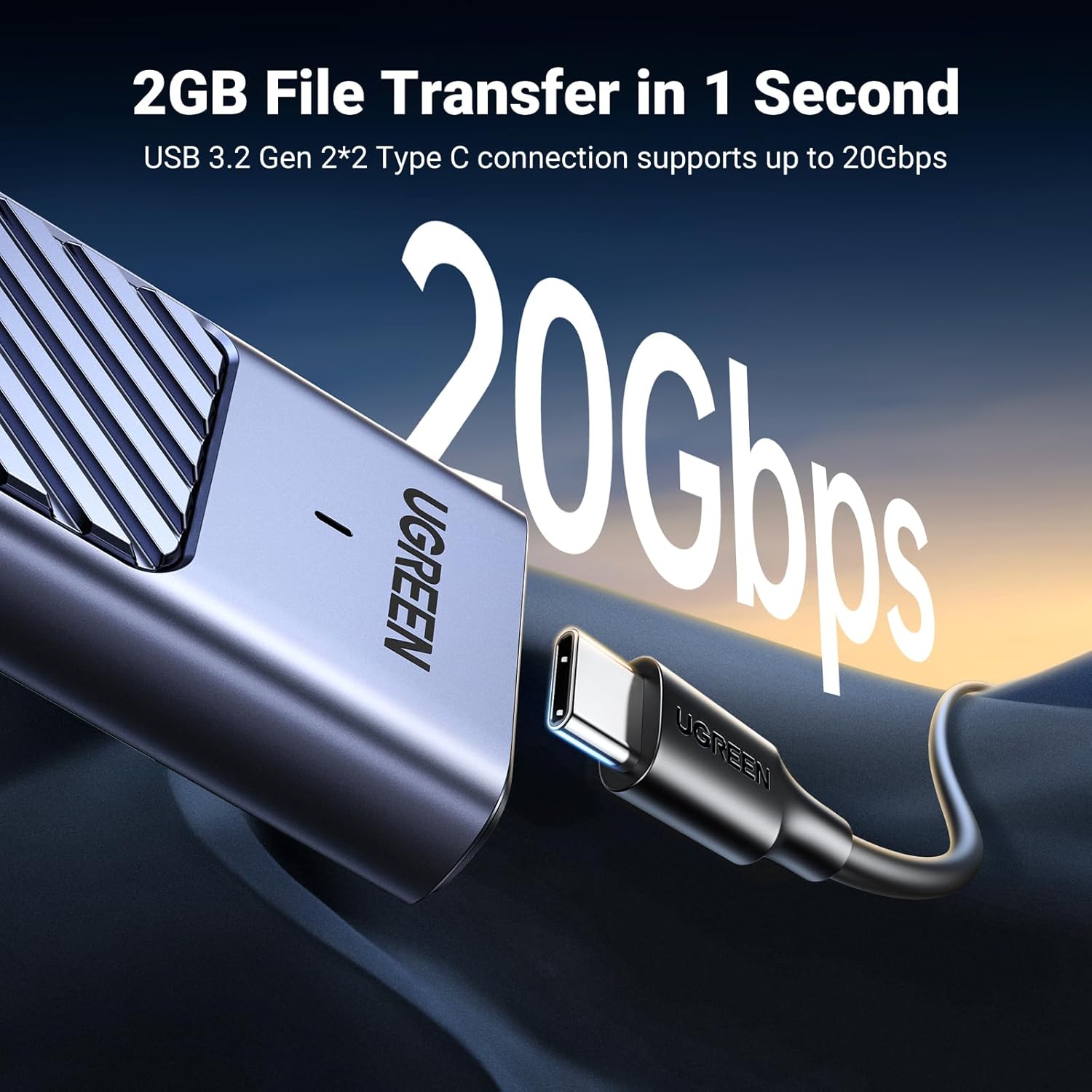
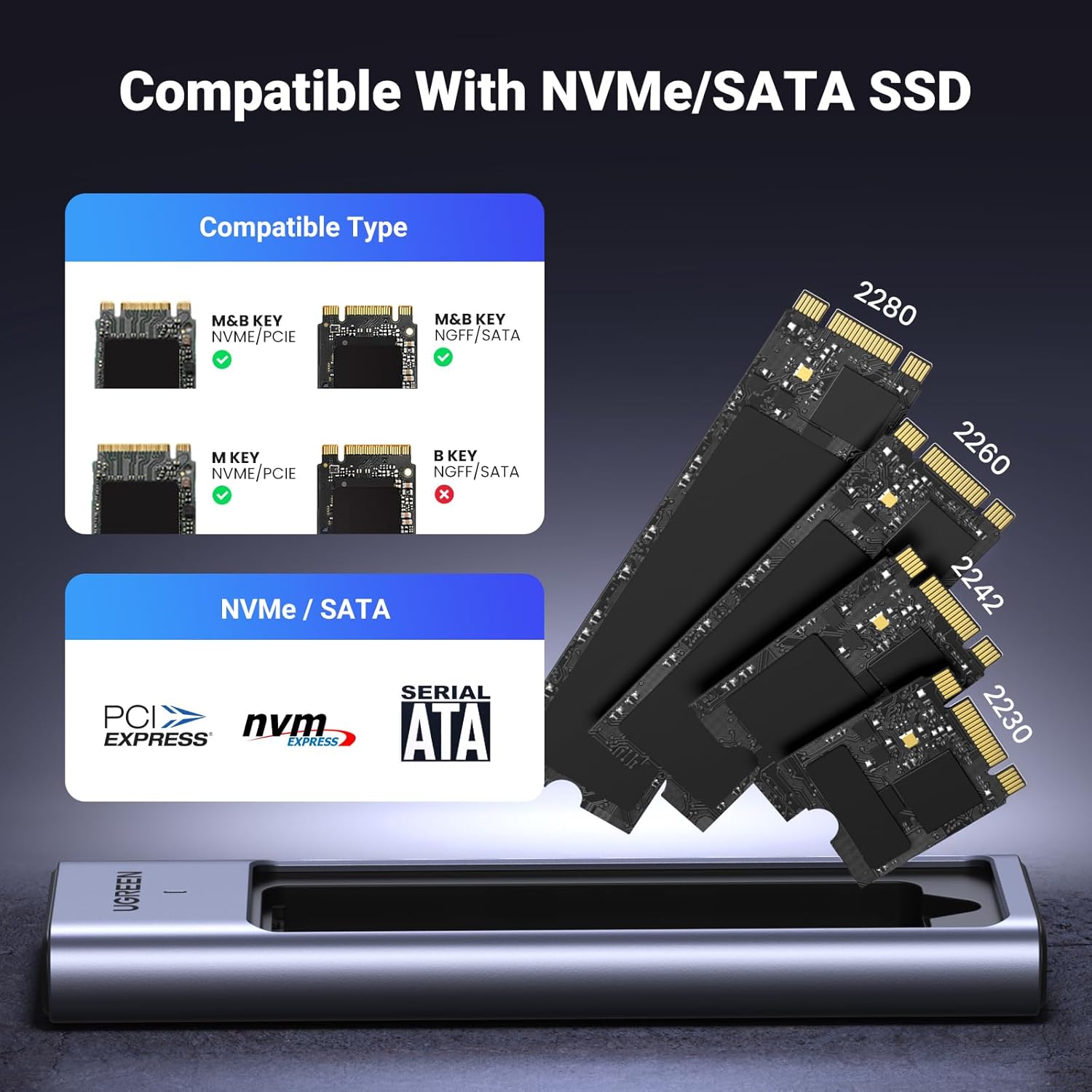
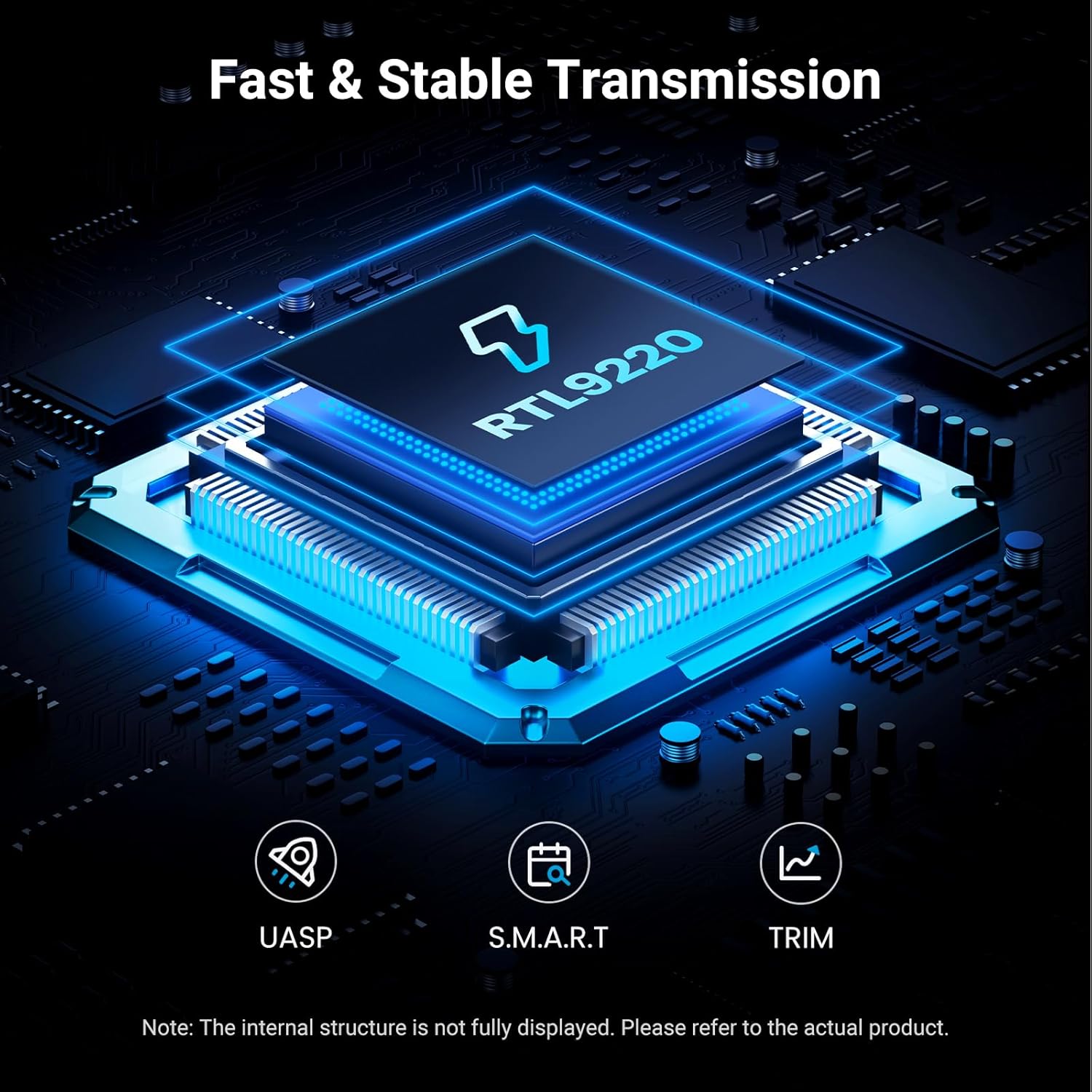
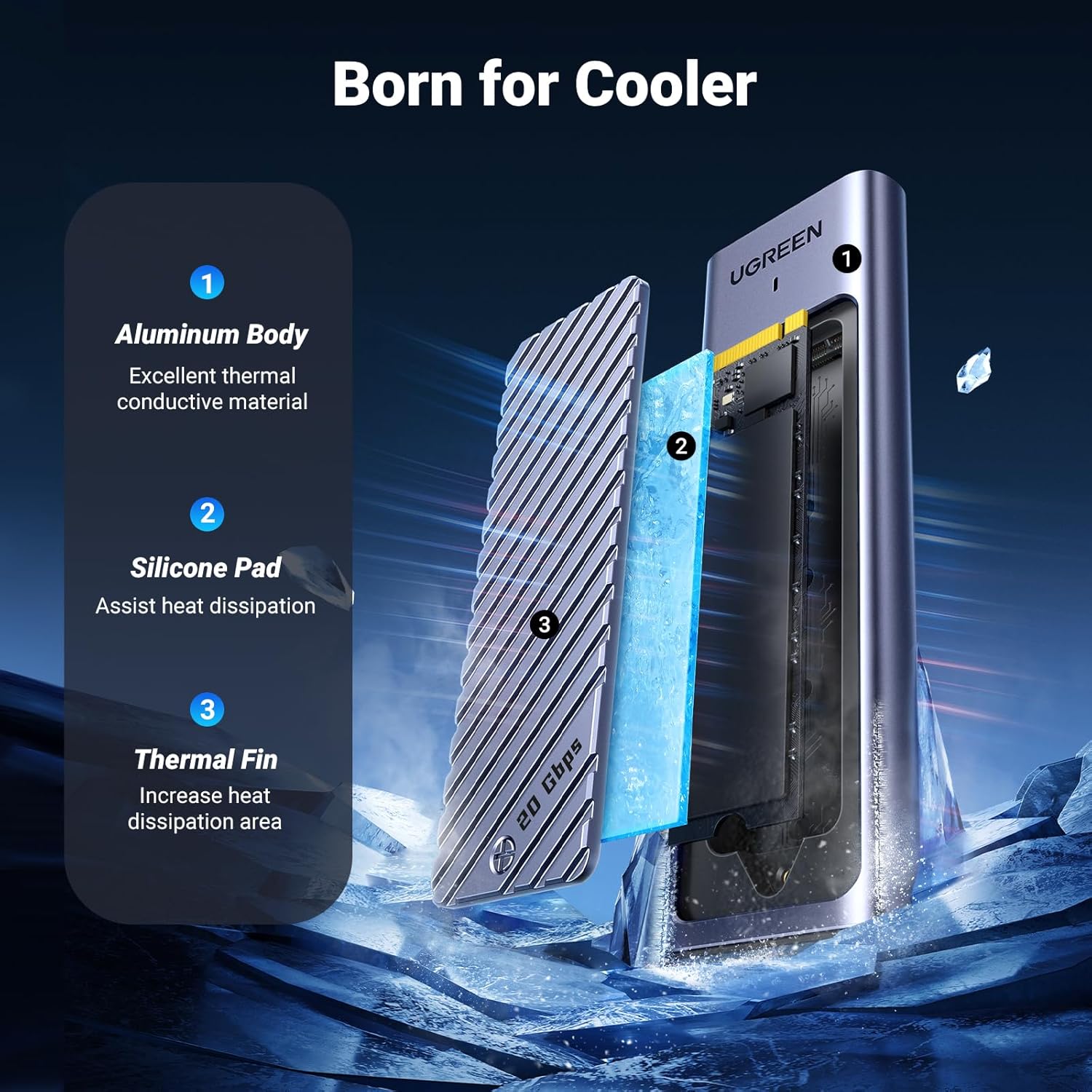
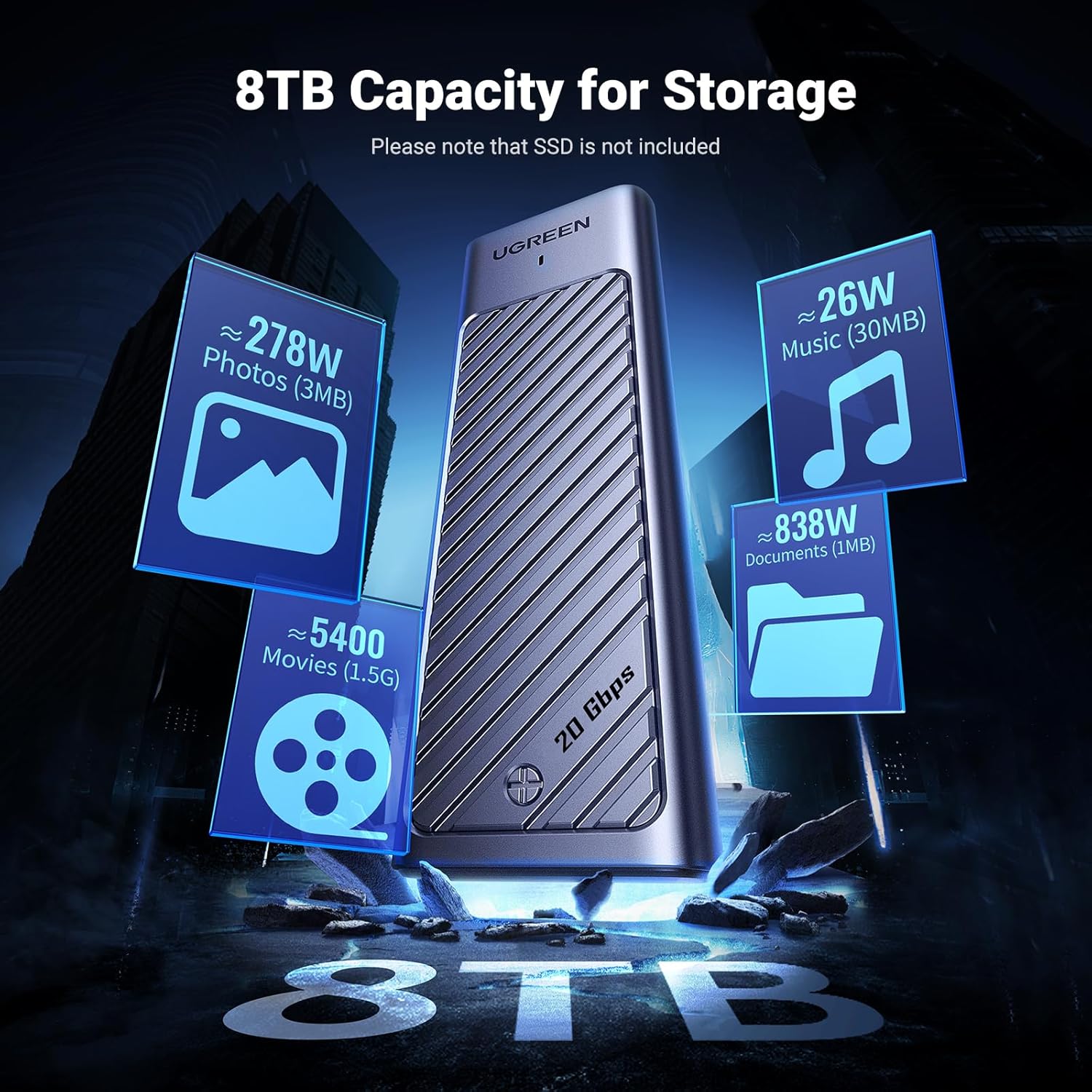
What it is and what it solves\nThe UGREEN M.2 enclosure is a robust external case designed to hold an M.2 SSD (NVMe or SATA NGFF) in sizes 2230, 2242, 2260 or 2280. It targets users who want versatile, portable extra storage without opening a laptop or tinkering with drivers. On paper, it bridges both NVMe PCIe and SATA NGFF in a single enclosure, supporting M‑Key and B+M Key modules up to 8 TB. If your goal is to expand storage for a PC, a laptop, or even a games console, this enclosure promises a straightforward Plug & Play experience with no extra software.\n\n## How fast and how it works\nPerformance features centre around a USB C 3.2 Gen 2x2 interface with UASP support, delivering up to 20 Gbps theoretical throughput. In practical terms, that means large file transfers can be noticeably quicker than older USB standards. The speed claim is contingent on having a compatible host controller and the correct type of SSD installed. The enclosure also supports the TRIM command and S.M.A.R.T, with an automatic sleep mode after 15 minutes idle to save power and reduce heat.\n\n## Design and heat management\nThe shell is made from thermally conductive aluminium, intended to dissipate heat efficiently during sustained use. This helps maintain stability under heavy transfers and should be better at keeping temperatures in check than some plastic alternatives. A note worth bearing in mind is that temperatures between 0 °C and 45 °C are considered normal operation. If you push the enclosure hard in hot rooms or with a high‑duty workflow, expect the drive to heat up more quickly.\n\n## What you can put in it and compatibility\nThis enclosure accepts M.2 SSDs that are NVMe or SATA NGFF, as long as they are M‑Key or B+M Key and within the length range supported by the chassis (2230–2280). The kit does not require any extra drivers on Windows, Linux or Mac OS, which keeps things simple for most users. It’s also advertised as usable with non‑traditional devices like game consoles, expanding the storage available for games and media. Do remember that the internal performance will still depend on the SSD you install and the USB host capabilities.\n\n## Pros and potential caveats\nWhat stands out is the combination of dual NVMe/SATA support in one enclosure, plus a high‑speed USB connection that keeps data movement snappy for many everyday tasks. The aluminium body is not only sturdy but also aids thermal performance. However, a caveat is that the actual sustained throughput will vary with the SSD you choose and the USB controller in your computer or console. If you prioritise extreme sustained writes or very large media libraries, you may notice the limit of the enclosure’s 20 Gbps only in ideal conditions.\n\n## Who it’s for\nIf you’re after flexible upgrade options for a laptop, desktop, or console and you want to avoid buying separate NVMe and SATA enclosures, this model offers a single solution. It’s a sensible choice for a student, a remote worker, or a gamer who wants to rapidly swap fast storage between devices. It’s less compelling if you need a rugged, weather‑proof enclosure or you require ultra‑stable, enterprise‑grade sustained performance.\n\n## When it makes sense to buy\nBuy if you want a versatile, easy‑to‑use enclosure that supports NVMe and SATA M.2 drives and you already have or plan to buy a suitable SSD in the 2230–2280 range. It’s also handy if you prefer a compact aluminium build with passive cooling and you value immediate, driver‑free operation.\n\n## When you might want to skip it\nIf you need the absolute highest sustained transfer rates beyond typical consumer SSDs or you’re working in a high‑throughput video editing workflow, you may want to consider more specialised enclosures or internal upgrades. If your SSD is older or does not fit the M‑Key/B+M Key standards, this enclosure won’t be the right match.\n\n## What to check before buying\nConfirm your SSD type (NVMe vs SATA) and the physical length (2230–2280) to ensure compatibility. Check that your host device supports USB 3.2 Gen 2x2 or at least USB 3.2 Gen 2 to approach the described speeds. Consider whether you actually need the extra versatility of NVMe plus SATA support or if a simpler NVMe‑only enclosure would suffice.\n\n## Practical usage example\nImagine upgrading a laptop with a 1 TB NVMe drive, then using the same enclosure to back up large photo collections on a desktop. The plug‑and‑play nature saves you time on setup and reduces clutter, while the fast transfer speeds make backups or large file moves feel almost instantaneous when the conditions align.\n\n## FAQ
- Will this work with my current laptop? Most modern laptops with USB Type‑C ports supporting USB 3.2 Gen 2x2 will recognise the enclosure without extra software.\n- Can I put a 8 TB SSD in it? The base description mentions 8 TB as a supported capacity for M.2 SSDs, verify your SSD model’s compatibility with the enclosure and the host controller for best results.\n- Do I need drivers? No drivers are required for Windows, Linux and Mac OS in standard configurations.\n\n## Final verdict
Final verdict: The UGREEN M.2 enclosure is a practical, value‑conscious choice for users needing flexible NVMe and SATA M.2 support in a single, lightweight aluminium case with straightforward Plug & Play. It won’t replace a purpose‑built high‑end external storage solution for heavy professional workloads, but for everyday expansion, backups and casual gaming libraries it offers a sensible blend of speed, compatibility and portability.