

HP 680 Comfort Dual-Mode Keyboard/Mouse Combo with Wave-Shape Keys, Quiet Clicks and 4D Tilt Wheel
Product description
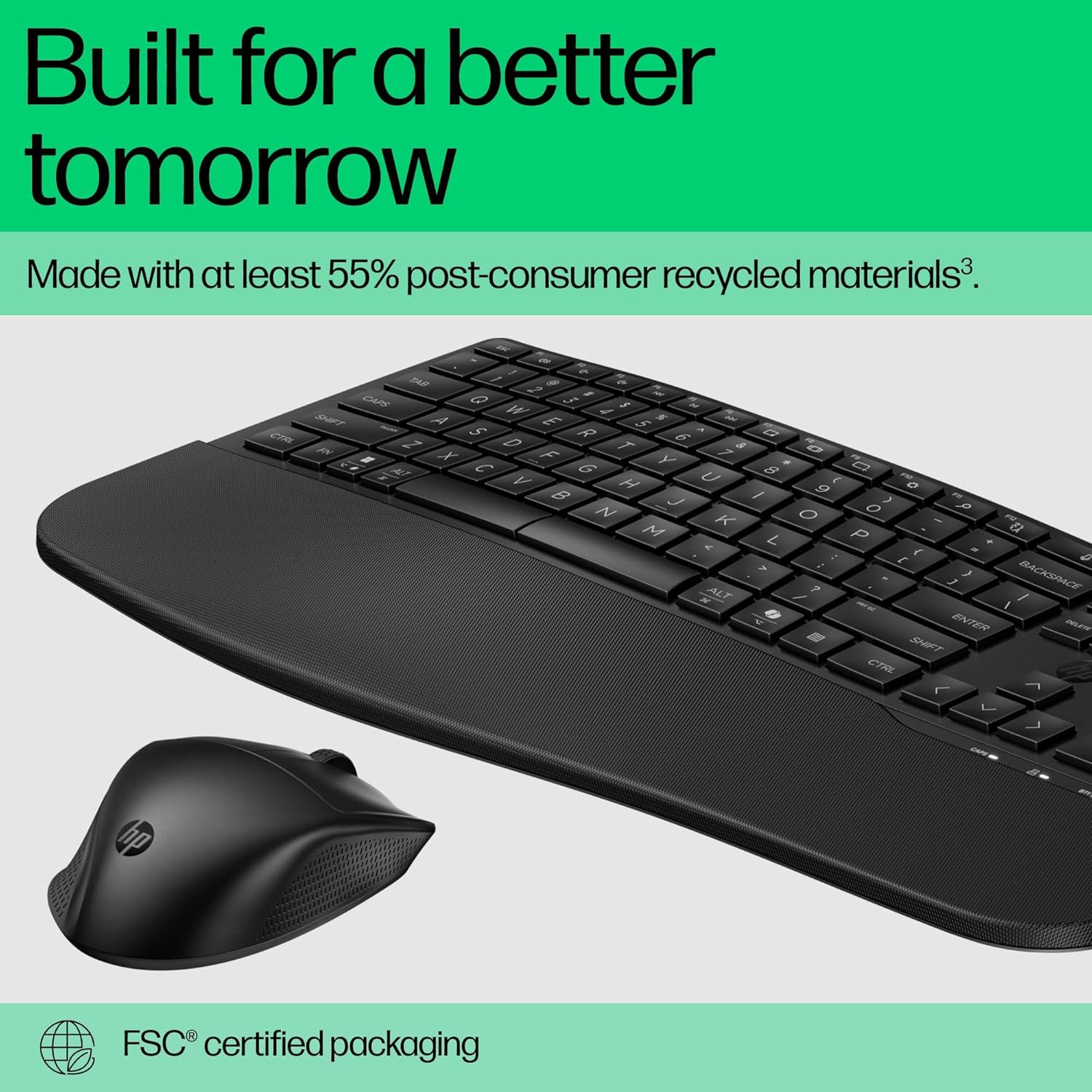
If your current keyboard and mouse feel a bit awkward after a couple of hours, this HP 680 Comfort Dual-Mode combo is designed around the kind of day-to-day comfort you actually notice. The set pairs a wave-shape keyboard (with three adjustable angles) and a mouse with side grips for a more natural hold, plus quiet typing and clicks to help you keep focus.
It’s not a “one-size-fits-all” gadget though. The comfort and control features are the headline here, and they make the most sense if you’ll use it for regular desk work on top of switching between devices. If you only need something for occasional browsing, you may find the extra connectivity options are more than you need.
What it is and why it’s built like this
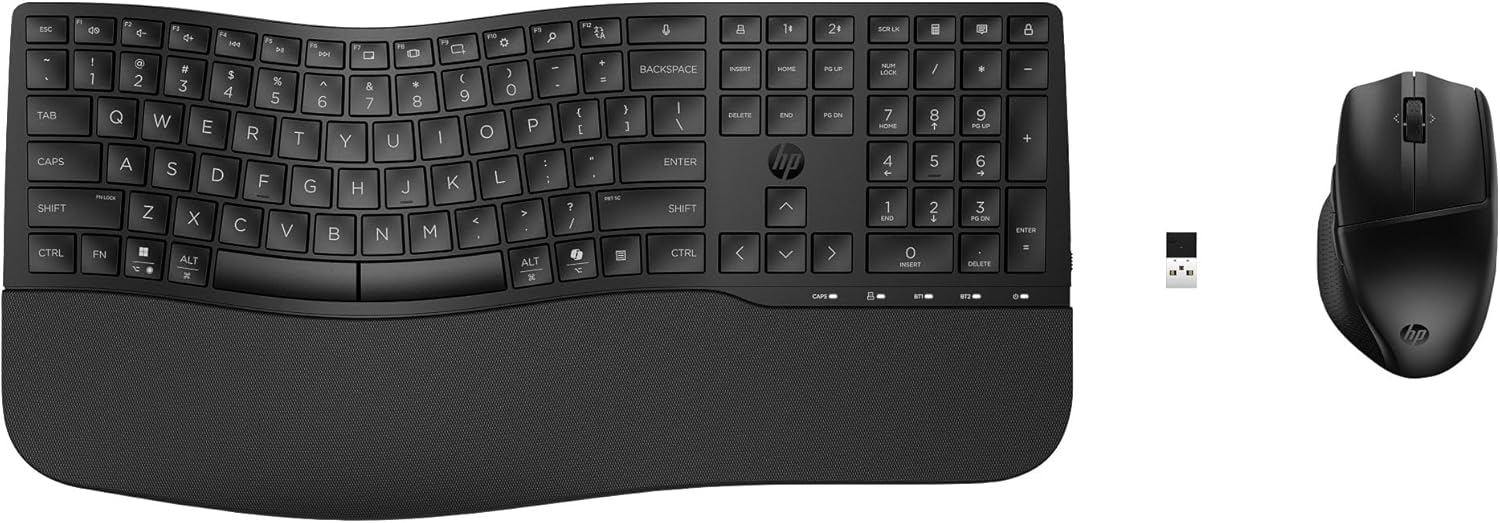
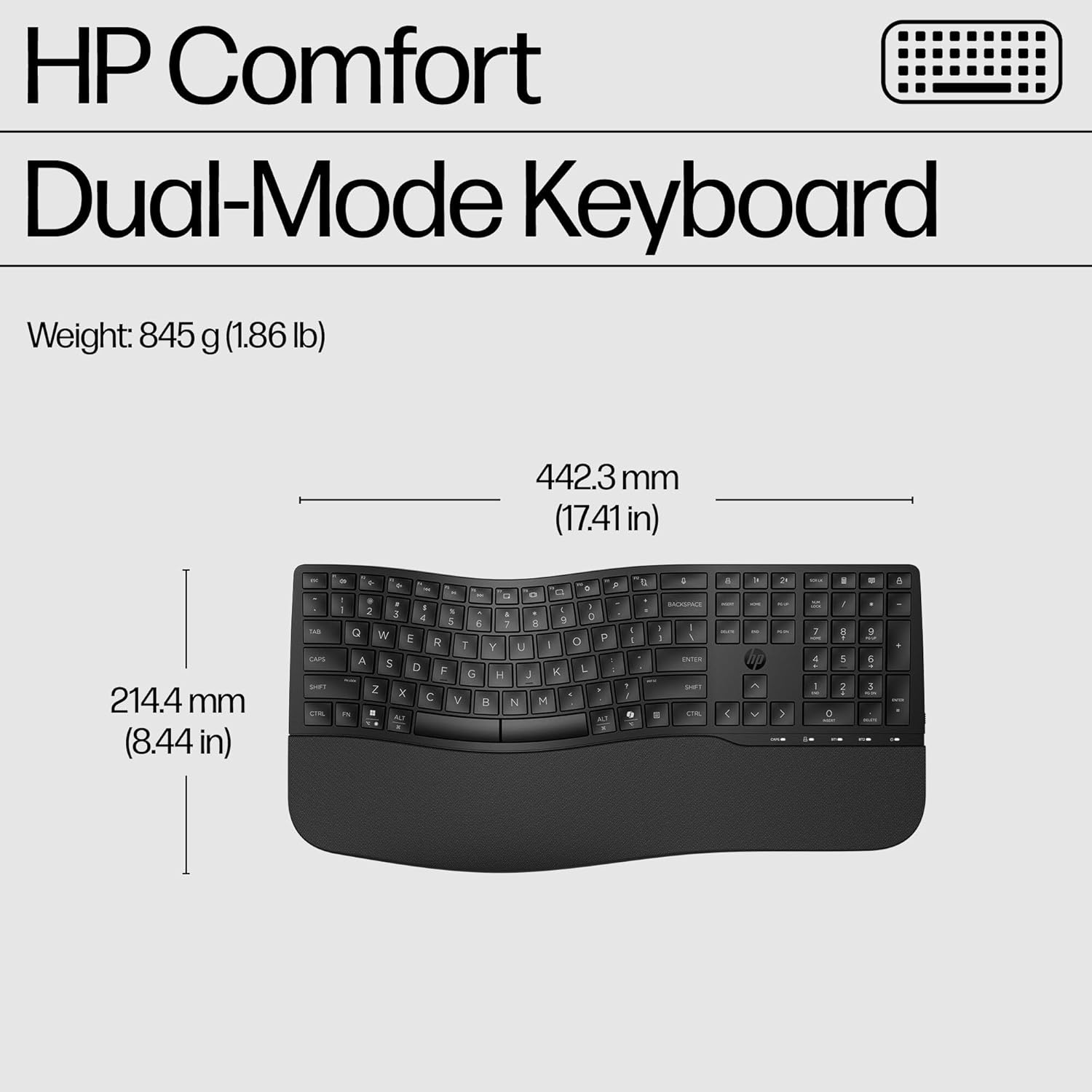
This product is a dual-mode keyboard and mouse bundle from HP, aimed at making office-style work feel less straining on your wrists and hands. The keyboard uses a wave-shaped layout and includes a wrist rest, which is meant to help you settle into a more relaxed position. There are three adjustable angles, so you can steer the keyboard’s tilt rather than leaving it fixed.
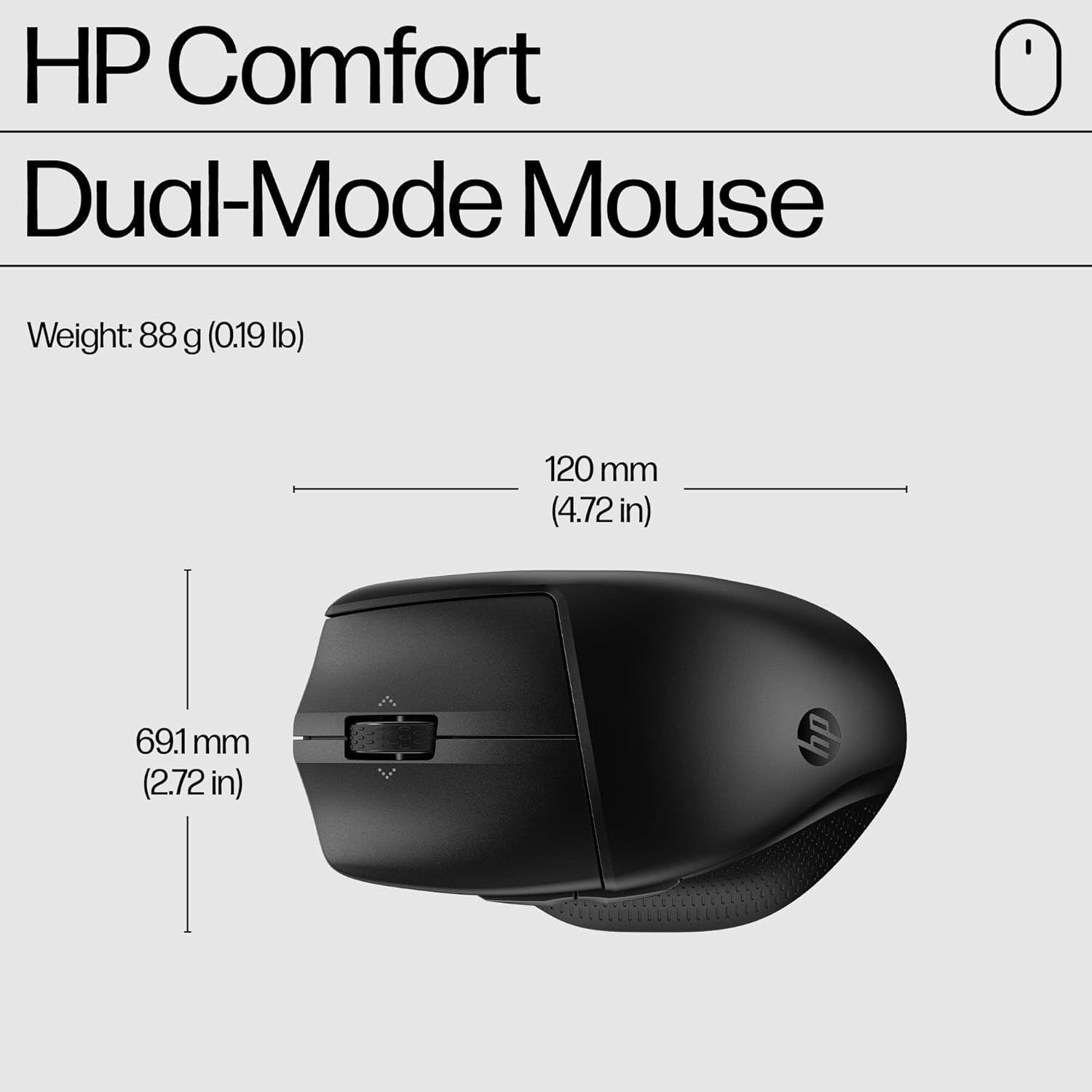
On the mouse side, the idea is comfort through grip and control. Side grips are built in to give you more confident handling, and the 4D tilt wheel supports fast scrolling both vertically and horizontally, which is useful when you’re moving through documents, spreadsheets, or long web pages.
Key features in everyday use
A few elements stand out when you imagine using this at your desk.
Quiet typing and quiet clicks are particularly relevant if you share your workspace or just prefer less audible feedback while you work. That matters more than it sounds if you’re doing a lot of messaging, writing, or meetings with audio on.
The 4D tilt wheel is another practical detail. Being able to scroll quickly in both directions can save time compared with wheel-only setups, especially when you’re jumping across wide layouts. It’s the sort of feature that feels small until you’re doing it repeatedly.
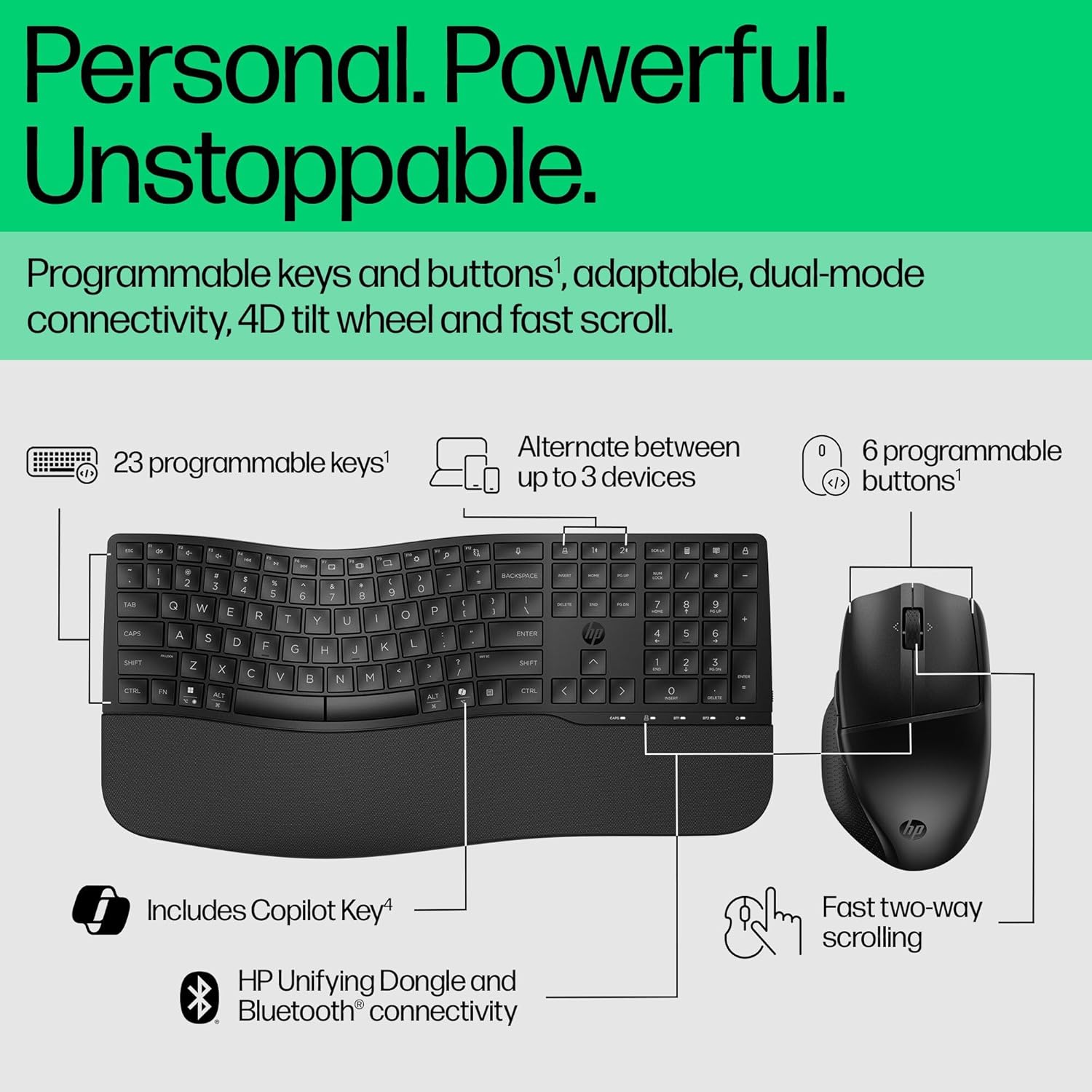
You also get programmable shortcuts. On paper, that’s for speeding up recurring tasks (think switching between apps or triggering common actions), and it can make a combo like this feel less generic if you spend enough time at the same workflow.
And there’s a security-enhanced sync approach: the keyboard and mouse are described as syncing to multiple devices worry-free, using both seamless Bluetooth and a dependable HP Unifying Dongle.
Connectivity and compatibility: dual-mode matters
This bundle supports both Bluetooth and an HP Unifying Dongle, so you can adapt your setup without constantly re-pairing. You can connect via a USB-A nano-dongle for a wider range of devices, and the spec you’re given mentions pairing with up to eight devices via the Unifying Dongle.
The keyboard and mouse can also connect via 2.4G Bluetooth, with up to three devices mentioned there. In other words, it’s built for multi-device users—laptop plus desktop, or desktop plus tablet/laptop—rather than a single device only.
There’s also a note that it’s engineered for Intel Evo devices and includes multi-OS compatibility. If you’re the type who bounces between different operating systems, that’s a reassuring direction, though “multi-OS” is intentionally broad—so it’s worth checking your specific device needs before buying if compatibility is critical.

Comfort, angles and battery life
Comfort is the core theme of this combo.
The keyboard includes a wrist rest and wave-shaped design, and crucially, three adjustable angles. That’s a real benefit if you’ve ever had a keyboard that sits too flat or too steep and makes your wrists feel tense over time. Still, comfort depends quite a lot on your desk height and chair position—so take the adjustability as helpful, not magic.

Battery life is also fairly generous for a wireless combo. The mouse is rated for up to 20 months on 1 AA battery, while the keyboard is rated for up to 36 months across 2 AA batteries. That’s the kind of claim that matters for value because it reduces the “maintenance noise” of swapping batteries regularly.
Where it shines, and where it may fall short
It’s a strong match if you want a keyboard and mouse combo that focuses on comfort features (wave shape, adjustable angles, wrist rest, side grips) plus practical control (4D tilt wheel, fast scrolling, programmable shortcuts). Quiet typing and clicks also put it in a category that suits shared offices and late-night work where audio discipline helps.
It may not be the best choice if you want the simplest possible setup. The dual-mode approach, programmable shortcuts, and multi-device pairing are helpful for frequent switching, but if you only connect to one device and don’t care about quiet operation or scrolling speed, you might not get much extra value.
Also, if you’re very sensitive to keyboard feel, you’ll want to consider that comfort is subjective. Even with the adjustable angles, the “wave” layout may not suit every typing style.
Should you buy it?
It makes sense if you’re regularly using a keyboard and mouse for desk work, you care about wrist comfort, and you want quiet feedback without sacrificing control features like fast scrolling. The dual-mode Bluetooth plus HP Unifying Dongle approach is especially relevant if you switch between multiple devices and want a smoother workflow.
You may want to skip it if you’re after a basic wireless keyboard/mouse for occasional use, or if you don’t need multi-device pairing. And if your priority is purely ultra-compact design or a very specific typing feel, this might stay more in “comfort-focused office setup” rather than being a perfect fit.
Mini FAQ
How many devices can it connect to?
The product details mention pairing up to eight devices via the USB-A nano-dongle and up to three devices via 2.4G Bluetooth. That’s aimed at multi-device users.
Is it quiet for shared spaces?
Quiet typing and quiet clicks are specifically described, which should help reduce background noise when working near others.
How does the 4D tilt wheel help?
It supports fast scrolling with both vertical and horizontal movement, which can be useful when moving across documents or wide pages.
How long do the batteries last?
The mouse is rated for up to 20 months on 1 AA battery, and the keyboard for up to 36 months using 2 AA batteries, based on the information provided.
Does it work with Bluetooth-only setups?
Yes—seamless Bluetooth sync is mentioned alongside the HP Unifying Dongle, so you should be able to use it without relying solely on the dongle.