

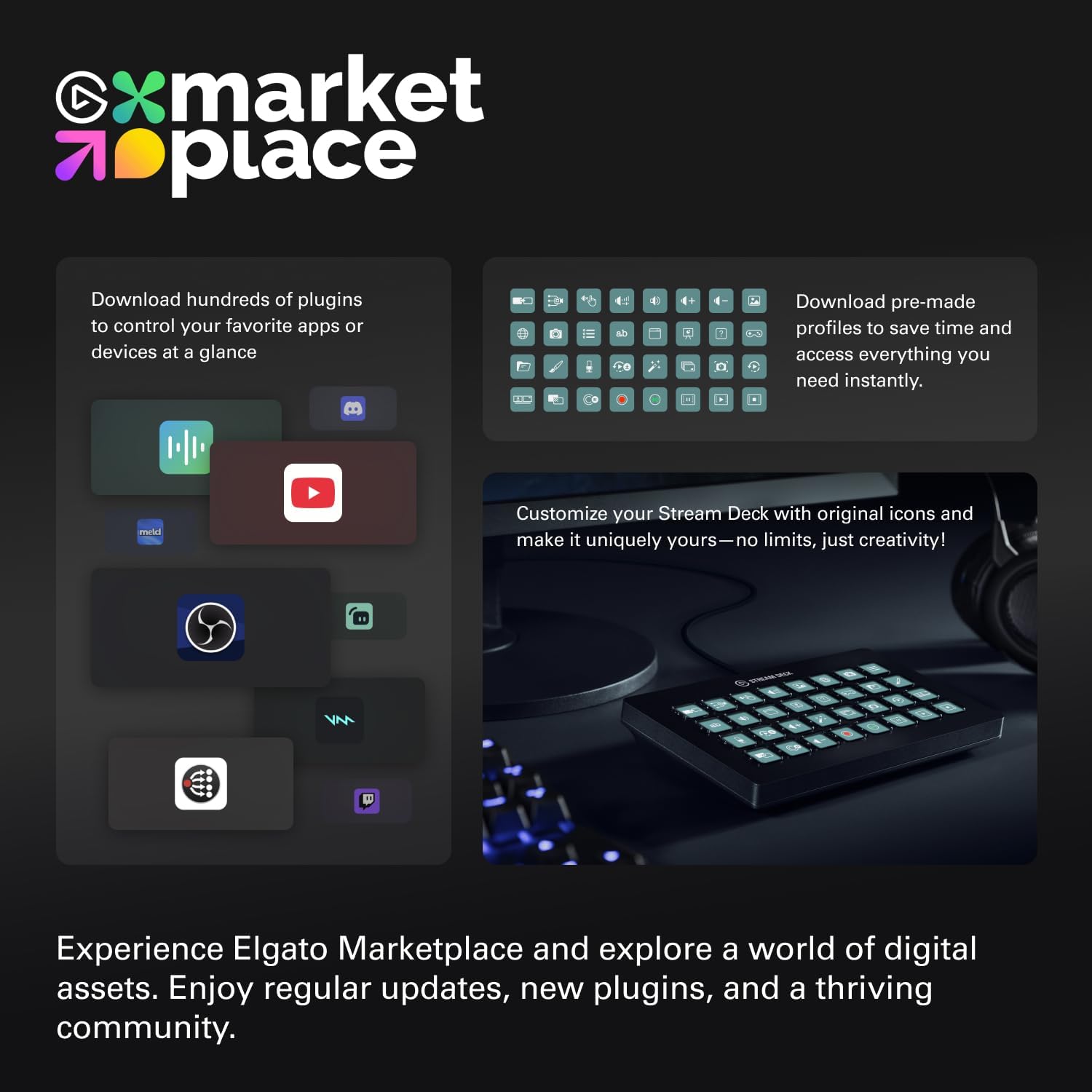
Stream Deck XL 32 macro keys controller
Product description
If you live stream, record, or produce content on a Mac or PC, the Elgato Stream Deck XL is a practical way to move faster between scenes and tools. With 32 macro keys, you can trigger actions in apps and workflows such as OBS, Twitch, and YouTube using simple one touch commands. That means fewer clicks and less tab switching when you are managing a show in real time. 🎛️
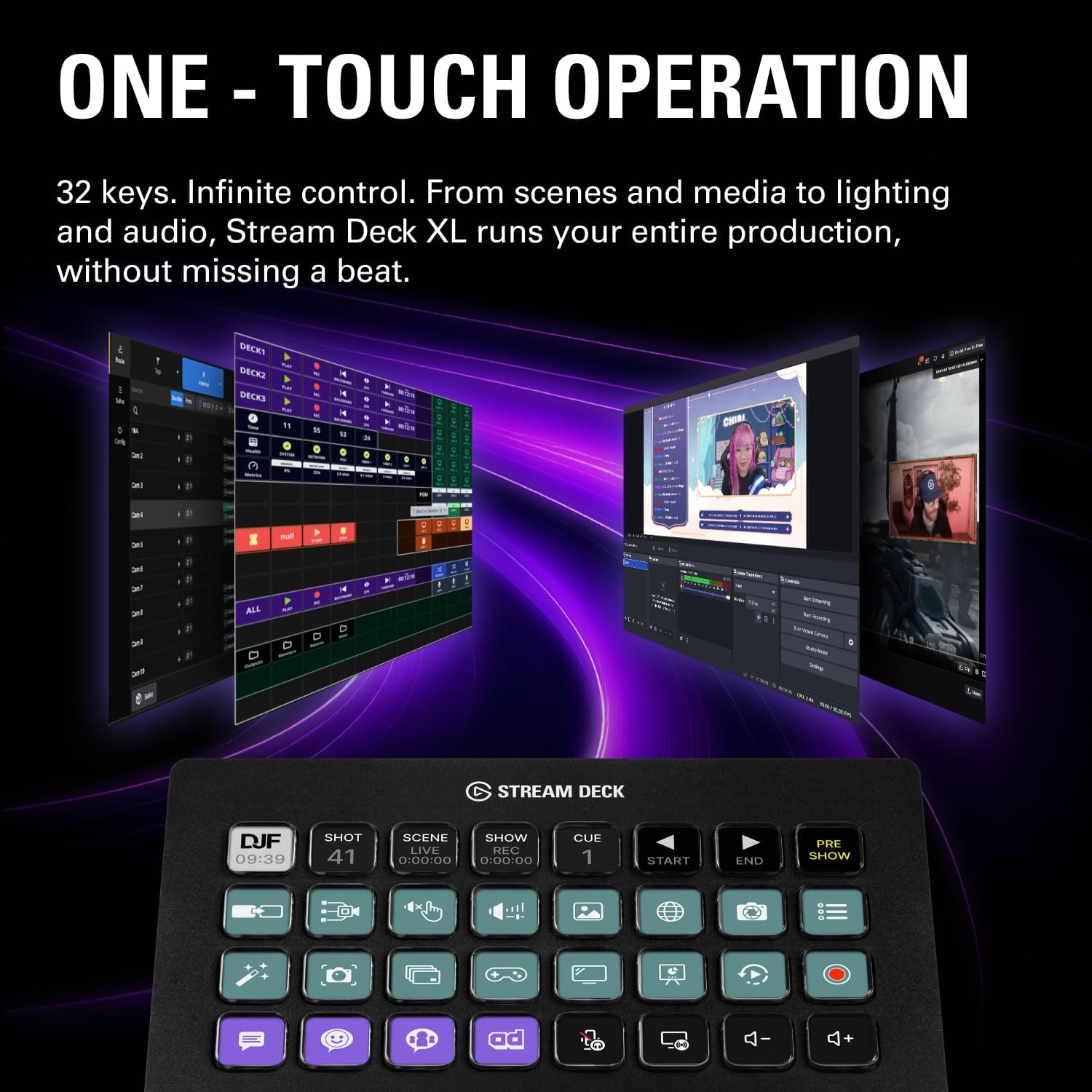
The Stream Deck XL works as a studio controller that gives clear, repeatable control over common production tasks, from media launching and camera switching to lighting and audio tweaks. It also focuses on feedback, so you can quickly tell when a command has been executed, which is exactly what you want during a live moment. ⚡
Key features
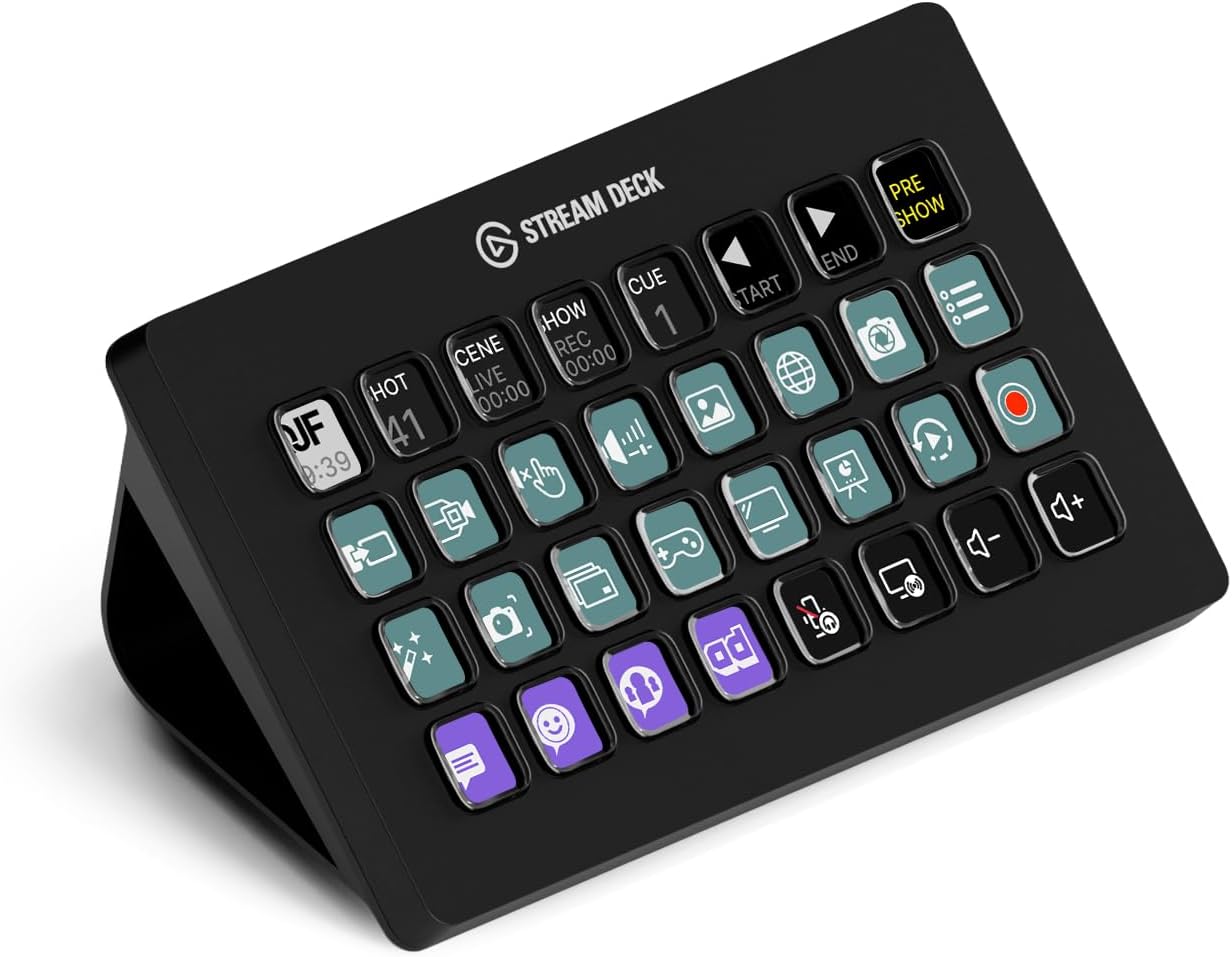
The main advantage of this model is the combination of a large control surface and customisable keys. Each of the 32 LCD keys can be set up to trigger actions, so you are not limited to a single workflow. Instead, you can map buttons to the exact tasks you repeat most often, such as changing scenes, switching cameras, or launching segments.
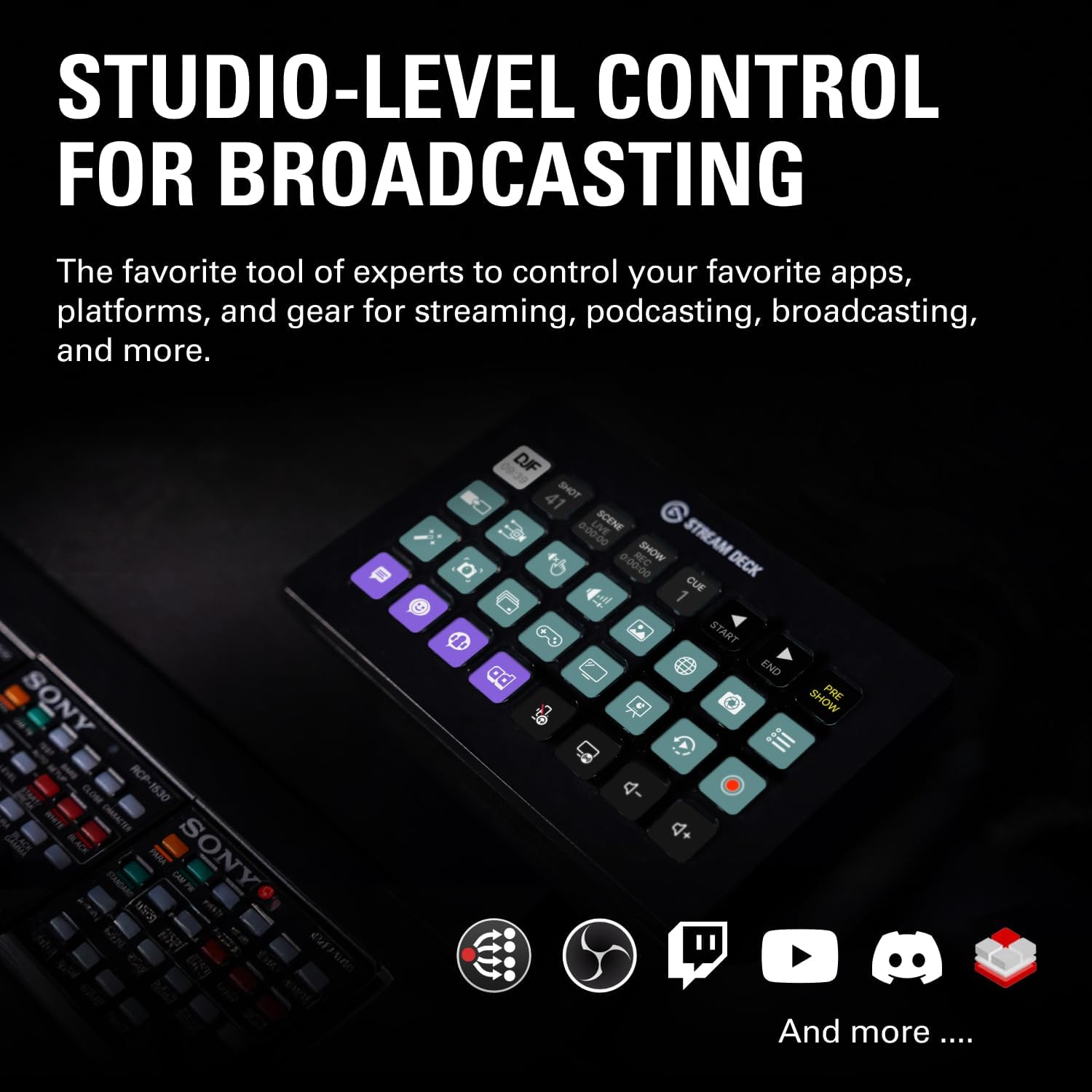
Powerful integrations are central to how it fits into everyday production. According to the manufacturer, it supports integrations including OBS, Twitch, YouTube, Twitter, Discord, Spotify, Philips Hue, vMix, and VoiceMod, plus additional options. You can use it to run actions across software and platforms you already rely on, rather than learning a completely new control system.
One touch operation helps keep your focus on the stream and the performance. When you need to move quickly, you can use the deck to run actions like adjusting lighting, tweaking audio, or launching media without hunting through menus. Visual feedback also helps you build confidence, because you know that your command has been carried out. ✅
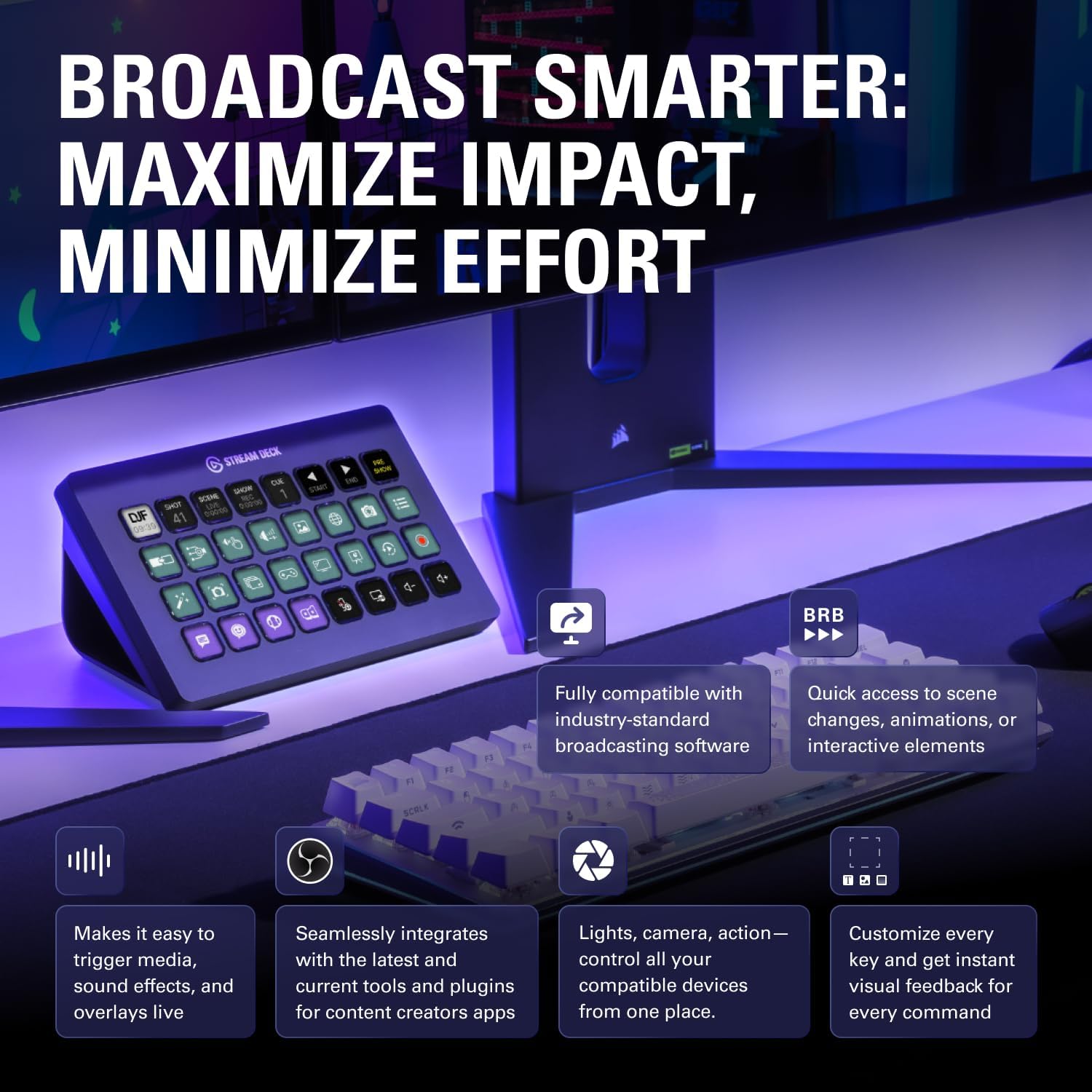
It also supports use with both Mac and PC, which makes it easier to standardise your setup at home or in a small studio. If you produce content with a computer based workflow, this controller is designed to sit alongside your existing apps and make them easier to control.
Tech specs
- Name: Elgato Stream Deck XL – Advanced Studio Controller
- Type: Studio controller for live production and streaming control
- Capacity: 32 customizable LCD keys
- Format: Macro controller with trigger actions in apps and software
- Size: Large controller form factor
- Display: Visual feedback via LCD keys
- Compatibility: Works with Mac and PC
What stands out
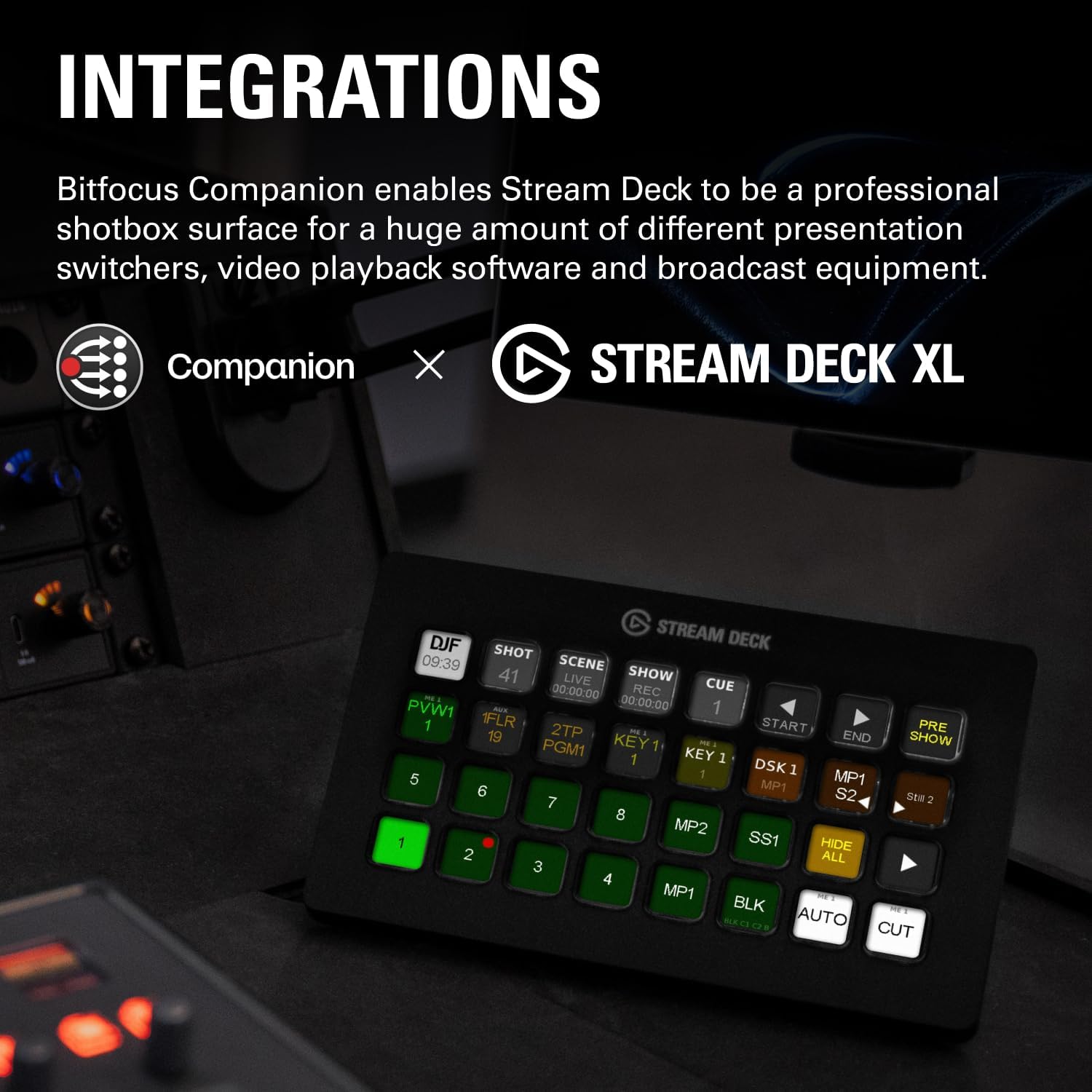
With the advanced studio controller design, you get a layout built for switching between tasks quickly. Having 32 macro keys means you can keep more of your usual commands visible and ready, instead of cycling through limited hardware controls. The LCD keys are a key part of that, because they let you trigger actions instantly with a tap.
If you run live production workflows, the ability to trigger actions in multiple apps can make a noticeable difference. You can coordinate tasks such as changing scenes, adjusting audio, and switching cameras, then keep the pace without losing time between steps. It also supports controlling platforms and services commonly used by creators, including Twitch and YouTube, alongside communication tools like Discord.
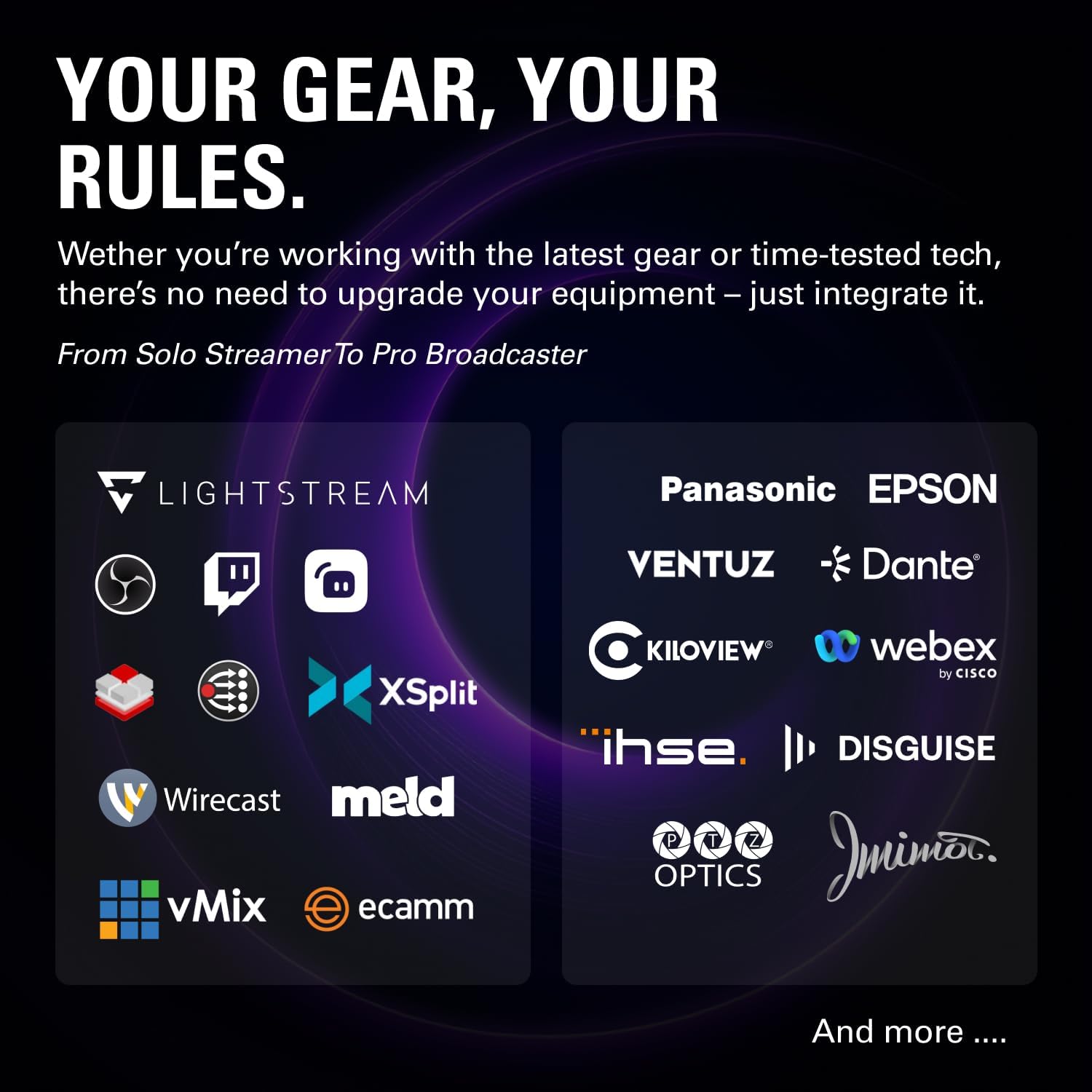
Worth noting, integration depth depends on the apps and software you use, and the available actions are driven by the supported integrations and your configuration. That said, the broad list of integrations mentioned by the manufacturer suggests it is intended to fit into a wide range of creator and production setups.
For more complex shows, the deck can also help reduce errors caused by rushing or clicking the wrong control. When you assign actions logically to your keys and rely on visual feedback, your show transitions can feel more consistent. 😊
Who it’s for
It’s a solid choice if you want a dedicated streaming control surface for Mac or PC and you regularly manage scenes, media, and production settings. You’ll likely appreciate it if your workflow uses tools such as OBS, and if you want faster interaction with platforms like Twitch and YouTube. If you run sessions where timing matters, the one touch approach and execution feedback can help you stay on track.
It may not be a great match if you only need occasional changes during a video and you are happy with standard keyboard shortcuts or mouse clicks. It is also less compelling if your production setup does not use the integrations you would be mapping to the keys. If you do have a repeatable routine, the Stream Deck XL is designed to turn that routine into dependable one touch actions.