

Logitech MK540 Advanced Wireless Keyboard and Mouse Combo (QWERTY UK) with Unifying receiver
Reviews
Price
Product description
The essentials
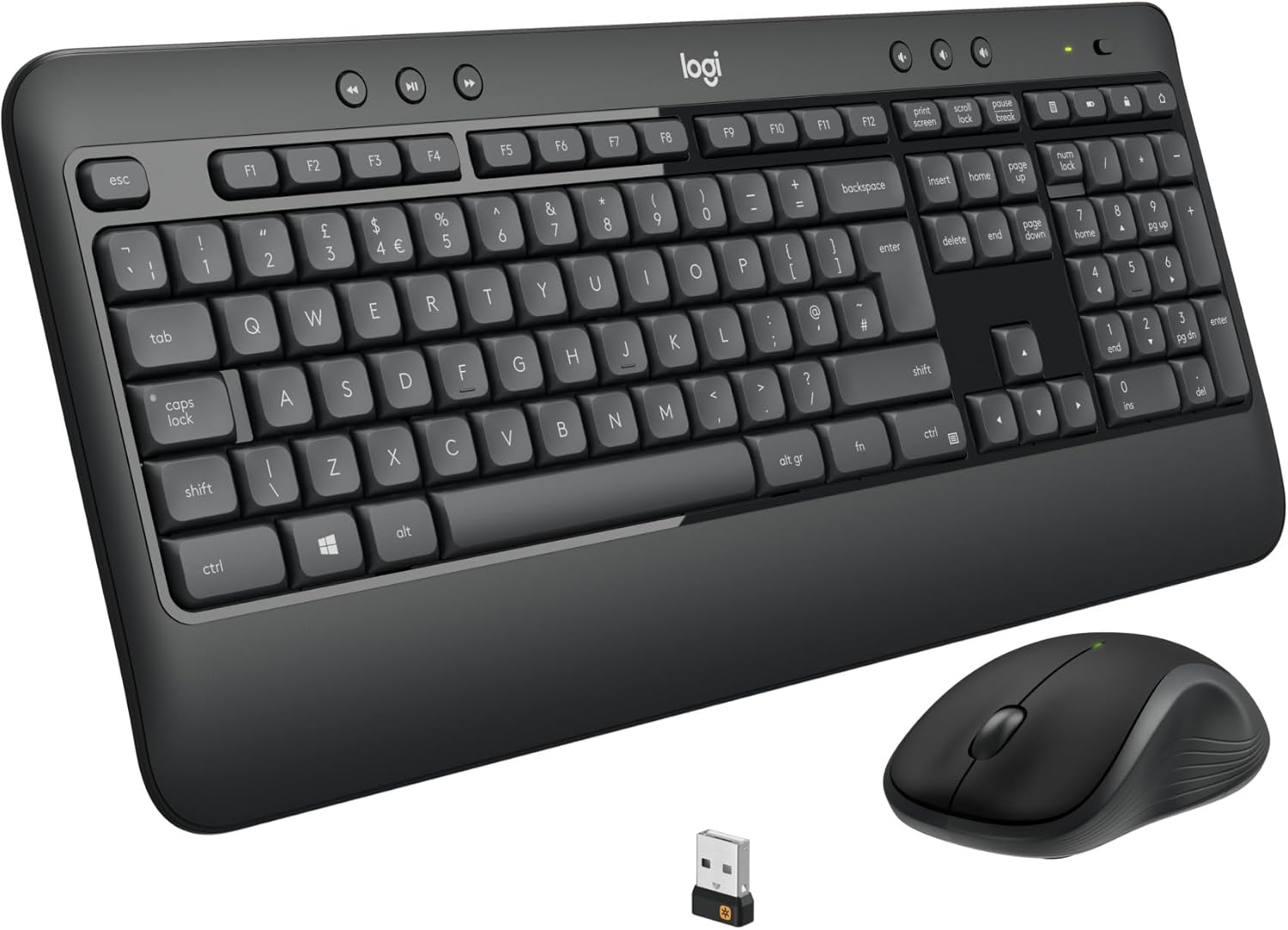
If you want a straightforward Windows setup that feels natural from the first minute, the Logitech MK540 Advanced wireless keyboard and mouse combo is built around that idea. It’s a full-size QWERTY UK layout wireless keyboard paired with a compact, comfortable cordless mouse, both using a 2.4 GHz Logitech Unifying USB receiver for a reliable plug-and-play connection.
On paper, the MK540 stands out for three practical things: a reduced-noise keyboard experience, an ambidextrous-style mouse shape with soft rubber side grips, and a long battery life that should keep replacements out of your mind for a while. It’s not trying to be a gamer’s weapon, it’s more about everyday typing, office browsing, spreadsheets and general PC or laptop use.
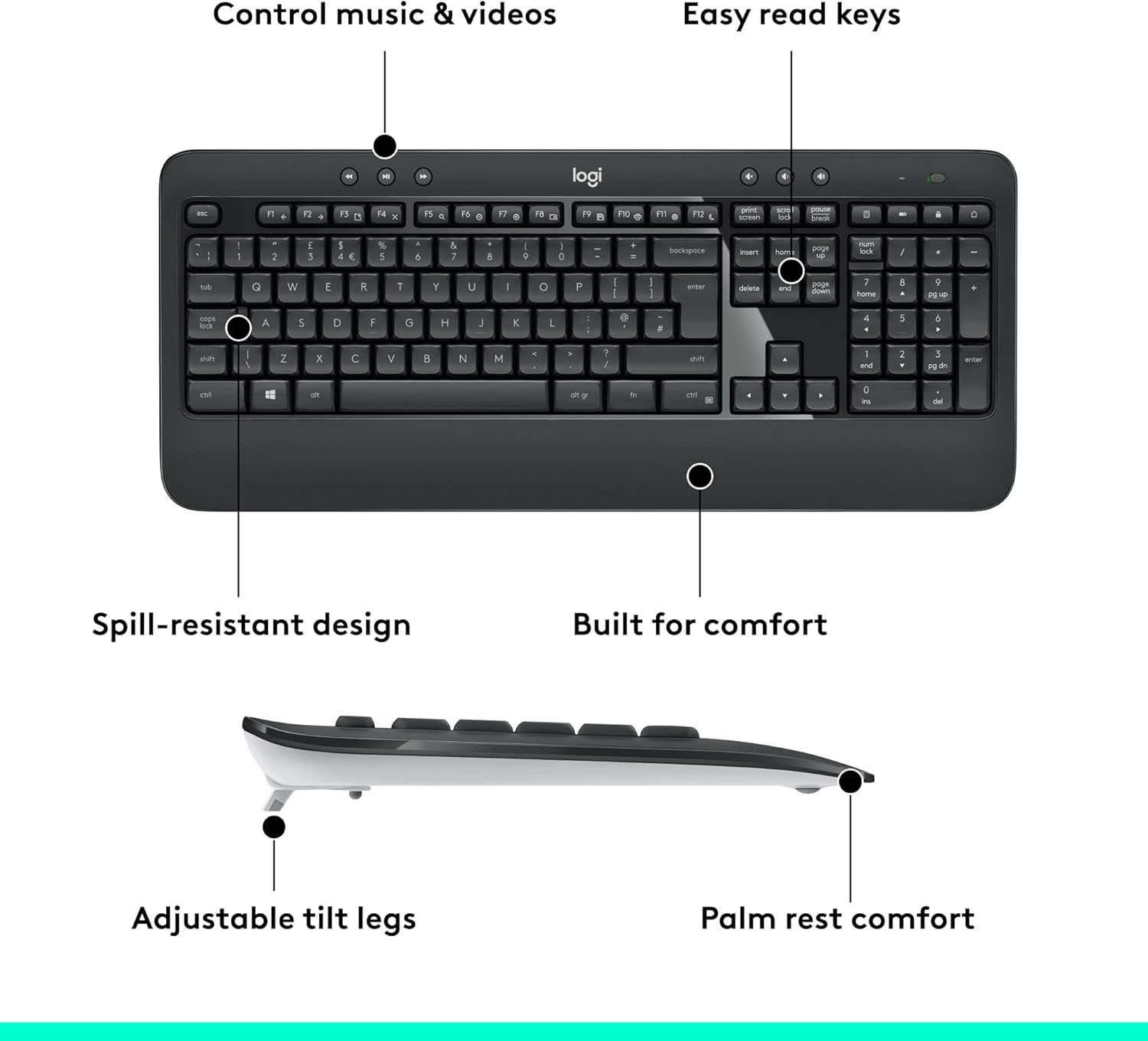
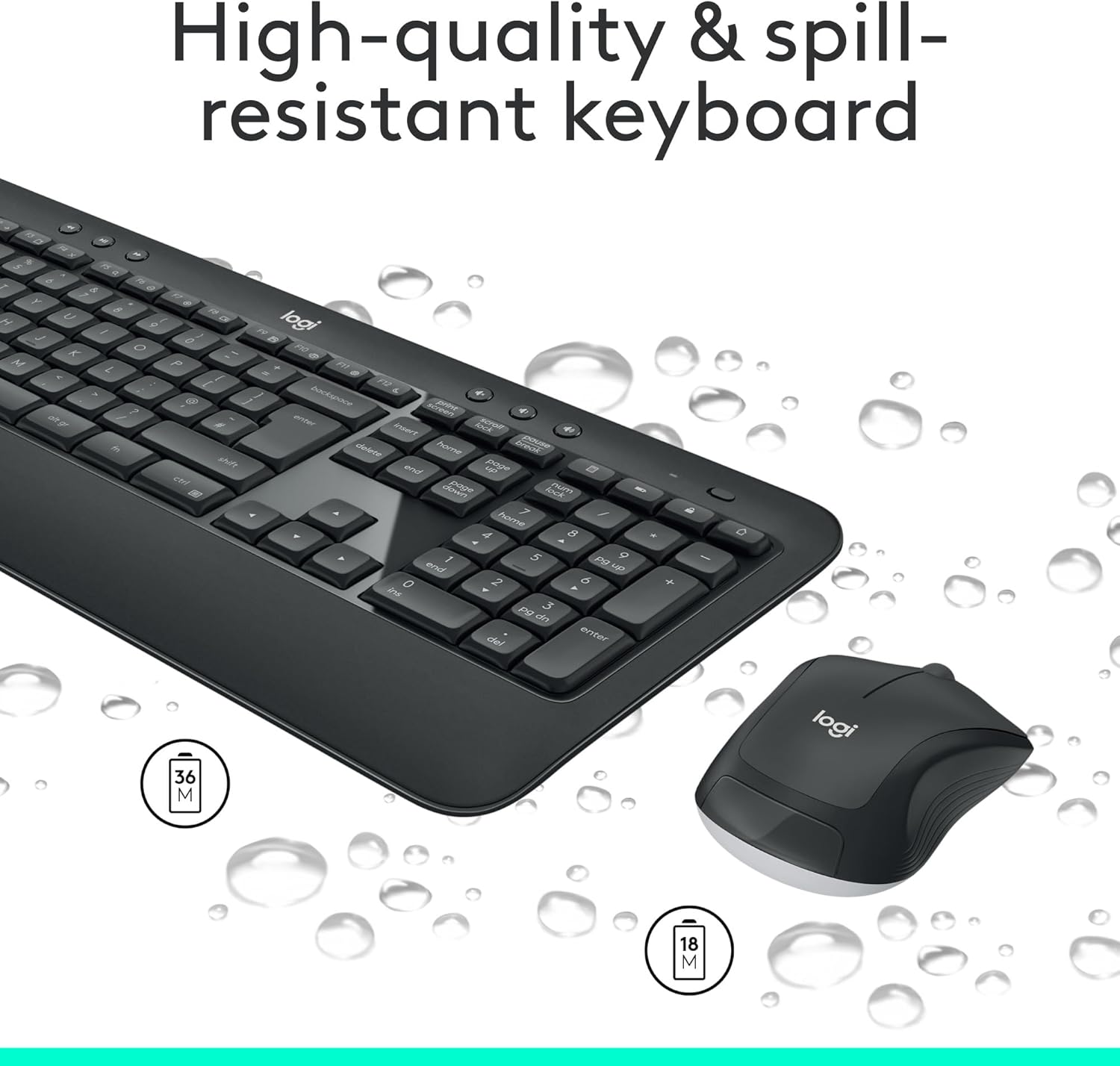
A small but important detail: it’s described as spill-resistant, which is the sort of feature you only properly appreciate after a close call.
Key features that you’ll actually notice
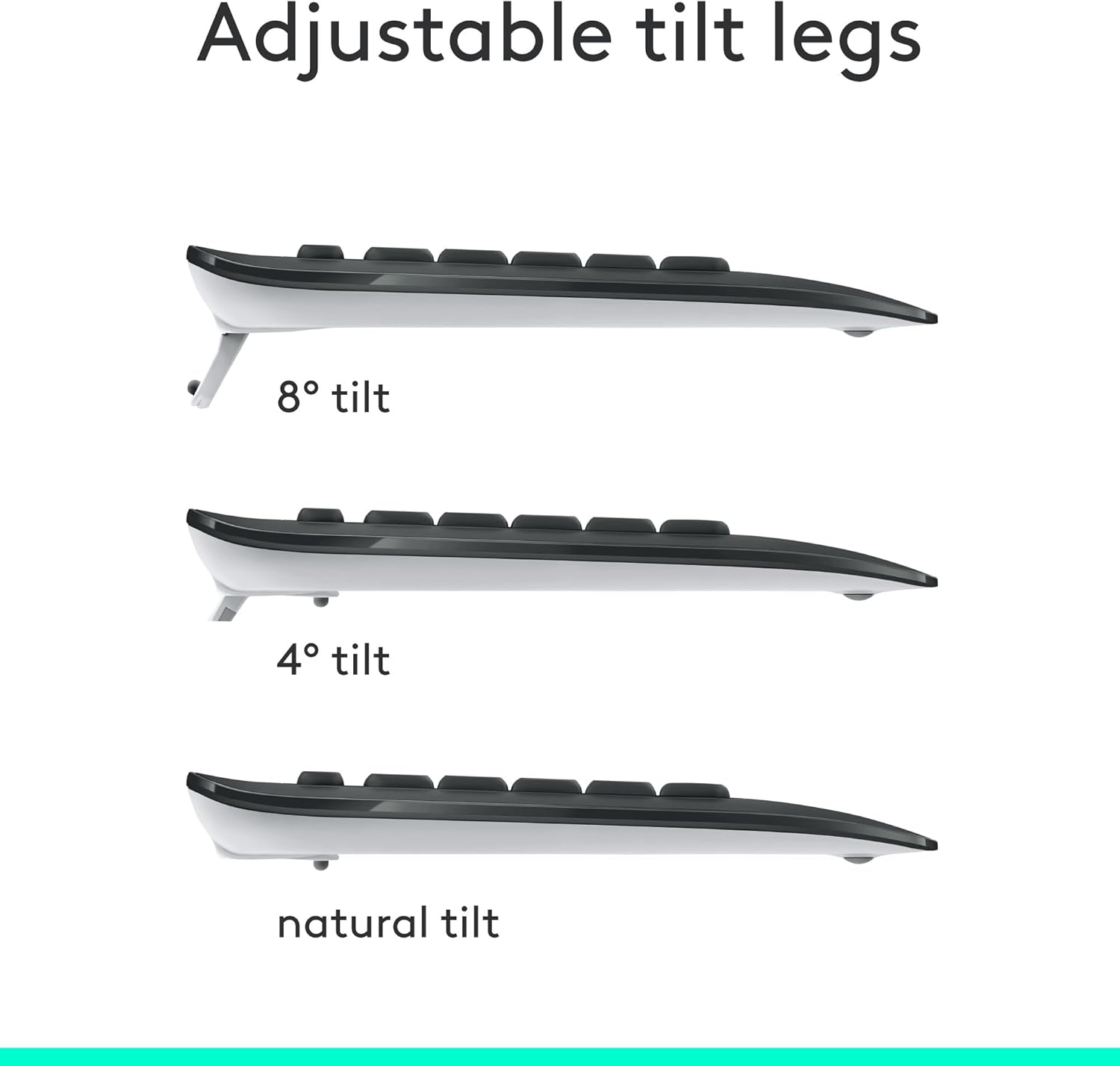
The keyboard is designed for comfort rather than flash. It uses a palm rest and offers adjustable tilt legs, so you can find a slightly better typing angle. There are also multimedia hotkeys included, plus essential shortcuts like calculator access and a battery check function.
The mouse, meanwhile, is shaped with an ambidextrous approach and soft rubber side grips. In real day-to-day use, that usually translates to fewer “where do I put my fingers?” moments—especially if you’re alternating between desk work and casual browsing throughout the day.
For connection, the mini Logitech Unifying USB receiver means less fiddling. You plug it in and go, with a wireless link described as reliable up to 10 m from your PC or laptop.
Battery life and reliability (where it earns its keep)
Battery is one of the MK540’s biggest selling points in the provided info. The keyboard is listed as lasting up to 36 months, while the wireless mouse is listed as up to 18 months.
That matters because it changes how often you have to manage your workflow. Less charging and fewer battery checks can be a genuine quality-of-life improvement if you use your computer every day.
What’s in the mix for productivity

The hotkeys are clearly aimed at quick, everyday tasks—media control, calculator access and a battery check function are mentioned as direct shortcut options. So if your work rhythm involves switching between content, calculations and general system tasks, you’re not constantly reaching for menus.
It’s the type of combo that fits well for admin work, homework, email-heavy days and spreadsheet sessions, where comfort and shortcuts matter more than advanced customisation.
Tech specs
- Type: Wireless keyboard and mouse combo for Windows
- Wireless connection: 2.4 GHz with Logitech Unifying USB receiver
- Layout: QWERTY UK English
- Battery life: Keyboard up to 36 months, mouse up to 18 months
- Range: Up to 10 m from PC or laptop (as described)
- Hotkeys: Multimedia hotkeys plus shortcut access such as calculator and battery check
- Design notes: Palm rest, reduced noise typing, spill-resistant design, adjustable tilt legs
- Mouse design notes: Ambidextrous shape, soft rubber side grips, enhanced tracking / precise cursor control
- Compatibility: Windows 10 or later, Windows 8, Windows 7, Chrome OS
Who it suits best, and where it may fall short
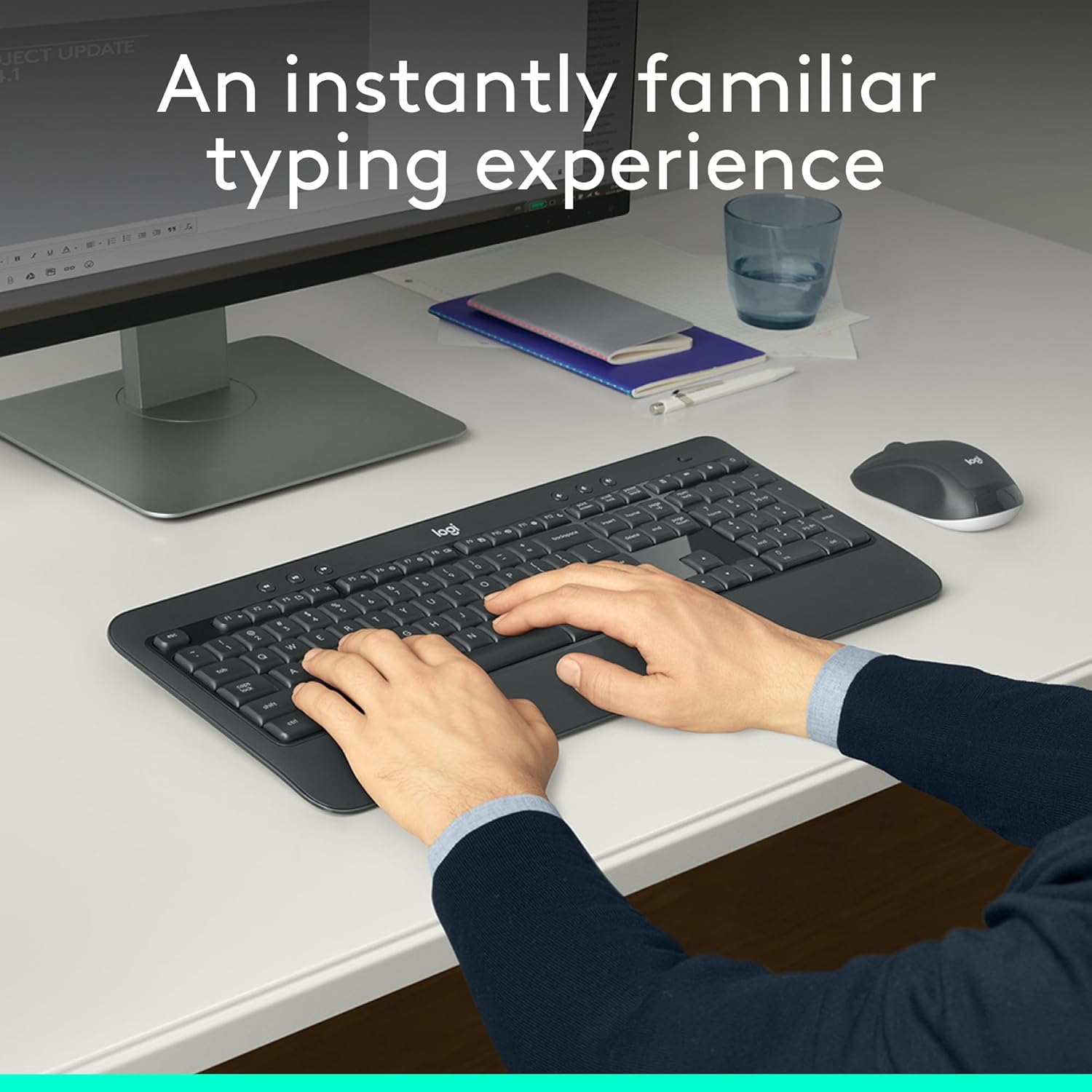
It’s a good fit if you want a comfortable, full-size wireless keyboard with a familiar feel, plus a mouse designed for all-day grip comfort. You’ll likely appreciate it if you’re working in Windows or Chrome OS on a PC or laptop and you prefer a simple Unifying receiver setup rather than more complex pairing.
It might not be the best choice if you’re after specialist features, deep software control, or a highly configurable “enthusiast” setup. The description doesn’t point to extensive customisation options—so depending on what you’re used to, you may find it more “solid everyday kit” than “everything you could tweak”.
Should you buy it?

Buying verdict Buy the Logitech MK540 combo if you’re aiming for an everyday wireless keyboard and mouse pair that prioritises comfort, reduced-noise typing, spill-resistant design, and long battery life, with a plug-and-play Unifying receiver for a reliable connection.
You may want to skip it if you specifically need more advanced customisation or features beyond multimedia hotkeys and essential shortcuts. If your setup demands something more niche, this is better viewed as a practical general-purpose package rather than a specialised tool.
Mini FAQ
Can I use it with Chrome OS?
The provided compatibility information says it works with Chrome OS, alongside Windows 10 or later, Windows 8 and Windows 7.
How does the wireless connection work?
It uses a 2.4 GHz Logitech Unifying USB receiver, described as plug-and-play and reliable up to 10 m.
Is the keyboard spill-resistant?
The keyboard is described as having a spill-resistant design. It’s worth treating that as “helpful protection”, not an excuse for careless liquids.
How long will the batteries last?
The keyboard is listed as lasting up to 36 months and the mouse up to 18 months, based on the product information provided.
Does it have UK English keys?
Yes—this is listed with a QWERTY UK English layout.