

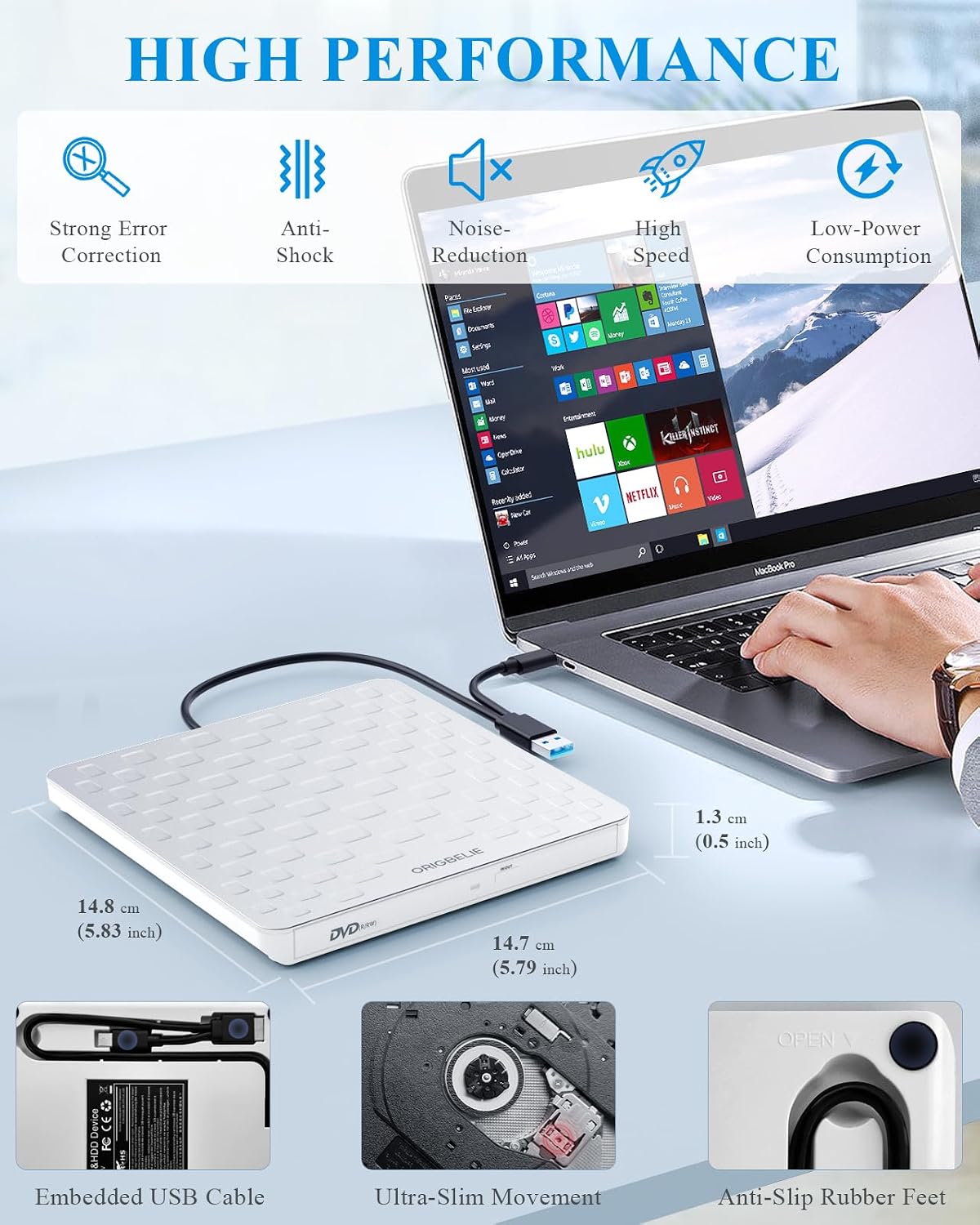
ORIGBELIE External CD/DVD Drive for Laptop – Ultra-slim 13mm USB 3.0 Type-C Portable Burner/Reader (White)
Product description
The essentials
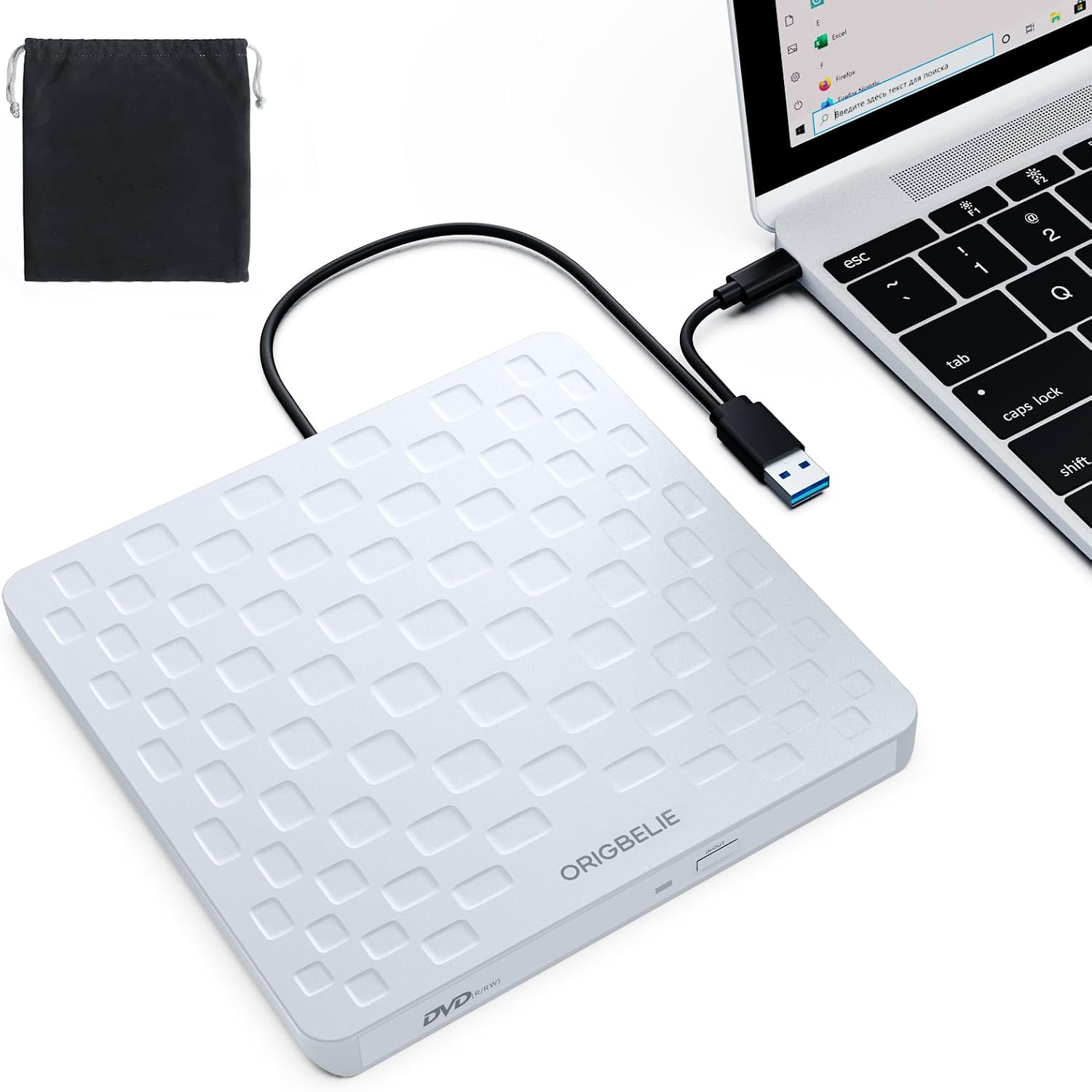
If you still need physical discs—installing software, accessing older files, or backing up data—an external CD/DVD drive can feel like a bit of a lifeline. The ORIGBELIE External CD/DVD Drive is an ultra-slim portable unit (13mm thick) designed to connect over USB and handle both reading and writing, so it’s not limited to just “playing” discs.
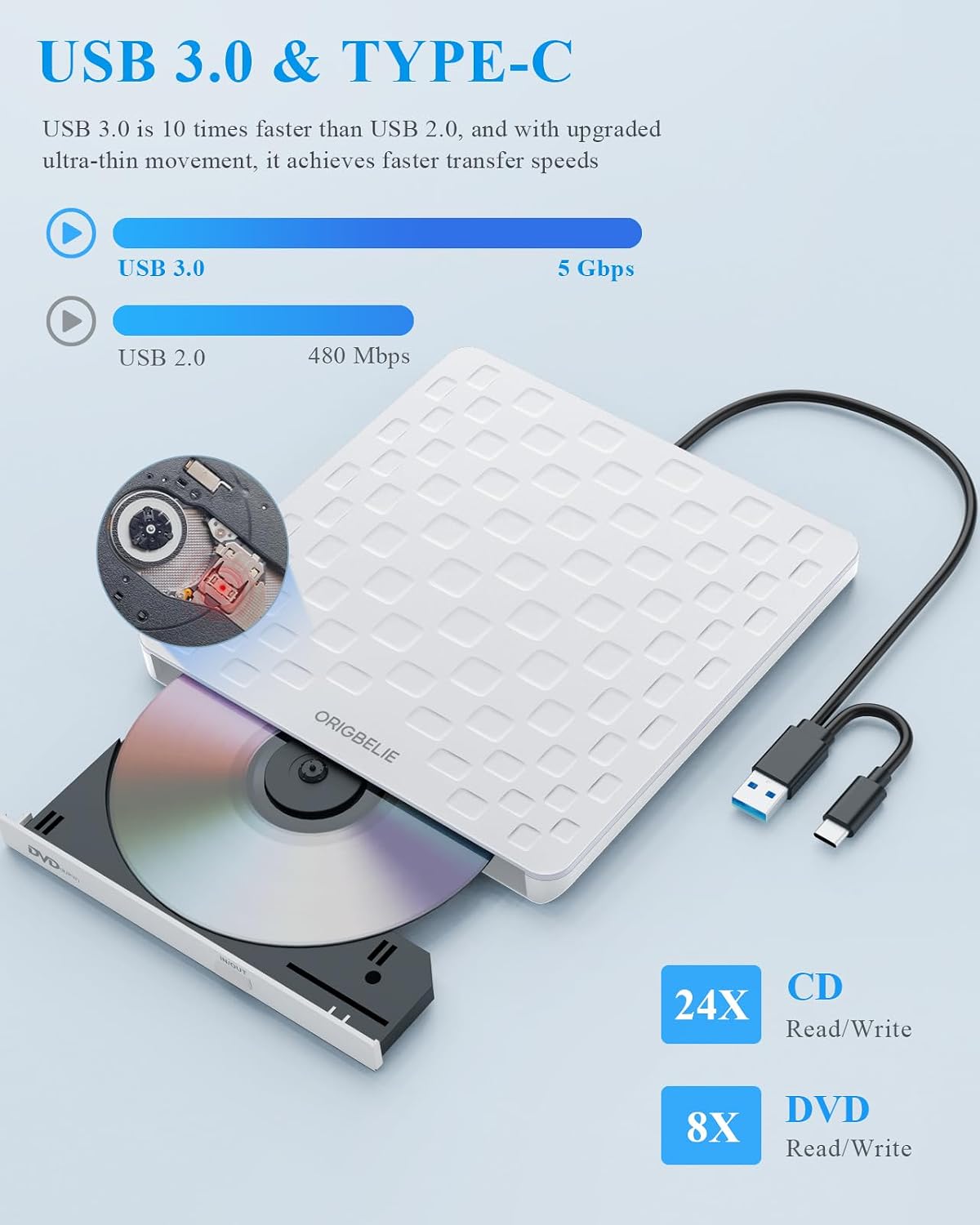
On paper, it focuses on speed (USB 3.0 high-speed transfer, with claimed max read/write speeds for CD and DVD), straightforward plug-and-play use, and broad compatibility across multiple operating systems. That said, there’s always a catch with disc drives: power and system detection can be a little temperamental depending on the computer, and you’ll want to double-check your environment before you rely on it.
Key takeaways
What stands out here is the combination of portability and functionality. It’s built to travel easily, powered via USB (so you don’t need an extra power supply), and it includes a charging/power cable option in the box for situations where a computer might not supply enough power for stable operation.
What to know before you buy
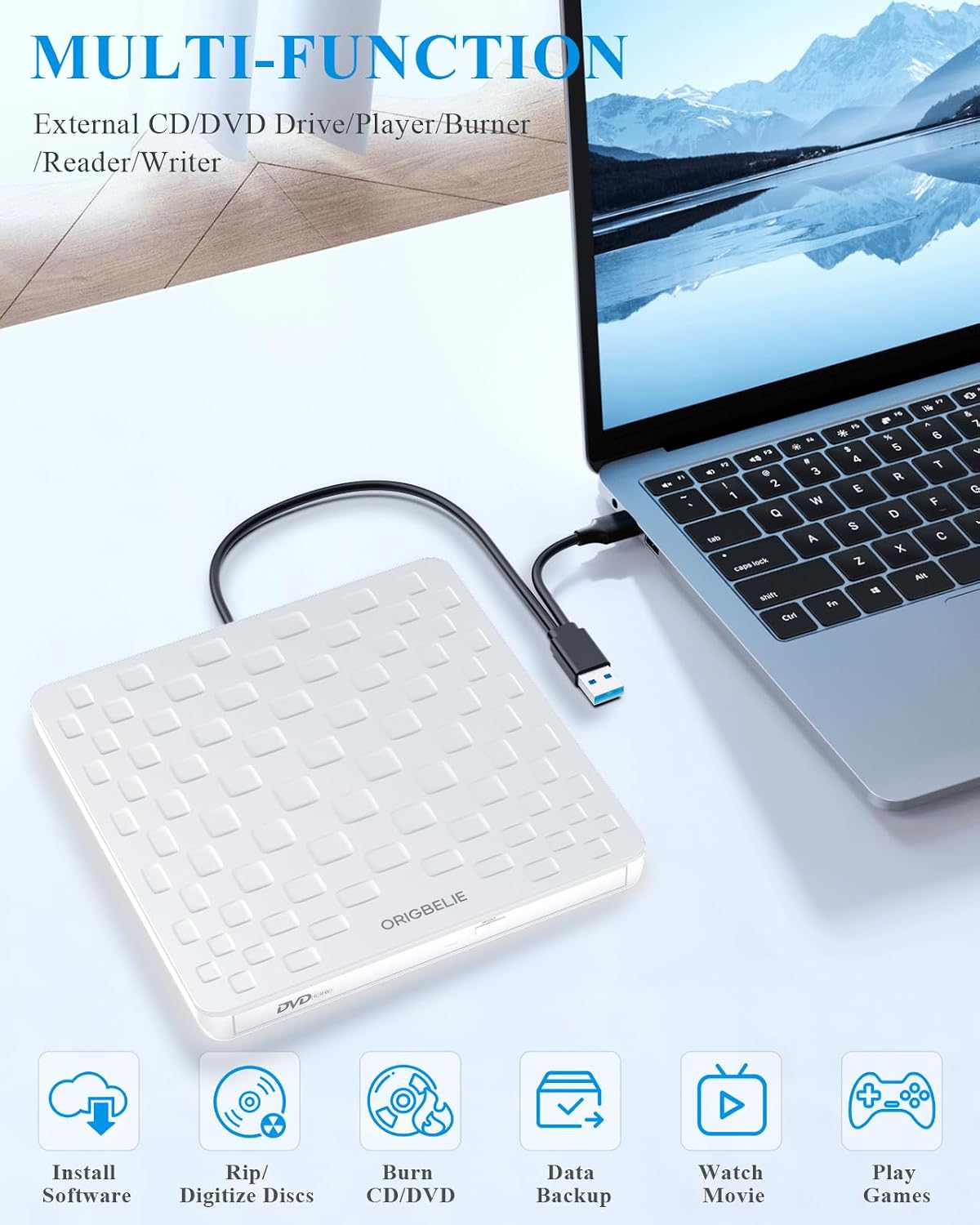
This drive is aimed at everyday “real world” disc tasks: reading and writing a range of CD and DVD disc types, installing software, watching movies, listening to music, and creating disc-based backups.
A few buying points to keep in mind:
- Disc support is broad for CDs and DVDs (including recordable formats and common DVD variants), but it won’t cover Blu-ray discs.
- It’s powered by USB, which is convenient, yet some laptops/desktops may need the extra 5V charging cable (also included) if you run into power-related read/write issues.
- Plug & play is the headline, but detection can behave differently on some systems. The manufacturer notes that on Mac, the device icon may not show until a disc is placed and read successfully.
If you’re planning to use it for something like installing older software or reading data discs you already own, this kind of “USB burner/reader” approach is often the simplest alternative compared with moving files via other storage methods (when you can’t, because the data lives on optical discs).
Key features that affect day-to-day use
In day-to-day use, the practical benefits are mainly about convenience and handling:
- USB 3.0 high-speed connection (backward compatible): it supports faster transfer rates on USB 3.0 and should work on older USB versions too.
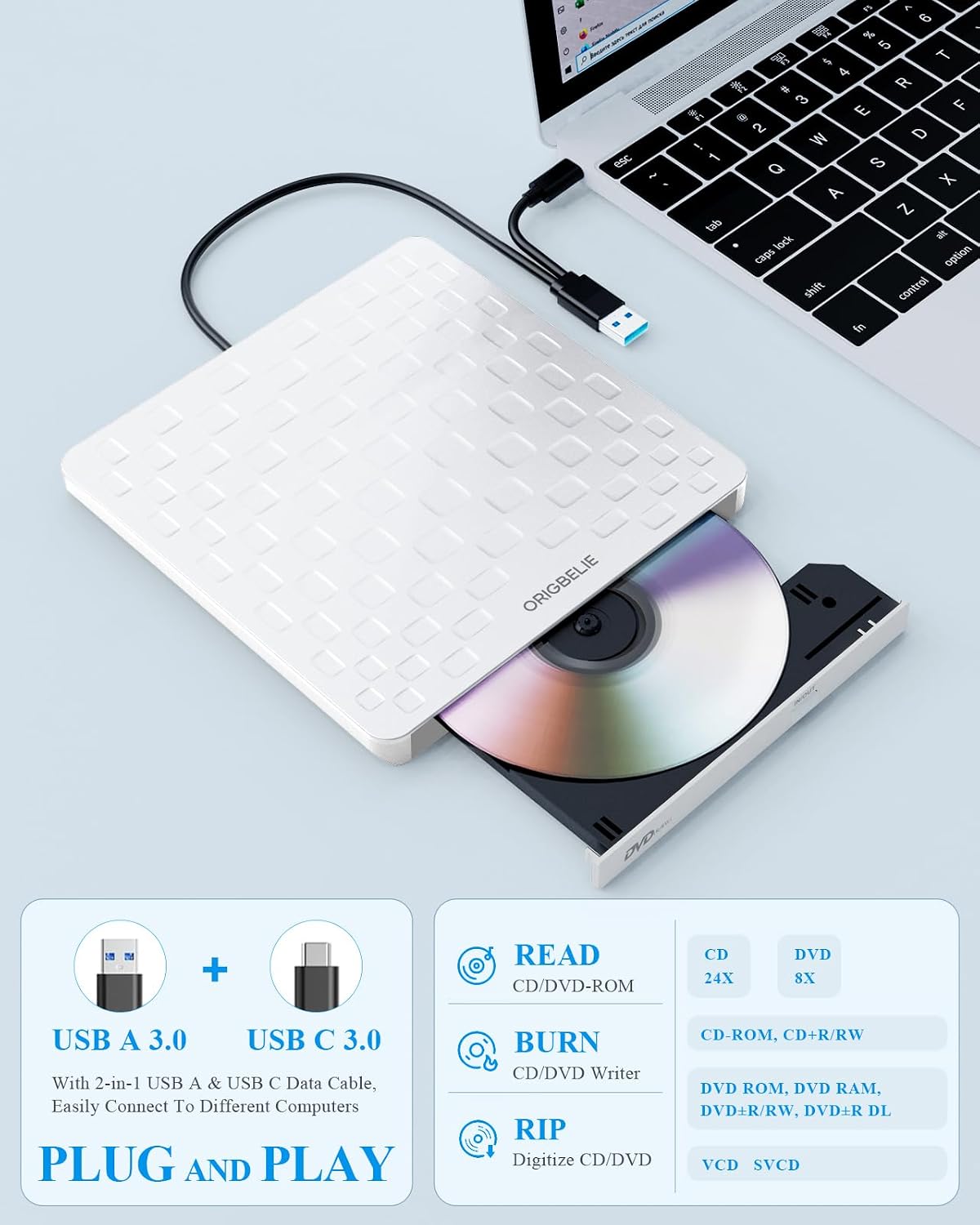
- USB-powered design: you connect it using the included 2-in-1 data cable (USB Type-A or USB Type-C connectors are mentioned) and it detects automatically on supported setups.
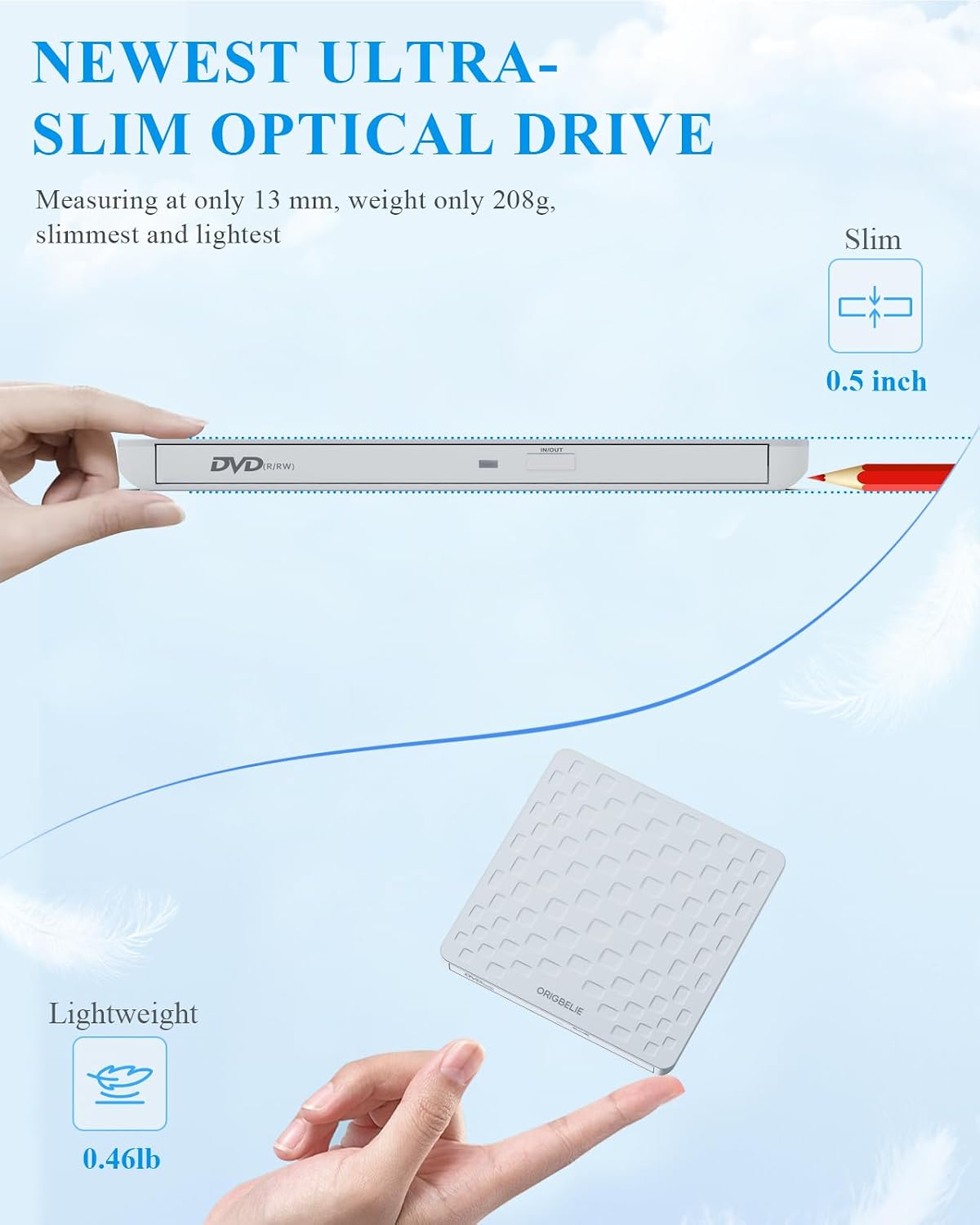
- Portability: at 13mm thick and with an integrated data cable design, it’s less likely to become a “cable that you can’t find” situation when you need it urgently.
- Disc error correction and noise reduction (claimed): these details matter mostly if you’ve ever had a scratched disc and wondered whether your drive will still manage the read.
A simple micro example: imagine you’ve got a CD with an installer for an older application. You plug the external drive in, insert the disc, and use the appropriate software to read or write. If your laptop is fussy about power, the included charging cable gives you a fallback route (or at least that’s the intention).
Compatibility & requirements
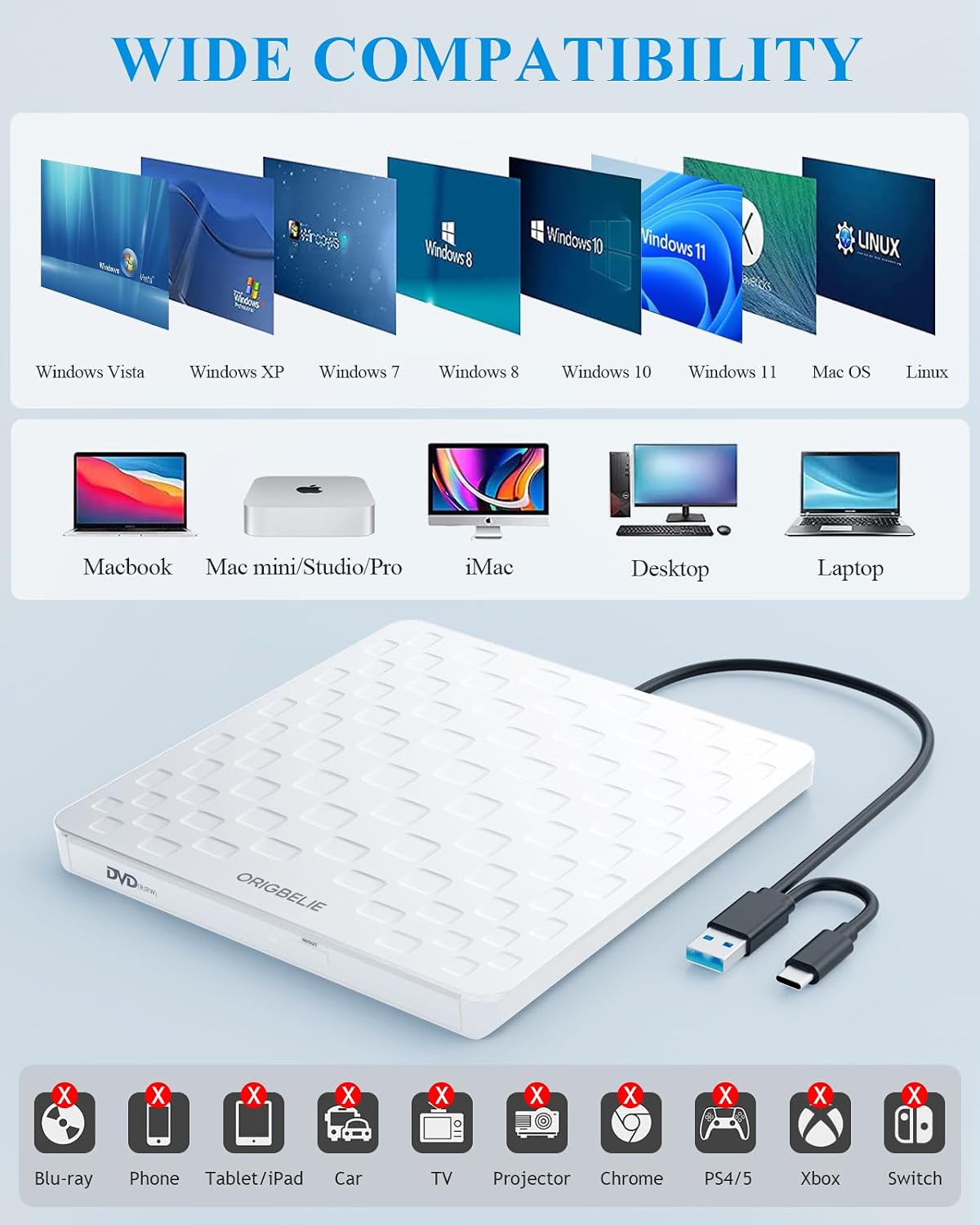
The compatibility list is wide. It’s described as working with Windows versions (including Windows 11/10/8/7 and others listed), Linux, and Mac OS 10.6 or above.
For desktops, there’s also practical guidance: connecting to the back USB port of the motherboard is recommended to help avoid power shortage.
It’s also explicitly not compatible with a number of device categories and systems mentioned, including (as stated) Blu-ray discs and devices like iPads/tablets/phones, consoles (PS3/4/5, Xbox, Switch), and certain systems such as Ubuntu and Chromebook. If your setup is in that “not compatible” list, it’s one of those cases where you may want to skip it rather than waste time troubleshooting.
Is it worth it?
Worth considering if you need a portable, USB-powered external CD/DVD burner/reader for typical disc tasks—reading older data discs, writing backups, or installing software from CD/DVD—especially when you want something slim that’s easy to keep in a bag.
It may not be the best choice if you’re trying to use Blu-ray discs, if your device/system falls into the mentioned non-compatible categories, or if you strongly prefer a drive that’s guaranteed to behave identically across every Mac setup and USB port without ever needing the included extra power cable.
If you mainly work with modern file storage and don’t have a recurring reason to use discs, you might be better off focusing on a different transfer method (because optical drives can be a hassle when you only need them once in a while).
Quick overview
The ORIGBELIE external drive leans into plug-and-play convenience, broad CD/DVD format support, and portability (13mm thick). It’s the sort of product you buy when discs are still part of your workflow—and when you want a straightforward USB connection rather than a bulky optical setup.
Mini FAQ
Does it need extra drivers or a power supply?
The product description says it doesn’t require additional drivers and is powered by the USB port. The extra included charging cable is there as a workaround if a computer doesn’t supply enough power.
Will it work with Mac?
It’s described as compatible with Mac OS 10.6 or above. There’s also a specific note that the device icon may not show until a disc is placed and read successfully.
Can it burn DVDs and CDs?
Yes—it's described as a reader writer that supports multiple CD and DVD formats for reading and writing.
Is it compatible with Blu-ray?
No. The description specifically states it’s not compatible with Blu-ray discs.
What should I double-check on my desktop?
Check which USB port you use. Connecting to the back USB port of the motherboard is recommended to avoid power shortage.