

Logitech MK950 Signature Slim Wireless Keyboard & Mouse Combo (Graphite) – quiet typing, multi-device switching, Bluetooth & Logi Bolt
Product description
The essentials
If you’re juggling a home desktop and a work laptop, the Logitech MK950 Signature Slim combo is built for that exact rhythm: type at one computer, then carry on at another without swapping peripherals. On paper, it’s the sort of keyboard-and-mouse set that reduces the daily faff—especially when you also want a quieter experience for focus time.
You also get a clear “multi-device” story. The keyboard can switch typing across three devices with a single tap, and the combo supports Bluetooth alongside pairing via Logi Bolt. That combination is handy if your setup is mixed (work laptop plus personal machines), but it also means you’ll want to take a moment to set things up properly so the switching behaves how you expect.
What you’ll notice day to day
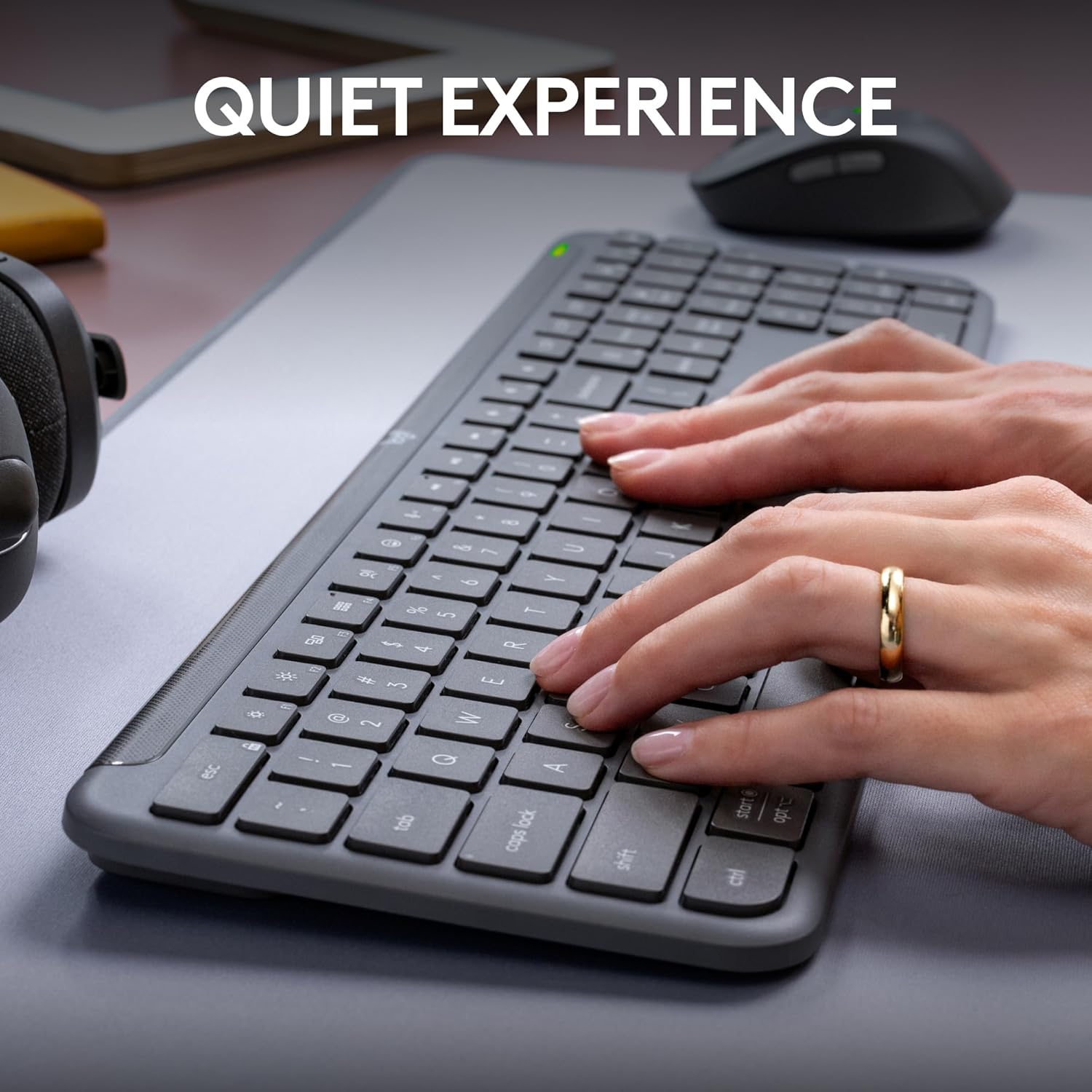
Quiet typing and quieter clicking are the headline comforts here. The idea is straightforward: stay in control of your workspace noise while you write, reply, and scroll for hours. The mouse is designed with SilentTouch technology, positioned as producing 90% less click noise, and the keyboard is described as having quiet typing.
In practical terms, this tends to make a difference when you’re sharing a space or working late. You can do a burst of emails, then continue through a document without that “constant chatter” from switches.
The mouse also uses an “easy scrolling” approach, with line-by-line scrolling as well as faster movement through longer pages thanks to a SmartWheel Switch (as described). That’s the sort of everyday tweak that feels small, but adds up—particularly if you do lots of reading online or moving through spreadsheets and long reports.
Multi-device switching, without the friction

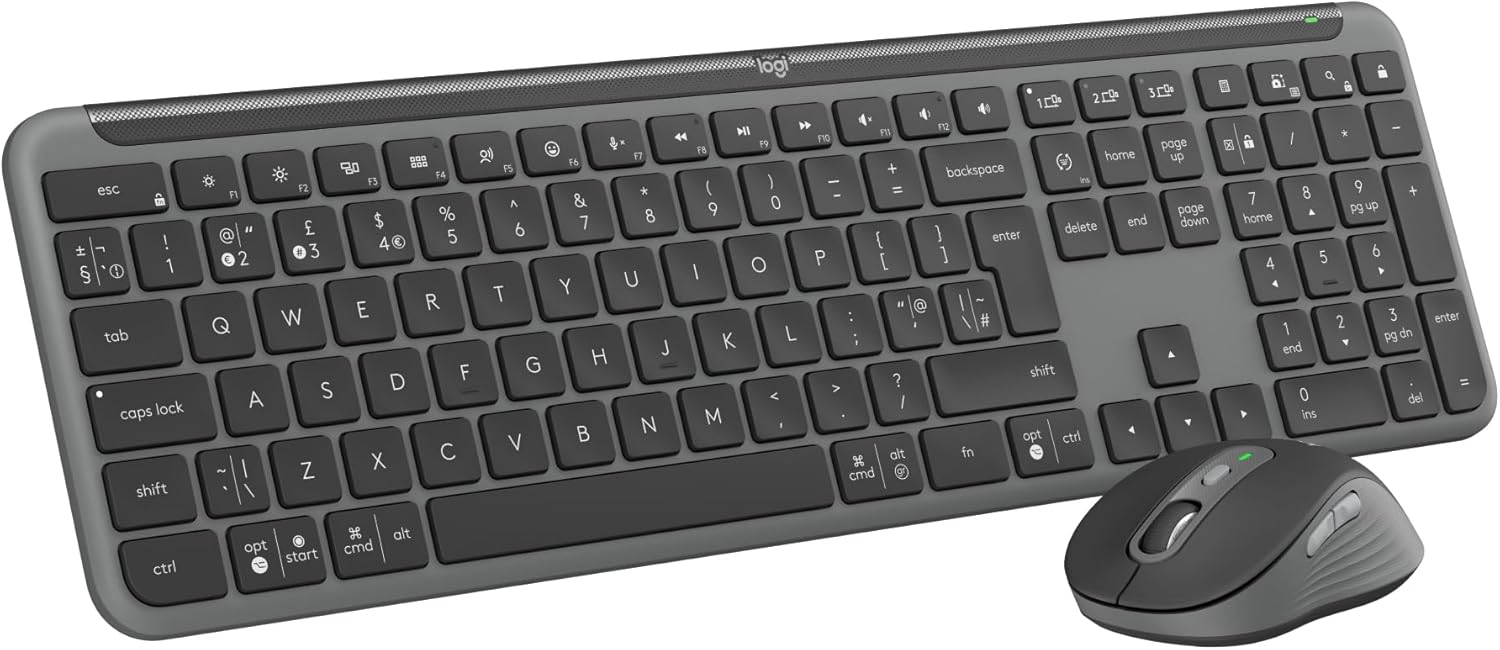
The keyboard’s key selling point is the ability to switch typing between three devices with one tap. That’s designed to mirror real life: you might jump from a laptop to a tablet, or from a work machine to something personal.
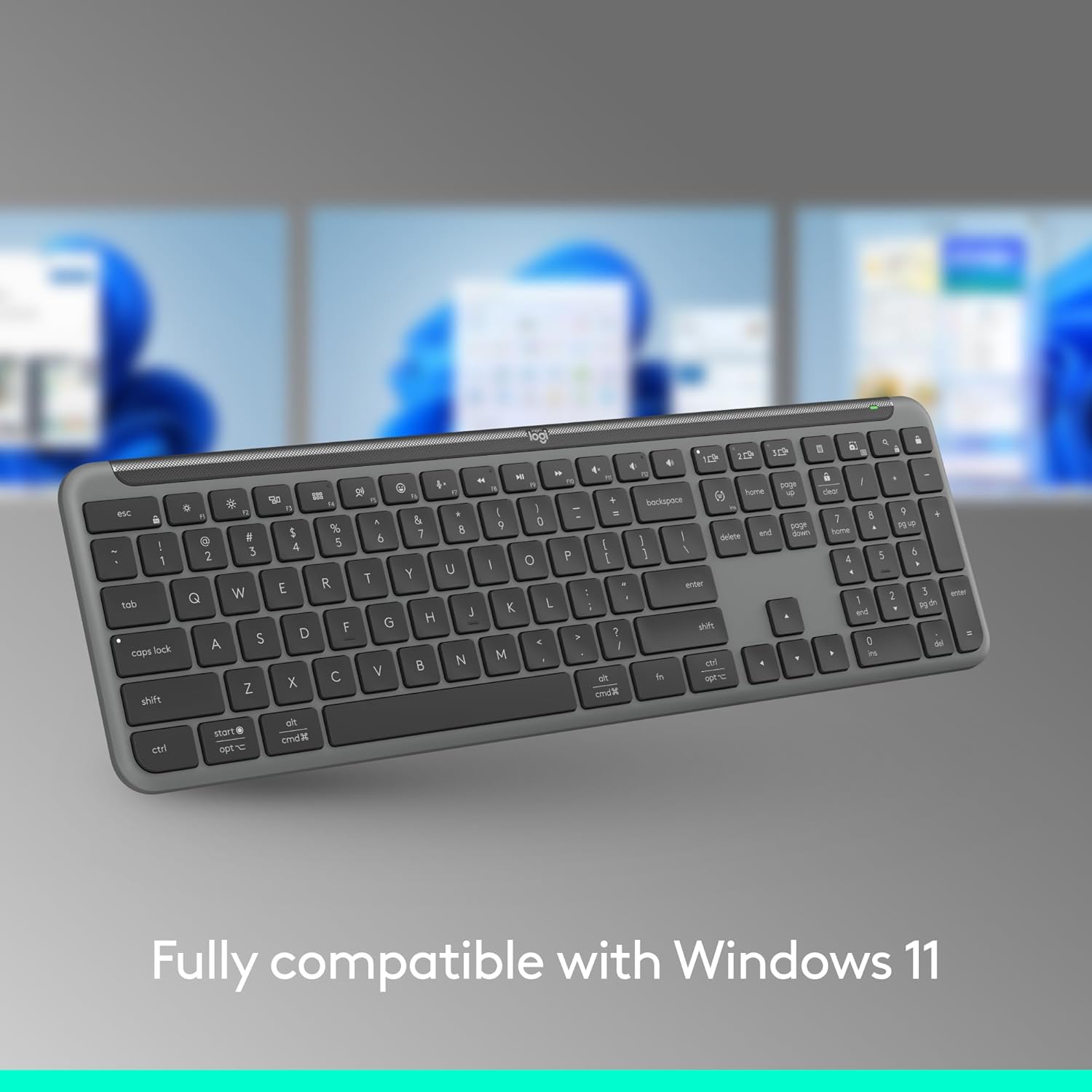
Pairing-wise, it’s described as working across a wide set of platforms via Bluetooth, and also mentions Logi Bolt as an option for pairing. Compatibility is listed for Windows, macOS, Chrome OS, Linux, iPadOS, iOS and Android.
It’s not perfect for every scenario, though. If you primarily use just one device, the multi-device focus is a bit “wasted”, and you may prefer a simpler single-device set. Also, with multi-device setups, the main time cost is in configuration—once set, the day-to-day switching is where it should start to feel worth it.
Customisation for shortcuts and workflow

The MK950 combo leans into productivity via the Logi Options+ app. The description points to customisable keys, buttons, and shortcuts, which can be genuinely useful if you like mapping actions to the way you work.
If your workflow includes repeated tasks—think switching between apps, launching a specific tool, or controlling media—customisation is where this can feel more than just “another keyboard and mouse”. It’s not going to replace learning a proper shortcut system, but it can make that system easier to live with.
Design and feel
This is positioned as a full-size, slim wireless set. The keyboard is described as having laptop-style typing and a comfortable, contoured, Bluetooth mouse design.
There’s also an environment-focused angle: the mouse and keyboard plastics include certified post-consumer recycled plastic (minimum 48% for the keyboard, 25% for the mouse, as stated). If that matters to your buying decisions, it’s a tangible differentiator rather than a vague promise.
Key limitations to keep in mind
The quiet experience is a big selling point, but it still comes with the usual caveat: quiet features won’t make every interaction silent in all circumstances, and the feel of typing and clicking remains personal.
Also, the bundle is described as available for Windows and macOS for the Logi Options+ app. If you plan to rely heavily on app-based customisation across non-supported systems, you may want to double-check what’s possible on your particular setup.

Should you buy it?
It makes sense if you want a wireless keyboard-and-mouse combo for a mixed, multi-device desk—especially if you’re moving between home and work, and you’d like quieter typing and clicking for longer sessions. The three-device switching on the keyboard and the app-based customisation are the parts that look most “purpose built” on this model.
You may want to skip it if your setup is single-device only, or if you’re expecting zero setup time for multi-device behaviour. It’s also not the best match if you’re looking for a ultra-minimal accessory kit rather than a full-size keyboard.
Mini FAQ

Can it switch typing between multiple devices?
Yes—according to the description, the keyboard supports switching typing between three devices with a single tap.
Does it work with Bluetooth and Logi Bolt?
The combo is described as supporting Bluetooth pairing, and it also mentions Logi Bolt for pairing.
Is it quiet?
The mouse is described as using SilentTouch technology with 90% less click noise, and the keyboard is described as having quiet typing.
Which operating systems does it support?
Support is listed for Windows, macOS, Chrome OS, Linux, iPadOS, iOS and Android.
Does the app customise keys and shortcuts?
Logi Options+ is mentioned for customisable keys, buttons and shortcuts, and it’s described as available for Windows and macOS.