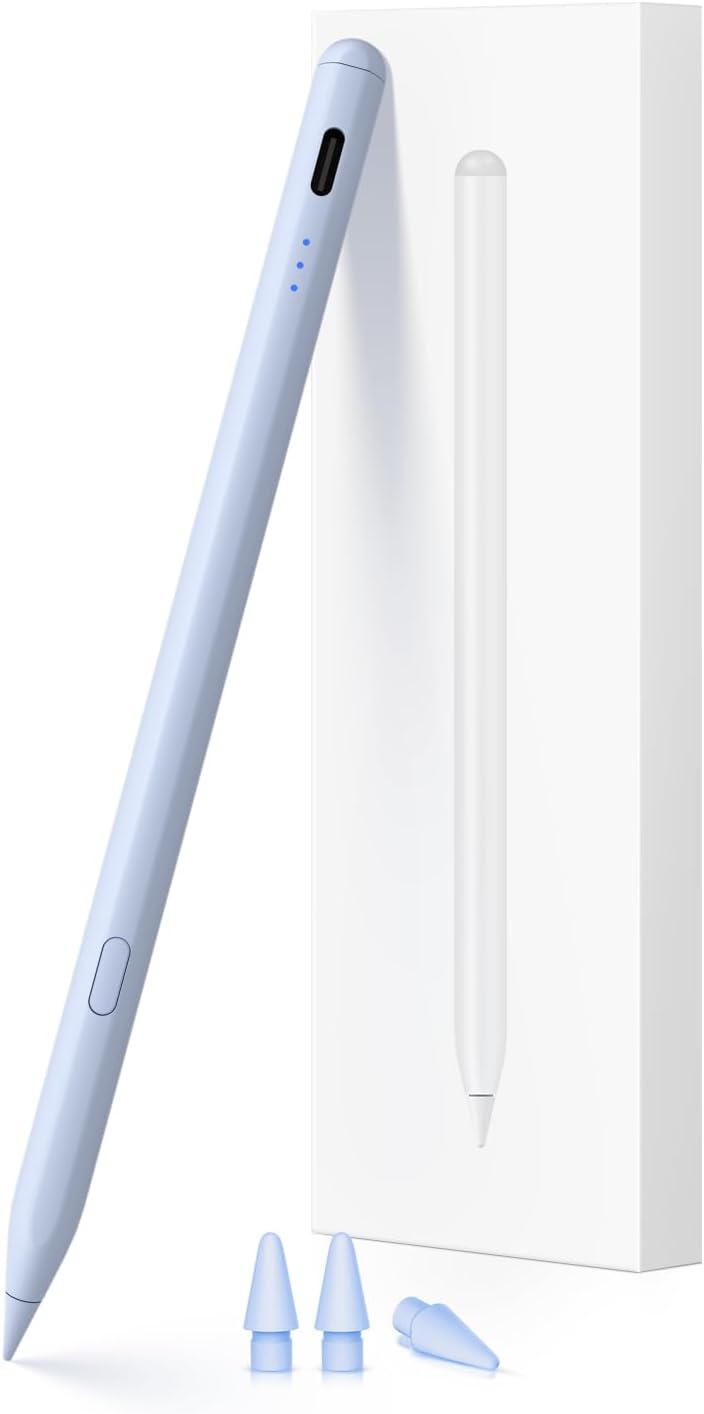
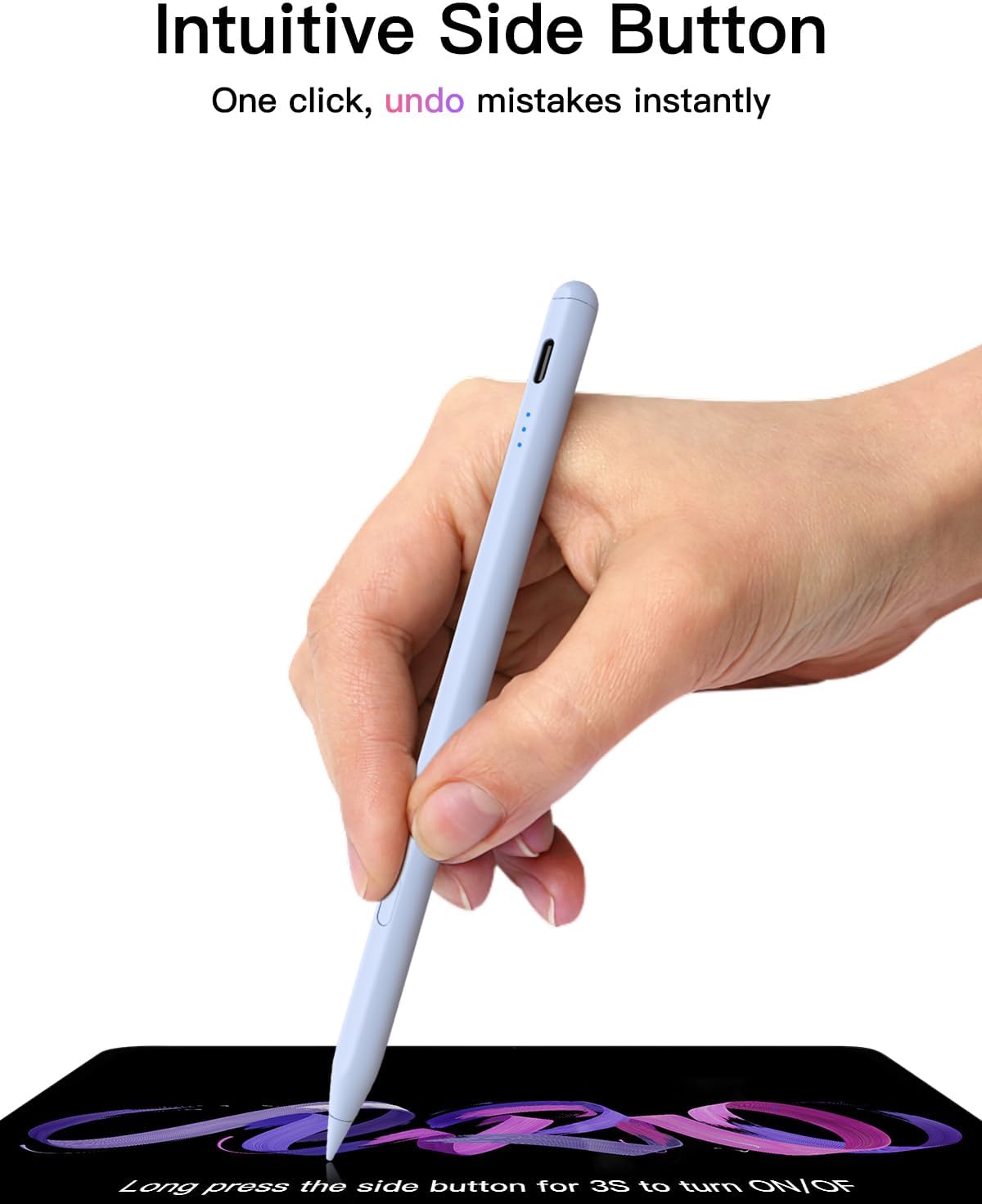
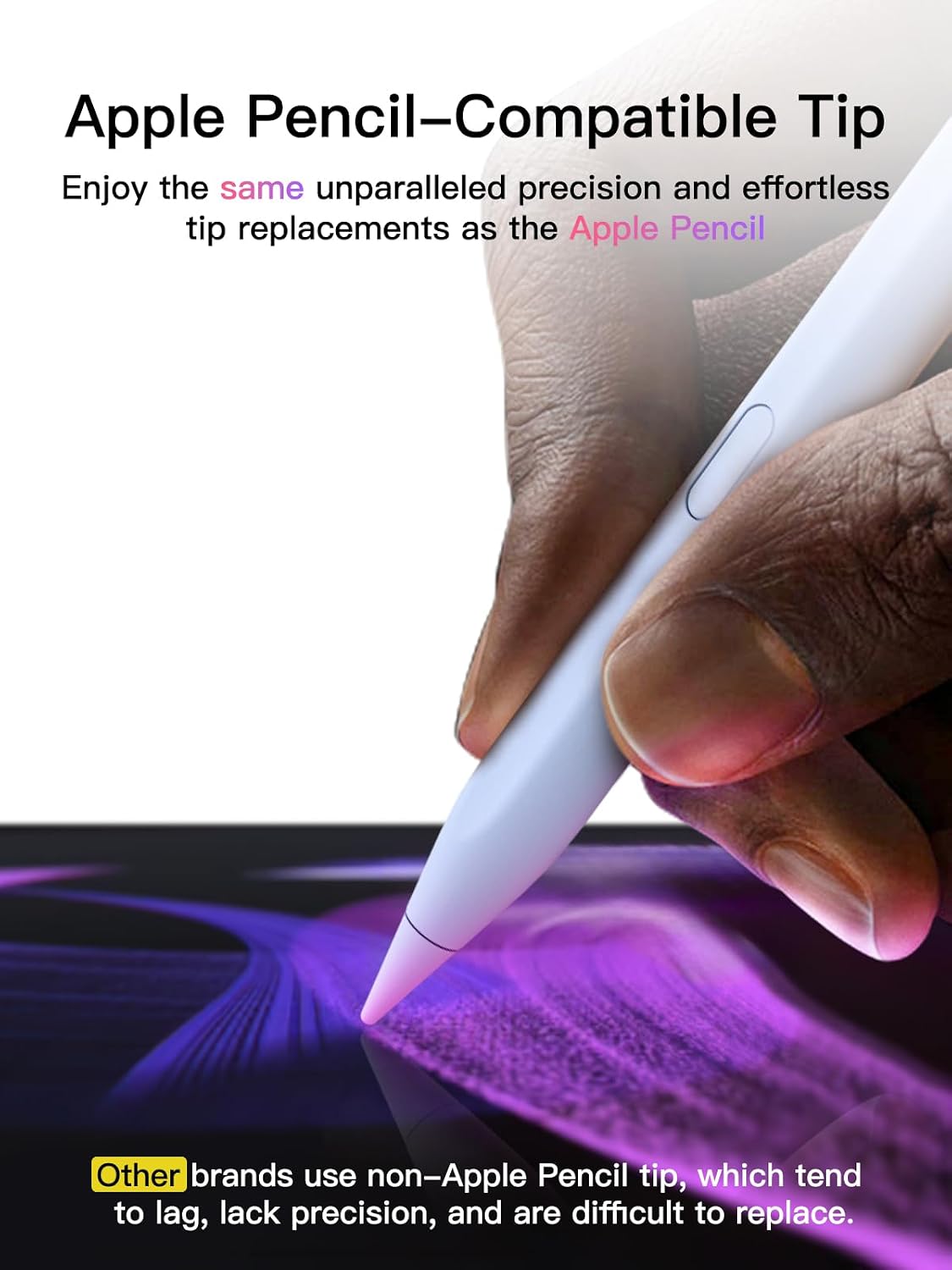
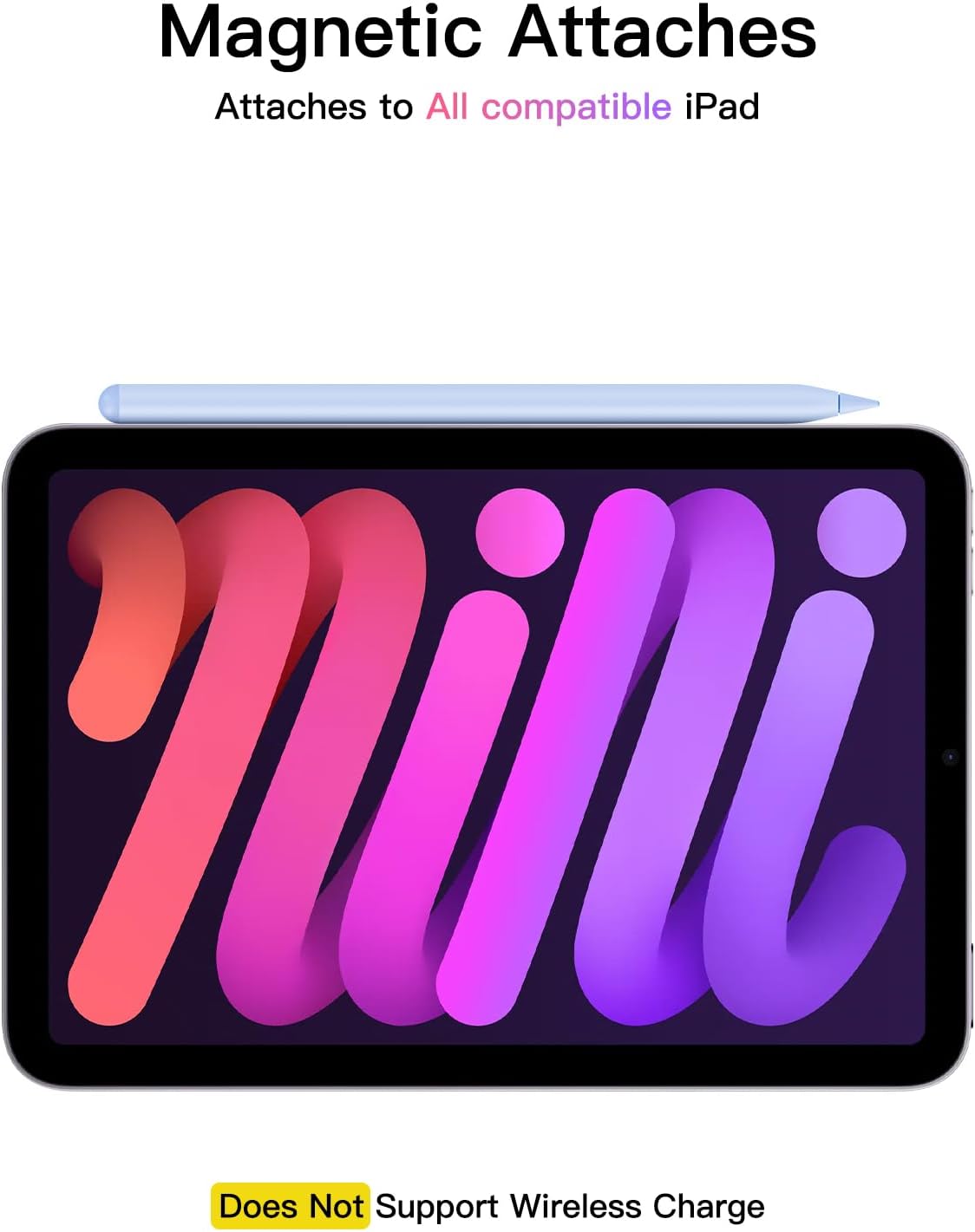
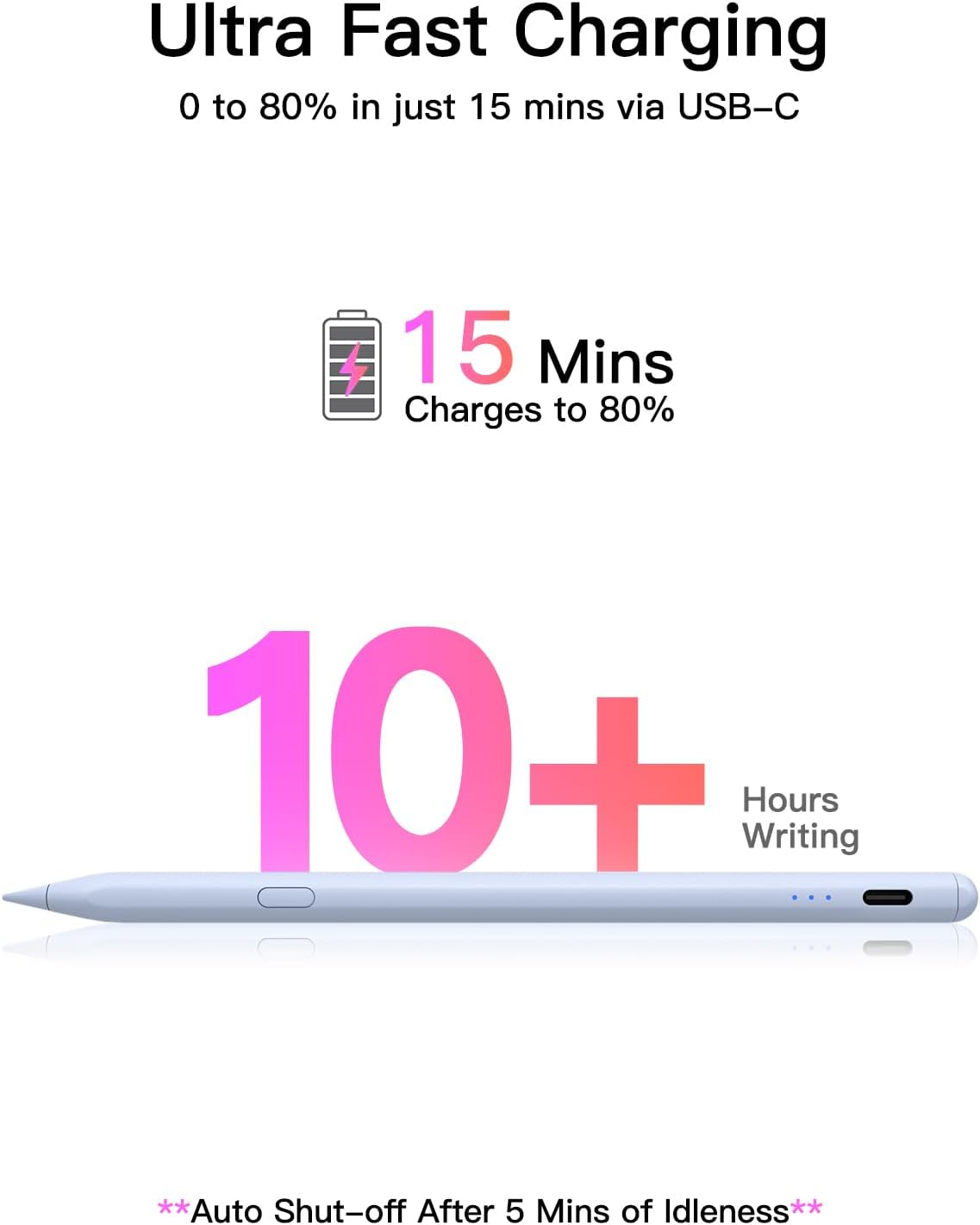
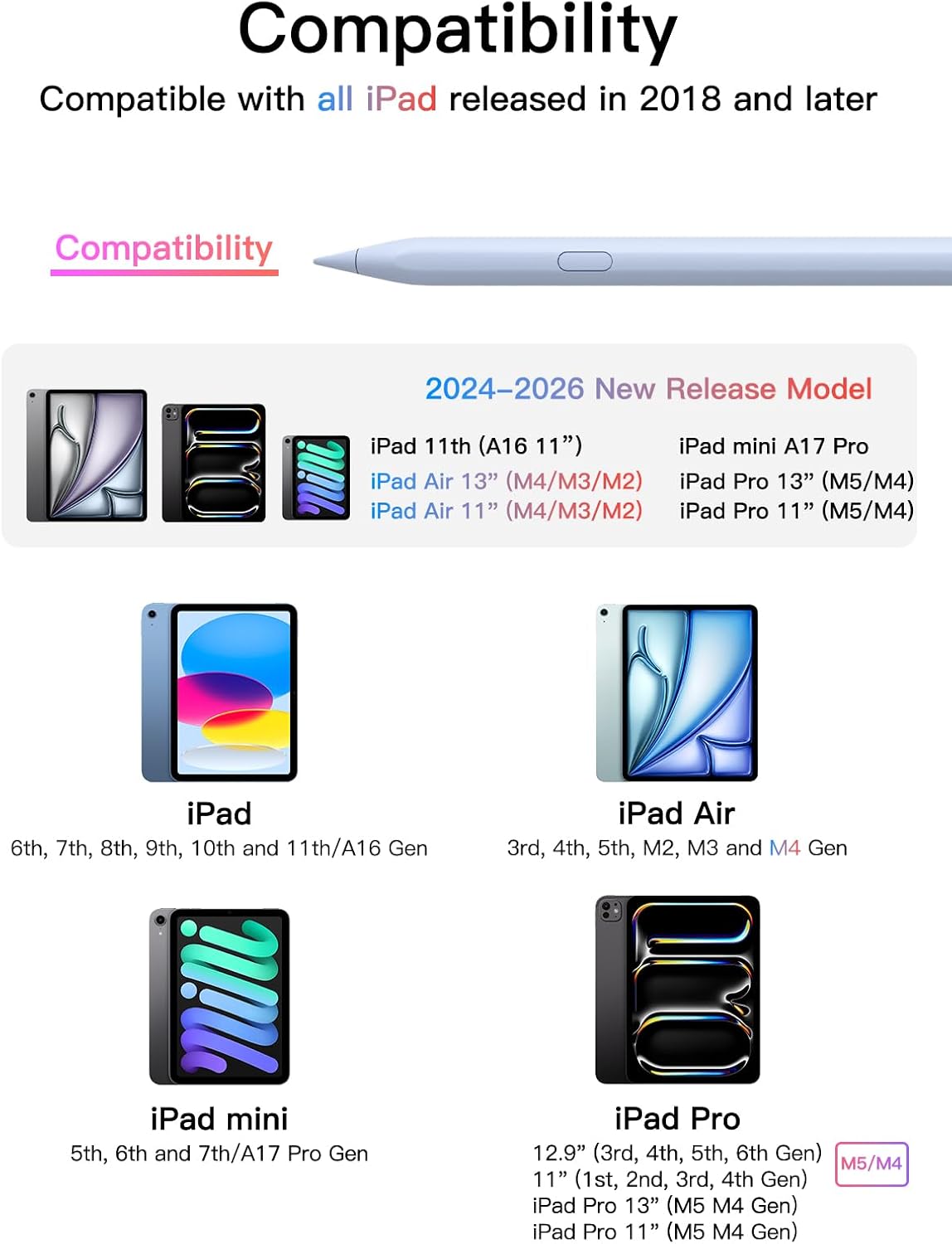
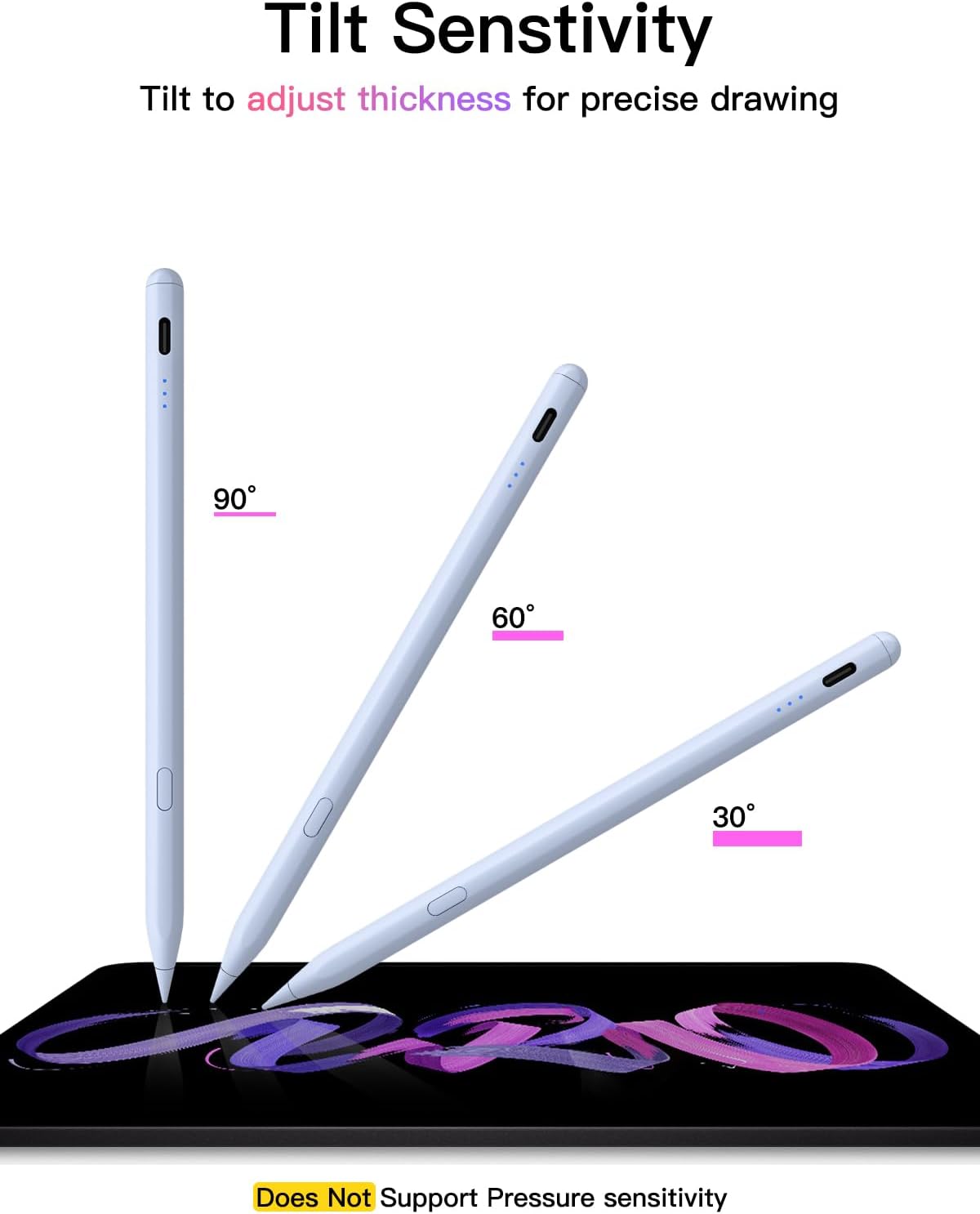
What it is and what it solves\nThis Pencil for iPad is a USB-C powered stylus designed to work with a wide range of iPad models released from 2018 onwards. It aims to offer a pencil-like drawing and note-taking experience with tilt sensitivity and replaceable tips, while charging quickly via USB-C. It’s positioned as a practical alternative when you want a dedicated stylus that works with newer iPads without relying on the original Apple Pencil.\n\n## How it powers up and uses\nPower on and off is achieved by a longer press of the control button for around 3 seconds. When the light flashes, the pen is discoverable via Bluetooth. Once connected, you can view the battery level on your iPad and use a shortcut function. If it stops working after turning on, you may need to disconnect the Bluetooth pairing from Settings > Bluetooth > Apple Pencil > forget this device. The pen can still be used without Bluetooth, but you won’t access the shortcut features.\n\n## Compatibility: what models it covers\nThe pen targets iPads released from 2018 and later, spanning iPad A16, iPad mini models, iPad Air, and iPad Pro lines across multiple generations. The exact model confirmation is advised before purchasing to ensure compatibility with your device.\n\n## Performance and feel\nIt offers pixel-perfect precision with tilt support and uses replaceable Apple Pencil tips (including 3 extra tips) to help resemble a natural drawing or writing experience. However, note that it does not include pressure sensitivity. This means you’ll get shading and angles through tilt, but the pen won’t detect pressure variations like some high-end styluses.\n\n## Power and longevity\nCharging is fast: a full charge takes about 30 minutes and provides up to 10 hours of continuous use. There’s an automatic shutdown after five minutes of inactivity to save power, which is practical for casual use.\n\n## Practical use cases and limitations\nIf your work involves quick sketches, note-taking, PDF markup, or basic digital drawing, this stylus can fit well. It may not be the best option if you rely heavily on pressure-sensitive brushwork or advanced drawing features. Also, while Bluetooth unlocks shortcuts and displays battery status, the core drawing functionality remains usable without it, which adds a layer of flexibility.\n\n## What to check before buying\n- Confirm your iPad model and generation to ensure compatibility.\n- Consider whether you value tilt-based precision over true pressure sensitivity.\n- Decide if you’re comfortable using Bluetooth for shortcuts or if you’ll primarily sketch with Bluetooth off.\n\n## How it compares to other approaches\nCompared with original Apple Pencil models, this option emphasises broad compatibility and quick charging with a USB-C port. If you prioritise universal compatibility across newer iPads and fast charging, it offers a pragmatic alternative to more model-specific pens. If you need genuine pressure sensitivity or integration with Apple-specific features, you might look at alternatives that provide those capabilities.\n\n## Who it’s for\nThis pen suits creators and students who want a versatile, affordable stylus for everyday note-taking, light drawing, and document markup on a range of modern iPads, and who are comfortable using tilt for shading rather than relying on pressure curves.\n\n## Finishing thoughts: is it worth it?\nIs it worth it? Given its fast 30-minute charge, long runtime, and tilt-enabled precision, it can be a sensible choice for those who want a cost-effective, broadly compatible stylus with helpful shortcuts. It may not be the best option if you require true pressure sensitivity or need the most seamless integration with Apple’s native drawing tools.\n\n## Quick FAQ\n- Does it work without Bluetooth? Yes, but you’ll lose shortcut features.\n- How long does the battery last? Up to 10 hours of continuous use on a full charge.\n- Can I replace tips easily? Yes, it includes replaceable tips with several extras.\n- Is it compatible with my iPad model? Check the model generation to confirm compatibility before ordering.\n