

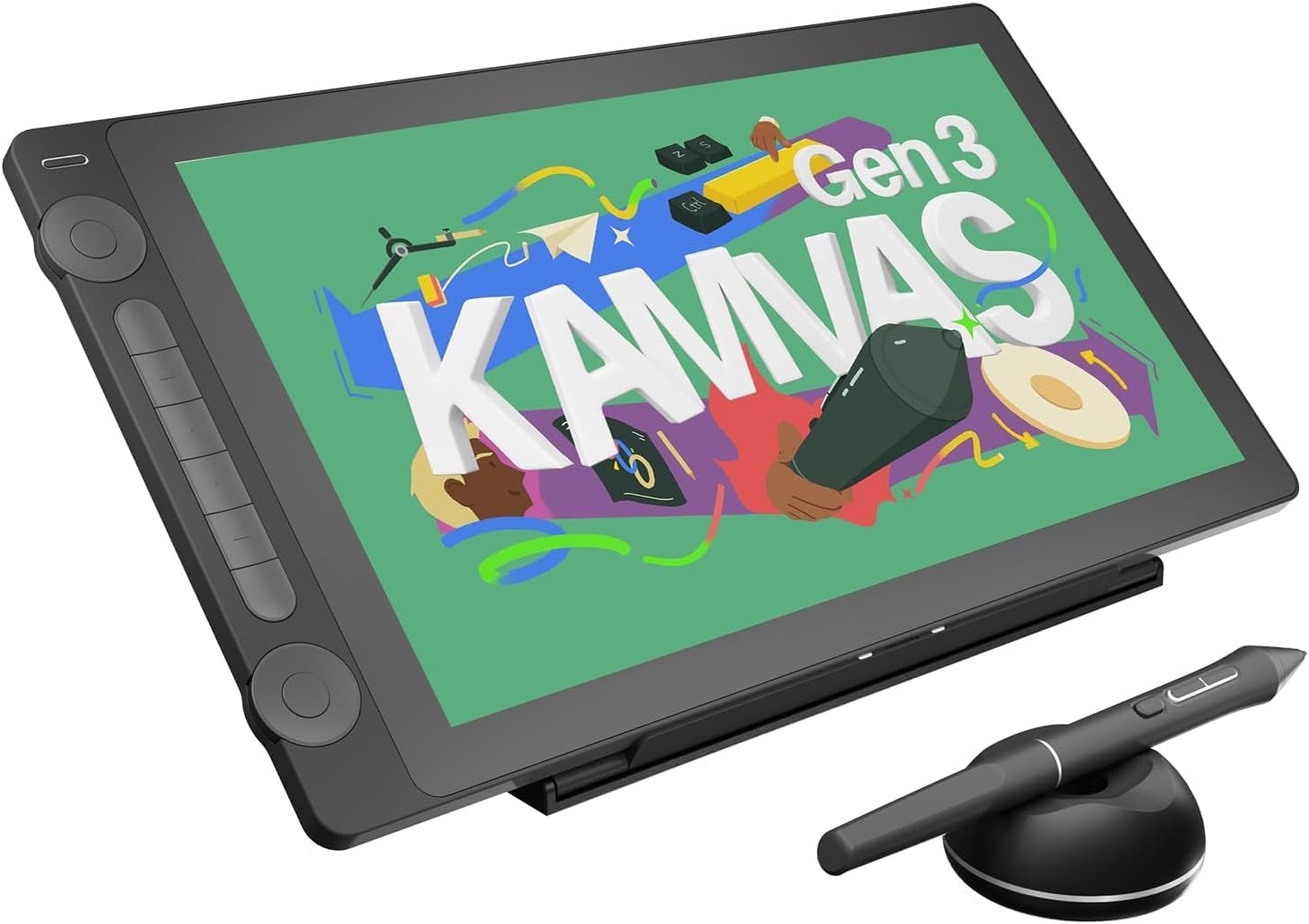
Huion Kamvas 16 (Gen 3) 15.8-inch 2.5K QHD drawing tablet with screen
Product description
The essentials
If you want a pen display rather than a basic graphics tablet, the Huion Kamvas 16 (Gen 3) is built around a pretty straightforward idea: give you a sharp 15.8-inch screen, decent colour coverage, and a pen experience designed to feel controlled while you draw. On paper it ticks a lot of boxes for everyday digital art—sketching, inking, illustration work and general creative sessions—without forcing you into the most expensive end of the market.
That said, it’s not a magic wand. A screen tablet can still feel different to drawing on paper, even with the laminated, anti-sparkle glass. And if your workflow depends heavily on very specific colour-critical calibration habits, you’ll still want to judge it for your own standards rather than trusting the headline percentages alone.
Quick overview
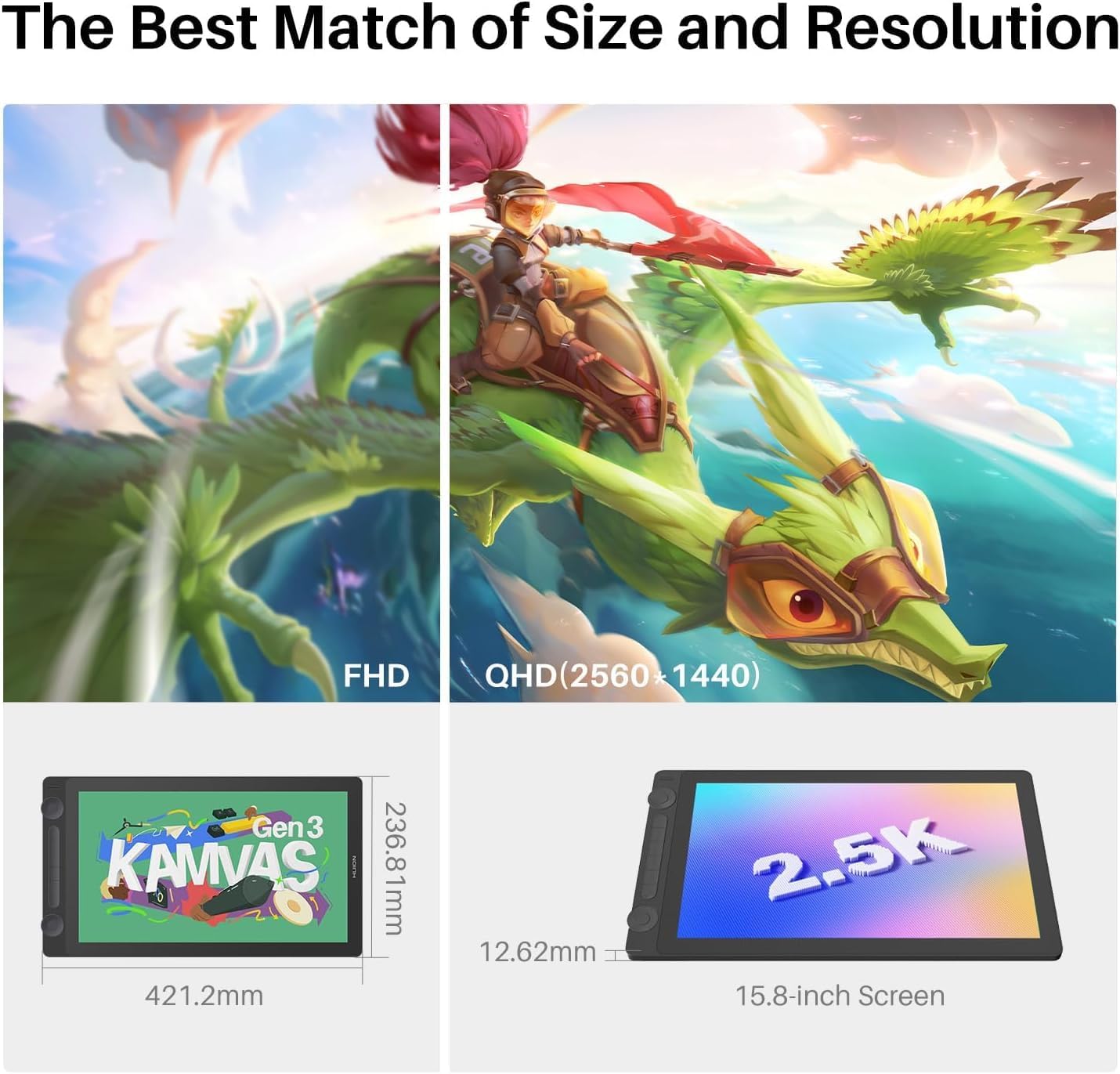
This model pairs a 15.8-inch display with a 2.5K QHD resolution (2560×1440). Huion also highlights a pixel density of 186 PPI, which matters because it affects how clean lines look when you zoom in or work with fine strokes.
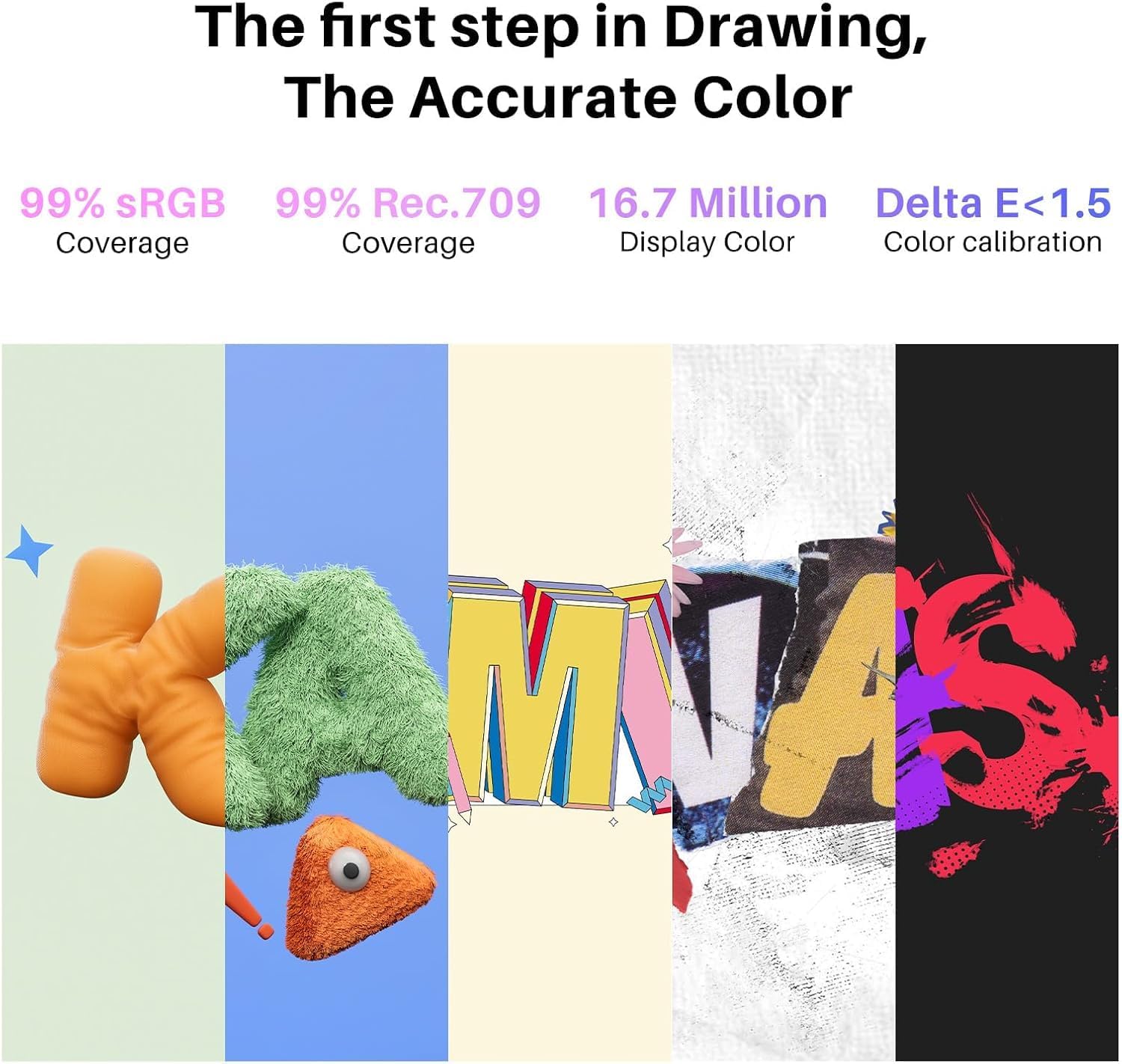
For colour, the spec sheet is the headline: it’s described as covering 99% of the sRGB and Rec.709 gamuts, and 90% of Adobe RGB, with △E < 1.5 aimed at accurate colour reproduction. If you do anything where colour consistency matters—client work, reference matching, or just avoiding dull-looking exports—this is the kind of information you should care about.
What you’ll notice day to day
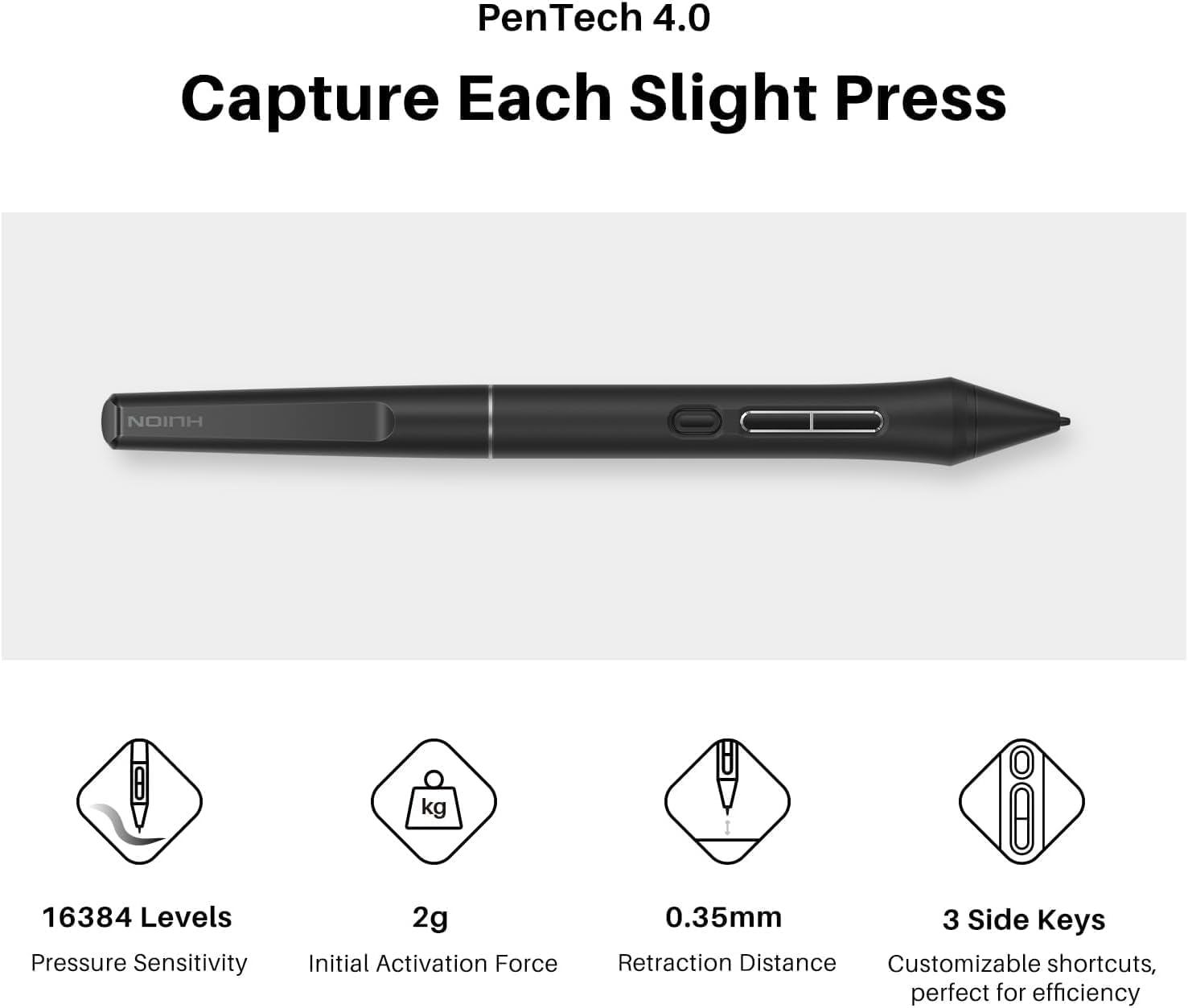
The pen tech is where most screen tablets win or lose your attention, and here the Kamvas 16 (Gen 3) focuses on PenTech 4.0. The inputs it lists include 16384 levels of pen pressure and ±60° tilt support. It also mentions a 2g initial activation force, which is a detail that can help if you’re sensitive to how quickly the stylus “catches”.
There’s also a note about the nib and tilt auto-alignment being designed to help track alongside on-screen cursor movement and reduce parallax. In practical terms, that’s the sort of feature you’ll only really appreciate once you’ve done a few hours of drawing and you’re trying to keep line work where you intended it.
Where the display and glass fit in
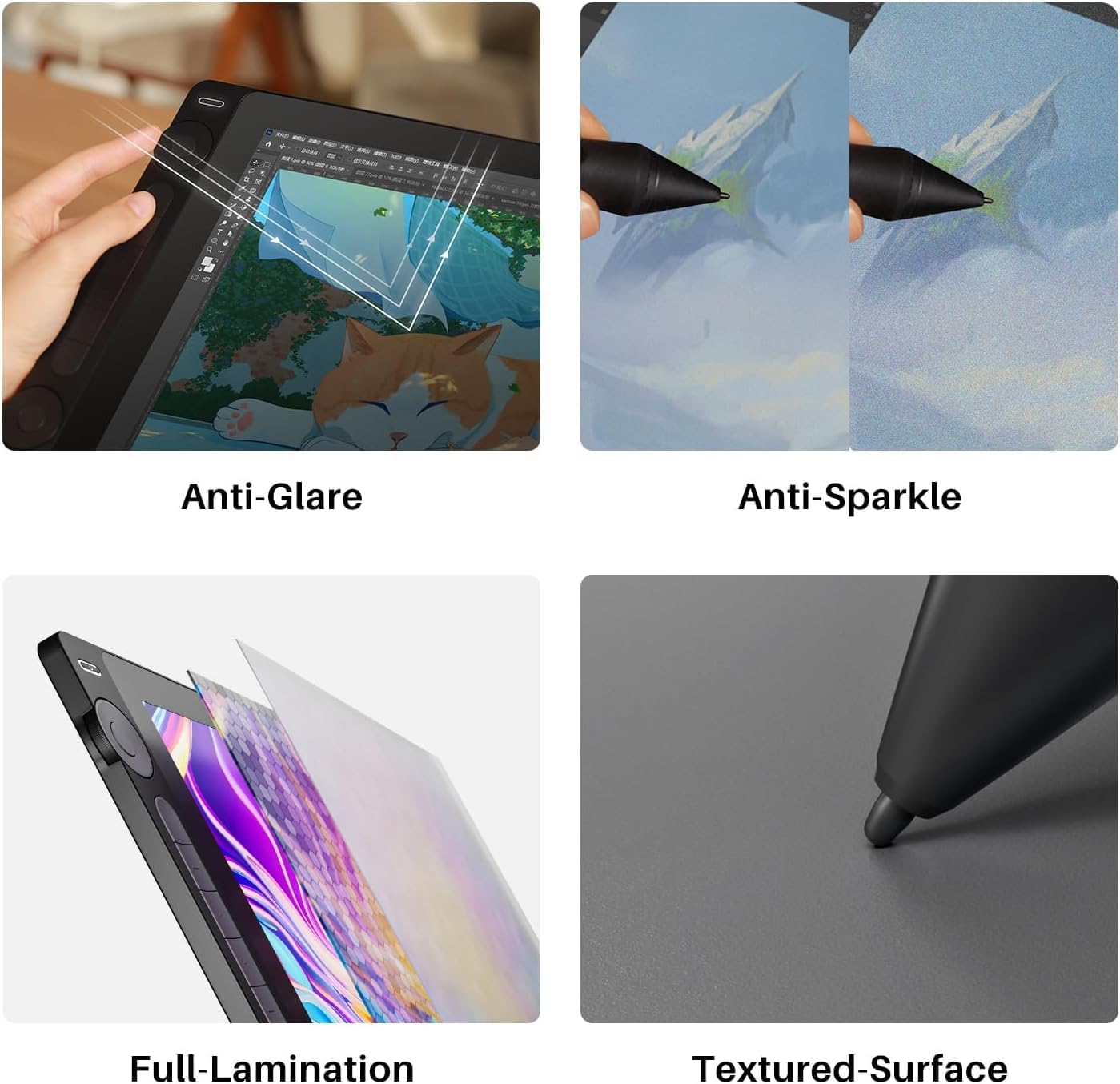
The Kamvas 16 (Gen 3) uses nano-etched canvas glass with anti-glare and anti-sparkle properties, plus full lamination. The brand’s framing is “natural paper-feel texture”, which is the right direction for long drawing sessions—especially if reflective screens annoy you under desk lighting.
Just keep expectations realistic: anti-sparkle glass can reduce distractions and glare, but it won’t make it identical to traditional paper. If you’re very particular about surface feel, it’s still worth thinking about how much you rely on tactile feedback.
Tech specs
- Resolution: 2560×1440 (2.5K QHD)
- Screen size: 15.8 inch
- Pixel density: 186 PPI
- Colour coverage: 99% sRGB and Rec.709, 90% Adobe RGB
- Colour accuracy target: △E < 1.5
- Pen levels: 16384
- Tilt support: ±60°
- PenTech: 4.0
- Initial activation force: 2g
- Glass: nano-etched canvas glass, anti-glare and anti-sparkle, full lamination
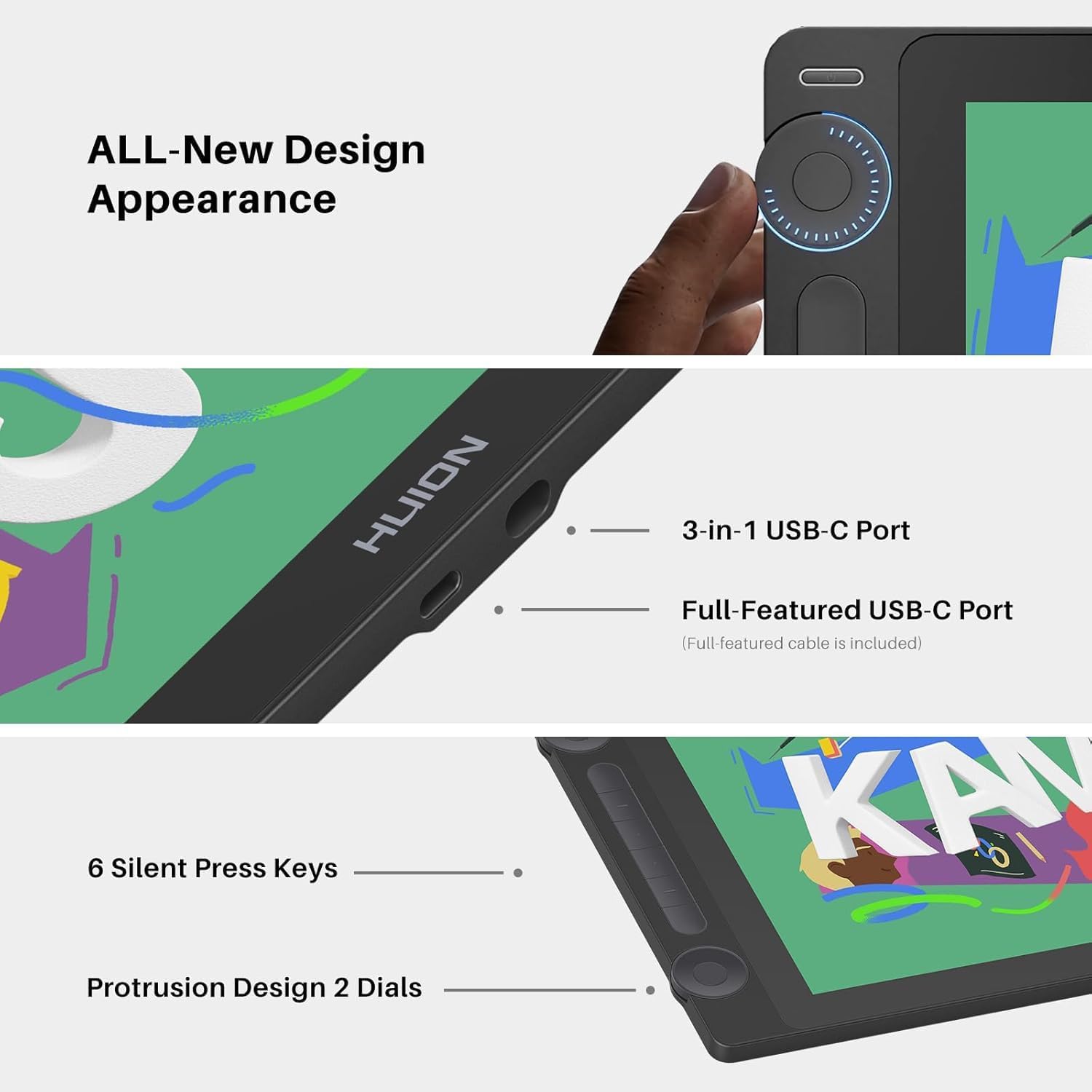
- Connection: dual-interface design, USB-C cable included
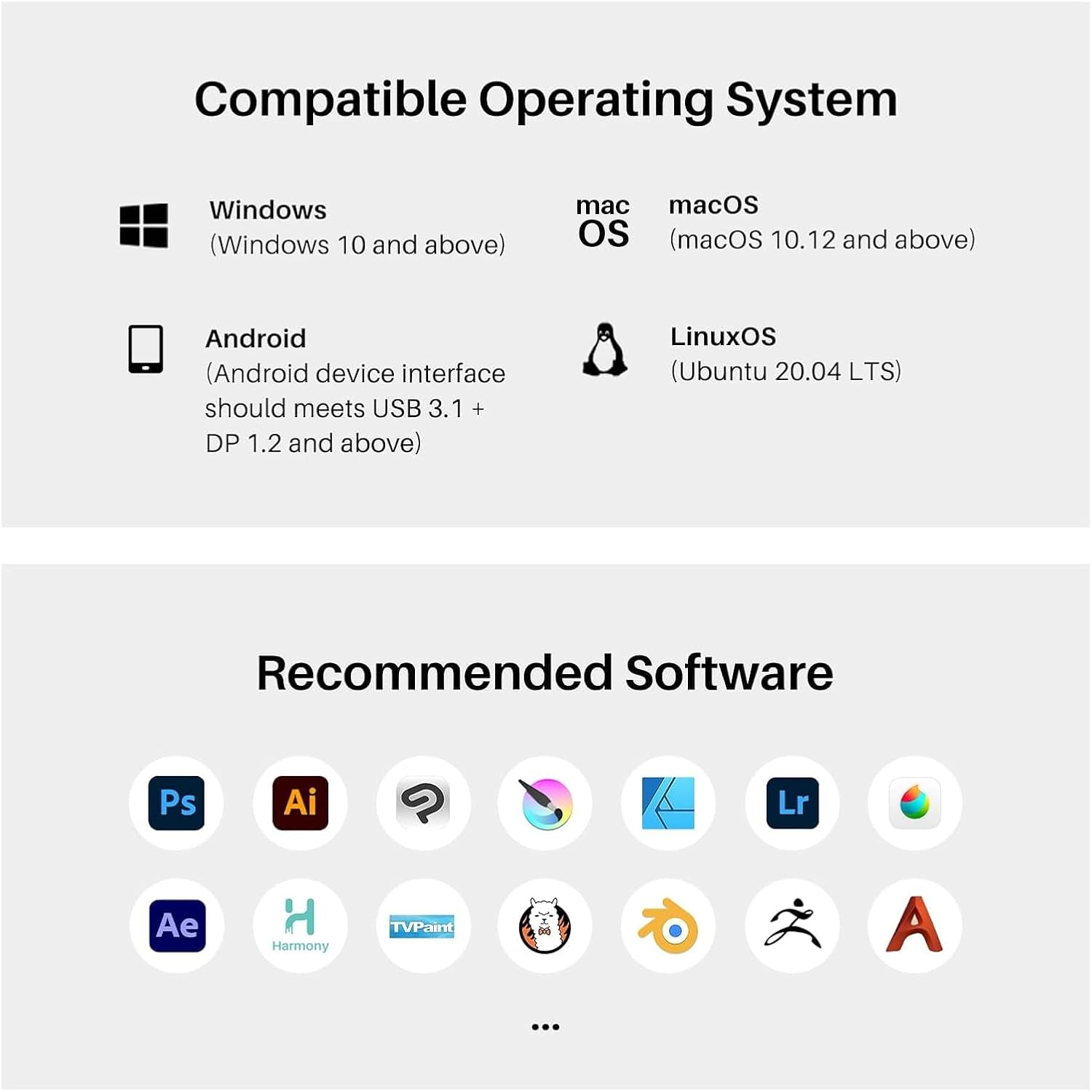
- Mobile use (as stated): can be used with Android tablets or mobiles that support USB 3.1 GEN1 and DP1.2
Who it’s for (and who should be cautious)
It makes sense if you want a mid-range-to-strong option for everyday digital art where the combination of a larger display, 2.5K QHD sharpness, and solid sRGB/Rec.709 coverage is meant to support real creative output.
It may not suit you if you’re chasing ultra-strict colour management workflows and plan to rely entirely on factory targets without doing any checks on your side. Also, if your device setup is uncertain, the mobile compatibility note (USB 3.1 GEN1 and DP1.2 support) is worth double-checking before you bank on connecting it to a phone/tablet.
It might not be a great match if you’re brand new to pen displays and you’re unsure whether screen drawing will click for you—at that point, a cheaper tablet could be a safer experiment.
Getting the most from it
A practical way to judge whether it fits your workflow is to test your linework and shading at different zoom levels. The 2.5K QHD resolution and 186 PPI are the sort of specs that tend to matter when you’re doing detailed strokes or working with smaller brushes.
Also, take note of the surface: if you draw for long stretches, the nano-etched anti-sparkle glass and full lamination are the features that can reduce eye strain from reflections. It’s not about “pretty” alone, it’s about making the screen less distracting in real lighting.
Should you buy it?
Buy the Huion Kamvas 16 (Gen 3) if you’re looking for a pen display with a sharp 15.8-inch 2.5K QHD screen, strong sRGB/Rec.709 coverage, and a pen setup that includes 16384 pressure levels plus tilt support. It’s a sensible pick for artists who want a more immersive drawing experience on a screen tablet and appreciate details like anti-sparkle glass for day-to-day comfort.
Skip it if you can’t confirm your connection expectations—especially for Android mobile use—or if you only need something basic and are still unsure whether screen drawing is for you. For the right buyer it’s not just “a bigger tablet”, it’s the kind of spec-driven display that helps line work look clean and colours stay believable.
Mini FAQ
Does the Kamvas 16 (Gen 3) support pen tilt?
Yes, it’s listed as supporting ±60° tilt.
What colour space coverage is it aimed at?
It’s described as covering 99% of sRGB and Rec.709, plus 90% of Adobe RGB.
Can it connect to Android phones or tablets?
It can be used with Android devices that support USB 3.1 GEN1 and DP1.2, per the stated compatibility.
What connection type is included?
It uses a dual-interface approach and includes a full-featured USB-C cable.
Is it good for detailed drawing?
The combination of 2.5K QHD resolution and 186 PPI is intended to give a crisp view for fine strokes—so it should suit detail-focused work.