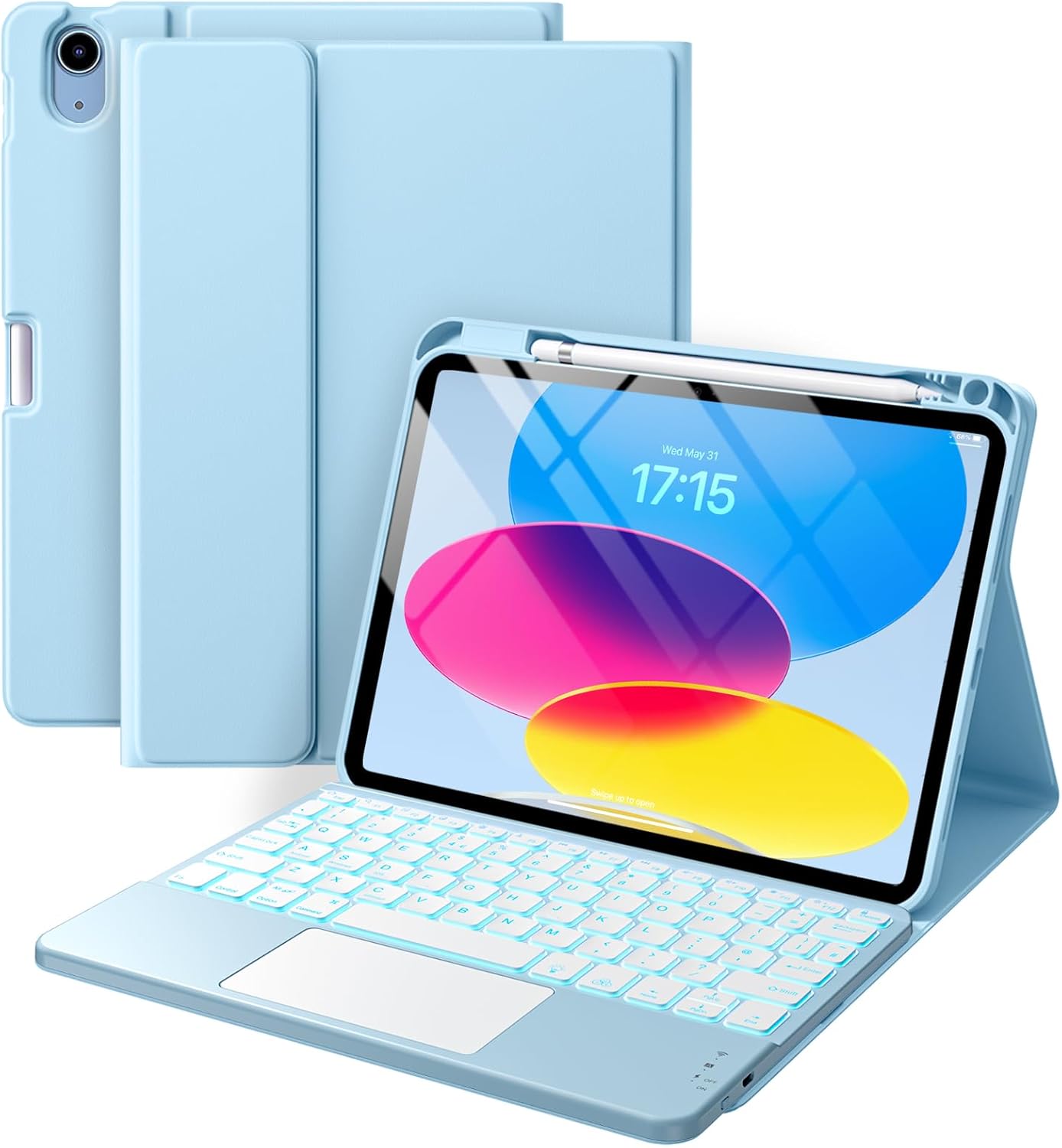
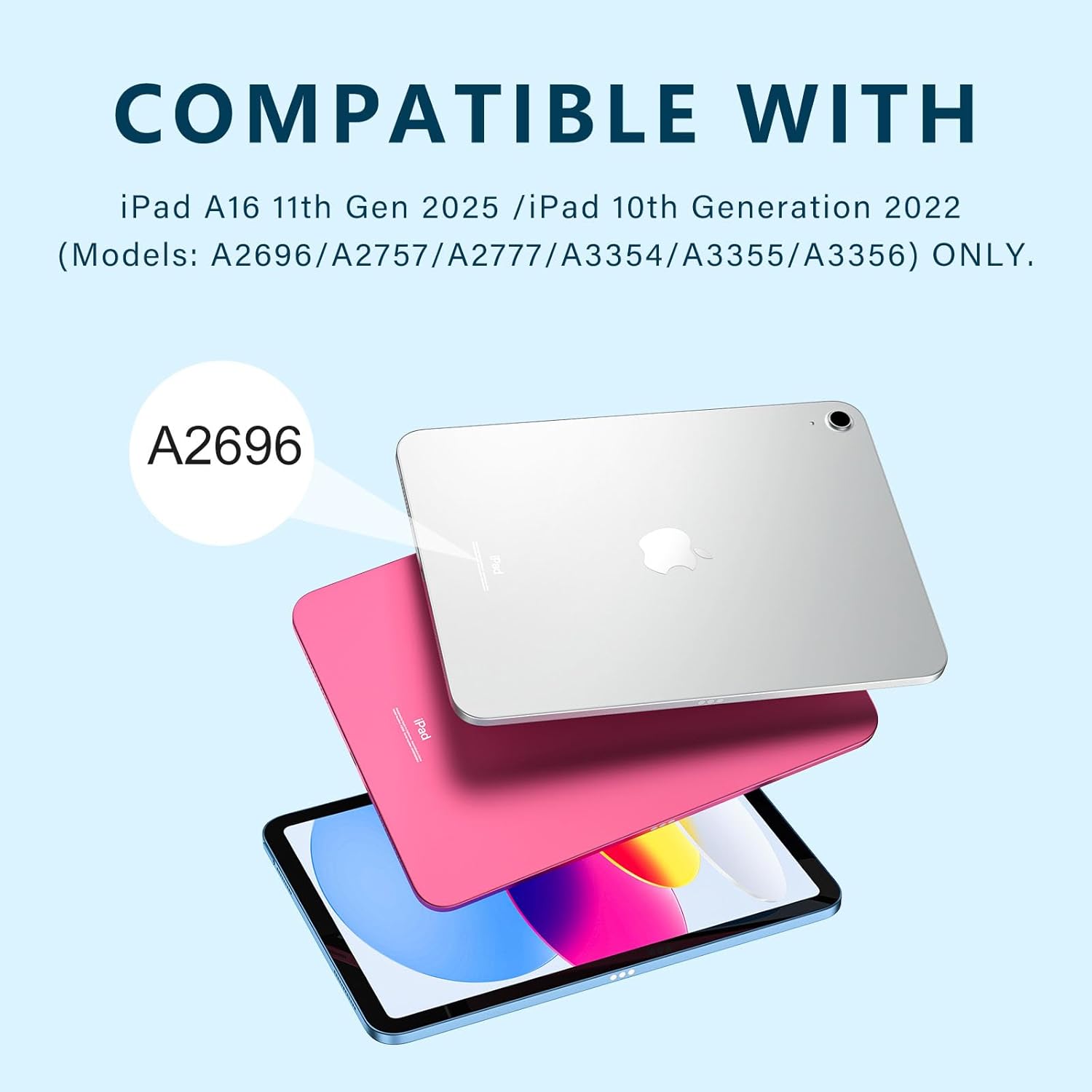
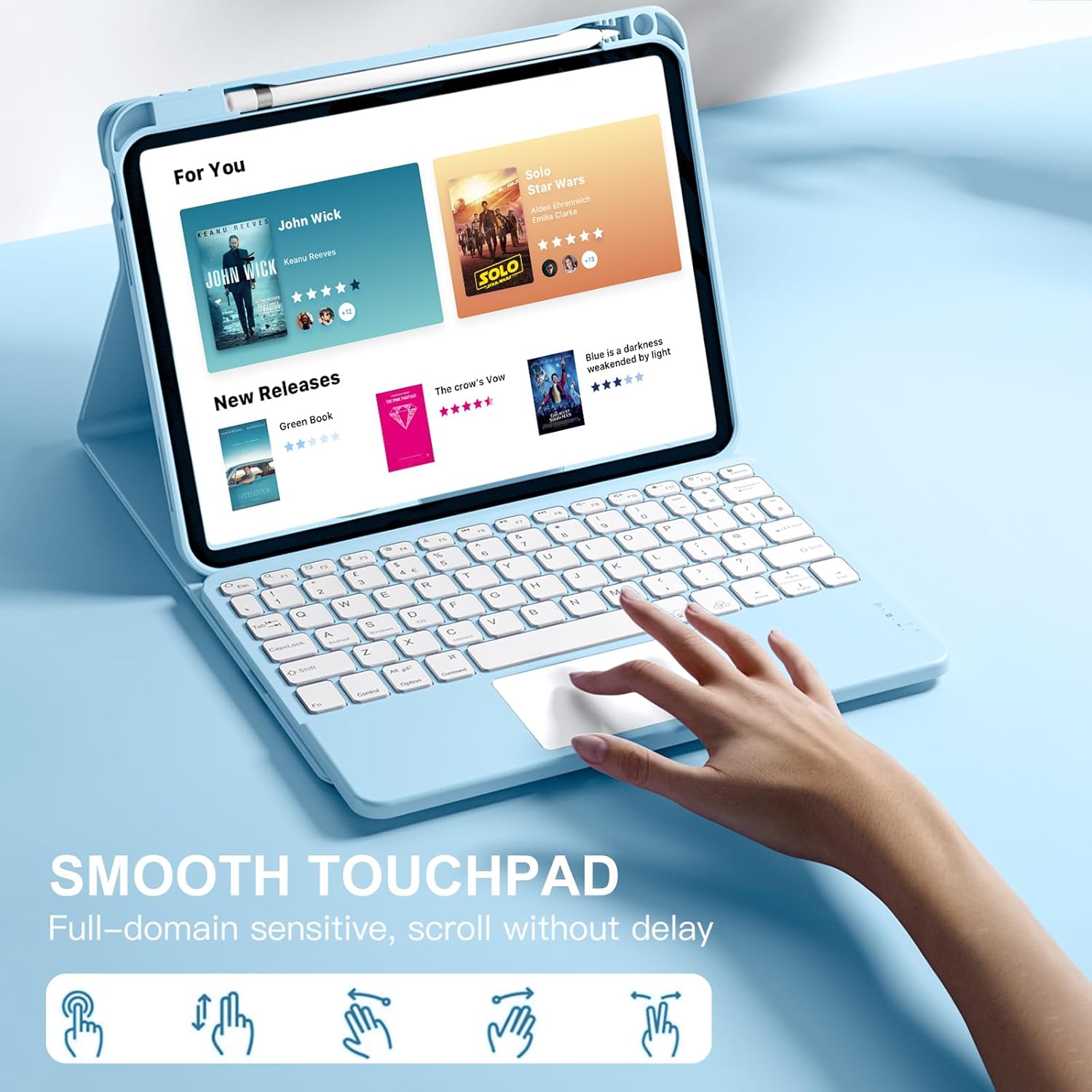
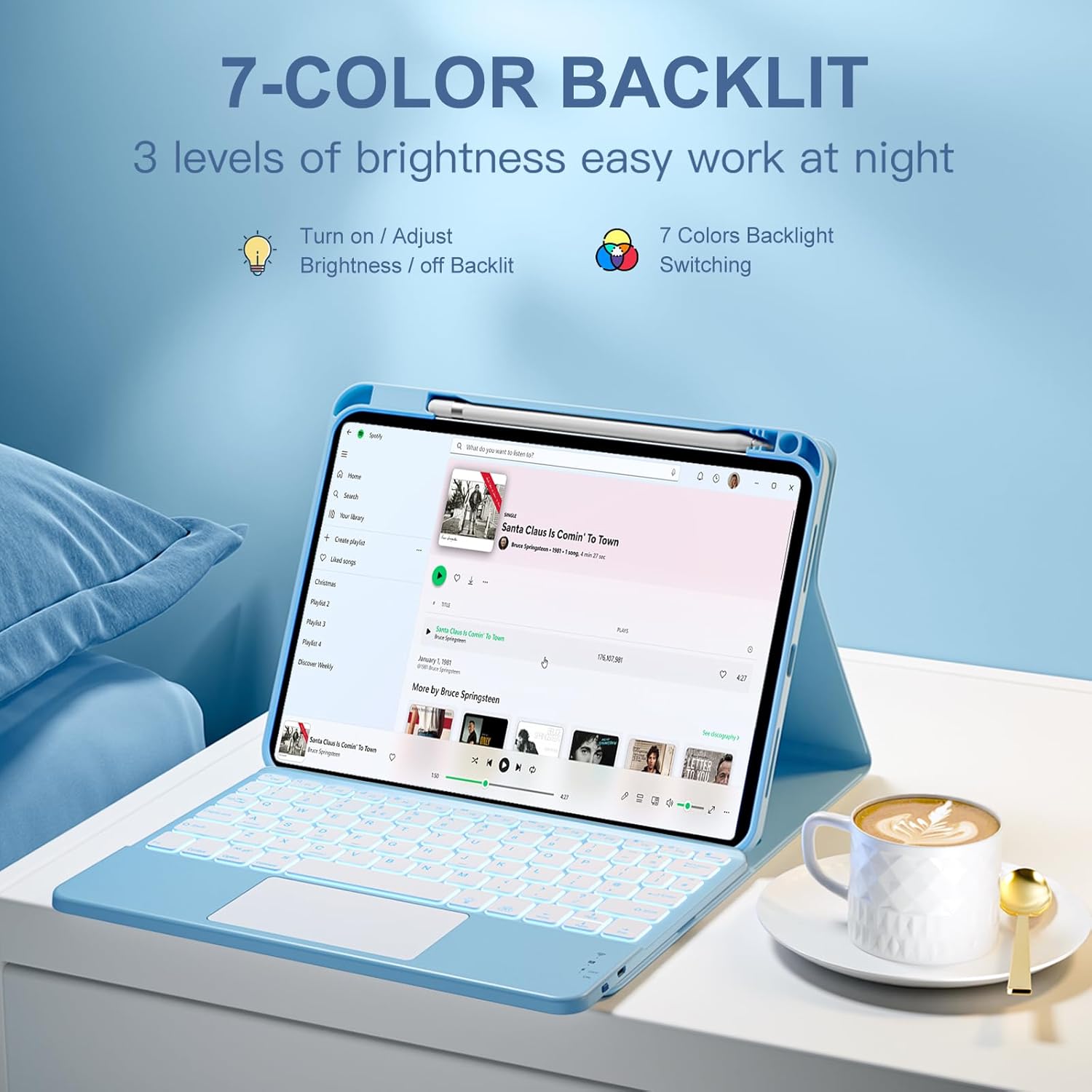
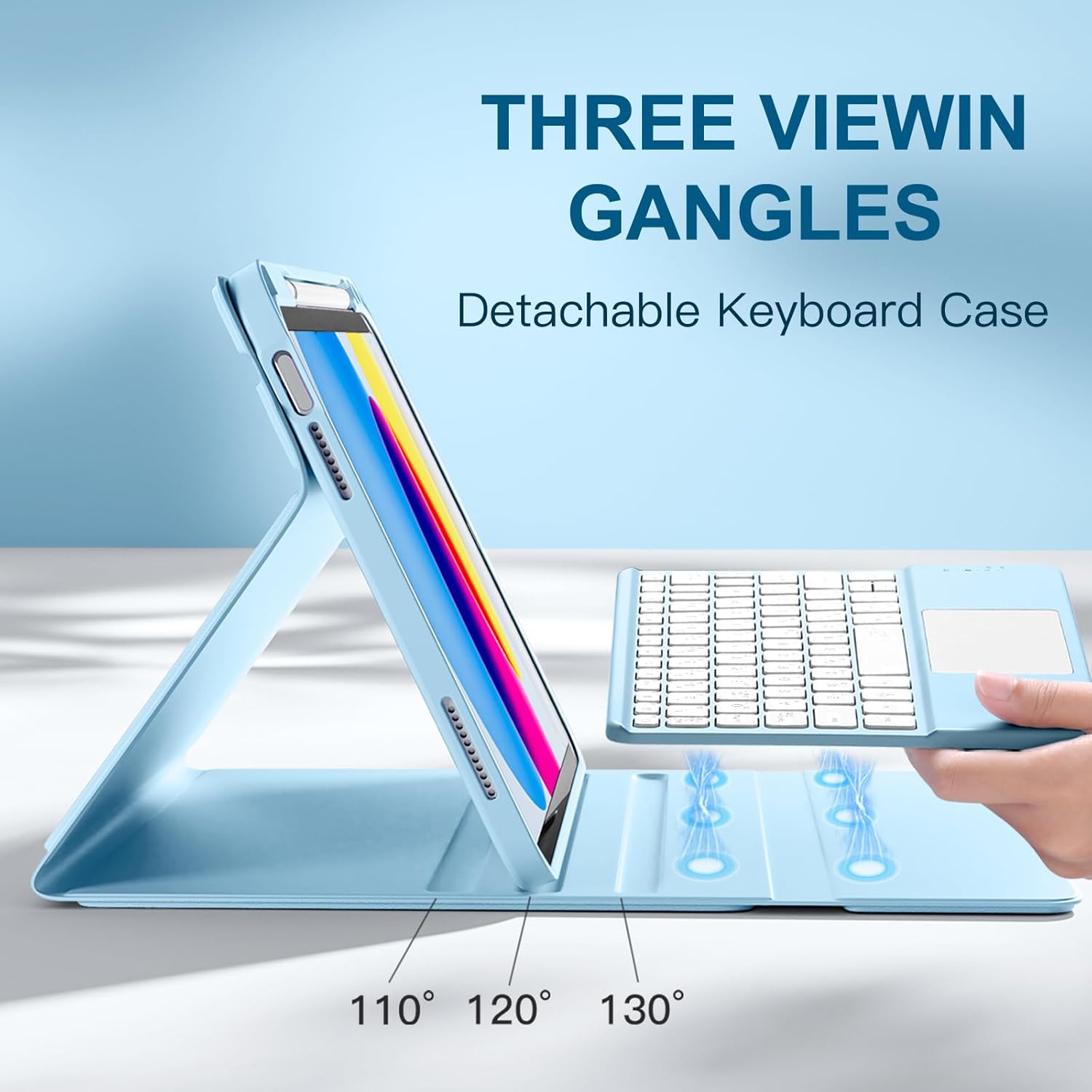
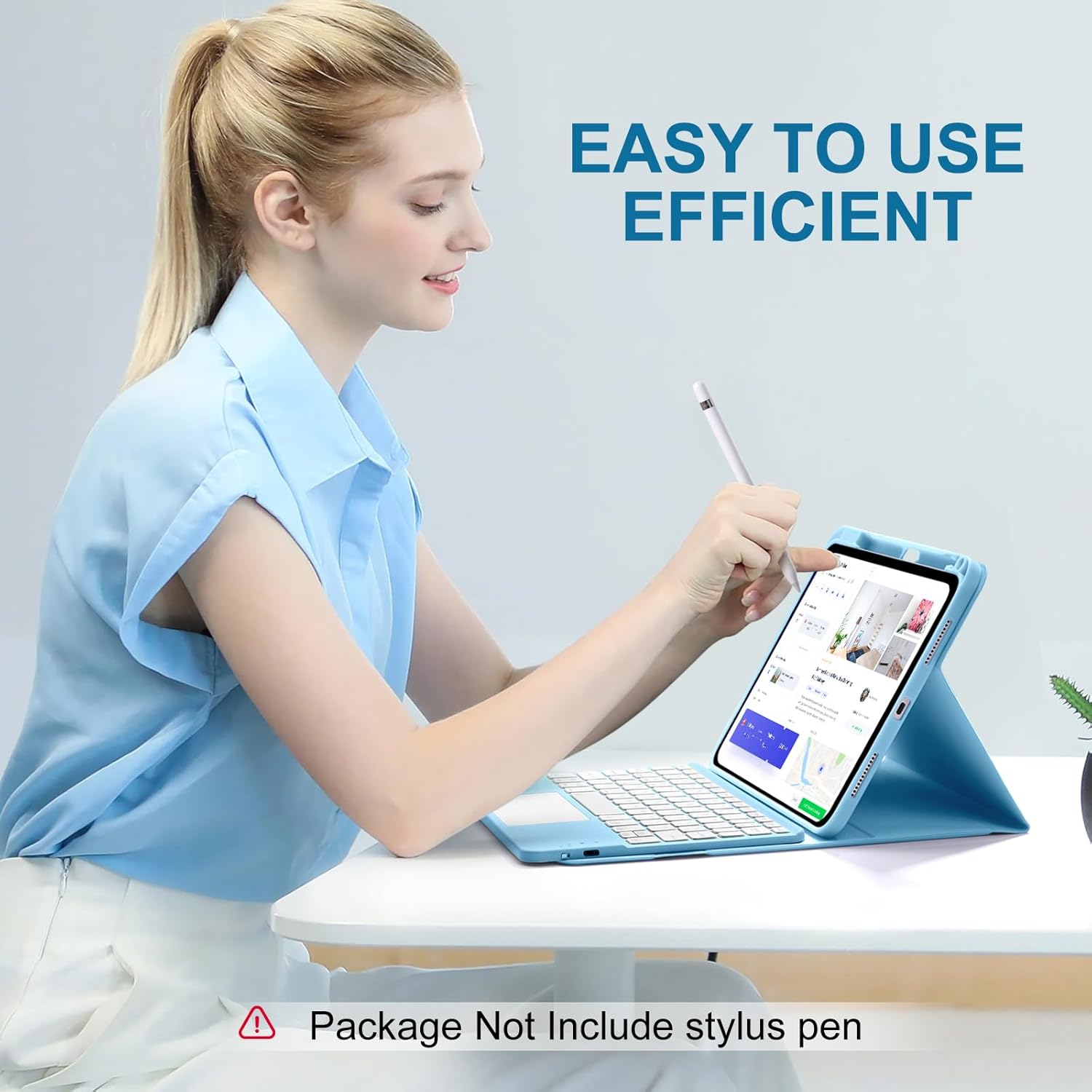
What this is and who it’s for\nThe Vobafe keyboard case is designed to fit two Apple tablet generations in one cover: the iPad A16 11th Generation 11-inch (2025) and the iPad 10th Generation 10.9-inch (2022). It combines a protective case with a magnetic, detachable keyboard that includes a built-in multi-touch trackpad. If you work across docs, browse, or sketch ideas on the go, this setup aims to offer portability without sacrificing input capability. On the surface, it looks like a practical upgrade for users who want laptop-like control on a tablet, but it’s important to confirm model compatibility before purchase by checking the back of your iPad for the AX numbers.\n\n## Key features at a glance\nThe standout features are a highly responsive trackpad for smooth navigation, seven RGB backlight colours with three brightness levels, and a magnetic keyboard that snaps on or off for flexible use. The trackpad supports multi-finger gestures, which can help with scrolling, switching apps, and editing, potentially boosting efficiency in tasks like document work or research. The keyboard backlight and shortcut access align with iPadOS benefits, turning the tablet into a more versatile workspace.\n\n## How it’s built for everyday use\nThe case uses a premium soft PU silicone exterior, designed to resist smudges and provide a comfortable grip. The inner lining uses honeycomb TPU to improve heat dissipation and offer additional protection against bumps and scratches. This construction aims to keep the iPad cooler during longer sessions and reduce the risk of cosmetic damage when carried in a bag.\n\n## Pros and what to watch for\n- Pro: Detachable keyboard means you can use the iPad in tablet mode or as a compact laptop setup when needed.\n- Pro: Magnetic attachment and quick-blink Bluetooth pairing simplify setup and re-use.\n- Pro: Trackpad enables more precise navigation without touching the screen, useful for editing or navigation.\n- Watch out: Compatibility is specific to the two generations listed, if you’re using a different model, the fit may be poor or unusable.\n- Watch out: While the backlight is a neat feature, battery life may be affected by extended use of the keyboard and RGB lighting.\n\n## What it’s best for\nIf you prioritise versatility and a tactile typing experience on the move, this case can be a sensible bridge between a pure tablet and a portable workstation. It’s likely to suit students, remote workers, or anyone who frequently switches between typing and touchscreen control. It isn’t necessarily the best option if you require a weight-optimised everyday carry or if you already own a device outside the supported models.\n\n## Limitations and when to avoid it\nIf your iPad model isn’t one of the two supported generations, this case won’t fit properly, and the keyboard integration may not function. The RGB backlighting is handy in dim environments but adds extra brightness and may reduce battery life if used heavily. Also, if you rely heavily on all-day laptop-style productivity, you should compare with other keyboard cases to ensure the trackpad experience matches your workflow.\n\n## Quick buying considerations before you decide\n- Confirm your iPad model number (AXXXX) on the back to ensure compatibility.\n- Consider how often you’ll use the trackpad versus touch input, some tasks can be done more efficiently with a keyboard, while others might benefit from direct screen input.\n- Think about lighting conditions where backlighting helps, if you often work in bright environments, backlight may be less critical.\n- Check whether you need full laptop-like multitasking, or a lighter accessory that adds typing capability without adding much weight.\n\n## Practical use example\nImagine editing a document on a train: you snap on the keyboard, navigate with the trackpad to insert comments, and switch apps with a three-finger gesture. Once you reach a note, you detach the keyboard to review diagrams on-screen, then reattach for quick typing. The case’s heat-dissipating lining helps during a longer writing sprint, reducing the chance of warmth building up in your hands.\n\n## FAQ (practical answers)\n- Is this compatible with my iPad? Check the back of your iPad for the AXXXX model number to confirm compatibility.\n- Does the keyboard pair via Bluetooth? Yes, the keyboard uses quick and stable Bluetooth pairing with instant reconnection when powered on.\n- Will the trackpad work with all iPadOS gestures? The trackpad supports multi-finger gestures, enabling navigation like tapping, swiping, and scrolling.\n\n## Is it worth it?\nWorth considering if you want a detachable keyboard with a trackpad and a protective, heat-dissipating case for two specific iPad generations. It may not be ideal if you need a lighter setup or if your device isn’t among the supported models.