

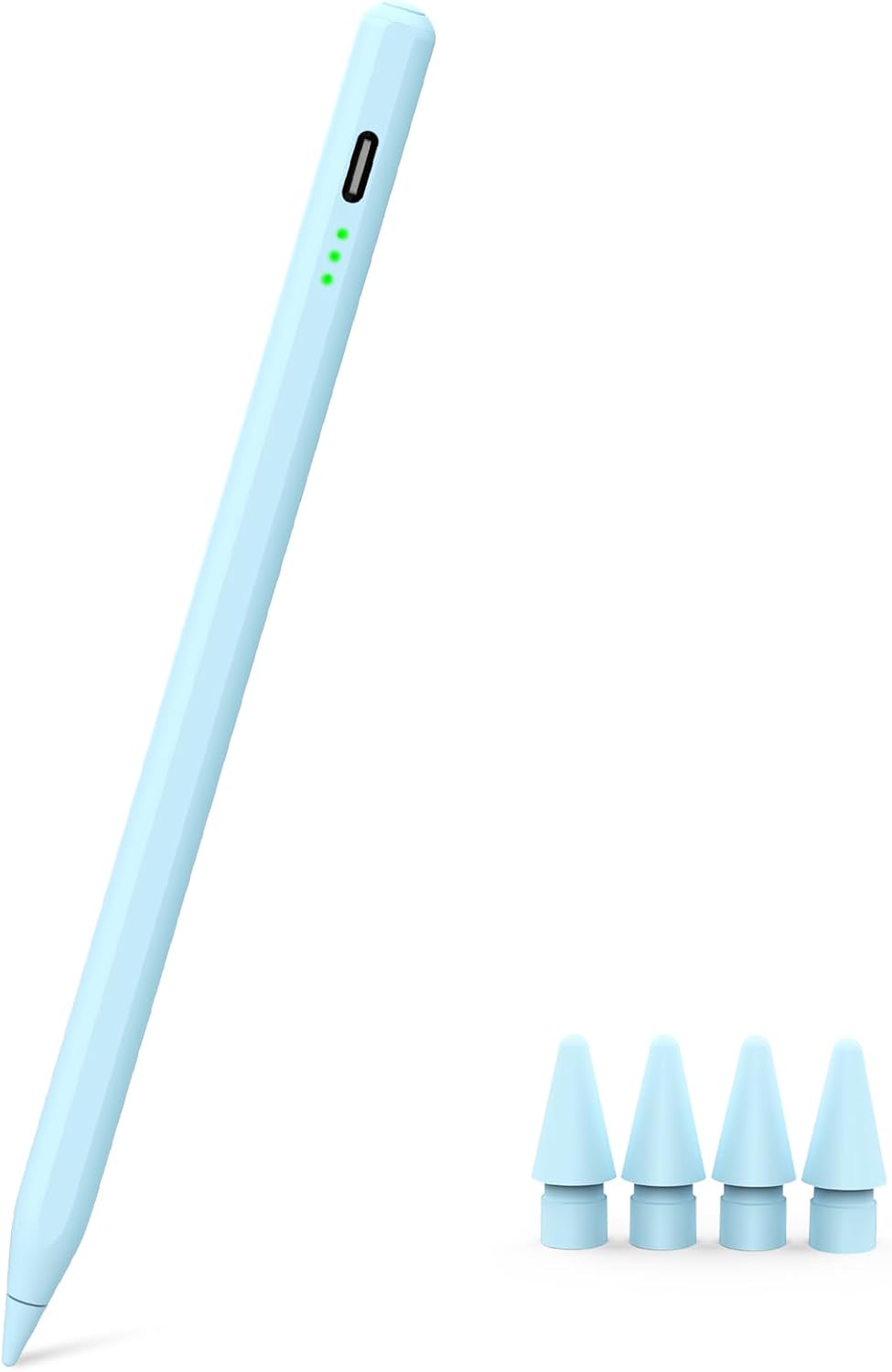
Pencil for iPad 2018-2025 Pixel Precision
Product description
If you write, sketch, or annotate on your iPad every day, this Pencil for iPad 2018-2025 is built for a smooth, responsive feel. It supports tilt sensitivity for natural line variation, plus palm rejection so you can rest your hand while you work 🖊️. Compatibility is a key point, so you can focus on the models it supports, then check your iPad model before you order.
The essentials
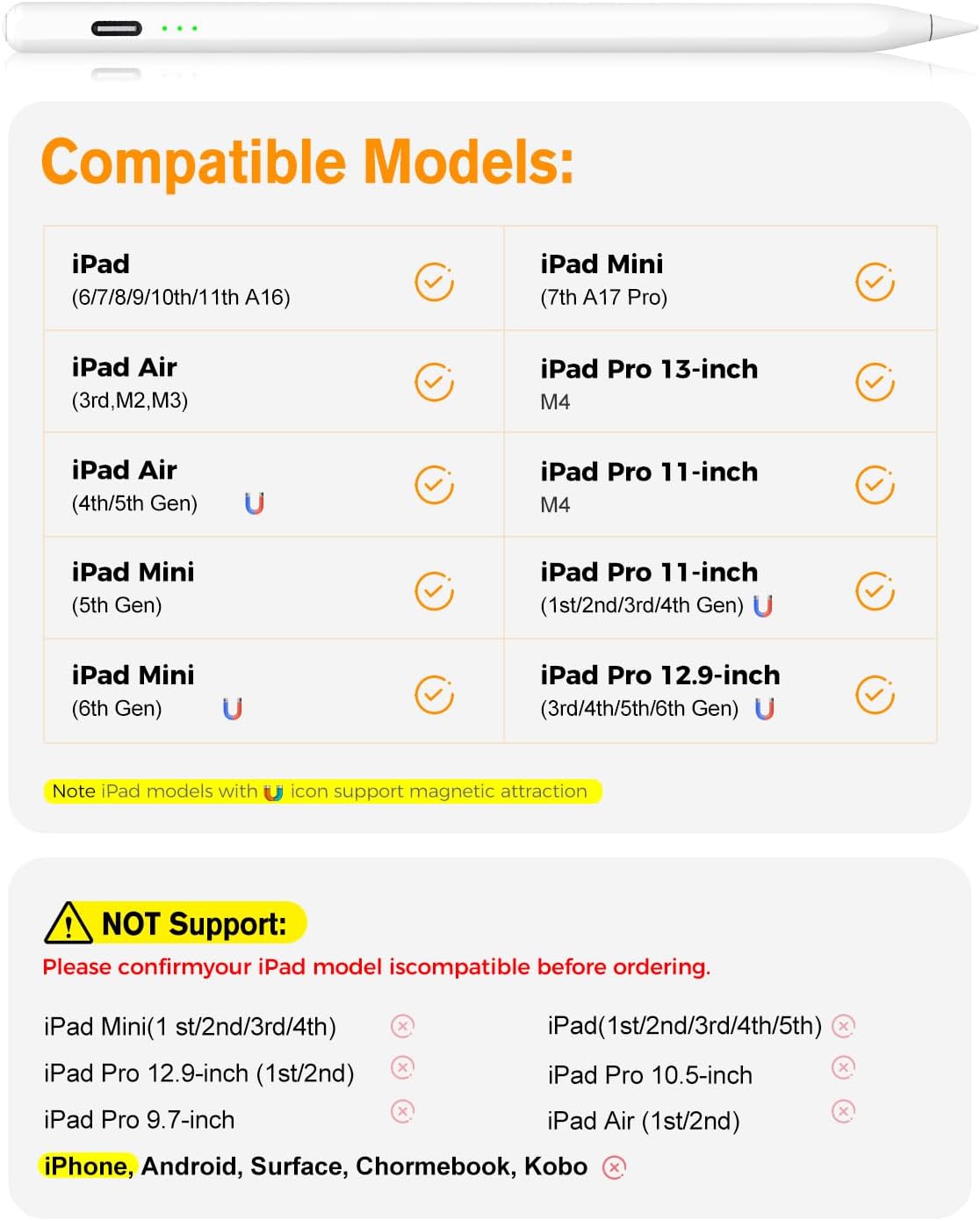
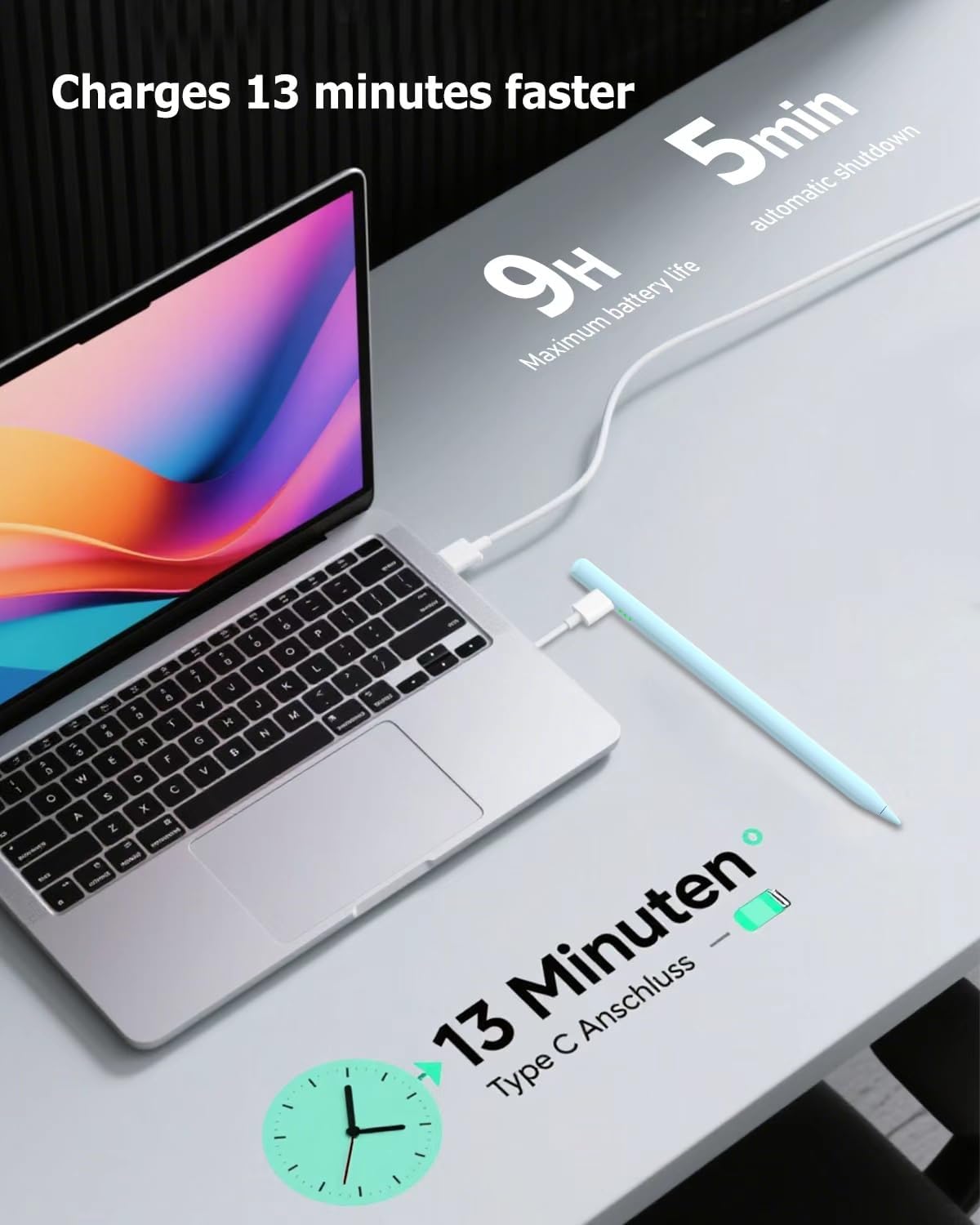
This iPad stylus is made for a wide set of Apple iPad models from 2018 onwards, including iPad A16, iPad Pro 11 inch and 13 inch models with the listed generations, iPad Air 3 to 5 with M2 and M3, and iPad Mini 5 to 7. The overall experience is about keeping things simple, with quick charge via USB-C and a battery routine that is designed to last through normal creative sessions. According to the manufacturer, the pen can be fully charged in about 15 minutes, and it runs for up to 10 hours, with charge time estimates for shorter top ups.
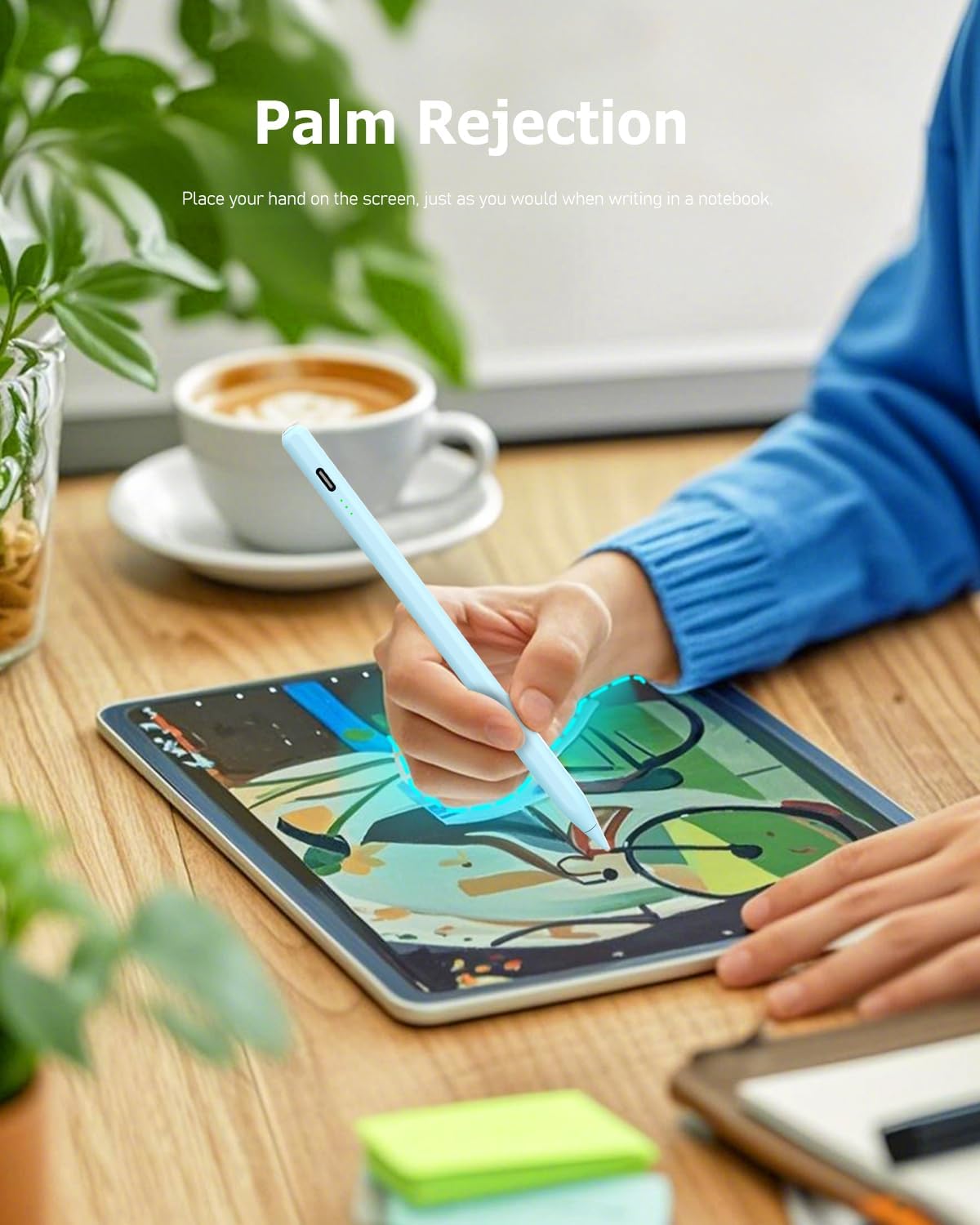
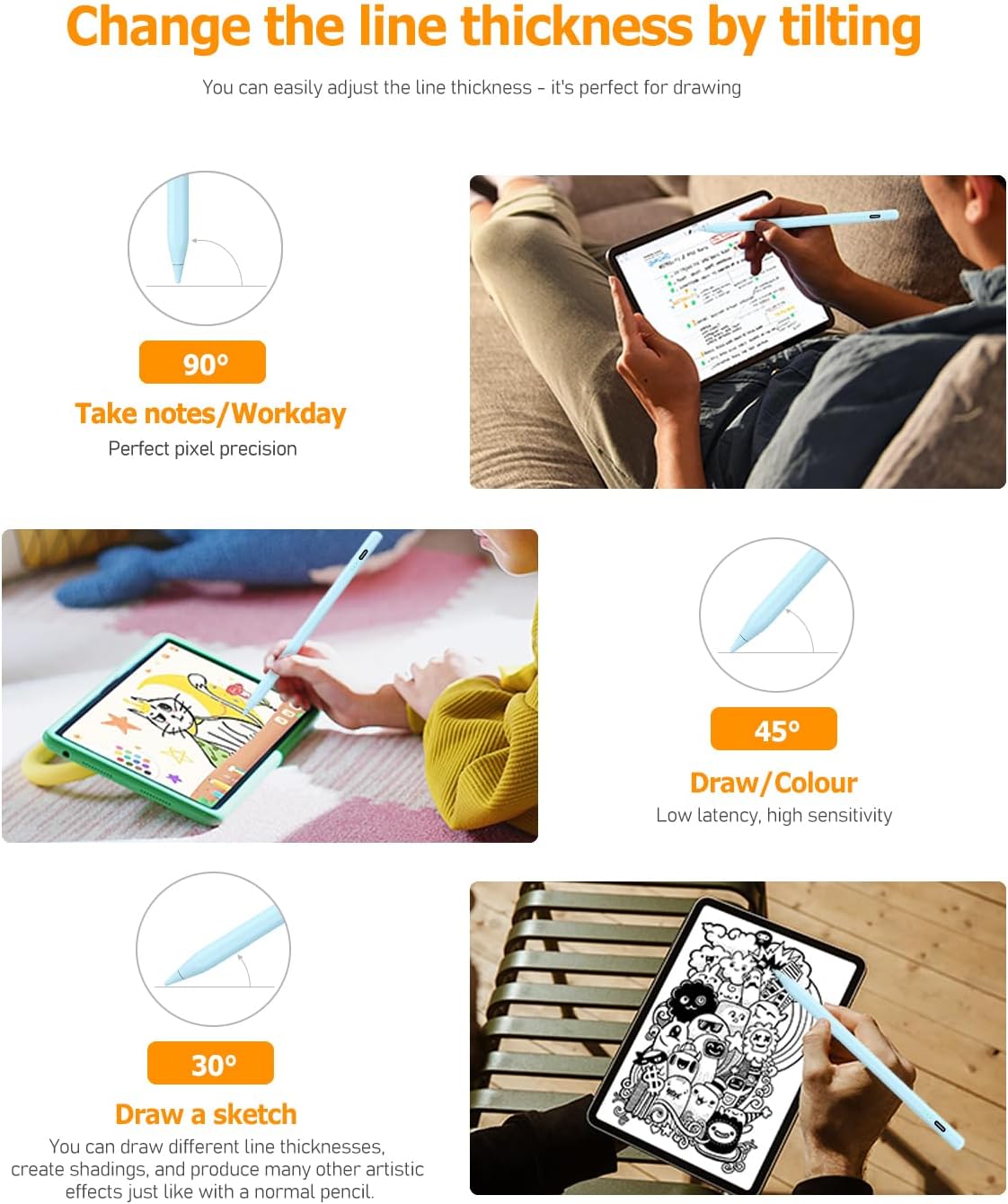
Beyond charging, the day to day usability is shaped by two features that matter when you are drawing or writing. The tilt sensitive tip helps create lines of varying thickness and depth depending on the angle of the pen, which is useful for sketching and shading. Palm rejection support also helps reduce accidental touches, so you do not need gloves and can comfortably rest your palm on the screen while you write or draw. 🧠
Key features
The main strength here is the combination of precision and control. The manufacturer describes pixel level accuracy up to 0.1 mm with no delays, no breaks, and no deviations, and the stylus is intended to feel closer to writing with a pencil. It also uses a POM material nib, which they say is smoother and more durable than typical alternatives, and each stylus includes four extra replaceable nibs for longer term use.
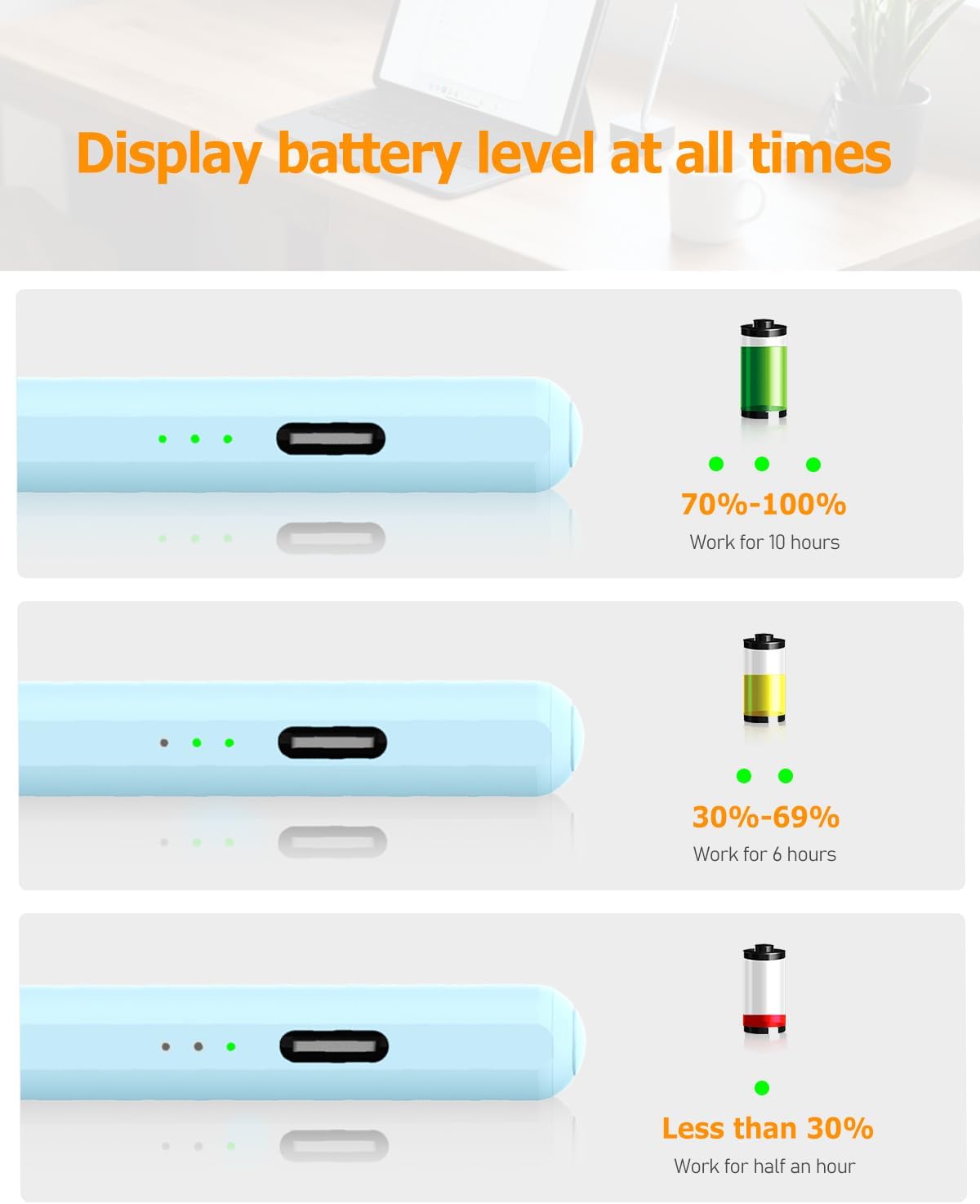
There is also a practical power and attachment approach that aims to reduce interruptions. 3 LED indicators are designed to show real time power status, so you can plan your charging rather than guessing. Automatic shutdown after 5 minutes of inactivity is included for energy saving. The stylus also supports magnetic attachment to keep it in place when you are not using it, and it uses built in magnets to help prevent the pen from rolling away.
Tilt sensitivity and palm rejection are backed by a specific note on capabilities. The stylus is not pressure sensitive, so if your workflow relies on pressure based effects you will need to check whether this matters for your apps and style.
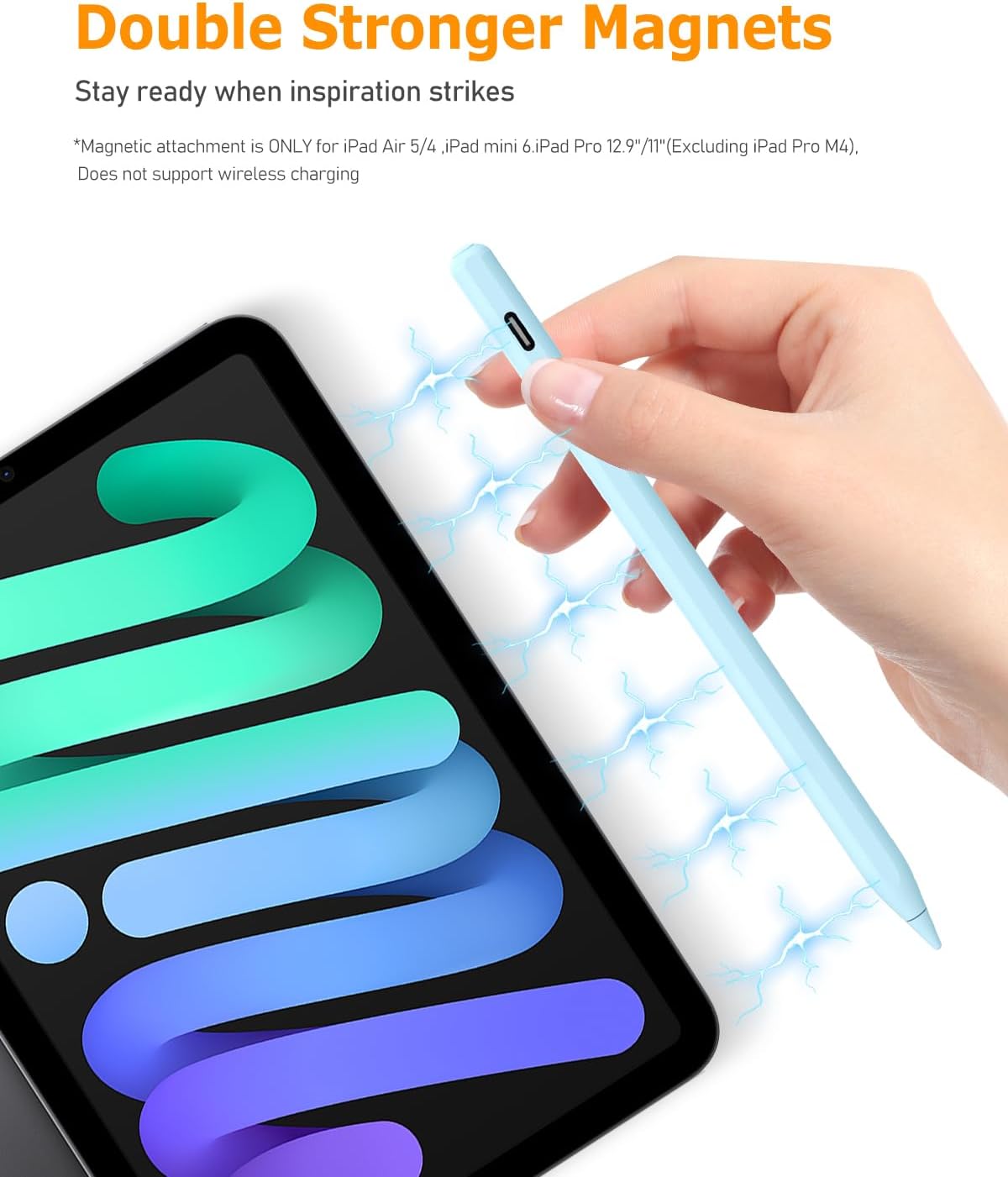
It is also helpful to understand how charging and pairing work in practice. This pen uses tap top activation for use, with no Bluetooth pairing required, which can make it faster to get started. There is also mention of auto sleep to conserve battery when not in use.
Worth noting if you switch between devices is that this stylus is only compatible with supported iPad models, not iPhone, Android, or Microsoft devices. Compatibility depends on your exact iPad model and generation, so double checking the model is the safest step before purchasing.
Tech specs
- Compatible models: iPad A16 11 inch and 10 inch, and iPad 2018 to 2025 series listed by the manufacturer
- Compatibility note: not compatible with iPad models before 2018, iPhone, Android, and Microsoft devices
- Charge time: fully charged in about 15 minutes with USB-C, according to the manufacturer
- Battery life: up to 10 hours of use after a full charge, according to the manufacturer
- Charge estimates: charge 1 minute for about 50 minutes work, charge 5 minutes for about 4 hours work, according to the manufacturer
- Power indicators: 3 LED indicators for real time power status, according to the manufacturer
What to know before you buy
This stylus is positioned for people who want a reliable iPad companion for notes, sketching, and handwriting style work. It makes sense if you want tilt sensitive line variation and palm rejection, because these features are designed to reduce friction while you draw and annotate. If you often rest your hand on the screen, palm rejection support can make sessions feel more natural, especially for longer writing blocks.
It may not suit you if your workflow specifically depends on pressure sensitive performance, because the manufacturer states the stylus does not have a pressure sensitive design. It may also be a poor match if your device is outside the supported iPad generations, since the stylus is not compatible with iPad models before 2018. If you are unsure, check your exact iPad model and then confirm it matches the list provided by the manufacturer before placing an order.
For attachments and everyday carry, the magnetic approach is designed to help keep the pen secure when it is not in use. The included extra nibs also help you maintain a consistent drawing feel over time, without waiting for replacements.