

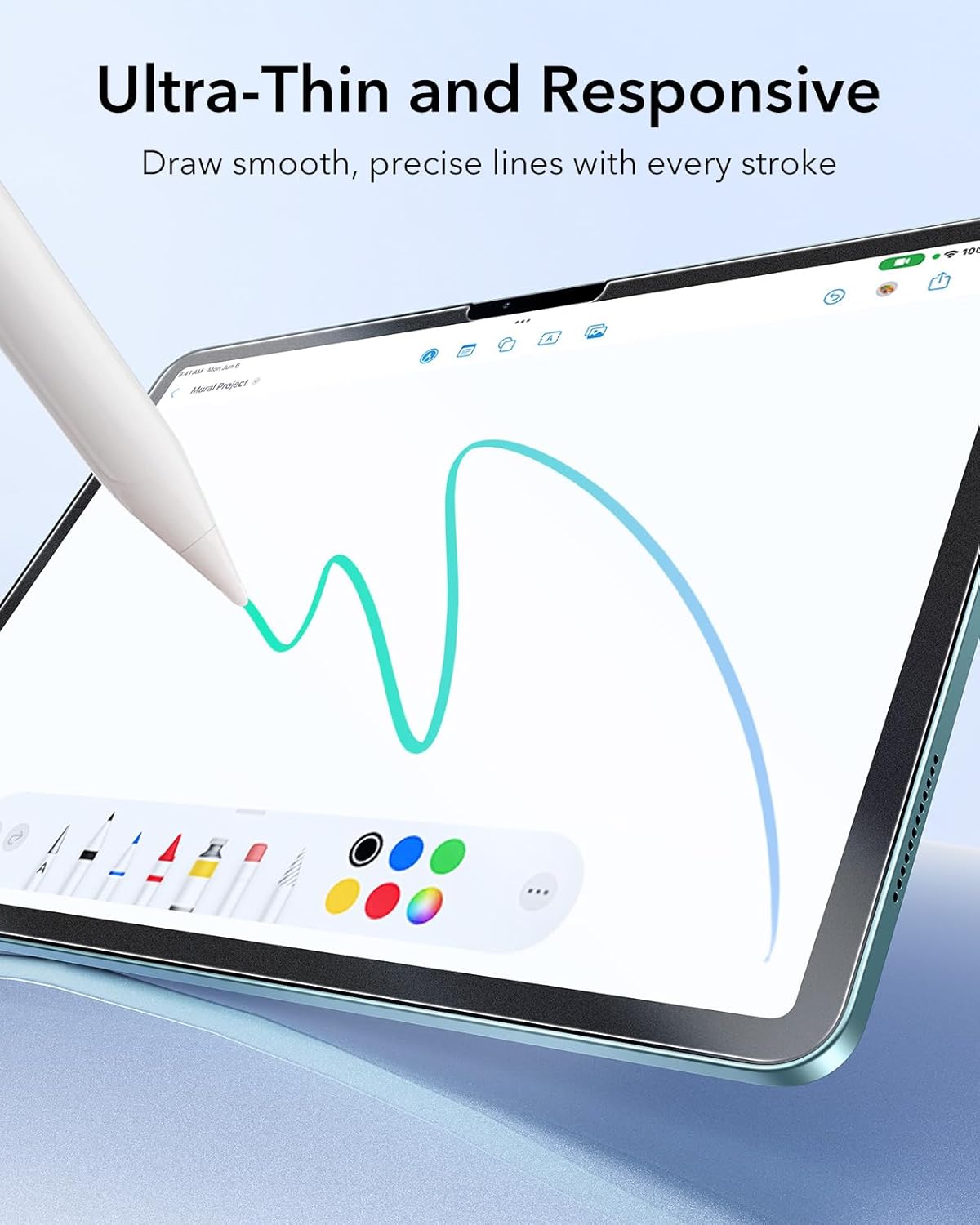
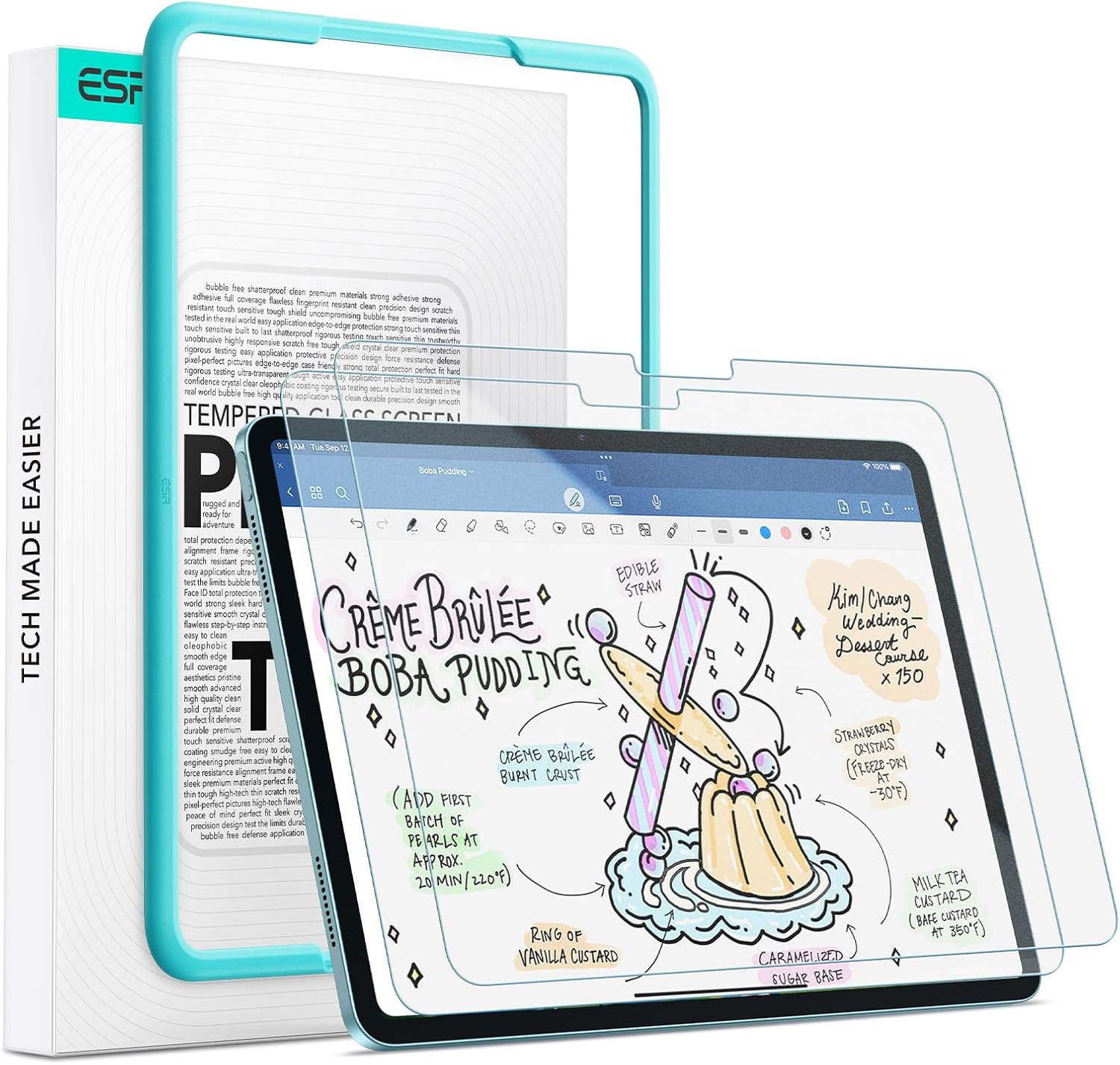
ESR 2 Pack Paper-Feel Screen Protector for iPad Air 13 inch (M4/M3/M2) – Matte anti-glare tempered glass with alignment frame
Product description
At a glance
If you use your iPad Air 13 inch for writing or sketching, this ESR 2 pack is designed to feel more like paper than a typical glossy screen cover. On paper, you get a matte anti-glare look, a paper-feel micro-texture, and a setup frame meant to make bubble-free fitting much easier.
It’s also positioned as a practical everyday protector: 9H tempered glass for scratch and crack resistance (within normal use), plus a very thin profile aimed at keeping touch response feeling precise. There are a couple of caveats to bear in mind, though: because it’s a write-and-draw style surface, it won’t feel the same as a standard smooth glass protector, and matte finishes can make the display look a touch less “crisp” depending on your lighting.
The essentials
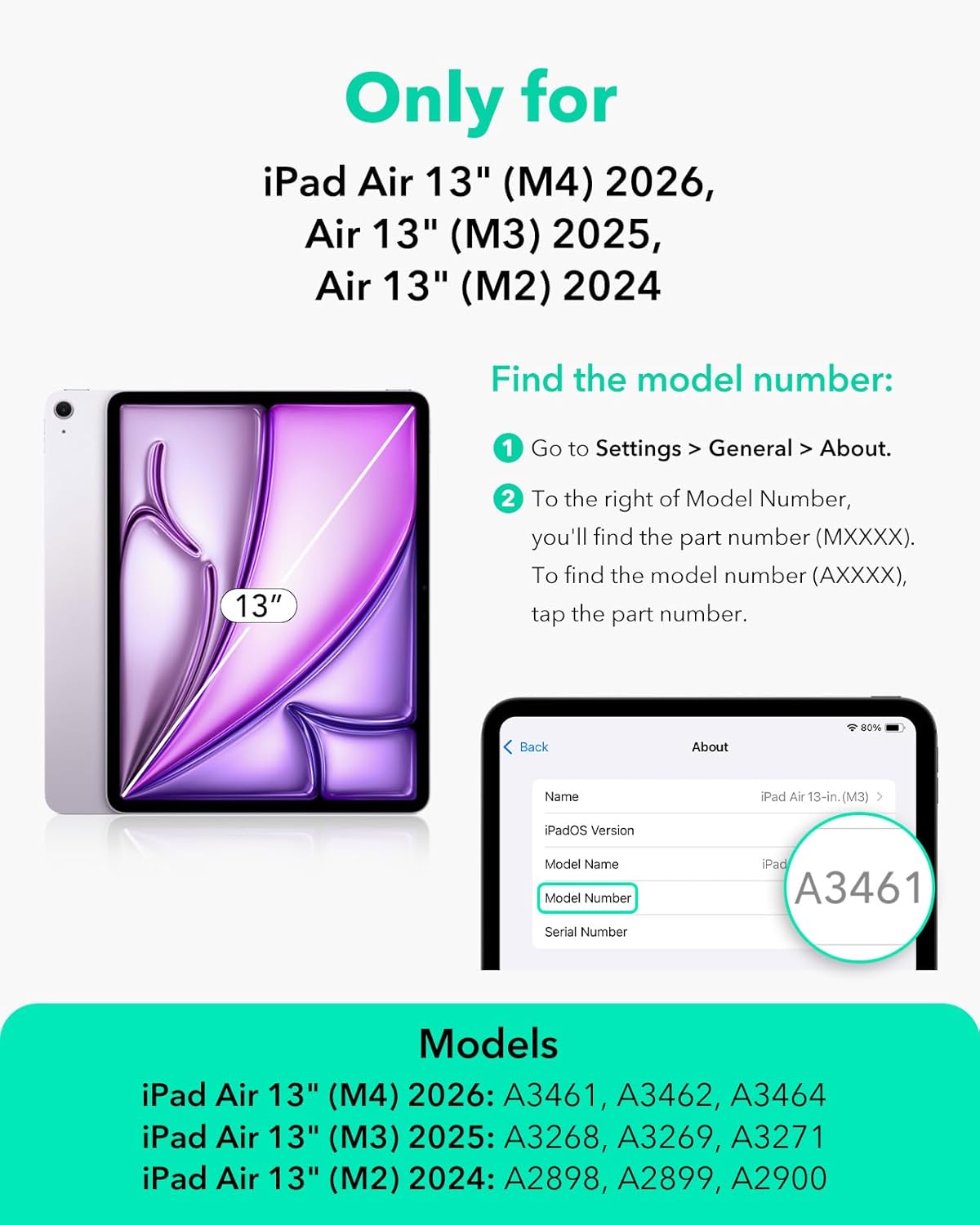
This pack is specifically for iPad Air 13 inch models from 2026 (M4), 2025 (M3) and 2024 (M2). The listing calls out compatibility only for models with codes A3268, A3269, A2898 and A2899, and it states it won’t work with other iPad models. So if you’re shopping by “iPad Air 13” alone, it’s worth double-checking your exact model code before you buy.
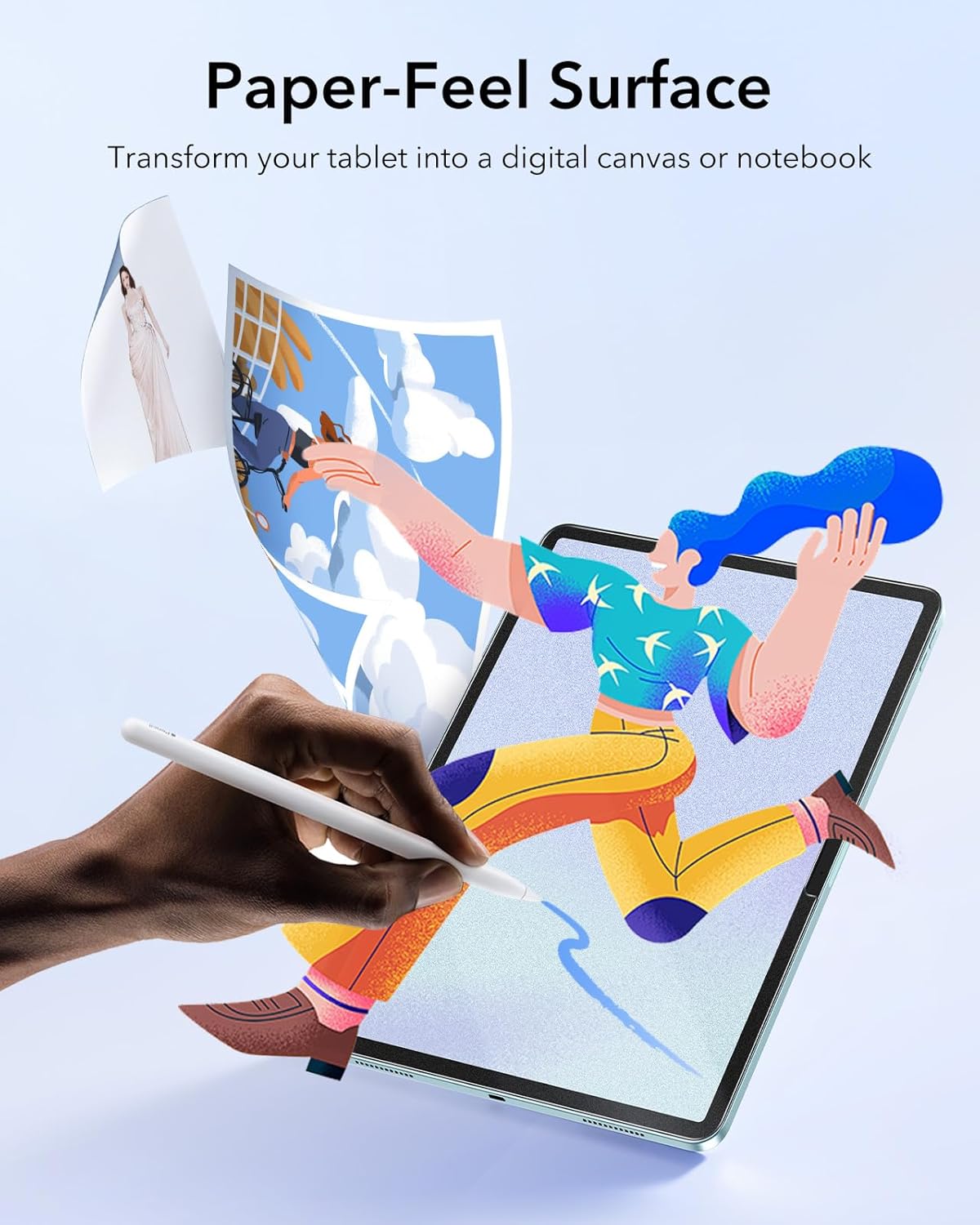
The protector uses a premium PET material with a uniform micro-grit surface to create that paper-like writing and drawing feel. For Apple Pencil users, it’s built to glide smoothly while also reducing how quickly the pencil tip wears, which is a key reason people look for this style of screen cover.
What you’ll notice day to day
The big difference here is the surface texture. With the matte paper-feel finish, writing can feel more natural, especially if you’re used to notebooks, planners or drawing on textured surfaces. A micro-grit pattern tends to “guide” the pencil a bit, which many people find helps with control.
It also includes anti-glare styling for outdoor use, which can matter when you’re working on the garden patio, commuting, or anywhere you get strong reflections. In those conditions, reducing glare is often more noticeable than you’d expect.
A tiny example of the kind of use this suits: imagine you’re marking notes during a sunny lecture. With a glare-reducing matte surface, the screen is easier to read and your pencil strokes don’t feel like you’re writing on slick glass.
Key features
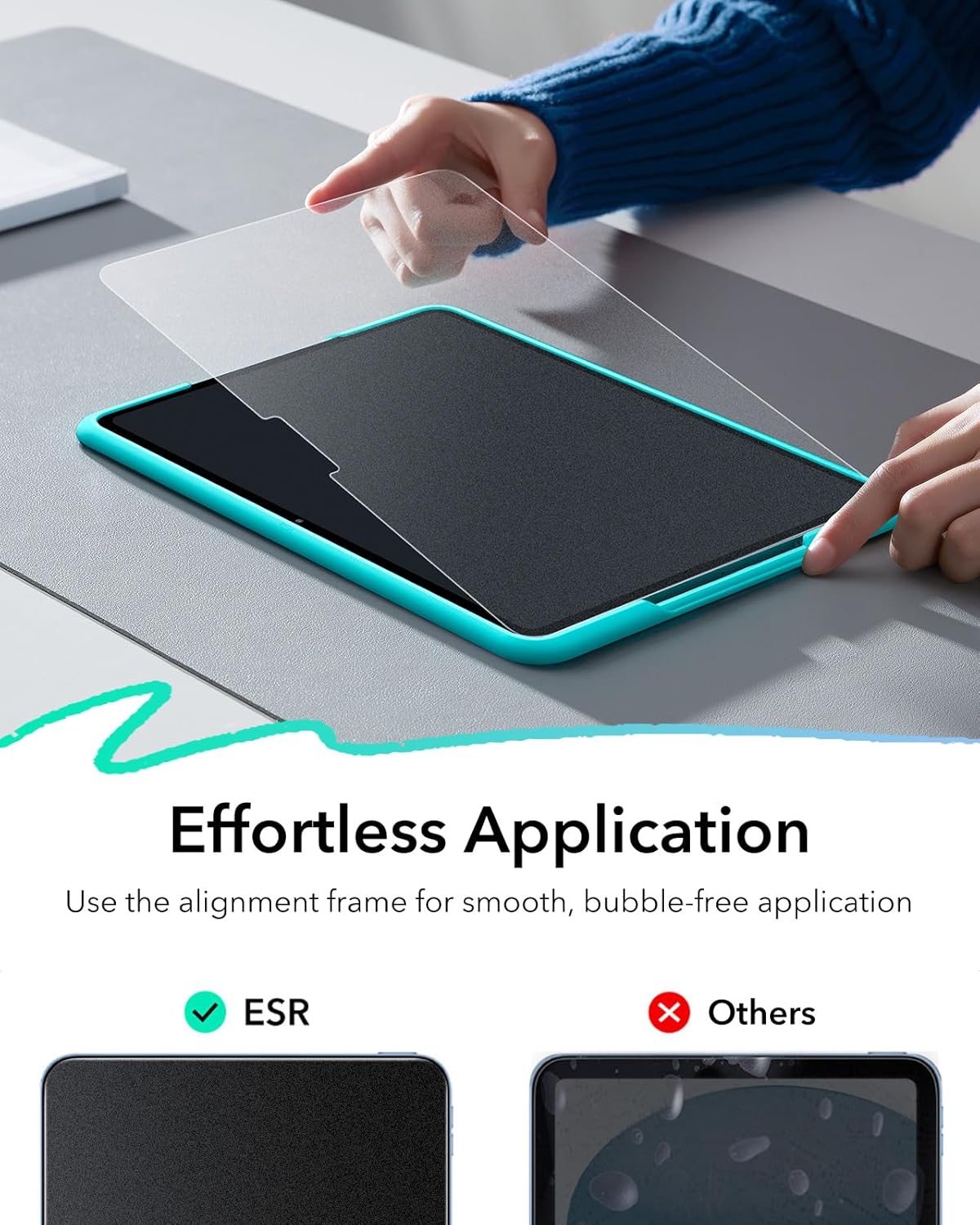
The package is designed to make installation less painful. An alignment frame and a cleaning kit are included, and the promise is quick, easy, bubble-free application. That’s a meaningful point for screen protectors in general—if you’ve ever wrestled with dust specks or alignment, you’ll know why.
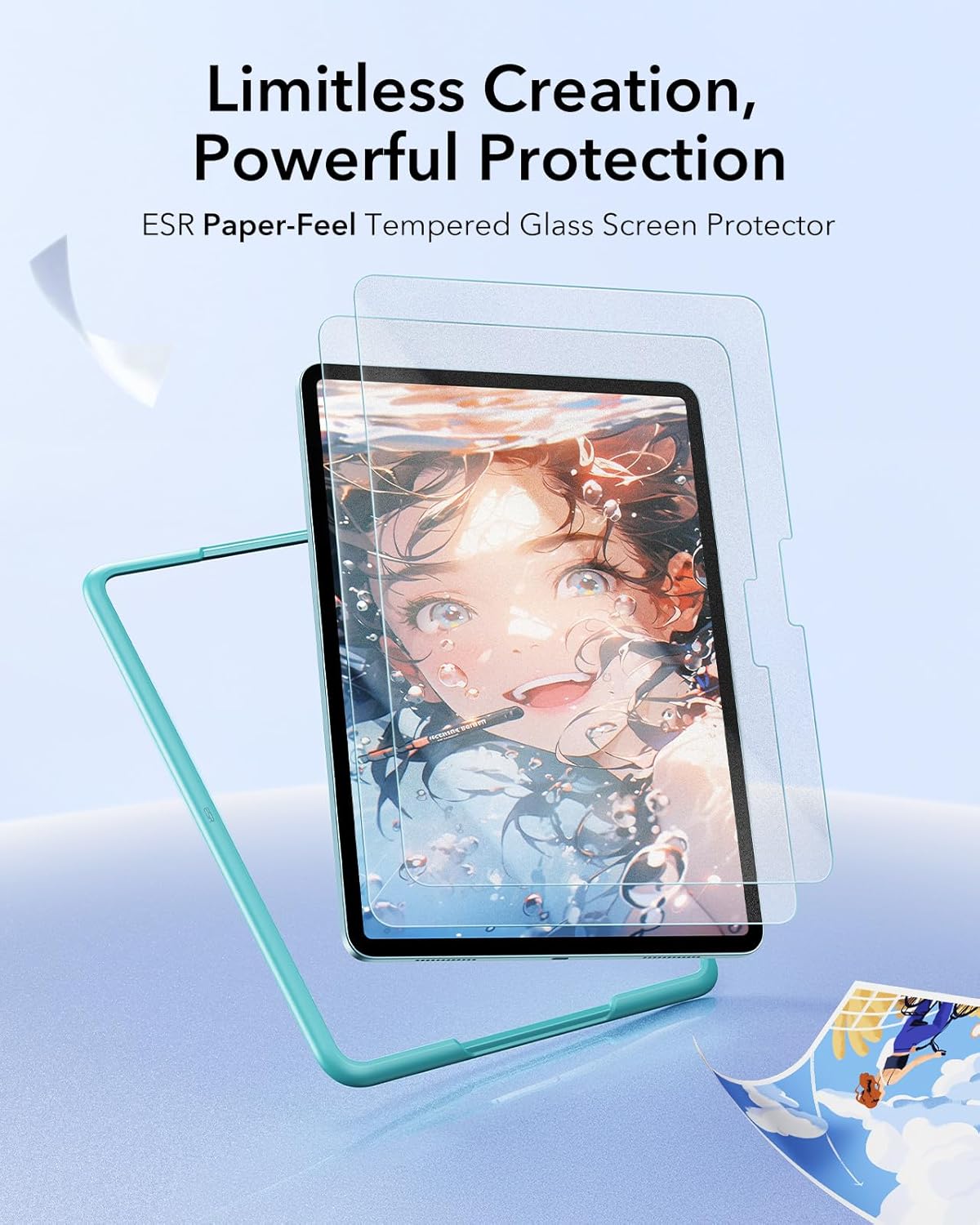
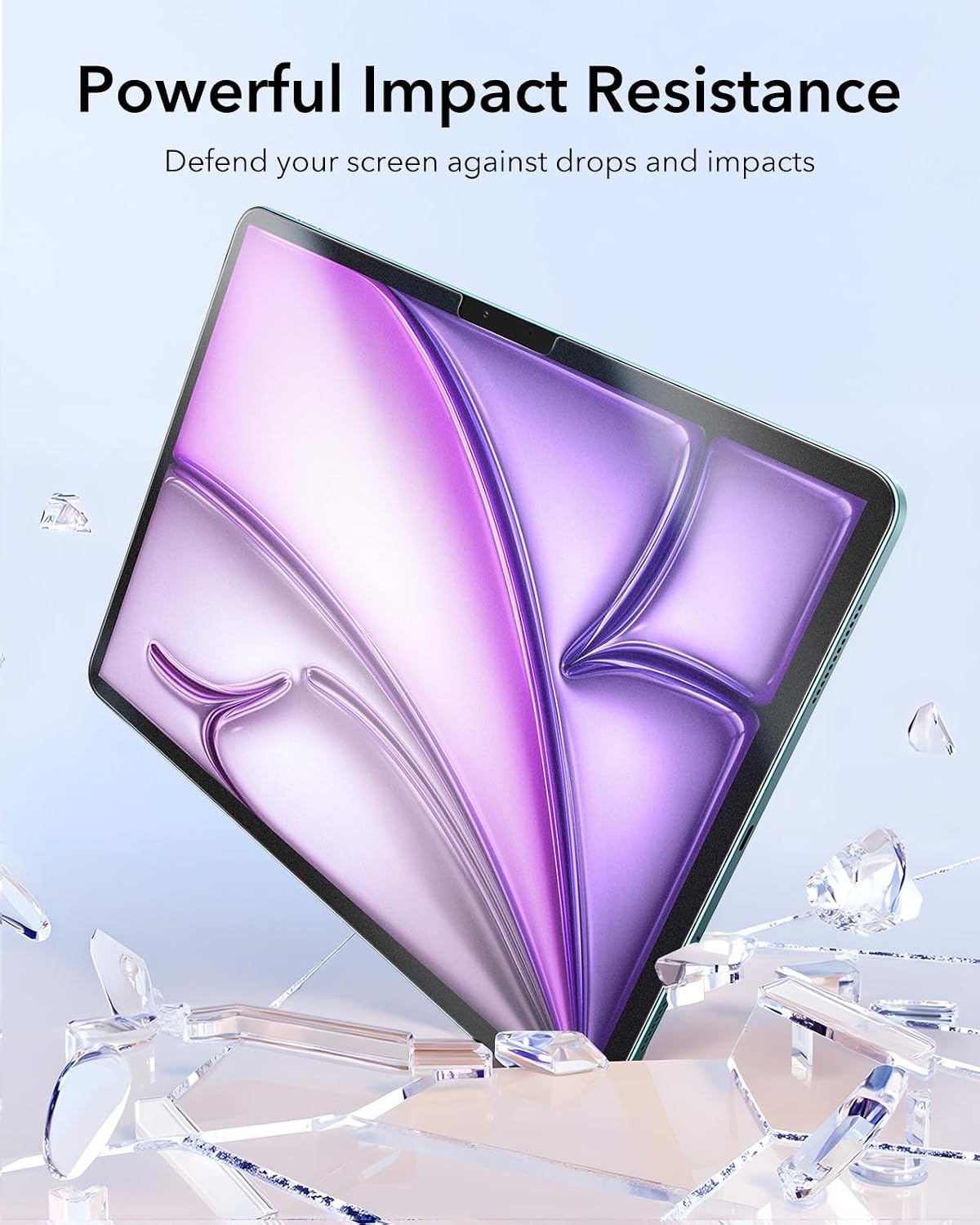
On protection, the listing points to high-quality 9H strength tempered glass to help guard against scratches and crack damage from everyday bumps and hard objects. The ultra-thin design is also meant to keep touch sensitivity precise and support smooth gliding, rather than adding a thick, noticeable layer.
Who it’s for (and who should think twice)
Worth considering if: - You mainly want your iPad Air 13 inch for writing, annotating and drawing, and you prefer a paper-like surface. - You use an Apple Pencil and want a matte, pencil-friendly surface that can help minimise tip wear. - You care about glare reduction for outdoor or bright-light use. - You want a two-pack, so you’re not stuck if the first application isn’t perfect.
It may not suit you if: - You want the most “glass-like” look and feel, with maximum smoothness and minimal texture. - You’re shopping for a different iPad model than the ones listed (the compatibility is stated as specific). - You’re expecting a protector to be invisible—matte anti-glare films and textured surfaces can change how the screen appears under light.
Also, do keep expectations realistic: a screen protector helps with protection from scratches and cracks, but it’s not a guarantee against damage from every impact.
Tech details
- Type: Paper-feel screen protector for iPad Air 13 inch
- Material: PET with uniform micro-grit surface
- Tempered glass strength: 9H
- Finish: matte anti-glare
- Design: alignment frame and cleaning kit included
- Intended for: Apple Pencil users (paper-like writing and drawing)
Final verdict
This ESR 2 pack is a solid pick if your main goal is a paper-like writing and drawing experience on a compatible iPad Air 13 inch model, with anti-glare support for brighter settings. The combination of a matte micro-texture, a 9H tempered-glass approach to protection, and an alignment frame for easier fitting makes it feel practical rather than purely gimmicky.
However, it may not be the right choice if you prefer the smoother, more traditional glass feel or you’re sensitive to the way matte finishes can slightly change display clarity in certain lighting. If you’re unsure, the first thing to verify is model compatibility by the listed model codes—get that right, and the rest of the concept makes more sense.
Mini FAQ
Getting the best results
For bubble-free installation, take your time with the cleaning step and use the alignment frame rather than freehanding it. Dust is the usual reason protectors end up looking messy, even when the fit is correct.
Is it compatible with other iPad models?
The listing states compatibility only for specific iPad Air 13 inch models with model codes A3268, A3269, A2898 and A2899, covering M4 (2026), M3 (2025) and M2 (2024). It says it’s not compatible with other iPad models.
Does the matte surface affect screen appearance?
It’s a matte anti-glare finish, so it should reduce reflections. Depending on your viewing conditions, you may also notice a difference compared with a glossy protector.
Does it help with Apple Pencil tip wear?
The product description says the uniform micro-grit texture helps minimise pencil tip wear, which is one of its key selling points for artists and note-takers.
What’s included in the pack?
Along with the screen protectors, you get an alignment frame and a cleaning kit, plus the listing mentions support resources and a 12-month protection plan.