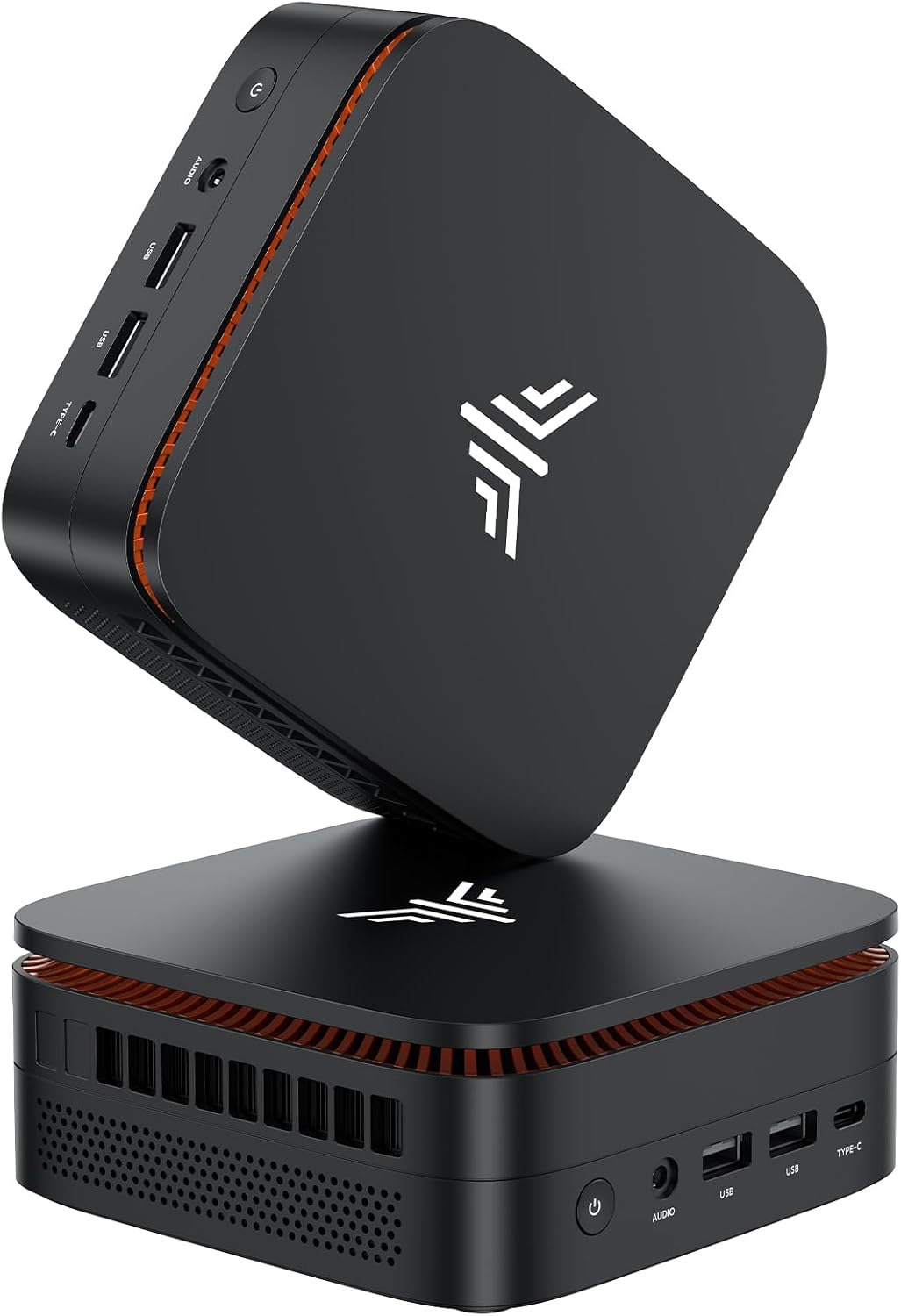
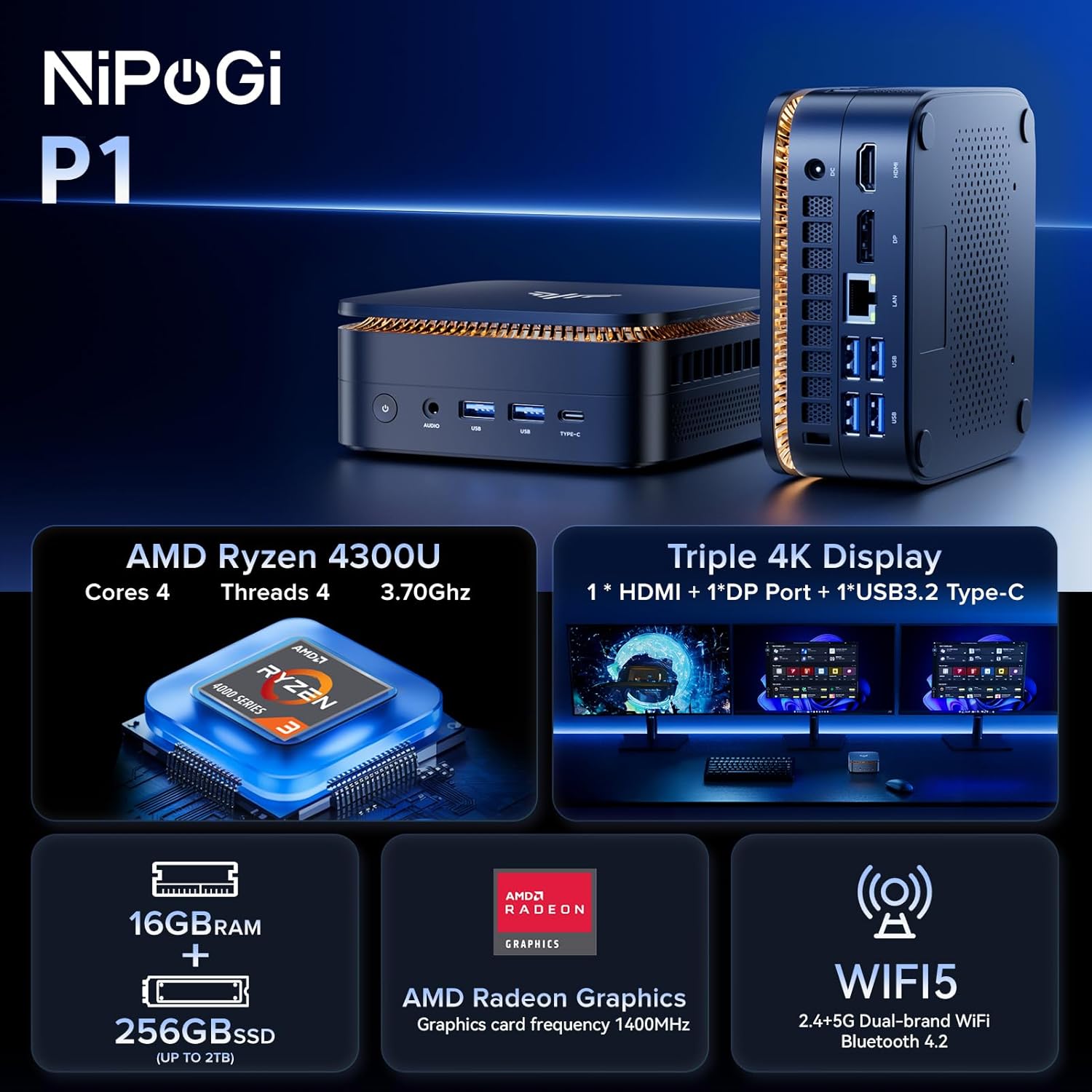
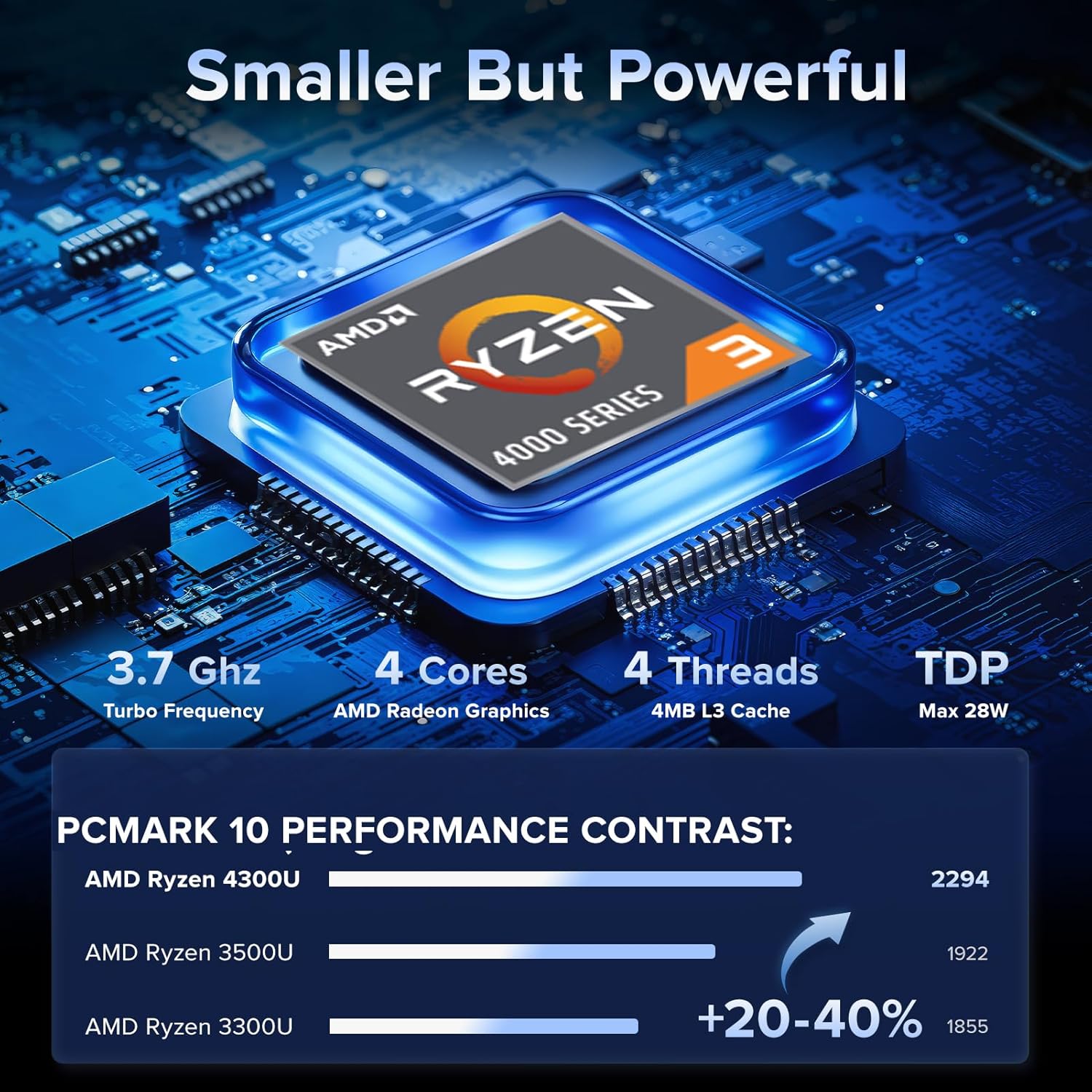
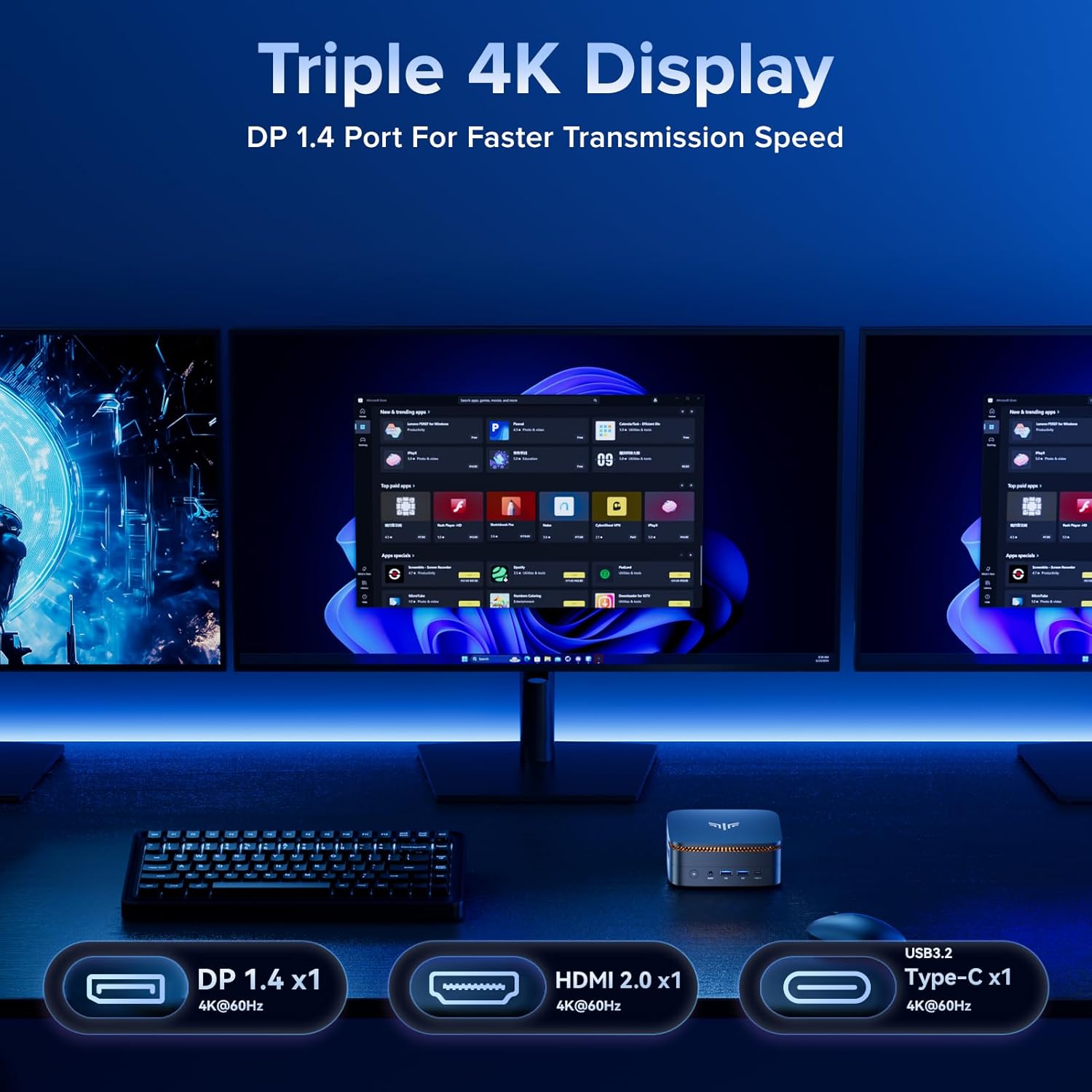
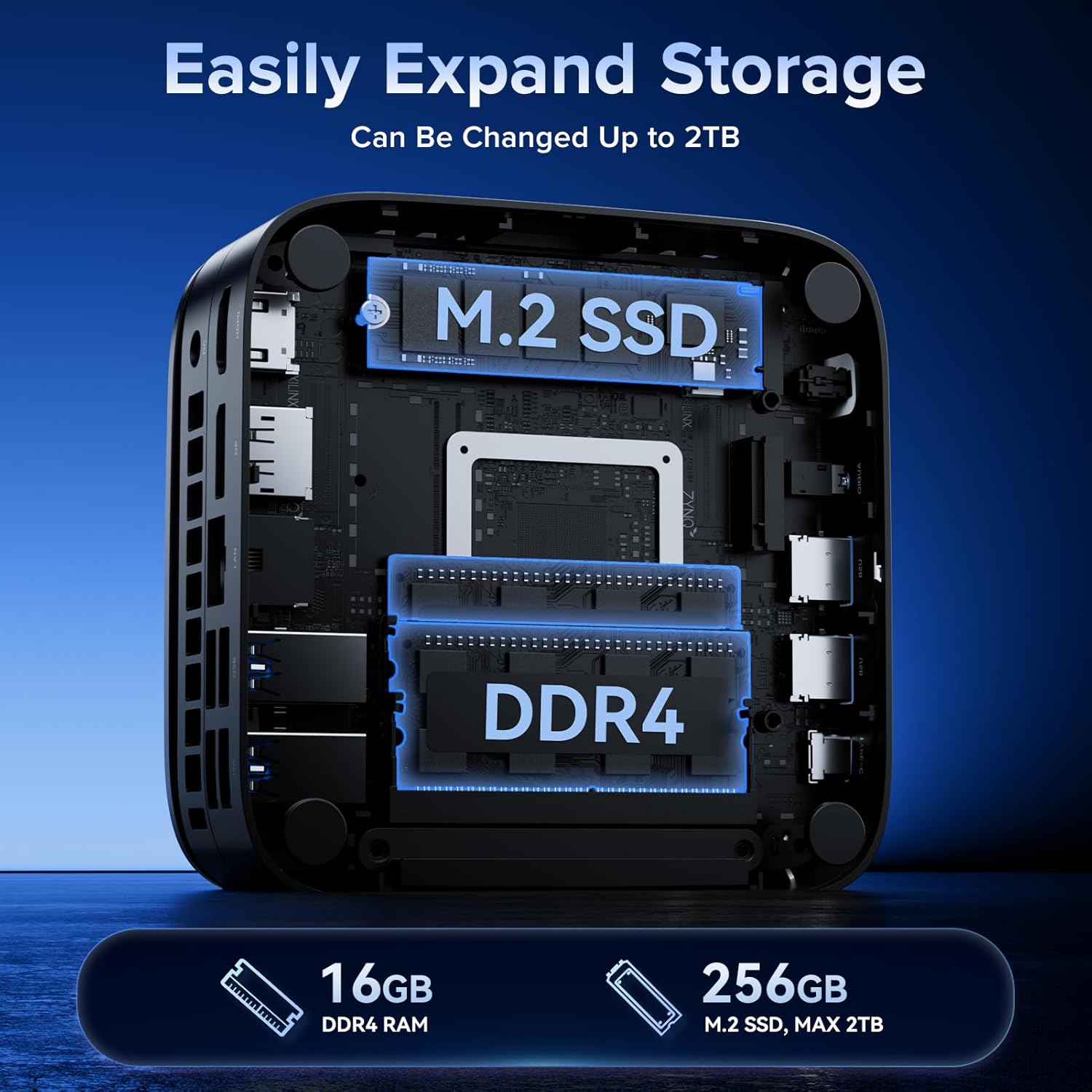
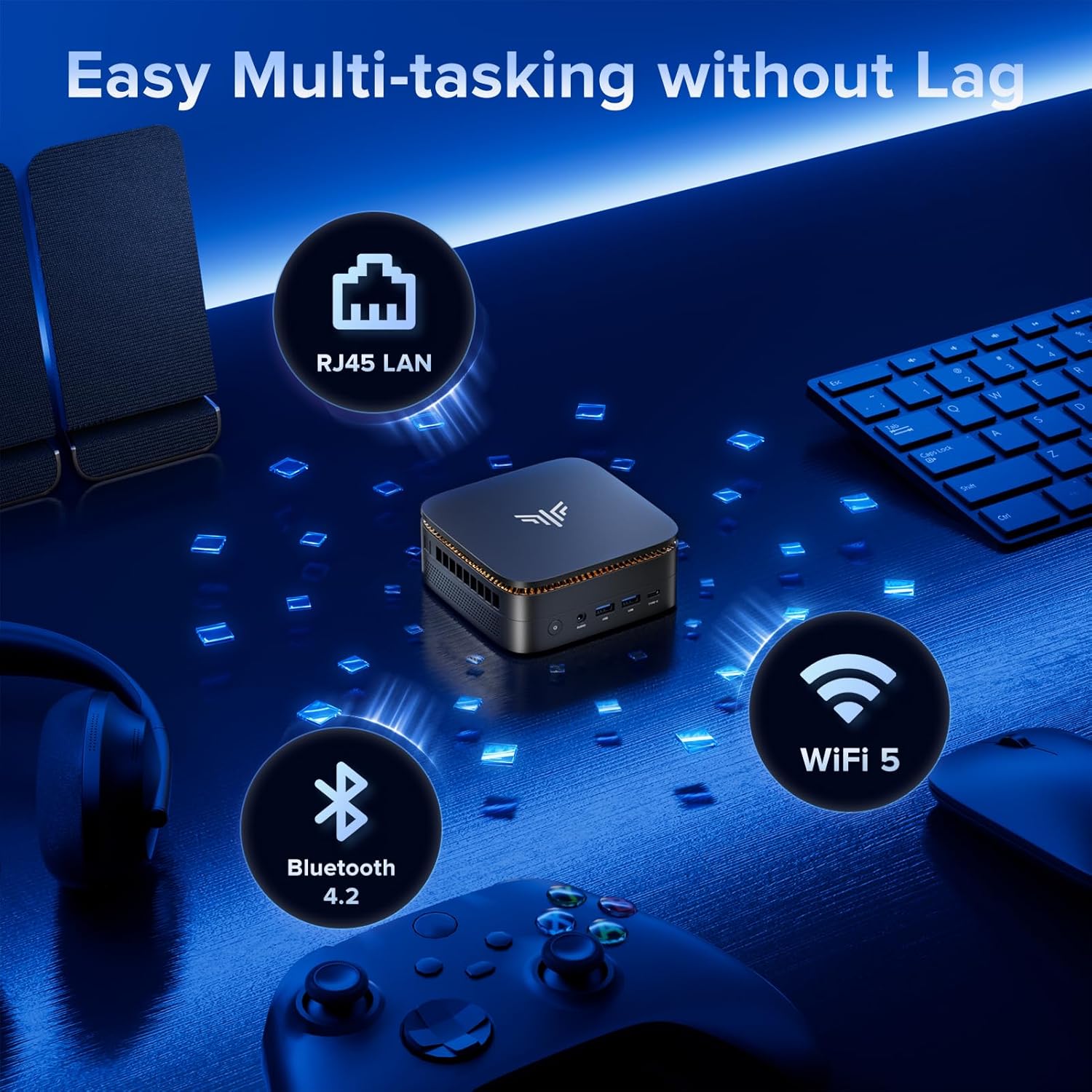
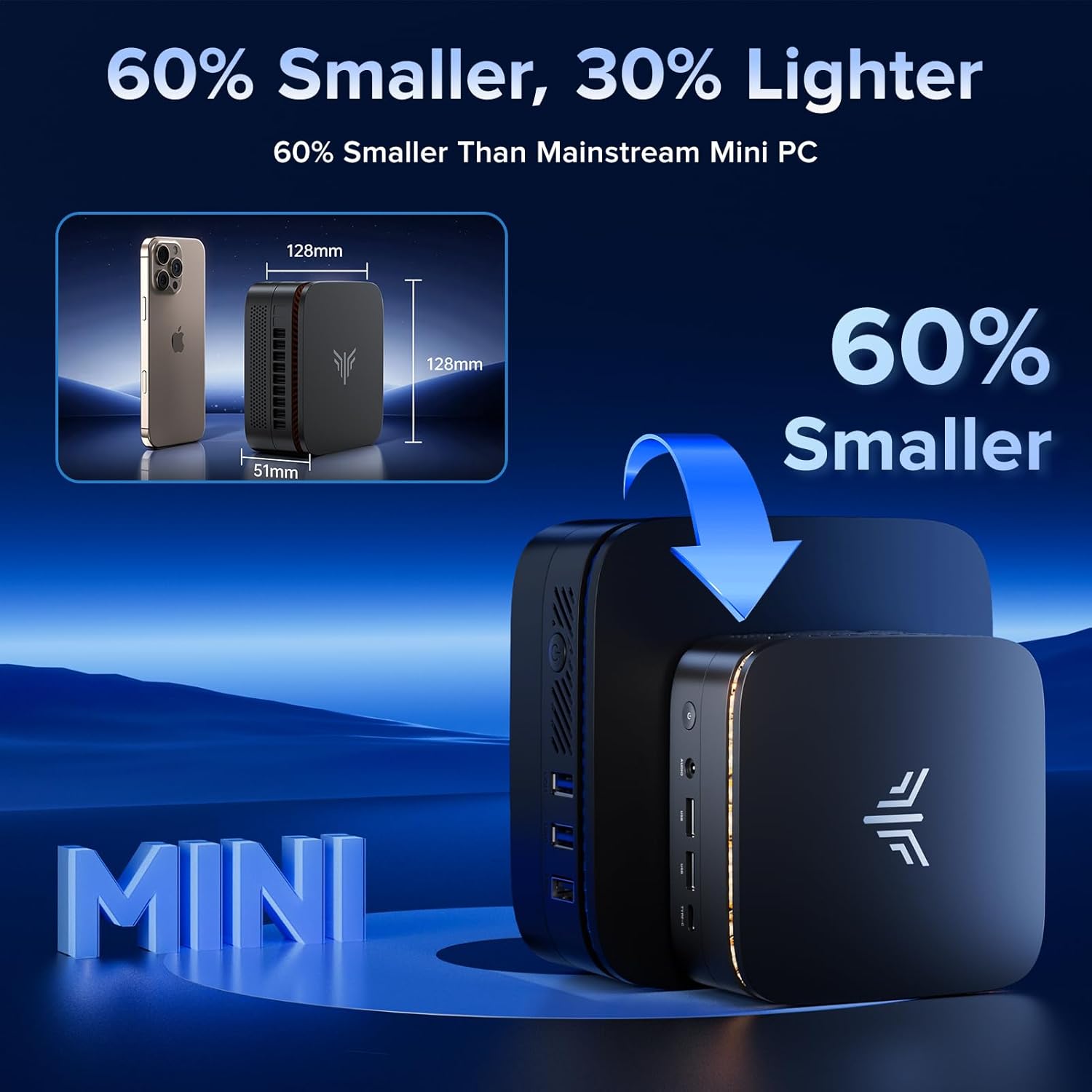
What it is and what it’s for\nThe NiPoGi Pinova P1 is a compact mini PC powered by an AMD Ryzen 4300U processor, paired with 16GB of DDR4 RAM and a 256GB NVMe SSD. It runs Windows 11 Pro and is pitched at home office tasks, light media editing, and casual gaming, all tucked into a small chassis that won’t crowd your desk. If you prioritise space-saving without sacrificing everyday performance, this device aims to deliver a balanced, all‑around solution.\n\n## How it performs in real life\nOn paper the Ryzen 4300U offers 4 cores and 4 threads with a boost up to 3.7 GHz, built on a Zen 2 architecture with integrated Radeon graphics. In practical terms, you’d expect smooth handling of spreadsheets, web browsing, video streaming, and multitasking across a handful of programmes. It’s not a pure gaming rig, but casual titles at modest settings and 4K video playback are within reach thanks to the triple display capability and capable graphics unit. The 16GB RAM helps with multi‑tasking, while the 256GB SSD keeps boot times snappy and files accessible. Note that the two M.2 slots offer potential expansion, up to a combined total of around 4 TB of storage, though the additional drives aren’t included by default.\n\n## What stands out day to day\nSpace saving is the Pinova P1’s strongest card. Its compact form (12.8 x 12.8 x 5.1 cm) makes it easy to tuck away or mount with a VESA solution. The design also focuses on cooling efficiency, with a quieter fan profile than you might expect under light to moderate load. This means you can set up a small home office or media corner without loud interruptions during work or while streaming.\n\n## Potential limitations to note\nIf your workload involves heavy video editing, 3D rendering, or sustained high‑end gaming, the P1 might feel stretched, especially compared with higher‑spec desktops or specialised mini PCs. While 16GB RAM helps, you may eventually hit limits with very memory‑heavy workflows, and the base storage may require upgrades for larger media libraries. Also, while Windows 11 Pro is included, you’ll want to factor in any specific software compatibility and driver needs for future updates.\n\n## Who this is for\nThis mini PC targets home offices, students, and light media enthusiasts who want a straightforward Windows 11 Pro machine that can handle daily productivity, HD video, and occasional productivity multitasking without occupying a full desktop. It’s a sensible choice if you value a tidy desk, local storage options, and flexible display setups.\n\n## When it makes sense to buy\nChoose the Pinova P1 if you want a compact computer that supports multiple 4K displays, offers decent multitasking with 16GB RAM, and comes with Windows 11 Pro already installed. It’s a pragmatic option for a small home office, a digital workstation for light creative work, or a media hub that doubles up for occasional presentations.\n\n## When you might want to hold off\nIf your tasks demand sustained heavy processing, large-scale video editing, or heavy gaming across demanding titles, this model may not deliver the performance you’d get from a higher‑end desktop or more powerful mini PC. Also, if you need a lot of built‑in storage, you should plan for upgrades beyond the included 256GB SSD.\n\n## Quick checks before purchase\n- Confirm audio/video output needs match the triple‑display setup (HDMI 2.0 + DP 1.4).\n- Consider how you’ll populate the storage: the two slots allow expansion, but you’ll want compatible NVMe or SATA drives as needed.\n- Check compatibility with your essential software and peripheral devices (USB‑C, USB 3.2 Gen 2, Wi‑Fi/Bluetooth).\n\n## Practical use example\nImagine a small home office where you have a spreadsheet, a presentation, and a web browser open while a 4K video plays in the background. The P1 keeps responsiveness decent as you switch between tasks, delivering a clean desk setup without fanfare or heat build‑up that disrupts your focus.\n\n## FAQ (concise answers)\n- How much RAM can it support? The motherboard supports up to 64 GB DDR4 RAM via two SO‑DIMM slots.\n- Can I expand storage easily? Yes, there are two M.2 slots (one NVMe/SATA and one NVMe/SATA) allowing up to around 4 TB total storage when upgraded.\n- Is it suitable for 4K video playback? Yes, with integrated Radeon graphics and triple 4K display support, 4K playback is supported.\n\n## Should you buy it?\nShould you prioritise a compact, capable Windows 11 Pro PC for light‑to‑moderate workloads with flexible display options, the NiPoGi Pinova P1 offers a balanced package for home office and living room use.