

NiPoGi Pinova P2 Mini PC (Windows 11 Pro) with AMD Ryzen 3300U, 16GB RAM and 256GB SSD
Product description
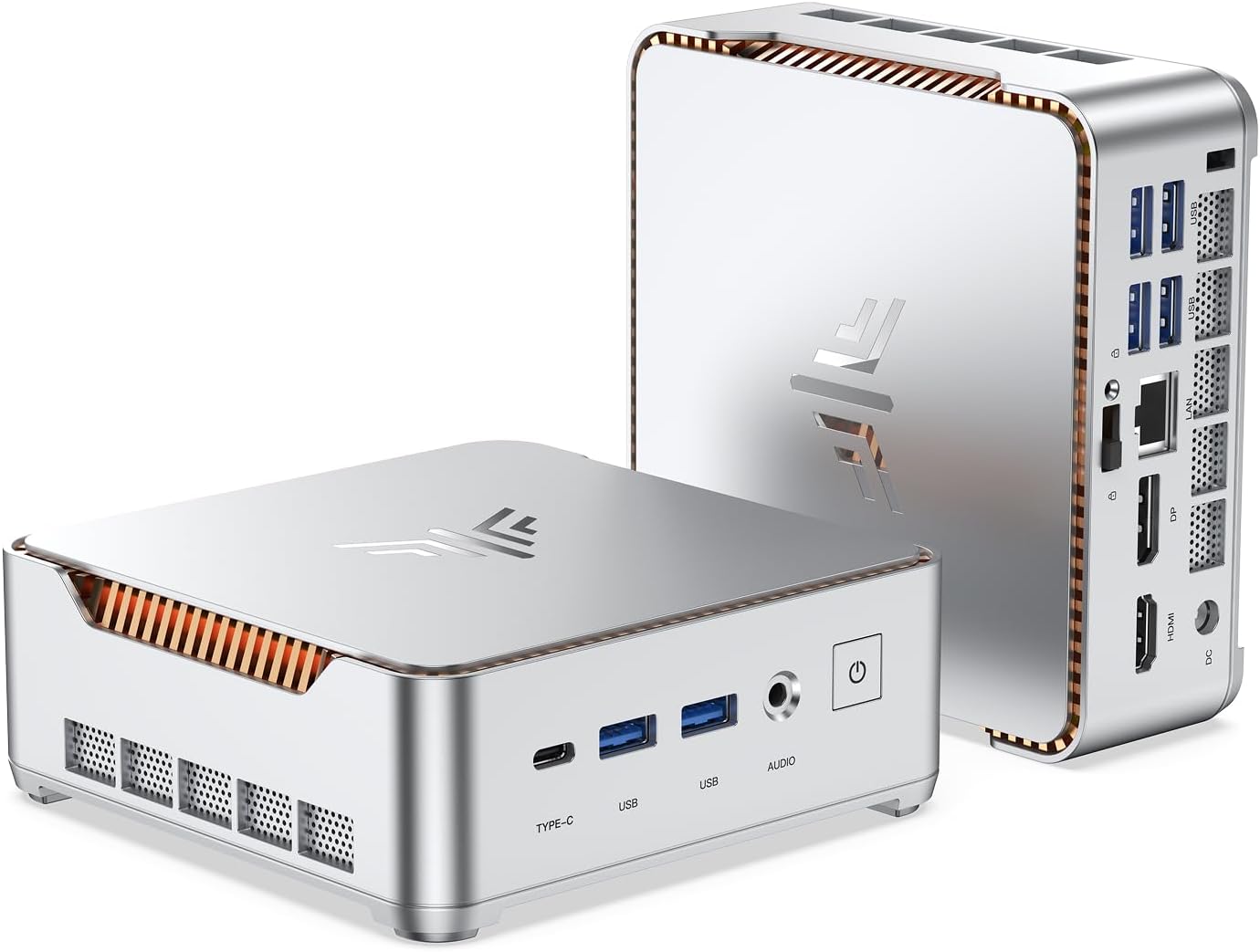
The essentials
If you’re after a small Windows 11 Pro mini PC for everyday office use, home entertainment, or light creative work, the NiPoGi Pinova P2 is a sensible “do-most-things” type of machine on paper. It pairs an AMD Ryzen 3300U (4 cores/4 threads, up to 3.50GHz) with 16GB DDR4 RAM and a 256GB M.2 SSD, and it leans into practical connectivity: HDMI 2.0, DisplayPort, and USB-C for a triple-display setup.
That combination matters because mini PCs often feel like compromises—usually on ports, memory, or graphics. Here, the spec sheet points more toward day-to-day usability, especially if you want desktop-style multitasking rather than a basic media box.
That said, it’s worth being realistic: it’s built around an integrated Radeon Vega 6 GPU, so it isn’t designed to “max out” modern, heavy 3D workloads. It should feel fine for office tools, web apps, video calls, and general productivity, but demanding creative rendering or high-end gaming is not the sweet spot.
Key specs at a glance
At the hardware level, the Ryzen 3300U with Radeon Vega 6 graphics is the core of what you’re buying. The included cooling fan is also a useful detail for a compact unit, because heat management is often where small desktops struggle.
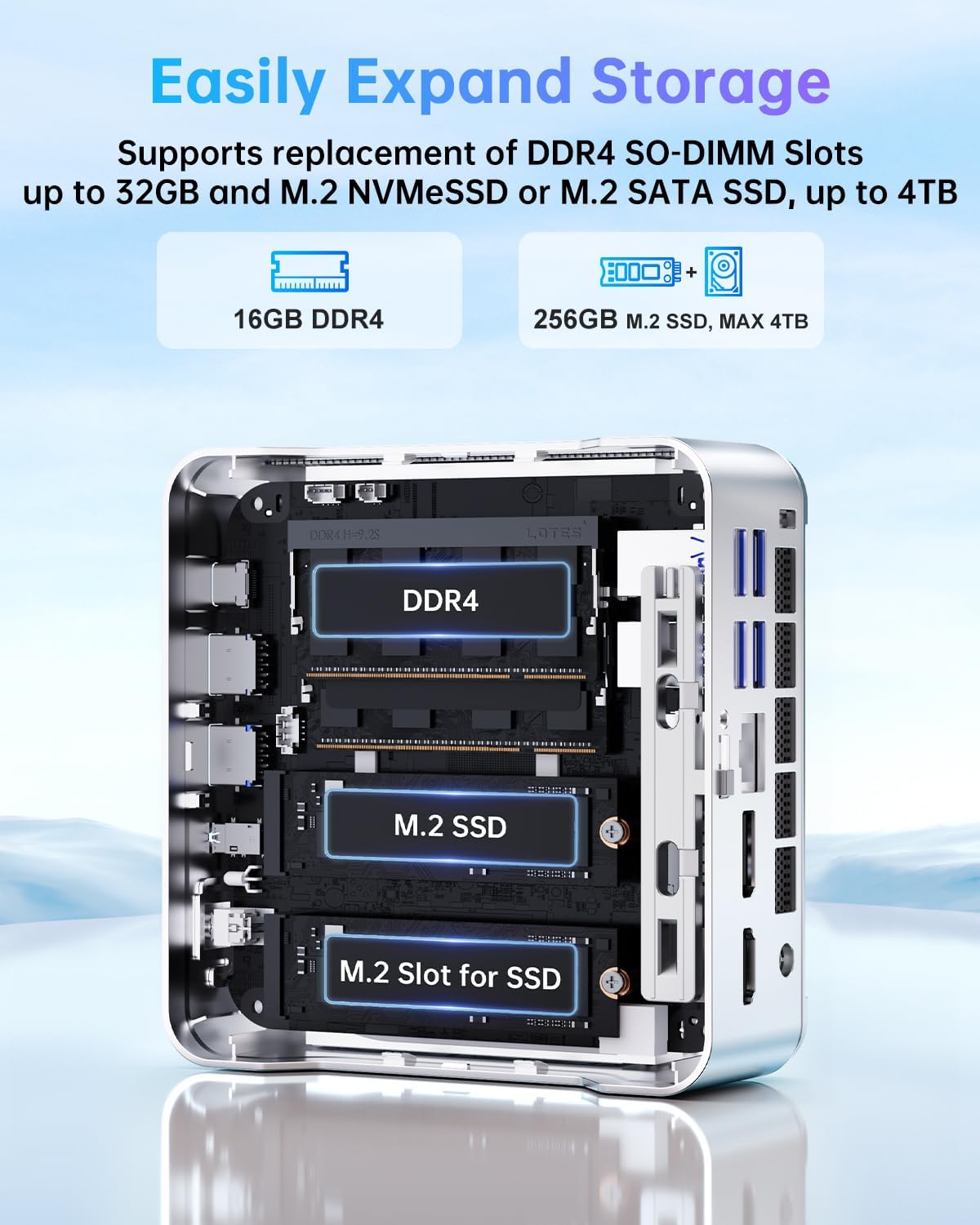
From the storage and memory side, 16GB DDR4 RAM is the kind of level that usually keeps things comfortable when you have multiple applications open. The 256GB M.2 SSD should be quick for boot and app launches, though whether it feels roomy depends on how much you store locally (media libraries and large files tend to fill SSDs faster than you expect).
For expansion, it’s good to know the design includes 2x DDR4 SO-DIMM slots, with support for upgrading up to 32GB (sold separately). For storage, it mentions M.2 NVMe PCIe3.0 and M.2 SATA SSD support (up to 4TB, sold separately). If you expect your needs to grow, that’s a strong point.
Where it shines for everyday use
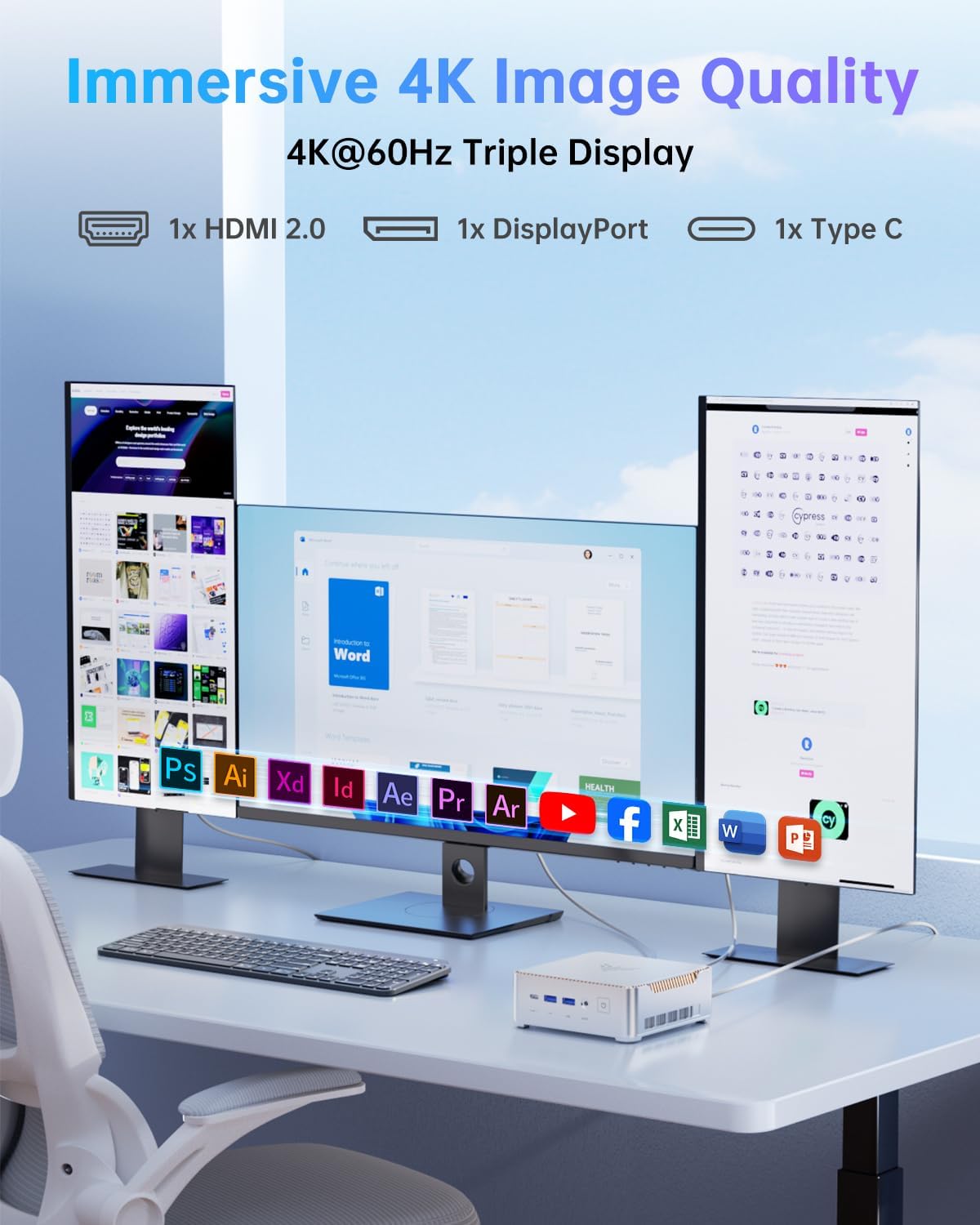
The “triple display” angle is one of the more convincing reasons to consider this mini PC. With HDMI 2.0, DisplayPort, and USB-C video output supporting 4K triple display, it’s aimed at workflows where screen real estate helps—like spreadsheets alongside a browser, or a meeting setup with extra reference material.
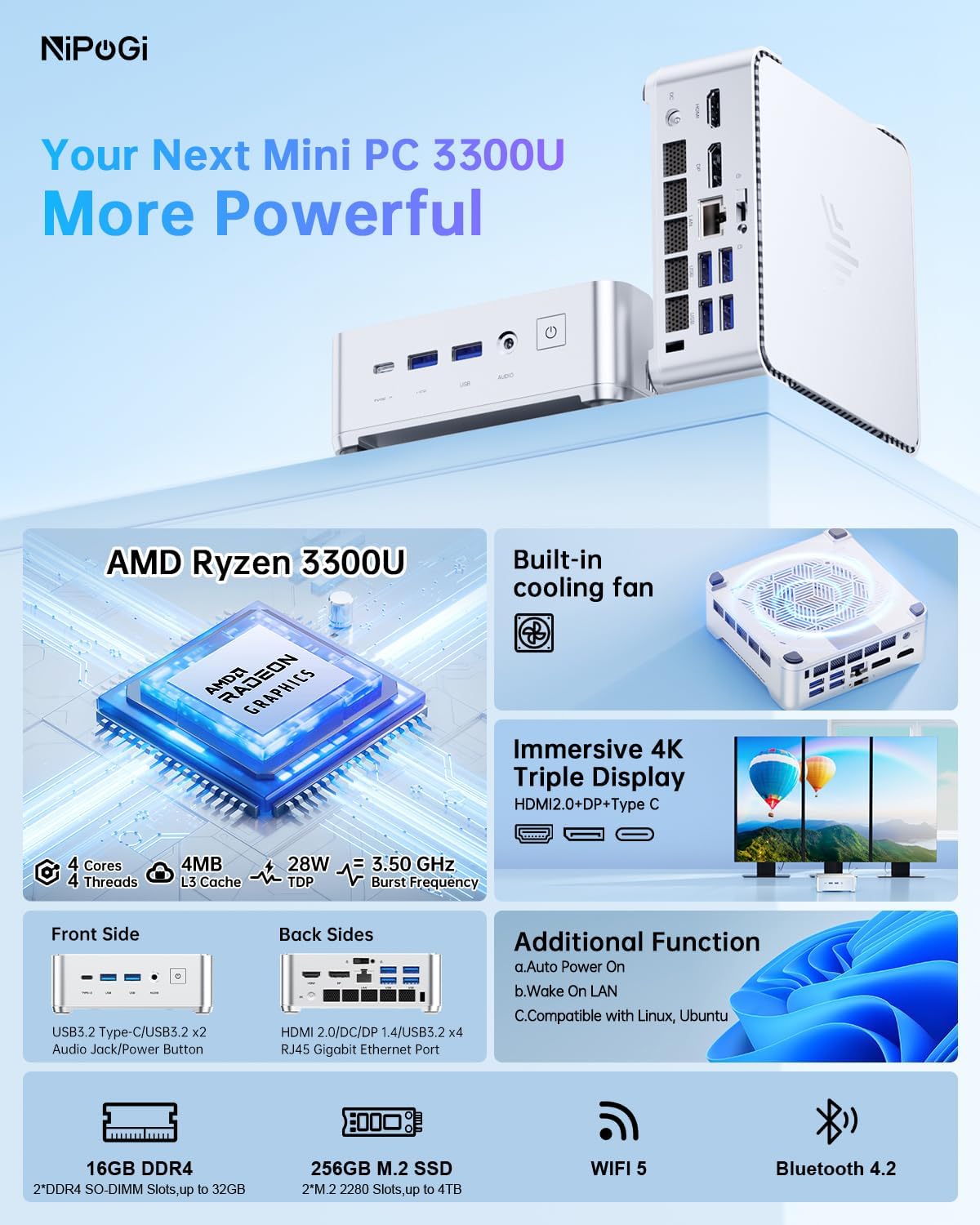
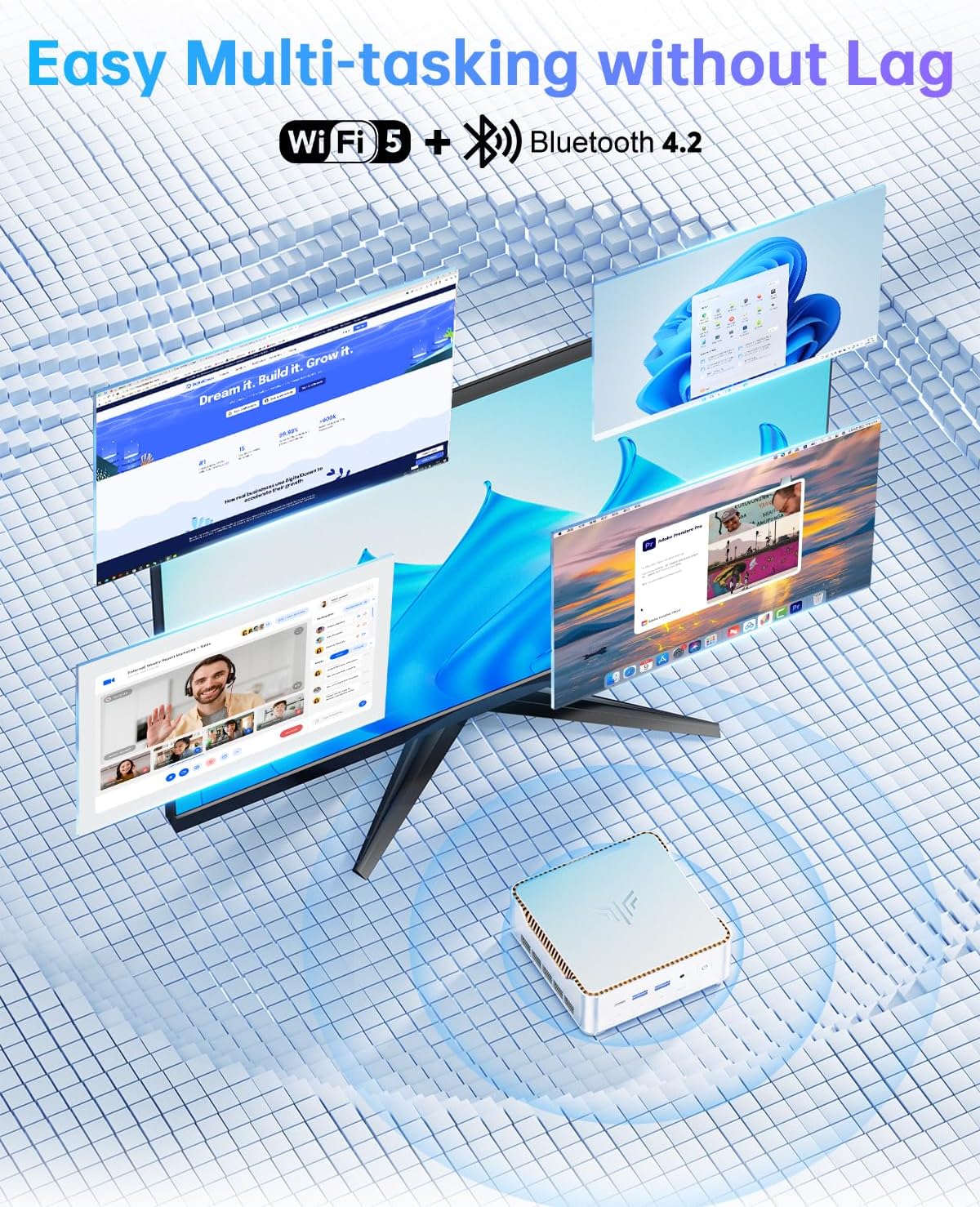
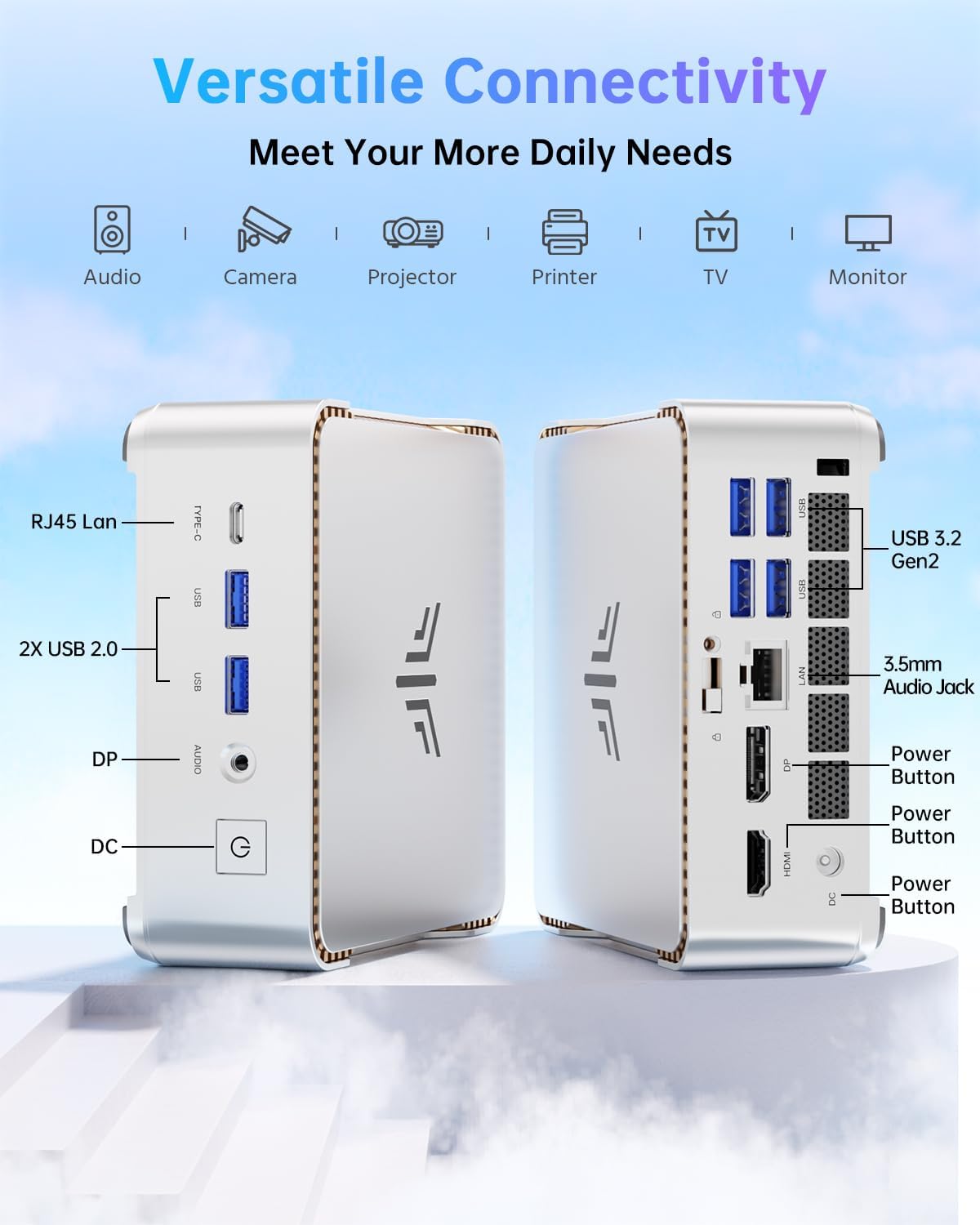
It also ticks the typical home/office network boxes. The machine includes dual-band WiFi 5 (2.4G + 5G) plus Bluetooth 4.2, and there’s a Gigabit Ethernet port for more stable wired internet. If you’ve ever had WiFi dips during video calls or big downloads, Ethernet support is one of those quiet features that can save you hassle.
Here’s a practical example: imagine using it in a home office for document work and live chat. With triple-display support, you can keep your main document on one screen, reference notes on another, and have email or a calendar visible on the third. Add in the WiFi 5 and Bluetooth for peripherals, and it becomes more “proper desk PC” than “tiny box”.
What you’ll notice day to day
Performance feel (based on the spec, not hype)
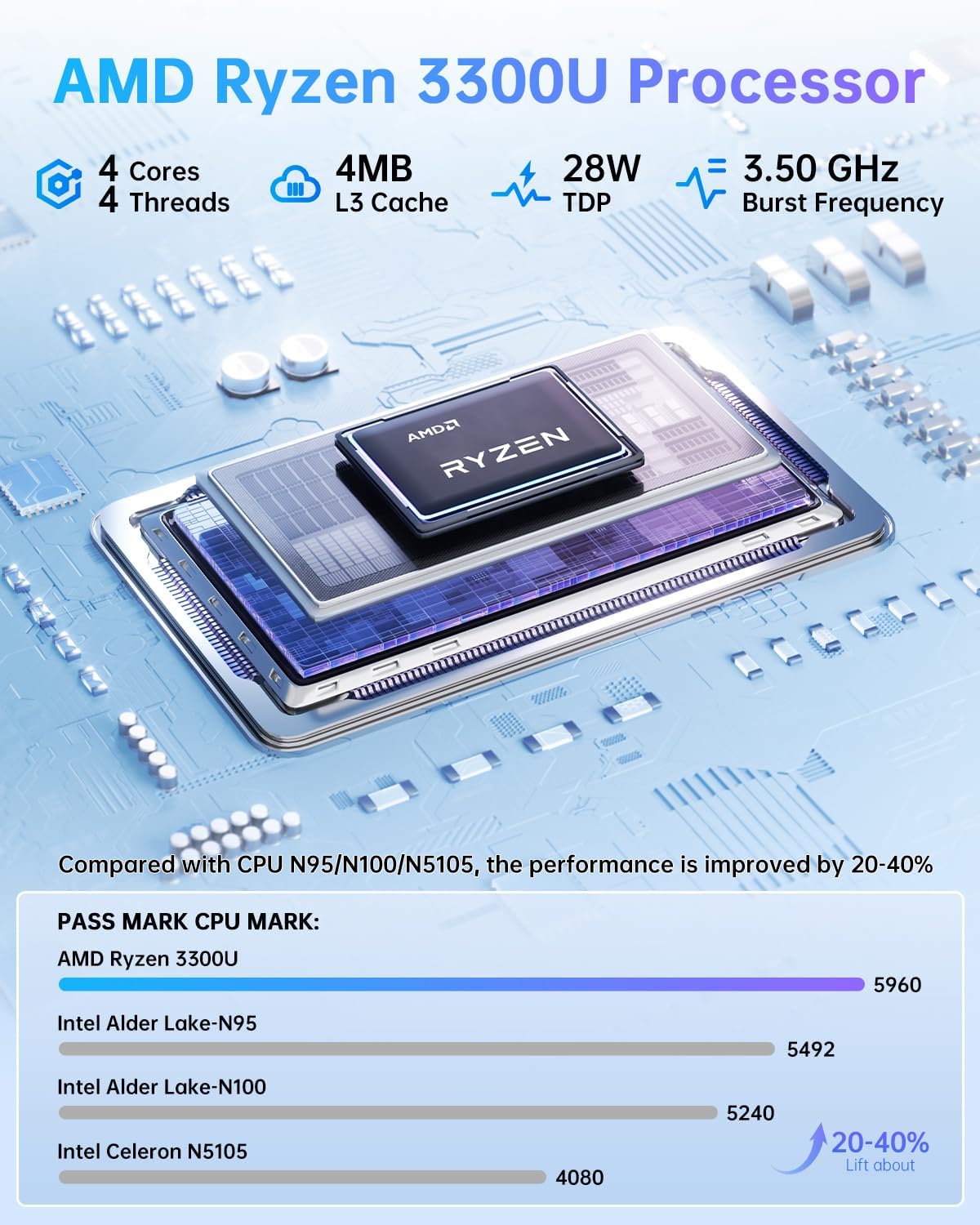
The Ryzen 3300U is a 4-core/4-thread chip with base/turbo frequencies listed as 2.10–3.50GHz and a 4MB L3 cache. In normal office-style workloads, that’s a reasonable foundation, especially with 16GB RAM.
Where it may feel more limited is in heavy multi-tasking that’s CPU-intensive, or in graphics-heavy creative tasks, because the graphics is integrated Radeon Vega 6. The GPU spec is there (it’s listed with 6 cores), but integrated graphics generally means you’re keeping expectations sensible.
Connectivity and setup
The mini PC is compact (12.8 x 12.8 x 4.4 cm) and includes a VESA wall mount bracket. That matters if your desk is tight, or if you want it behind a monitor or on a wall in a classroom/meeting room.
Also, Windows 11 Pro is pre-installed. It’s not a detail you can ignore—getting a preloaded operating system can cut down on setup time compared with systems that require you to provision everything from scratch.
Power management features
The listing mentions Auto Power On, Wake On LAN, and RTC Wake. Those features are particularly relevant if the device is used in shared spaces like schools, small businesses, or meeting rooms where you might want it to reliably come online without manual fiddling.
Tech summary
If you’re comparing this type of mini PC to a basic entry-level box, the biggest step up here is the combination of 16GB RAM and the Ryzen 3300U platform, plus triple-display support. Against higher-end mini PCs, you’ll typically trade away GPU grunt for a lower-cost, more office-focused setup.
Two points to keep in mind before you buy: - Storage capacity can be tight: 256GB SSD is fine for documents, apps, and a moderate amount of media, but it may require expansion if you plan to keep lots of videos or large datasets locally. - Graphics expectations: it’s set up for practical display output and everyday productivity, not for pushing demanding modern graphics settings.
Who it suits (and who should skip it)
It suits you if you want a compact Windows 11 Pro mini PC for office work, home use, media-centre style tasks, and multi-screen productivity—especially where triple display matters. It also makes sense if you value wired stability (Gigabit Ethernet) as a backup to WiFi.
It may not suit you if you’re shopping primarily for heavy gaming, GPU-accelerated creative workloads, or you absolutely need lots of local storage straight away. In those cases, you’d either want a more graphics-oriented system or you’ll need to budget for SSD upgrades sooner rather than later.
Is it worth it?
The NiPoGi Pinova P2 looks worth considering if your priority is a small Windows 11 Pro PC that can handle everyday multitasking comfortably, with the benefit of triple-display support for a more “proper workstation” feel. The 16GB RAM and the upgrade paths (up to 32GB RAM and additional SSD options) help it stay useful as your needs change.
Where it doesn’t quite fit is if you want a machine built to “crush” graphics-heavy tasks or you expect 256GB to comfortably hold everything without upgrades.
If you’re buying for home/office productivity, study, or a multi-screen desk setup, this is the kind of mini PC that can make sense—just keep your performance expectations aligned with integrated graphics.
Mini FAQ
Does it come with Windows 11 Pro pre-installed?
Yes—Windows 11 Pro is listed as pre-installed.
Can the RAM be upgraded?
The listing says it has 2x DDR4 SO-DIMM slots and supports up to 32GB (sold separately).
What video outputs does it include?
It’s described as having HDMI 2.0, Type-C, and DisplayPort video output, with support for 4K triple display.
Is there wired internet as well as WiFi?
Yes, it includes dual-band WiFi 5 plus a Gigabit Ethernet port.
Is it good for gaming?
On paper, the integrated Radeon Vega 6 graphics suggests it’s more suited to office-style use than graphics-intensive gaming.