

ACEMAGICIAN Mini K1 Mini PC with AMD Ryzen 5 7430U, 32GB DDR4, 512GB SSD and Windows 11 Pro
Product description
The essentials (what this mini PC is for)
The ACEMAGICIAN Mini K1 is a compact Windows 11 Pro mini PC built around an AMD Ryzen 5 7430U. On paper it’s aimed at people who want desktop-style performance in a smaller footprint: everyday multitasking, office work, web browsing with plenty of tabs, and general home computing where you don’t want a bulky tower.
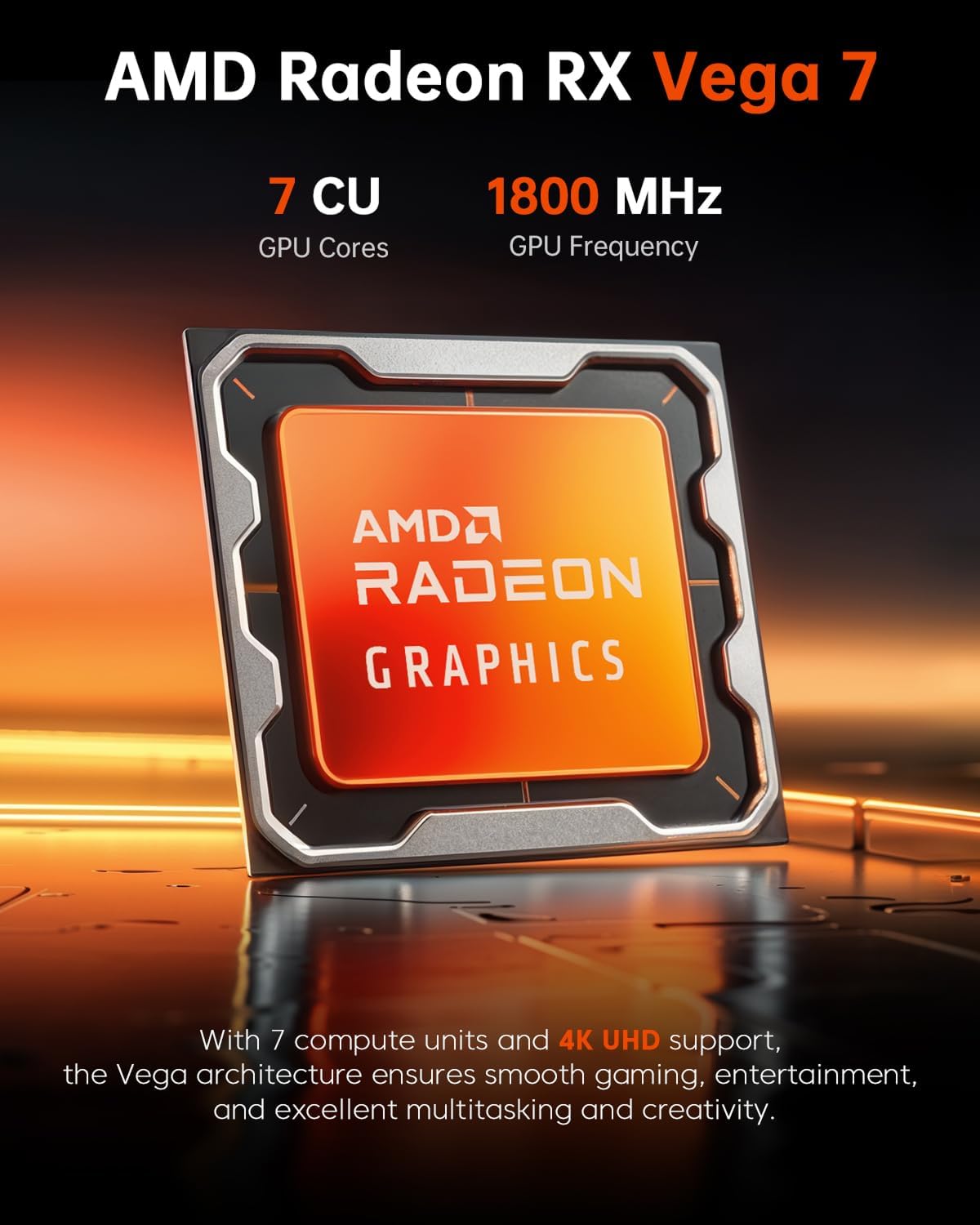
It also leans a bit beyond “just office”, thanks to integrated graphics (Radeon RX Vega 7). That makes it a reasonable choice for light creative tasks and casual home entertainment, but it won’t magically turn into a dedicated gaming machine.
If you’re weighing up alternatives like a basic mini PC with less RAM, or a refurbished larger desktop for the same money, this one sits closer to “mid-range for the size” because you’re getting 32GB of RAM from the start and a 512GB NVMe SSD.
Key points
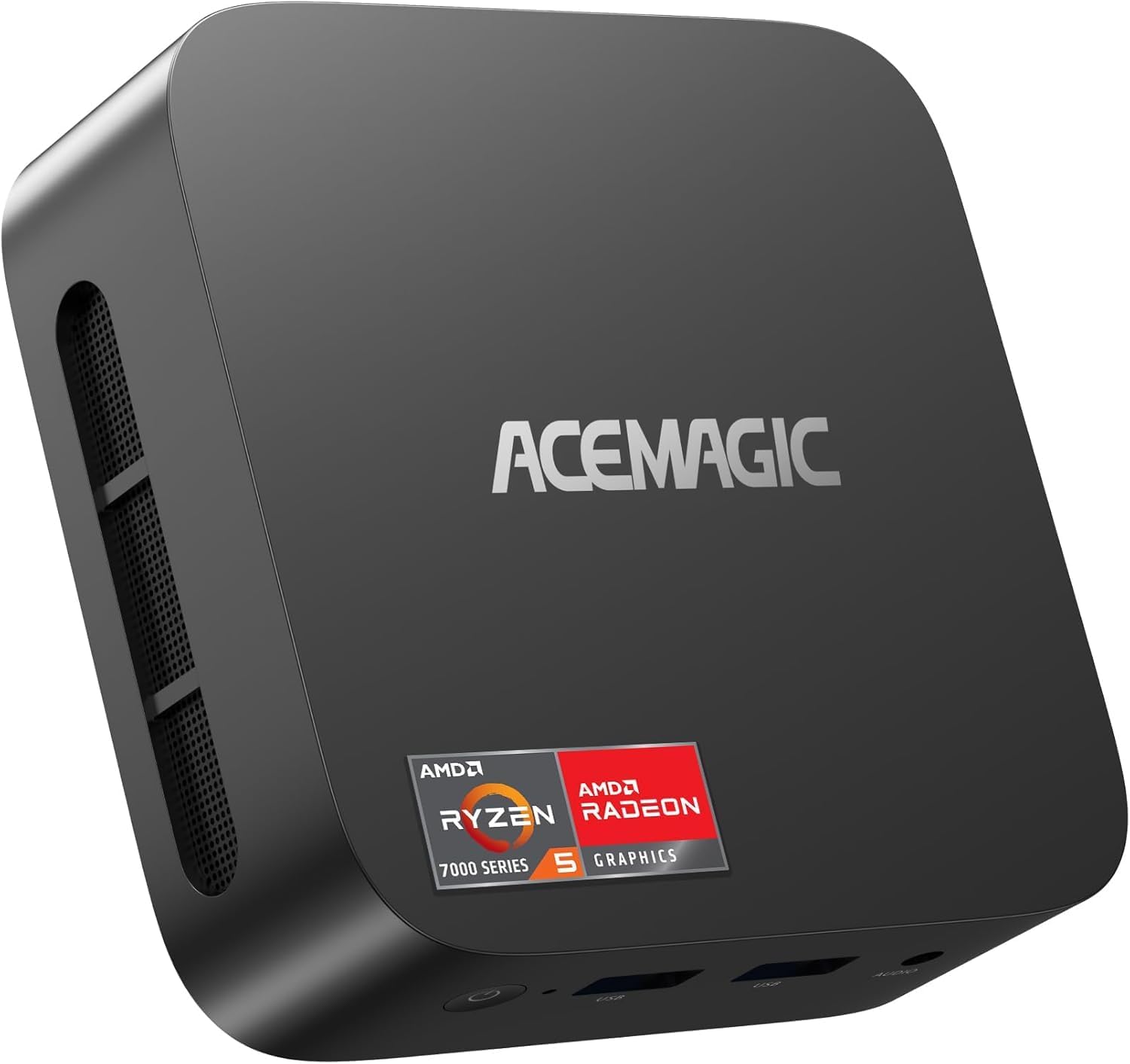
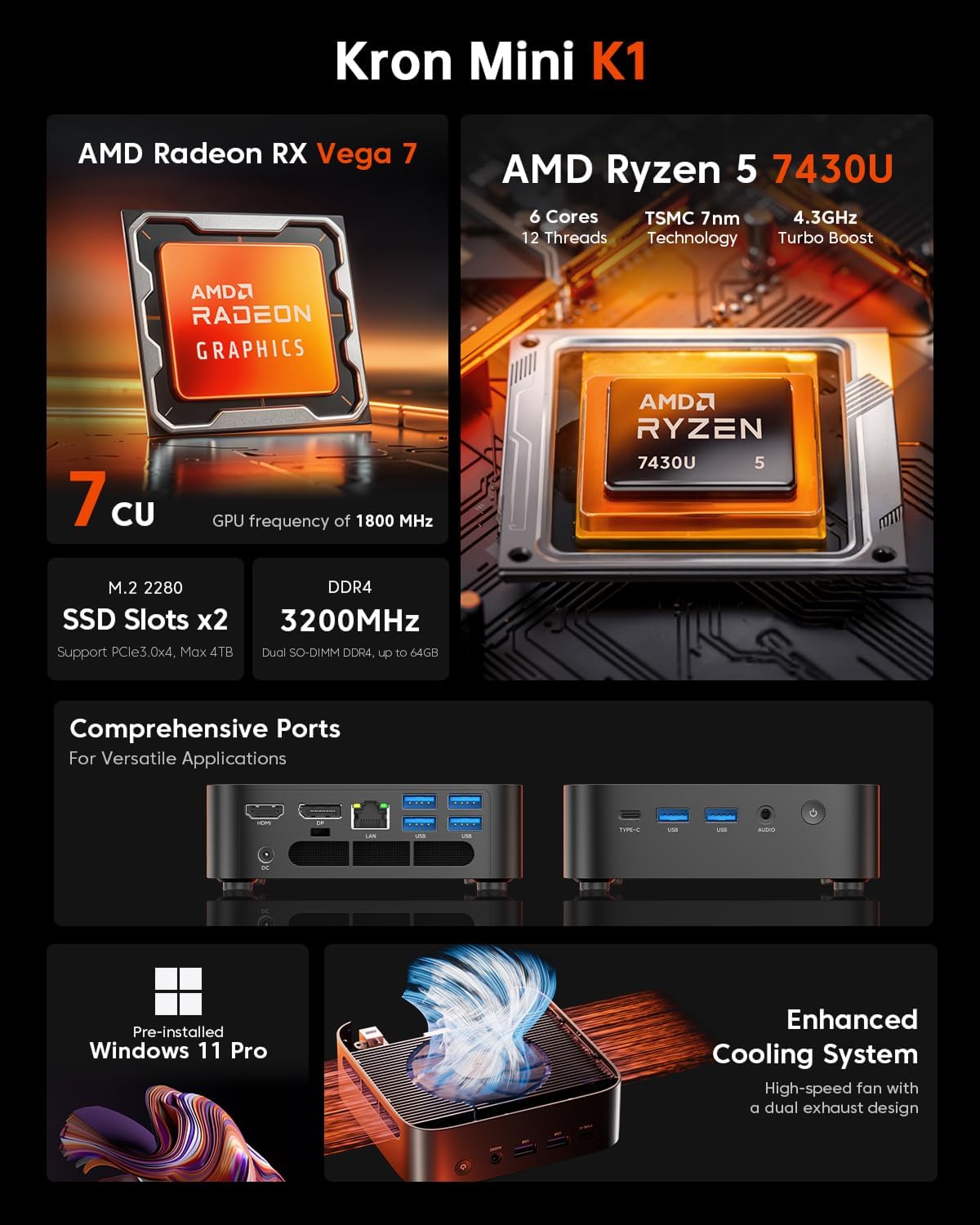
The standout is the package: Ryzen 5 7430U, 32GB DDR4 dual-channel memory, and a 512GB M.2 NVMe SSD, all inside a mini chassis.
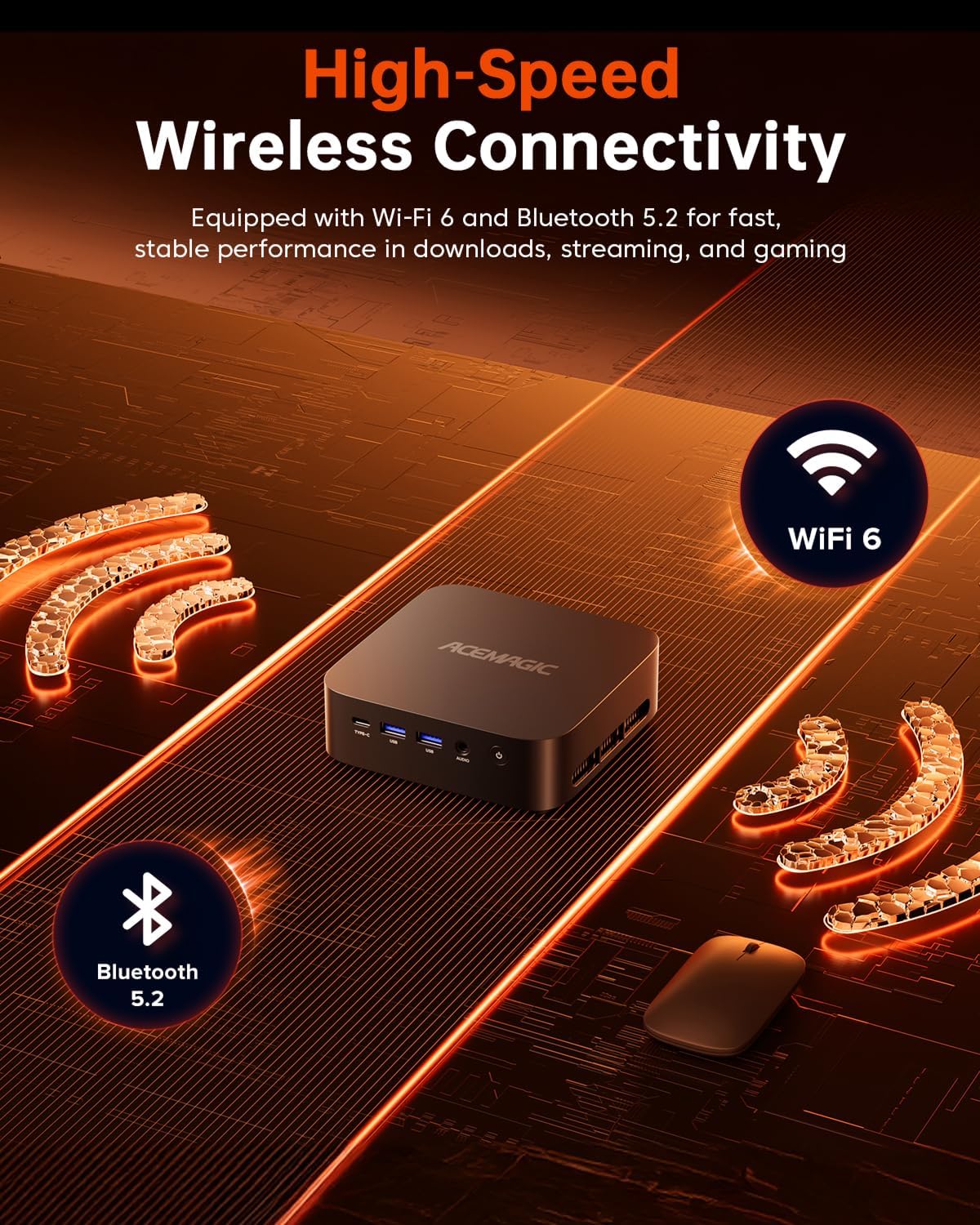
You also get Wi‑Fi 6 and Bluetooth 5.2 for wireless convenience, plus a USB Type-C connection for general setup flexibility. For many buyers, the appeal is straightforward: it’s ready to use with Windows 11 Pro and built to stay efficient with a 15W TDP design.
What you’ll notice in everyday use
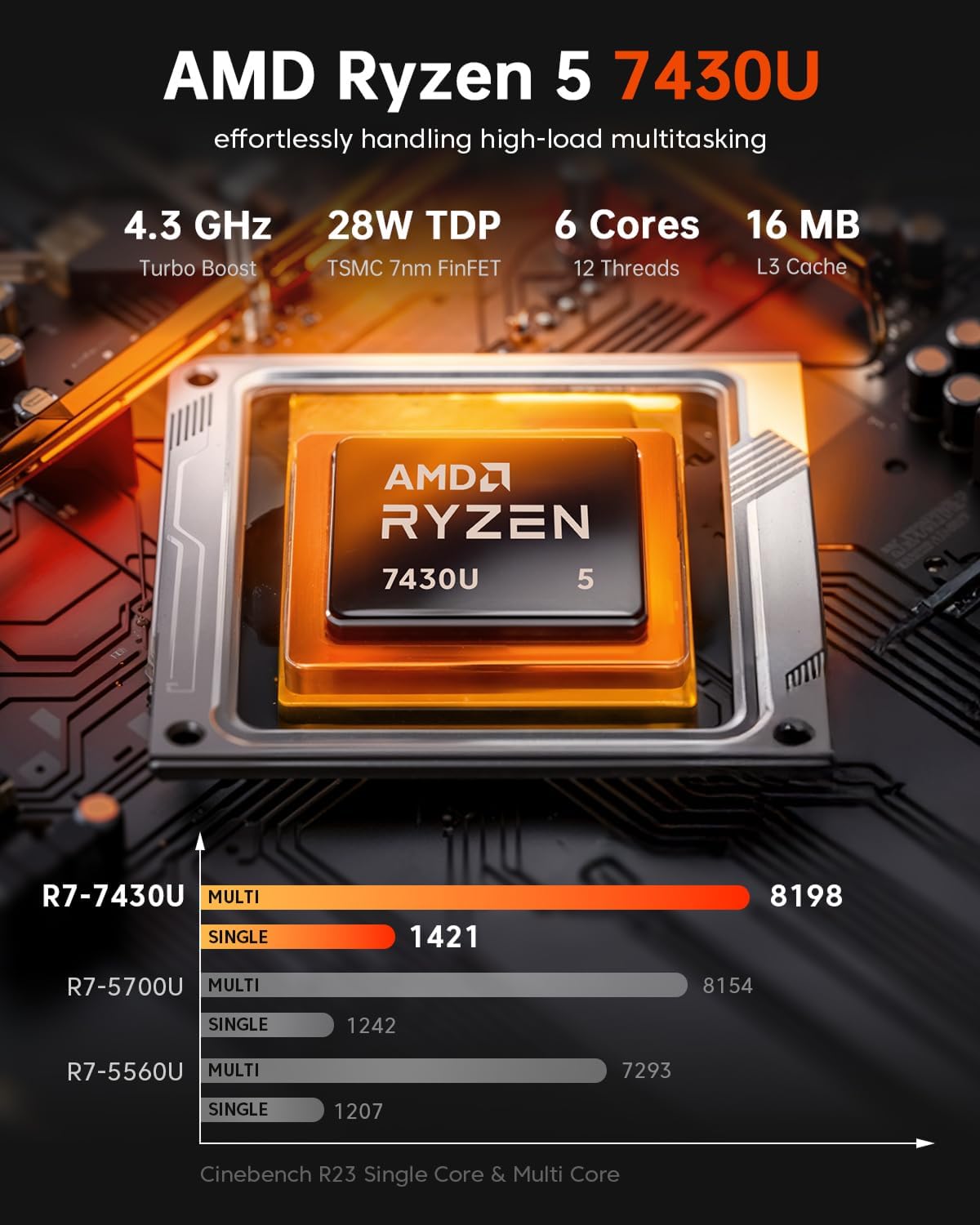
With a 6-core, 12-thread CPU (and turbo up to 4.3GHz), the Mini K1 should feel responsive when you’re doing the usual mix—spreadsheets, documents, lots of browser tabs, and switching between apps. Dual-channel 32GB RAM matters here, single-channel setups can be more limiting for heavy multitasking, so having two 16GB sticks is a sensible baseline.
A practical example: imagine you’re working on a Word document while you have a spreadsheet open, plus a few browser tabs running video or web apps. The combination of multi-threading and the RAM headroom is the kind of thing that tends to reduce stutter and slowdowns compared with mini PCs that only start at lower memory.
Where you may feel the limits is graphics-heavy work. The integrated Radeon RX Vega 7 graphics unit supports 1080p playback and light gaming, but it’s not the same thing as a dedicated GPU for demanding creative workflows.
Tech specs
- Name: ACEMAGICIAN Mini K1 Mini PC
- Type: Mini PC
- Processor: AMD Ryzen 5 7430U (Zen 3 architecture)
- Processor cores/threads: 6C/12T
- Processor cache: 16MB L3 cache
- Max turbo clock speed: 4.3GHz
- Graphics: AMD Radeon RX Vega 7 integrated graphics
- Integrated graphics base/turbo: 400MHz / up to 1800MHz (turbo)
- TDP: 15W
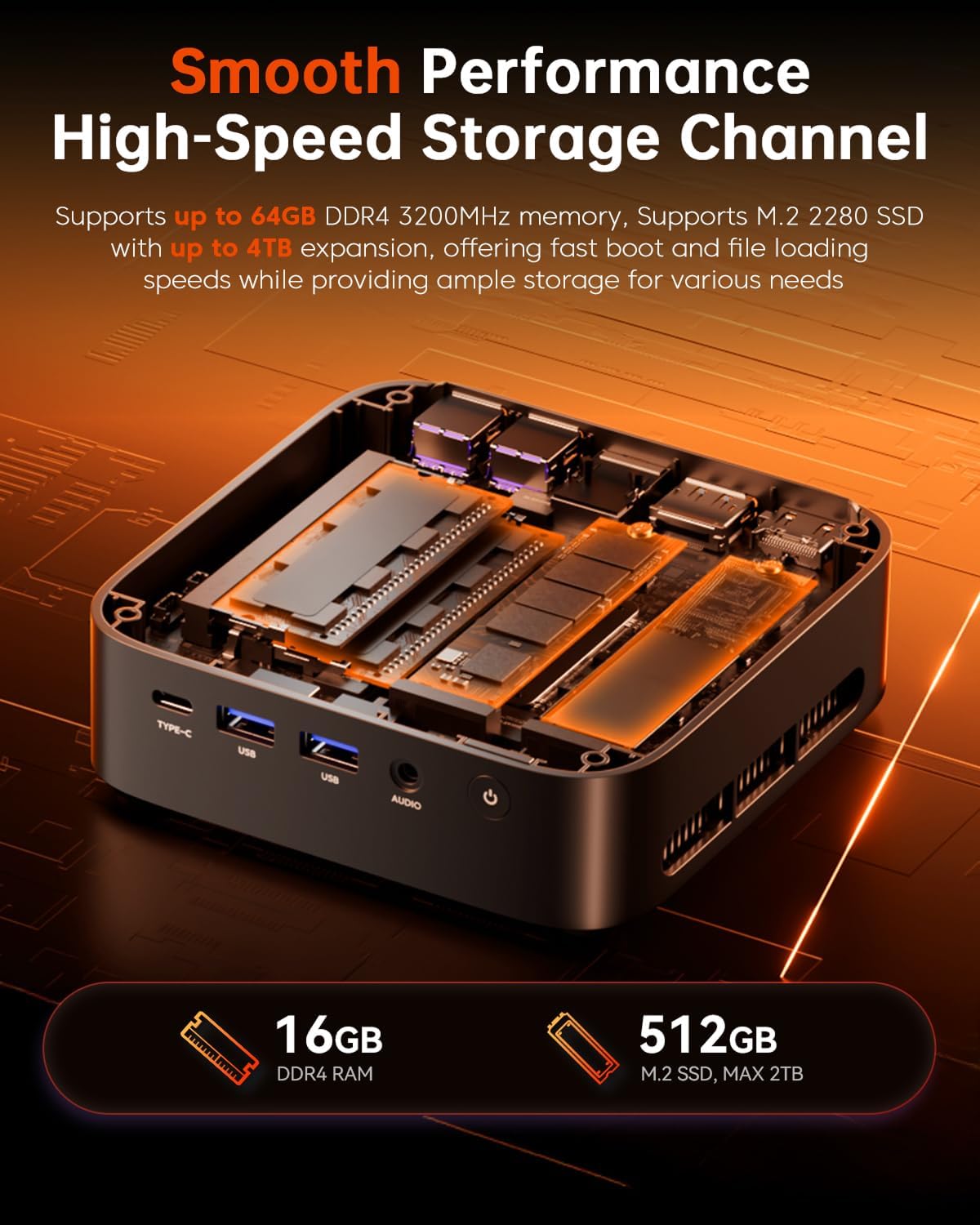
- Memory: 32GB DDR4 dual-channel (2 x 16GB SODIMM slots)
- Memory speed: 3200MHz
- Memory expansion: up to 64GB (2 x 32GB)
- Storage: 512GB M.2 NVMe (M.2 2280)
- SSD expansion: up to 2TB (M.2)
- Additional storage: expansion via 2.5-inch SATA drive (mentioned as possible)
- Wireless: Wi‑Fi 6
- Bluetooth: 5.2
- Video support: 4K UHD (as stated) and 1080p playback (as described)
- Port connection: Type-C (as stated)
- Operating system: Windows 11 Pro
Where it shines, and where it can fall short
This mini PC is at its best when you want a small, efficient desktop replacement that’s ready for real daily use without fiddling too much. The 32GB RAM and NVMe SSD are the kind of choices that help it feel “modern” rather than cramped.
It’s also a strong fit if you like the idea of keeping the option to upgrade later. The memory is described as expandable to 64GB, and the M.2 SSD can be expanded up to 2TB—handy if you start with 512GB and later find you need more space.
Still, it’s not perfect. The graphics performance is described as sufficient rather than outstanding, so if you’re hoping for heavier gaming or demanding GPU-accelerated editing, you may end up disappointed. It’s more of a practical home/work mini PC than a performance beast.
Also consider that while it’s designed for efficient cooling and stable performance over longer operation, compact systems can only manage so much heat compared with bigger desktop builds.
Compatibility & requirements (what to check before you buy)
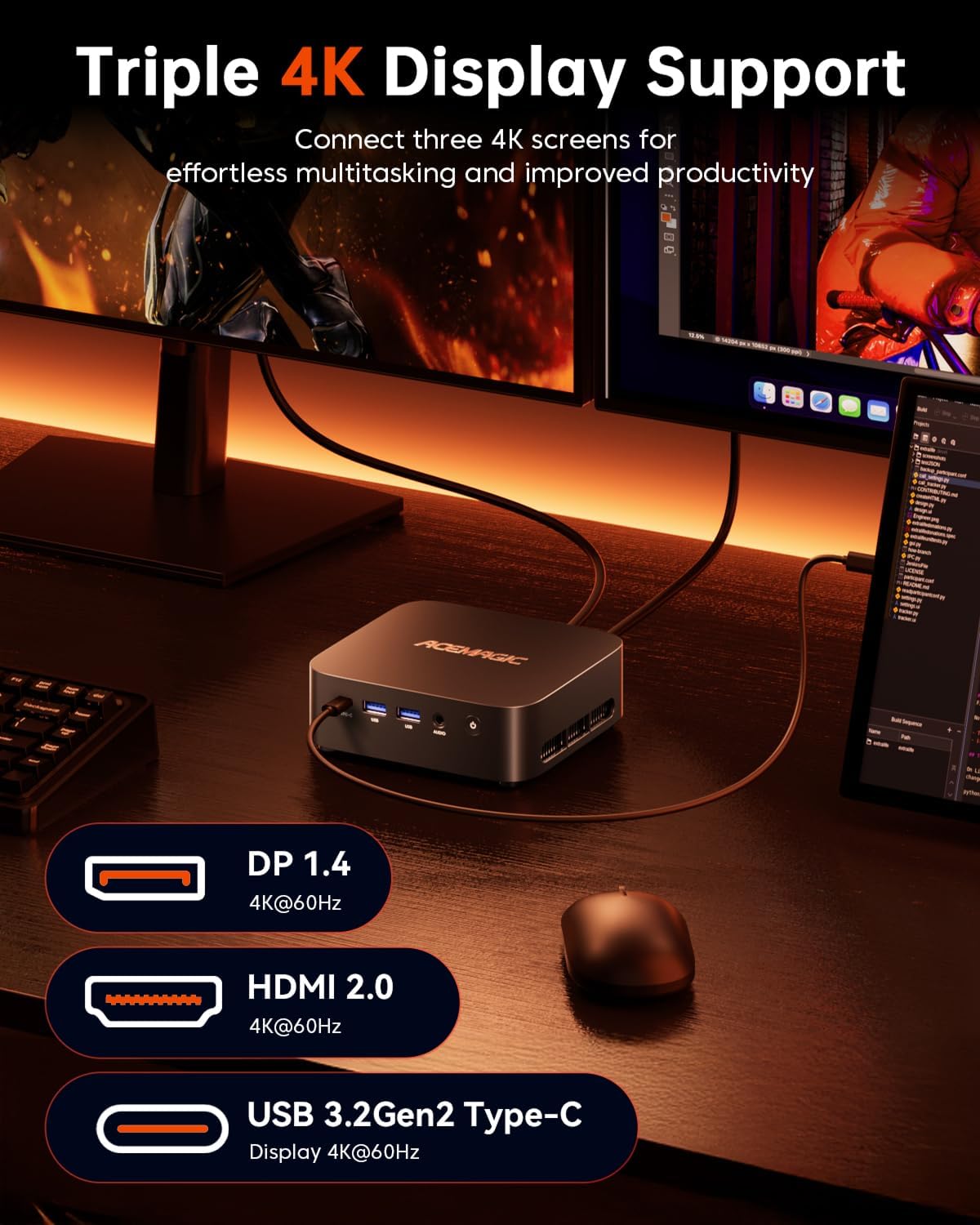
Before committing, it’s worth double-checking your expected setup: monitor connection type, the cables you already have, and whether your workflow needs 4K output specifically (since it’s stated, but the exact display outputs aren’t detailed here).
If you’re planning to expand storage later, confirm the availability and fit of a 2.5-inch SATA drive in your intended setup, because the listing only broadly mentions this expansion route.
Finally, make sure Windows 11 Pro is exactly what you want—some buyers prefer Windows Home or a licence-free approach, and those situations are where this “ready OS” choice can feel limiting.
Getting the most from it
To get good day-to-day results, treat it like a real workstation: keep your startup apps under control, use NVMe space sensibly, and take advantage of the dual-channel memory setup.
If you’re using it as an office-and-media hub, it should work nicely for tasks like document work, streaming, and general home computing. For anything more graphically intense, you’ll want to temper expectations or plan for different hardware.
Is it worth it?
Worth considering if you want a compact Windows 11 Pro mini PC with Ryzen 5 7430U performance, 32GB DDR4 from the start, and a 512GB NVMe SSD—especially if multitasking is your main use case.
Not the best choice if you’re after top-tier graphics for demanding games or heavy GPU-accelerated creative workloads, because the integrated Radeon RX Vega 7 is described as sufficient rather than outstanding.
Mini FAQ
Does it come with Windows 11 Pro?
Yes—Windows 11 Pro is included as part of the package description.
How much RAM does it have and can it be upgraded?
It comes with 32GB DDR4 dual-channel (2 x 16GB). It’s described as expandable up to 64GB (2 x 32GB).
What storage size is included?
You get a 512GB M.2 NVMe SSD. The M.2 slot is described as able to support up to 2TB.
Is it any good for light gaming?
It’s positioned for everyday entertainment and light gaming, with 1080p playback support mentioned. It’s not pitched as a high-end gaming PC.
What wireless options are included?
It includes Wi‑Fi 6 and Bluetooth 5.2.