

Nelko PM220 Bluetooth label printer 5 cm
Product description
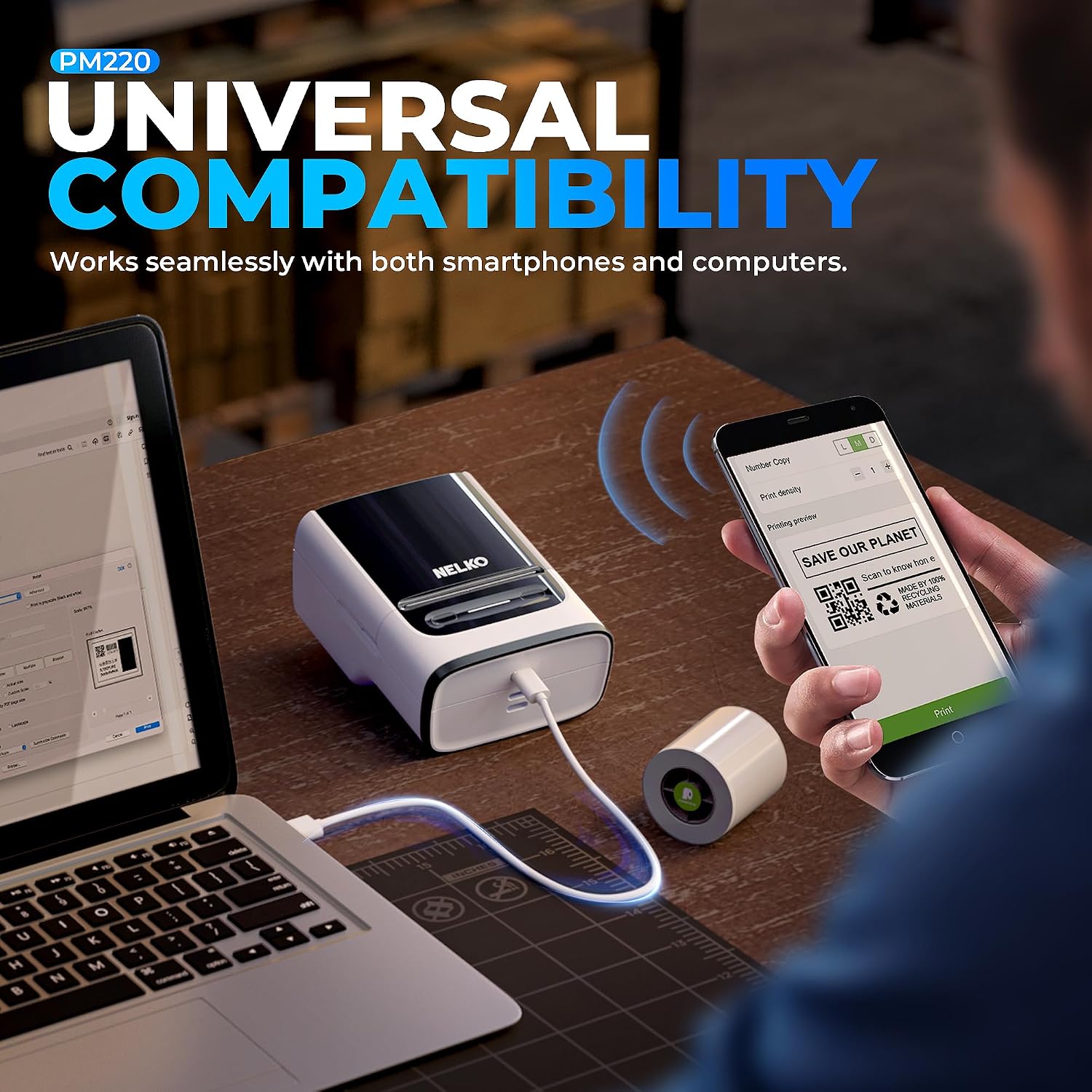
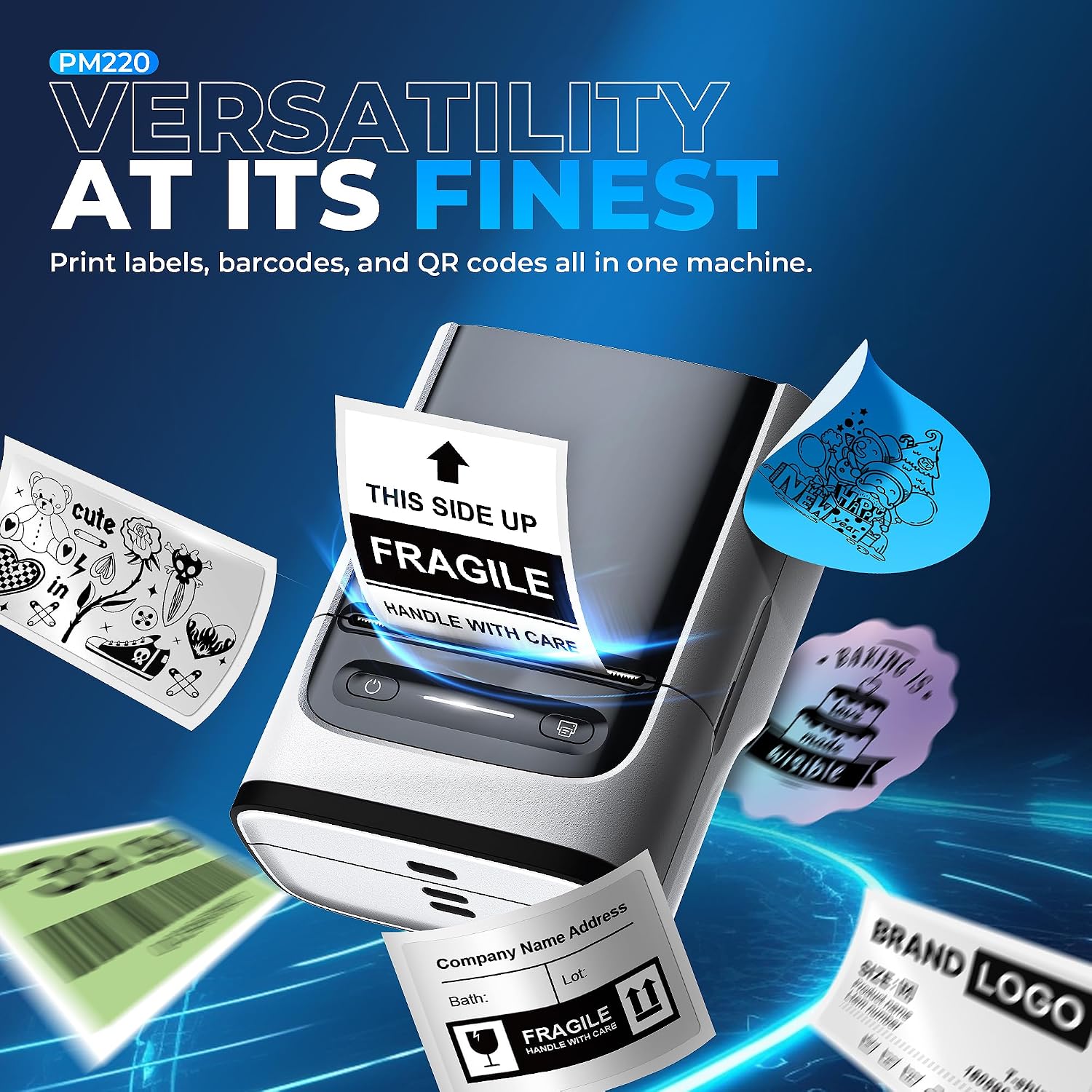
If you need clear, consistent labels for a small business, the Nelko PM220 Bluetooth labeller machine is a practical choice. It supports printing from smartphones and a PC, helping you create barcodes, QR codes and formatted label layouts without needing ink or toner. The portable thermal design also makes it easier to label on the move, whether you are working at home, in a shop, or on craft projects.
From everyday address labels to clothing labelling and retail pricing, this model is built to give you control over the information you print. You can use label templates, create your own templates and customise text, icons and formats based on your needs. 🏷️ At the same time, it is worth noting that setup and connectivity details matter, especially around Bluetooth behaviour and device support, so it pays to follow the compatibility guidance when planning your workflow.
Key points
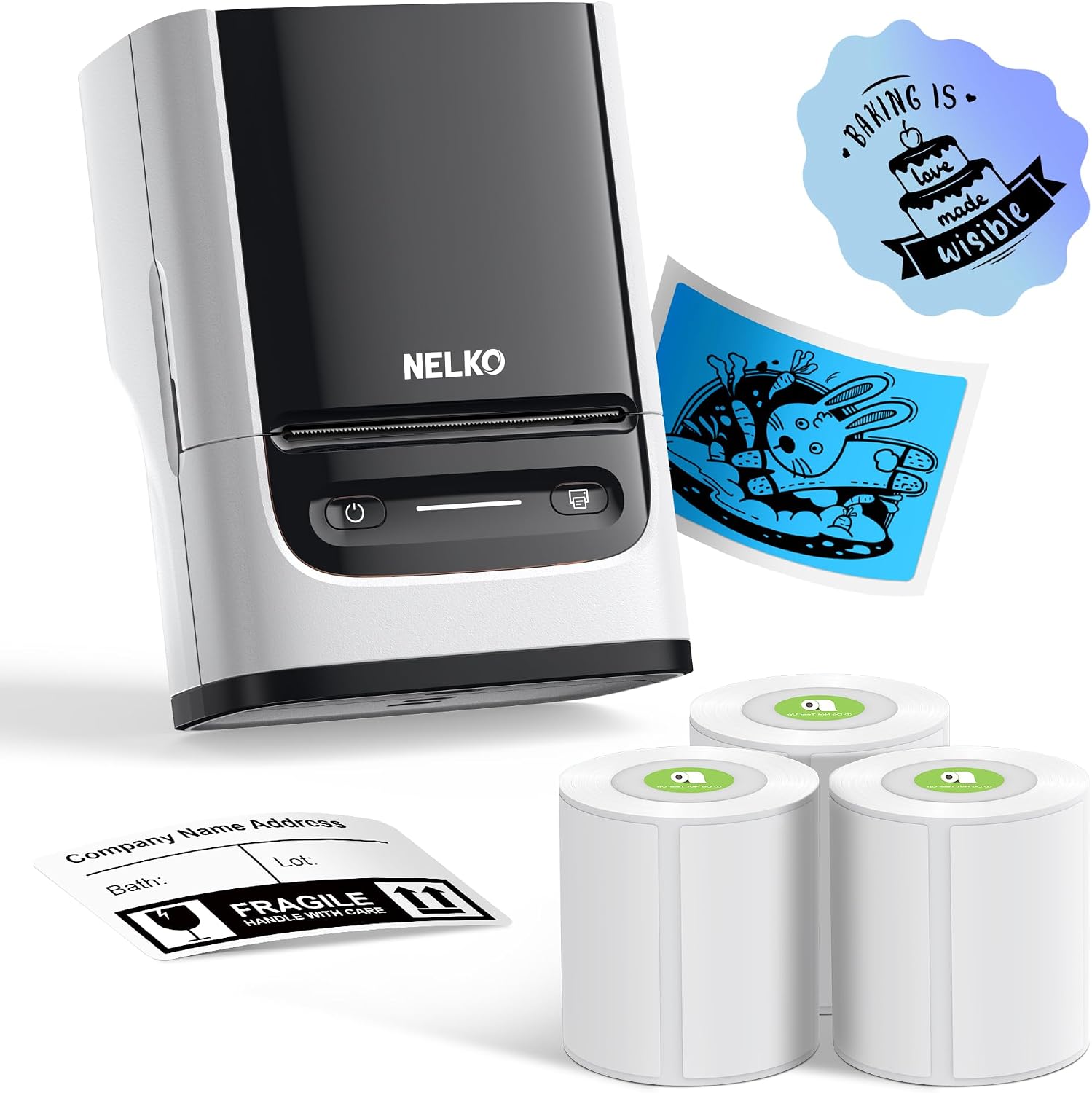
The Nelko PM220 focuses on quick label creation, using direct thermal printing so you do not have to manage ink cartridges or toner. It is designed to work with a label support tape, with a label width range of 23 to 54 mm, giving you flexibility for different label sizes. For many buyers, the main appeal is that you can prepare labels on a phone or PC and print when you are ready, which speeds up routine tasks.
Mobile printing is handled through Bluetooth. For iOS and Android mobile phones, you download the Nelko app to print via Bluetooth. For PC use, you need to download the driver and app, and the guidance provided is to visit nelkoprint.com to obtain the computer driver and app. 📱 That means you can keep your workflow in the device you already use day to day.
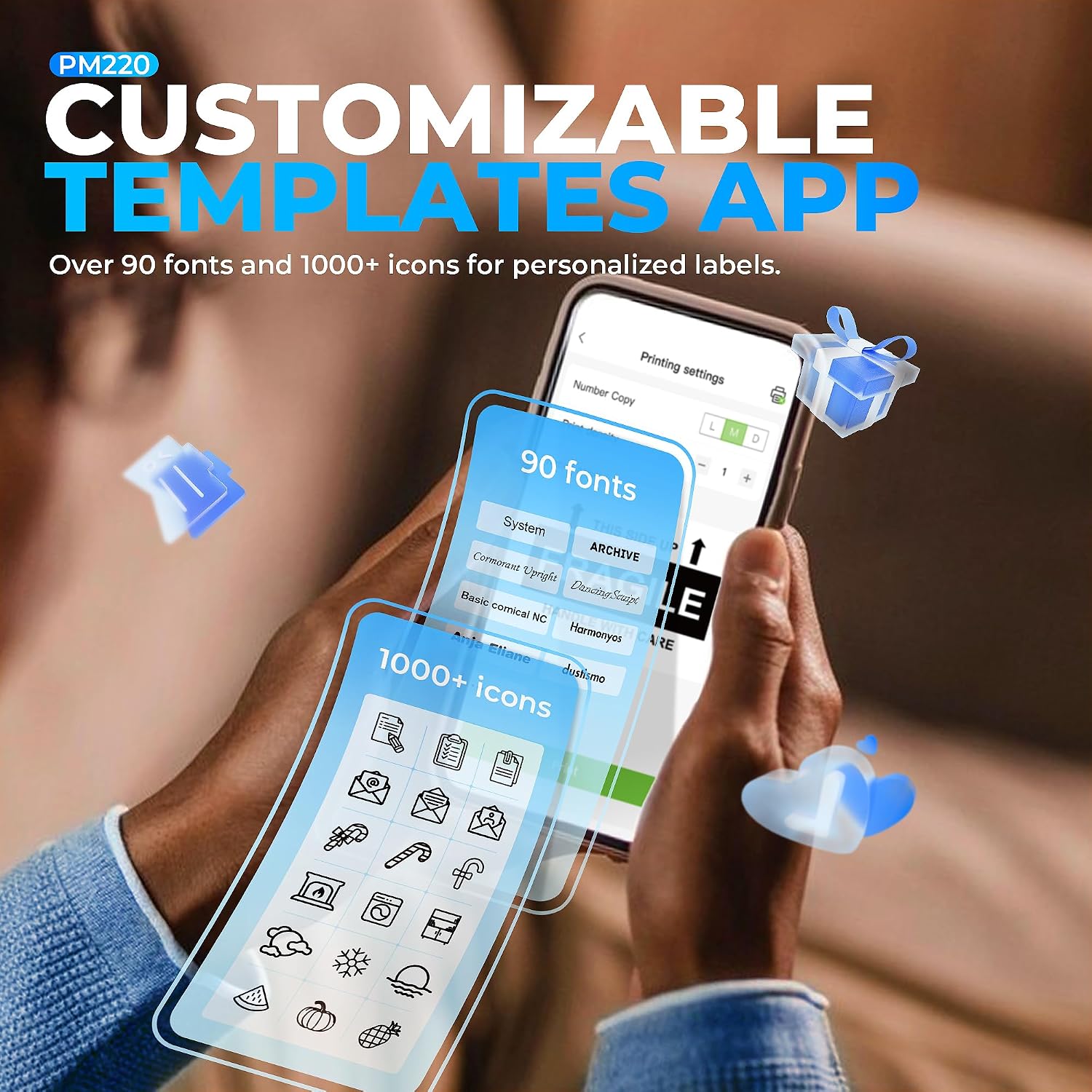
Another highlight is the range of built-in options for label content. The machine supports custom formats and features such as QR codes and barcode labels, along with tables, materials, time, figures, text and icons. It also includes 90 plus fonts and 14 plus languages, plus 450 plus materials, so you can adapt labels for different products and events.
You also get template-led label design plus personal custom templates. The machine can be used with the included label templates, and you can set up your own templates for repeat tasks. This can be especially helpful if you label regularly for retail, crafts or clothing, where the structure of the label stays similar across batches.
Tech specs
- Type: Bluetooth label printer
- Print method: Direct thermal technology
- Label width: 23 to 54 mm
- Compatibility: iOS, Android and PC
- Connectivity: Bluetooth
- Fonts: 90 plus fonts
- Languages and materials: 14 plus languages and 450 plus materials
What you’ll notice day to day
Using the PM220 is designed to be straightforward, but there are a few practical steps that help you get consistent results. The label strip comes with a green adhesive on the back, and you are advised not to tear or destroy it, as it can affect the printing effect. You also need to adjust the paper slot to secure the label tape correctly according to the label size.
Before printing, calibration is part of the process. The instructions advise pressing the button on the right side to calibrate the label before you print, which helps align the output with your expected label layout. ⚙️ If you have ever had labels come out misaligned on thermal devices, following calibration and tape positioning guidance can make a noticeable difference.
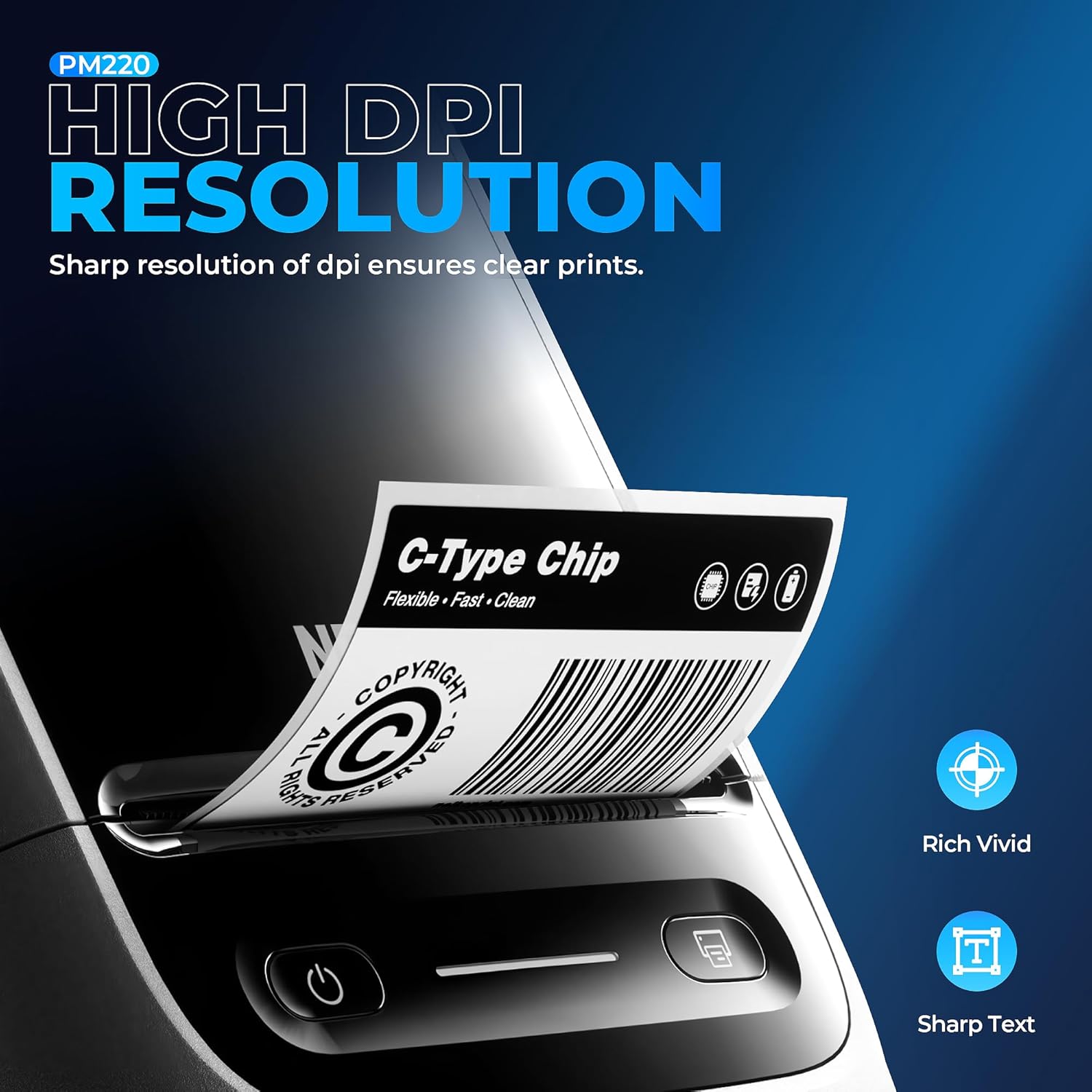
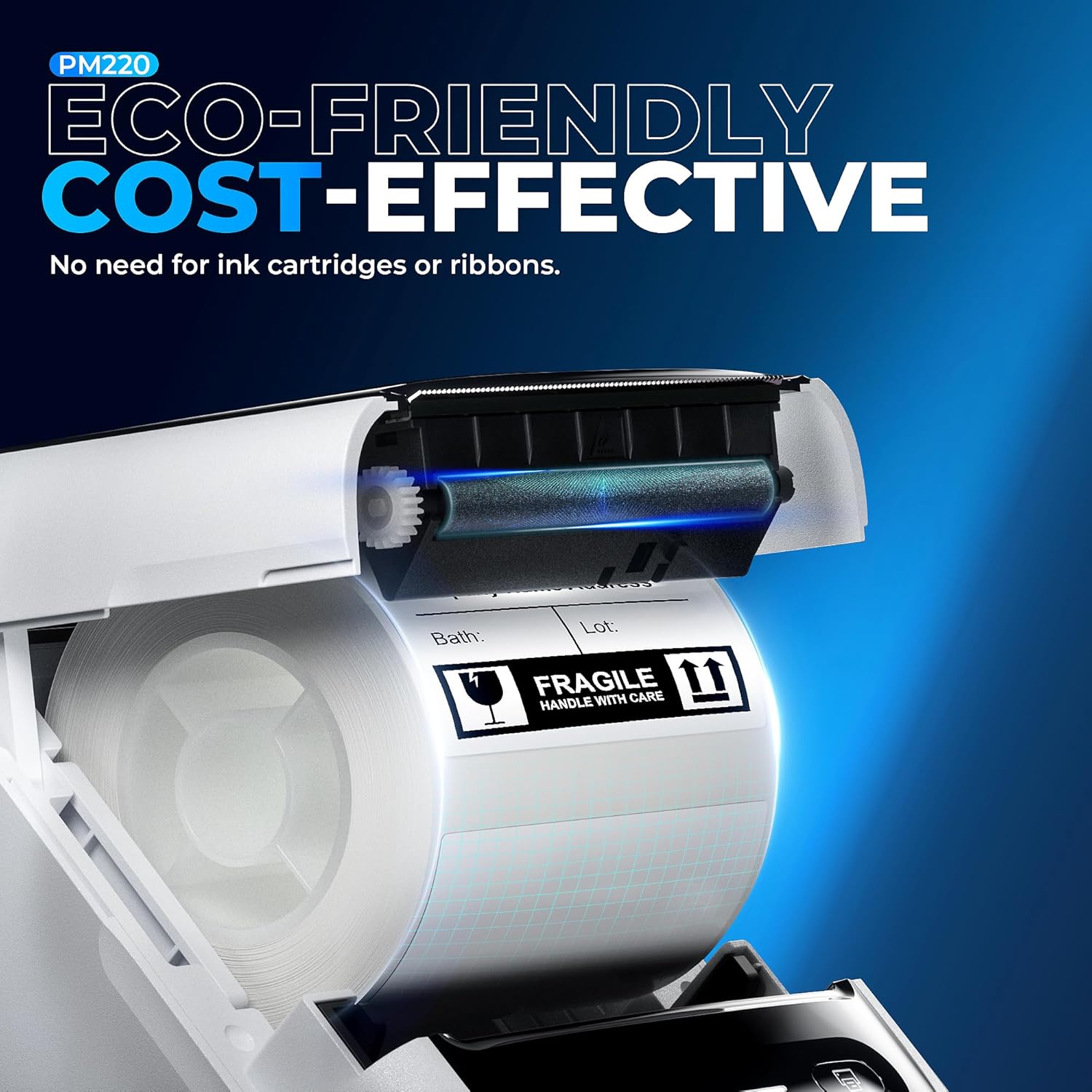
Printing quality is linked to the type of thermal paper you use. The guidance recommends using Nelko thermal paper for good print quality, which is useful if you want predictable results rather than experimenting with random supplies. Because it is direct thermal, it avoids ink or toner, which can reduce ongoing running costs and simplify day to day operation.
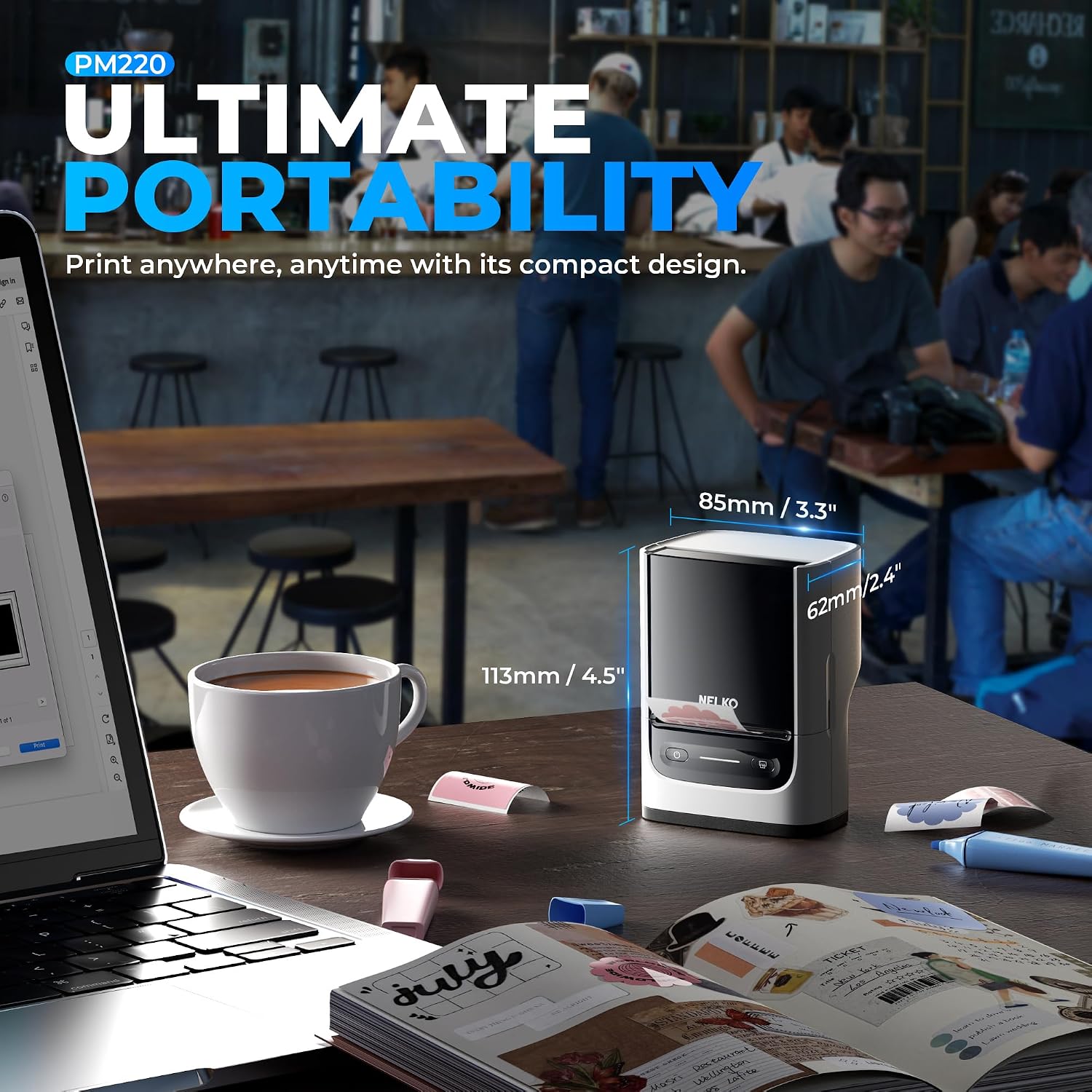
The printer also comes across as genuinely portable for its use case. The compact design is meant to let you take it anywhere, and it is compatible with smartphone and PC, so you can label at a desk or in a workspace that is not always set up for printers. 🧰 There is also a note that the charging adapter is not included, and it is not suitable for fast charging adapters, so it is sensible to plan your charging accessories before you rely on it for daily work.
Connectivity setup is another area where expectations are important. The guidance states not to connect directly via Bluetooth for all devices, so it is worth treating the app and driver workflow as the reliable path, especially when moving between phone types and computers. If you follow the app instructions for mobile and the driver and app steps for PC, you are less likely to hit pairing confusion.
What it’s for
It suits small business use where you want to label products quickly and consistently, including clothing, crafts, retail and jewellery. You can create address labels, barcode and transportation labels, and you can also print price, date, ingredients and product labelling for items you sell or distribute. 🛍️ The feature set also supports a range of structured label content, which helps when your labelling requirements are more than just short text.
It also works for creative and seasonal labelling. The included guidance points to uses such as Christmas, Halloween, Thanksgiving, Father’s Day and Mother’s Day, which can be helpful if you prepare labels for gifts, events or seasonal stock. If your main priority is flexible label design with QR codes, barcode labels and formatted layouts, the PM220 is a strong match.
It may not suit you if you specifically need fast charging support, as the instructions state that it is not suitable for fast charging adapters. It may also be a poor fit if you want a plug and play Bluetooth printer that works the same way across every device without using the app and driver steps described.