

MOKiN USB4 hub splitter 100W, 10Gbps
Product description
The essentials
If you need to make one USB-C port do more, the MOKiN USB C Splitter USB4 hub multiport adapter is built for exactly that job. It adds dual USB4 display outputs for dual-screen setups, while also bringing extra USB-C connectivity and a high power delivery port for charging. For anyone working between a laptop dock and a bag carry, it helps reduce cable swapping and keeps your desk setup more consistent 🧩.
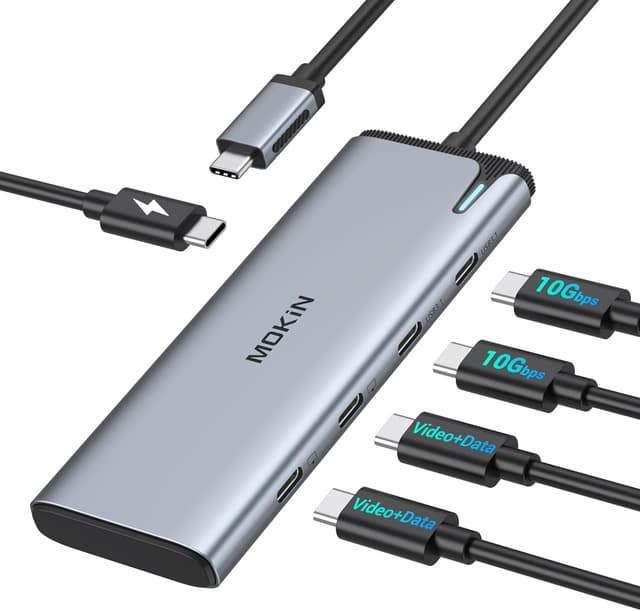
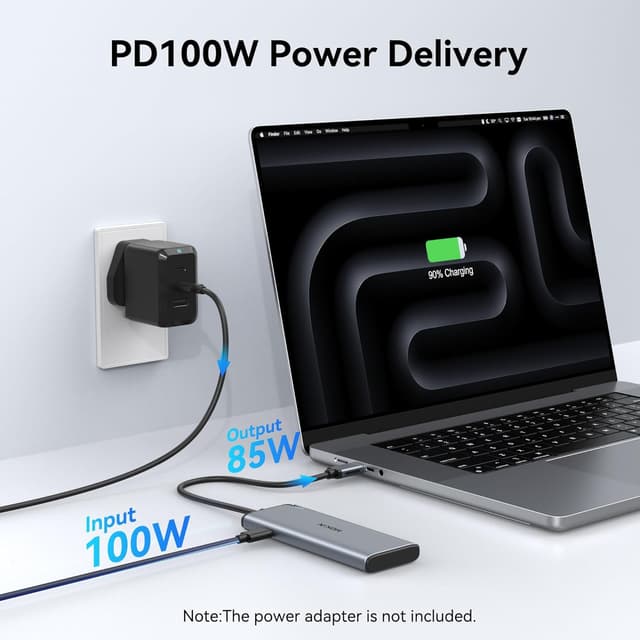
With dual 4K at 60Hz display support through USB4 or Thunderbolt 4, you can extend your workspace across two monitors and keep tasks like spreadsheets, documents and timelines visible at the same time. At the same time, you still get fast data transfer up to 10Gbps for compatible drives and devices, plus a 100W PD charging port so your laptop stays powered while you use multiple ports.

The MOKiN adapter uses an Intel JHL8140 chipset for more reliable performance, including advanced power management. That matters when you are running several things at once, like a monitor, external storage and everyday peripherals, without turning your connection into a bottleneck.
Key features
This is a 5 in 1 USB-C hub designed to expand a single USB-C connection into a fuller workstation. It includes 2× USB4 display ports with dual monitor capability, plus 2× USB-C 3.1 ports for data and a dedicated 100W PD power delivery port for charging. Plug and play support means there is no driver installation required, which is convenient if you switch between home and work setups.
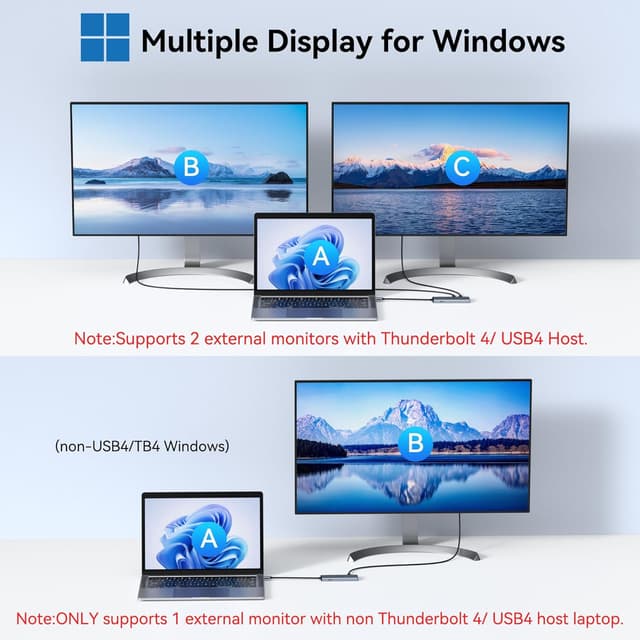
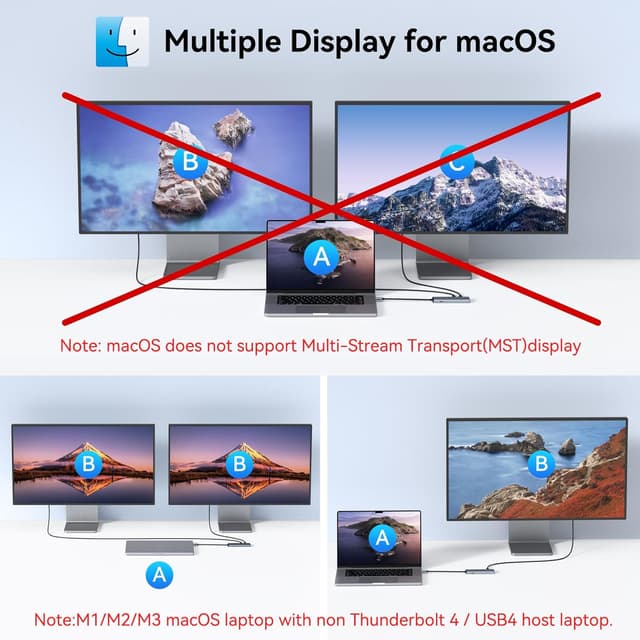
For dual screens, the adapter supports dual 4K at 60Hz external monitors when used with a Thunderbolt 4 or USB4 host, in line with the manufacturer guidance. If your laptop only provides a non Thunderbolt 4 or non USB4 host connection, the support is limited to 1 external monitor at 4K at 60Hz, so it is worth checking your port type first 🖥️. There is also a note that macOS laptops support SST mode, meaning all external monitor screens are treated as the same, so expectations should match how macOS handles external displays.
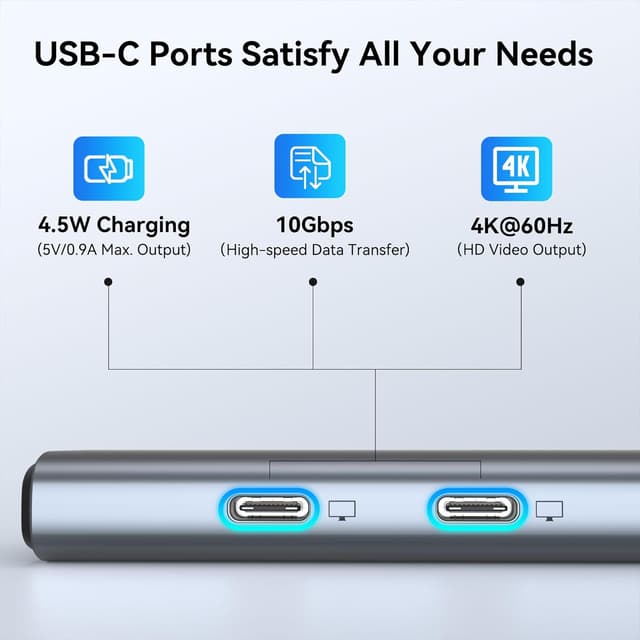
Data transfer is rated up to 10Gbps via the USB4 or USB-C ports, which helps when you are moving files to an SSD, using a flash drive, or connecting compatible external storage. The manufacturer also states that the hub includes 4.5W peripheral power for certain accessories connected to the display ports, which can be helpful for small devices when supported.
Tech specs

- Type: USB C hub multiport adapter
- Name: MOKiN USB C Splitter USB4 Display Ports Dongle
- Display ports: 2× USB4 display outputs
- Display support: dual 4K at 60Hz via Thunderbolt 4 or USB4 host
- Data transfer: up to 10Gbps via USB4 and USB-C ports
- Charging: up to 100W power delivery on the PD port
- Chipset: Intel JHL8140 Thunderbolt 4 chipset
Who it’s for
It makes sense if you want a compact USB-C accessory that can handle dual monitor output, faster data transfer and laptop charging in one place. You will likely appreciate it most if you work from a laptop and want a cleaner setup for external displays and daily peripherals, without relying on a heavier docking station.
It may not suit you if your laptop USB-C port is not USB4 or Thunderbolt 4, because the manufacturer notes that resolution and display behaviour can change based on host support. It is also not a fit if your priority is independent macOS multi screen setups, as the manufacturer specifies macOS laptops only support SST mode, with external monitor screens treated the same.
Before buying, check that your USB-C port supports charging for the 100W PD function, as this depends on the laptop you are connecting. If you are confident your host supports Thunderbolt 4 or USB4 for dual 4K at 60Hz, you can use the hub to build a more stable, multi device workspace that stays organised even when you plug and unplug each day.