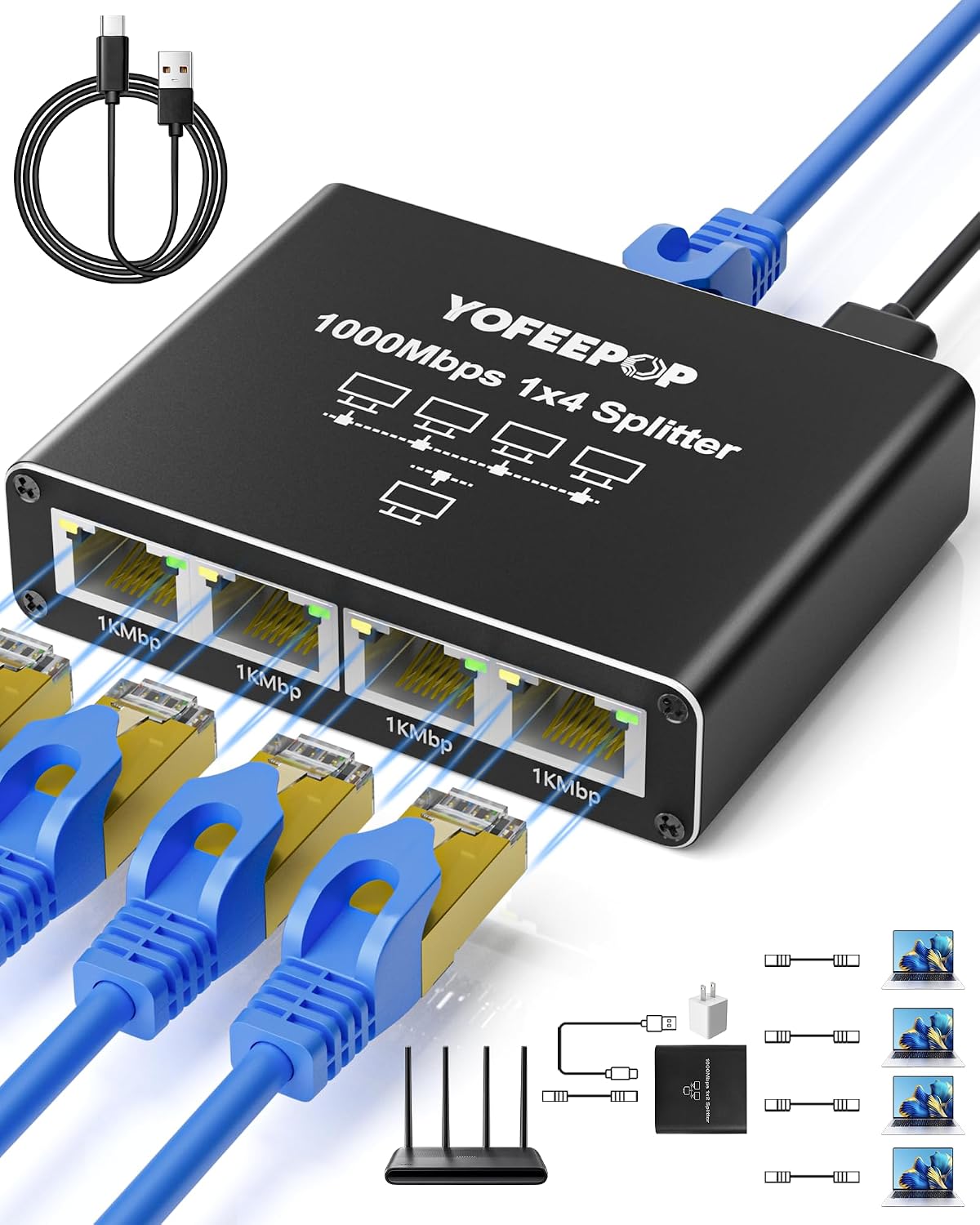
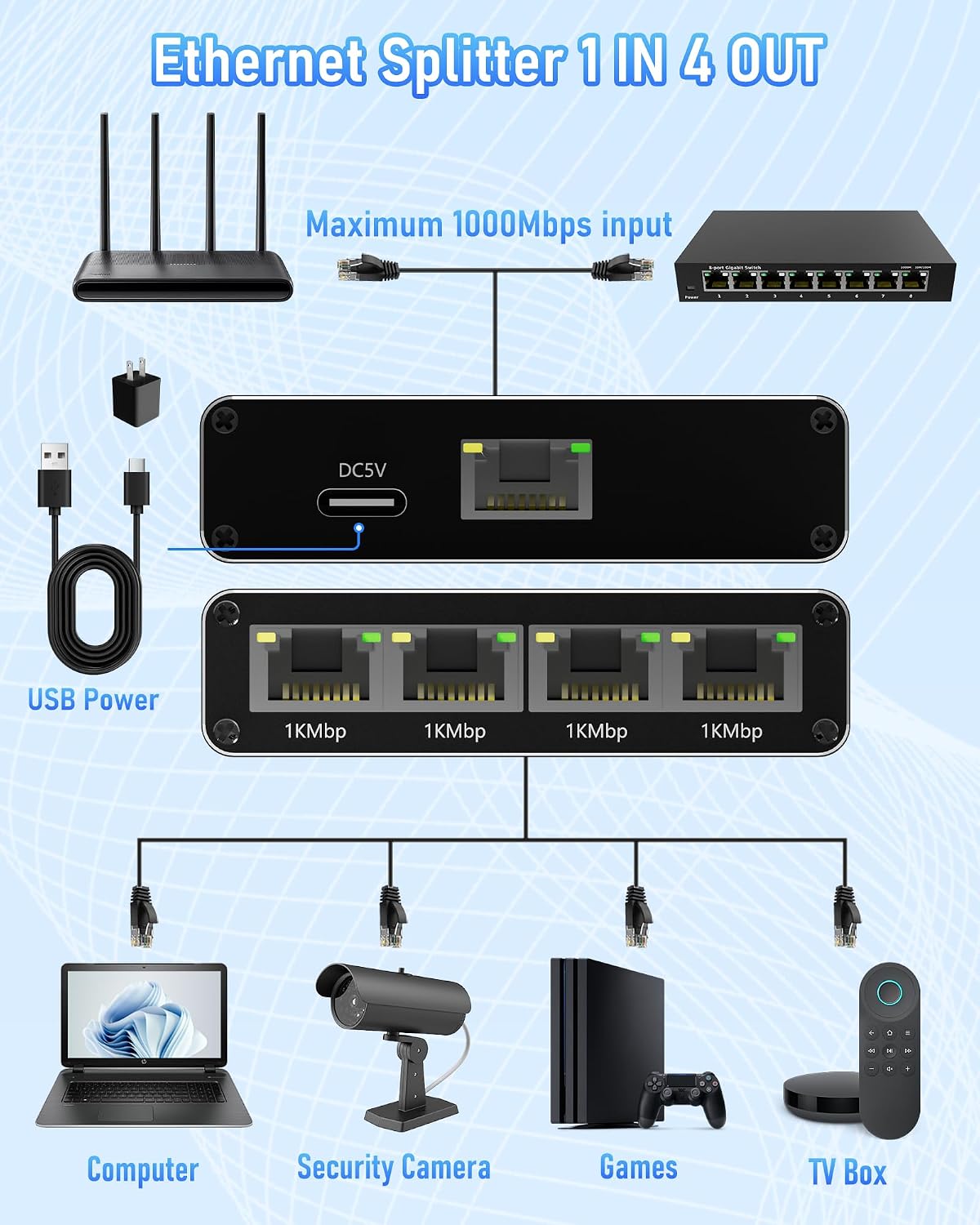
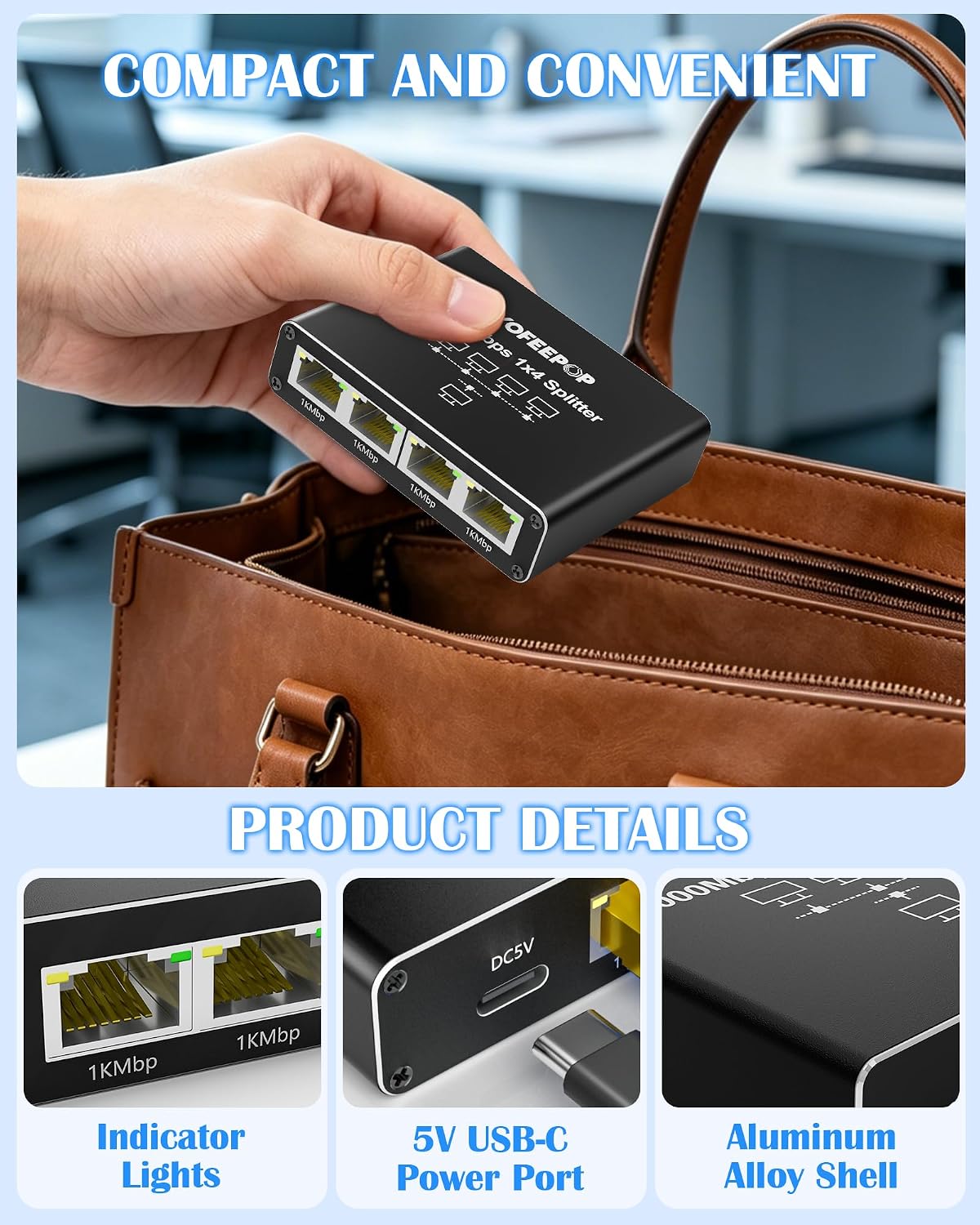
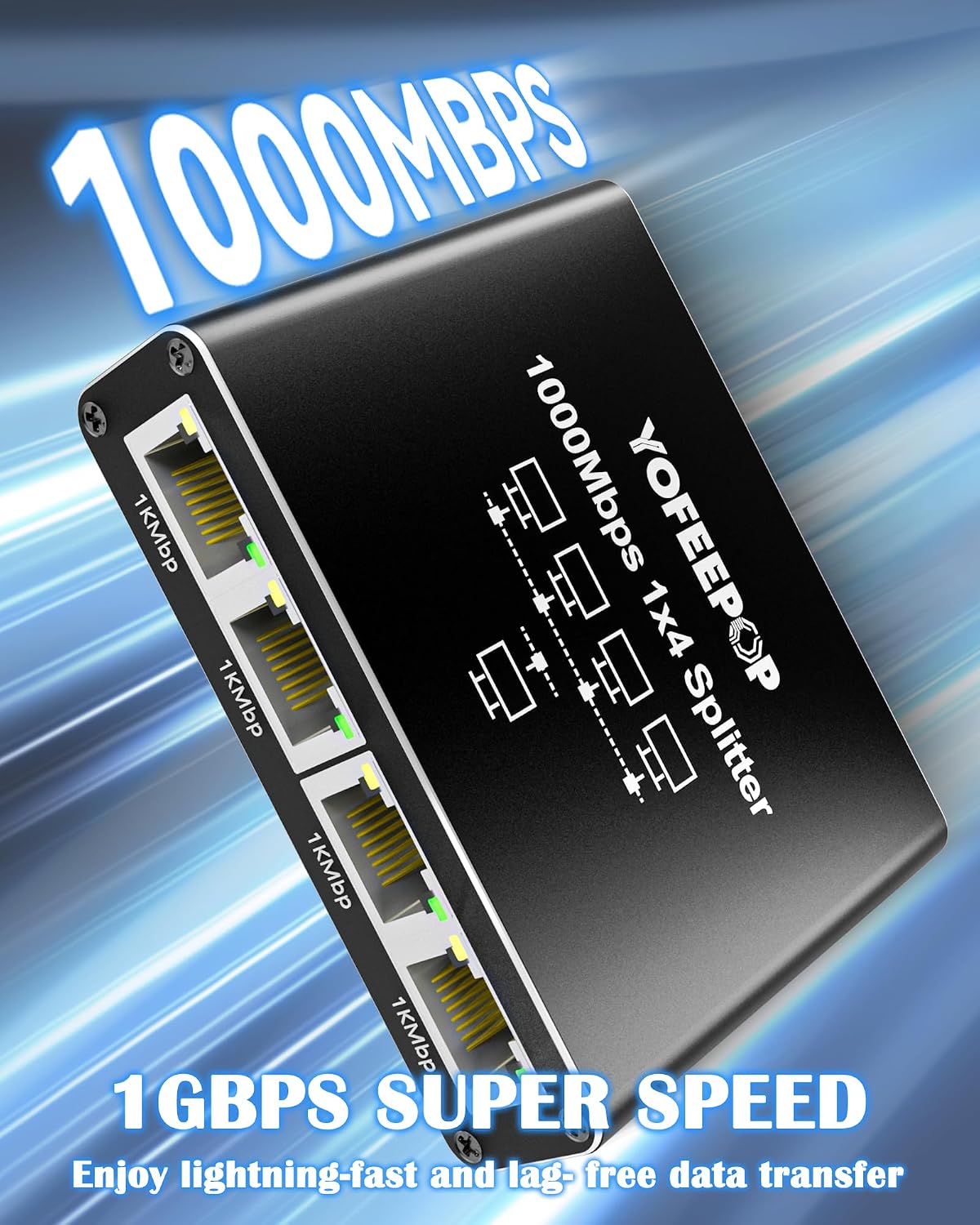
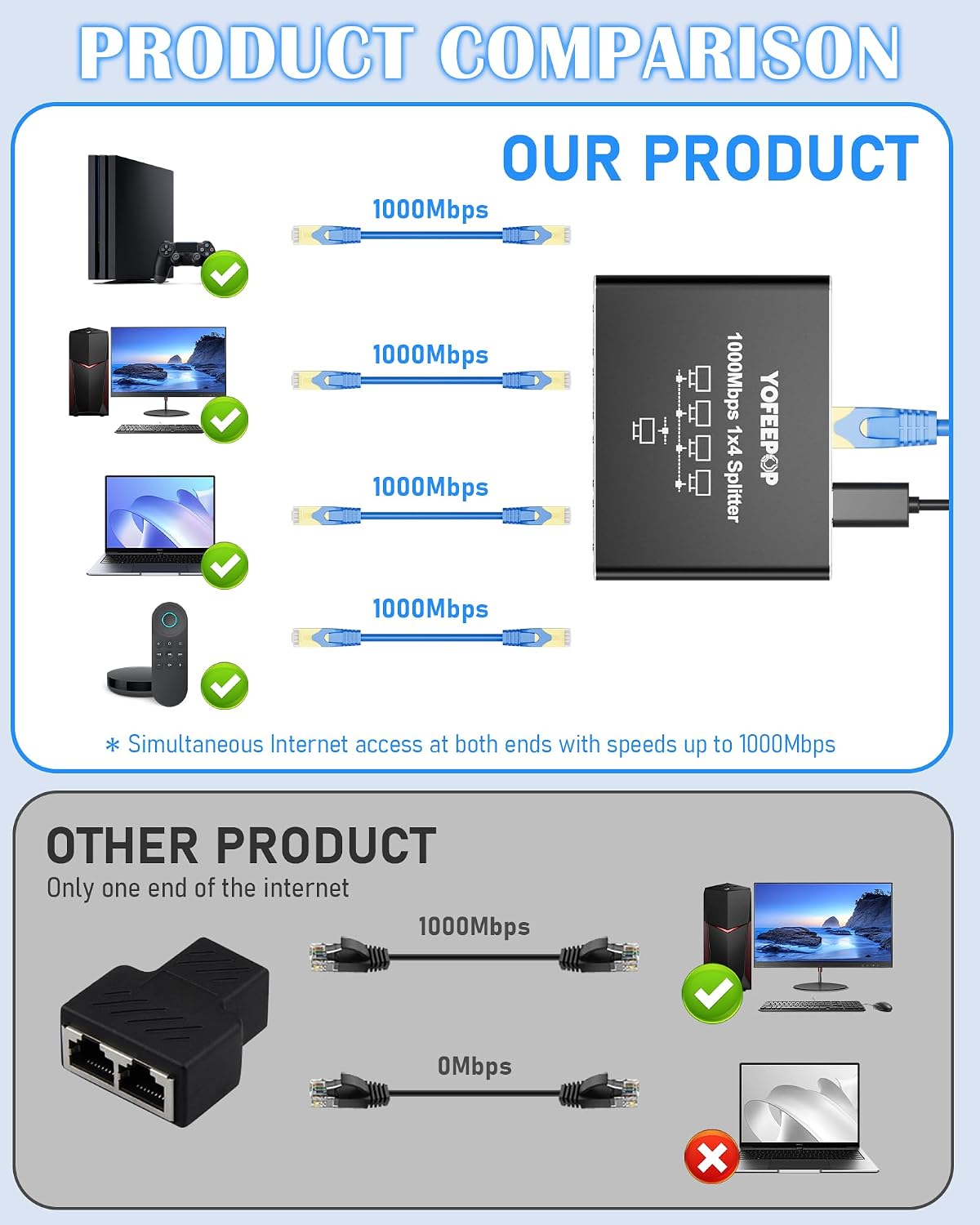
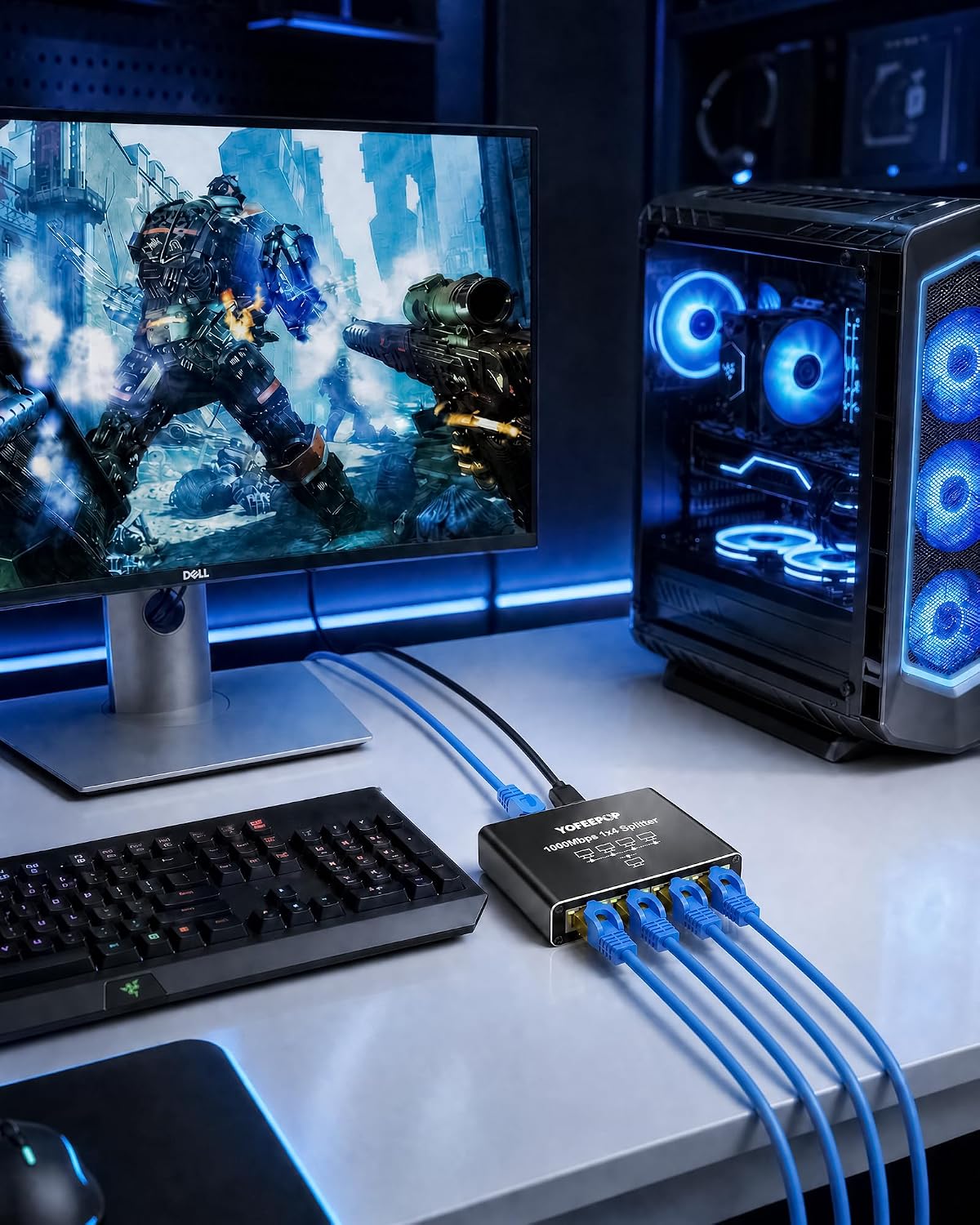
What it is and what it solves\nThe YOFEEPOP 4-Port Gigabit Ethernet Splitter is a plug‑and‑play network hub designed to transform a single Ethernet line into four wired connections. It targets home offices and entertainment hubs where multiple devices—such as consoles, PCs, smart TVs or streaming boxes—require reliable, wired connectivity without complex setup. On paper, each port offers up to 1000Mbps, which supports smooth 4K streaming, responsive gaming and general online work, even when several devices are active at once.\n\n## How it performs in real life\nThis device emphasises stability over sheer speed. With a high‑performance chipset, it aims to prevent speed degradation when all four ports are in use. Practically, this means you’re less likely to see noticeable buffering or latency spikes during peak usage. For households juggling gaming, video calls and streaming, the splitter provides a straightforward way to keep latency and jitter reasonably contained.\n\n## Build quality and durability\nThe aluminium alloy casing is a step up from basic plastic hubs. It should help with heat dissipation during long sessions or heavy traffic, and it also offers some electromagnetic shielding. If you’ve had budget switches overheat after hours of use, this design choice addresses that risk on paper, though real‑world outcomes still depend on overall network load and ambient conditions.\n\n## Setup and ease of use\nOne of the main appeals is its plug‑and‑play nature: no drivers required. You simply connect the existing network cable, attach the power supply, and you’re ready to expand your network. The compact, space‑saving footprint helps keep desks and entertainment centres tidy, which is useful if you’re wiring a TV cabinet, a game corner or a small home office.\n\n## Compatibility and flexibility\nIt’s compatible with all RJ45‑equipped devices—including routers, modems, gaming consoles, PCs, Smart TVs and printers. It supports Ethernet cables across Cat 8, 7 and 6 categories, which makes it useful for both newer installations and legacies. However, as with any splitter, the actual benefit depends on the rest of the network setup and the capabilities of connected devices.\n\n## Who it’s for\nIf you’re expanding a wired network at home or in a small office and value dedicated bandwidth per device, this model can be a practical choice. It’s particularly appealing when you want a tidy, fixed‑path solution for multiple entertainment devices or a compact work area with stable wired connections.\n\n## What to consider before buying\n- It’s a splitter, not a router or a switch with intelligent traffic management. You’ll get four ports, each with its own 1000Mbps capacity on paper, but overall network speed is still bounded by the source and the modem/router’s capabilities.\n- Power needs are part of the design, ensure the supplied USB power is convenient for your setup.\n- If your primary goal is advanced QoS, VLANs or traffic shaping, you might find a more feature‑rich switch preferable.\n\n## Practical usage example\nImagine a small living room setup where a smart TV streams 4K, a console runs online multiplayer, and a PC handles work from home tasks. With the YOFEEPOP splitter, all four devices can remain wired without swapping cables or sharing a single port, helping to keep each activity crisp and responsive.\n\n## Quick buyer’s note (pros and caveats)\nPros: straightforward, durable build, genuinely plug‑and‑play, broad compatibility, discreet footprint.\nCons: it’s a basic splitter, it lacks high‑end network management features found in more advanced switches, and real gains depend on your existing network speed and router performance.\n\n## Is it worth it? Final call\nIf your priority is simple expansion of a wired network without configuring software or buying extra equipment, and you don’t need complex traffic controls, this model offers practical value for everyday use. It may not be the strongest choice if you’re seeking built‑in prioritisation or advanced network segmentation for a busy home office.\n\n## FAQ (practical answers based on available data)\n- Does it require setup drivers? No, it’s plug‑and‑play.\n- Will it improve my Wi‑Fi by routing more devices wired? It provides wired ports for devices that benefit from stable connections, but it won’t replace a router or improve wireless coverage.\n- Can I rely on it for gaming with multiple devices? It’s designed to help maintain stability when several wired devices are active, though latency depends on your overall network and game server conditions.\n- What if one port is used heavily? The splitter is designed to handle sustained use per port, but performance still hinges on total network load and the capabilities of your upstream router.\n