

Yinker 4-Port USB 3.0 Hub with 5ft Cable and 5V Power Supply
Reviews
Price
Product description
What this is and what it solves
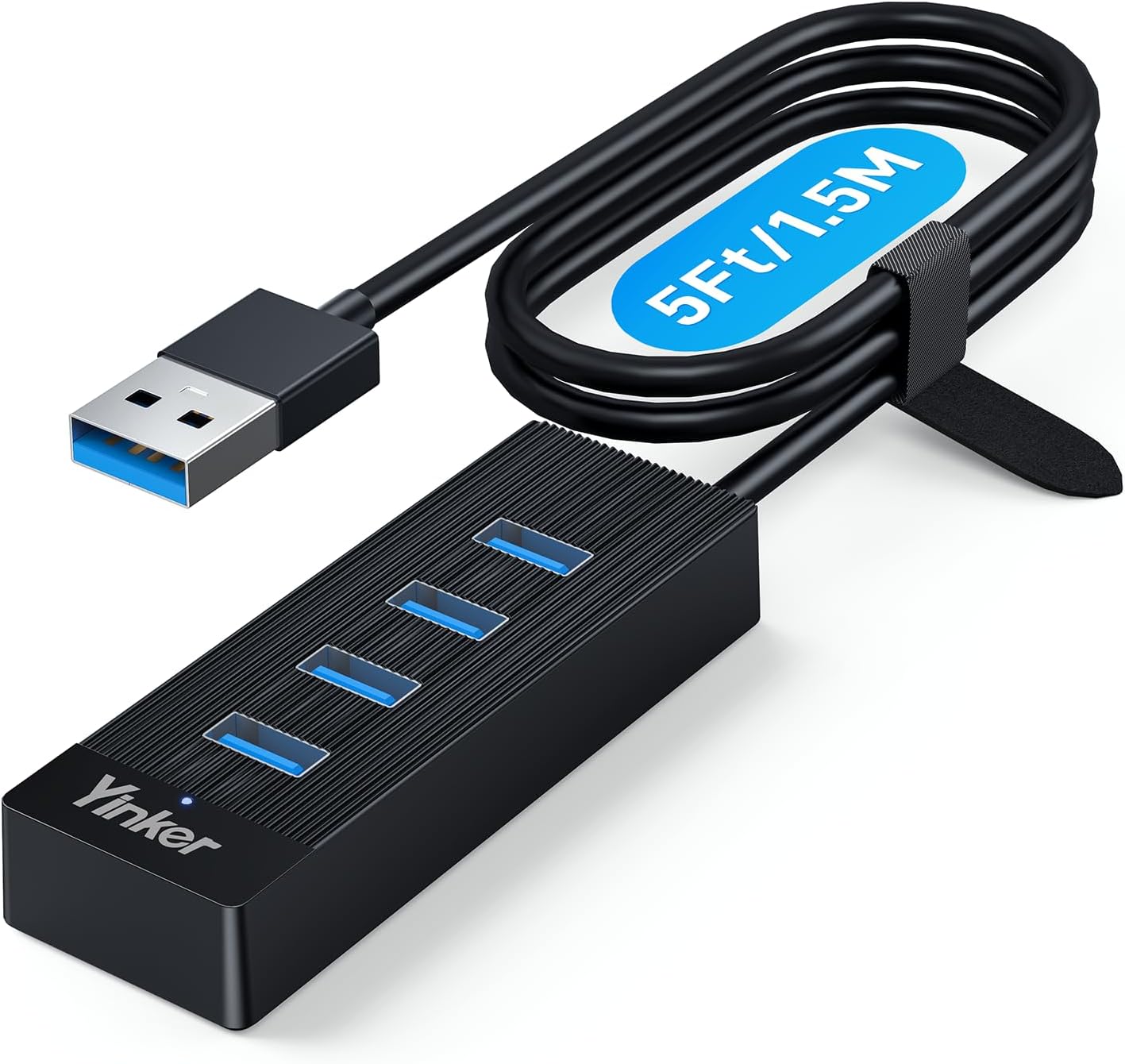
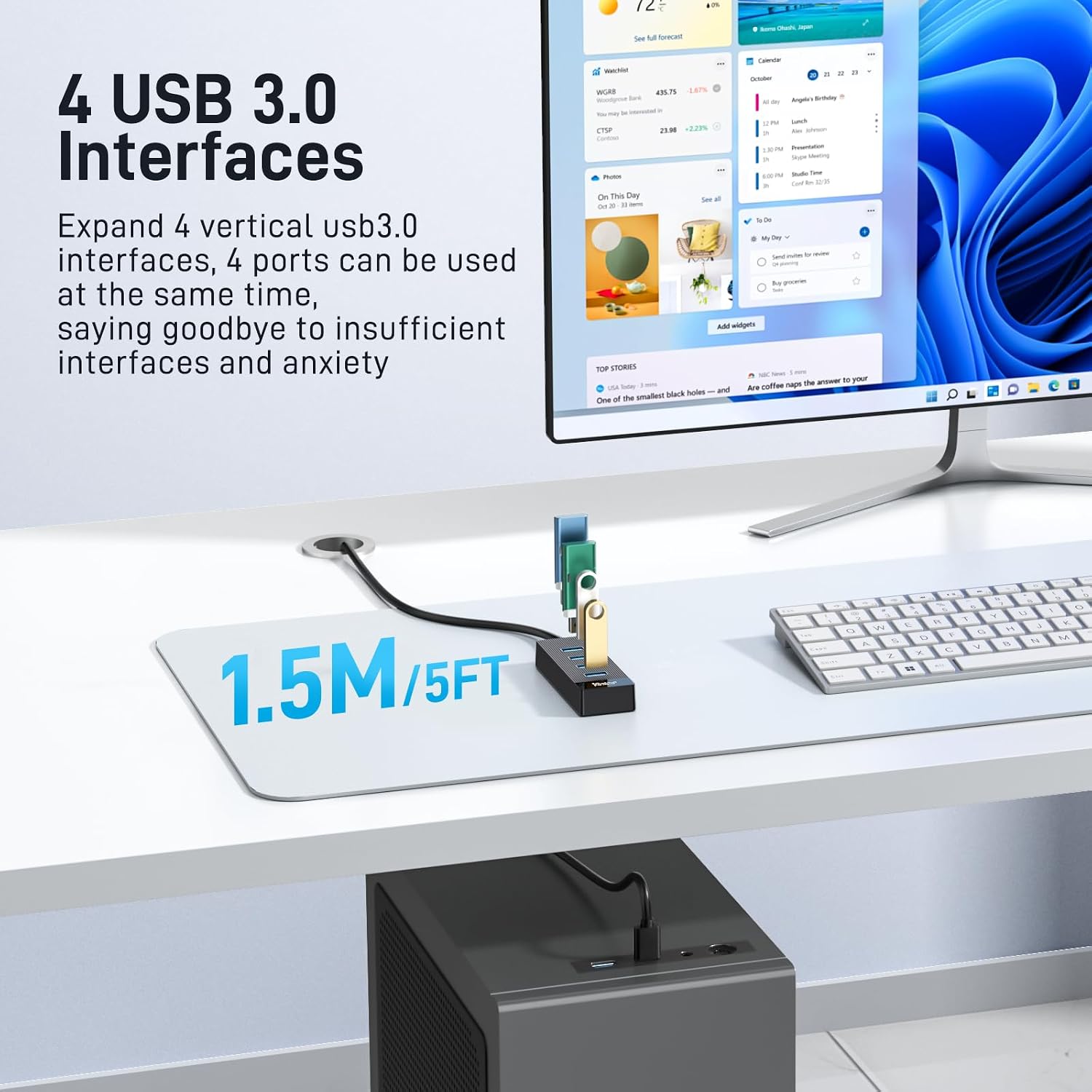
The Yinker 4-Port USB 3.0 Hub is a compact, ultra-slim splitter designed to expand a single USB host’s connectivity. It provides four USB 3.0 ports, enabling you to attach a mouse, keyboard, external drive, printer or other peripherals at once. On paper, it aims to simplify setups where ports are limited by the computer’s chassis or desk space, making it useful for offices, gaming setups and home workstations.
How it performs in everyday use
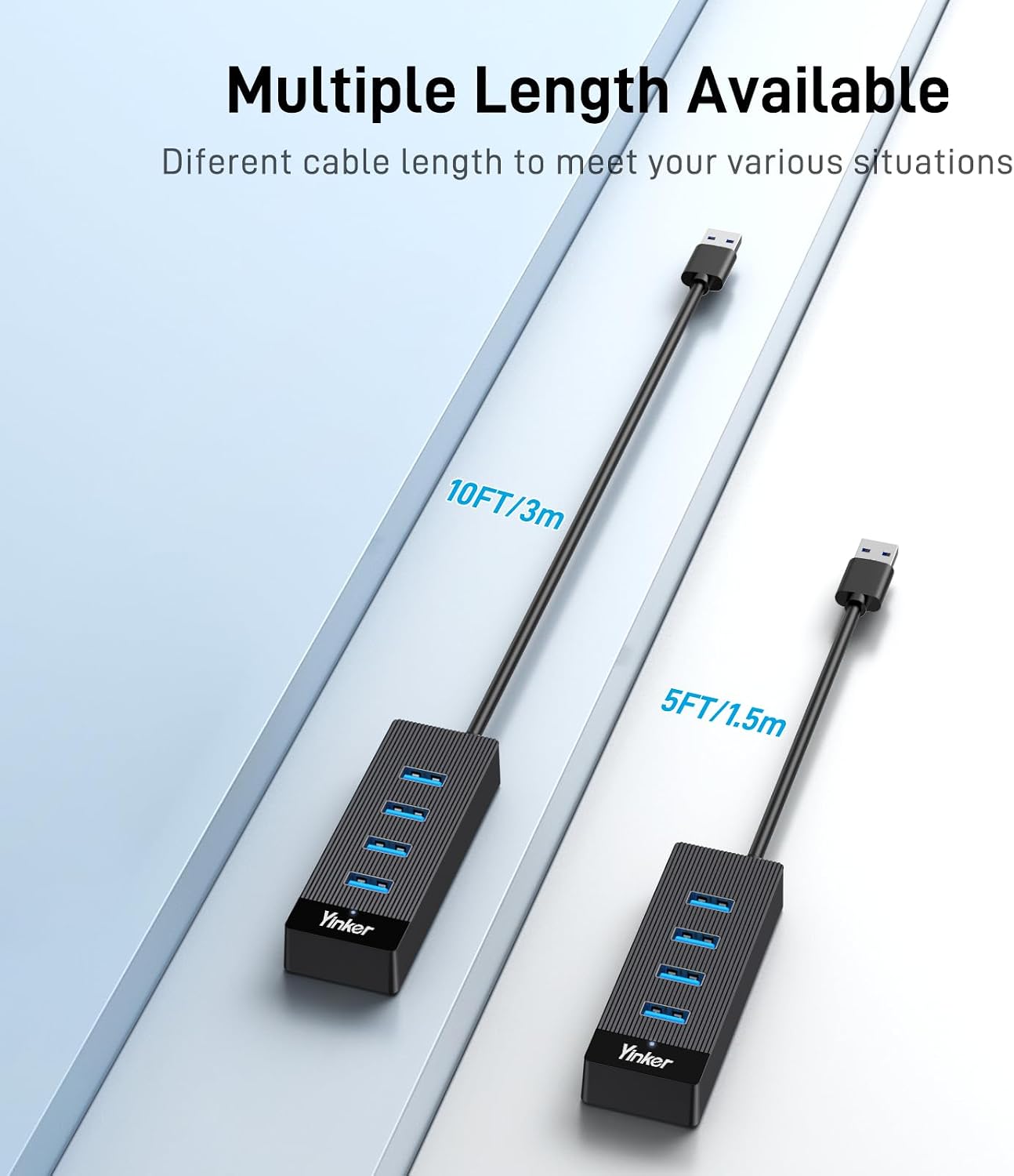
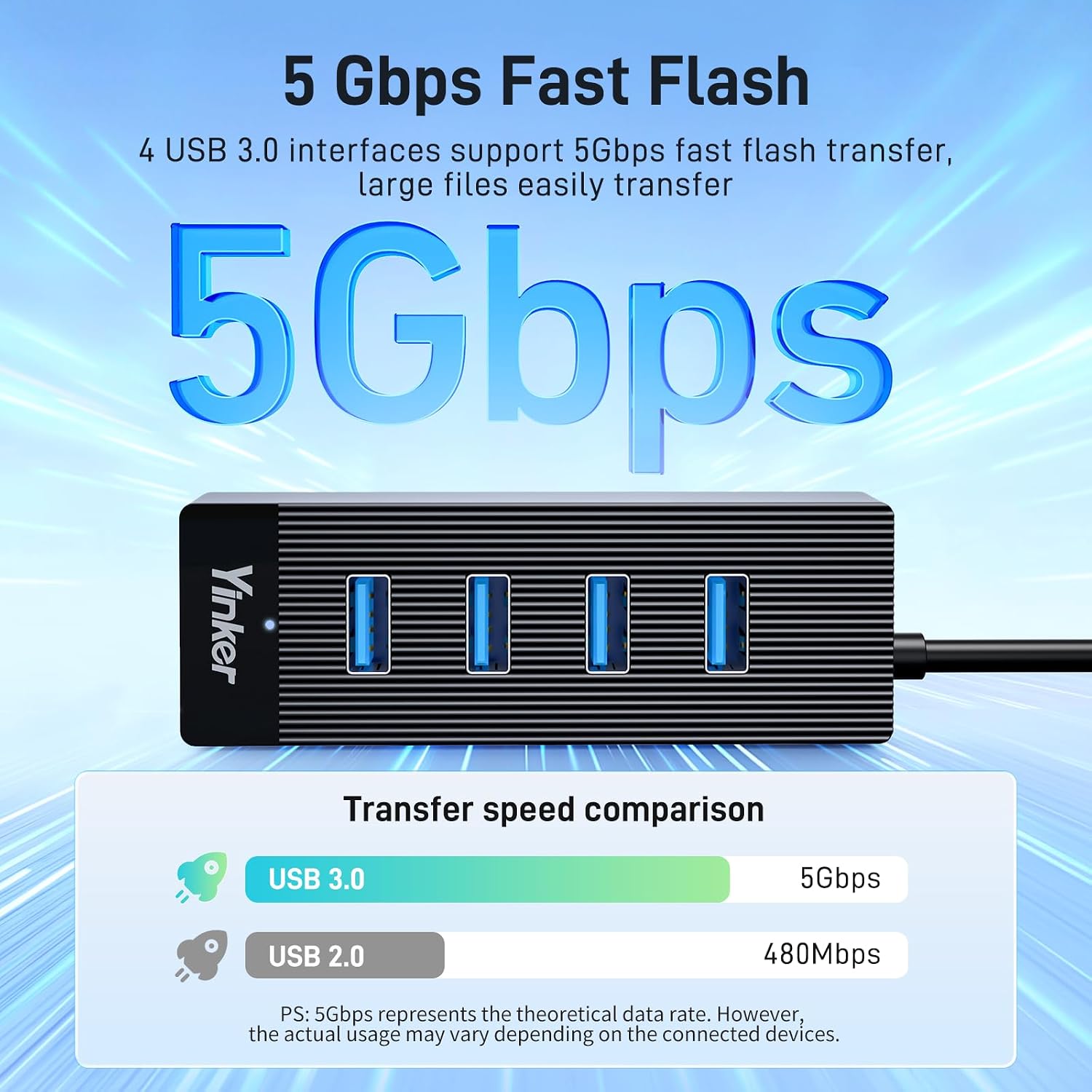
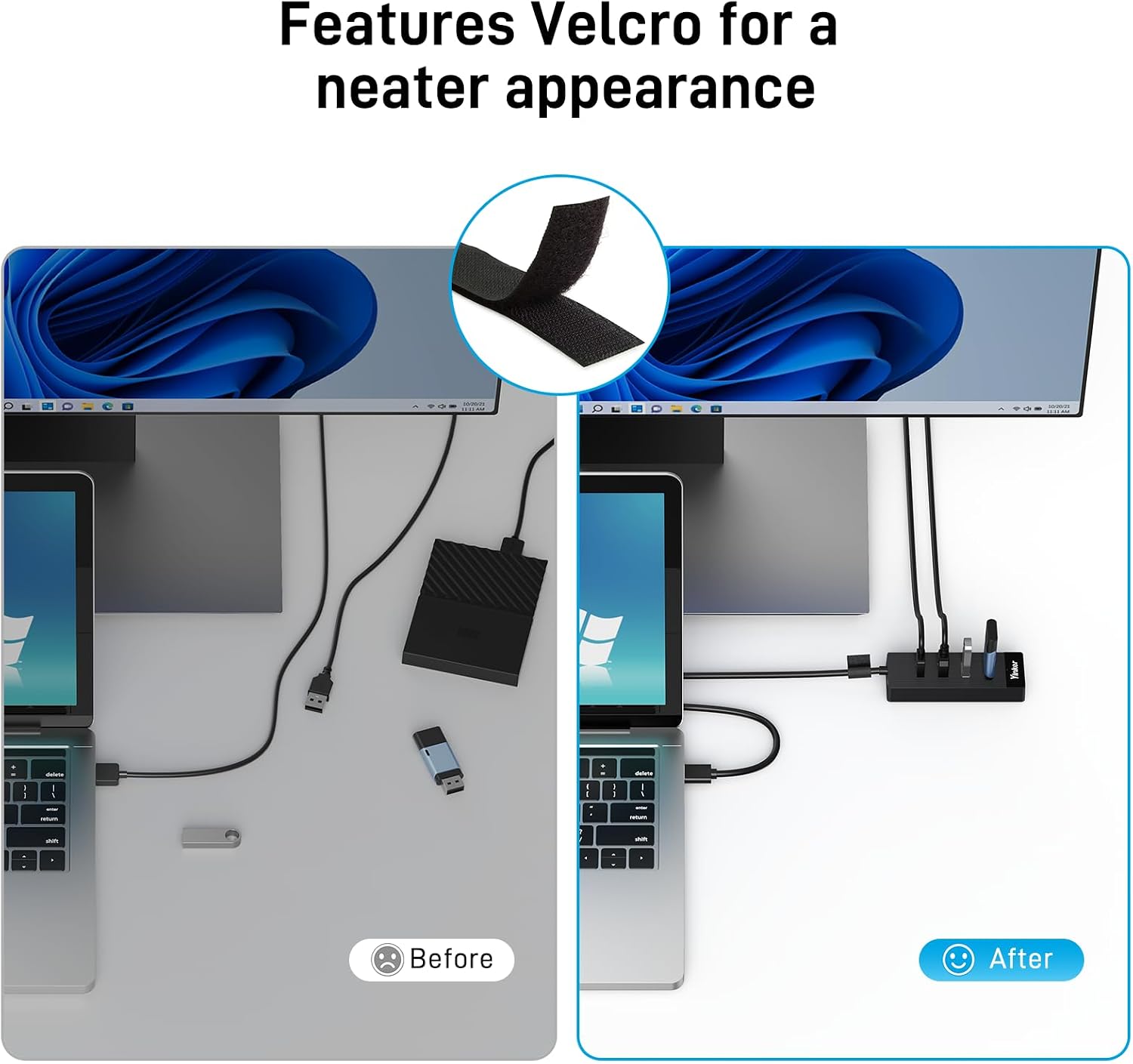
With a 5Gbps data transfer capability, the hub is positioned for quick file transfers and responsive peripheral use. For tasks like moving large photos or backing up footage, you’ll likely notice the benefit of multiple devices connected without swapping cables. The claim of a powerful chip suggests stable data handling across devices, though real‑world speeds will depend on the connected devices and the host computer. The extra-long 5ft/1.5m cable adds flexibility to places where the computer sits off to one side or under a desk, reducing cable tension and allowing a tidier workspace.
Design and portability
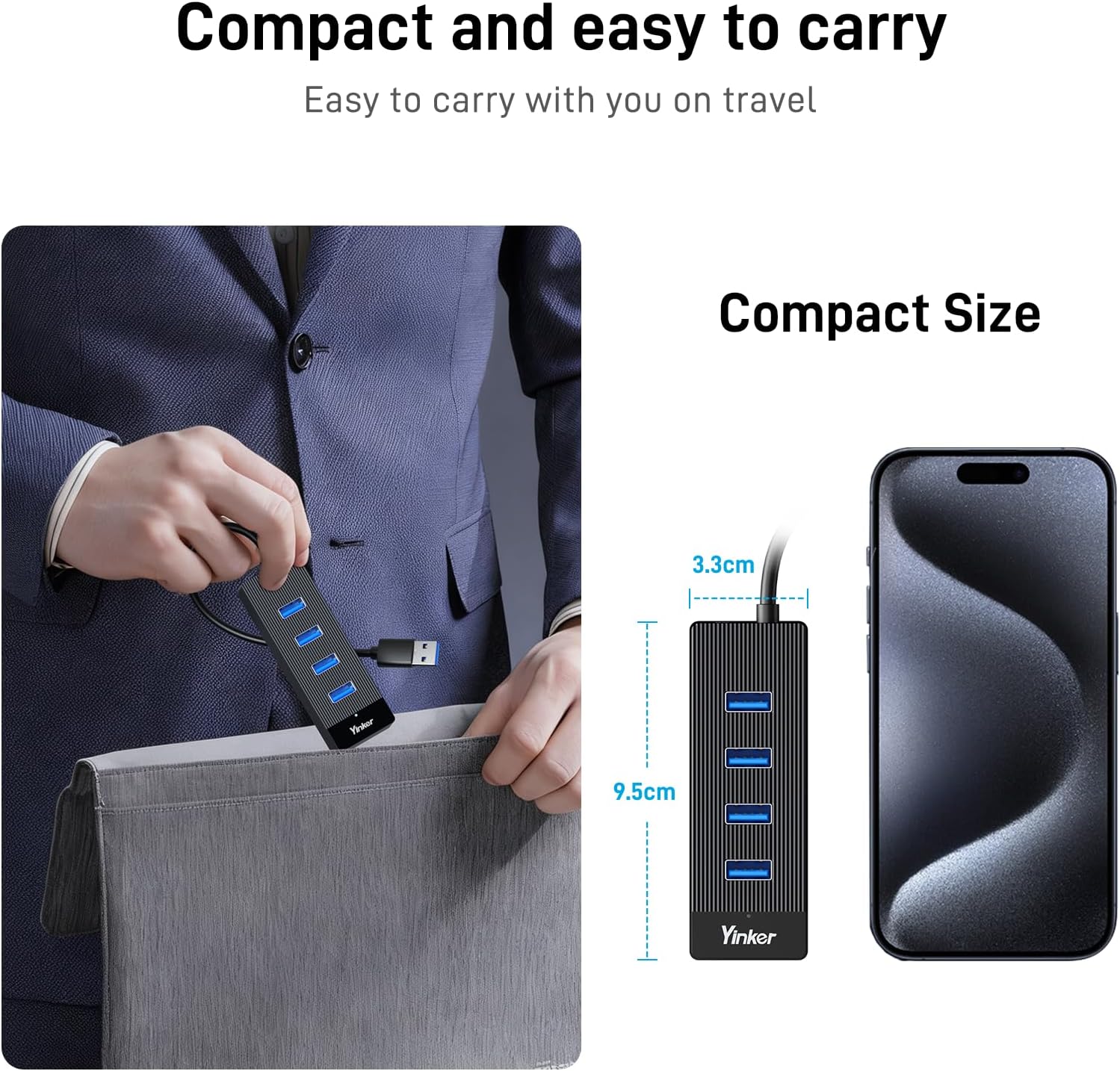
The hub is described as ultra‑slim and compact, which helps when you’re travelling or need to store it in a laptop bag. This is a practical consideration for students, remote workers or those who frequently switch workspaces. The finish and build quality are presented as premium by the maker, a point to weigh against how rough and tumble the hub may be in daily use. If you prioritise discretion and portability, this form factor can be a clear advantage.
Who it suits best
This 4‑port hub is a sensible option for users who regularly depend on a mix of USB peripherals but don’t require extra ports from every device. It works well for a compact desk where space is at a premium, or for travel setups where you want a lightweight extension rather than a bulky dock. If your workflow relies on sustained high‑bandwidth across multiple devices simultaneously, it may not replace purpose‑built multi‑port docks, especially where extra power delivery or specialised ports are needed.
Limitations and caveats
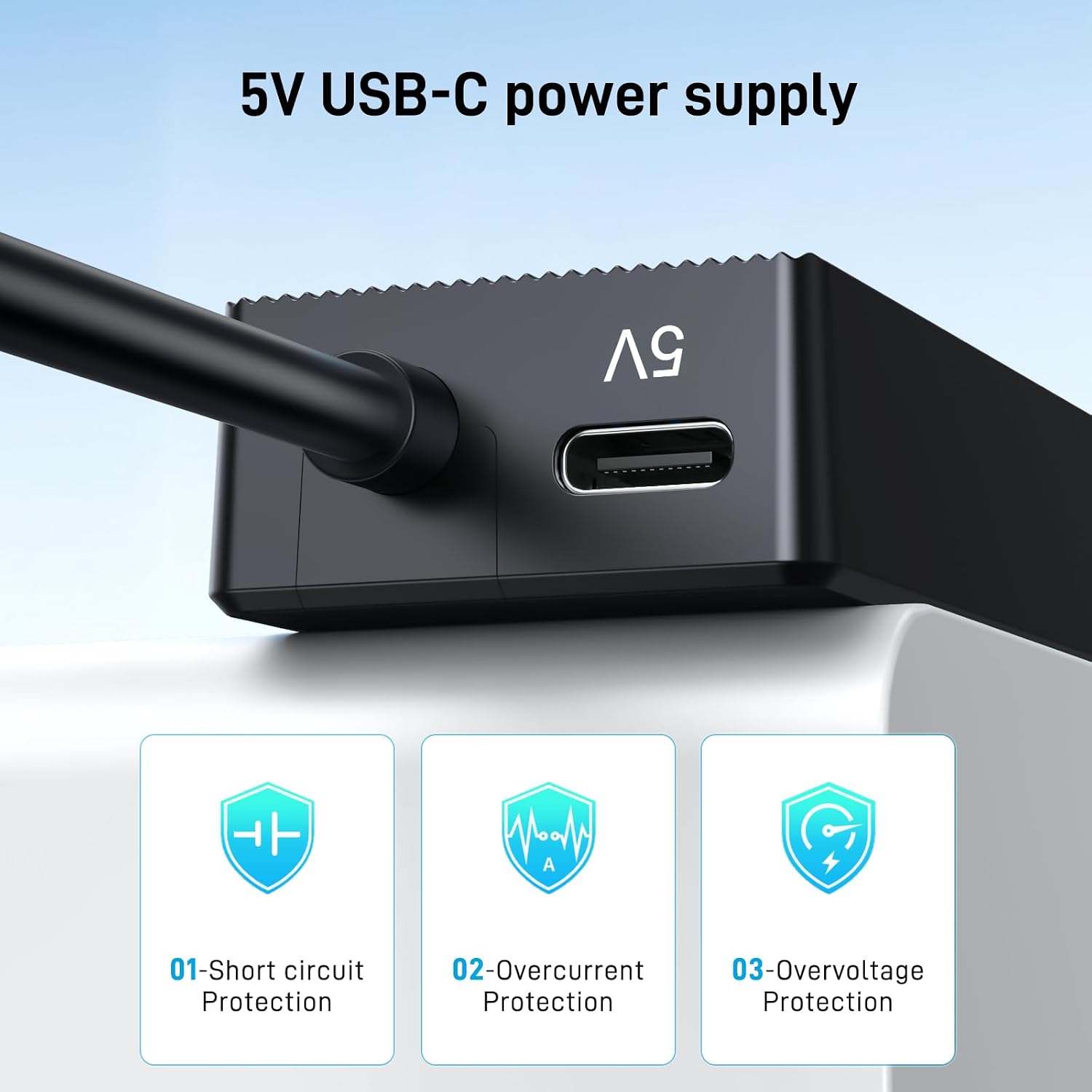
One potential limitation is that, as with many USB hubs, performance can be affected by the power demand of connected devices. The included 5V power supply helps ensure devices have adequate power, but not all scenarios require it. If you routinely run power‑hungry peripherals (for example, certain external drives at high throughput), ensure the hub is used with the supplied power or consider a hub designed for higher powered loads. Also, the product description focuses on speed and convenience, it does not detail compatibility with every operating system or device class, so it’s wise to verify that your PC, laptop, MacBook or console supports the hub in your setup.
What to check before buying
- Do you need four USB‑A ports for daily use rather than a more expansive dock?
- Is a 5Gbps USB 3.0 solution sufficient for your file transfer and peripheral needs?
- Will the extra length of the cable help your workspace layout without creating clutter?
- Do you require external power for certain devices such as high‑drain external hard drives?
- Are you comfortable with a portable hub as an interim solution rather than a full docking station?
How it compares to other approaches
If you’re weighing a budget USB expansion, this hub sits between a basic shared hub and a full docking solution. For daily tasks like typing, browsing and light peripheral use, it offers a pragmatic extension without the overhead of a larger dock. For users who need dedicated charging power or multiple high‑demand ports, a more robust docking station or powered hub with higher amperage may be preferable. The choice hinges on how many devices you attach at once and whether you value portability over extra features.
Practical usage example
Imagine you’re working from a laptop on a small desk. You plug in a wireless keyboard, a mouse, a USB‑C to USB‑A adapter for a USB‑C only laptop, and a portable SSD. With the hub, all four devices are available at the same time, freeing the laptop’s own ports for charging or other peripherals. The long cable helps keep the desk neat, and you don’t have to reach around the back of the computer to swap USBs—everything sits within easy reach.
Decision: Is it worth it?
It makes sense if you need a simple, portable way to add four USB 3.0 ports without committing to a larger dock. It’s a practical option for light to moderate peripheral use, travel, and compact offices. You may want to skip it if you require sustained high‑throughput across multiple devices or more specialised ports for professional workflows. For casual to mid‑level needs, this hub offers straightforward value and a compact footprint.
FAQ (pragmatic answers based on available data)
- Will the hub work with my PS5? It’s described as compatible with a range of devices, including consoles, but actual compatibility can vary by system and USB device class.
- Do I need the power supply? The 5V power option is provided to support higher‑drain peripherals, consider using it for external drives or devices that don’t reliably power from the host.
- Can I connect memory cards or cameras directly? The device focuses on USB‑A ports, specific card readers or cameras would need to connect via the USB ports if supported by the host and the device class.
- Is it hot‑swappable? USB hubs typically support hot swapping, but the base device specs don’t explicitly confirm this feature for all scenarios.
- How portable is it really? Its ultra‑slim design and 5ft cable are aimed at portability, suitable for slipping into a laptop bag for travel and on‑the‑go use.