

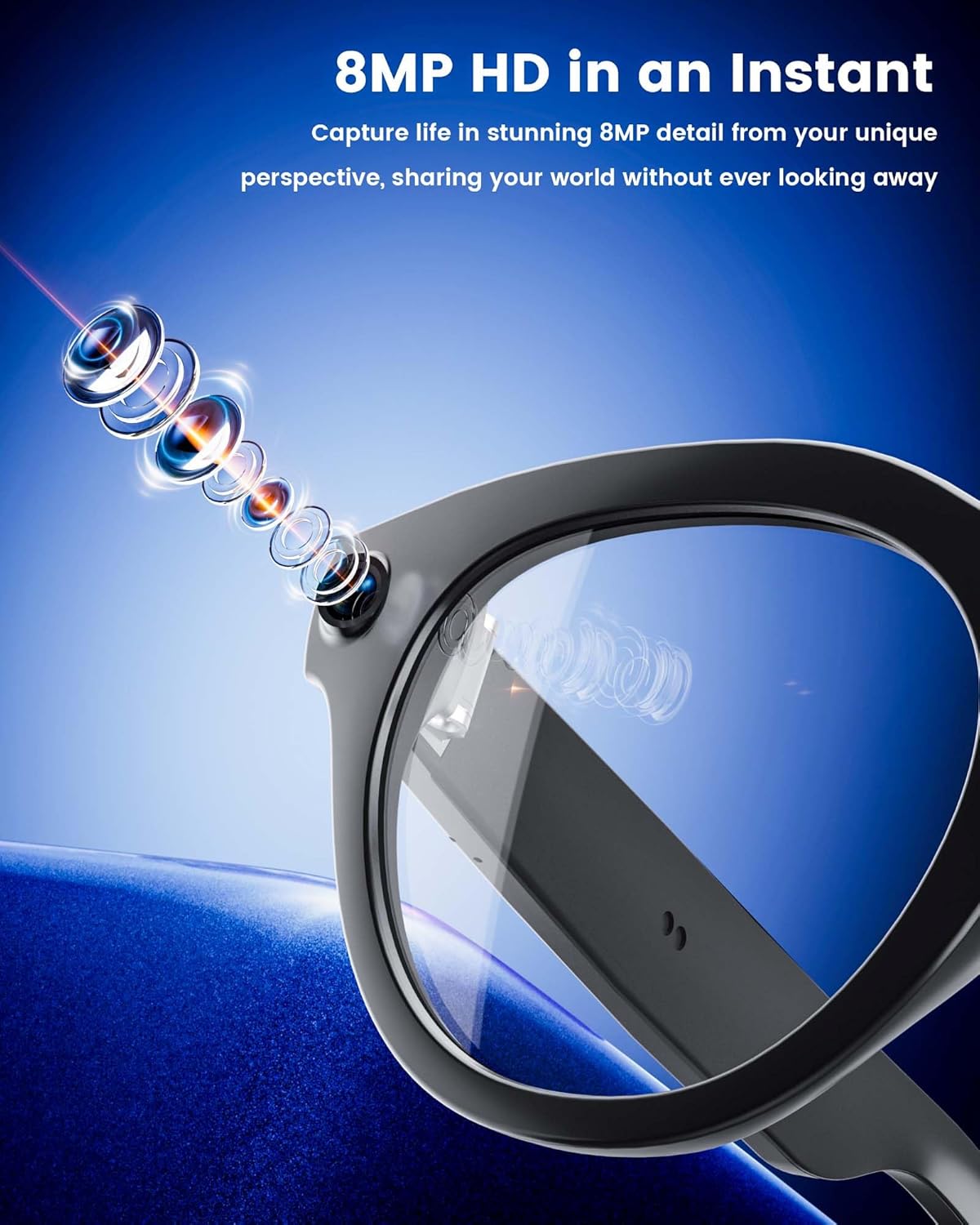
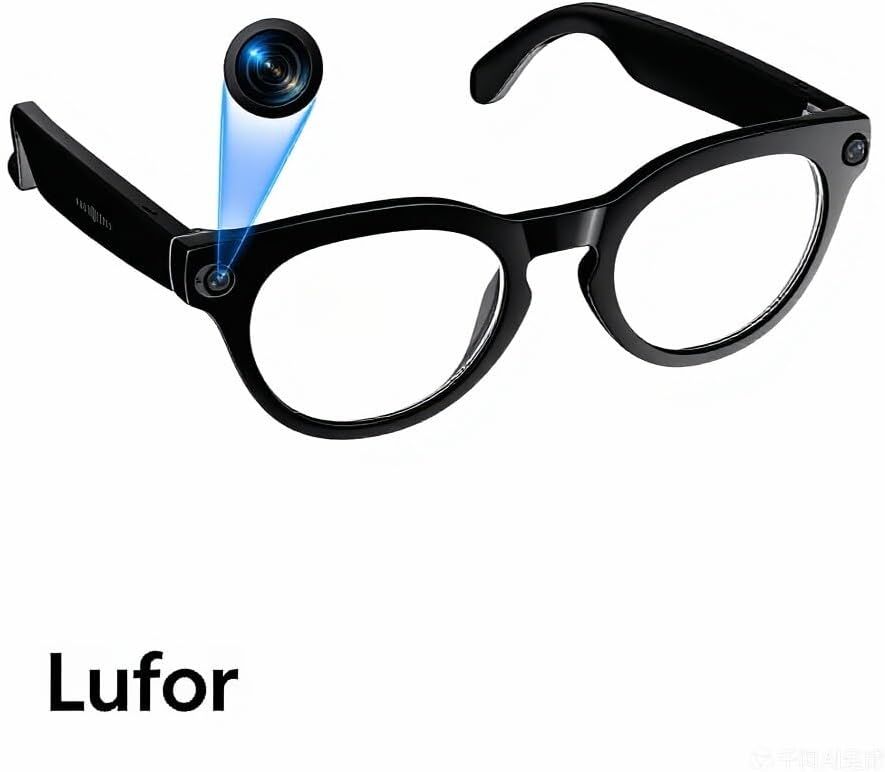
Lufor Orpnkna Smart Glasses with Camera & Bluetooth
Product description
What this product is and what it solves
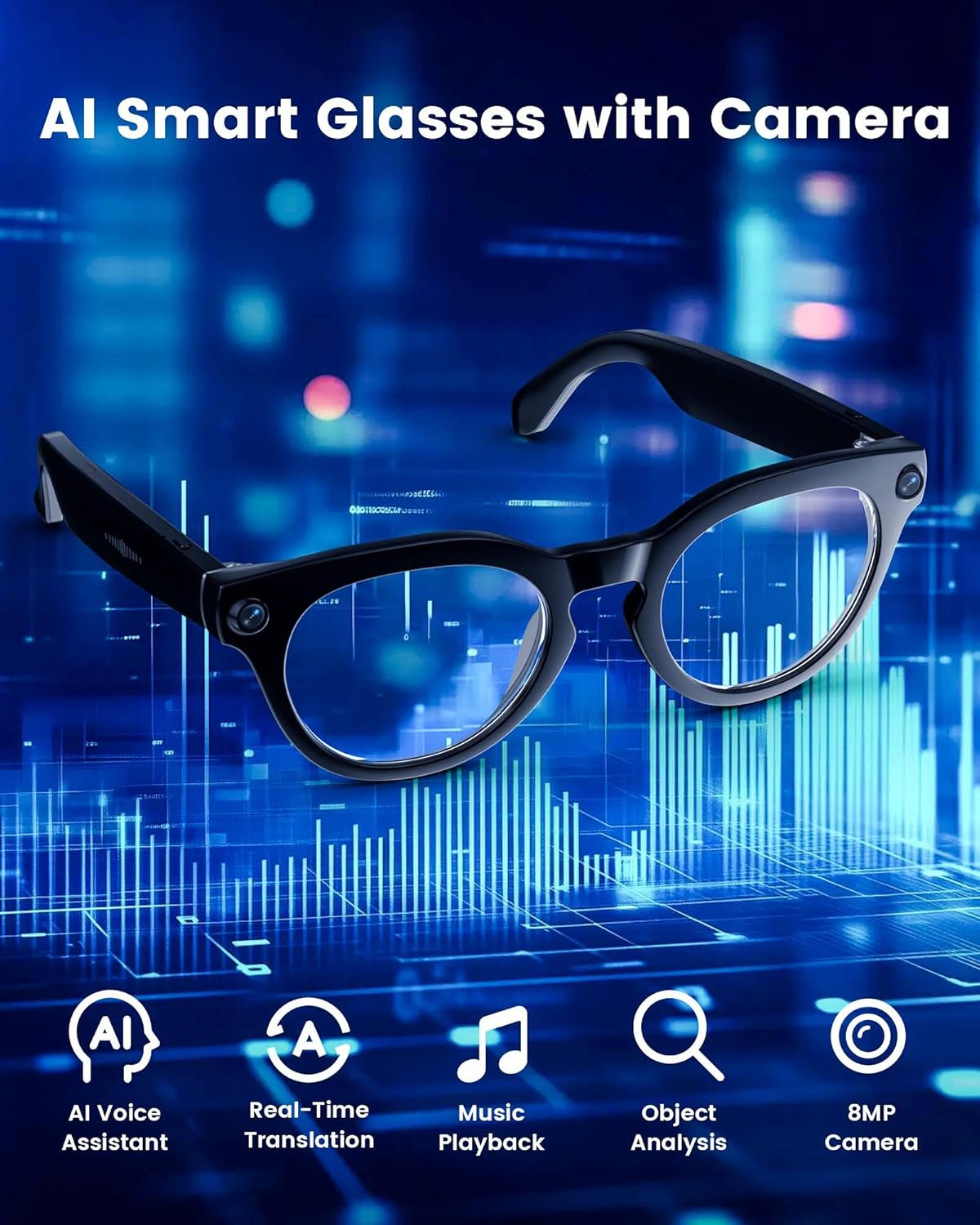
The Lufor Orpnkna Smart Glasses are hands-free wearable glasses that integrate a camera, Bluetooth connectivity and smart features into a lightweight frame. On the surface they offer first-person recording from a discreet perspective, but the real value lies in keeping your hands free while capturing moments, staying connected and getting language help on the move. If you’re a vlogger, traveller or in regular meetings where you need quick notes, a quick translation or a hands-free call, these glasses aim to streamline those everyday moments without pulling out a phone.
How it performs on the key tasks
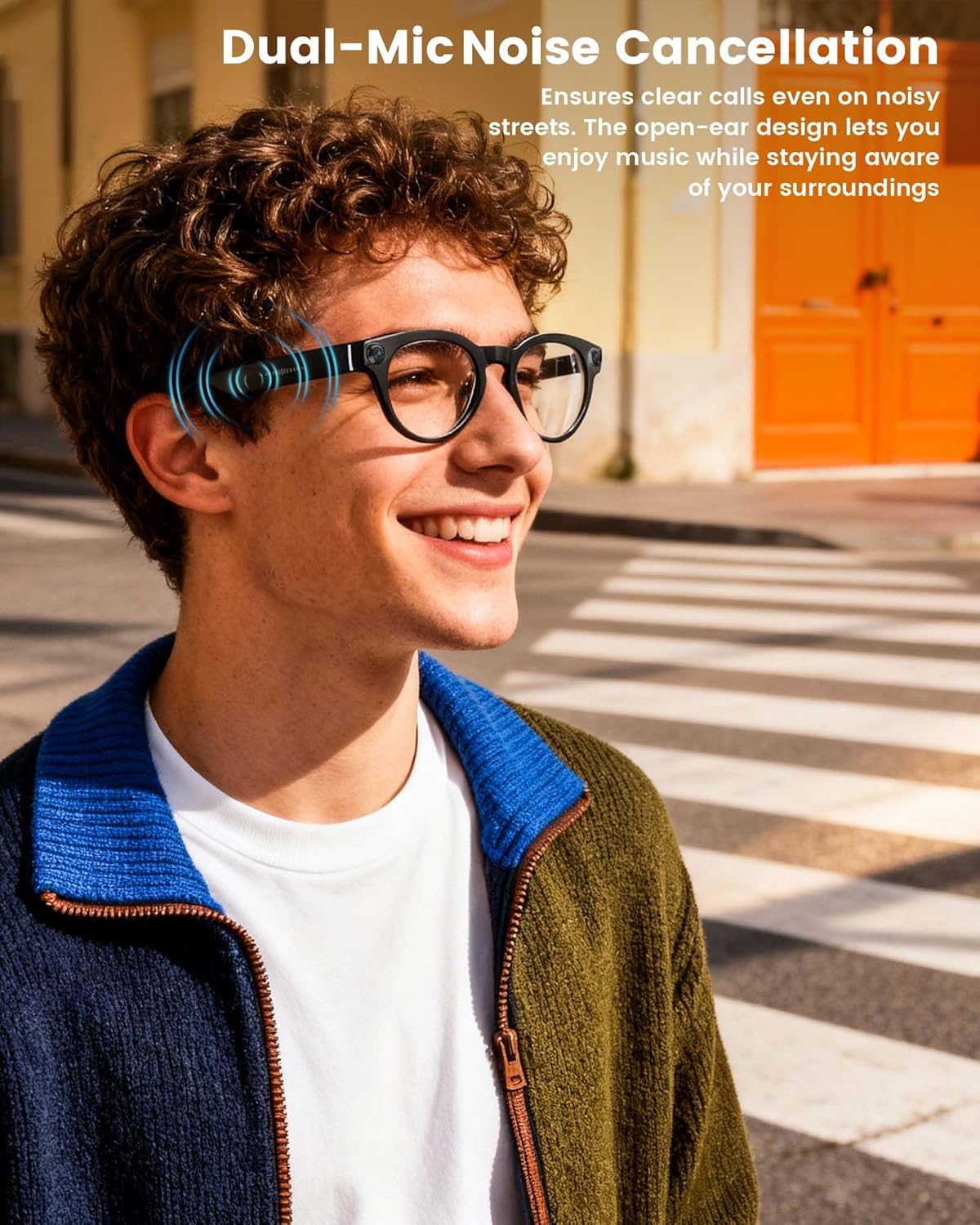
On paper, the camera module is designed to capture crisp photos and record video, with stabilisation and noise reduction to smooth footage when you’re in motion. The open-ear audio design means you can listen to media or speak calls while still being aware of your surroundings — useful for travel, commuting or busy office environments where you don’t want to block out ambient sound entirely. The dual-microphone setup is aimed at improving voice pickup in noisy spaces, which helps when taking calls or recording voice notes in public.
Smart features worth noting
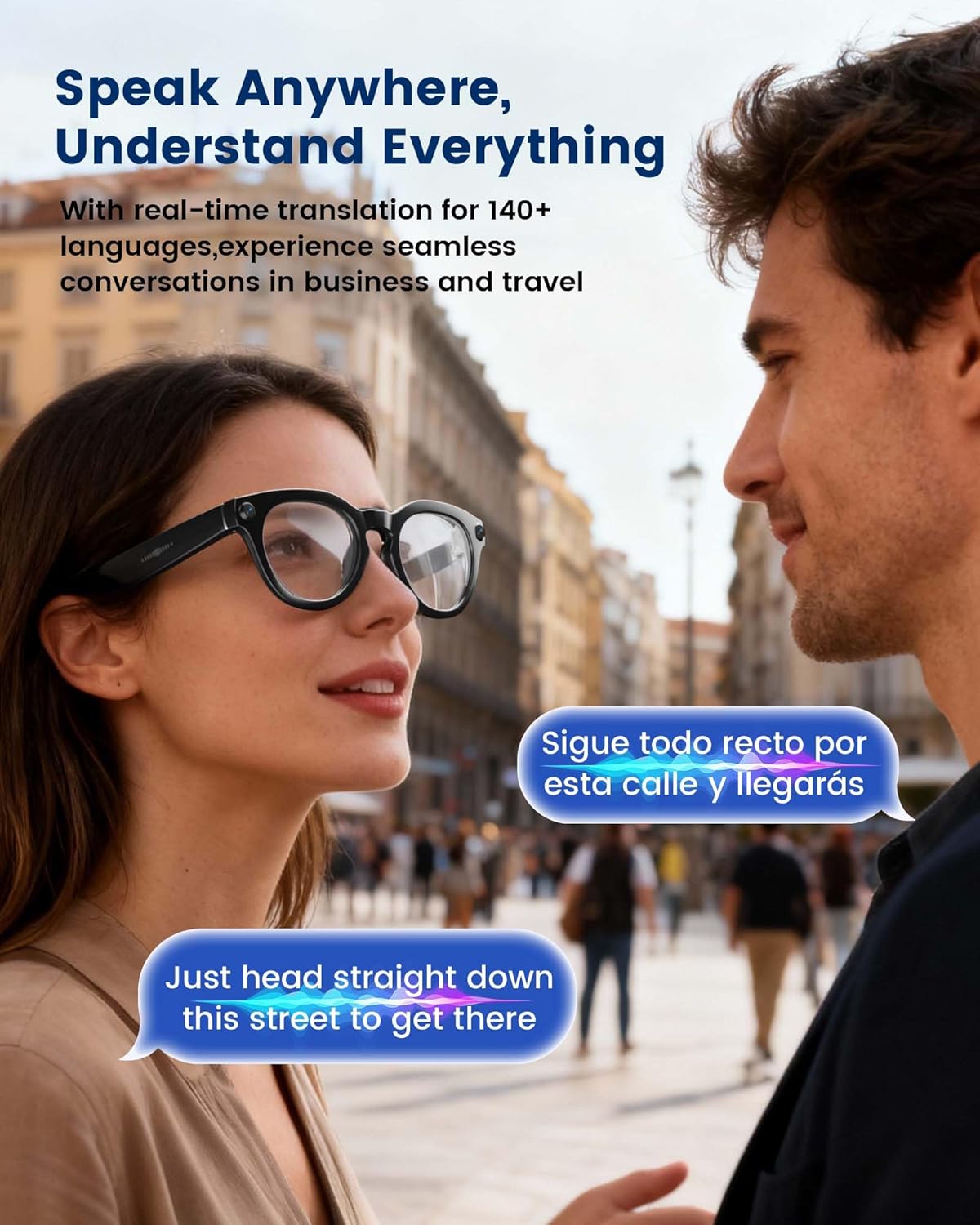
A built-in AI system powers real-time translation between major languages and offers smart Q&A and object recognition. In practice this could help during travel to understand street signs or menus, or during meetings to quickly clarify a point without interrupting the flow. The wake-word-free interaction makes it easier to use in moments when you don’t want to reach for a phone or a tablet.
What to consider before buying
If you prioritise hands-free recording or real-time language help, this product could fit well. However, the benefit hinges on how you value video recording without relying on a separate device, and how comfortable you are with a wearable that doubles as a computer for on-the-fly tasks. The battery life is pitched for shorter sessions (a few hours of media playback or shorter video captures) rather than all-day usage, so you’ll want to plan charging around your typical day.
Strengths and what may hold it back

What stands out is the combination of camera capability, open-ear audio and real-time translation in a single pair of glasses, plus the hands-free control options. On the other hand, the recording time and software responsiveness may be stepping stones depending on your expectations and use case. It may not be the best option if you need marathon video recording between charges or if you require peak image quality in every scenario.
Who this is for
This product is aimed at creators who want a first-person perspective, travellers who value staying hands-free and professionals who could benefit from quick translation and reference in meetings. It can also suit anyone seeking a compact, wearable assistant for day-to-day tasks like note-taking, language help or on-the-go calls.
Who it isn’t ideal for
If you need long-duration video capture, extreme image fidelity, or a camera that replaces a dedicated camera, you might find this leans more towards casual use rather than professional filming. If the setup or software response isn’t aligned with your workflow, it may feel more of a gimmick than a practical tool.
When it makes sense to buy
Consider this if you want a hands-free solution for short video clips, quick translations whilst travelling or in fast-paced meetings, and you’re comfortable integrating a wearable as part of your daily tech kit. It’s practical when you value immediacy and situational awareness—without constantly handling a phone.
When to hold off
If your priority is maximum video duration, top-tier camera specs or state-of-the-art biometric features, this device may not meet those expectations. Also, if you typically work in highly reflective lighting or require flawless audio in all environments, you might want to supplement with dedicated gear.
What to check before you buy
- Confirm how the recorded footage is stored and whether there are limits on local storage or cloud options.
- Consider how well real-time translation performs across the languages you use most and in your typical acoustic environments.
- Think about charging routines: the stated battery life is contingent on usage patterns (video vs audio playback) and how often you’ll need to recharge.
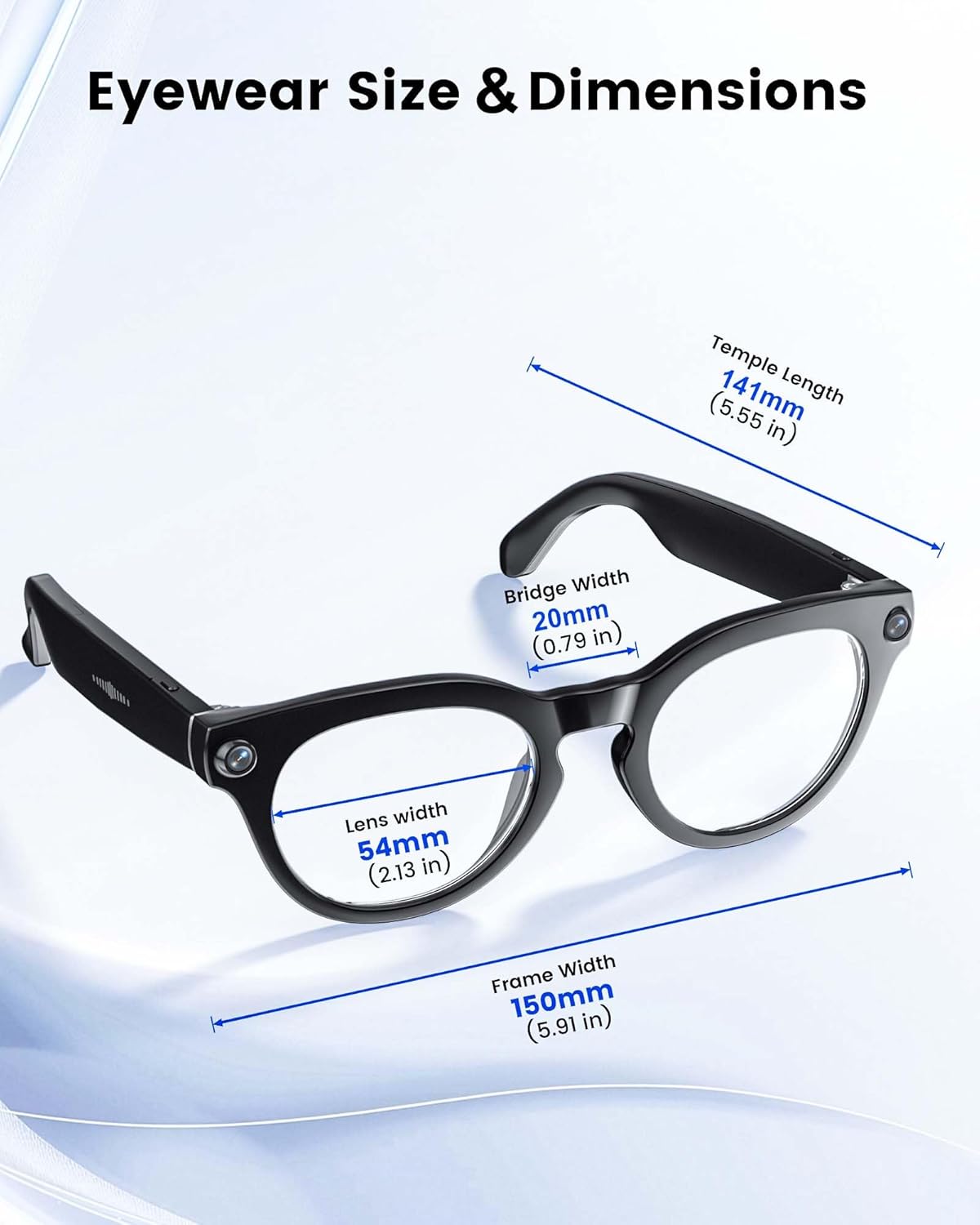
- Reflect on comfort and fit for extended wear, especially if you wear glasses already or prefer a light frame.
Practical usage example
Imagine walking through a busy city street, recording a short moment from your own viewpoint while you chat with a colleague about a project. The real-time translation helps you clarify a point with a non-native speaker, and the open-ear design means you stay aware of surrounding traffic and crowds. Later, you review a few clips and share a 60-second highlight reel without pulling out a separate camera or phone.
FAQ (based on available information)
- How long can you record video on a full charge? Up to 12 minutes of 1200P video recording, according to the base details.
- Can you make calls with these glasses? Yes, the dual-microphone setup supports calls with noise cancellation, though performance may vary by environment.
- Do they require a smartphone connection to operate? The description suggests independent video control, but Bluetooth connectivity is included for pairings and media handling.
Is it worth it?
A solid pick if you want a hands-free recording and language aid in a compact wearable, especially for quick vlogs, travel notes and online meetings. It may not be the best fit if you prioritise long video sessions, ultra-high-resolution footage or top-tier audio in every environment. If your workflow benefits from instant context, translation and light how-to capture on the move, this could offer real value.