


Elgato Facecam Neo Full HD webcam with easy-slide privacy shutter (USB-C, plug & play)
Product description
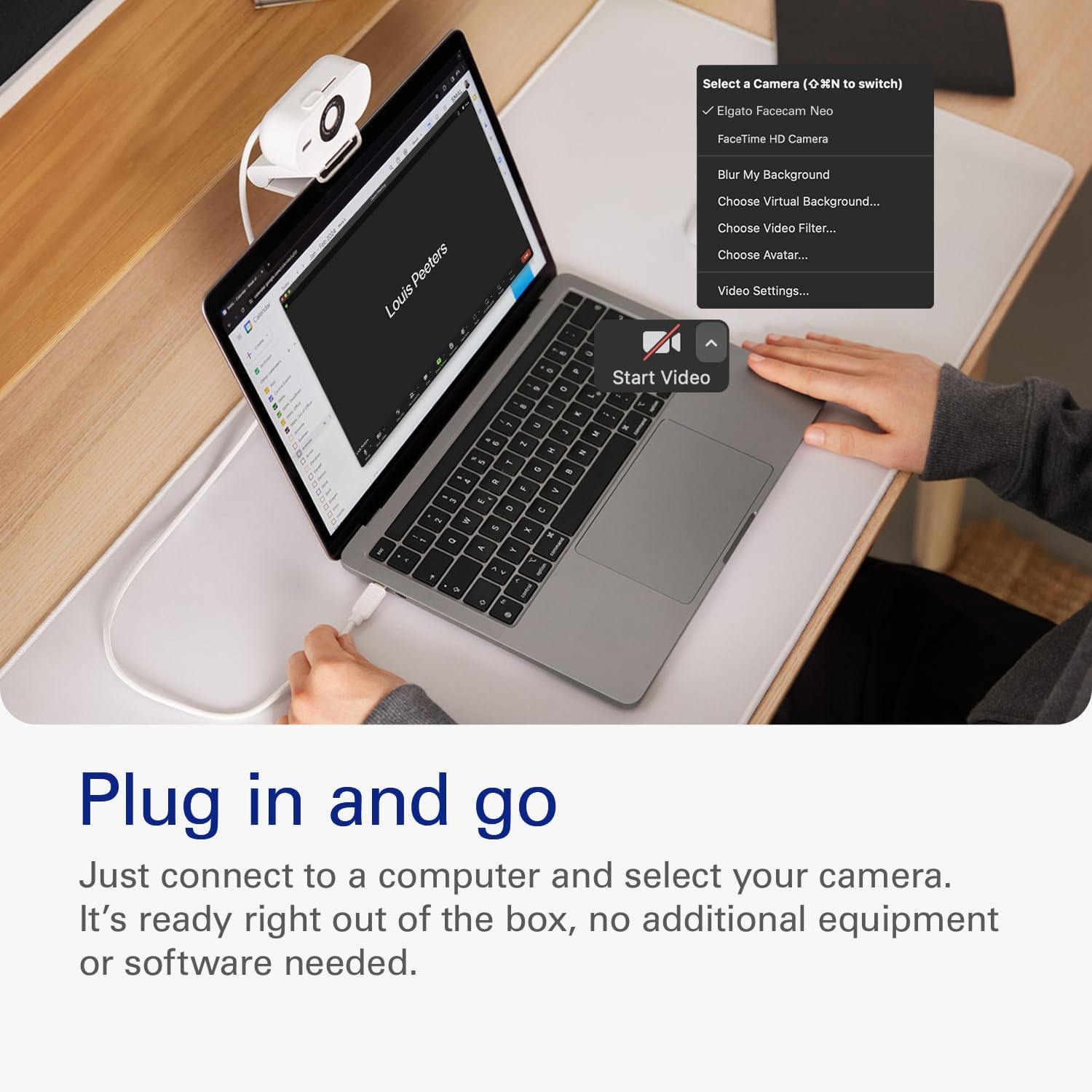
If your video calls look a bit flat or shaky, a better webcam can make a noticeable difference. The Elgato Facecam Neo is built around smooth Full HD capture and an easy, no-fuss setup—so you can spend less time tweaking settings and more time being present on-screen.
It’s also one of those webcams that tries to cover multiple use cases: work calls, streaming, and content creation setups where you want consistent, clean-looking video. That said, it’s not a magic wand if your lighting or microphone setup isn’t doing its bit.
The essentials
The Facecam Neo focuses on “true” Full HD video with smoother motion and less blur when you move around. On paper, the idea is straightforward: if you’re talking, gesturing, or shifting positions during meetings, it should stay clearer rather than turning into a smeary look.
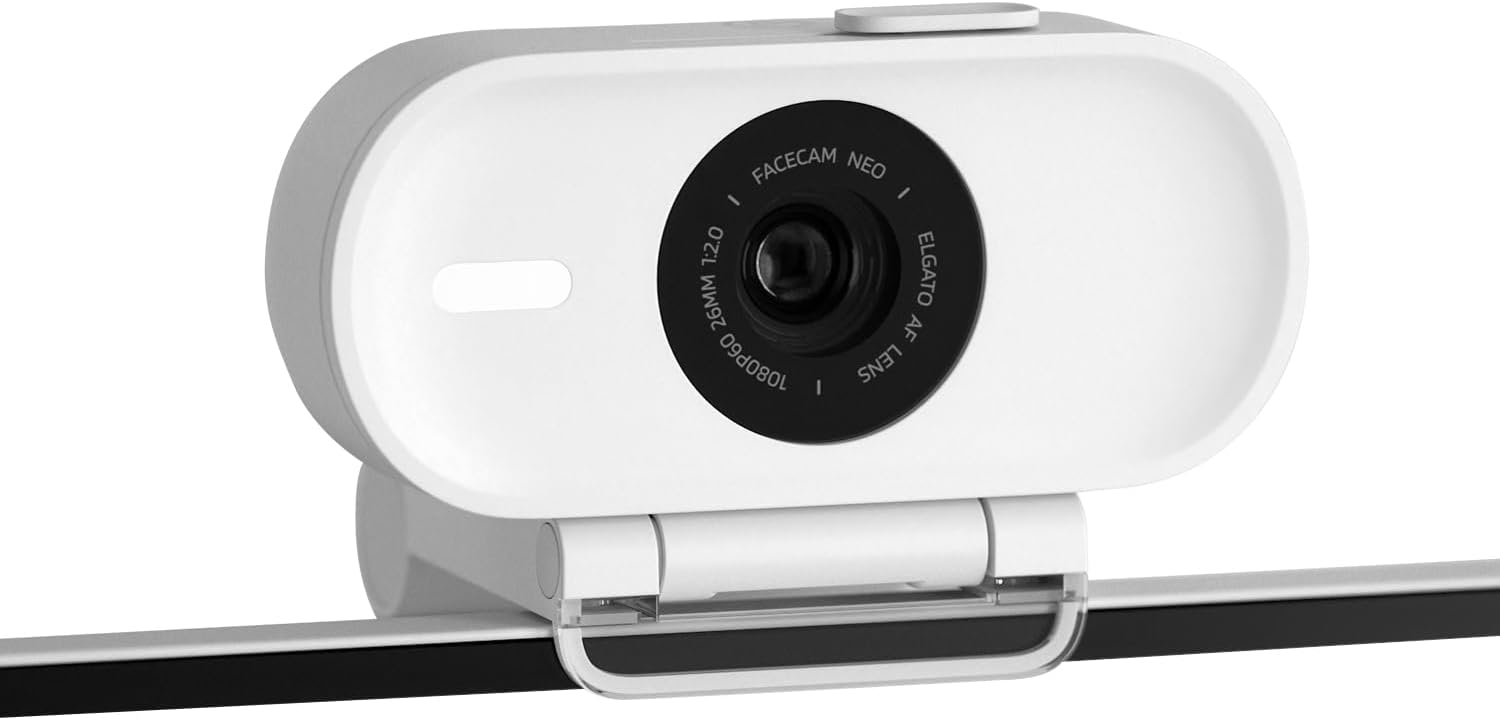
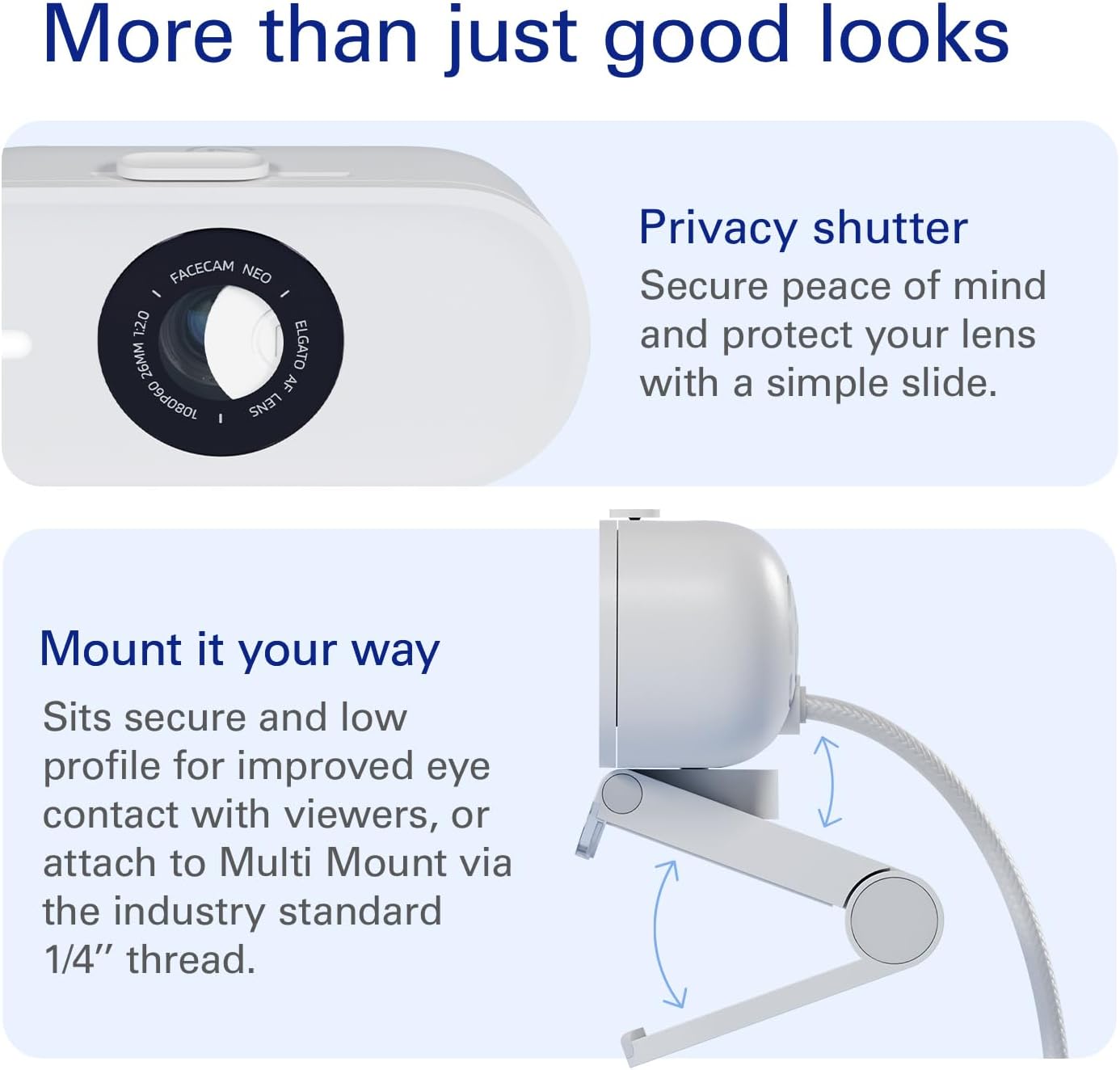
You also get an easy-slide privacy shutter, which is the sort of small feature people either never think about—or suddenly really appreciate once they start working from home. When privacy matters, being able to slide a cover over the lens is reassuring.
Key features that show up in real calls
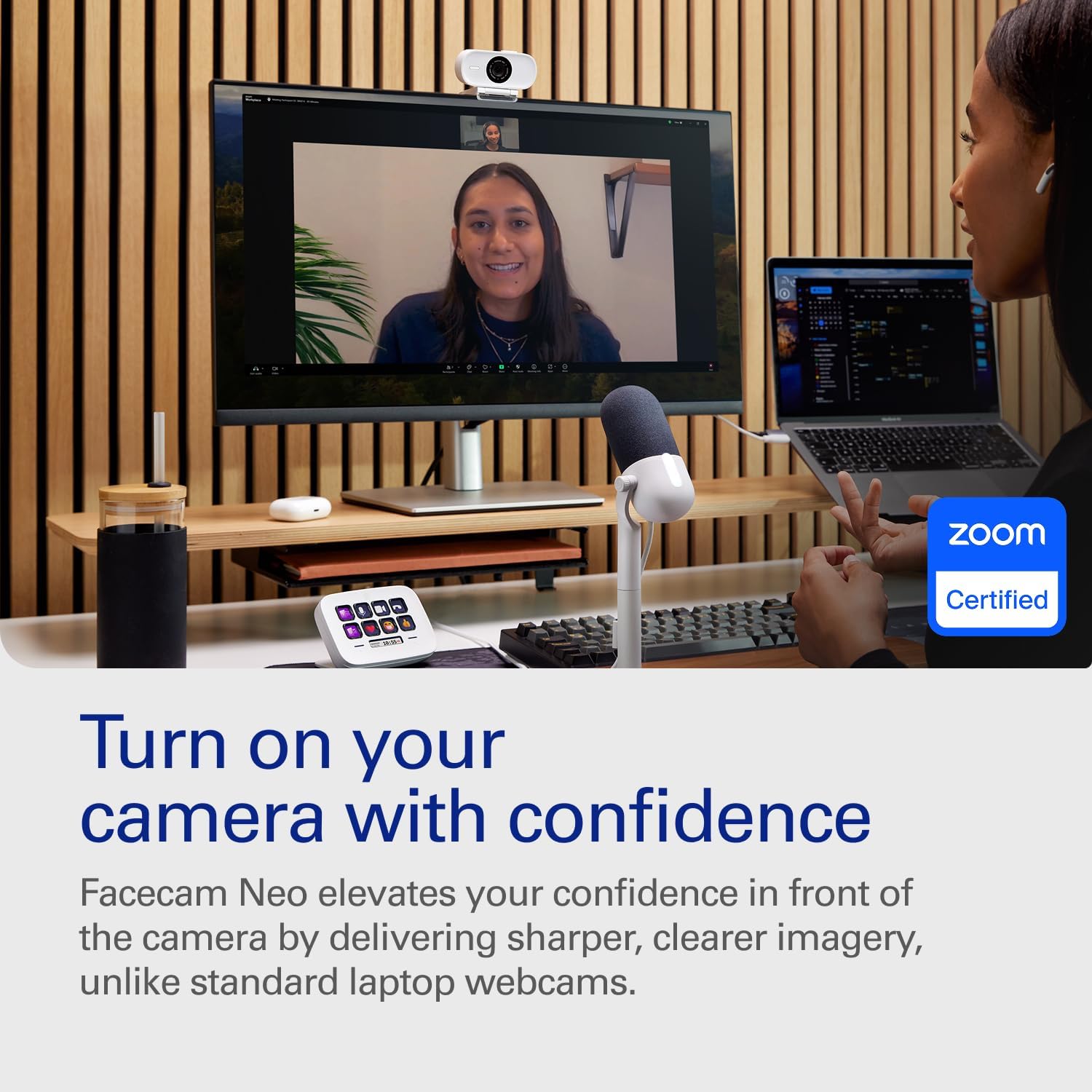
One of the biggest selling points is the plug-and-play approach. The description says it’s ready out of the box with no software setup required, connecting via USB-C and working across typical PC/laptop/Mac setups. In day-to-day terms, that means less faff when you’re jumping between work and personal use.
Video quality is positioned around ultra-sharp 1080p capture and support for HDR-enabled viewing. The benefit you should expect is more visible detail and vibrant colours, especially when lighting isn’t ideal. Of course, “better in harsh lighting” isn’t the same as “fixes any room”—if your room is very dark or you sit facing a bright window, you’ll still want to think about placement.
There’s also an eco angle: the Neo line is described as sustainably crafted and packaged with zero plastic. If you care about packaging waste, that’s a nice extra rather than a gimmick.
Tech summary
- Full HD 1080p capture with smoother motion and reduced motion blur in 60 fps (as stated)
- Easy-slide privacy shutter for built-in privacy protection
- HDR-enabled for stronger colour and detail in challenging light (as stated)
- USB-C plug-and-play on PC/laptop/Mac (no software setup required, as stated)
- Works with apps you’d typically use for calls and streaming: Teams, Zoom, Slack, OBS, Twitch, YouTube (as stated)
What matters most when choosing a webcam
It makes sense if you want a webcam that’s more about natural-looking video during movement than about chasing ever-more complicated settings. If you regularly join meetings where you change angles—standing up, leaning forward, writing notes—reduced motion blur can be the difference between “fine” and “actually clear”.
It might not be the best match if your goal is purely the sharpest possible result in every situation, regardless of lighting. Even with HDR support, webcams still depend heavily on your environment. Also, the “no software setup” promise helps most people, but if you’re someone who likes to tinker deeply with capture settings, you may find you want more control than what a plug-and-play device is designed for.
And worth noting: if privacy is a must-have for you, the physical shutter is a strong plus compared with relying only on software indicators.
Best use cases (and when it feels overkill)

For video calls, streaming, or content where your face is the main focus, the Neo line’s approach is practical: smoother motion, vibrant colours, and easy setup. A very typical scenario is a Monday morning Teams call—plug it in, join the meeting, and you’re not wrestling with drivers or configuration. Later the same day, you can pivot to a streaming session without needing to start over.
It may feel like overkill if you only need occasional audio/video for low-stakes calls, or if you already have a webcam that meets your needs and you’re not seeing obvious issues. In those cases, you could put your budget elsewhere.
Is it worth it?
The Elgato Facecam Neo is a solid buy if you care about clean Full HD video, want smoother motion during normal movement, and prefer peace of mind with an easy-slide privacy shutter. It’s also an appealing choice if you want USB-C plug-and-play on PC/laptop/Mac and you use common apps like Teams, Zoom, Slack, OBS, Twitch, or YouTube.
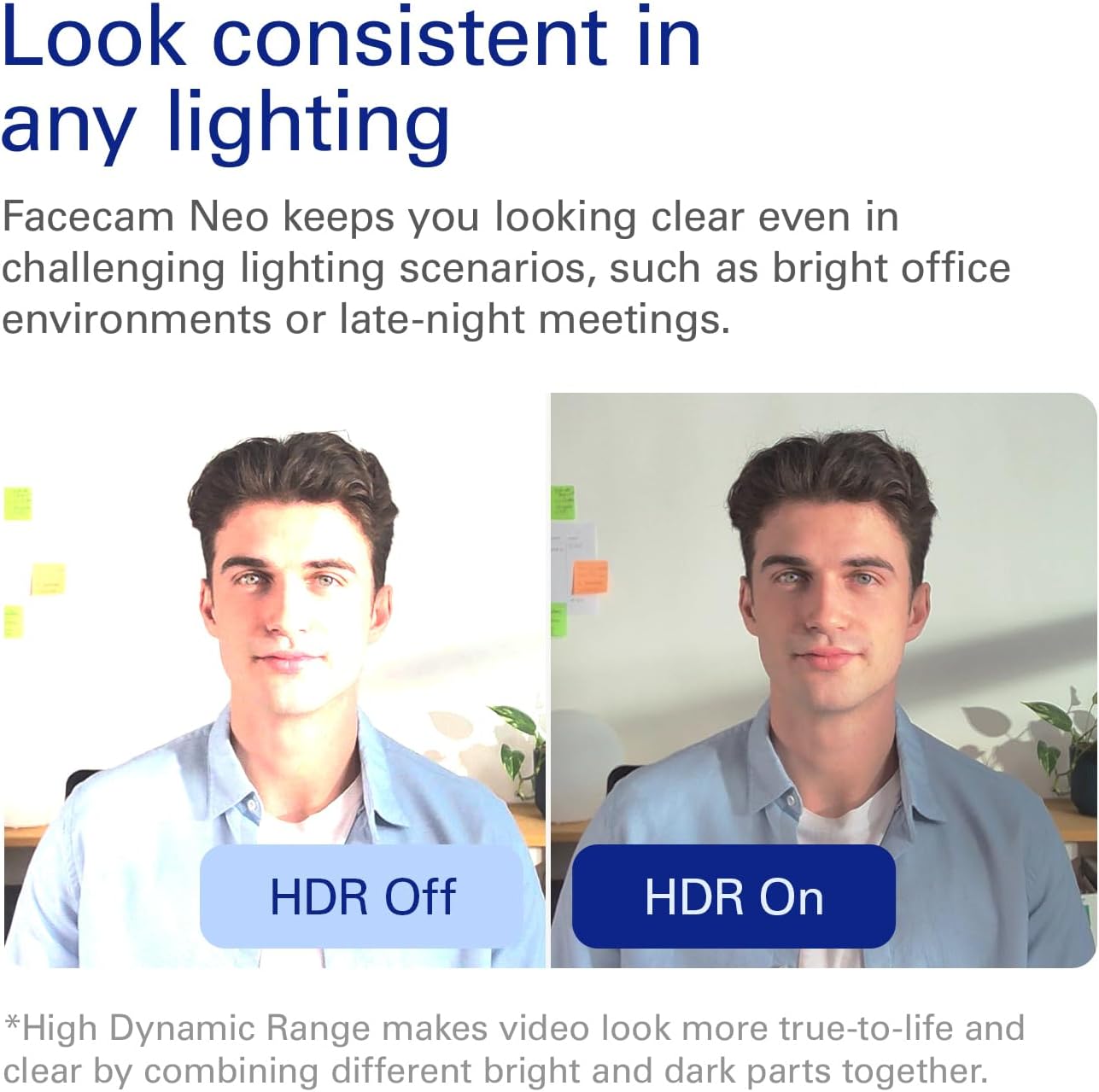
You may want to skip it if you’re buying mainly for casual calls where image quality isn’t a concern, or if your setup already looks good and you’re not seeing motion blur or lighting issues. It’s also not the right expectation-set if you think HDR and “harsh lighting” support will completely override poor room lighting—placement and light direction still matter.
Mini FAQ
Does the privacy shutter physically cover the lens?
Yes—it's described as an easy-slide shutter designed for built-in privacy protection.
Is it really plug-and-play?
The description states it’s ready out of the box with no software setup required, using USB-C on PC/laptop/Mac.
Will it work with common meeting and streaming apps?
It’s listed as working with Teams, Zoom, Slack, OBS, Twitch, YouTube, and more.
What’s the benefit of smoother motion?
The idea is reduced motion blur when you move naturally during calls, which can help keep your image clearer.
Is the eco packaging a big deal?
It’s a stated point: zero plastic packaging and a sustainably crafted Neo line, which is worth considering if packaging waste matters to you.