

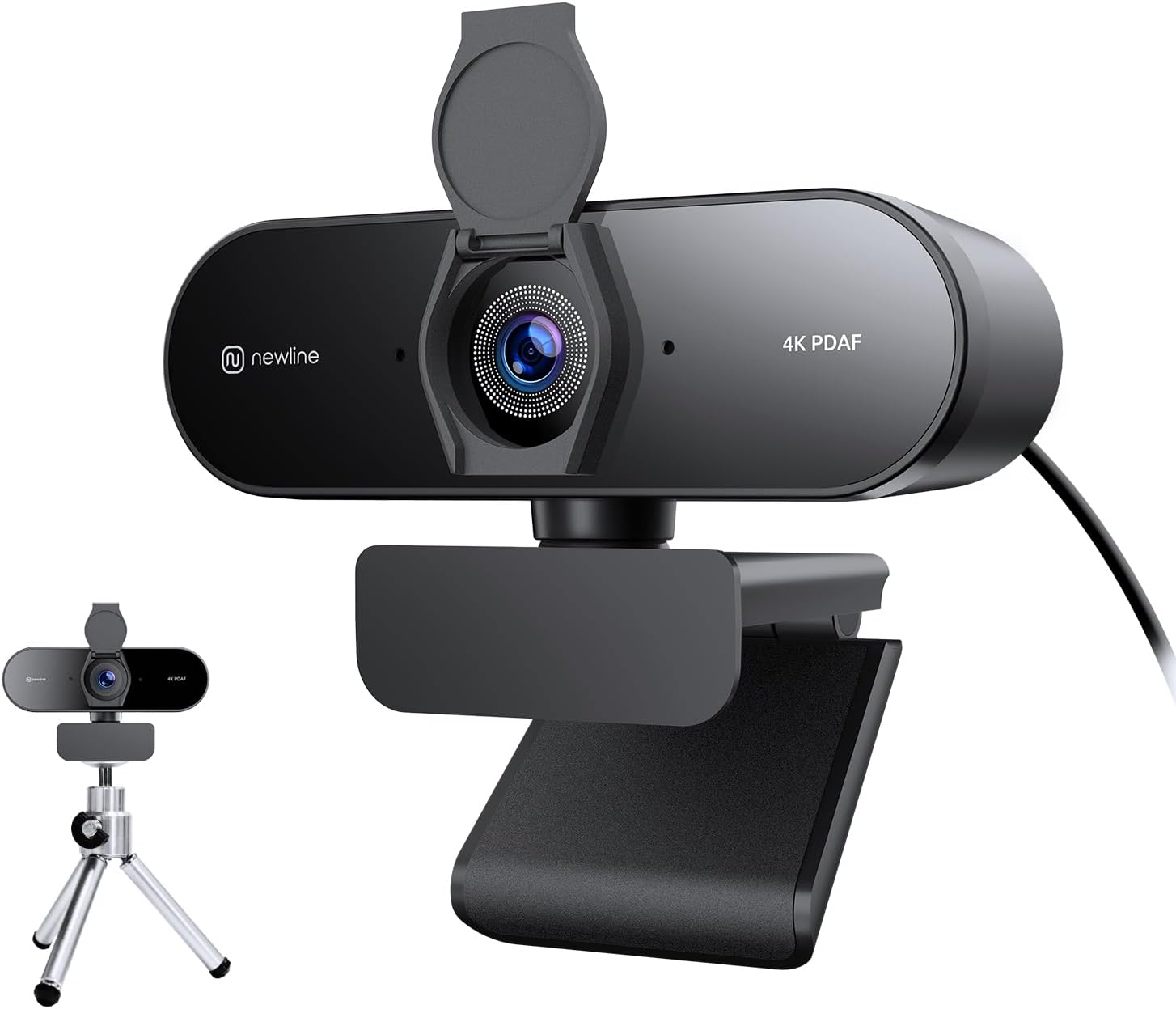
N newline 4K Webcam for PC with Fast Autofocus, 1080p 60FPS, Dual Stereo Mics and Privacy Cover
Product description
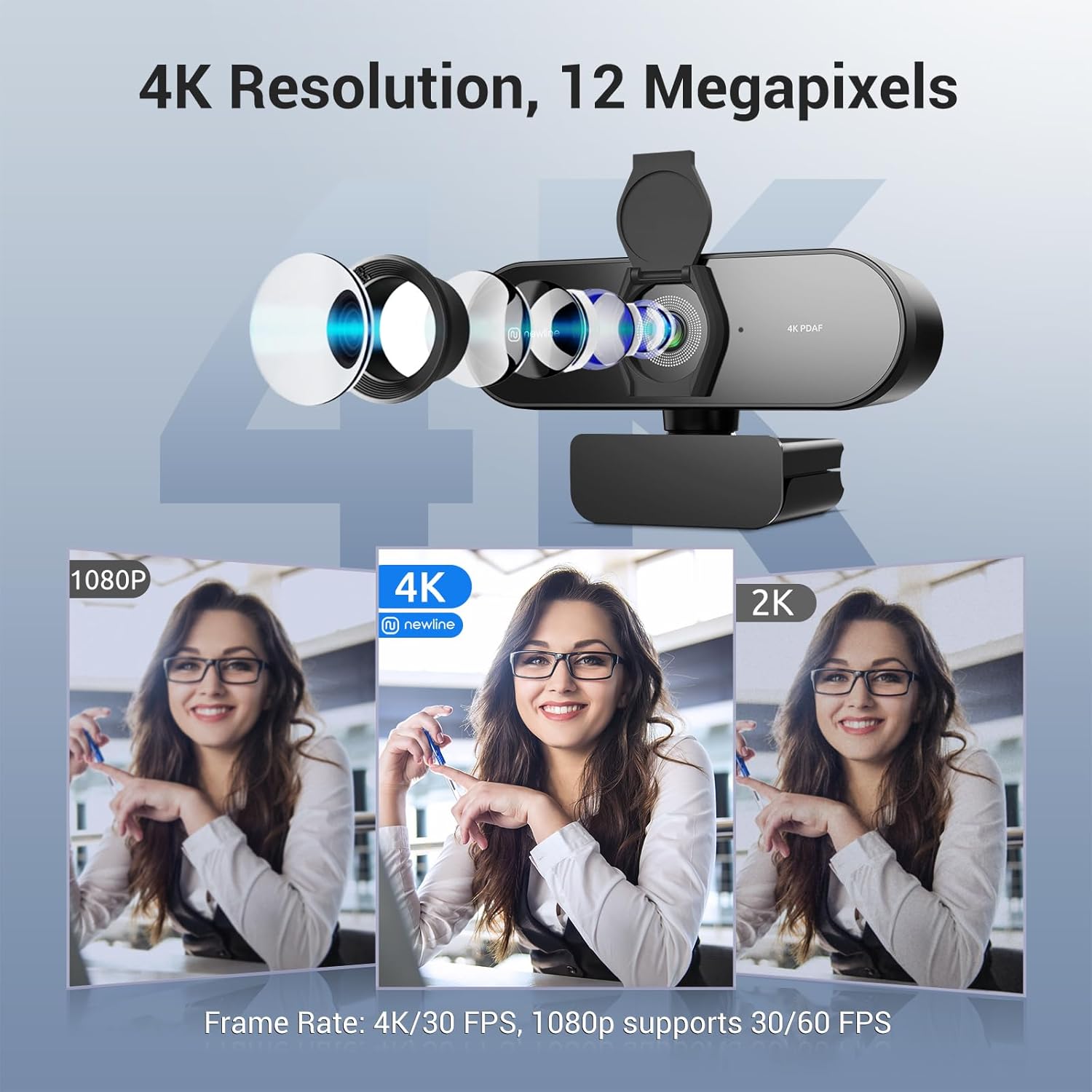
If you’re shopping for a PC webcam that does more than just “get you through calls”, this N newline model is built around two things that matter in day-to-day use: fast autofocus and flexible video settings. On paper, you get 4K UHD at 30FPS, plus 1080p at 60FPS for smoother motion—useful if you’re gaming, moving around a bit on camera, or hosting sessions where smoothness helps.
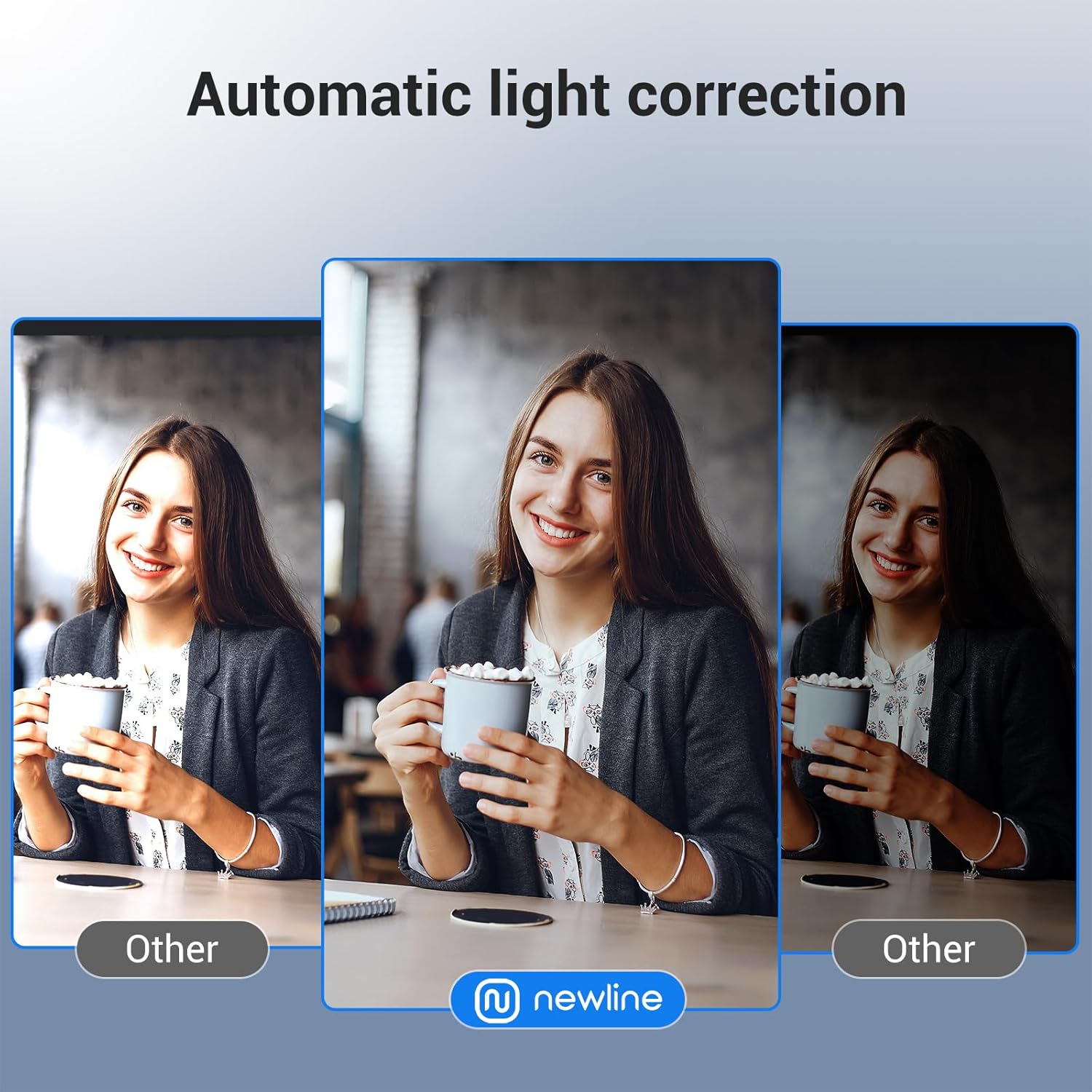
That said, webcams are always a compromise: the room lighting and how you sit can make a noticeable difference. The auto light correction helps, but it can’t replace having decent lighting in the first place.
Key features that actually affect your calls
The headline feature here is the autofocus system with PDAF and CDAF. The idea is quicker, more stable focus across different scenarios, rather than hunting when you move slightly or when the background lighting changes. If you’ve ever had a webcam lag behind you—especially during teaching or improvised demonstrations—this is the kind of spec you’ll want to pay attention to.
Video options are clearly laid out: choose 30FPS for 4K UHD detail, or 1080p at 60FPS for ultra-smooth streams. That gives you a practical choice depending on whether you value maximum clarity or motion smoothness.
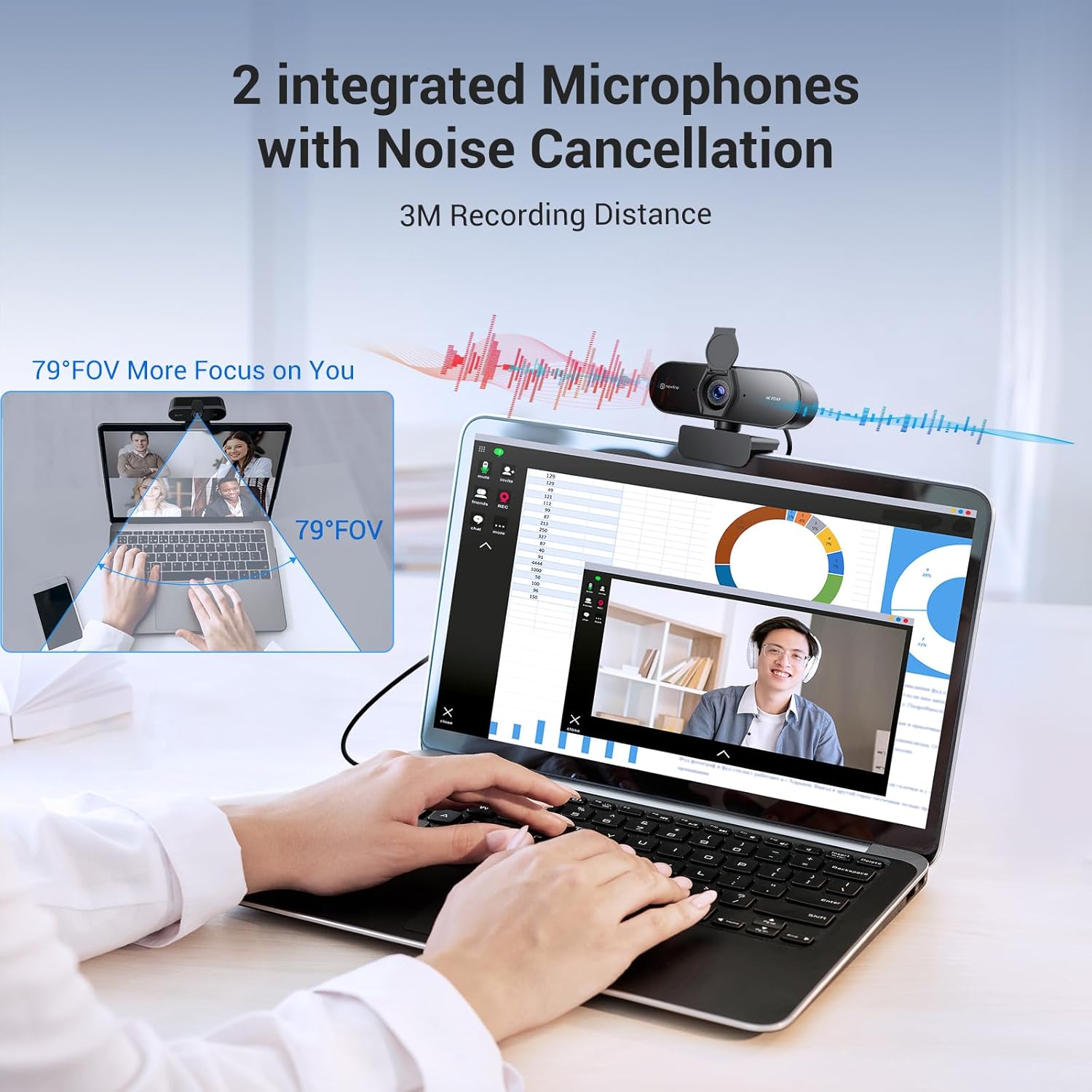
Audio is handled by dual stereo microphones with advanced noise filtering. For normal conversations, online teaching, and streaming where voice clarity is key, this should help keep speech more understandable without sounding overly “hissy” from background noise.
Finally, the wide 79° field of view is meant to include more of your surroundings if you want it. That’s handy when you’re sitting slightly off-centre, sharing what’s on your desk, or simply don’t want a super tight frame.
Tech specs (what you’re choosing between)
- Sensor size: 1/2.5"
- Video resolution & frame rates: 4K 30FPS, 1080P 60FPS
- Autofocus: PDAF and CDAF dual autofocus
- Microphones: Dual stereo mics with noise filtering
- Field of view (FOV): 79°
- Light correction: Auto light correction
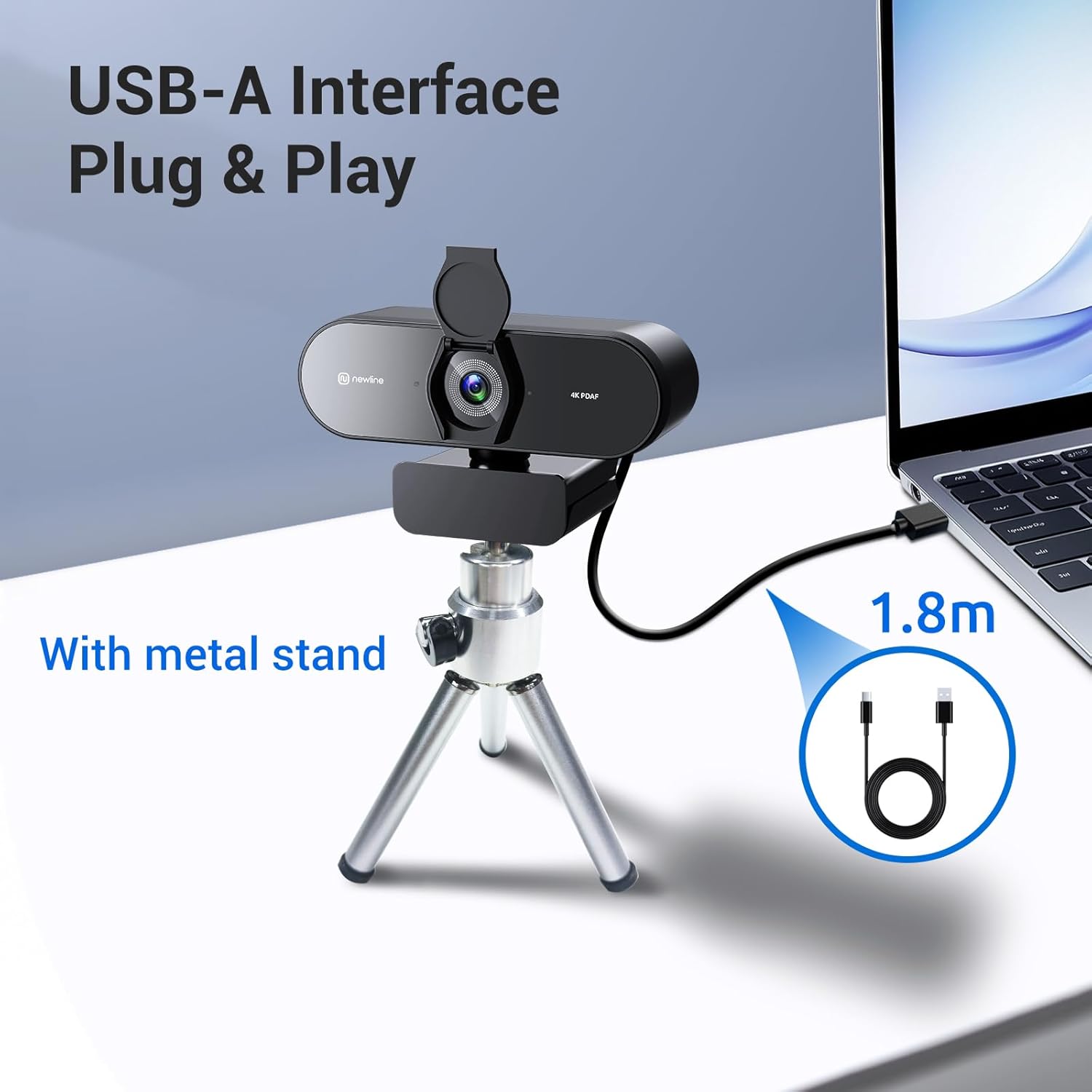
- Connectivity: USB webcam
What stands out in everyday use
The fastest way to judge a webcam is how it behaves when you’re not perfectly still. With fast autofocus (PDAF/CDAF), this N newline model is aiming to stay locked on you even if you lean closer, stand up briefly, or turn your head during a call.
Auto light correction is another practical touch. It’s designed to balance shadows and highlights, which can matter if your desk is near a window or you switch between brighter and darker parts of the room during the day.
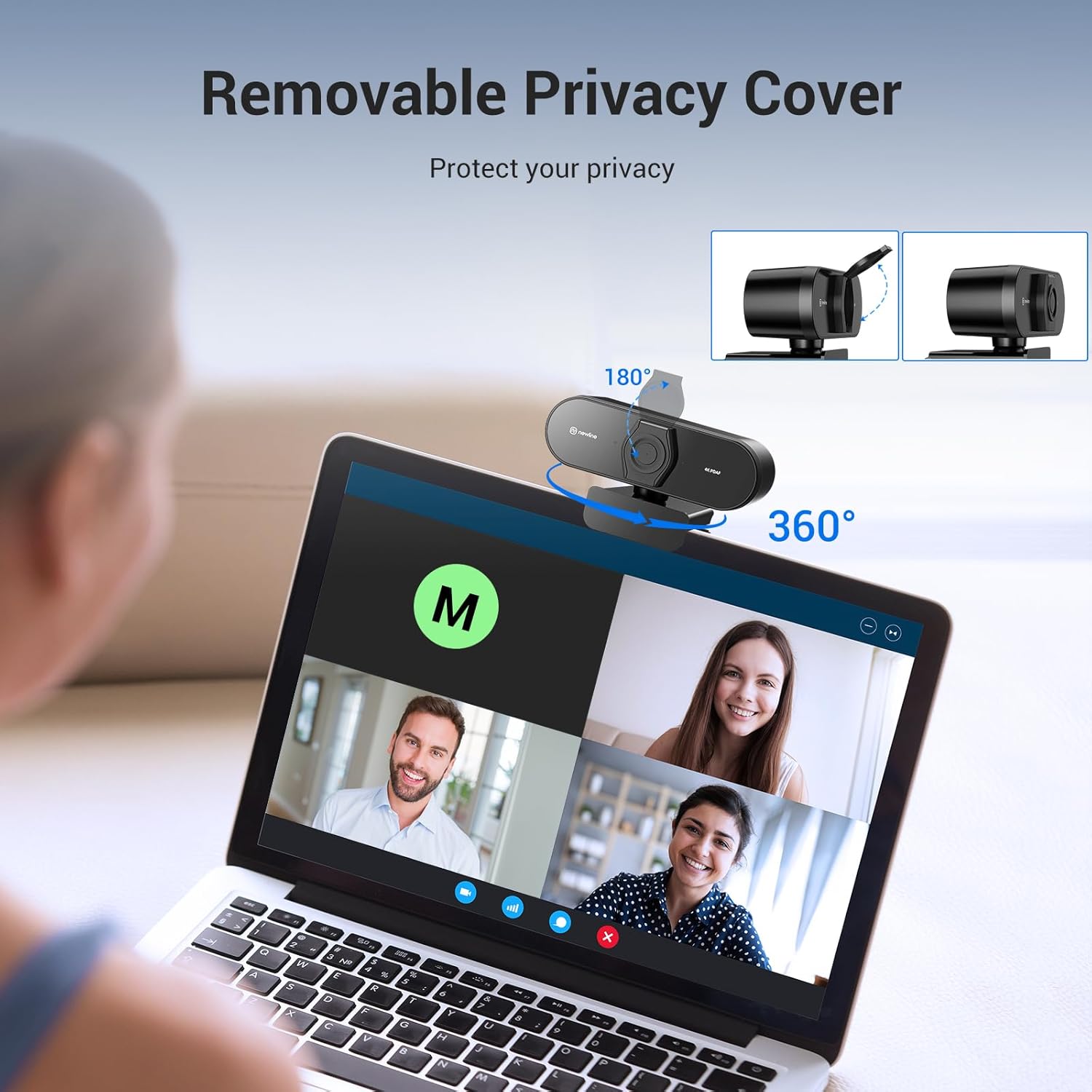
A small but thoughtful detail is the privacy cover. It’s there to keep the lens secure when you’re not using the webcam, and it also helps you avoid the “should I unplug it?” routine.
Where it may feel limiting
There are a couple of realistic caveats to keep in mind. First, the higher-resolution, higher-detail modes are still dependent on your setup and how your camera is used on the software side—so if your priority is consistently crisp video, you may still find yourself tweaking framing and lighting.

Second, while the field of view is 79°, it’s still a webcam: if you’re hoping for DSLR-like background blur, this type of sensor and lens setup usually won’t deliver the same look. It’s more about a clear, usable picture for calls and streaming than cinematic depth.
Who it suits (and who should think twice)
It makes sense if you want one USB webcam that covers both video calls and streaming, and you care about autofocus doing the heavy lifting rather than relying on you staying perfectly centred. The mix of 1080p 60FPS plus 4K 30FPS is also useful if you like switching settings depending on what you’re doing.
It might not be the best match if you’re after a webcam that performs flawlessly in very dim rooms, regardless of auto light correction, or if you need highly specialised features beyond what’s stated here.
You’ll like it if you run meetings regularly, teach or present from your desk, or simply want clearer voice and a steadier on-screen presence without complicated setup.
Getting set up smoothly (and using it well)
This model is positioned as plug and play and is said to work without additional software. In practice, that means you can focus on getting your framing and audio right rather than troubleshooting drivers.
A simple first-use routine: - Clip it securely, then place it at eye level. - Turn on your usual lighting and check whether shadows or glare are a problem. - Test audio in a short call—especially if you sit close to a fan or keyboard.
If you’re streaming or gaming, try 1080p 60FPS when motion smoothness matters. If you’re mostly presenting or recording more static content, 4K 30FPS can be the setting you choose for extra detail.
FAQ
Does it work with common PC and Mac setups?
It’s described as compatible with Windows 7 and above and MacOS 10.10 and above, and it’s said to be compatible with popular operating systems and software.
Is there a privacy cover?
Yes. The webcam includes a built-in privacy cover to protect the lens when it’s not in use.
How wide is the camera view?
The field of view is stated as 79°, which should include you and more of your surroundings.
What audio does it use?
It uses dual stereo microphones with advanced noise filtering to help capture clearer speech during calls and streaming.
Is it worth it?
Buy it if you want a straightforward USB webcam for PC that leans into quick, stable autofocus, has clear voice capture with dual stereo mics, and offers both 4K 30FPS and 1080p 60FPS so you can pick the setting that fits the moment.
Skip it if your expectations are based on specialist “pro” camera behaviour (for example, consistently flattering low-light results no matter what, or a very cinematic look). In those cases, you may find that a webcam—even one with auto light correction—can still feel constrained by the limits of typical webcam sensors.
Overall, this one looks most compelling for regular meetings, online teaching, and everyday streaming where stability, focus, and audio clarity are the practical priorities.